Core Dial LLC Employee CPNI Training May 30
- Slides: 11
Core. Dial, LLC Employee CPNI Training May 30, 2013 DRAFT A
Introduction The FCC requires companies providing telecommunications services, Internet access services, voice messaging services and/or interconnected Vo. IP services: • To obtain customer approval prior to using, disclosing or permitting access to customer proprietary network information (CPNI), and • Follow procedures for obtaining customer approval. This training will provide Core. Dial’s employees and contractors with an overview of the Company’s CPNI policy and CPNI Verification Process. A separate CPNI training handout will be provided to each employee and contractor. 2
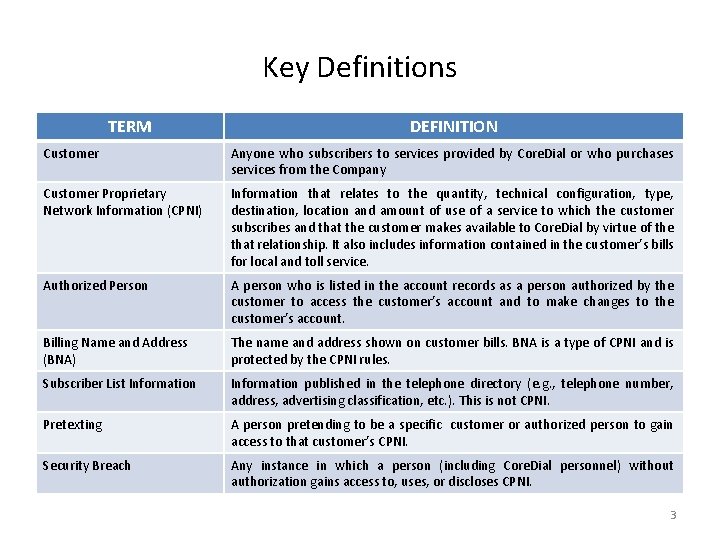
Key Definitions TERM DEFINITION Customer Anyone who subscribers to services provided by Core. Dial or who purchases services from the Company Customer Proprietary Network Information (CPNI) Information that relates to the quantity, technical configuration, type, destination, location and amount of use of a service to which the customer subscribes and that the customer makes available to Core. Dial by virtue of the that relationship. It also includes information contained in the customer’s bills for local and toll service. Authorized Person A person who is listed in the account records as a person authorized by the customer to access the customer’s account and to make changes to the customer’s account. Billing Name and Address (BNA) The name and address shown on customer bills. BNA is a type of CPNI and is protected by the CPNI rules. Subscriber List Information published in the telephone directory (e. g. , telephone number, address, advertising classification, etc. ). This is not CPNI. Pretexting A person pretending to be a specific customer or authorized person to gain access to that customer’s CPNI. Security Breach Any instance in which a person (including Core. Dial personnel) without authorization gains access to, uses, or discloses CPNI. 3
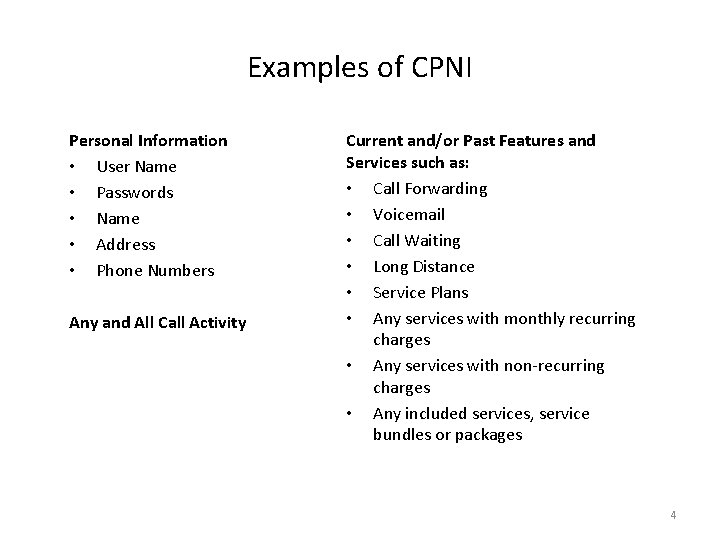
Examples of CPNI Personal Information • User Name • Passwords • Name • Address • Phone Numbers Any and All Call Activity Current and/or Past Features and Services such as: • Call Forwarding • Voicemail • Call Waiting • Long Distance • Service Plans • Any services with monthly recurring charges • Any services with non-recurring charges • Any included services, service bundles or packages 4
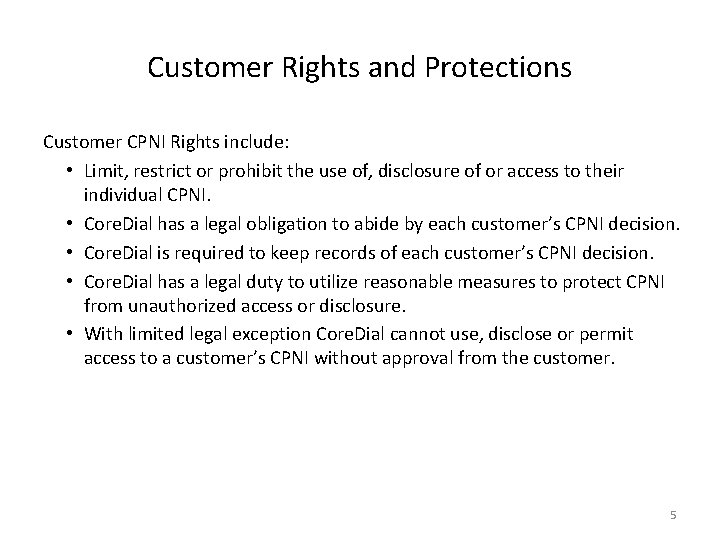
Customer Rights and Protections Customer CPNI Rights include: • Limit, restrict or prohibit the use of, disclosure of or access to their individual CPNI. • Core. Dial has a legal obligation to abide by each customer’s CPNI decision. • Core. Dial is required to keep records of each customer’s CPNI decision. • Core. Dial has a legal duty to utilize reasonable measures to protect CPNI from unauthorized access or disclosure. • With limited legal exception Core. Dial cannot use, disclose or permit access to a customer’s CPNI without approval from the customer. 5
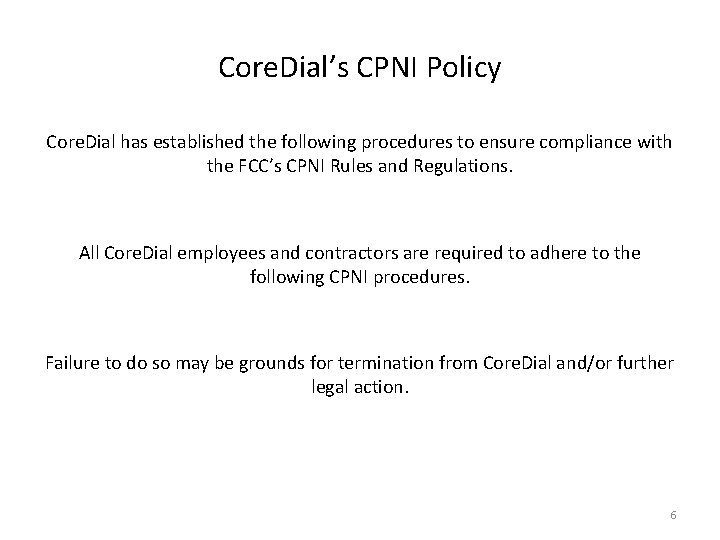
Core. Dial’s CPNI Policy Core. Dial has established the following procedures to ensure compliance with the FCC’s CPNI Rules and Regulations. All Core. Dial employees and contractors are required to adhere to the following CPNI procedures. Failure to do so may be grounds for termination from Core. Dial and/or further legal action. 6
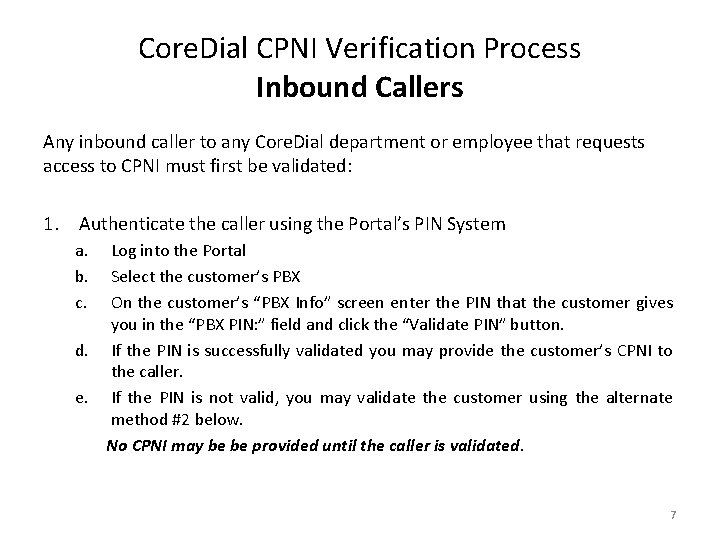
Core. Dial CPNI Verification Process Inbound Callers Any inbound caller to any Core. Dial department or employee that requests access to CPNI must first be validated: 1. Authenticate the caller using the Portal’s PIN System a. b. c. Log into the Portal Select the customer’s PBX On the customer’s “PBX Info” screen enter the PIN that the customer gives you in the “PBX PIN: ” field and click the “Validate PIN” button. d. If the PIN is successfully validated you may provide the customer’s CPNI to the caller. e. If the PIN is not valid, you may validate the customer using the alternate method #2 below. No CPNI may be be provided until the caller is validated. 7
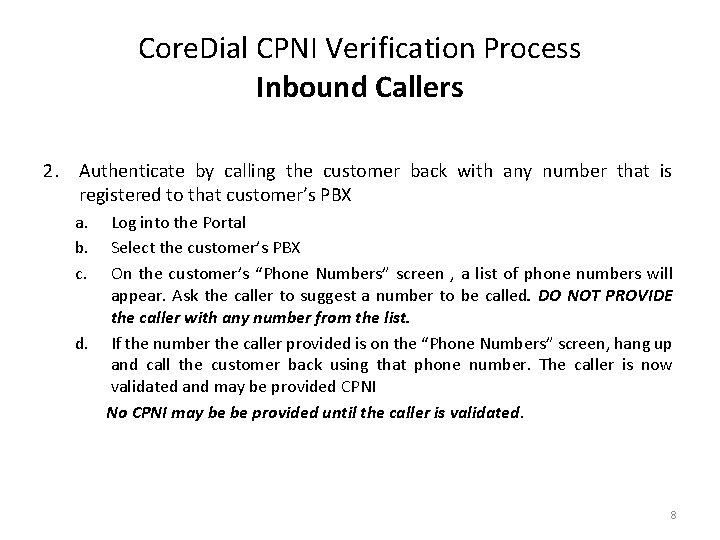
Core. Dial CPNI Verification Process Inbound Callers 2. Authenticate by calling the customer back with any number that is registered to that customer’s PBX a. b. c. Log into the Portal Select the customer’s PBX On the customer’s “Phone Numbers” screen , a list of phone numbers will appear. Ask the caller to suggest a number to be called. DO NOT PROVIDE the caller with any number from the list. d. If the number the caller provided is on the “Phone Numbers” screen, hang up and call the customer back using that phone number. The caller is now validated and may be provided CPNI No CPNI may be be provided until the caller is validated. 8
Core. Dial CPNI Verification Process Portal Users 1. All portal users must log into the portal using their Core. Dial supplied user name and password. 1. Lost passwords are not to be recovered using the “Forgot Password? ” option. 1. If the user cannot use the portal’s automated password recovery utility the user must call Core. Dial and be validated as an Inbound Caller. No CPNI may be be provided until the caller is validated. 9
Core. Dial CPNI Verification Process Email Users Email users do not have the ability to gain access to or change CPNI No CPNI may be be provided until the caller is validated. 10
CPNI Verification Process Any employee or contractor having questions or concerns about Core. Dial’s CPNI policy or verification process should be directed to their supervisor. Customer’s may contact Core. Dial via: Core. Dial Customer Care Department 215 -297 -4400, Option 2 11