Click 2 Clone Dynamics 365CRM Records in 1
- Slides: 15
Click 2 Clone Dynamics 365/CRM Records in 1 Click www. inogic. com crm@inogic. com
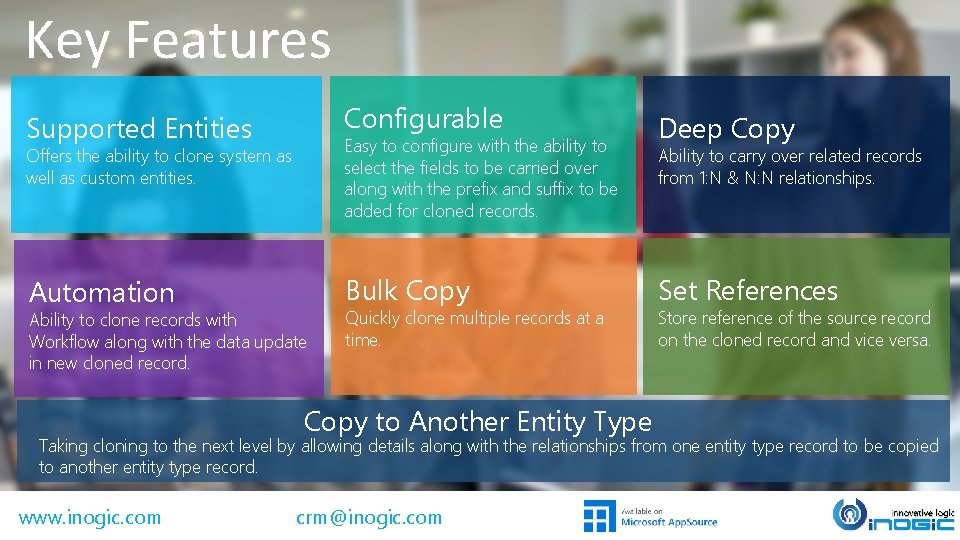
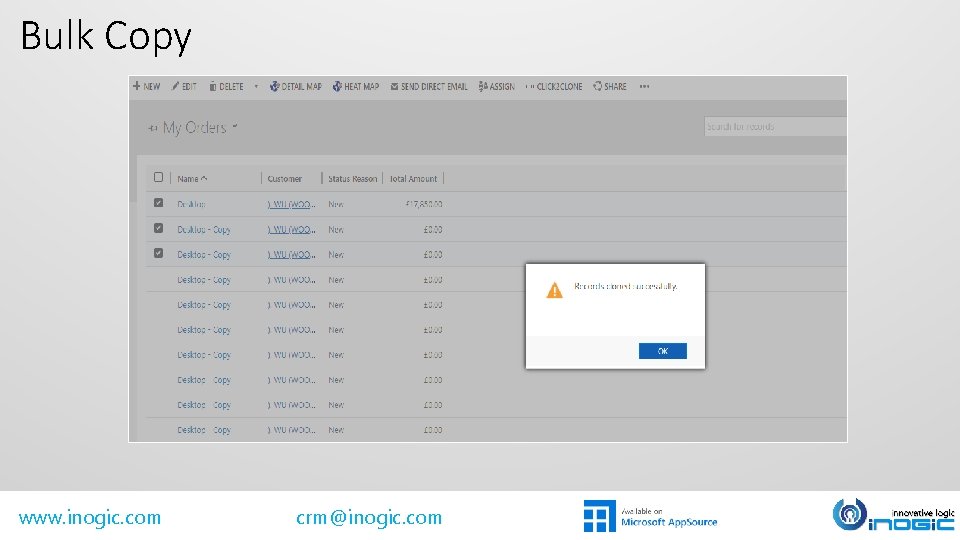
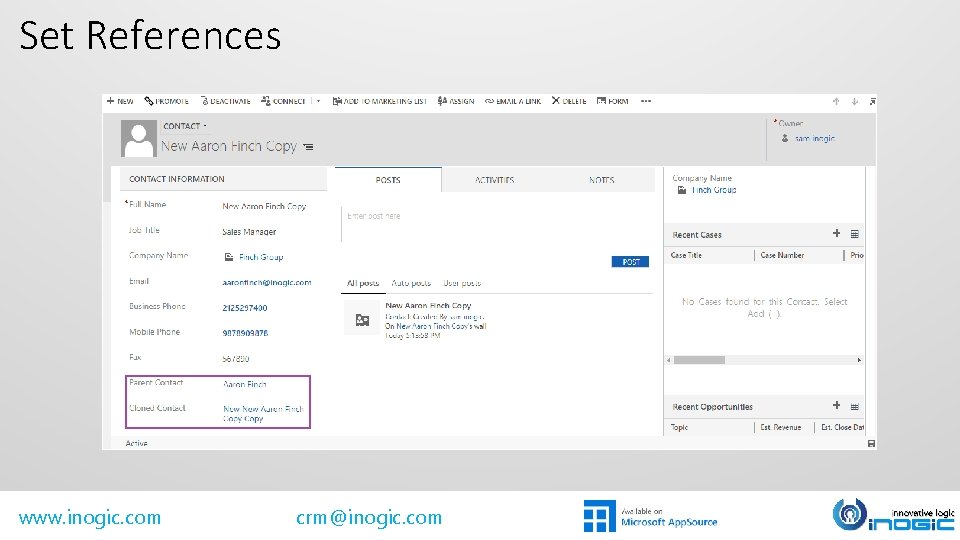
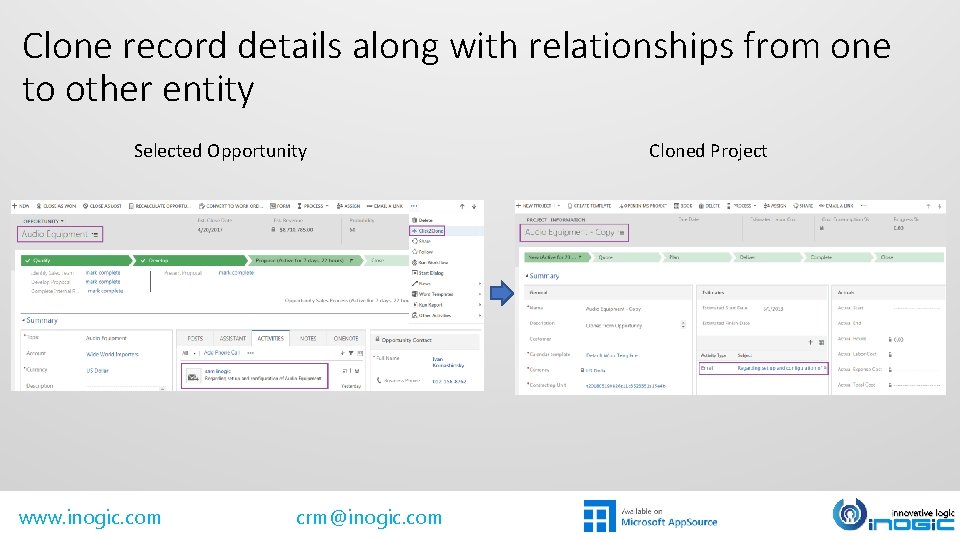
Key Features Supported Entities Configurable Automation Bulk Copy Easy to configure with the ability to select the fields to be carried over along with the prefix and suffix to be added for cloned records. Offers the ability to clone system as well as custom entities. Ability to clone records with Workflow along with the data update in new cloned record. Quickly clone multiple records at a time. Copy to Another Entity Type Deep Copy Ability to carry over related records from 1: N & N: N relationships. Set References Store reference of the source record on the cloned record and vice versa. Taking cloning to the next level by allowing details along with the relationships from one entity type record to be copied to another entity type record. www. inogic. com crm@inogic. com
Available For SUPPORTED VERSIONS DEPLOYMENTS • • • MICROSOFT DYNAMICS CRM 2013 AND ABOVE MICROSOFT DYNAMICS 365 www. inogic. com crm@inogic. com ON-PREMISES PARTNER HOSTED ONLINE
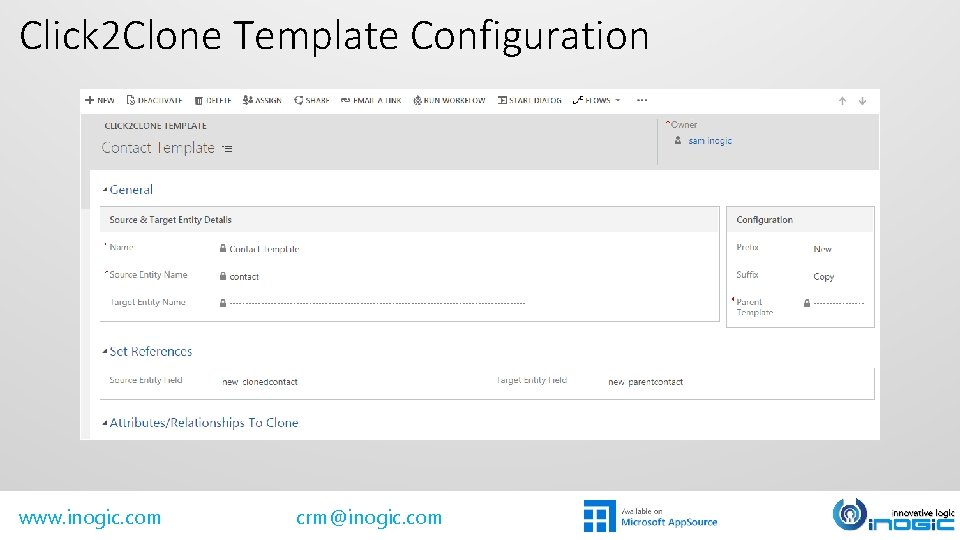
Click 2 Clone Template Configuration www. inogic. com crm@inogic. com
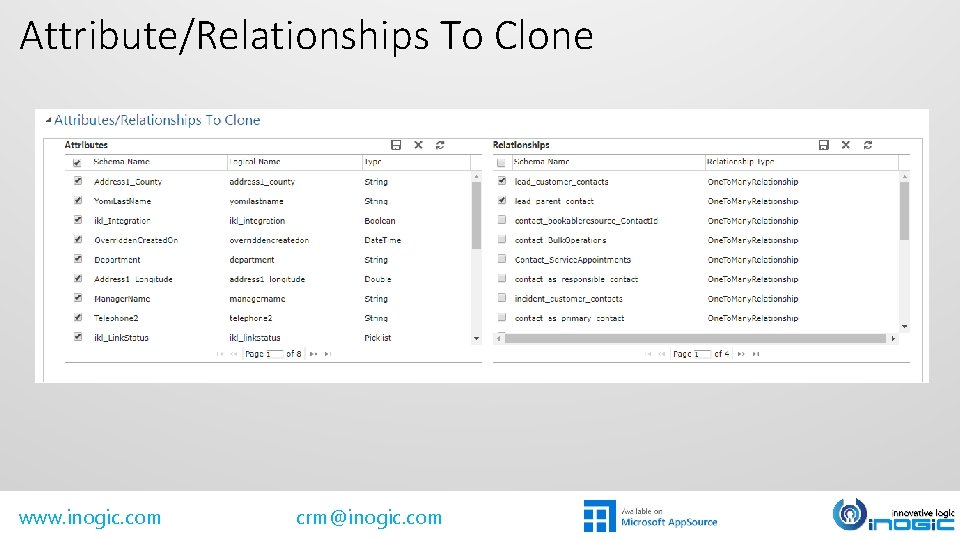
Attribute/Relationships To Clone www. inogic. com crm@inogic. com
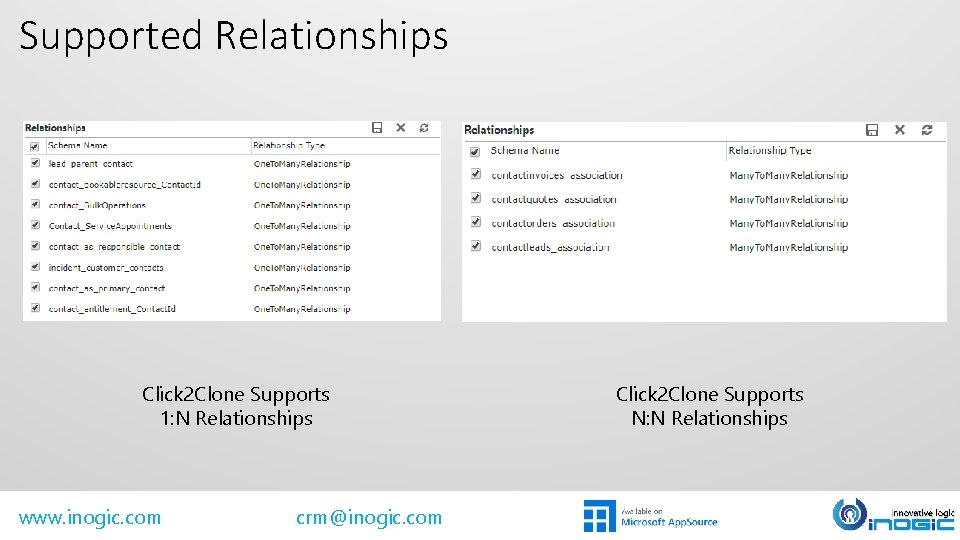
Supported Relationships Click 2 Clone Supports 1: N Relationships www. inogic. com crm@inogic. com Click 2 Clone Supports N: N Relationships
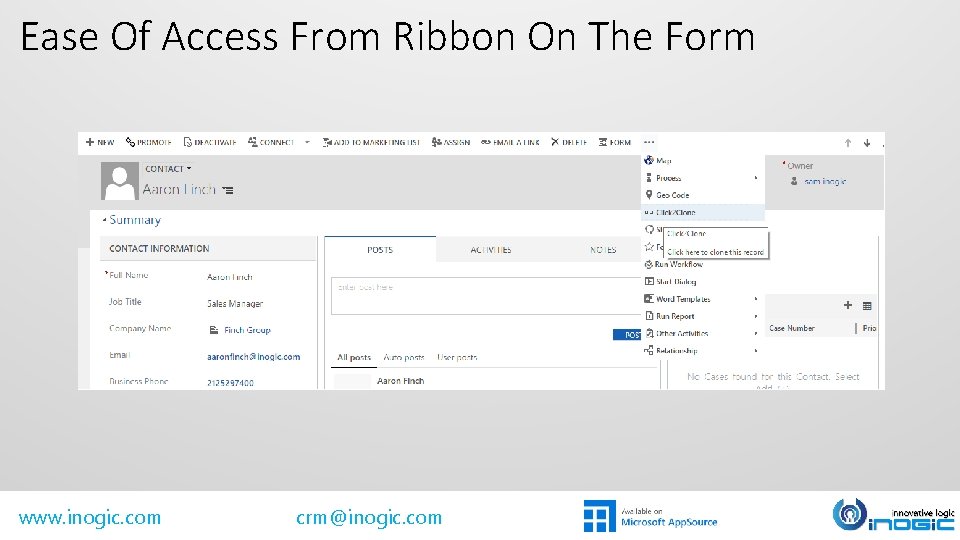
Ease Of Access From Ribbon On The Form www. inogic. com crm@inogic. com
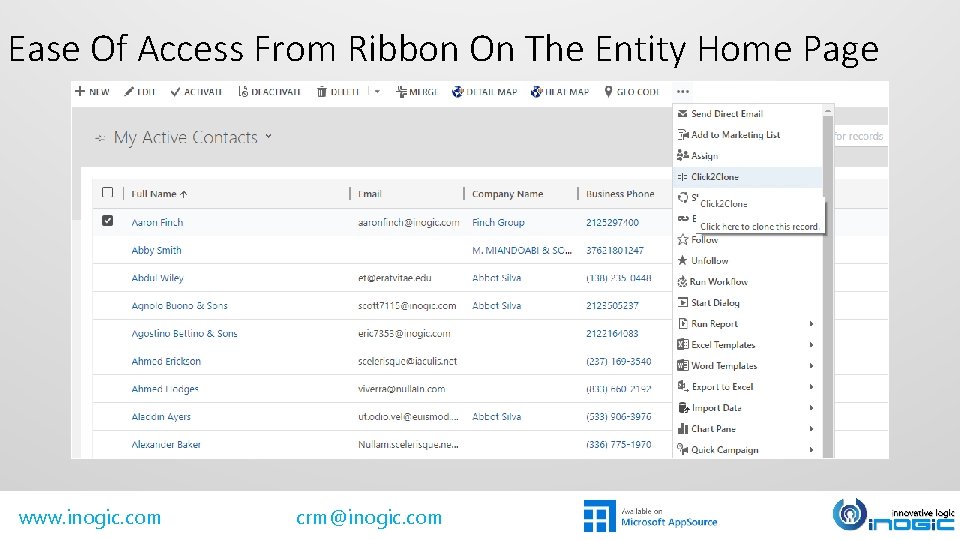
Ease Of Access From Ribbon On The Entity Home Page www. inogic. com crm@inogic. com
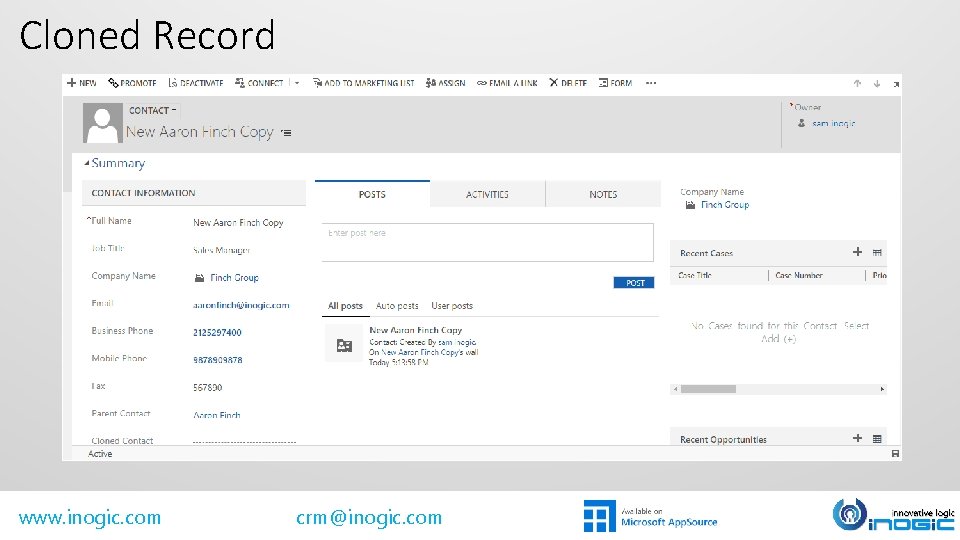
Cloned Record www. inogic. com crm@inogic. com
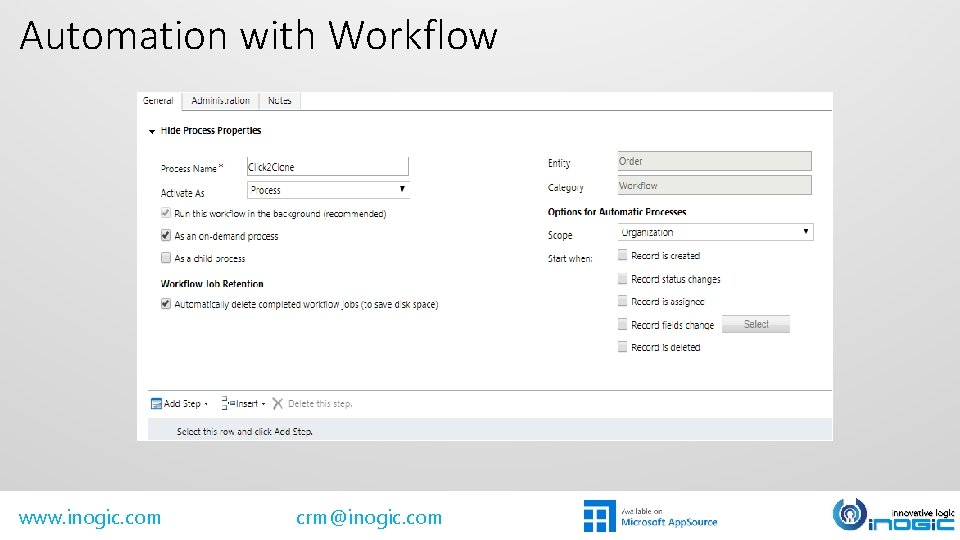
Automation with Workflow www. inogic. com crm@inogic. com
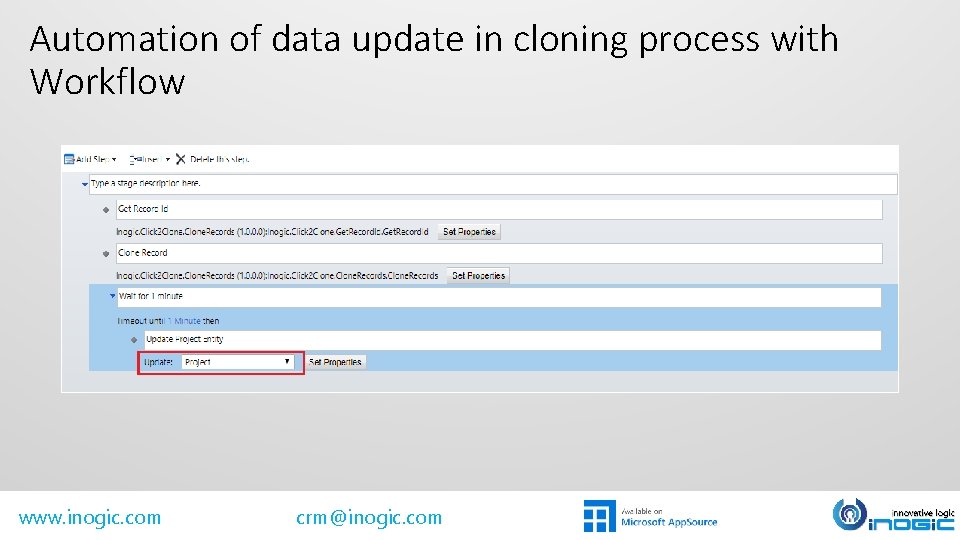
Automation of data update in cloning process with Workflow www. inogic. com crm@inogic. com
Bulk Copy www. inogic. com crm@inogic. com
Set References www. inogic. com crm@inogic. com
Clone record details along with relationships from one to other entity Selected Opportunity www. inogic. com crm@inogic. com Cloned Project
Next Steps Learn more about Click 2 Clone today. Get your free Click 2 Clone trial now! Get started with Click 2 Clone Videos Website www. inogic. com Email: crm@inogic. com www. inogic. com crm@inogic. com