Chapter 5 Confidentiality Policies Overview What is a
![MAC Ranges 1. 2. 3. • • • [(Secret, {NUC}), (Top Secret, {NUC})] [(Secret,](https://slidetodoc.com/presentation_image_h/338f9892a9c6f009859906b3f9542b53/image-27.jpg "MAC Ranges 1. 2. 3. • • • [(Secret, {NUC}), (Top Secret, {NUC})] [(Secret,")
- Slides: 31
Chapter 5: Confidentiality Policies • Overview – What is a confidentiality model • Bell-La. Padula Model – General idea – Informal description of rules November 1, 2004 Introduction to Computer Security © 2004 Matt Bishop 1
Overview • Goals of Confidentiality Model • Bell-La. Padula Model – Informally – Example Instantiation November 1, 2004 Introduction to Computer Security © 2004 Matt Bishop 2
Confidentiality Policy • Goal: prevent the unauthorized disclosure of information – Deals with information flow – Integrity incidental • Multi-level security models are best-known examples – Bell-La. Padula Model basis for many, or most, of these November 1, 2004 Introduction to Computer Security © 2004 Matt Bishop 3
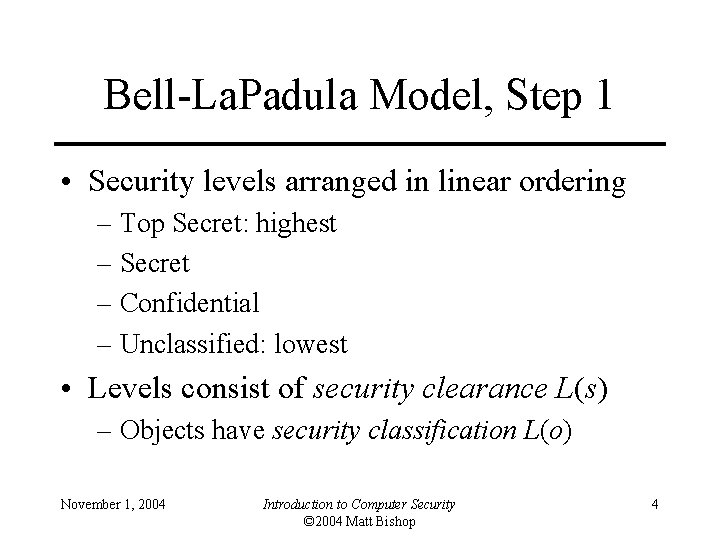
Bell-La. Padula Model, Step 1 • Security levels arranged in linear ordering – Top Secret: highest – Secret – Confidential – Unclassified: lowest • Levels consist of security clearance L(s) – Objects have security classification L(o) November 1, 2004 Introduction to Computer Security © 2004 Matt Bishop 4
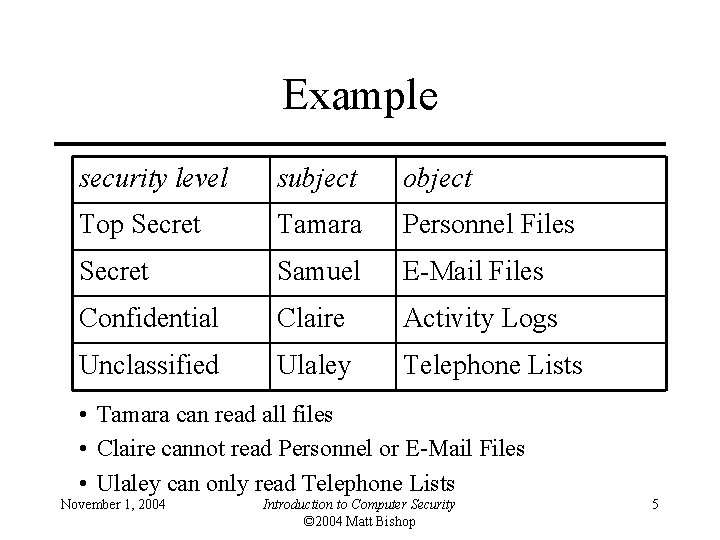
Example security level subject object Top Secret Tamara Personnel Files Secret Samuel E-Mail Files Confidential Claire Activity Logs Unclassified Ulaley Telephone Lists • Tamara can read all files • Claire cannot read Personnel or E-Mail Files • Ulaley can only read Telephone Lists November 1, 2004 Introduction to Computer Security © 2004 Matt Bishop 5
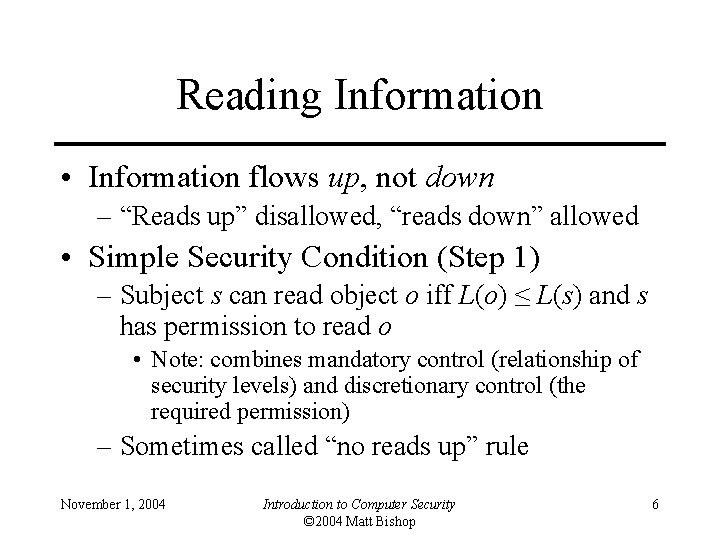
Reading Information • Information flows up, not down – “Reads up” disallowed, “reads down” allowed • Simple Security Condition (Step 1) – Subject s can read object o iff L(o) ≤ L(s) and s has permission to read o • Note: combines mandatory control (relationship of security levels) and discretionary control (the required permission) – Sometimes called “no reads up” rule November 1, 2004 Introduction to Computer Security © 2004 Matt Bishop 6
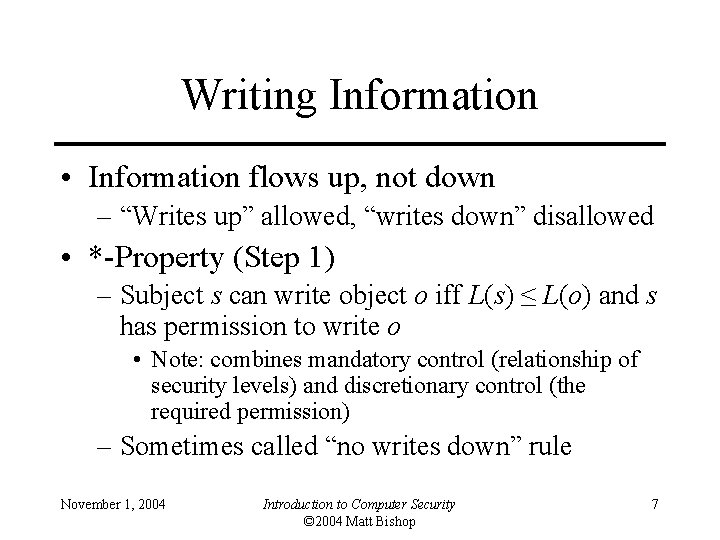
Writing Information • Information flows up, not down – “Writes up” allowed, “writes down” disallowed • *-Property (Step 1) – Subject s can write object o iff L(s) ≤ L(o) and s has permission to write o • Note: combines mandatory control (relationship of security levels) and discretionary control (the required permission) – Sometimes called “no writes down” rule November 1, 2004 Introduction to Computer Security © 2004 Matt Bishop 7
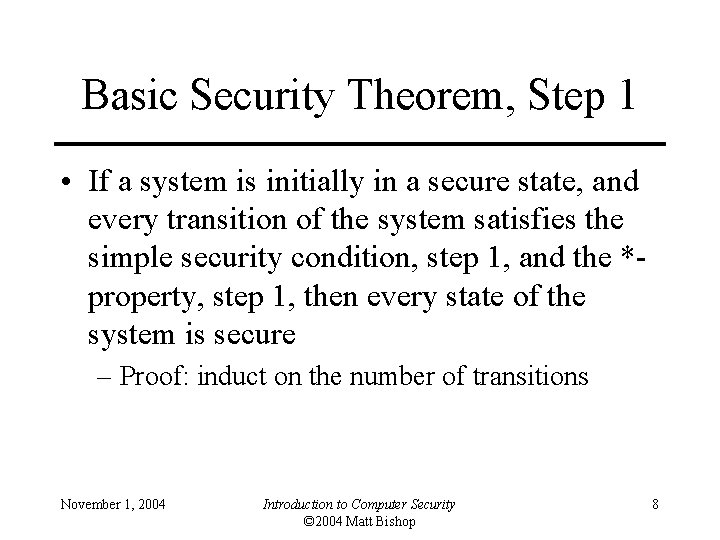
Basic Security Theorem, Step 1 • If a system is initially in a secure state, and every transition of the system satisfies the simple security condition, step 1, and the *property, step 1, then every state of the system is secure – Proof: induct on the number of transitions November 1, 2004 Introduction to Computer Security © 2004 Matt Bishop 8
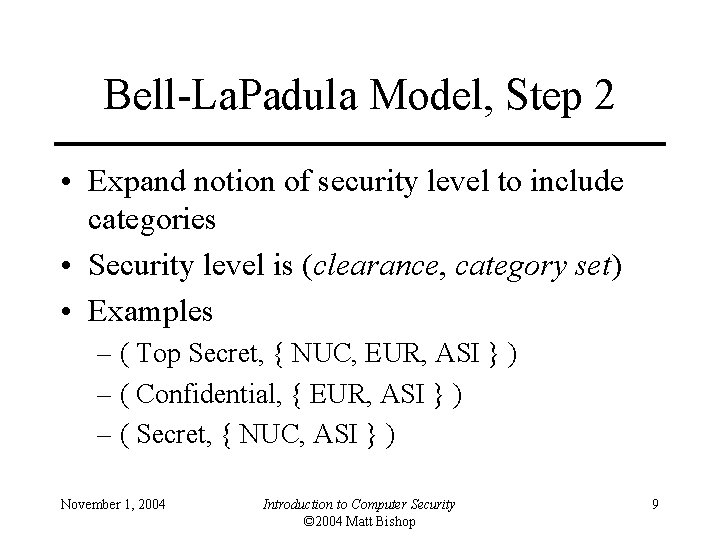
Bell-La. Padula Model, Step 2 • Expand notion of security level to include categories • Security level is (clearance, category set) • Examples – ( Top Secret, { NUC, EUR, ASI } ) – ( Confidential, { EUR, ASI } ) – ( Secret, { NUC, ASI } ) November 1, 2004 Introduction to Computer Security © 2004 Matt Bishop 9
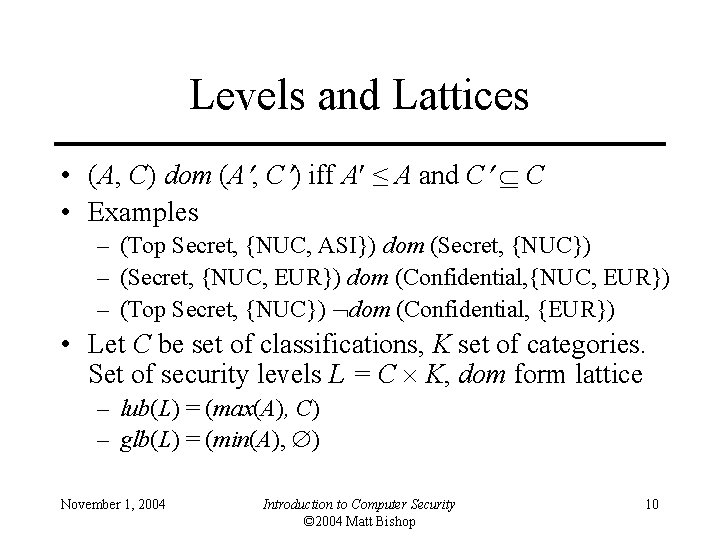
Levels and Lattices • (A, C) dom (A , C ) iff A ≤ A and C C • Examples – (Top Secret, {NUC, ASI}) dom (Secret, {NUC}) – (Secret, {NUC, EUR}) dom (Confidential, {NUC, EUR}) – (Top Secret, {NUC}) dom (Confidential, {EUR}) • Let C be set of classifications, K set of categories. Set of security levels L = C K, dom form lattice – lub(L) = (max(A), C) – glb(L) = (min(A), ) November 1, 2004 Introduction to Computer Security © 2004 Matt Bishop 10
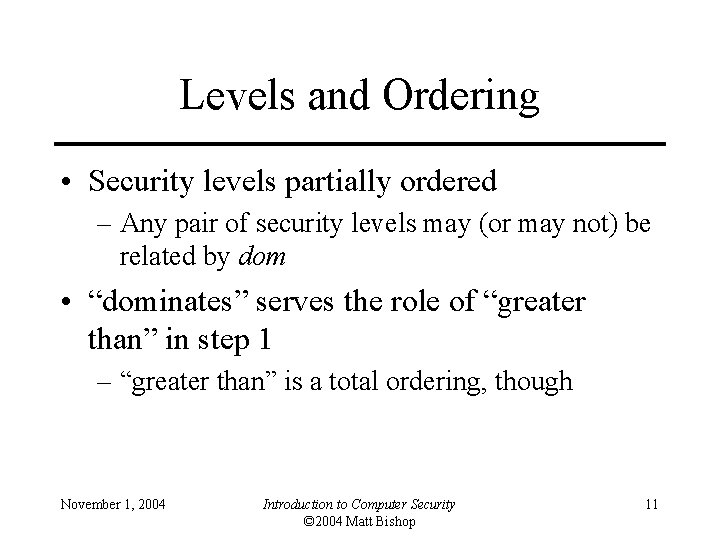
Levels and Ordering • Security levels partially ordered – Any pair of security levels may (or may not) be related by dom • “dominates” serves the role of “greater than” in step 1 – “greater than” is a total ordering, though November 1, 2004 Introduction to Computer Security © 2004 Matt Bishop 11
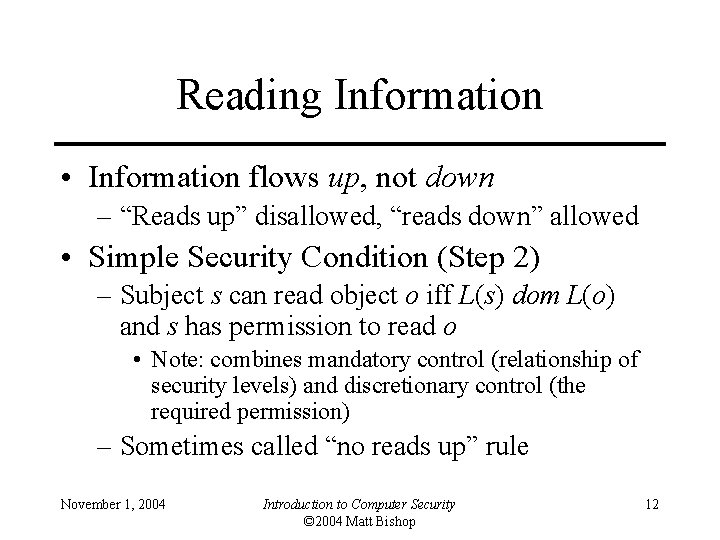
Reading Information • Information flows up, not down – “Reads up” disallowed, “reads down” allowed • Simple Security Condition (Step 2) – Subject s can read object o iff L(s) dom L(o) and s has permission to read o • Note: combines mandatory control (relationship of security levels) and discretionary control (the required permission) – Sometimes called “no reads up” rule November 1, 2004 Introduction to Computer Security © 2004 Matt Bishop 12
Writing Information • Information flows up, not down – “Writes up” allowed, “writes down” disallowed • *-Property (Step 2) – Subject s can write object o iff L(o) dom L(s) and s has permission to write o • Note: combines mandatory control (relationship of security levels) and discretionary control (the required permission) – Sometimes called “no writes down” rule November 1, 2004 Introduction to Computer Security © 2004 Matt Bishop 13
Basic Security Theorem, Step 2 • If a system is initially in a secure state, and every transition of the system satisfies the simple security condition, step 2, and the *-property, step 2, then every state of the system is secure – Proof: induct on the number of transitions – In actual Basic Security Theorem, discretionary access control treated as third property, and simple security property and *-property phrased to eliminate discretionary part of the definitions — but simpler to express the way done here. November 1, 2004 Introduction to Computer Security © 2004 Matt Bishop 14
Problem • Colonel has (Secret, {NUC, EUR}) clearance • Major has (Secret, {EUR}) clearance – Major can talk to colonel (“write up” or “read down”) – Colonel cannot talk to major (“read up” or “write down”) • Clearly absurd! November 1, 2004 Introduction to Computer Security © 2004 Matt Bishop 15
Solution • Define maximum, current levels for subjects – maxlevel(s) dom curlevel(s) • Example – – Treat Major as an object (Colonel is writing to him/her) Colonel has maxlevel (Secret, { NUC, EUR }) Colonel sets curlevel to (Secret, { EUR }) Now L(Major) dom curlevel(Colonel) • Colonel can write to Major without violating “no writes down” – Does L(s) mean curlevel(s) or maxlevel(s)? • Formally, we need a more precise notation November 1, 2004 Introduction to Computer Security © 2004 Matt Bishop 16
DG/UX System • Provides mandatory access controls – MAC label identifies security level – Default labels, but can define others • Initially – Subjects assigned MAC label of parent • Initial label assigned to user, kept in Authorization and Authentication database – Object assigned label at creation • Explicit labels stored as part of attributes • Implicit labels determined from parent directory November 1, 2004 Introduction to Computer Security © 2004 Matt Bishop 17
MAC Regions IMPL_HI is “maximum” (least upper bound) of all levels IMPL_LO is “minimum” (greatest lower bound) of all levels November 1, 2004 Introduction to Computer Security © 2004 Matt Bishop 18
Directory Problem • Process p at MAC_A tries to create file /tmp/x • /tmp/x exists but has MAC label MAC_B – Assume MAC_B dom MAC_A • Create fails – Now p knows a file named x with a higher label exists • Fix: only programs with same MAC label as directory can create files in the directory – Now compilation won’t work, mail can’t be delivered November 1, 2004 Introduction to Computer Security © 2004 Matt Bishop 19
Multilevel Directory • Directory with a set of subdirectories, one per label – Not normally visible to user – p creating /tmp/x actually creates /tmp/d/x where d is directory corresponding to MAC_A – All p’s references to /tmp go to /tmp/d • p cd’s to /tmp/a, then to. . – System call stat(“. ”, &buf) returns inode number of real directory – System call dg_stat(“. ”, &buf) returns inode of /tmp November 1, 2004 Introduction to Computer Security © 2004 Matt Bishop 20
Object Labels • Requirement: every file system object must have MAC label 1. Roots of file systems have explicit MAC labels • If mounted file system has no label, it gets label of mount point 2. Object with implicit MAC label inherits label of parent November 1, 2004 Introduction to Computer Security © 2004 Matt Bishop 21
Object Labels • Problem: object has two names – – – /x/y/z, /a/b/c refer to same object y has explicit label IMPL_HI b has explicit label IMPL_B • Case 1: hard link created while file system on DG/UX system, so … 3. Creating hard link requires explicit label • • If implicit, label made explicit Moving a file makes label explicit November 1, 2004 Introduction to Computer Security © 2004 Matt Bishop 22
Object Labels • Case 2: hard link exists when file system mounted – – No objects on paths have explicit labels: paths have same implicit labels An object on path acquires an explicit label: implicit label of child must be preserved so … 4. Change to directory label makes child labels explicit before the change November 1, 2004 Introduction to Computer Security © 2004 Matt Bishop 23
Object Labels • Symbolic links are files, and treated as such, so … 5. When resolving symbolic link, label of object is label of target of the link • System needs access to the symbolic link itself November 1, 2004 Introduction to Computer Security © 2004 Matt Bishop 24
Using MAC Labels • Simple security condition implemented • *-property not fully implemented – Process MAC must equal object MAC – Writing allowed only at same security level • Overly restrictive in practice November 1, 2004 Introduction to Computer Security © 2004 Matt Bishop 25
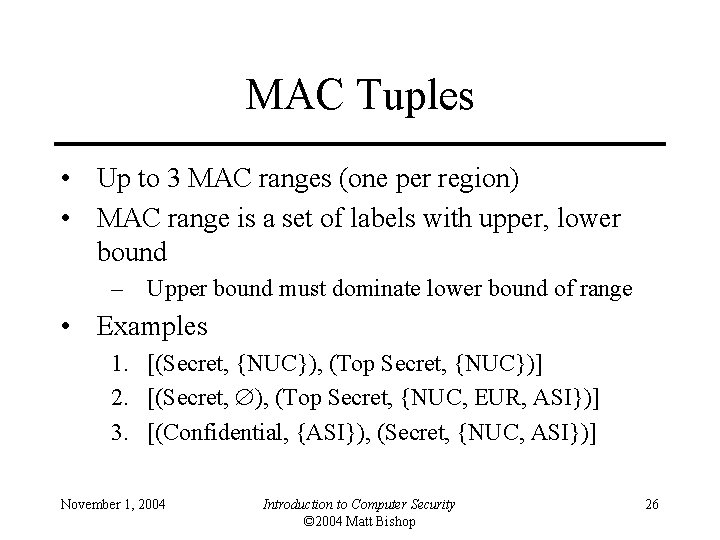
MAC Tuples • Up to 3 MAC ranges (one per region) • MAC range is a set of labels with upper, lower bound – Upper bound must dominate lower bound of range • Examples 1. [(Secret, {NUC}), (Top Secret, {NUC})] 2. [(Secret, ), (Top Secret, {NUC, EUR, ASI})] 3. [(Confidential, {ASI}), (Secret, {NUC, ASI})] November 1, 2004 Introduction to Computer Security © 2004 Matt Bishop 26
MAC Ranges 1. 2. 3. • • • [(Secret, {NUC}), (Top Secret, {NUC})] [(Secret, ), (Top Secret, {NUC, EUR, ASI})] [(Confidential, {ASI}), (Secret, {NUC, ASI})] (Top Secret, {NUC}) in ranges 1, 2 (Secret, {NUC, ASI}) in ranges 2, 3 [(Secret, {ASI}), (Top Secret, {EUR})] not valid range – as (Top Secret, {EUR}) dom (Secret, {ASI}) November 1, 2004 Introduction to Computer Security © 2004 Matt Bishop 27
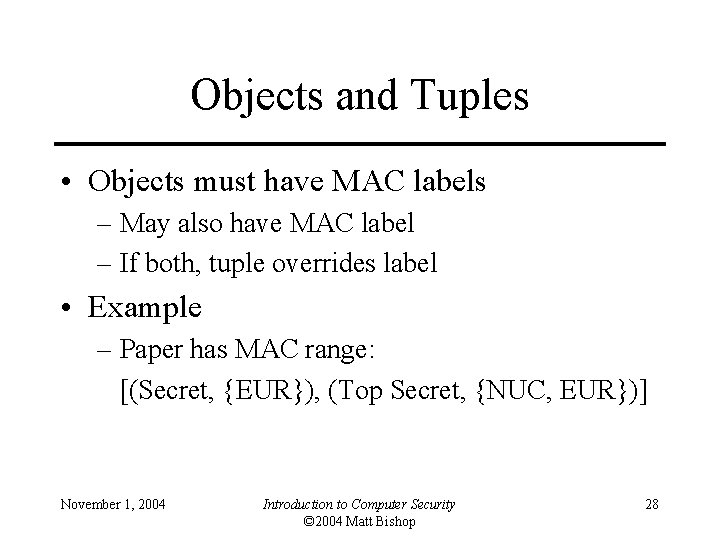
Objects and Tuples • Objects must have MAC labels – May also have MAC label – If both, tuple overrides label • Example – Paper has MAC range: [(Secret, {EUR}), (Top Secret, {NUC, EUR})] November 1, 2004 Introduction to Computer Security © 2004 Matt Bishop 28
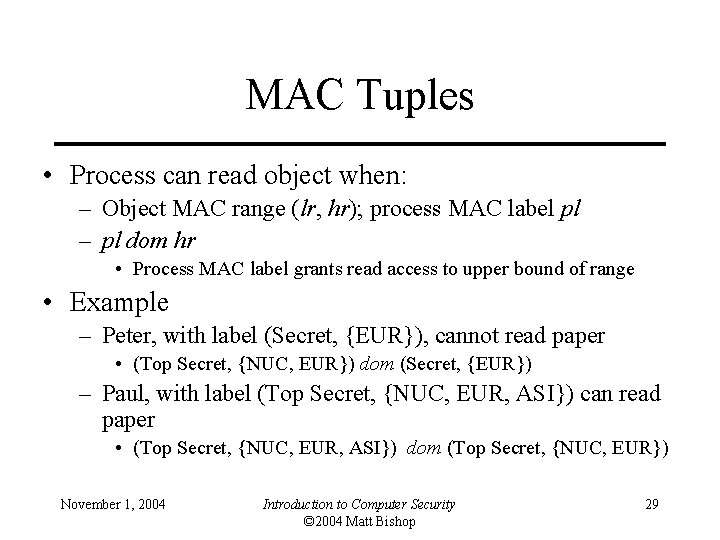
MAC Tuples • Process can read object when: – Object MAC range (lr, hr); process MAC label pl – pl dom hr • Process MAC label grants read access to upper bound of range • Example – Peter, with label (Secret, {EUR}), cannot read paper • (Top Secret, {NUC, EUR}) dom (Secret, {EUR}) – Paul, with label (Top Secret, {NUC, EUR, ASI}) can read paper • (Top Secret, {NUC, EUR, ASI}) dom (Top Secret, {NUC, EUR}) November 1, 2004 Introduction to Computer Security © 2004 Matt Bishop 29
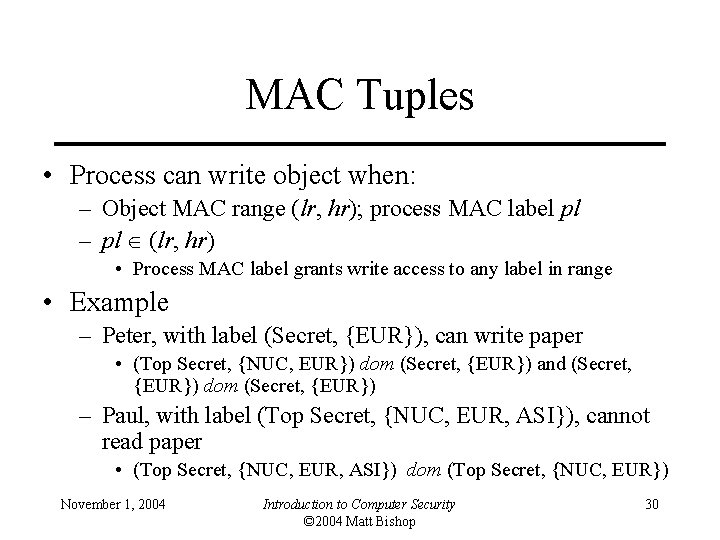
MAC Tuples • Process can write object when: – Object MAC range (lr, hr); process MAC label pl – pl (lr, hr) • Process MAC label grants write access to any label in range • Example – Peter, with label (Secret, {EUR}), can write paper • (Top Secret, {NUC, EUR}) dom (Secret, {EUR}) and (Secret, {EUR}) dom (Secret, {EUR}) – Paul, with label (Top Secret, {NUC, EUR, ASI}), cannot read paper • (Top Secret, {NUC, EUR, ASI}) dom (Top Secret, {NUC, EUR}) November 1, 2004 Introduction to Computer Security © 2004 Matt Bishop 30
Key Points • Confidentiality models restrict flow of information • Bell-La. Padula models multilevel security – Cornerstone of much work in computer security November 1, 2004 Introduction to Computer Security © 2004 Matt Bishop 31