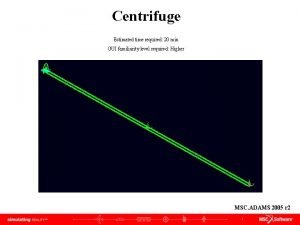
Centrifuge Estimated time required 20 min GUI familiarity
- Slides: 12
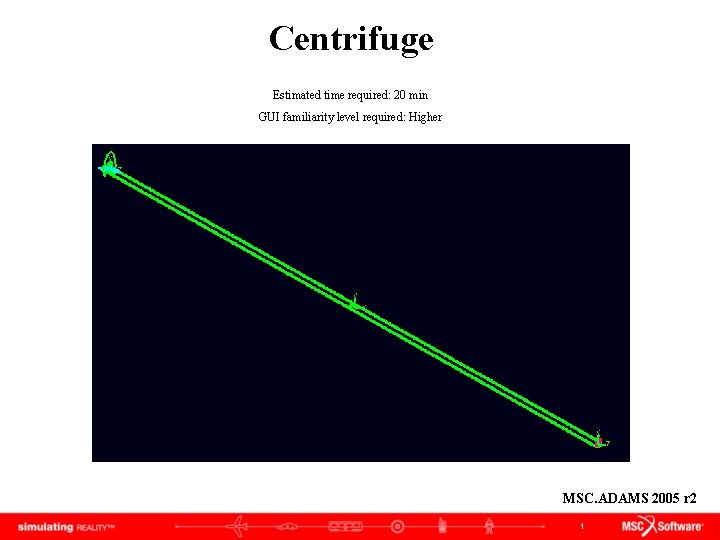
Centrifuge Estimated time required: 20 min GUI familiarity level required: Higher MSC. ADAMS 2005 r 2 1
Topics Covered In this tutorial, you will learn how to: 1. Modify joint motion 2. Create translational acceleration measure If you have any difficulties, import the “centrifuge_complete. cmd” file and proceed from pg 9 2
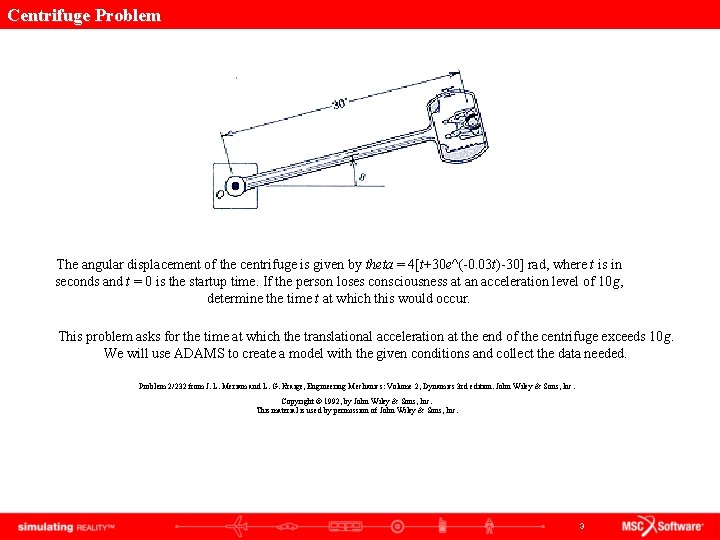
Centrifuge Problem The angular displacement of the centrifuge is given by theta = 4[t+30 e^(-0. 03 t)-30] rad, where t is in seconds and t = 0 is the startup time. If the person loses consciousness at an acceleration level of 10 g, determine the time t at which this would occur. This problem asks for the time at which the translational acceleration at the end of the centrifuge exceeds 10 g. We will use ADAMS to create a model with the given conditions and collect the data needed. Problem 2/232 from J. L. Meriam and L. G. Kraige, Engineering Mechanics: Volume 2, Dynamics 3 rd edition. John Wiley & Sons, Inc. Copyright © 1992, by John Wiley & Sons, Inc. This material is used by permission of John Wiley & Sons, Inc. 3
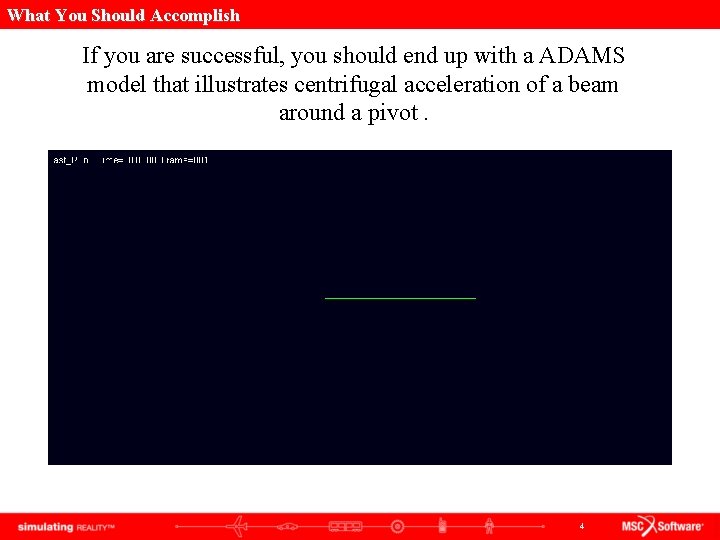
What You Should Accomplish If you are successful, you should end up with a ADAMS model that illustrates centrifugal acceleration of a beam around a pivot. 4
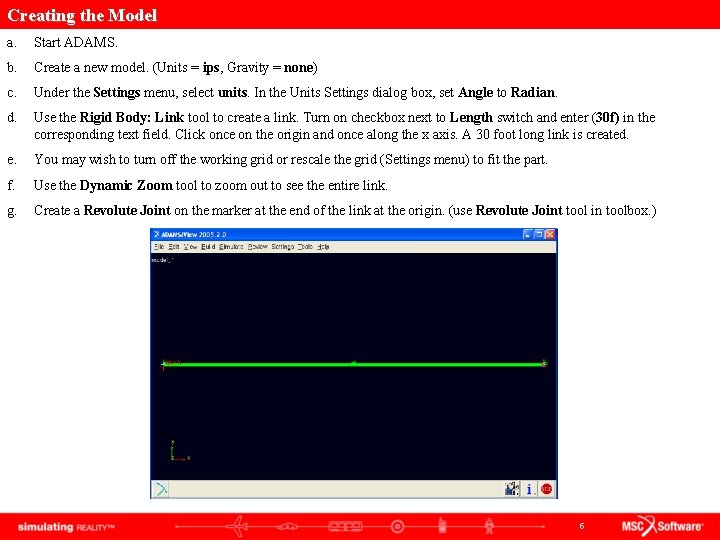
Creating the Model a. Start ADAMS. b. Create a new model. (Units = ips, Gravity = none) c. Under the Settings menu, select units. In the Units Settings dialog box, set Angle to Radian. d. Use the Rigid Body: Link tool to create a link. Turn on checkbox next to Length switch and enter (30 f) in the corresponding text field. Click once on the origin and once along the x axis. A 30 foot long link is created. e. You may wish to turn off the working grid or rescale the grid (Settings menu) to fit the part. f. Use the Dynamic Zoom tool to zoom out to see the entire link. g. Create a Revolute Joint on the marker at the end of the link at the origin. (use Revolute Joint tool in toolbox. ) 5
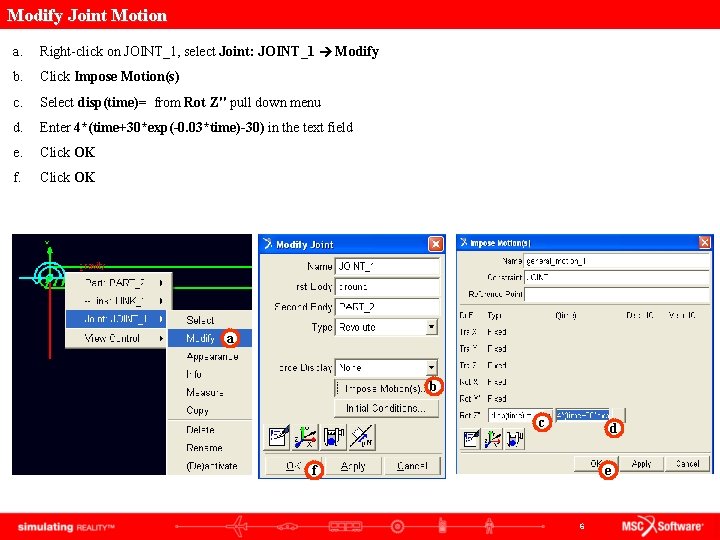
Modify Joint Motion a. Right-click on JOINT_1, select Joint: JOINT_1 Modify b. Click Impose Motion(s) c. Select disp(time)= from Rot Z" pull down menu d. Enter 4*(time+30*exp(-0. 03*time)-30) in the text field e. Click OK f. Click OK a b c d f e 6
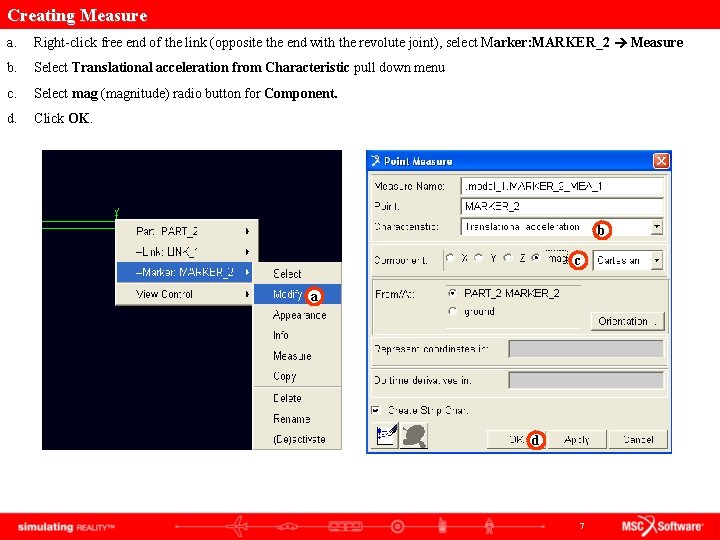
Creating Measure a. Right-click free end of the link (opposite the end with the revolute joint), select Marker: MARKER_2 Measure b. Select Translational acceleration from Characteristic pull down menu c. Select mag (magnitude) radio button for Component. d. Click OK. b c a d 7
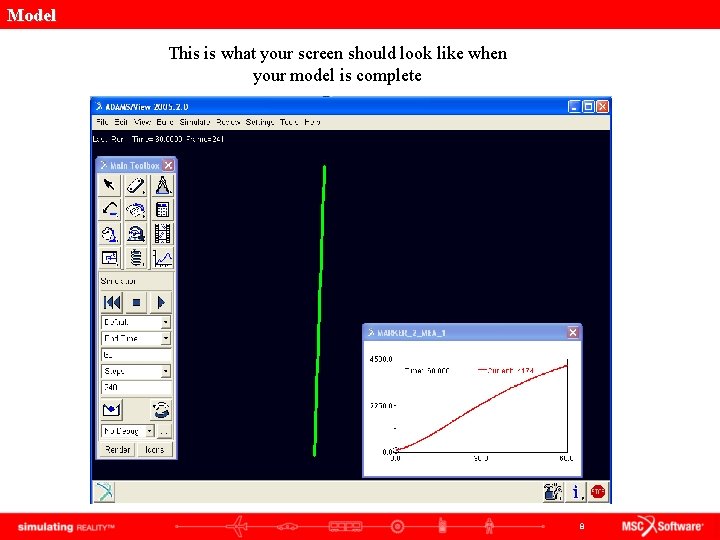
Model This is what your screen should look like when your model is complete 8
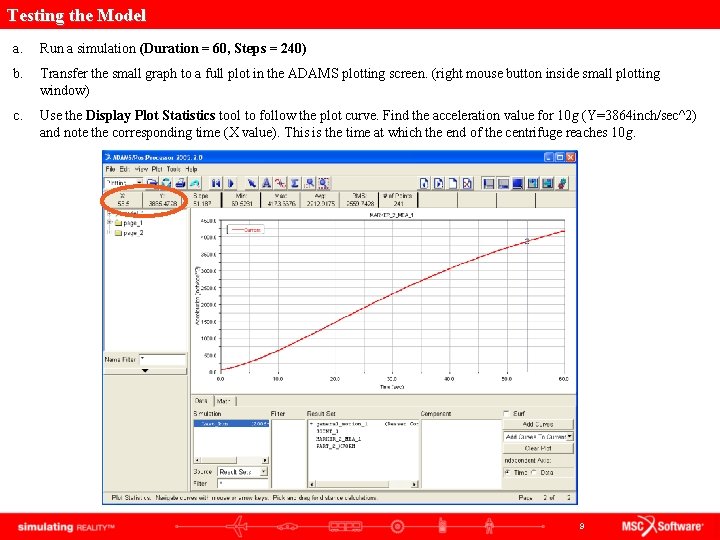
Testing the Model a. Run a simulation (Duration = 60, Steps = 240) b. Transfer the small graph to a full plot in the ADAMS plotting screen. (right mouse button inside small plotting window) c. Use the Display Plot Statistics tool to follow the plot curve. Find the acceleration value for 10 g (Y=3864 inch/sec^2) and note the corresponding time (X value). This is the time at which the end of the centrifuge reaches 10 g. 9
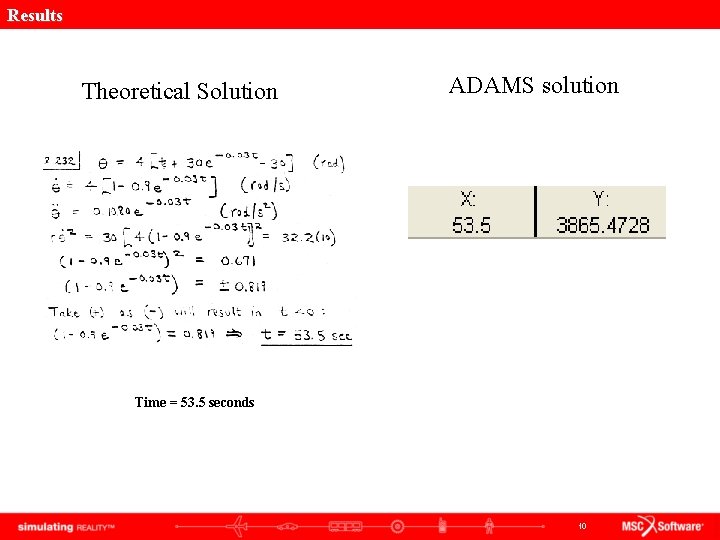
Results Theoretical Solution ADAMS solution Time = 53. 5 seconds 10
Topics Covered In this tutorial you learned how to: 1. Modify joint motion 2. Create translational acceleration measure 11
Best Practices • Make sure correct units are set to ips, angle measurement is set to radians, and the viewing area is zoomed in or out enough to see the model. It may be helpful to set the working grid to 1 f spacing and change the icon size to 20 i under the Settings menu. • Make sure gravity is turned off. • Make sure the revolute joint is in the z direction. • Check dimensions of the part to make sure they are correct. • Make sure the measures are set correctly. • Make sure the plot is displaying the correct set of results. • Make sure there are enough output steps to reach the acceleration desired. 12