C Data Type String A string is a
- Slides: 15
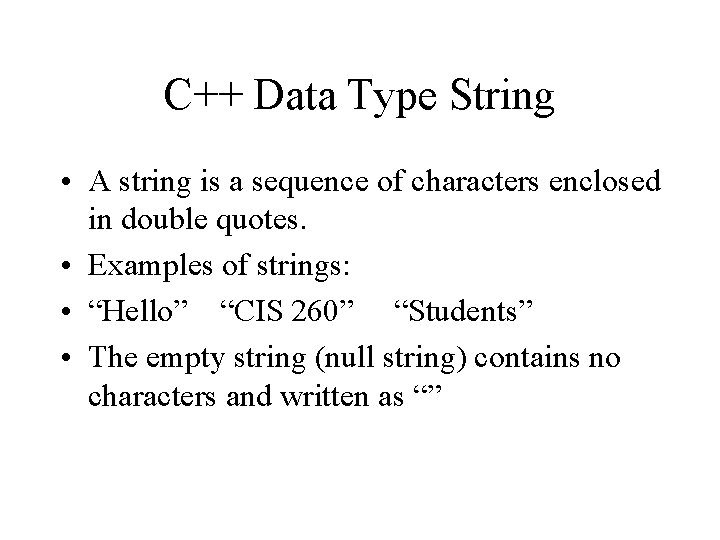
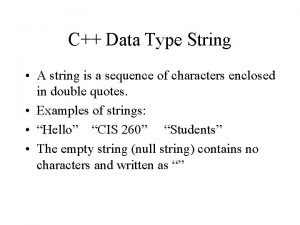
C++ Data Type String • A string is a sequence of characters enclosed in double quotes. • Examples of strings: • “Hello” “CIS 260” “Students” • The empty string (null string) contains no characters and written as “”
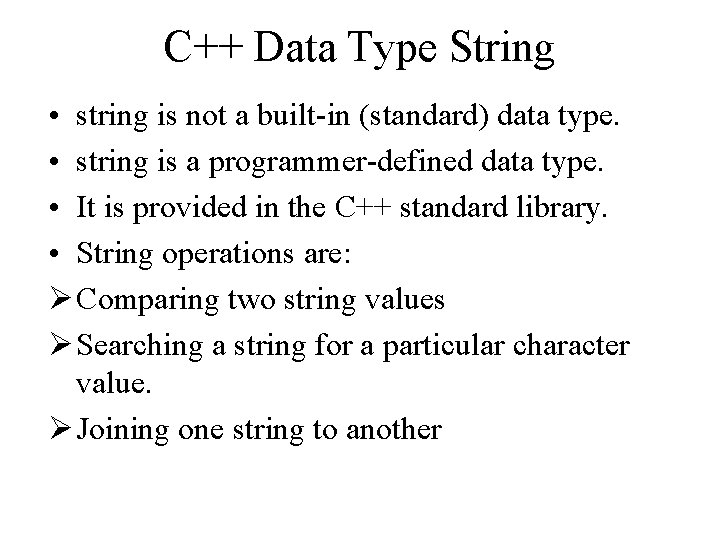
C++ Data Type String • string is not a built-in (standard) data type. • string is a programmer-defined data type. • It is provided in the C++ standard library. • String operations are: Ø Comparing two string values Ø Searching a string for a particular character value. Ø Joining one string to another
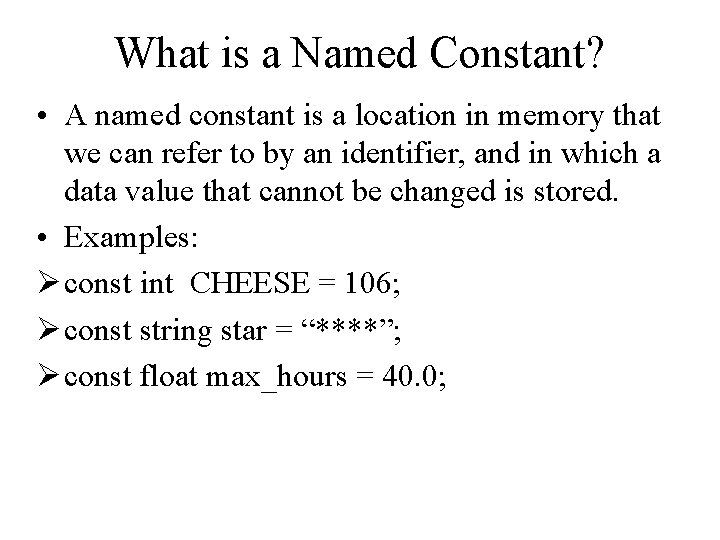
What is a Named Constant? • A named constant is a location in memory that we can refer to by an identifier, and in which a data value that cannot be changed is stored. • Examples: Ø const int CHEESE = 106; Ø const string star = “****”; Ø const float max_hours = 40. 0;
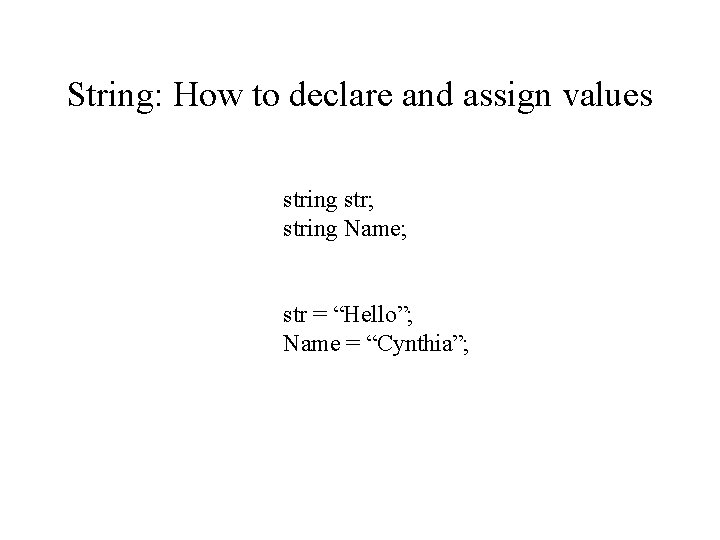
String: How to declare and assign values string str; string Name; str = “Hello”; Name = “Cynthia”;
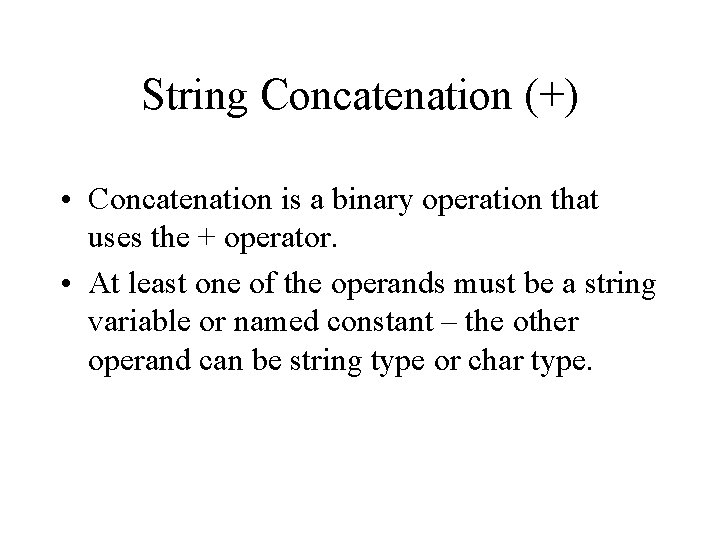
String Concatenation (+) • Concatenation is a binary operation that uses the + operator. • At least one of the operands must be a string variable or named constant – the other operand can be string type or char type.
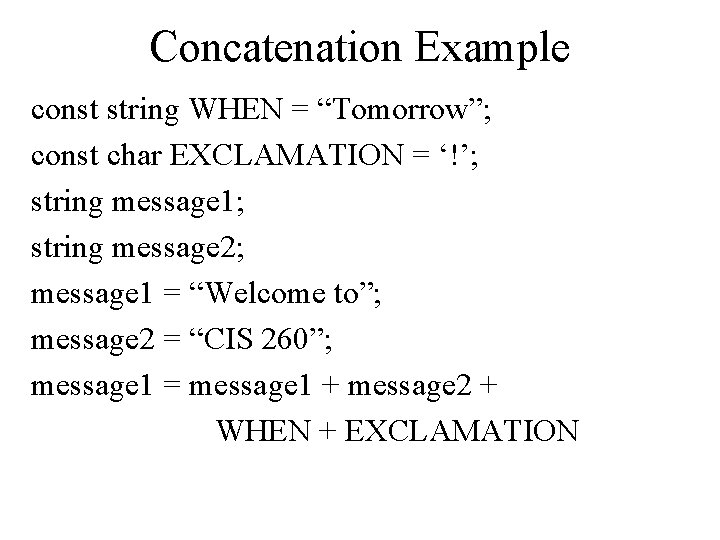
Concatenation Example const string WHEN = “Tomorrow”; const char EXCLAMATION = ‘!’; string message 1; string message 2; message 1 = “Welcome to”; message 2 = “CIS 260”; message 1 = message 1 + message 2 + WHEN + EXCLAMATION
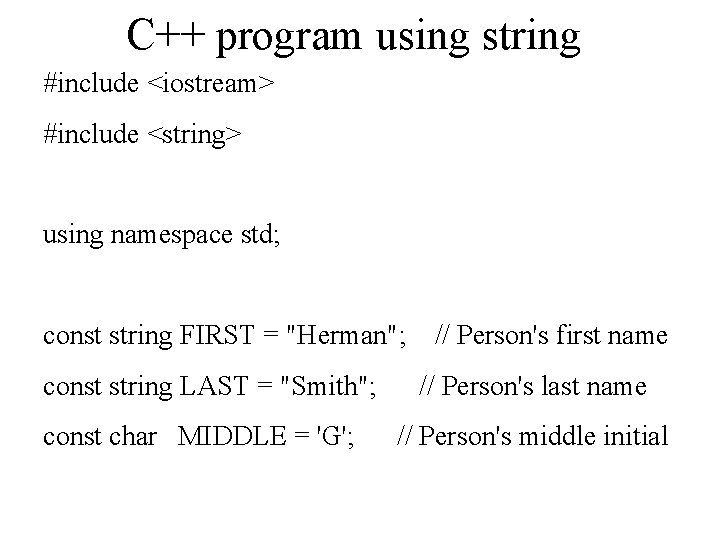
C++ program using string #include <iostream> #include <string> using namespace std; const string FIRST = "Herman"; // Person's first name const string LAST = "Smith"; const char MIDDLE = 'G'; // Person's last name // Person's middle initial
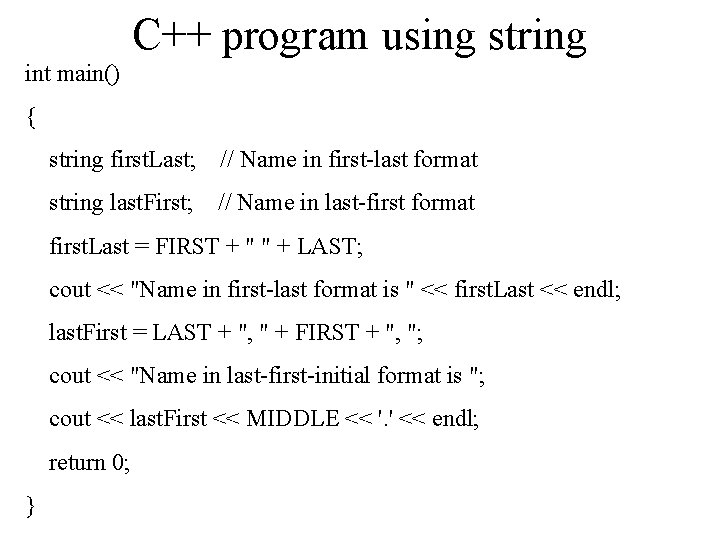
C++ program using string int main() { string first. Last; // Name in first-last format string last. First; // Name in last-first format first. Last = FIRST + " " + LAST; cout << "Name in first-last format is " << first. Last << endl; last. First = LAST + ", " + FIRST + ", "; cout << "Name in last-first-initial format is "; cout << last. First << MIDDLE << '. ' << endl; return 0; }
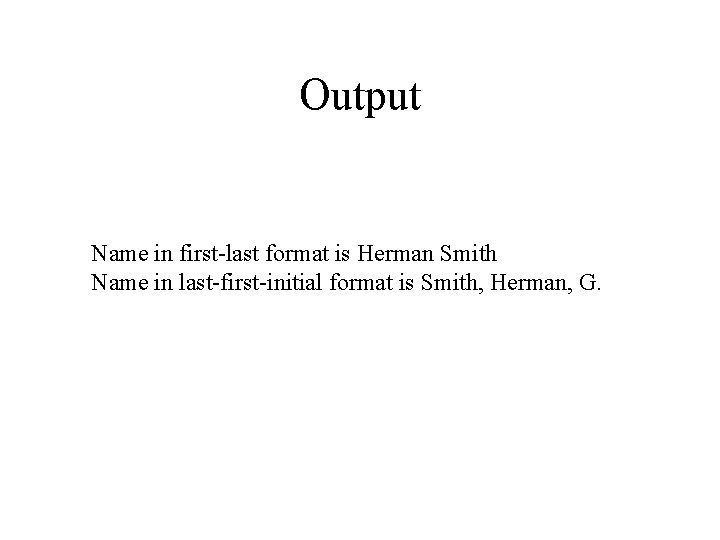
Output Name in first-last format is Herman Smith Name in last-first-initial format is Smith, Herman, G.
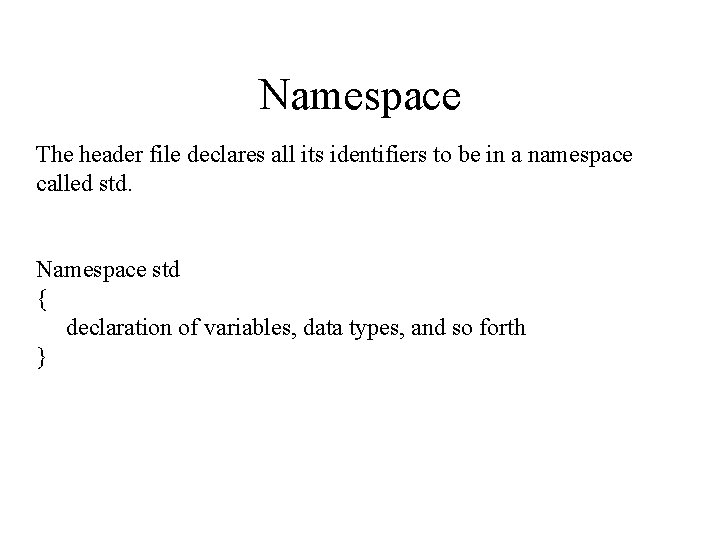
Namespace The header file declares all its identifiers to be in a namespace called std. Namespace std { declaration of variables, data types, and so forth }
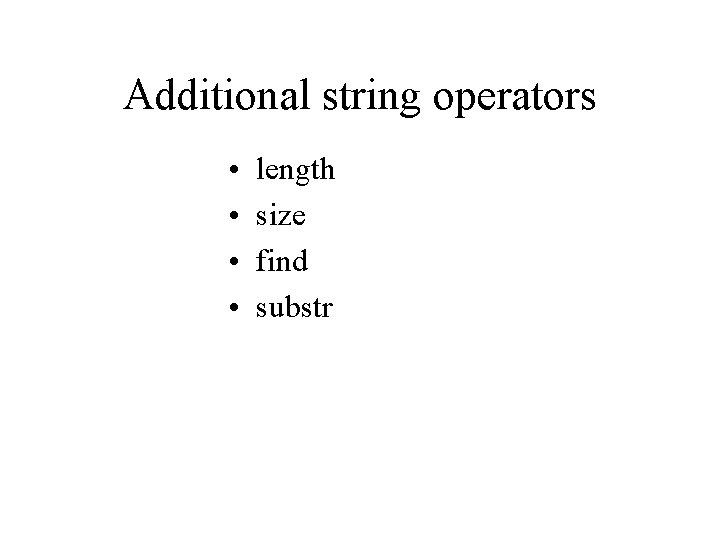
Additional string operators • • length size find substr
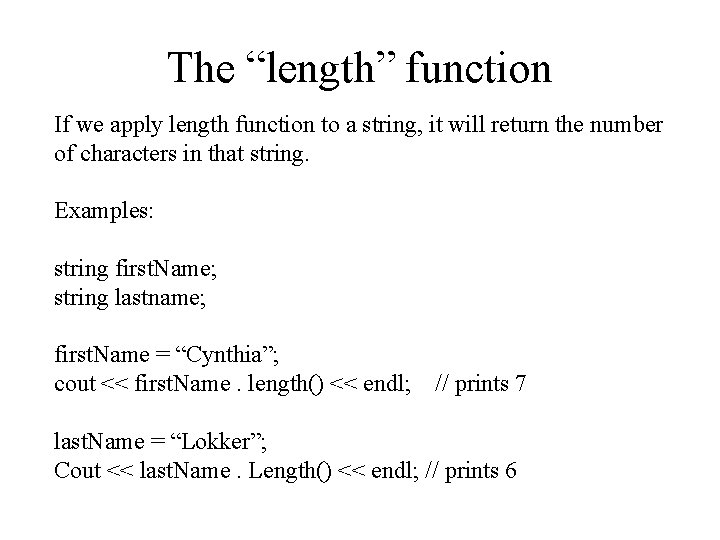
The “length” function If we apply length function to a string, it will return the number of characters in that string. Examples: string first. Name; string lastname; first. Name = “Cynthia”; cout << first. Name. length() << endl; // prints 7 last. Name = “Lokker”; Cout << last. Name. Length() << endl; // prints 6
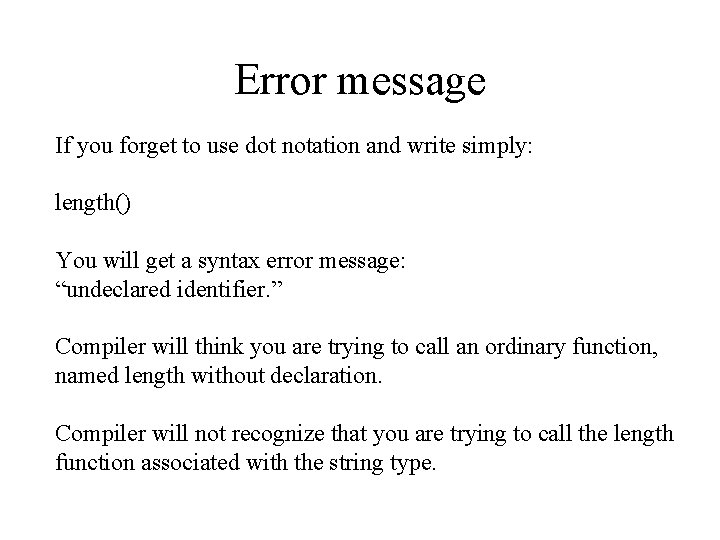
Error message If you forget to use dot notation and write simply: length() You will get a syntax error message: “undeclared identifier. ” Compiler will think you are trying to call an ordinary function, named length without declaration. Compiler will not recognize that you are trying to call the length function associated with the string type.
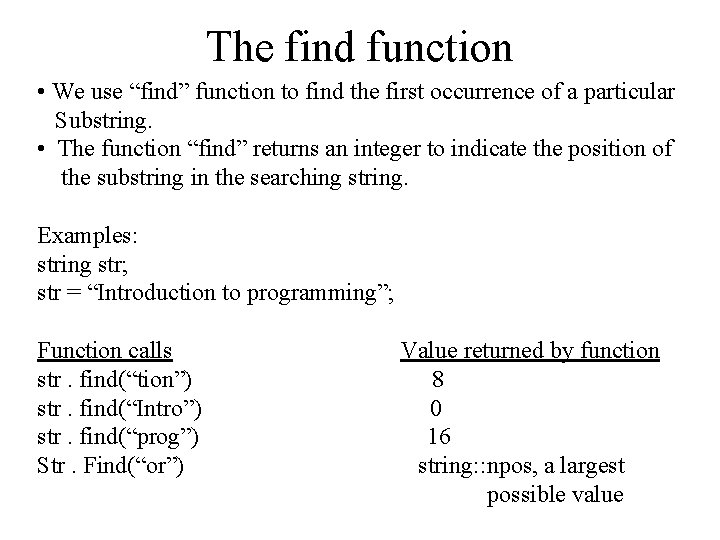
The find function • We use “find” function to find the first occurrence of a particular Substring. • The function “find” returns an integer to indicate the position of the substring in the searching string. Examples: string str; str = “Introduction to programming”; Function calls str. find(“tion”) str. find(“Intro”) str. find(“prog”) Str. Find(“or”) Value returned by function 8 0 16 string: : npos, a largest possible value
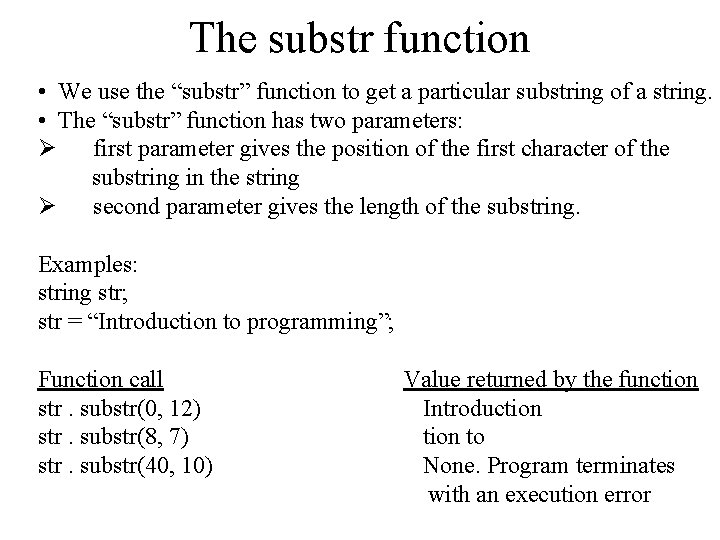
The substr function • We use the “substr” function to get a particular substring of a string. • The “substr” function has two parameters: Ø first parameter gives the position of the first character of the substring in the string Ø second parameter gives the length of the substring. Examples: string str; str = “Introduction to programming”; Function call str. substr(0, 12) str. substr(8, 7) str. substr(40, 10) Value returned by the function Introduction to None. Program terminates with an execution error


![New string[1]](https://slidetodoc.com/wp-content/uploads/2020/10/1024931_080e9c6dd2cf7b5d559e4968699e87e9-300x225.jpg "New string[1]")