Accelerator Warning Messages and Solutions 1 Accelerator and


- Slides: 12
Accelerator Warning Messages and Solutions 1
Accelerator and Change Journal • The base architecture for Net. Backup Accelerator leverages Windows NTFS change journal. 2
NTFS change journal • Is an optional feature that can be used with Net. Backup Accelerator • Is monitored by Net. Backup to determine which files and directories need to be included in a backup • Eliminates the need to perform a full file system scan • Maintains records pertaining to files and directories • Has records identified by an update sequence number (USN) • Are circular databases • Is increased to one million entries 3
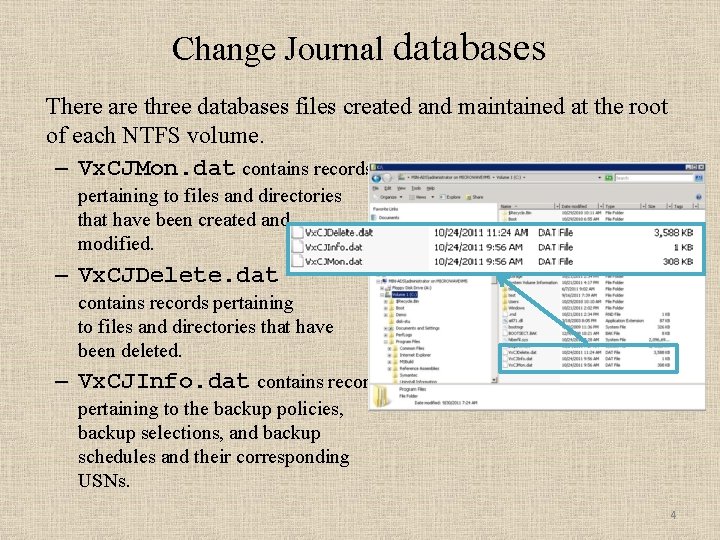
Change Journal databases There are three databases files created and maintained at the root of each NTFS volume. – Vx. CJMon. dat contains records pertaining to files and directories that have been created and modified. – Vx. CJDelete. dat contains records pertaining to files and directories that have been deleted. – Vx. CJInfo. dat contains records pertaining to the backup policies, backup selections, and backup schedules and their corresponding USNs. 4
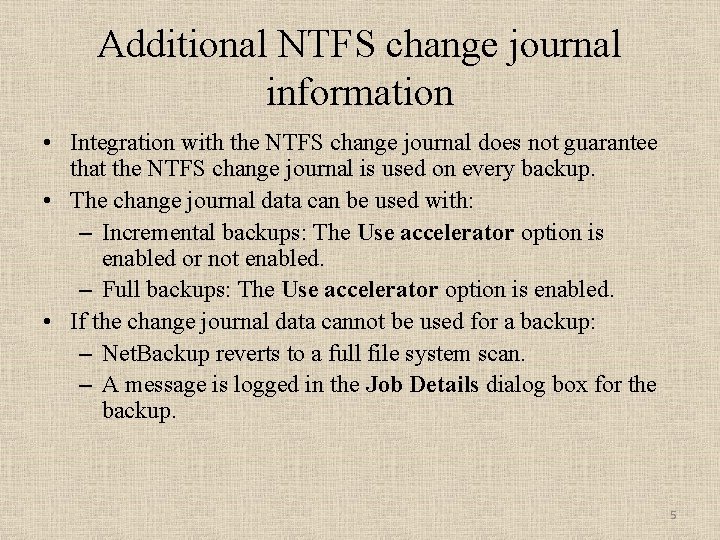
Additional NTFS change journal information • Integration with the NTFS change journal does not guarantee that the NTFS change journal is used on every backup. • The change journal data can be used with: – Incremental backups: The Use accelerator option is enabled or not enabled. – Full backups: The Use accelerator option is enabled. • If the change journal data cannot be used for a backup: – Net. Backup reverts to a full file system scan. – A message is logged in the Job Details dialog box for the backup. 5
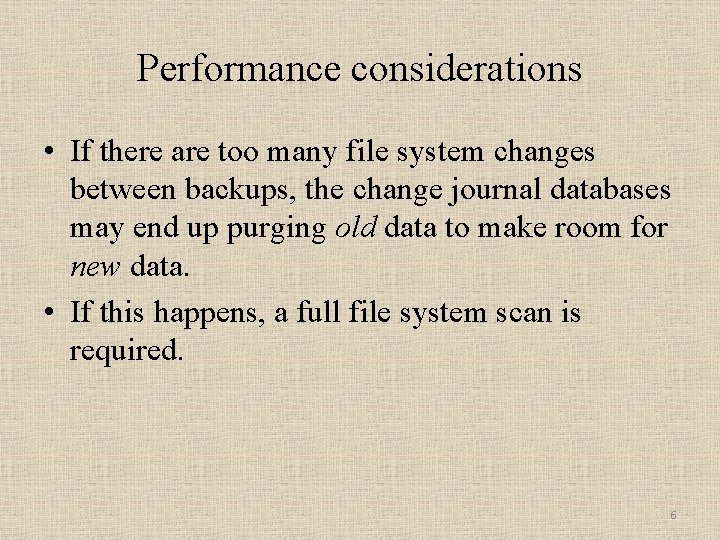
Performance considerations • If there are too many file system changes between backups, the change journal databases may end up purging old data to make room for new data. • If this happens, a full file system scan is required. 6
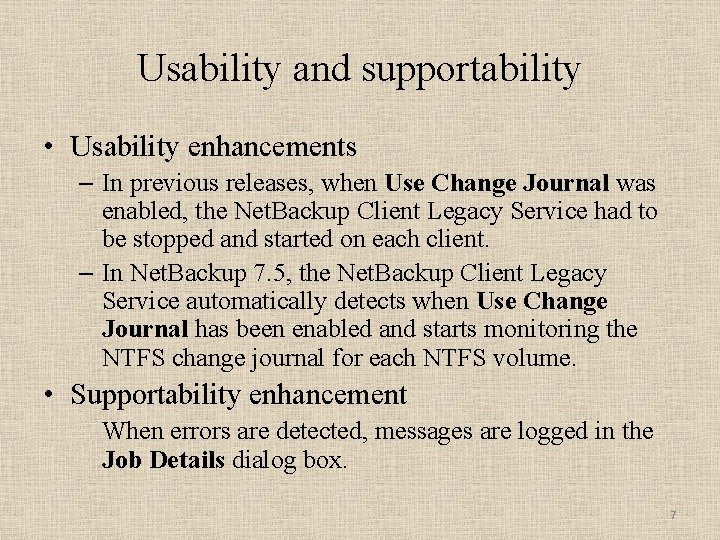
Usability and supportability • Usability enhancements – In previous releases, when Use Change Journal was enabled, the Net. Backup Client Legacy Service had to be stopped and started on each client. – In Net. Backup 7. 5, the Net. Backup Client Legacy Service automatically detects when Use Change Journal has been enabled and starts monitoring the NTFS change journal for each NTFS volume. • Supportability enhancement When errors are detected, messages are logged in the Job Details dialog box. 7
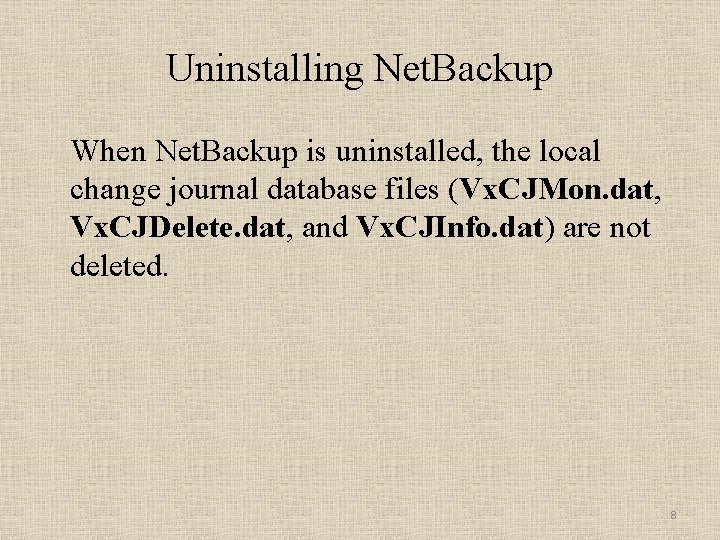
Uninstalling Net. Backup When Net. Backup is uninstalled, the local change journal database files (Vx. CJMon. dat, Vx. CJDelete. dat, and Vx. CJInfo. dat) are not deleted. 8
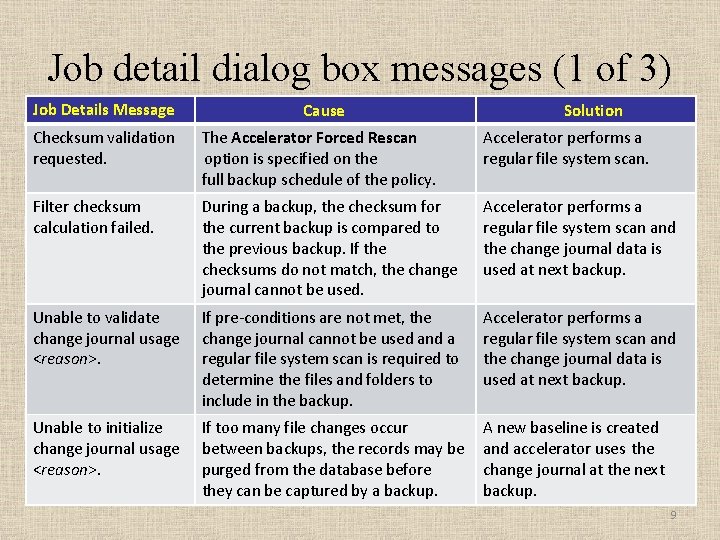
Job detail dialog box messages (1 of 3) Job Details Message Cause Solution Checksum validation requested. The Accelerator Forced Rescan option is specified on the full backup schedule of the policy. Accelerator performs a regular file system scan. Filter checksum calculation failed. During a backup, the checksum for the current backup is compared to the previous backup. If the checksums do not match, the change journal cannot be used. Accelerator performs a regular file system scan and the change journal data is used at next backup. Unable to validate change journal usage <reason>. If pre-conditions are not met, the change journal cannot be used and a regular file system scan is required to determine the files and folders to include in the backup. Accelerator performs a regular file system scan and the change journal data is used at next backup. Unable to initialize change journal usage <reason>. If too many file changes occur between backups, the records may be purged from the database before they can be captured by a backup. A new baseline is created and accelerator uses the change journal at the next backup. 9
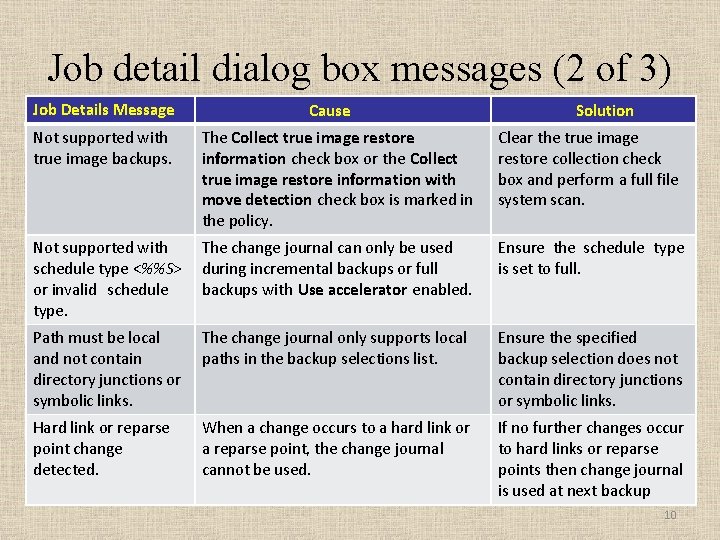
Job detail dialog box messages (2 of 3) Job Details Message Cause Solution Not supported with true image backups. The Collect true image restore information check box or the Collect true image restore information with move detection check box is marked in the policy. Clear the true image restore collection check box and perform a full file system scan. Not supported with schedule type <%%S> or invalid schedule type. The change journal can only be used during incremental backups or full backups with Use accelerator enabled. Ensure the schedule type is set to full. Path must be local and not contain directory junctions or symbolic links. The change journal only supports local paths in the backup selections list. Ensure the specified backup selection does not contain directory junctions or symbolic links. Hard link or reparse point change detected. When a change occurs to a hard link or a reparse point, the change journal cannot be used. If no further changes occur to hard links or reparse points then change journal is used at next backup 10
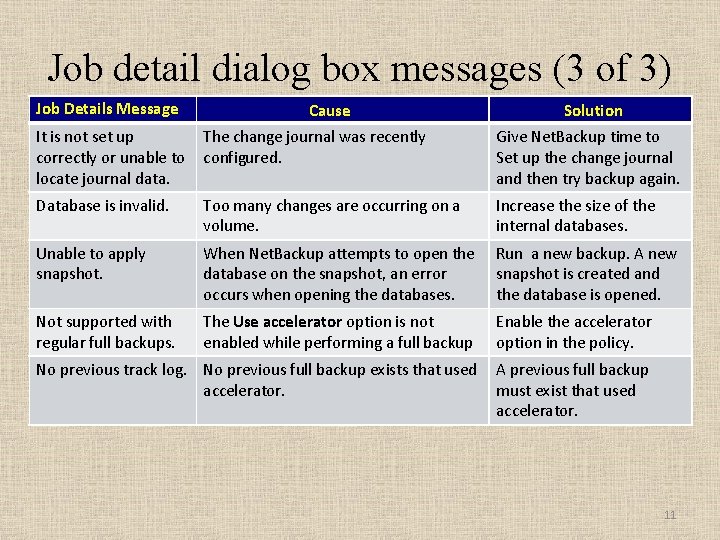
Job detail dialog box messages (3 of 3) Job Details Message Cause Solution It is not set up correctly or unable to locate journal data. The change journal was recently configured. Give Net. Backup time to Set up the change journal and then try backup again. Database is invalid. Too many changes are occurring on a volume. Increase the size of the internal databases. Unable to apply snapshot. When Net. Backup attempts to open the database on the snapshot, an error occurs when opening the databases. Run a new backup. A new snapshot is created and the database is opened. Not supported with regular full backups. The Use accelerator option is not enabled while performing a full backup Enable the accelerator option in the policy. No previous track log. No previous full backup exists that used accelerator. A previous full backup must exist that used accelerator. 11
Thank you! 12