
Introduce Net Backup Accelerator 1 What is Net
Introduce Net. Backup Accelerator 1
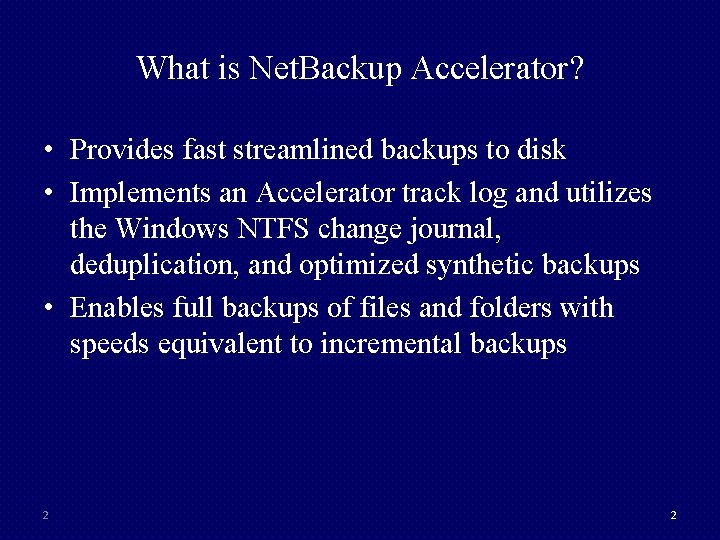
What is Net. Backup Accelerator? • Provides fast streamlined backups to disk • Implements an Accelerator track log and utilizes the Windows NTFS change journal, deduplication, and optimized synthetic backups • Enables full backups of files and folders with speeds equivalent to incremental backups 2 2
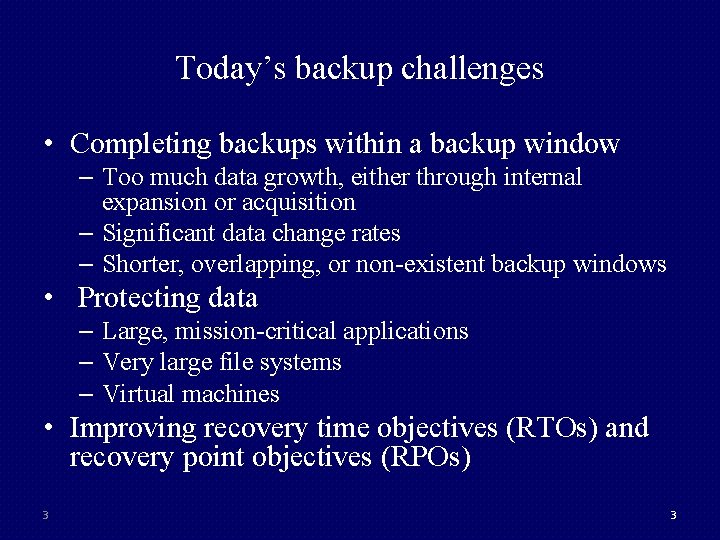
Today’s backup challenges • Completing backups within a backup window – Too much data growth, either through internal expansion or acquisition – Significant data change rates – Shorter, overlapping, or non-existent backup windows • Protecting data – Large, mission-critical applications – Very large file systems – Virtual machines • Improving recovery time objectives (RTOs) and recovery point objectives (RPOs) 3 3
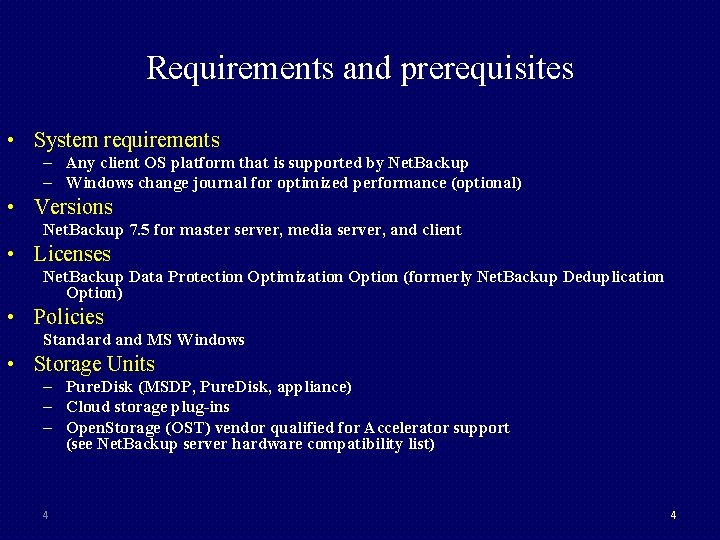
Requirements and prerequisites • System requirements – Any client OS platform that is supported by Net. Backup – Windows change journal for optimized performance (optional) • Versions Net. Backup 7. 5 for master server, media server, and client • Licenses Net. Backup Data Protection Optimization Option (formerly Net. Backup Deduplication Option) • Policies Standard and MS Windows • Storage Units – Pure. Disk (MSDP, Pure. Disk, appliance) – Cloud storage plug-ins – Open. Storage (OST) vendor qualified for Accelerator support (see Net. Backup server hardware compatibility list) 4 4
Background Net. Backup currently supports NTFS change journal, but is limited to: • Incremental backups • One backup policy • Inclusion of all NTFS volumes for the specified clients 5 5
Architecture overview • The base architecture for this feature implements a client track log and leverages Windows NTFS change journal. • The device mappings file contains OST vender and hardware information. • No new Net. Backup processes or binaries are being added. 6
Client track log files The client track logs are key aspects of Net. Backup Accelerator: • The track log is specific for a given policy, client, master server, storage server, and backup selection. • The Net. Backup client track logs are circular files. • The client track logs contain checksum entries for each file being backed up. 7 7
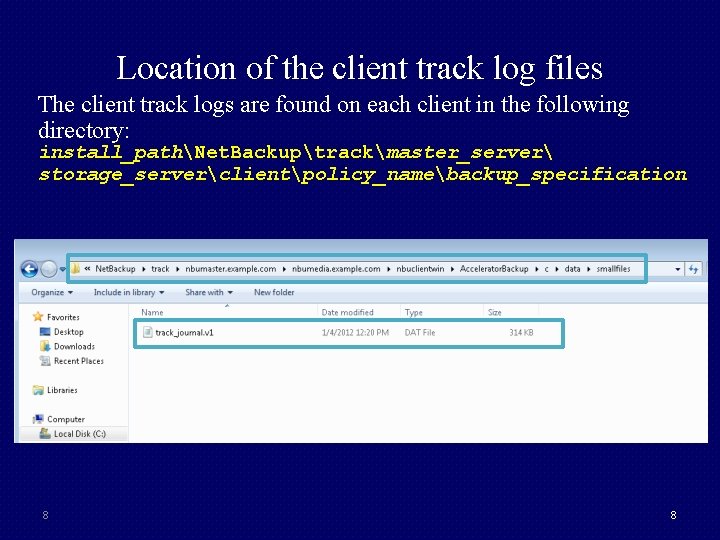
Location of the client track log files The client track logs are found on each client in the following directory: install_pathNet. Backuptrackmaster_server storage_serverclientpolicy_namebackup_specification 8 8
The NTFS change journal • Is an optional feature that can be used with Net. Backup Accelerator • Is monitored by Net. Backup to determine which files and directories need to be included in a backup • Eliminates the need to perform a full file system scan • Maintains records pertaining to files and directories • Has records identified by an update sequence number (USN) • Are circular databases • Is increased to one million entries 9 9
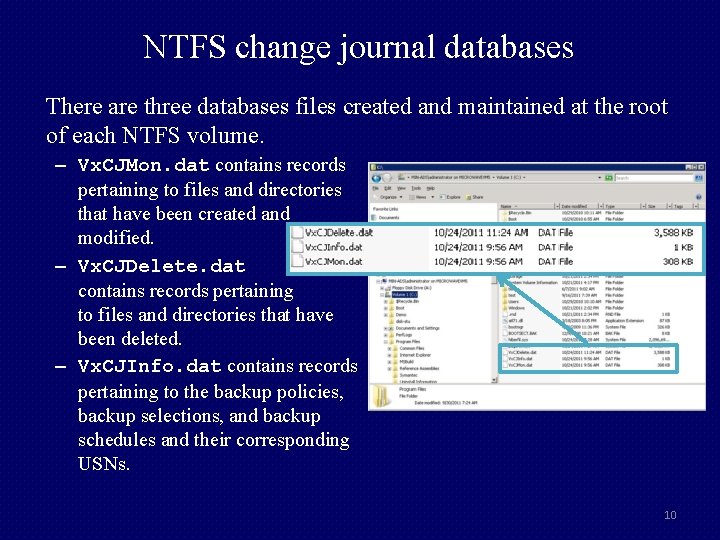
NTFS change journal databases There are three databases files created and maintained at the root of each NTFS volume. – Vx. CJMon. dat contains records pertaining to files and directories that have been created and modified. – Vx. CJDelete. dat contains records pertaining to files and directories that have been deleted. – Vx. CJInfo. dat contains records pertaining to the backup policies, backup selections, and backup schedules and their corresponding USNs. 10
Additional NTFS change journal information • Integration with the NTFS change journal does not guarantee that the NTFS change journal is used on every backup. • The change journal data can be used with: – Incremental backups: The Use accelerator option is enabled or not enabled. – Full backups: The Use accelerator option is enabled. • If the change journal data cannot be used for a backup: – Net. Backup reverts to a full file system scan. – A message is logged in the Job Details dialog box for the backup. 11
Configuration • • Net. Backup Accelerator is installed with base Net. Backup 7. 5. No new binaries are required. Net. Backup Accelerator must be enabled in the policy. If NTFS change journal is used, it must be enabled in each client’s host properties. • NTFS change journal and Net. Backup Accelerator can be used independently of each other. • The verification of supported storage unit is done at policy creation time. 12
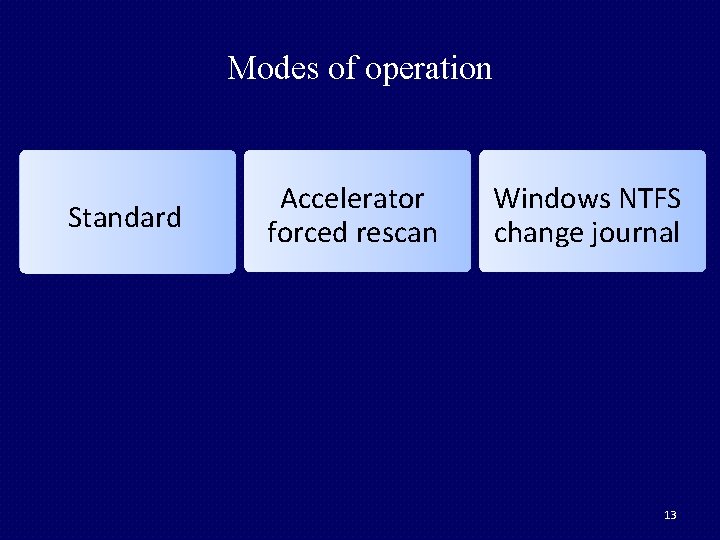
Modes of operation Standard Accelerator forced rescan Windows NTFS change journal 13
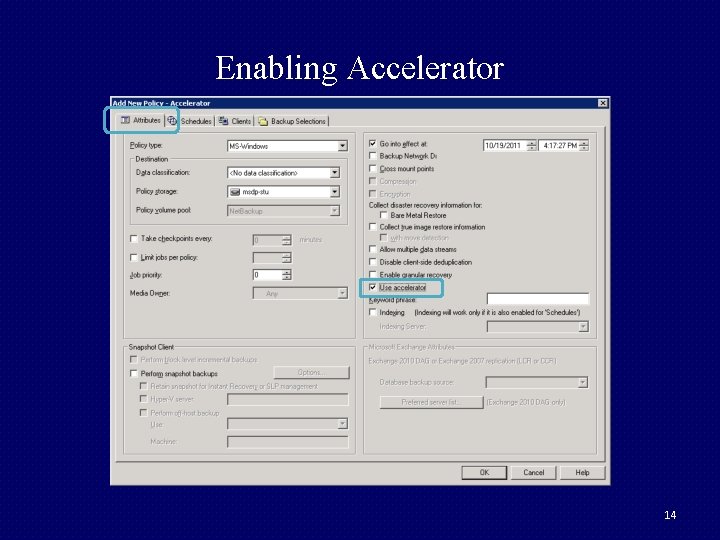
Enabling Accelerator 14
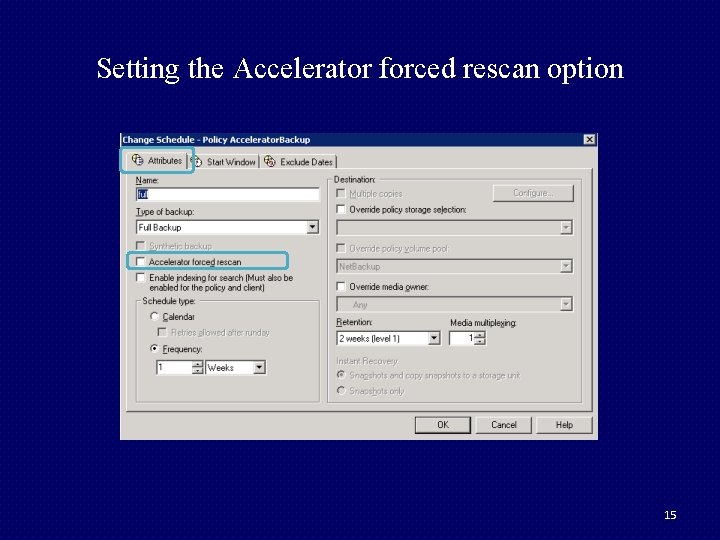
Setting the Accelerator forced rescan option 15
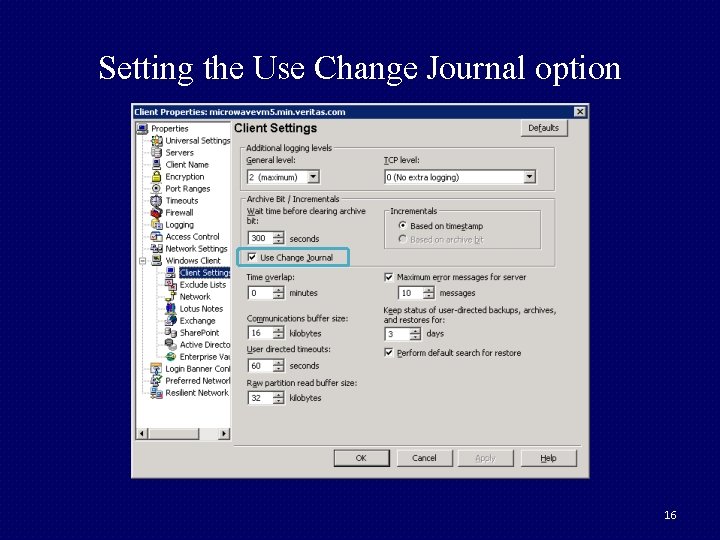
Setting the Use Change Journal option 16
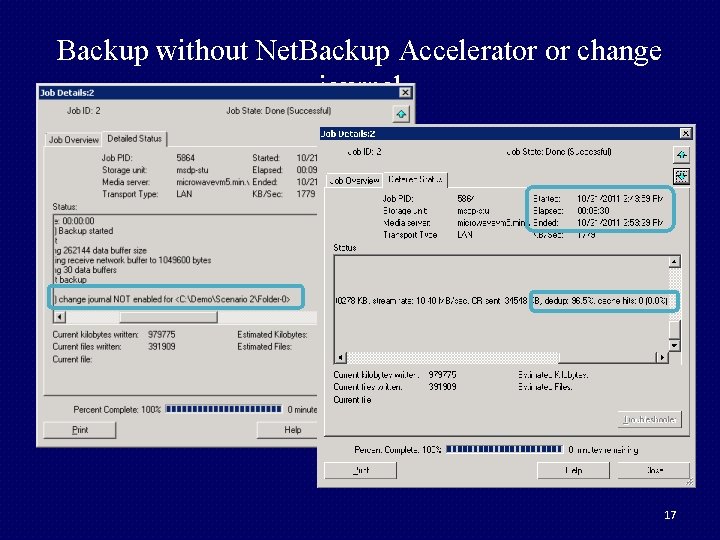
Backup without Net. Backup Accelerator or change journal 17
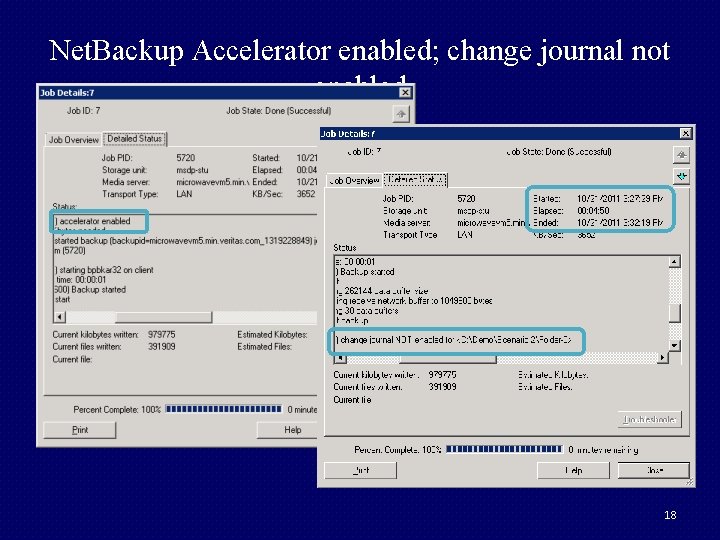
Net. Backup Accelerator enabled; change journal not enabled 18
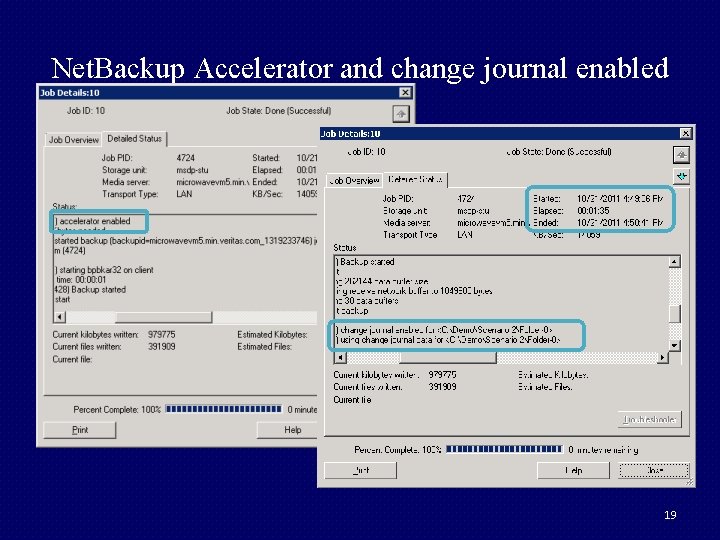
Net. Backup Accelerator and change journal enabled 19

Thank You! 20
- Slides: 20