2021524 WIRESHARK 121 WIRESHARK http www wireshark org
- Slides: 20
2021/5/24 WIRESHARK 的安裝與基本操作 1/21
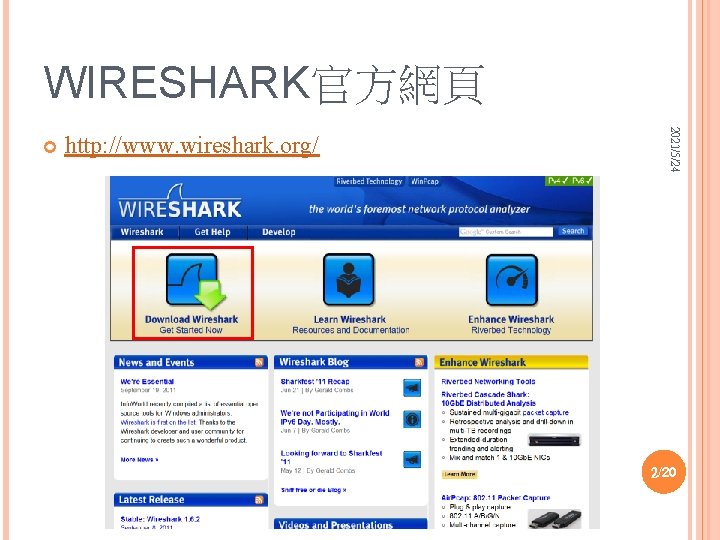
WIRESHARK官方網頁 http: //www. wireshark. org/ 2021/5/24 2/20
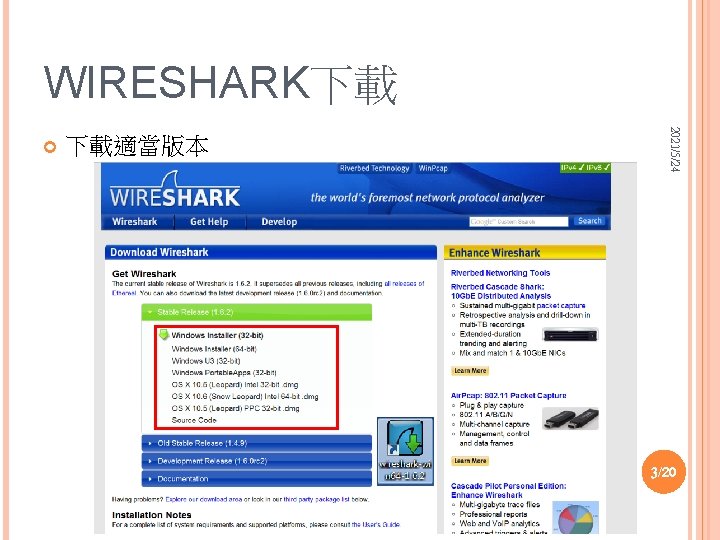
WIRESHARK下載 下載適當版本 2021/5/24 3/20
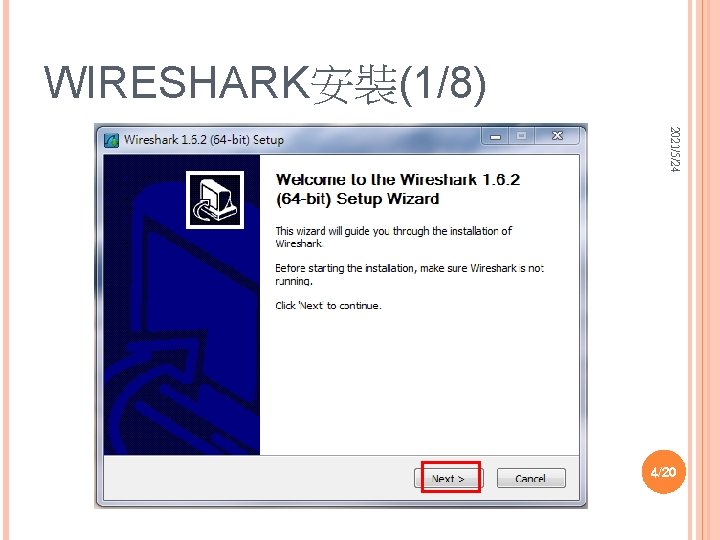
WIRESHARK安裝(1/8) 2021/5/24 4/20
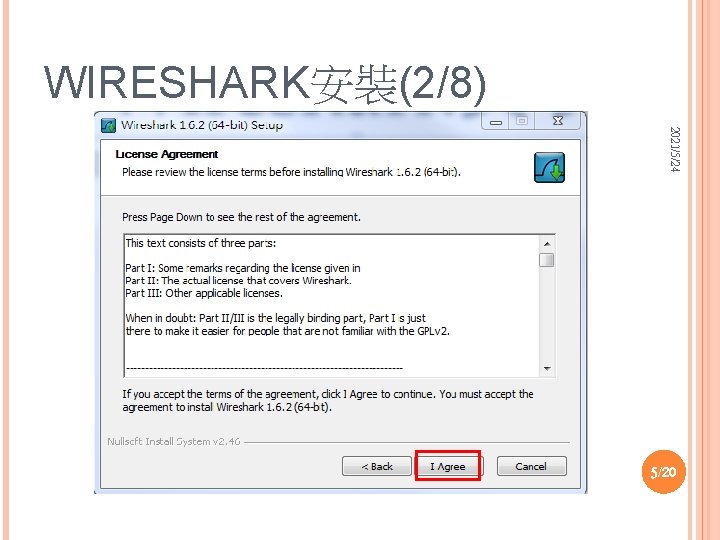
WIRESHARK安裝(2/8) 2021/5/24 5/20
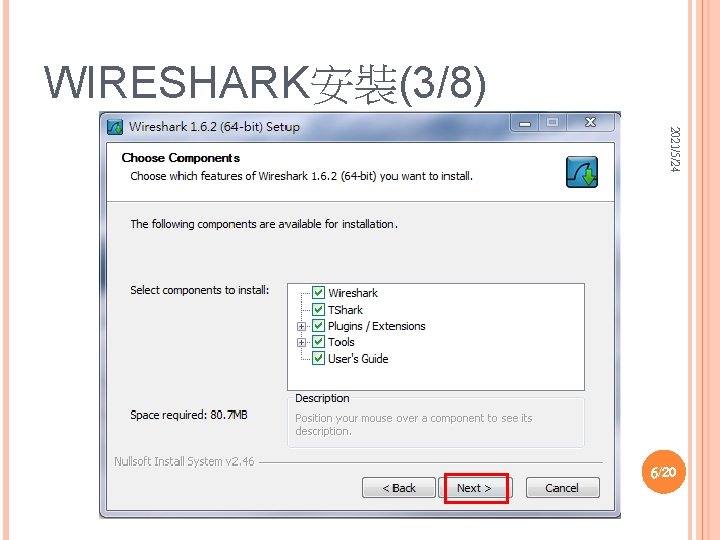
WIRESHARK安裝(3/8) 2021/5/24 6/20
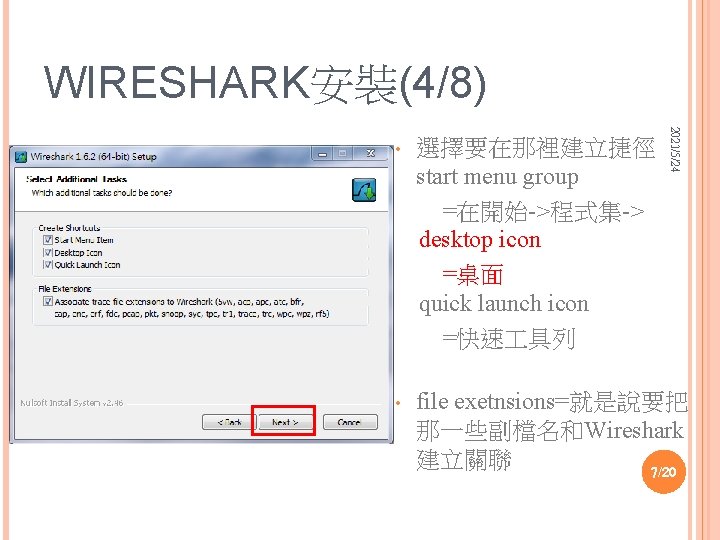
WIRESHARK安裝(4/8) 2021/5/24 • 選擇要在那裡建立捷徑 start menu group =在開始->程式集-> desktop icon =桌面 quick launch icon =快速 具列 • file exetnsions=就是說要把 那一些副檔名和Wireshark 建立關聯 7/20
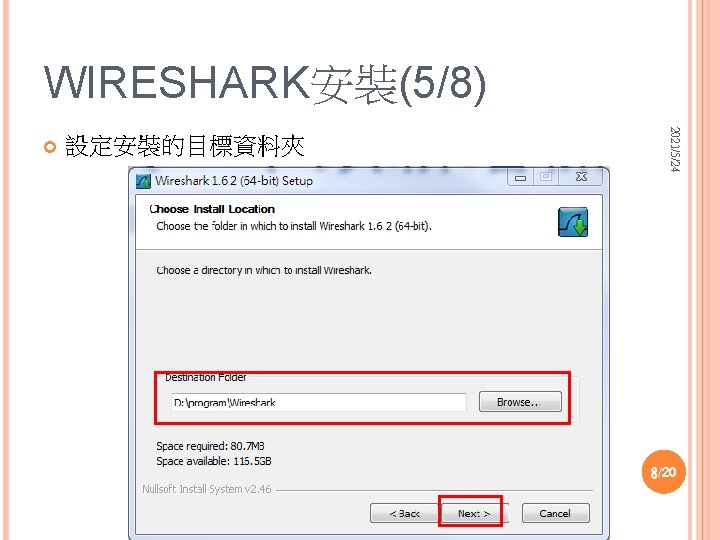
WIRESHARK安裝(5/8) 設定安裝的目標資料夾 2021/5/24 8/20
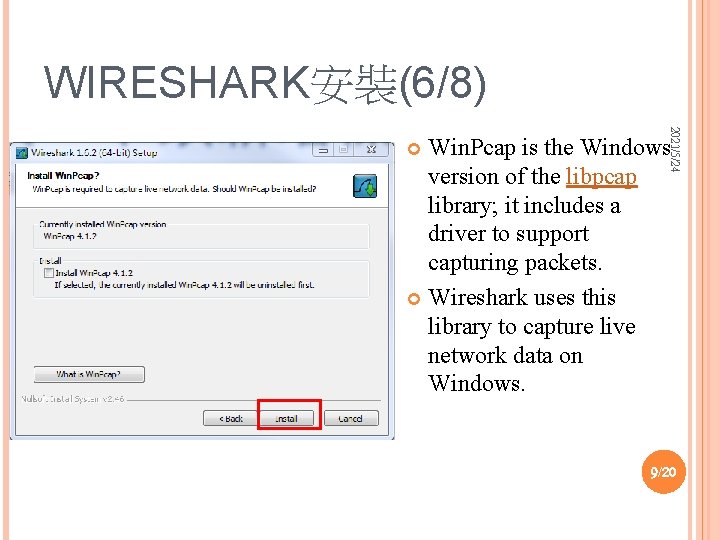
WIRESHARK安裝(6/8) 2021/5/24 Win. Pcap is the Windows version of the libpcap library; it includes a driver to support capturing packets. Wireshark uses this library to capture live network data on Windows. 9/20
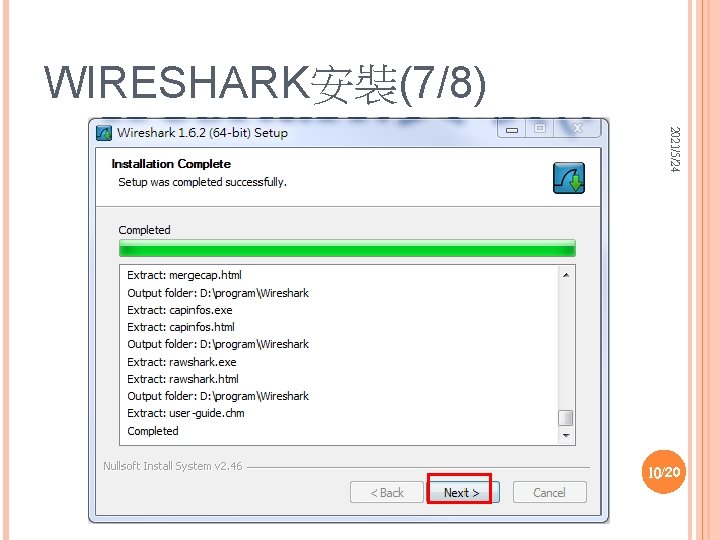
WIRESHARK安裝(7/8) 2021/5/24 10/20
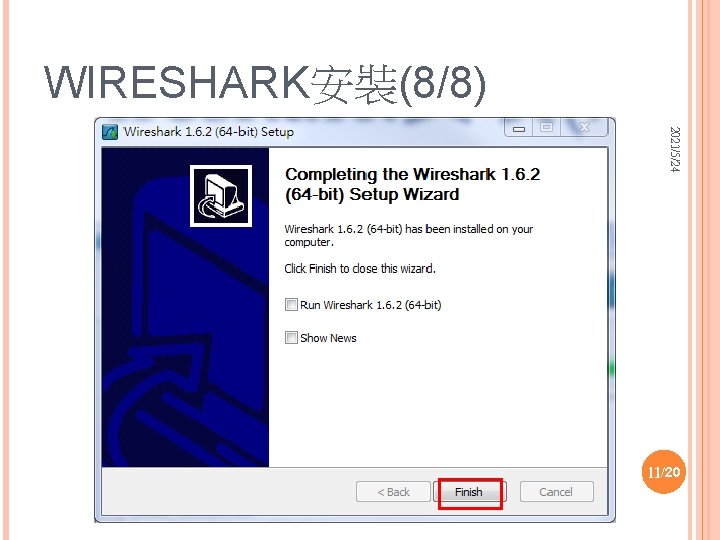
WIRESHARK安裝(8/8) 2021/5/24 11/20
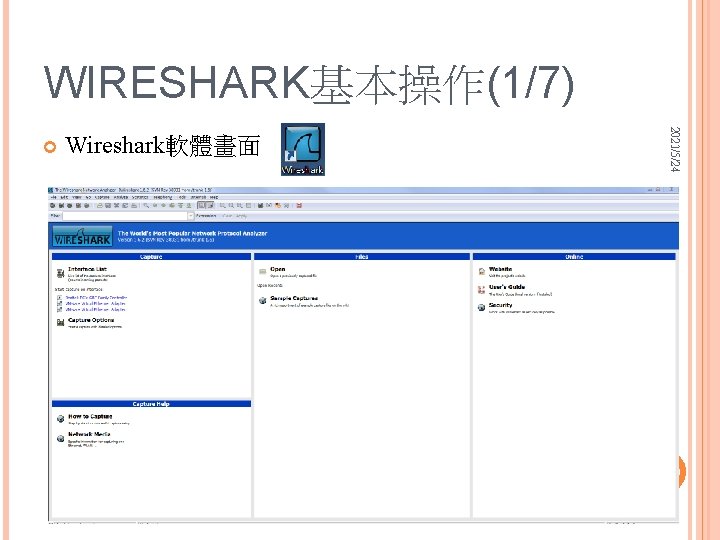
WIRESHARK基本操作(1/7) Wireshark軟體畫面 2021/5/24 12/20
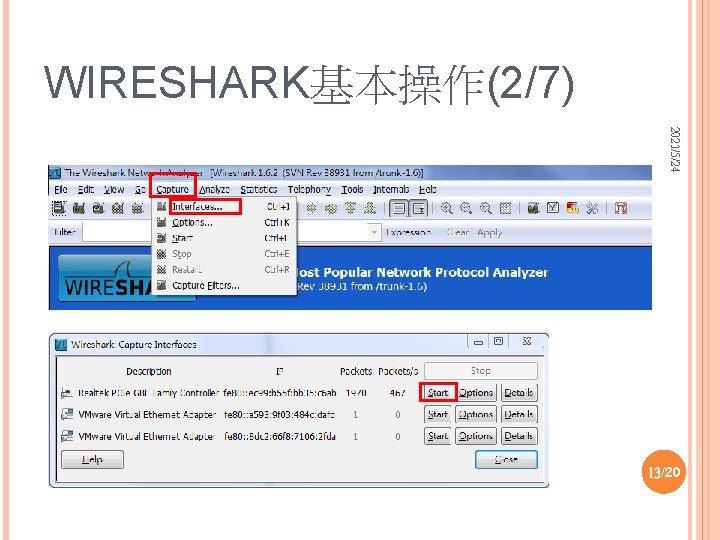
WIRESHARK基本操作(2/7) 2021/5/24 13/20
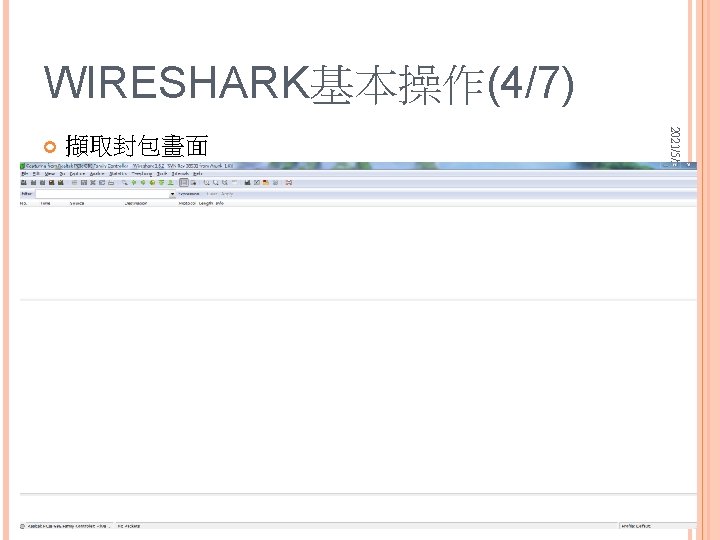
WIRESHARK基本操作(4/7) 擷取封包畫面 2021/5/24 15/20
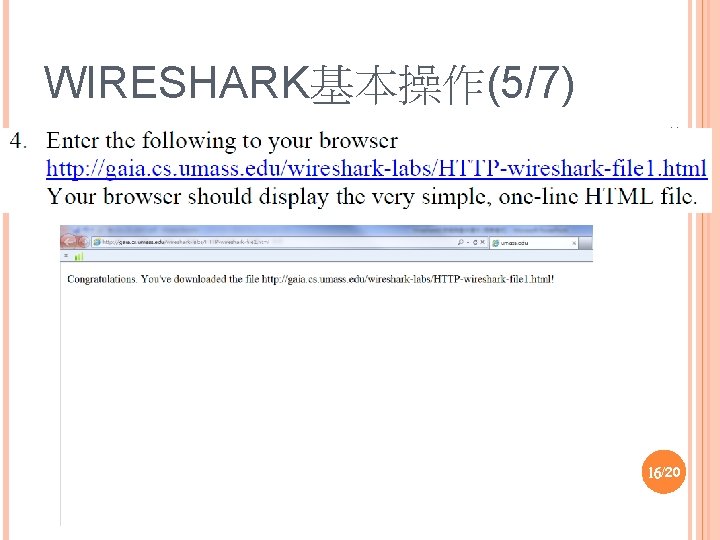
WIRESHARK基本操作(5/7) 2021/5/24 16/20
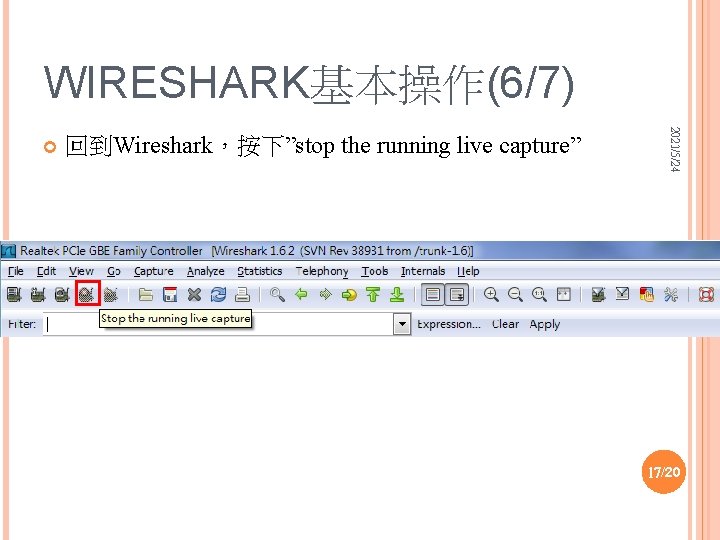
WIRESHARK基本操作(6/7) 回到Wireshark,按下”stop the running live capture” 2021/5/24 17/20
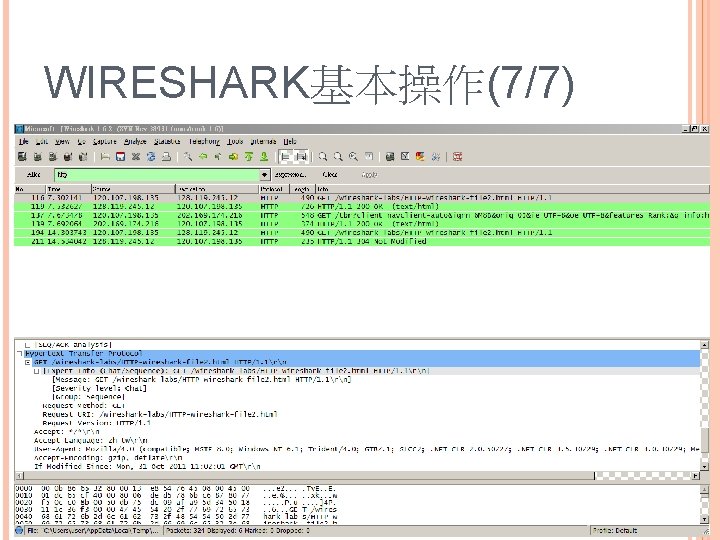
WIRESHARK基本操作(7/7) 2021/5/24 18/20