Welcome Microsoft Dynamics GP User Group GPUG Wisconsin
- Slides: 10
Welcome! Microsoft Dynamics GP User Group (GPUG) Wisconsin MKE Chapter Meeting Tweet During today’s meeting: @GPUG, #GPUGWi. Mke, #GPUG
GP 2016 OData Service Presented by Tom Monfre Batteries Plus Bulbs Tweet During today’s meeting: @GPUG, #GPUG<Location>, #GPUG<Topic> 2
GP 2016 OData Service • What is it? (Open Data Protocol) • Installation • Configuration • Data Sources • Publishing • User Setup • Security
What is it? • OData is a standardized protocol for creating and consuming data APIs (Application Program Interface). OData builds on core protocols like HTTP (Hypertext Transfer Protocol) and commonly accepted methodologies like REST (Representational State Transfer). • Once the service is deployed it can be used to select data (SQL Tables, SQL Views, and SQL Stored Procedures) for use in an Excel or Power. BI report. • The Dynamics GP implementation uses GP security rather than AD & SQL security.
Installation • Determine the Port you want to use. The default is 443. • The SSL Certificate you want to use. It can be self signed or third party. • An AD account to run the service.
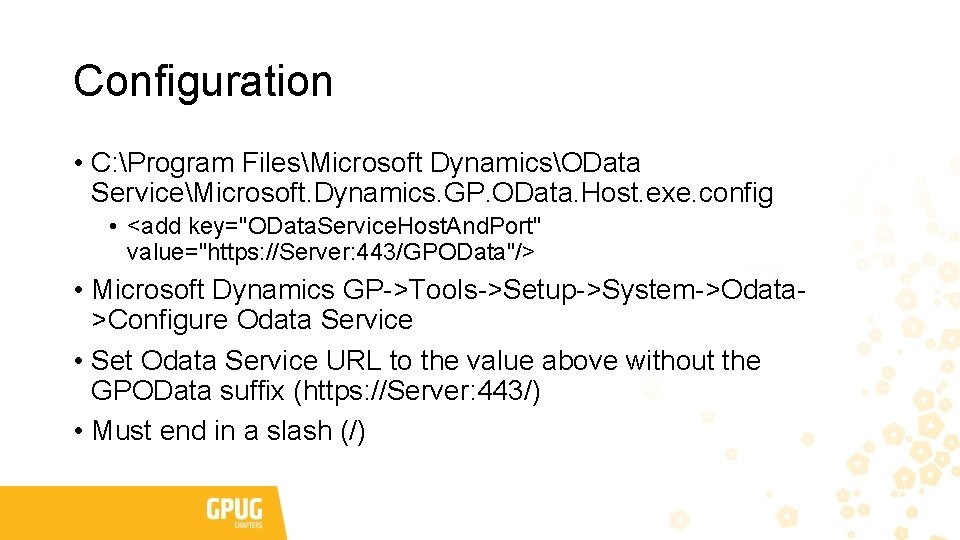
Configuration • C: Program FilesMicrosoft DynamicsOData ServiceMicrosoft. Dynamics. GP. OData. Host. exe. config • <add key="OData. Service. Host. And. Port" value="https: //Server: 443/GPOData"/> • Microsoft Dynamics GP->Tools->Setup->System->Odata>Configure Odata Service • Set Odata Service URL to the value above without the GPOData suffix (https: //Server: 443/) • Must end in a slash (/)
Data Sources • Views • Stored Procedures • Tables • Custom Objects • Views • Stored Procedures • Tables
Publishing • Adding to the publish list • Removing from the publish list
User Setup • Directory Account • User Security Setup • OD* Roles • https: //community. dynamics. com/gp/b/dynamicsgp/archive/2016/10/14/ new-security-roles-and-tasks-are-missing-when-upgrading-to-microsoftdynamics-gp-2016 -r 2 -and-year-end-update
Security • OData Security Roles • OData Security Tasks • Views • Stored Procedures • Custom • Microsoft-Dynamics-GP-2016 -OData-Feature. pdf • http: //www. combussol. com/wp-content/uploads/Microsoft-Dynamics-GP -2016 -OData-Feature. pdf