VRML Anthony Steed Department of Computer Science University

- Slides: 30
VRML Anthony Steed Department of Computer Science University College London ©Anthony Steed 1998 -2001
Introduction to VRML • Virtual Reality Modelling Language – A file format to describe 3 D scenes • identified by “. wrl” extension – Also a description of a run-time system for animating worlds – Designed to be used in network situations • Integration with web browsers • Can embed VRML in HTML documents – Supports interaction and simulation of behaviour of objects • 3 D hyperlinks • Movement about scene – Designed to run on desktop PCs through to high-end workstations – MIME type is model/vrml
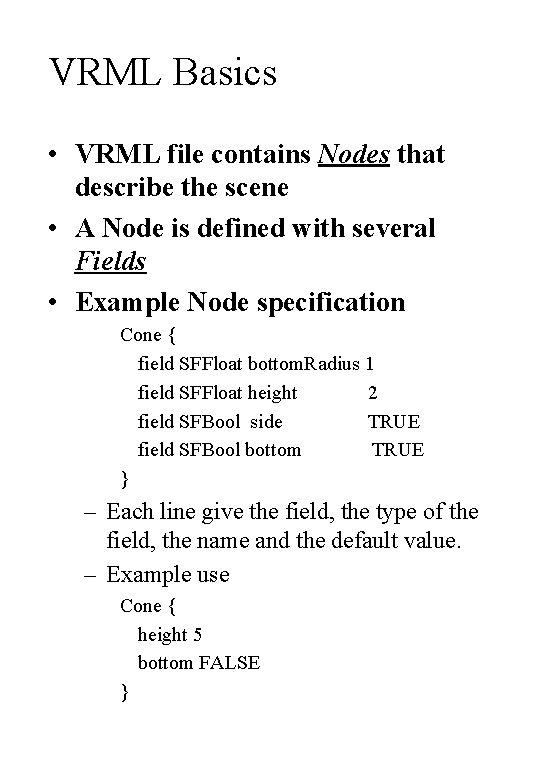
VRML Basics • VRML file contains Nodes that describe the scene • A Node is defined with several Fields • Example Node specification Cone { field SFFloat bottom. Radius 1 field SFFloat height 2 field SFBool side TRUE field SFBool bottom TRUE } – Each line give the field, the type of the field, the name and the default value. – Example use Cone { height 5 bottom FALSE }
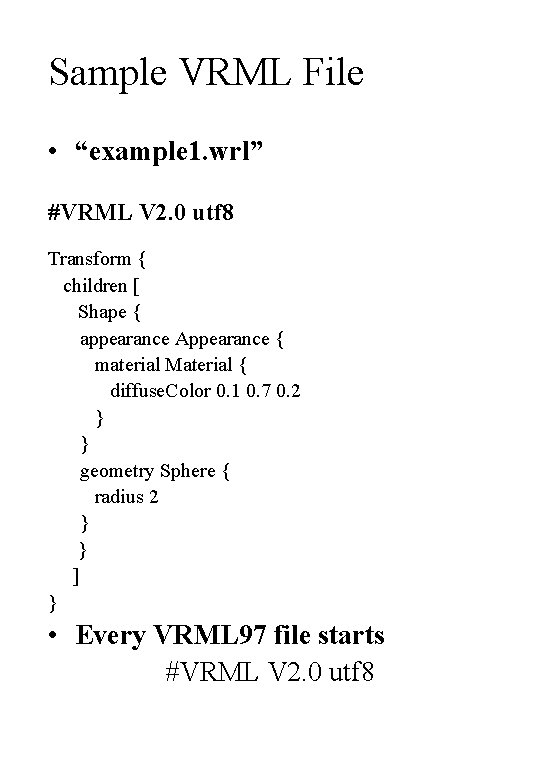
Sample VRML File • “example 1. wrl” #VRML V 2. 0 utf 8 Transform { children [ Shape { appearance Appearance { material Material { diffuse. Color 0. 1 0. 7 0. 2 } } geometry Sphere { radius 2 } } ] } • Every VRML 97 file starts #VRML V 2. 0 utf 8
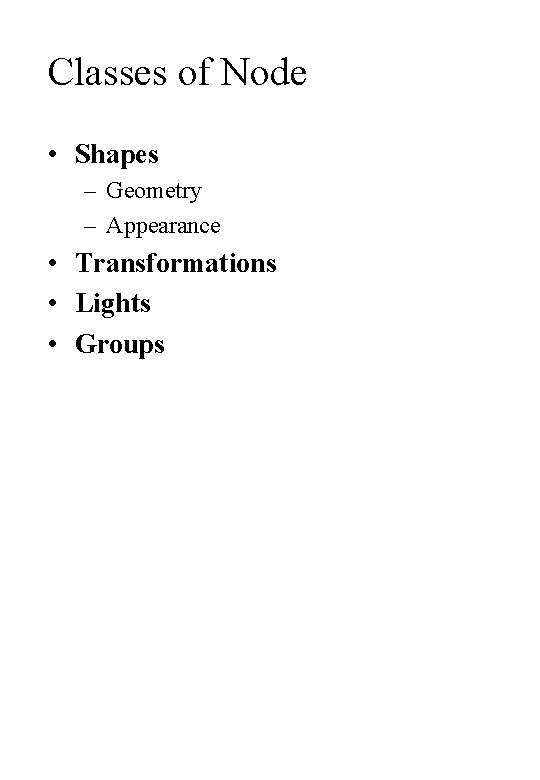
Classes of Node • Shapes – Geometry – Appearance • Transformations • Lights • Groups
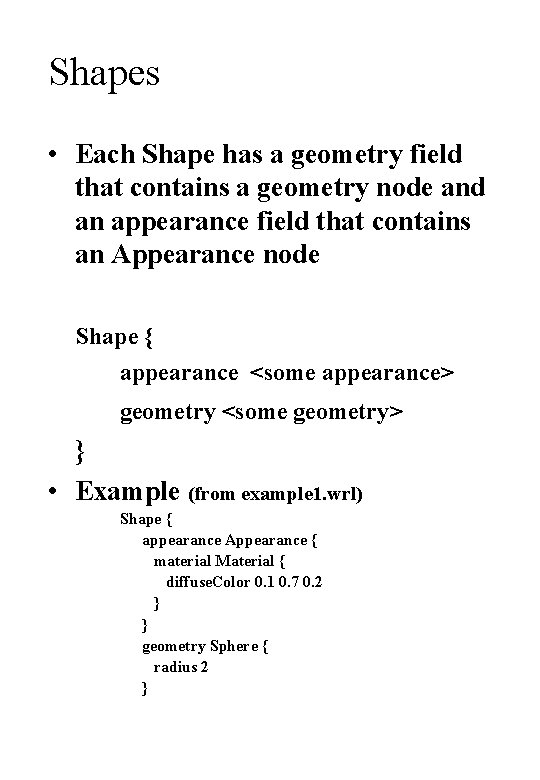
Shapes • Each Shape has a geometry field that contains a geometry node and an appearance field that contains an Appearance node Shape { appearance <some appearance> geometry <some geometry> } • Example (from example 1. wrl) Shape { appearance Appearance { material Material { diffuse. Color 0. 1 0. 7 0. 2 } } geometry Sphere { radius 2 }
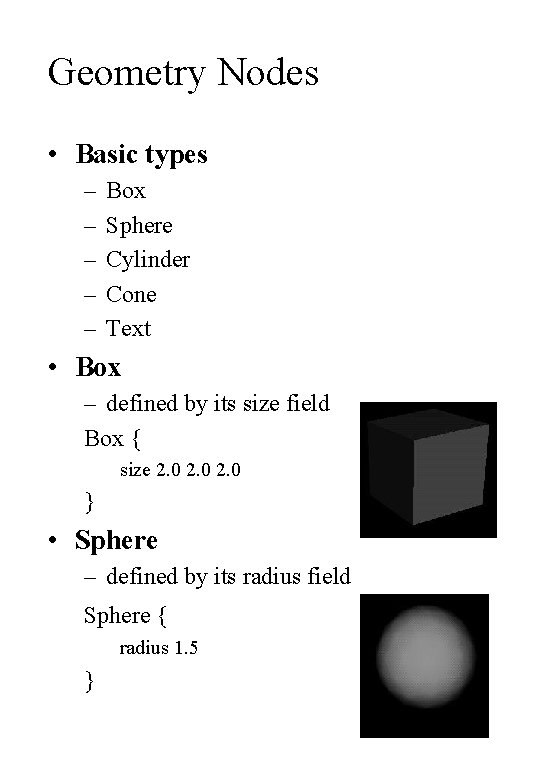
Geometry Nodes • Basic types – – – Box Sphere Cylinder Cone Text • Box – defined by its size field Box { size 2. 0 } • Sphere – defined by its radius field Sphere { radius 1. 5 }
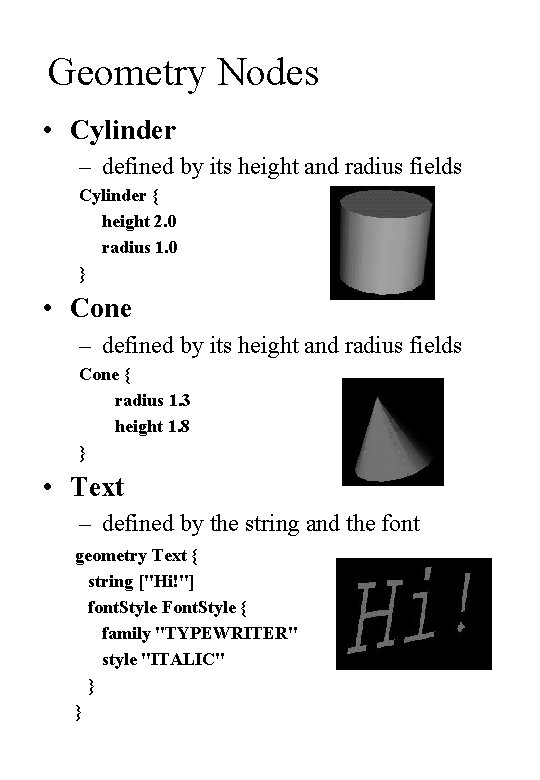
Geometry Nodes • Cylinder – defined by its height and radius fields Cylinder { height 2. 0 radius 1. 0 } • Cone – defined by its height and radius fields Cone { radius 1. 3 height 1. 8 } • Text – defined by the string and the font geometry Text { string ["Hi!"] font. Style Font. Style { family "TYPEWRITER" style "ITALIC" } }
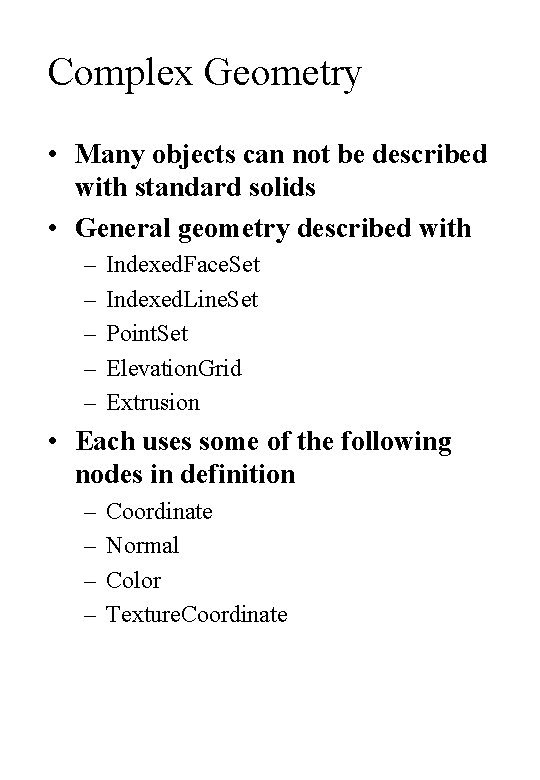
Complex Geometry • Many objects can not be described with standard solids • General geometry described with – – – Indexed. Face. Set Indexed. Line. Set Point. Set Elevation. Grid Extrusion • Each uses some of the following nodes in definition – – Coordinate Normal Color Texture. Coordinate
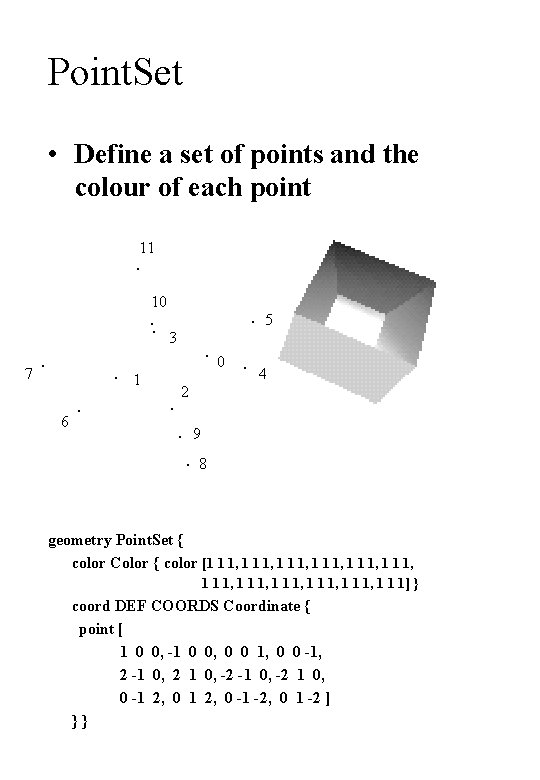
Point. Set • Define a set of points and the colour of each point 11 10 5 3 0 7 1 6 4 2 9 8 geometry Point. Set { color Color { color [1 1 1, 1 1 1, 1 1 1, 1 1 1] } coord DEF COORDS Coordinate { point [ 1 0 0, -1 0 0, 0 0 1, 0 0 -1, 2 -1 0, 2 1 0, -2 -1 0, -2 1 0, 0 -1 2, 0 -1 -2, 0 1 -2 ] }}
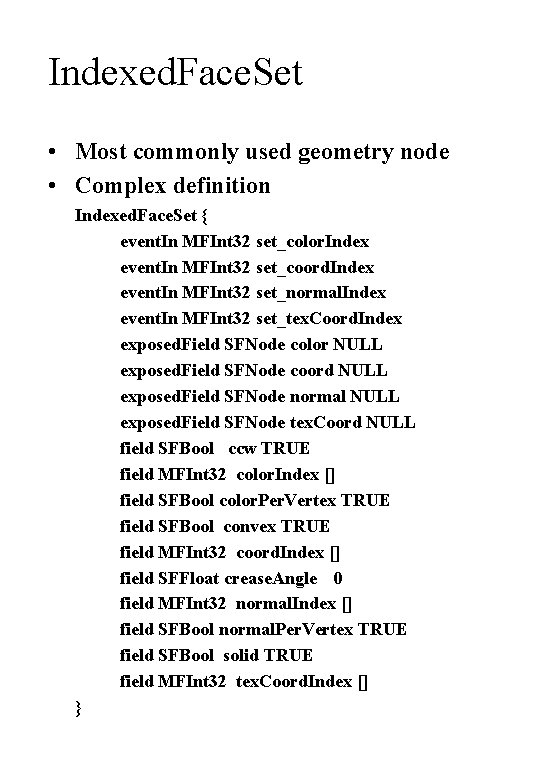
Indexed. Face. Set • Most commonly used geometry node • Complex definition Indexed. Face. Set { event. In MFInt 32 set_color. Index event. In MFInt 32 set_coord. Index event. In MFInt 32 set_normal. Index event. In MFInt 32 set_tex. Coord. Index exposed. Field SFNode color NULL exposed. Field SFNode coord NULL exposed. Field SFNode normal NULL exposed. Field SFNode tex. Coord NULL field SFBool ccw TRUE field MFInt 32 color. Index [] field SFBool color. Per. Vertex TRUE field SFBool convex TRUE field MFInt 32 coord. Index [] field SFFloat crease. Angle 0 field MFInt 32 normal. Index [] field SFBool normal. Per. Vertex TRUE field SFBool solid TRUE field MFInt 32 tex. Coord. Index [] }
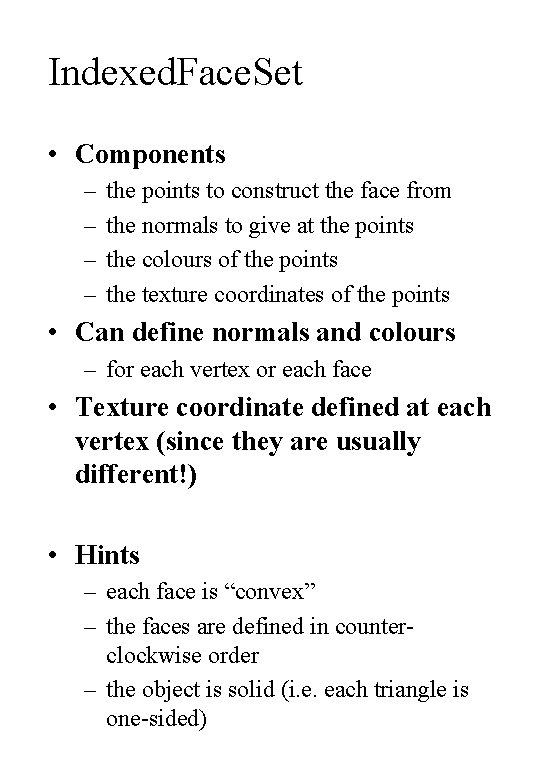
Indexed. Face. Set • Components – – the points to construct the face from the normals to give at the points the colours of the points the texture coordinates of the points • Can define normals and colours – for each vertex or each face • Texture coordinate defined at each vertex (since they are usually different!) • Hints – each face is “convex” – the faces are defined in counterclockwise order – the object is solid (i. e. each triangle is one-sided)
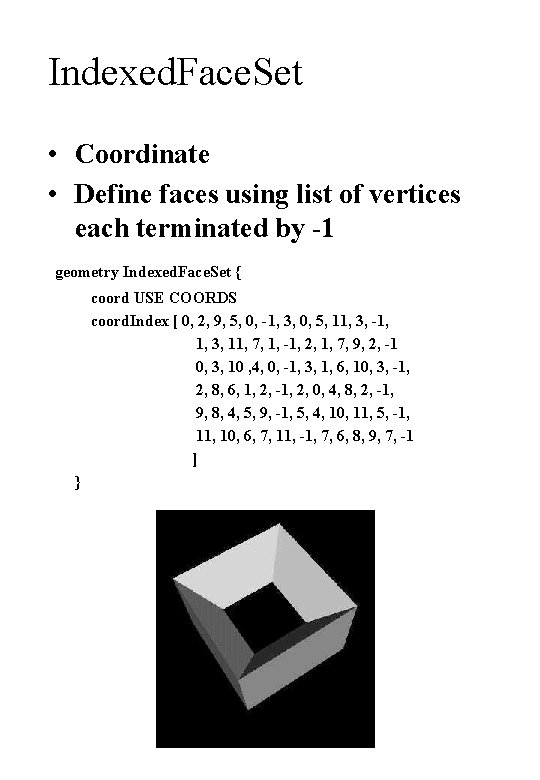
Indexed. Face. Set • Coordinate • Define faces using list of vertices each terminated by -1 geometry Indexed. Face. Set { coord USE COORDS coord. Index [ 0, 2, 9, 5, 0, -1, 3, 0, 5, 11, 3, -1, 1, 3, 11, 7, 1, -1, 2, 1, 7, 9, 2, -1 0, 3, 10 , 4, 0, -1, 3, 1, 6, 10, 3, -1, 2, 8, 6, 1, 2, -1, 2, 0, 4, 8, 2, -1, 9, 8, 4, 5, 9, -1, 5, 4, 10, 11, 5, -1, 10, 6, 7, 11, -1, 7, 6, 8, 9, 7, -1 ] }
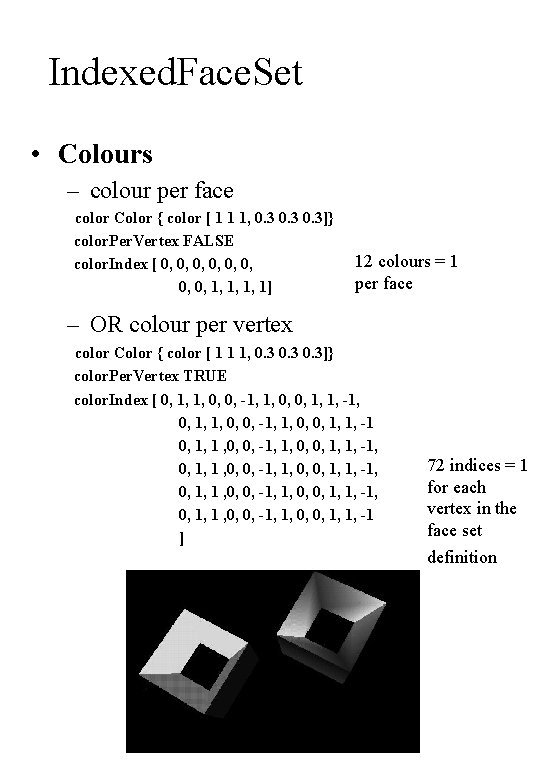
Indexed. Face. Set • Colours – colour per face color Color { color [ 1 1 1, 0. 3]} color. Per. Vertex FALSE color. Index [ 0, 0, 1, 1, 1, 1] 12 colours = 1 per face – OR colour per vertex color Color { color [ 1 1 1, 0. 3]} color. Per. Vertex TRUE color. Index [ 0, 1, 1, 0, 0, -1, 1, 0, 0, 1, 1, -1, 0, 1, 1, 0, 0, -1, 1, 0, 0, 1, 1, -1 0, 1, 1 , 0, 0, -1, 1, 0, 0, 1, 1, -1, 0, 1, 1 , 0, 0, -1, 1, 0, 0, 1, 1, -1 ] 72 indices = 1 for each vertex in the face set definition
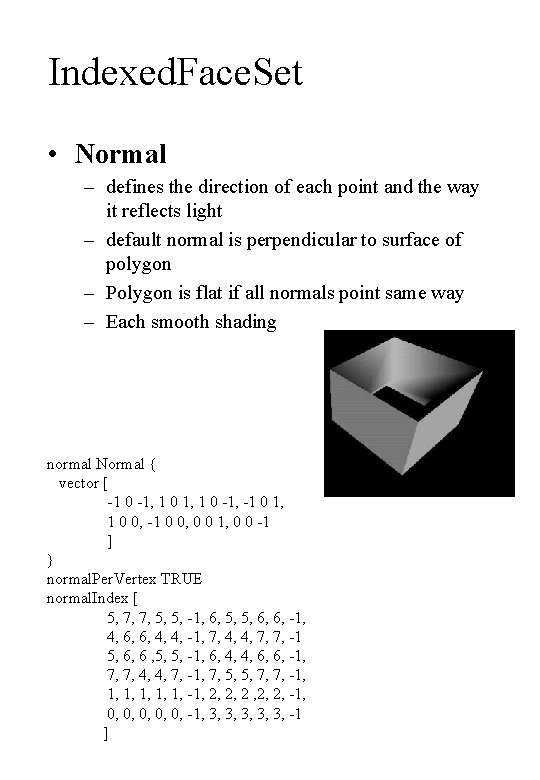
Indexed. Face. Set • Normal – defines the direction of each point and the way it reflects light – default normal is perpendicular to surface of polygon – Polygon is flat if all normals point same way – Each smooth shading normal Normal { vector [ -1 0 -1, -1 0 1, 1 0 0, -1 0 0, 0 0 1, 0 0 -1 ] } normal. Per. Vertex TRUE normal. Index [ 5, 7, 7, 5, 5, -1, 6, 5, 5, 6, 6, -1, 4, 6, 6, 4, 4, -1, 7, 4, 4, 7, 7, -1 5, 6, 6 , 5, 5, -1, 6, 4, 4, 6, 6, -1, 7, 7, 4, 4, 7, -1, 7, 5, 5, 7, 7, -1, 1, 1, -1, 2, 2, 2, -1, 0, 0, 0, -1, 3, 3, 3, -1 ]
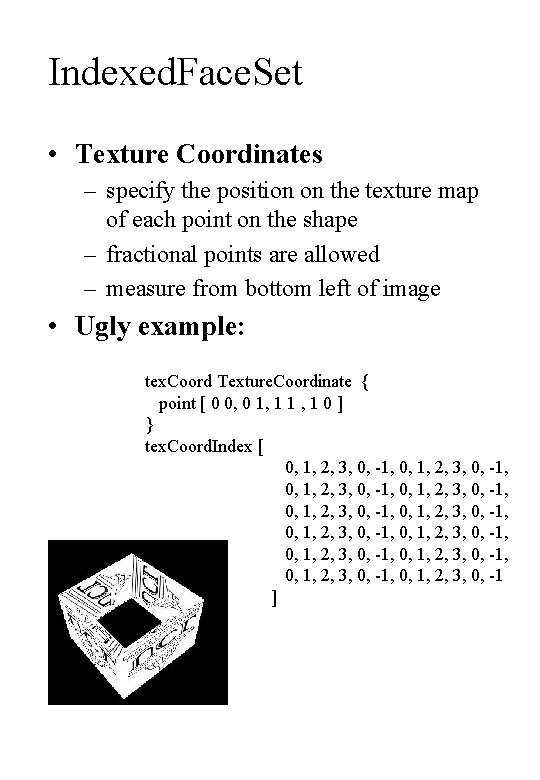
Indexed. Face. Set • Texture Coordinates – specify the position on the texture map of each point on the shape – fractional points are allowed – measure from bottom left of image • Ugly example: tex. Coord Texture. Coordinate { point [ 0 0, 0 1, 1 1 , 1 0 ] } tex. Coord. Index [ 0, 1, 2, 3, 0, -1, 0, 1, 2, 3, 0, -1, 0, 1, 2, 3, 0, -1, 0, 1, 2, 3, 0, -1 ]
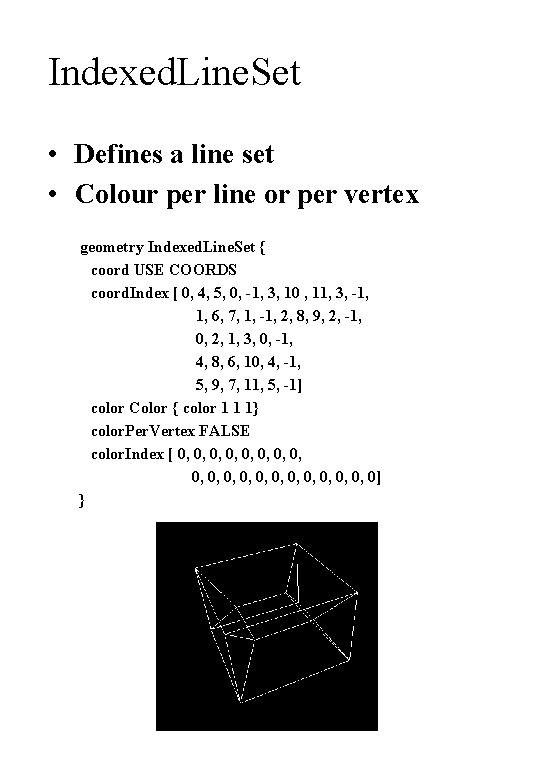
Indexed. Line. Set • Defines a line set • Colour per line or per vertex geometry Indexed. Line. Set { coord USE COORDS coord. Index [ 0, 4, 5, 0, -1, 3, 10 , 11, 3, -1, 1, 6, 7, 1, -1, 2, 8, 9, 2, -1, 0, 2, 1, 3, 0, -1, 4, 8, 6, 10, 4, -1, 5, 9, 7, 11, 5, -1] color Color { color 1 1 1} color. Per. Vertex FALSE color. Index [ 0, 0, 0, 0, 0, 0] }
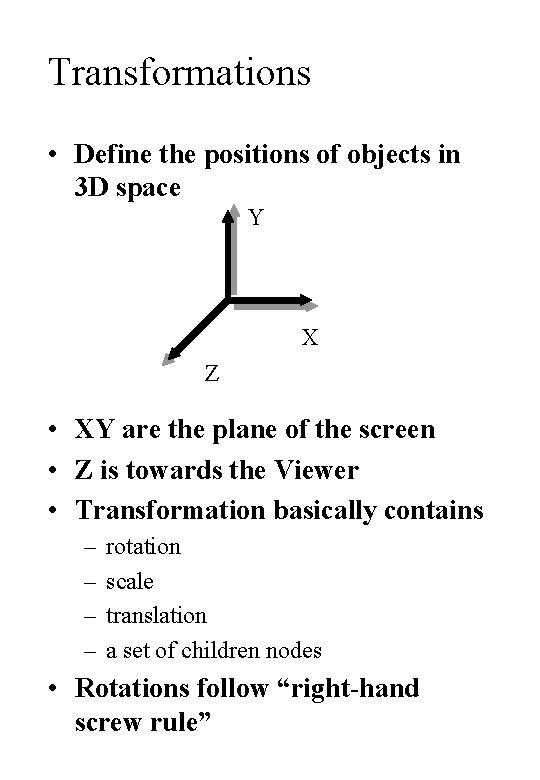
Transformations • Define the positions of objects in 3 D space Y X Z • XY are the plane of the screen • Z is towards the Viewer • Transformation basically contains – – rotation scale translation a set of children nodes • Rotations follow “right-hand screw rule”
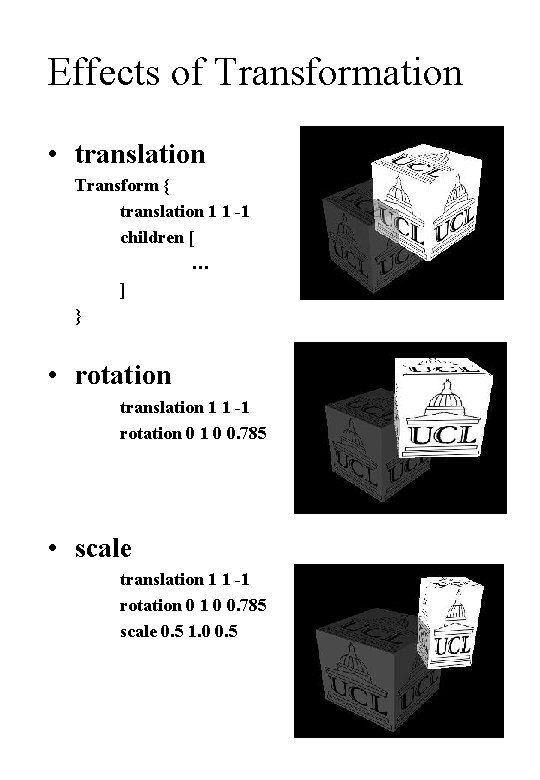
Effects of Transformation • translation Transform { translation 1 1 -1 children [ … ] } • rotation translation 1 1 -1 rotation 0 1 0 0. 785 • scale translation 1 1 -1 rotation 0 1 0 0. 785 scale 0. 5 1. 0 0. 5
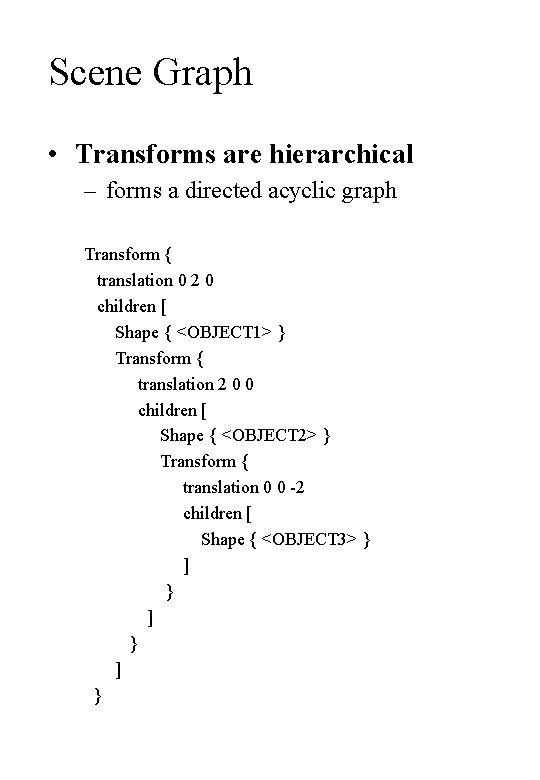
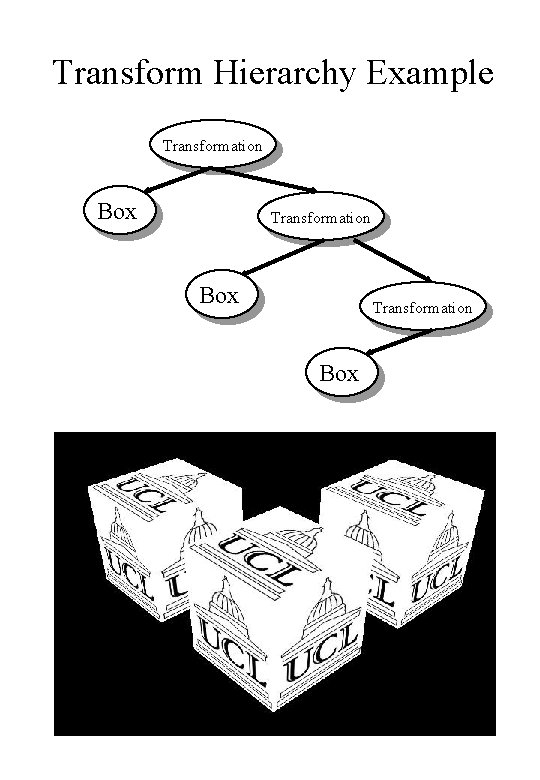
Scene Graph • Transforms are hierarchical – forms a directed acyclic graph Transform { translation 0 2 0 children [ Shape { <OBJECT 1> } Transform { translation 2 0 0 children [ Shape { <OBJECT 2> } Transform { translation 0 0 -2 children [ Shape { <OBJECT 3> } ] } ] }
Transform Hierarchy Example Transformation Box
Node Re-Use • Objects can be re-used using DEF/USE pairs • DEF a name for a node when it is first being decsribed DEF UCL_BOX Shape { appearance Appearance { texture Image. Texture { url ["logo. jpeg"] } } geometry Box { size 2 2 2 } } • USE a node whenever a node of that type is required – I. E. if you DEF an Appearance node then USE of that node must be in a place that is valid for an Appearance node to be
DEF/USE Example #VRML V 2. 0 utf 8 Transform { translation 0 0 0 children [ DEF UCL_BOX Shape { appearance Appearance { texture Image. Texture { url ["logo. jpeg"] } } geometry Box { size 2 2 2 } } ] } Transform { translation 0 3 0 children [ USE UCL_BOX ] }
Appearance • Defines the look of some piece of geometry – Material • combination of – – – ambient colour diffuse colour emmisive colour shinines transparency specular colour – Texture • defines a picture to paste to the object – fetch from a URL – supports movies – Texture. Transform • defines how the picture is applied to the object
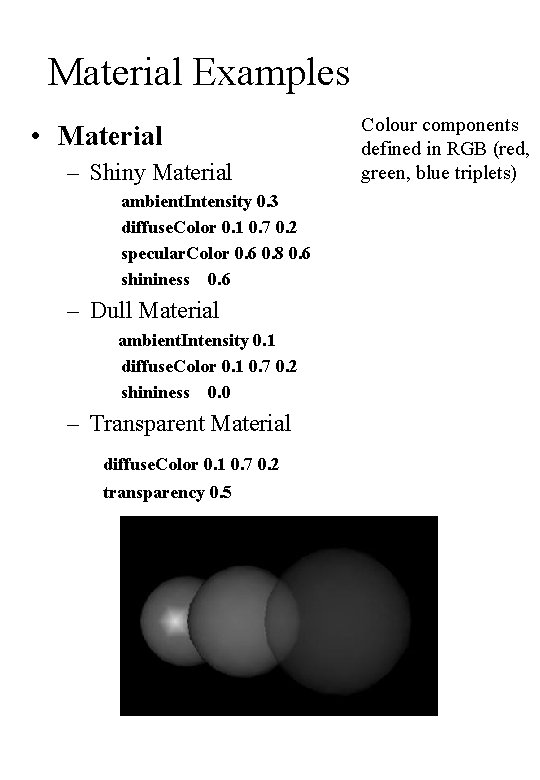
Material Examples • Material – Shiny Material ambient. Intensity 0. 3 diffuse. Color 0. 1 0. 7 0. 2 specular. Color 0. 6 0. 8 0. 6 shininess 0. 6 – Dull Material ambient. Intensity 0. 1 diffuse. Color 0. 1 0. 7 0. 2 shininess 0. 0 – Transparent Material diffuse. Color 0. 1 0. 7 0. 2 transparency 0. 5 Colour components defined in RGB (red, green, blue triplets)
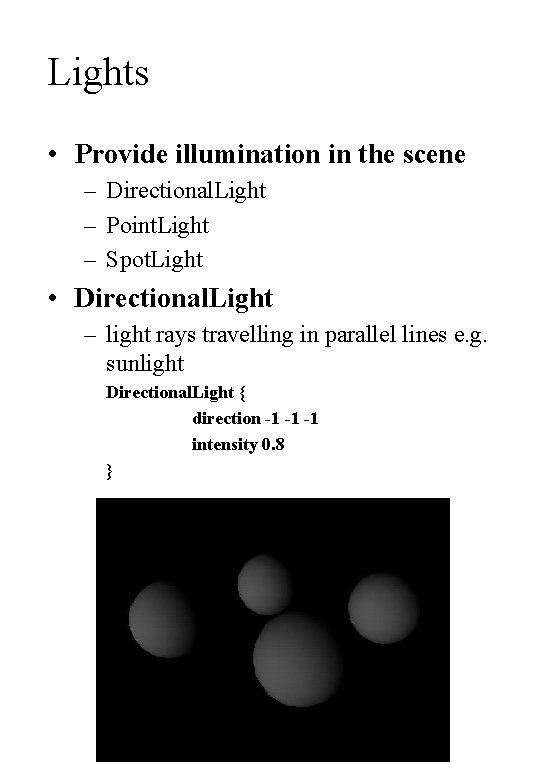
Lights • Provide illumination in the scene – Directional. Light – Point. Light – Spot. Light • Directional. Light – light rays travelling in parallel lines e. g. sunlight Directional. Light { direction -1 -1 -1 intensity 0. 8 }
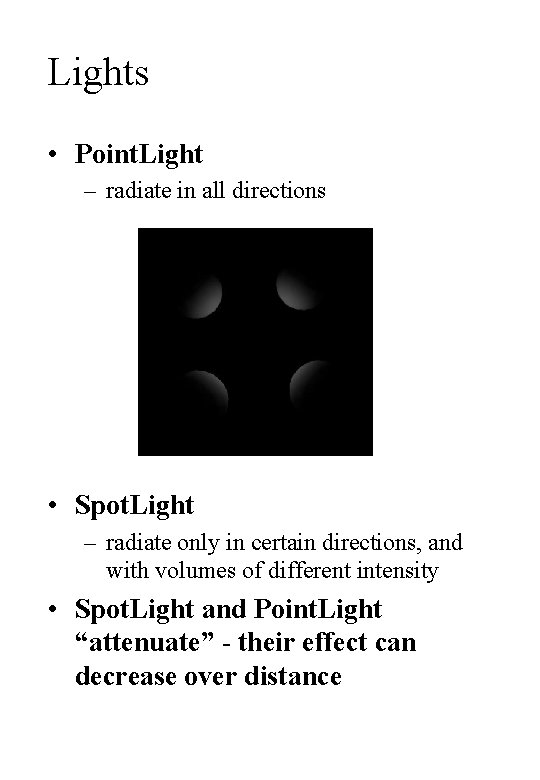
Lights • Point. Light – radiate in all directions • Spot. Light – radiate only in certain directions, and with volumes of different intensity • Spot. Light and Point. Light “attenuate” - their effect can decrease over distance
Other Things … • Interaction • Scripting – Java. Script • • Interpolators Sensors Fog Background Audio Video LOD Billboard
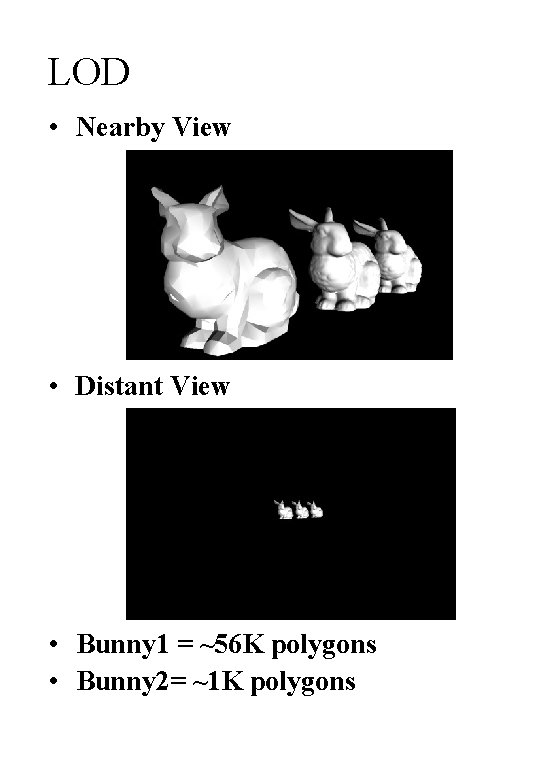
LOD • Nearby View • Distant View • Bunny 1 = ~56 K polygons • Bunny 2= ~1 K polygons
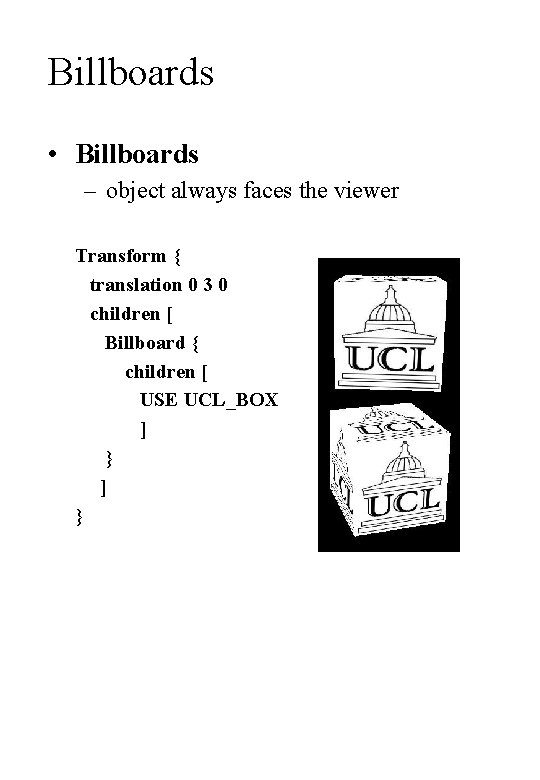
Billboards • Billboards – object always faces the viewer Transform { translation 0 3 0 children [ Billboard { children [ USE UCL_BOX ] }