Use Cases 1 What is a UseCase A
- Slides: 20
Use Cases 1
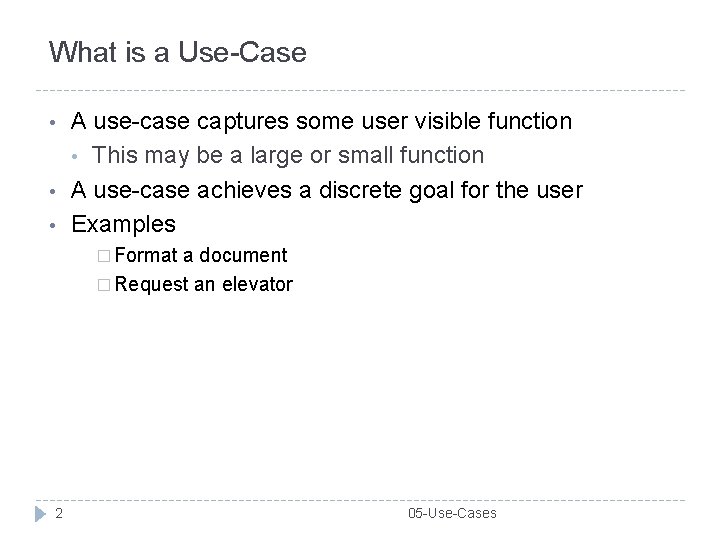
What is a Use-Case • • • A use-case captures some user visible function • This may be a large or small function A use-case achieves a discrete goal for the user Examples � Format a document � Request an elevator 2 05 -Use-Cases
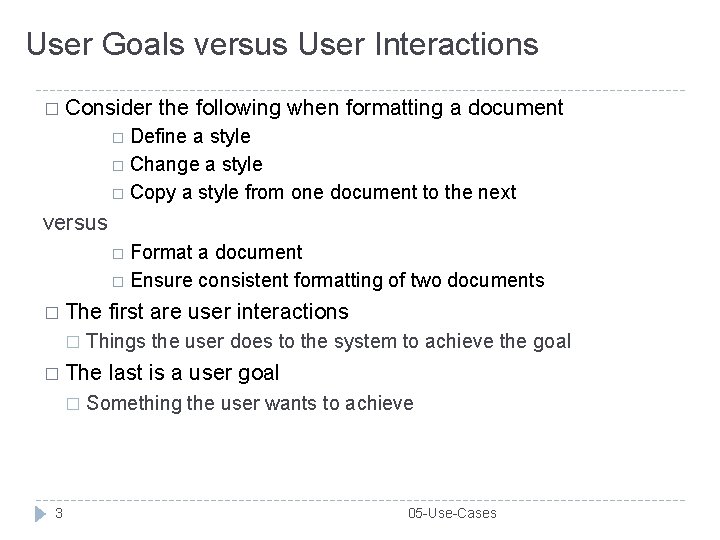
User Goals versus User Interactions � Consider the following when formatting a document Define a style Change a style Copy a style from one document to the next versus Format a document Ensure consistent formatting of two documents � The � Things the user does to the system to achieve the goal � The � 3 first are user interactions last is a user goal Something the user wants to achieve 05 -Use-Cases
Goals and Interactions • • There is a place for both goals and interactions Understand what the system shall do • Capture the user goals Understand how the user will achieve the goals Capture user interactions Sequences of user interactions • Thus, start with the user goals and then refine the user goals into several (many) user interactions 4 05 -Use-Cases
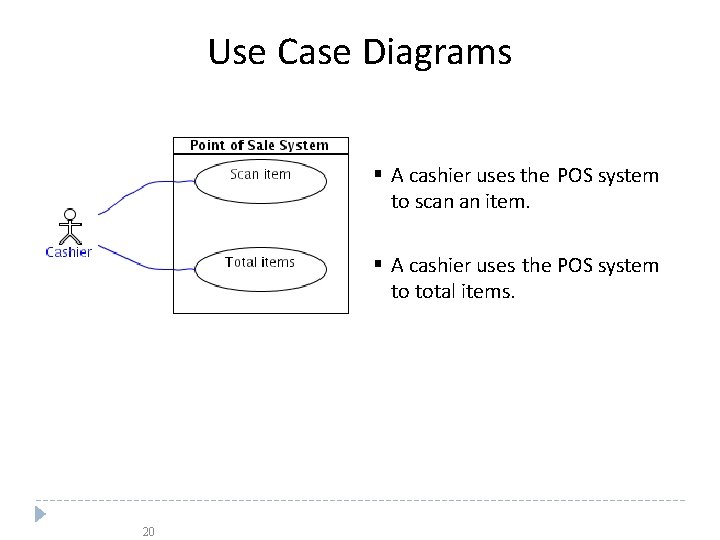
Use Case Diagrams A cashier uses the POS system to scan an item. A cashier uses the POS system to total items. 20
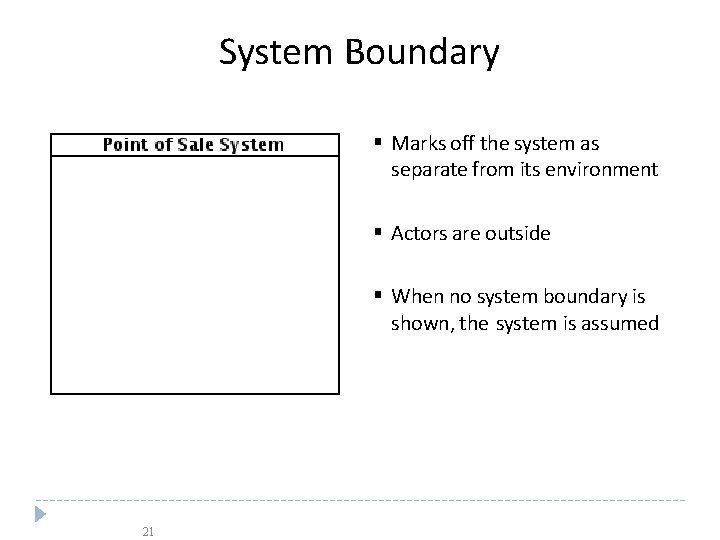
System Boundary Marks off the system as separate from its environment Actors are outside When no system boundary is shown, the system is assumed 21
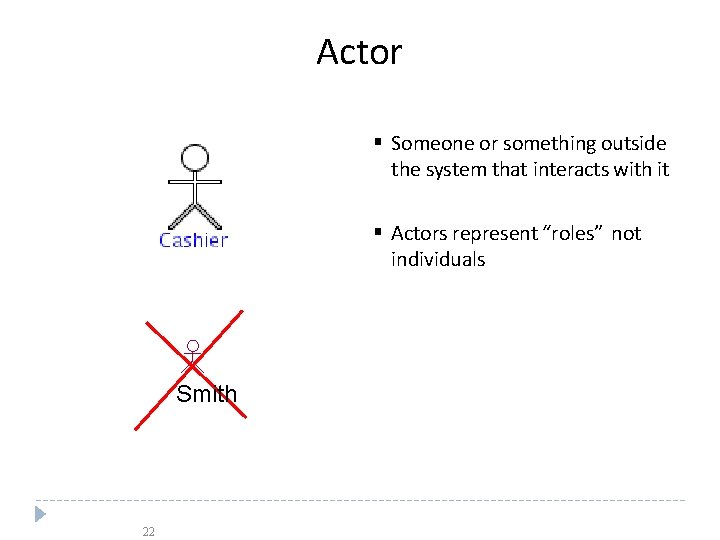
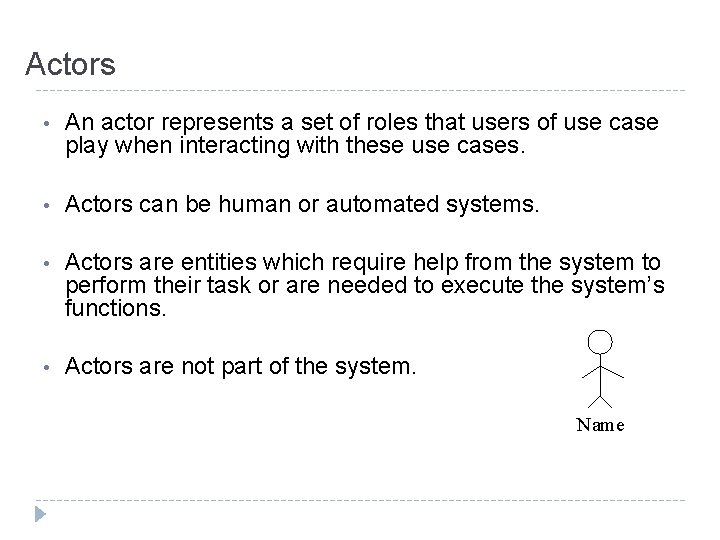
Actor Someone or something outside the system that interacts with it Actors represent “roles” not individuals Smith 22
Actors • An actor represents a set of roles that users of use case play when interacting with these use cases. • Actors can be human or automated systems. • Actors are entities which require help from the system to perform their task or are needed to execute the system’s functions. • Actors are not part of the system. Name
Use Cases and Actors • From the perspective of a given actor, a use case does something that is of value to the actor, such as calculate a result or change the state of an object. • The Actors define the environments in which the system lives
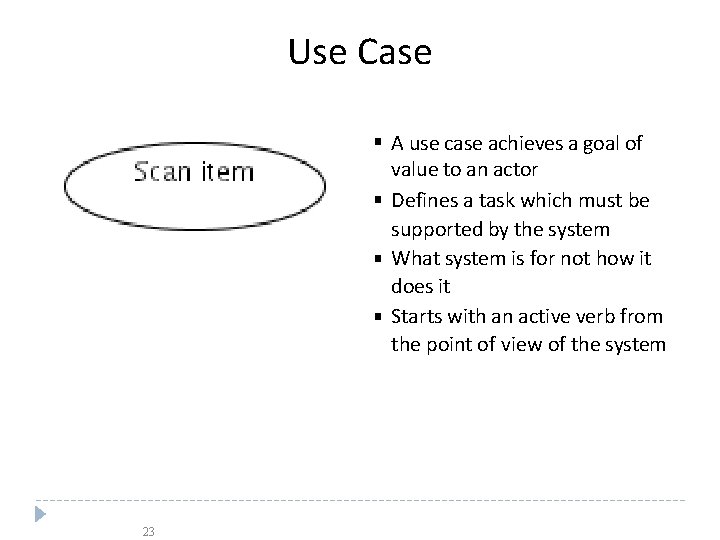
Use Case A use case achieves a goal of value to an actor Defines a task which must be supported by the system What system is for not how it does it Starts with an active verb from the point of view of the system 23
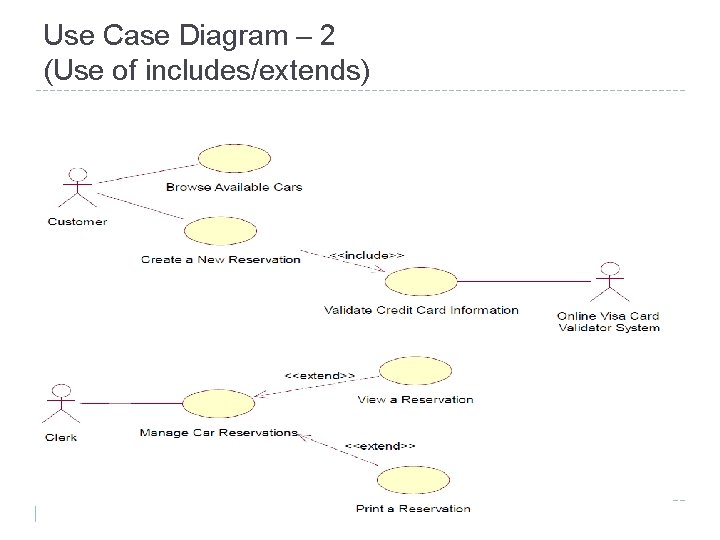
Relationships between Use Cases 1. Generalization - use cases that are specialized versions of other use cases. 2. Include - use cases that are included as parts of other use cases. Enable to factor common behavior. 3. Extend - use cases that extend the behavior of other core use cases. Enable to factor variants.
Use Case Modeling Example
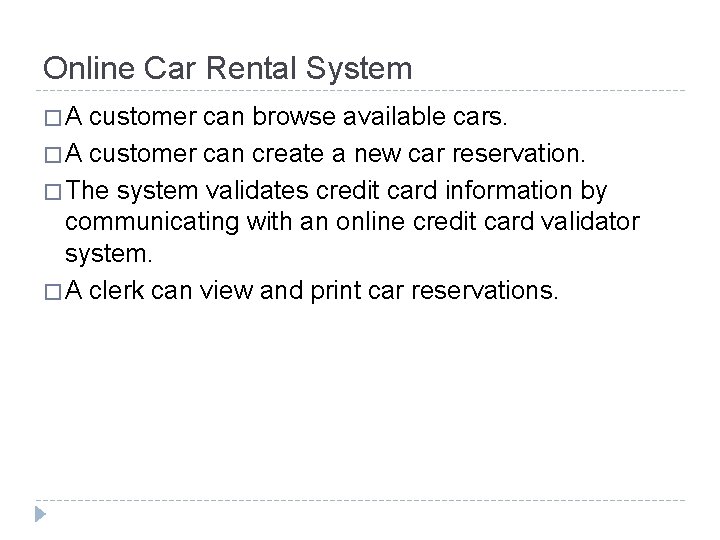
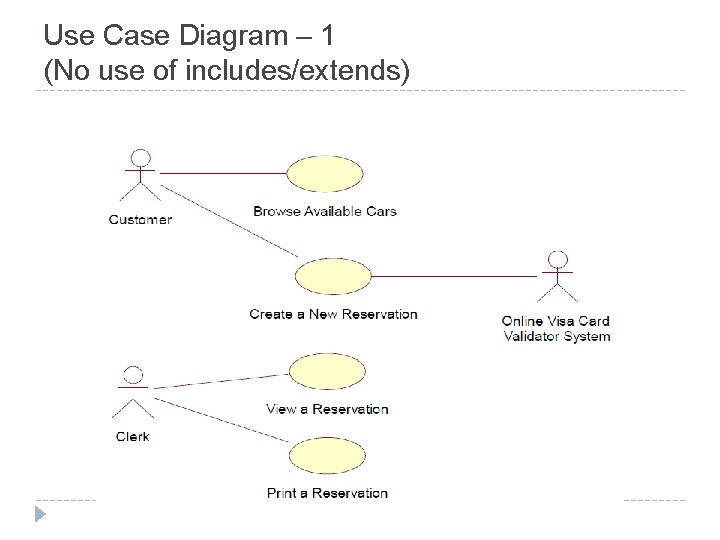
Online Car Rental System �A customer can browse available cars. � A customer can create a new car reservation. � The system validates credit card information by communicating with an online credit card validator system. � A clerk can view and print car reservations.
Use Case Diagram – 1 (No use of includes/extends)
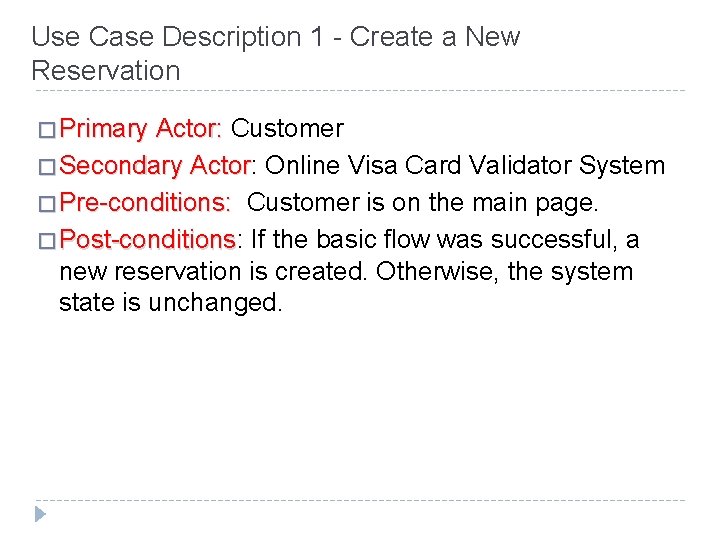
Use Case Description 1 - Create a New Reservation � Primary Actor: Customer � Secondary Actor: Actor Online Visa Card Validator System � Pre-conditions: Customer is on the main page. � Post-conditions: Post-conditions If the basic flow was successful, a new reservation is created. Otherwise, the system state is unchanged.
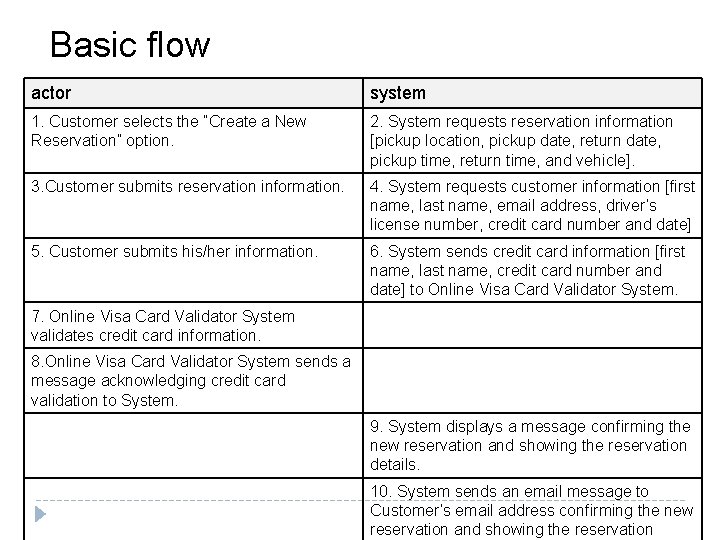
Basic flow actor system 1. Customer selects the “Create a New Reservation” option. 2. System requests reservation information [pickup location, pickup date, return date, pickup time, return time, and vehicle]. 3. Customer submits reservation information. 4. System requests customer information [first name, last name, email address, driver’s license number, credit card number and date] 5. Customer submits his/her information. 6. System sends credit card information [first name, last name, credit card number and date] to Online Visa Card Validator System. 7. Online Visa Card Validator System validates credit card information. 8. Online Visa Card Validator System sends a message acknowledging credit card validation to System. 9. System displays a message confirming the new reservation and showing the reservation details. 10. System sends an email message to Customer’s email address confirming the new reservation and showing the reservation
Use Case Diagram – 2 (Use of includes/extends)
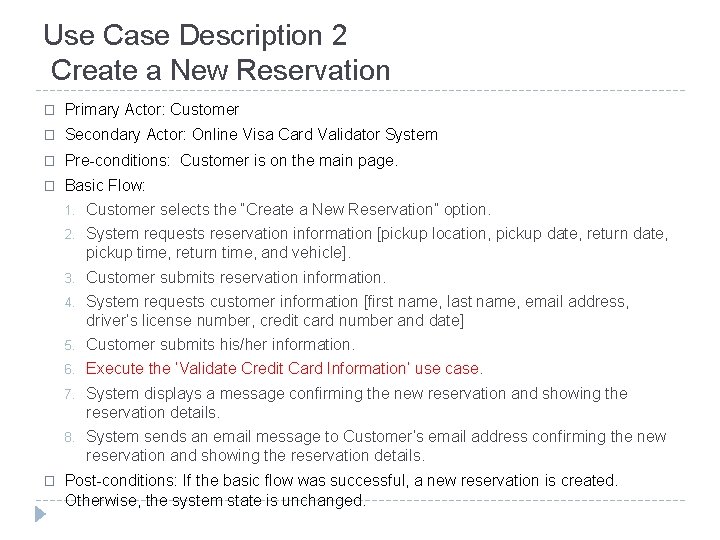
Use Case Description 2 Create a New Reservation � Primary Actor: Customer � Secondary Actor: Online Visa Card Validator System � Pre-conditions: Customer is on the main page. � Basic Flow: � 1. Customer selects the “Create a New Reservation” option. 2. System requests reservation information [pickup location, pickup date, return date, pickup time, return time, and vehicle]. 3. Customer submits reservation information. 4. System requests customer information [first name, last name, email address, driver’s license number, credit card number and date] 5. Customer submits his/her information. 6. Execute the ‘Validate Credit Card Information’ use case. 7. System displays a message confirming the new reservation and showing the reservation details. 8. System sends an email message to Customer’s email address confirming the new reservation and showing the reservation details. Post-conditions: If the basic flow was successful, a new reservation is created. Otherwise, the system state is unchanged.
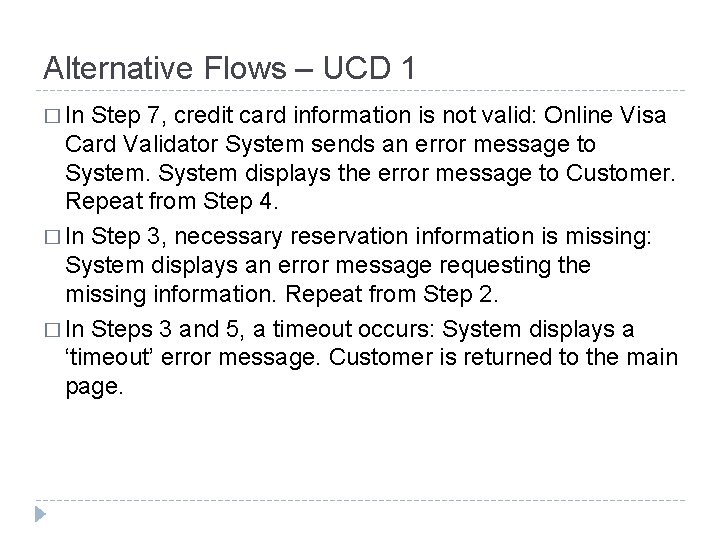
Alternative Flows – UCD 1 � In Step 7, credit card information is not valid: Online Visa Card Validator System sends an error message to System displays the error message to Customer. Repeat from Step 4. � In Step 3, necessary reservation information is missing: System displays an error message requesting the missing information. Repeat from Step 2. � In Steps 3 and 5, a timeout occurs: System displays a ‘timeout’ error message. Customer is returned to the main page.
Extra Examples � http: //gyan. frcrce. ac. in/~surve/OOAD/UCD_Ca se. Study. html