Simple File Input And Output Types of Java
- Slides: 12
Simple File Input And Output Types of Java files Simple file output in Java Simple file input in Java Simple file handling in Java James Tam
Storing Information On Files are stored in binary form on disk Types of files • Text files • Binary files Simple file handling in Java James Tam
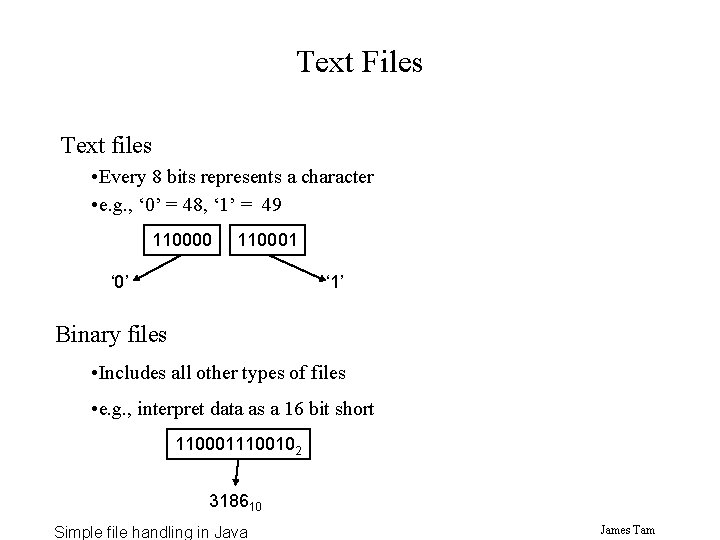
Text Files Text files • Every 8 bits represents a character • e. g. , ‘ 0’ = 48, ‘ 1’ = 49 110000 110001 ‘ 0’ ‘ 1’ Binary files • Includes all other types of files • e. g. , interpret data as a 16 bit short 1100011100102 318610 Simple file handling in Java James Tam
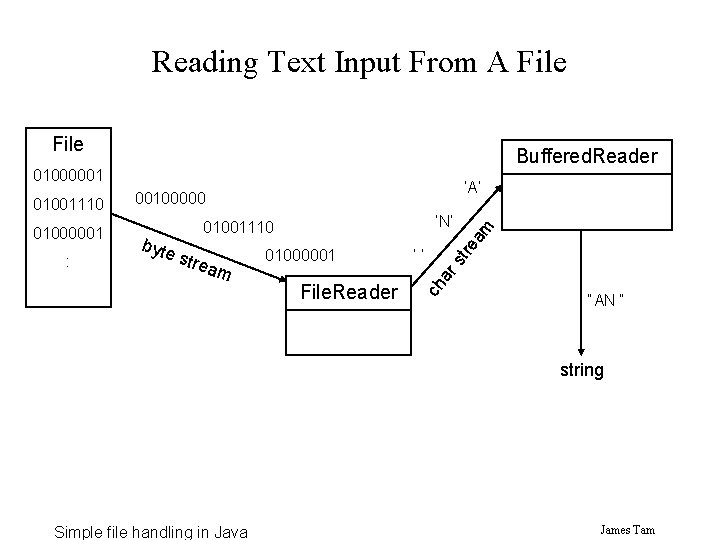
Reading Text Input From A File Buffered. Reader 01000001 stre am 01000001 File. Reader ‘‘ am tre : byte ‘N’ 01001110 ar s 01000001 ch 01001110 ‘A’ 00100000 “AN “ string Simple file handling in Java James Tam
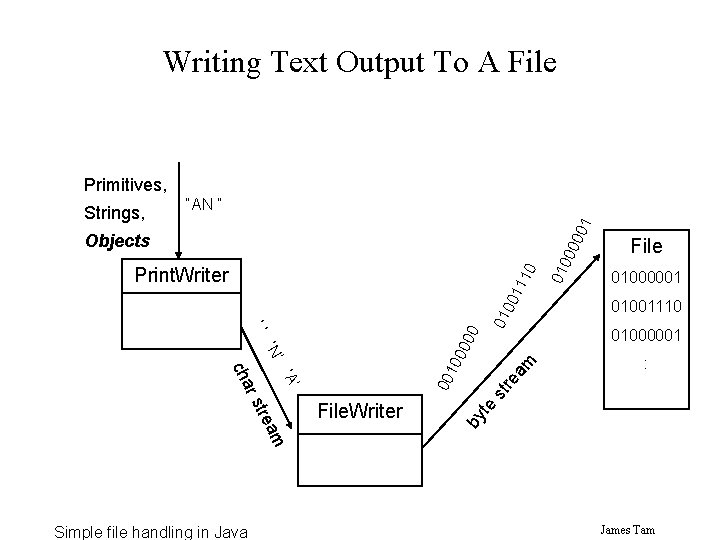
Writing Text Output To A File Primitives, 01 “AN “ 000 Objects 01000001 01001110 01000001 : rs st re ‘A’ am File tre am by te ‘N’ 00 10 00 00 ‘‘ cha Simple file handling in Java File. Writer 01 00 11 10 Print. Writer 010 Strings, James Tam
An Example Of Simple Input And Output The full example can be found in the directory: /home/profs/tamj/233/examples/file. IO Simple file handling in Java James Tam
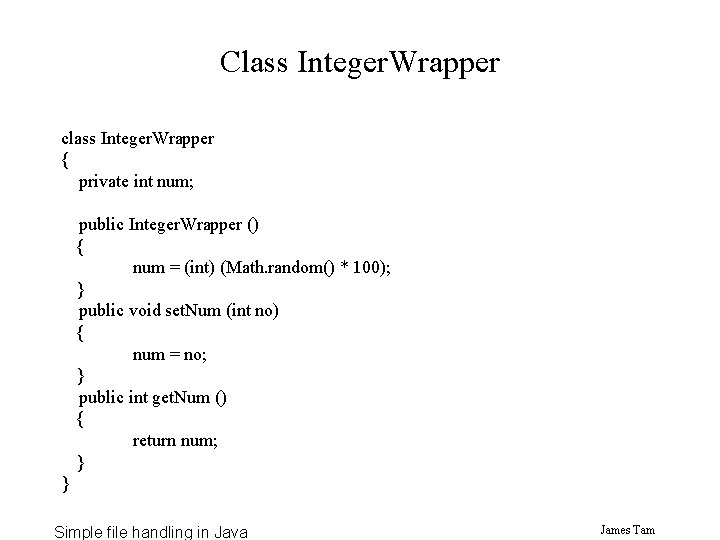
Class Integer. Wrapper class Integer. Wrapper { private int num; public Integer. Wrapper () { num = (int) (Math. random() * 100); } public void set. Num (int no) { num = no; } public int get. Num () { return num; } } Simple file handling in Java James Tam
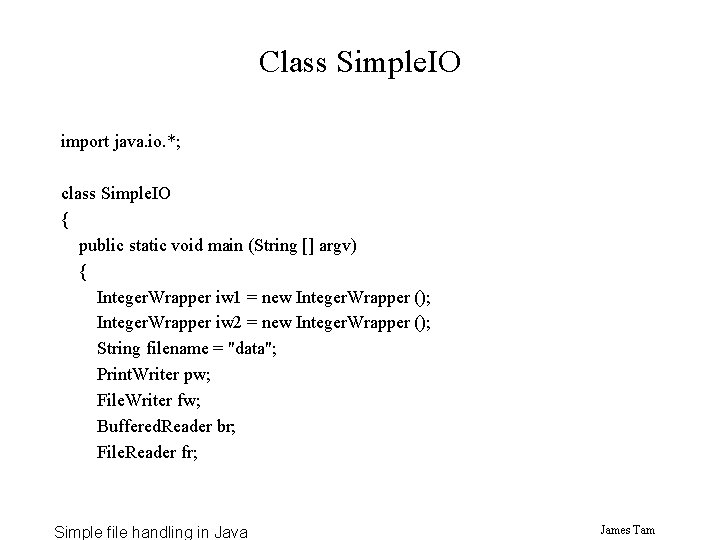
Class Simple. IO import java. io. *; class Simple. IO { public static void main (String [] argv) { Integer. Wrapper iw 1 = new Integer. Wrapper (); Integer. Wrapper iw 2 = new Integer. Wrapper (); String filename = "data"; Print. Writer pw; File. Writer fw; Buffered. Reader br; File. Reader fr; Simple file handling in Java James Tam
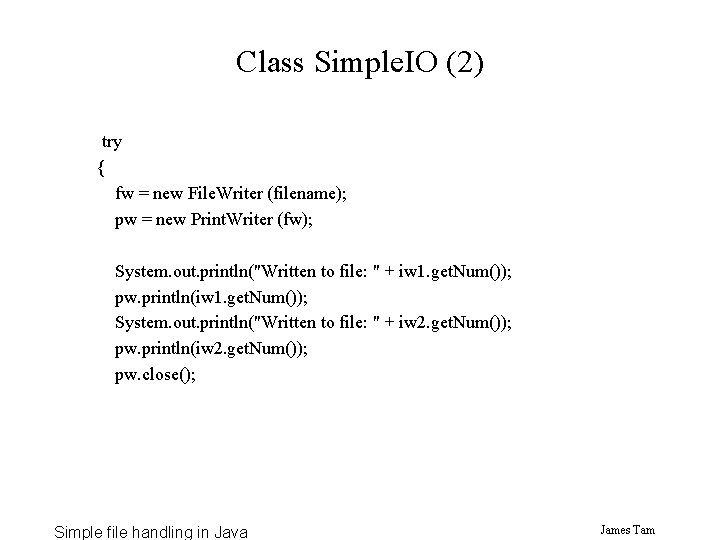
Class Simple. IO (2) try { fw = new File. Writer (filename); pw = new Print. Writer (fw); System. out. println("Written to file: " + iw 1. get. Num()); pw. println(iw 1. get. Num()); System. out. println("Written to file: " + iw 2. get. Num()); pw. println(iw 2. get. Num()); pw. close(); Simple file handling in Java James Tam
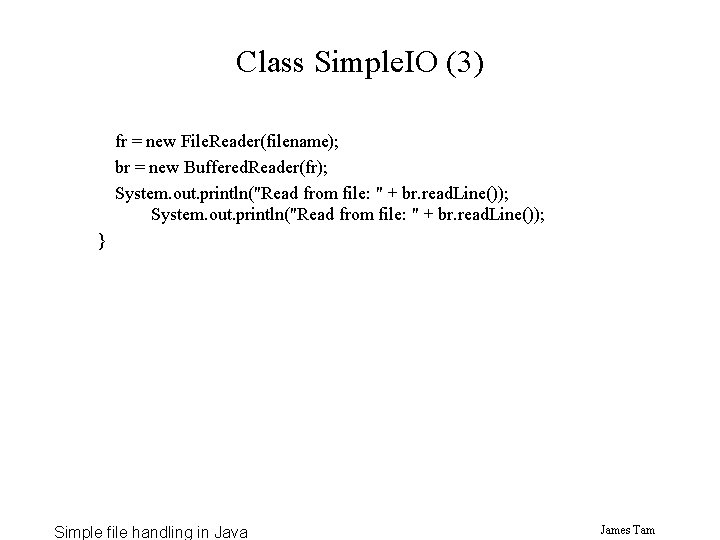
Class Simple. IO (3) fr = new File. Reader(filename); br = new Buffered. Reader(fr); System. out. println("Read from file: " + br. read. Line()); } Simple file handling in Java James Tam
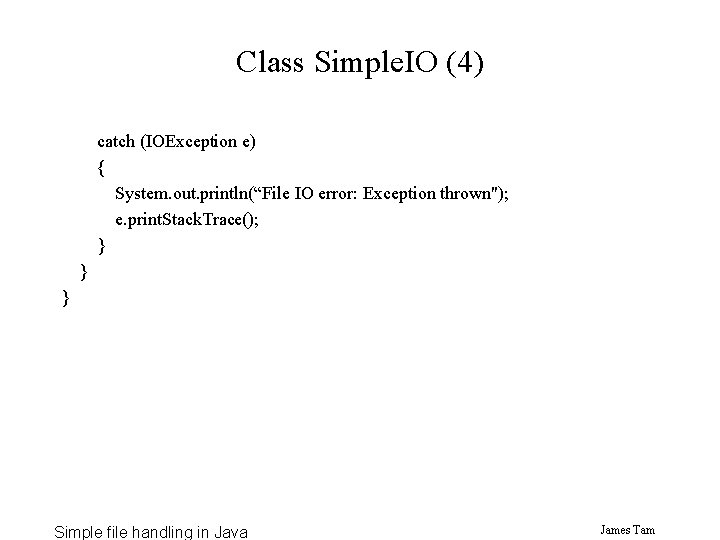
Class Simple. IO (4) catch (IOException e) { System. out. println(“File IO error: Exception thrown"); e. print. Stack. Trace(); } } } Simple file handling in Java James Tam
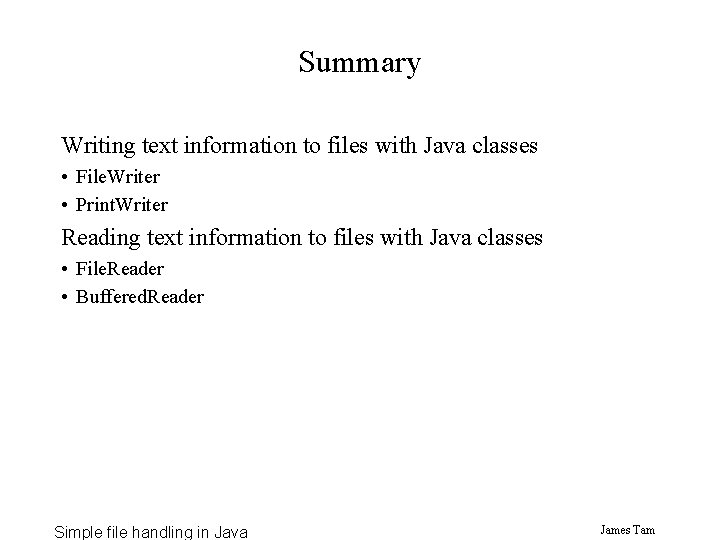
Summary Writing text information to files with Java classes • File. Writer • Print. Writer Reading text information to files with Java classes • File. Reader • Buffered. Reader Simple file handling in Java James Tam