OPPWorkday Important Changes What is Work Lion Why
- Slides: 10
OPP-Workday Important Changes
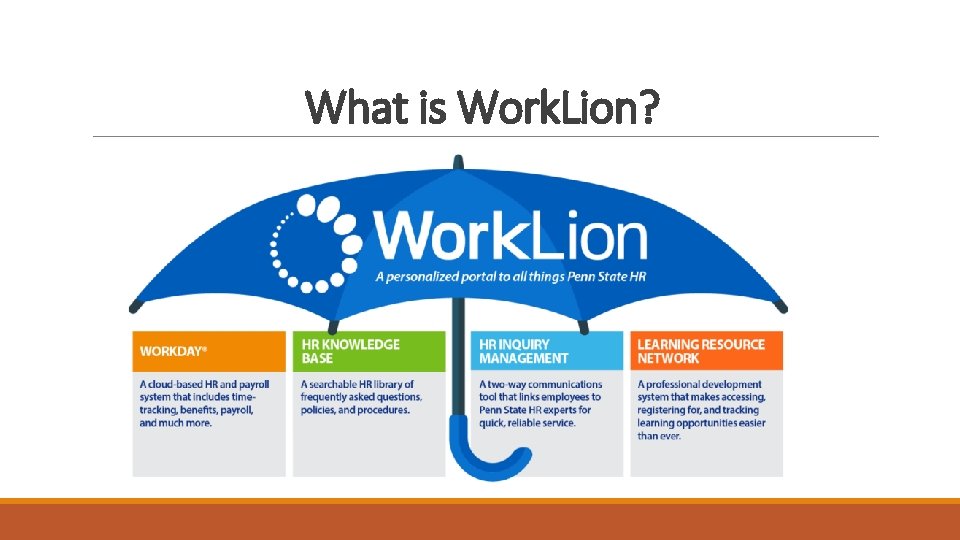
What is Work. Lion?
Why are we here? Ø OPP work management and billing processes require continued use of Abacus – post Workday Ø OPP is different – we require additional and customized training to obtain OPP specific details that are not captured in Workday Ø Abacus will capture labor hours worked and integrate to Workday Ø Workday will capture absence hours and integrate to Abacus
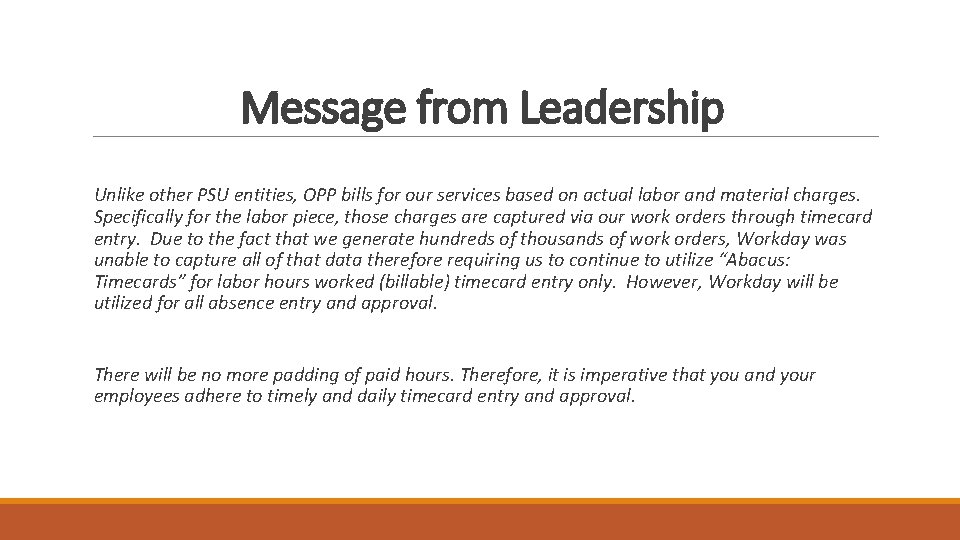
Message from Leadership Unlike other PSU entities, OPP bills for our services based on actual labor and material charges. Specifically for the labor piece, those charges are captured via our work orders through timecard entry. Due to the fact that we generate hundreds of thousands of work orders, Workday was unable to capture all of that data therefore requiring us to continue to utilize “Abacus: Timecards” for labor hours worked (billable) timecard entry only. However, Workday will be utilized for all absence entry and approval. There will be no more padding of paid hours. Therefore, it is imperative that you and your employees adhere to timely and daily timecard entry and approval.
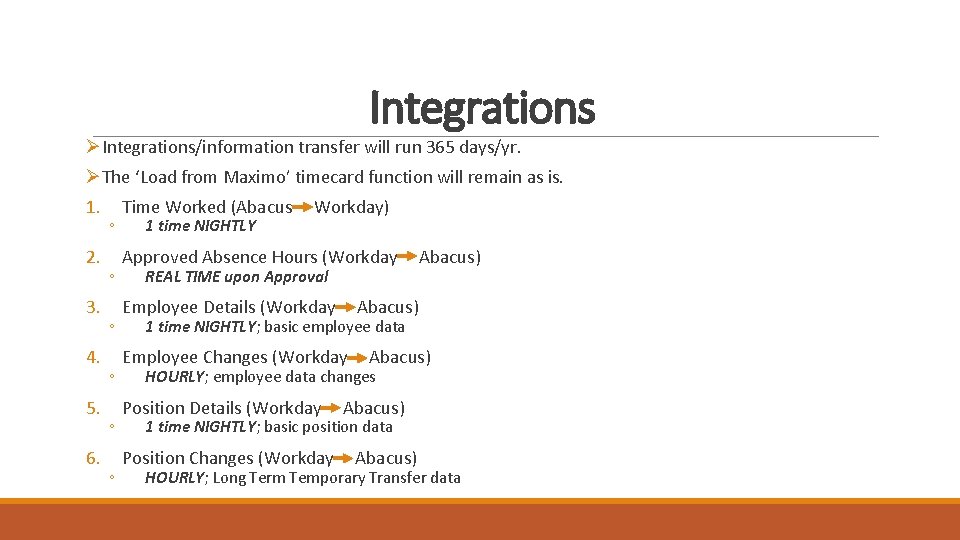
Integrations ØIntegrations/information transfer will run 365 days/yr. ØThe ‘Load from Maximo’ timecard function will remain as is. 1. 2. 3. 4. 5. 6. ◦ ◦ ◦ Time Worked (Abacus 1 time NIGHTLY Workday) Approved Absence Hours (Workday REAL TIME upon Approval Employee Details (Workday Abacus) 1 time NIGHTLY; basic employee data Employee Changes (Workday Abacus) HOURLY; employee data changes Position Details (Workday Abacus) 1 time NIGHTLY; basic position data Position Changes (Workday Abacus) HOURLY; Long Term Temporary Transfer data
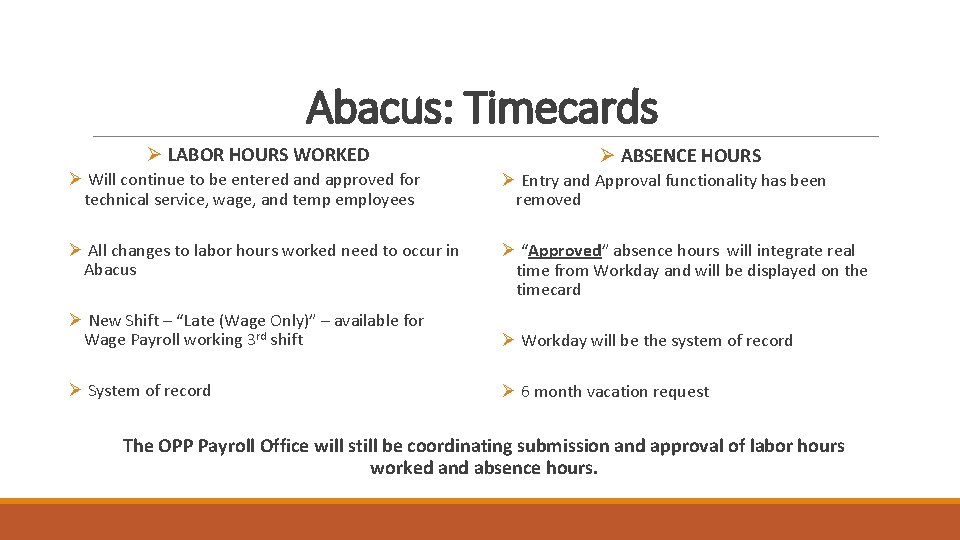
Abacus: Timecards Ø LABOR HOURS WORKED Ø ABSENCE HOURS Ø Will continue to be entered and approved for technical service, wage, and temp employees Ø Entry and Approval functionality has been removed Ø All changes to labor hours worked need to occur in Abacus Ø “Approved” absence hours will integrate real time from Workday and will be displayed on the timecard Ø New Shift – “Late (Wage Only)” – available for Wage Payroll working 3 rd shift Ø Workday will be the system of record Ø System of record Ø 6 month vacation request The OPP Payroll Office will still be coordinating submission and approval of labor hours worked and absence hours.
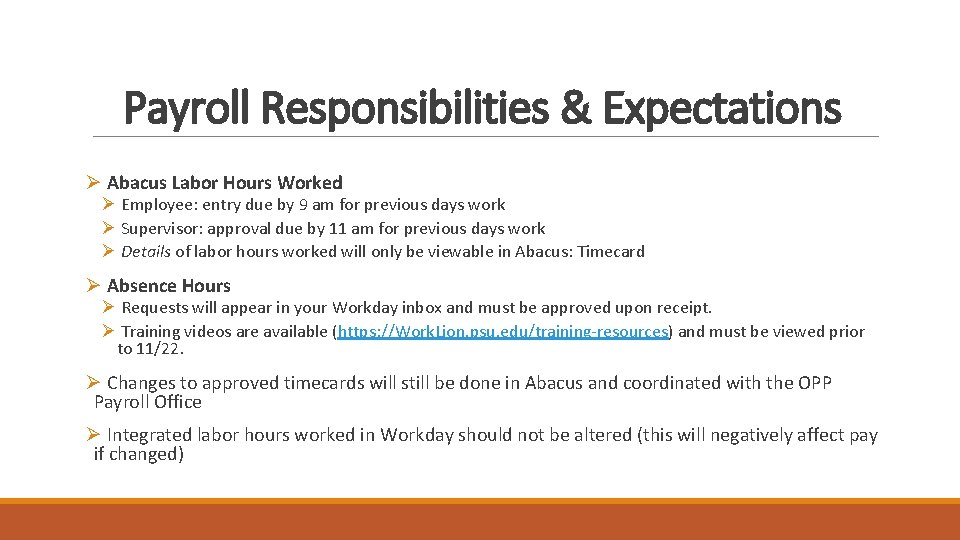
Payroll Responsibilities & Expectations Ø Abacus Labor Hours Worked Ø Employee: entry due by 9 am for previous days work Ø Supervisor: approval due by 11 am for previous days work Ø Details of labor hours worked will only be viewable in Abacus: Timecard Ø Absence Hours Ø Requests will appear in your Workday inbox and must be approved upon receipt. Ø Training videos are available (https: //Work. Lion. psu. edu/training-resources) and must be viewed prior to 11/22. Ø Changes to approved timecards will still be done in Abacus and coordinated with the OPP Payroll Office Ø Integrated labor hours worked in Workday should not be altered (this will negatively affect pay if changed)
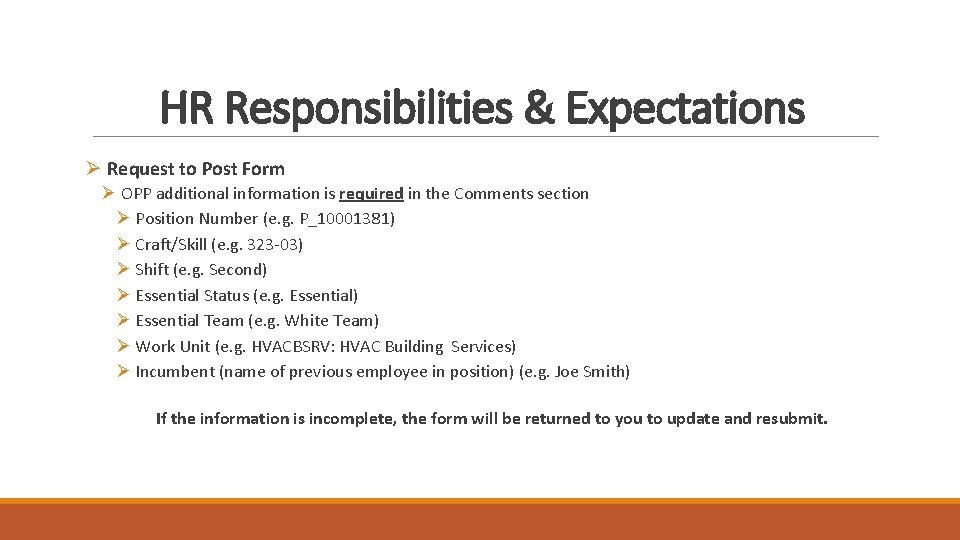
HR Responsibilities & Expectations Ø Request to Post Form Ø OPP additional information is required in the Comments section Ø Position Number (e. g. P_10001381) Ø Craft/Skill (e. g. 323 -03) Ø Shift (e. g. Second) Ø Essential Status (e. g. Essential) Ø Essential Team (e. g. White Team) Ø Work Unit (e. g. HVACBSRV: HVAC Building Services) Ø Incumbent (name of previous employee in position) (e. g. Joe Smith) If the information is incomplete, the form will be returned to you to update and resubmit.
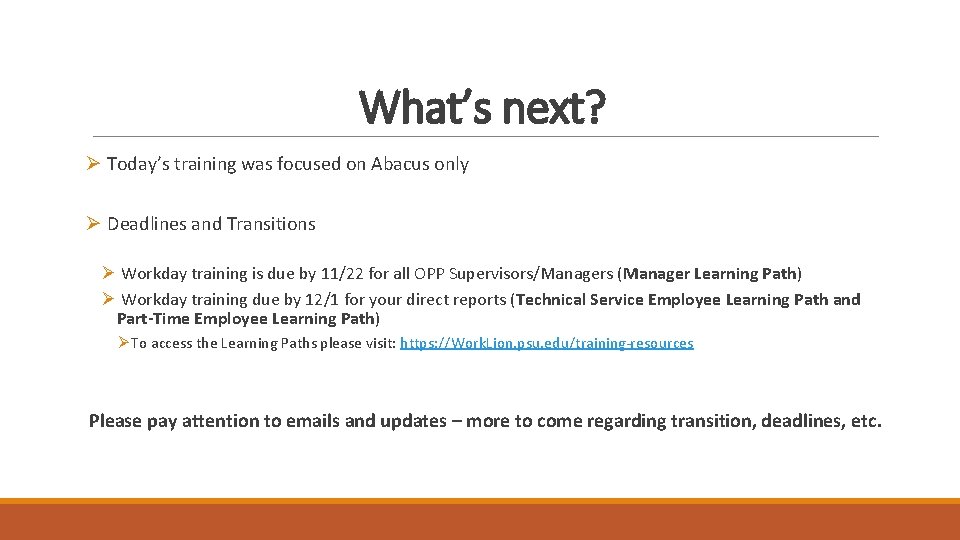
What’s next? Ø Today’s training was focused on Abacus only Ø Deadlines and Transitions Ø Workday training is due by 11/22 for all OPP Supervisors/Managers (Manager Learning Path) Ø Workday training due by 12/1 for your direct reports (Technical Service Employee Learning Path and Part-Time Employee Learning Path) Ø To access the Learning Paths please visit: https: //Work. Lion. psu. edu/training-resources Please pay attention to emails and updates – more to come regarding transition, deadlines, etc.
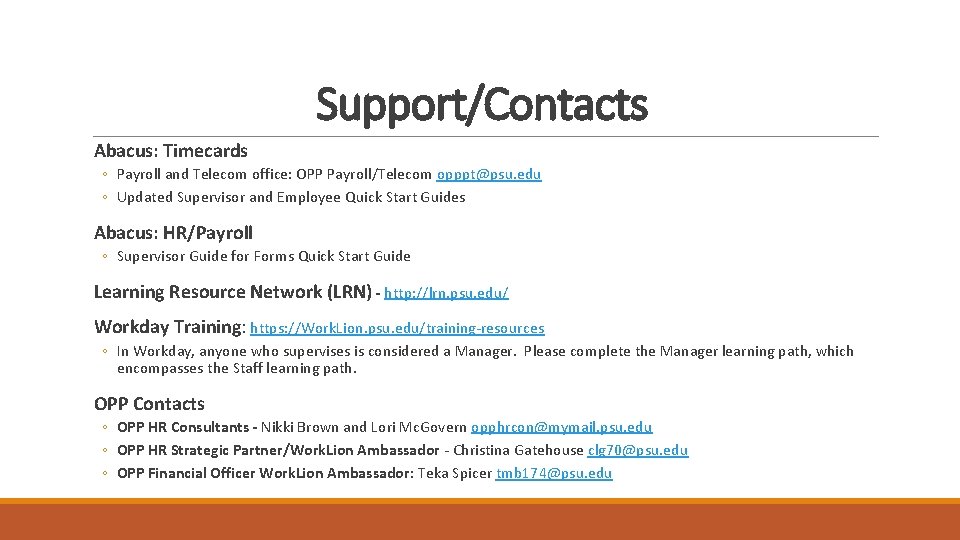
Support/Contacts Abacus: Timecards ◦ Payroll and Telecom office: OPP Payroll/Telecom opppt@psu. edu ◦ Updated Supervisor and Employee Quick Start Guides Abacus: HR/Payroll ◦ Supervisor Guide for Forms Quick Start Guide Learning Resource Network (LRN) - http: //lrn. psu. edu/ Workday Training: https: //Work. Lion. psu. edu/training-resources ◦ In Workday, anyone who supervises is considered a Manager. Please complete the Manager learning path, which encompasses the Staff learning path. OPP Contacts ◦ OPP HR Consultants - Nikki Brown and Lori Mc. Govern opphrcon@mymail. psu. edu ◦ OPP HR Strategic Partner/Work. Lion Ambassador - Christina Gatehouse clg 70@psu. edu ◦ OPP Financial Officer Work. Lion Ambassador: Teka Spicer tmb 174@psu. edu