Module 3 Expenditure Cycle Using SAP Individual Assignment
- Slides: 14
Module 3 Expenditure Cycle Using SAP Individual Assignment Important Points of the Assignment These slides are designed to supplement the slides that you use in your standard textbook lectures. The contents of this slide set is intended to cover material not typically covered in the textbook material and to highlight the learning objectives of the assignment. Accounting Information Systems
Slide Set Contents 1. Learning Objectives 1. 1. Primary Learning Objectives 1. 2. Secondary Learning Objectives 2. 3. 4. 5. 6. 7. 8. 9. Review of Expenditure Cycle Transactions Test of Transactions Suspense Accounts Review of Application Controls Information Records SAP Configuration Issues SAP Documents Steps in the Assignment Accounting Information Systems 2
Primary Learning Objectives n. Use the SAP system to experience the steps in a typical purchasing transaction n. See how a highly integrated ERP system (SAP) handles a typical purchasing transaction n. Work through the procedures involved in a test of transactions n. Investigate the various types of application controls in an ERP system Accounting Information Systems 3
Secondary Learning Objectives n. See the integration between the materials management (MM) module and financial accounting (FI) module in SAP n. Learn about how a suspense account (the Goods Received/ Invoice Received account) is used n. Look at some of the basic settings needed in the FI module in order to have the system function properly in this situation n. Review the journal entries involved in purchasing Accounting Information Systems 4
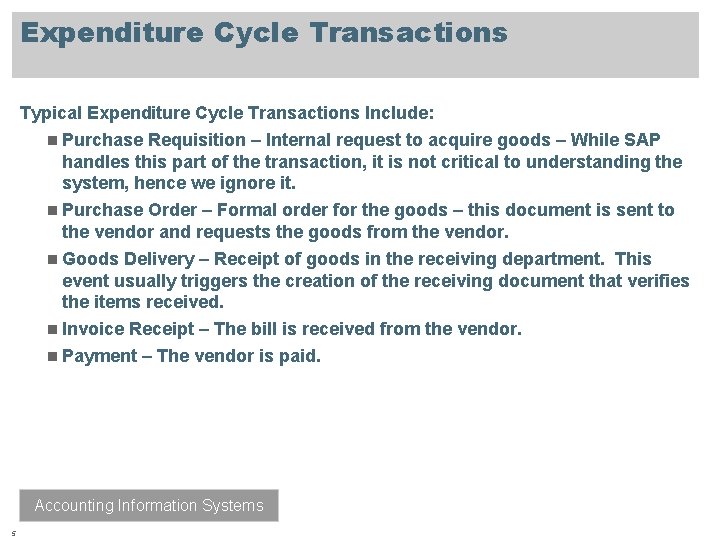
Expenditure Cycle Transactions Typical Expenditure Cycle Transactions Include: n Purchase Requisition – Internal request to acquire goods – While SAP handles this part of the transaction, it is not critical to understanding the system, hence we ignore it. n Purchase Order – Formal order for the goods – this document is sent to the vendor and requests the goods from the vendor. n Goods Delivery – Receipt of goods in the receiving department. This event usually triggers the creation of the receiving document that verifies the items received. n Invoice Receipt – The bill is received from the vendor. n Payment – The vendor is paid. Accounting Information Systems 5
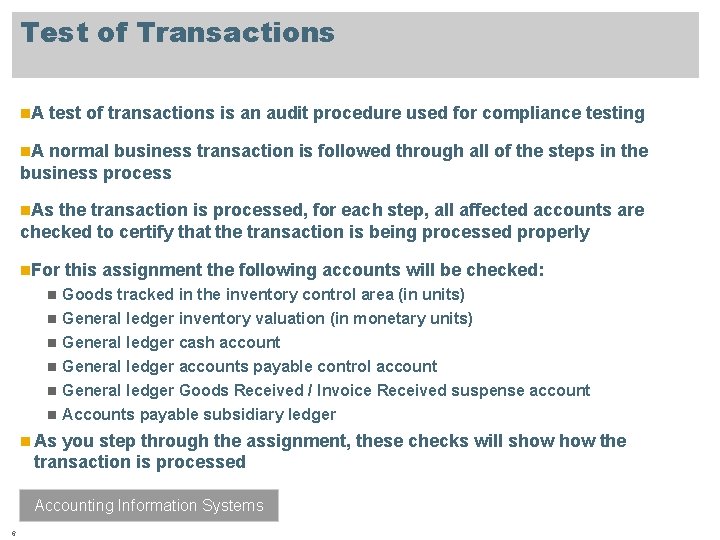
Test of Transactions n. A test of transactions is an audit procedure used for compliance testing n. A normal business transaction is followed through all of the steps in the business process n. As the transaction is processed, for each step, all affected accounts are checked to certify that the transaction is being processed properly n. For n n n this assignment the following accounts will be checked: Goods tracked in the inventory control area (in units) General ledger inventory valuation (in monetary units) General ledger cash account General ledger accounts payable control account General ledger Goods Received / Invoice Received suspense account Accounts payable subsidiary ledger n As you step through the assignment, these checks will show the transaction is processed Accounting Information Systems 6
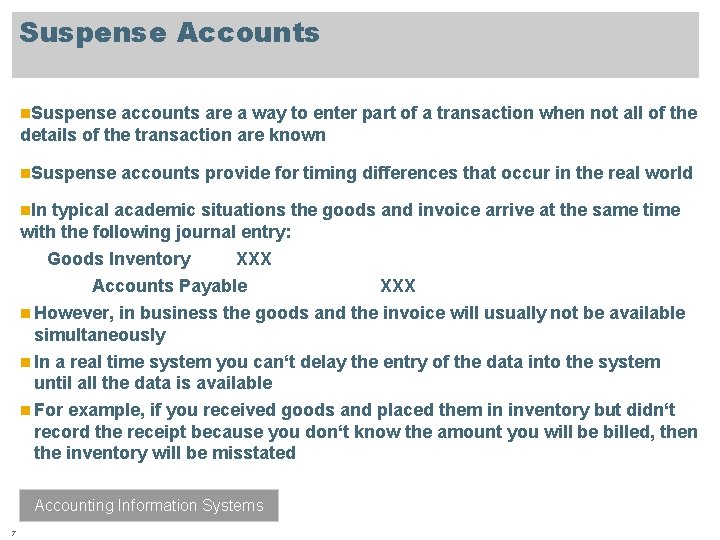
Suspense Accounts n. Suspense accounts are a way to enter part of a transaction when not all of the details of the transaction are known n. Suspense accounts provide for timing differences that occur in the real world n. In typical academic situations the goods and invoice arrive at the same time with the following journal entry: Goods Inventory XXX Accounts Payable XXX n However, in business the goods and the invoice will usually not be available simultaneously n In a real time system you can‘t delay the entry of the data into the system until all the data is available n For example, if you received goods and placed them in inventory but didn‘t record the receipt because you don‘t know the amount you will be billed, then the inventory will be misstated Accounting Information Systems 7
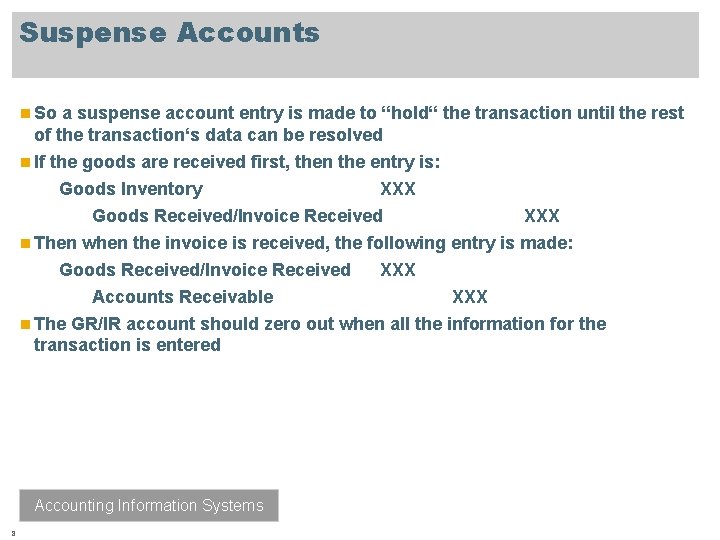
Suspense Accounts n So a suspense account entry is made to “hold“ the transaction until the rest of the transaction‘s data can be resolved n If the goods are received first, then the entry is: Goods Inventory XXX Goods Received/Invoice Received XXX n Then when the invoice is received, the following entry is made: Goods Received/Invoice Received XXX Accounts Receivable XXX n The GR/IR account should zero out when all the information for the transaction is entered Accounting Information Systems 8
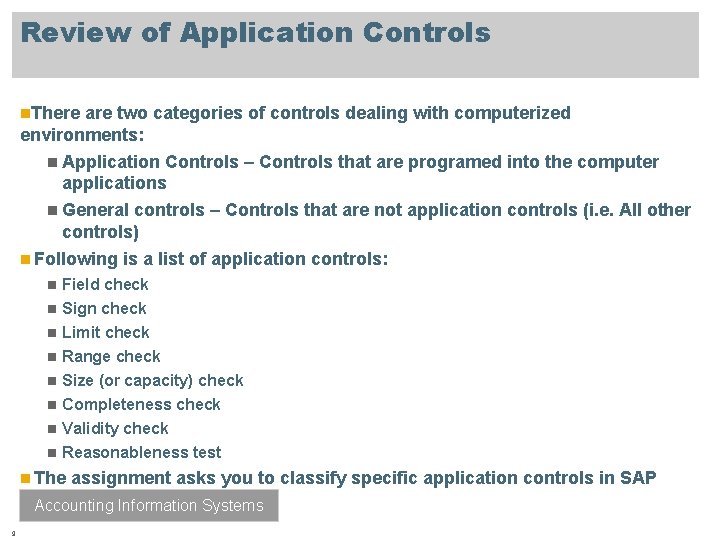
Review of Application Controls n. There are two categories of controls dealing with computerized environments: n Application Controls – Controls that are programed into the computer applications n General controls – Controls that are not application controls (i. e. All other controls) n Following is a list of application controls: n n n n Field check Sign check Limit check Range check Size (or capacity) check Completeness check Validity check Reasonableness test n The assignment asks you to classify specific application controls in SAP Accounting Information Systems 9
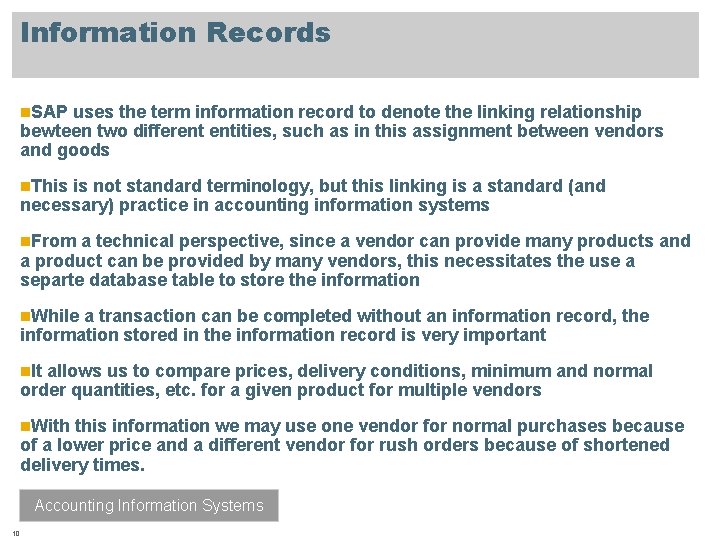
Information Records n. SAP uses the term information record to denote the linking relationship bewteen two different entities, such as in this assignment between vendors and goods n. This is not standard terminology, but this linking is a standard (and necessary) practice in accounting information systems n. From a technical perspective, since a vendor can provide many products and a product can be provided by many vendors, this necessitates the use a separte database table to store the information n. While a transaction can be completed without an information record, the information stored in the information record is very important n. It allows us to compare prices, delivery conditions, minimum and normal order quantities, etc. for a given product for multiple vendors n. With this information we may use one vendor for normal purchases because of a lower price and a different vendor for rush orders because of shortened delivery times. Accounting Information Systems 10
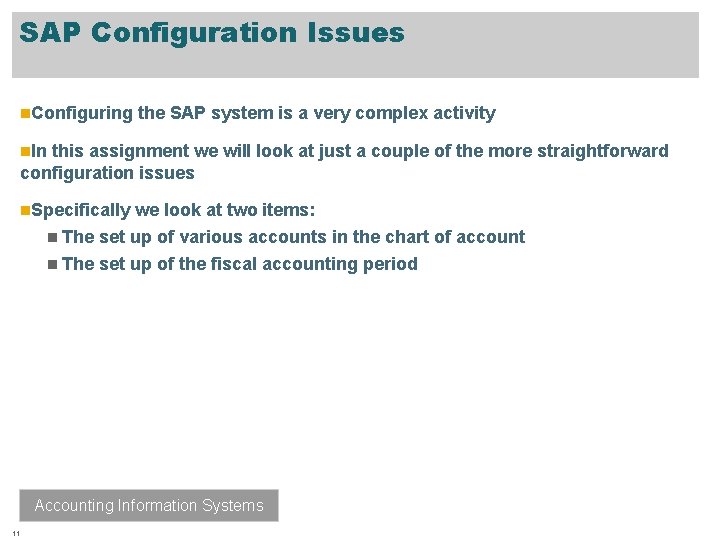
SAP Configuration Issues n. Configuring the SAP system is a very complex activity n. In this assignment we will look at just a couple of the more straightforward configuration issues n. Specifically we look at two items: n The set up of various accounts in the chart of account n The set up of the fiscal accounting period Accounting Information Systems 11
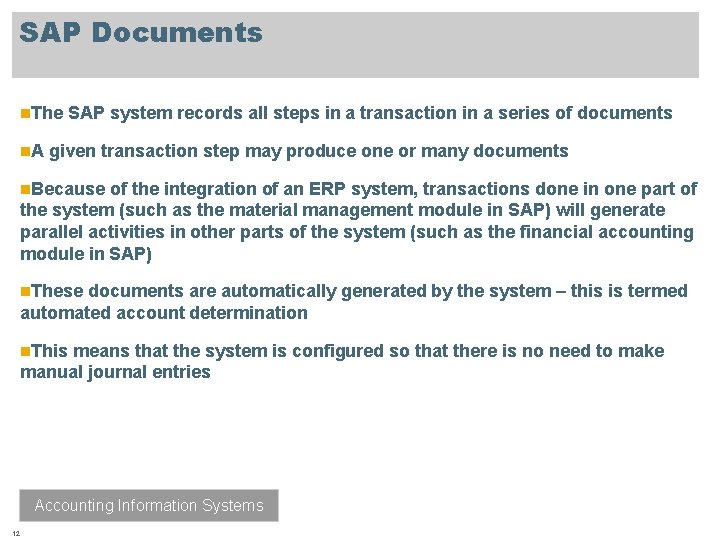
SAP Documents n. The n. A SAP system records all steps in a transaction in a series of documents given transaction step may produce one or many documents n. Because of the integration of an ERP system, transactions done in one part of the system (such as the material management module in SAP) will generate parallel activities in other parts of the system (such as the financial accounting module in SAP) n. These documents are automatically generated by the system – this is termed automated account determination n. This means that the system is configured so that there is no need to make manual journal entries Accounting Information Systems 12
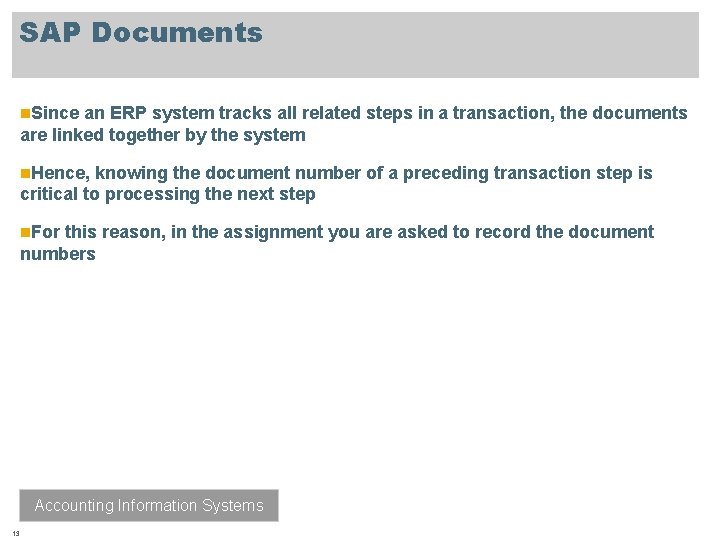
SAP Documents n. Since an ERP system tracks all related steps in a transaction, the documents are linked together by the system n. Hence, knowing the document number of a preceding transaction step is critical to processing the next step n. For this reason, in the assignment you are asked to record the document numbers Accounting Information Systems 13
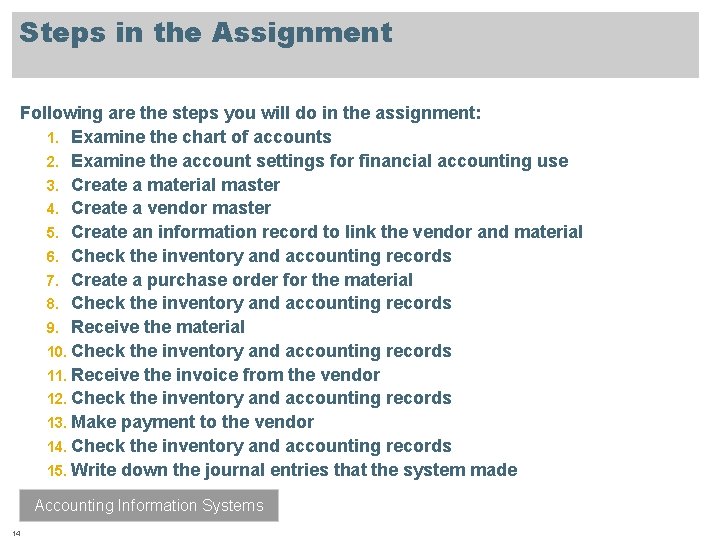
Steps in the Assignment Following are the steps you will do in the assignment: 1. Examine the chart of accounts 2. Examine the account settings for financial accounting use 3. Create a material master 4. Create a vendor master 5. Create an information record to link the vendor and material 6. Check the inventory and accounting records 7. Create a purchase order for the material 8. Check the inventory and accounting records 9. Receive the material 10. Check the inventory and accounting records 11. Receive the invoice from the vendor 12. Check the inventory and accounting records 13. Make payment to the vendor 14. Check the inventory and accounting records 15. Write down the journal entries that the system made Accounting Information Systems 14