Lesson 3 GIS Fundamentals MEASURE Evaluation PHFI Training

- Slides: 20
Lesson 3 GIS Fundamentals MEASURE Evaluation PHFI Training of Trainers May 2011
Objective § To provide background on GIS and introduce QGIS
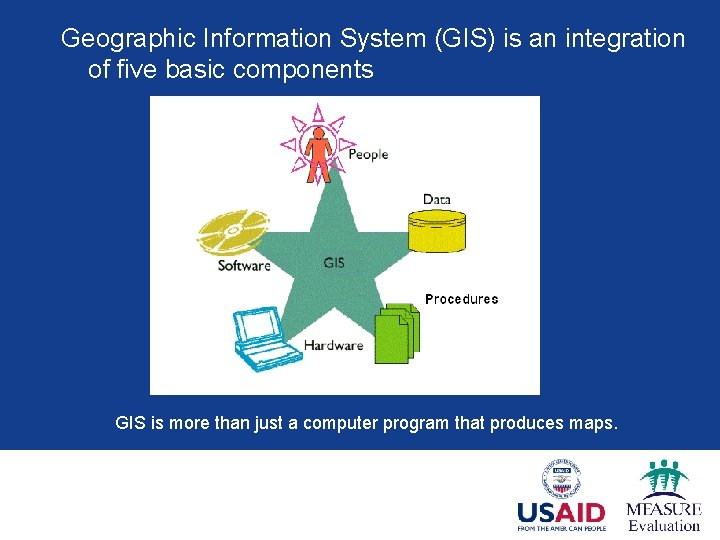
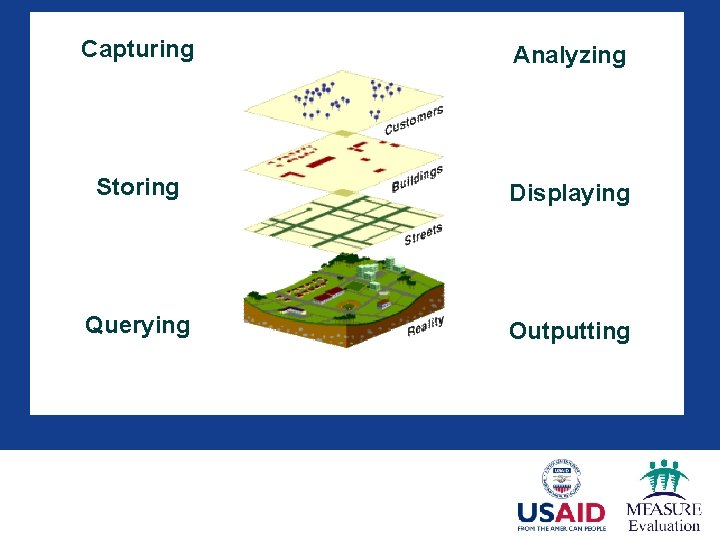
Geographic Information System (GIS) is an integration of five basic components GIS is more than just a computer program that produces maps.
Capturing Analyzing Storing Displaying Querying Outputting
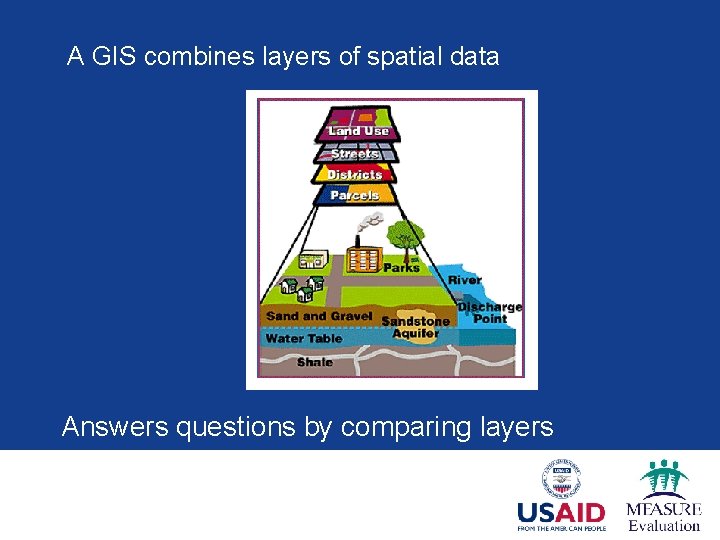
A GIS combines layers of spatial data Answers questions by comparing layers
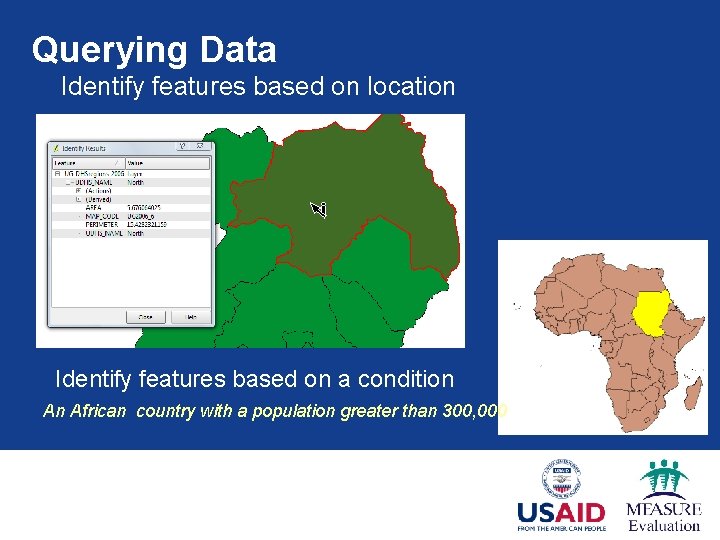
Querying Data Identify features based on location Identify features based on a condition An African country with a population greater than 300, 000
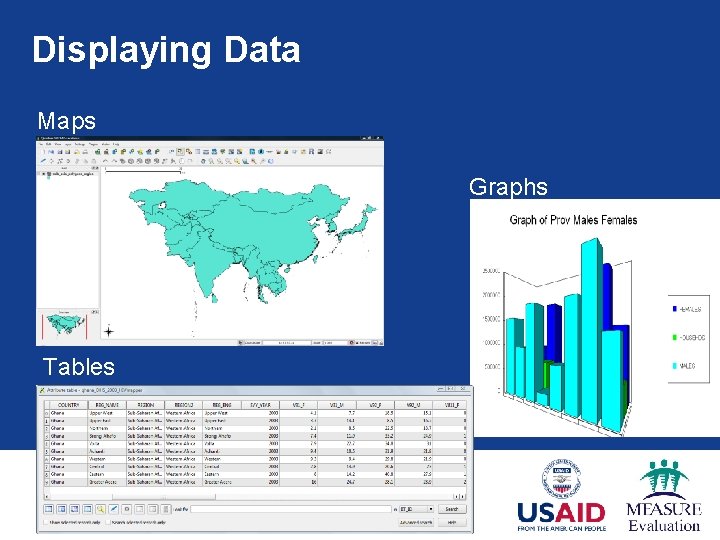
Displaying Data Maps Graphs Tables
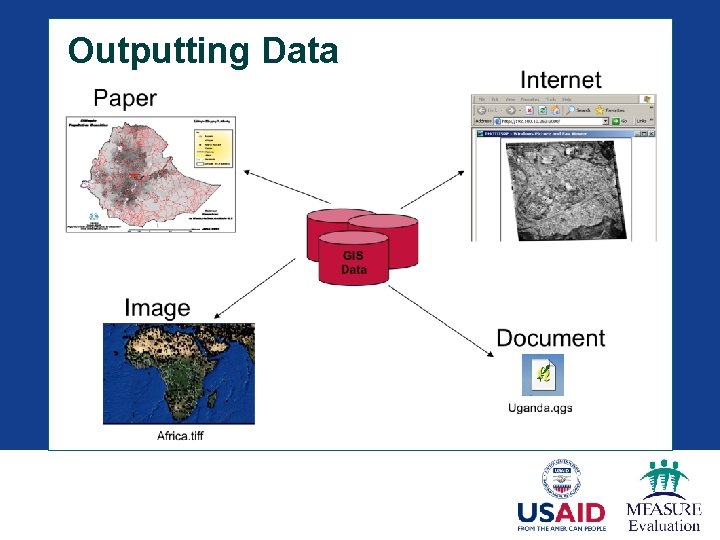
Outputting Data
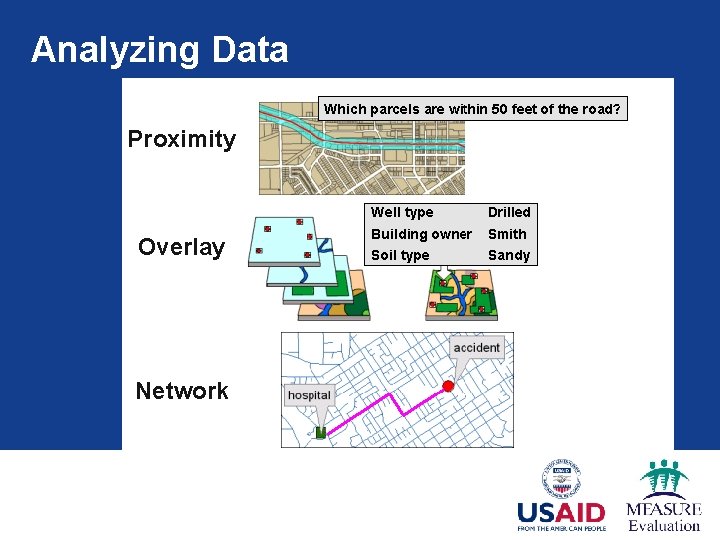
Analyzing Data Proximity Overlay Network
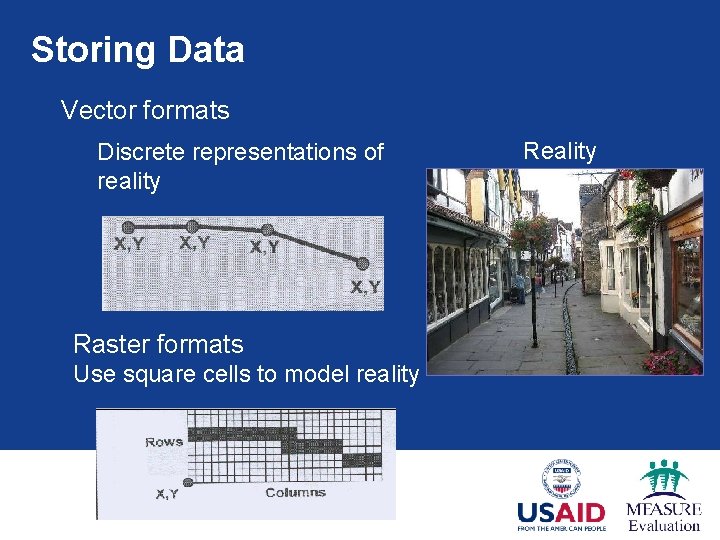
Storing Data Vector formats Discrete representations of reality Raster formats Use square cells to model reality Reality
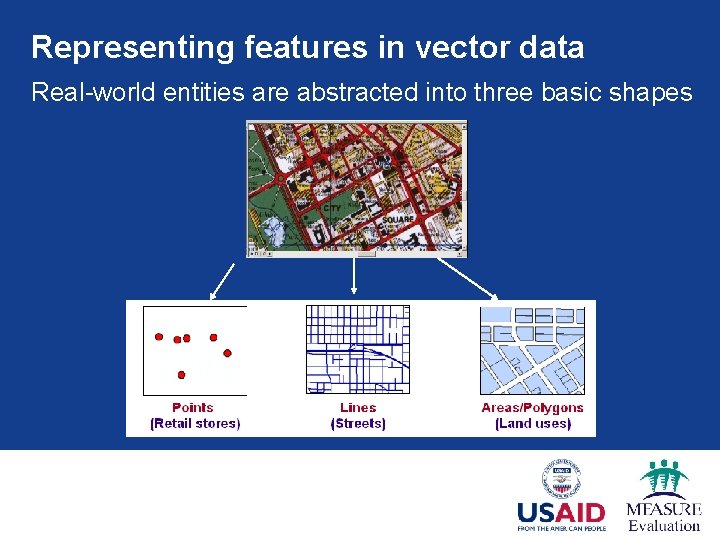
Representing features in vector data Real-world entities are abstracted into three basic shapes
Vector Data § Vector data provides a complex representation of the world it stores both: § Attributes -- text or numerical information that describe the features § Geometry -- the shape of the features
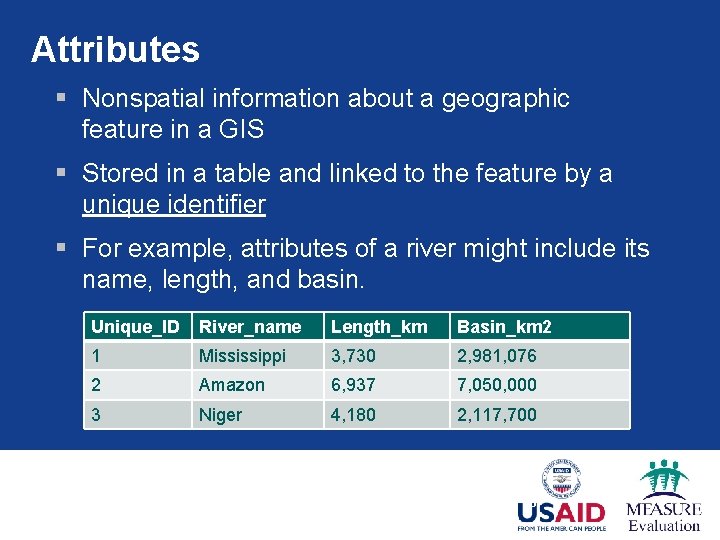
Attributes § Nonspatial information about a geographic feature in a GIS § Stored in a table and linked to the feature by a unique identifier § For example, attributes of a river might include its name, length, and basin. Unique_ID River_name Length_km Basin_km 2 1 Mississippi 3, 730 2, 981, 076 2 Amazon 6, 937 7, 050, 000 3 Niger 4, 180 2, 117, 700 13
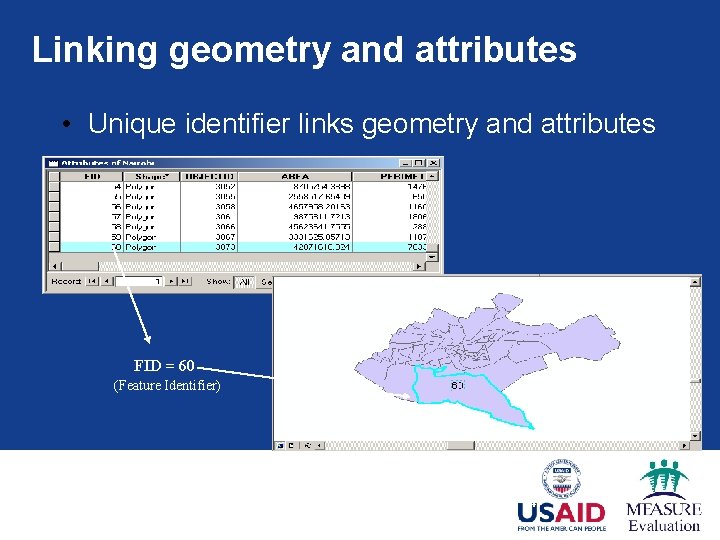
Linking geometry and attributes • Unique identifier links geometry and attributes FID = 60 (Feature Identifier) 14
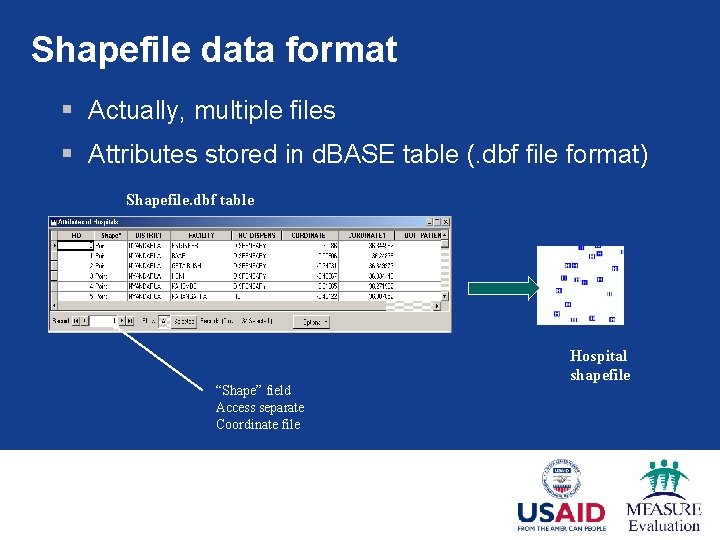
Shapefile data format § Actually, multiple files § Attributes stored in d. BASE table (. dbf file format) Shapefile. dbf table “Shape” field Access separate Coordinate file Hospital shapefile
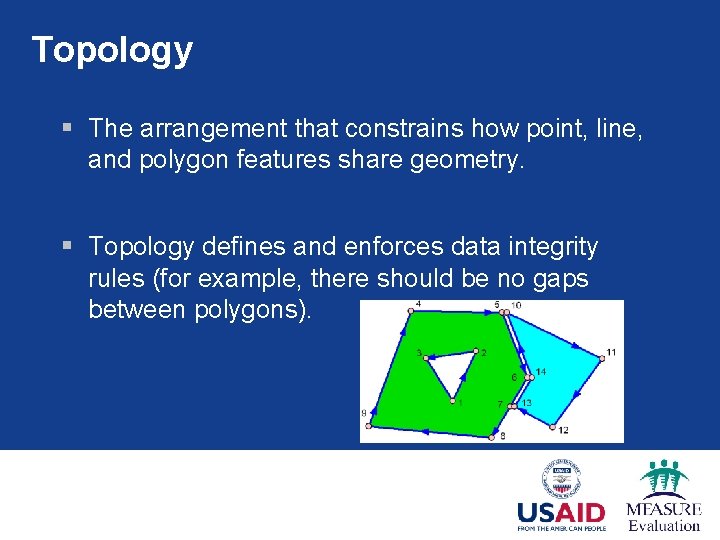
Topology § The arrangement that constrains how point, line, and polygon features share geometry. § Topology defines and enforces data integrity rules (for example, there should be no gaps between polygons).
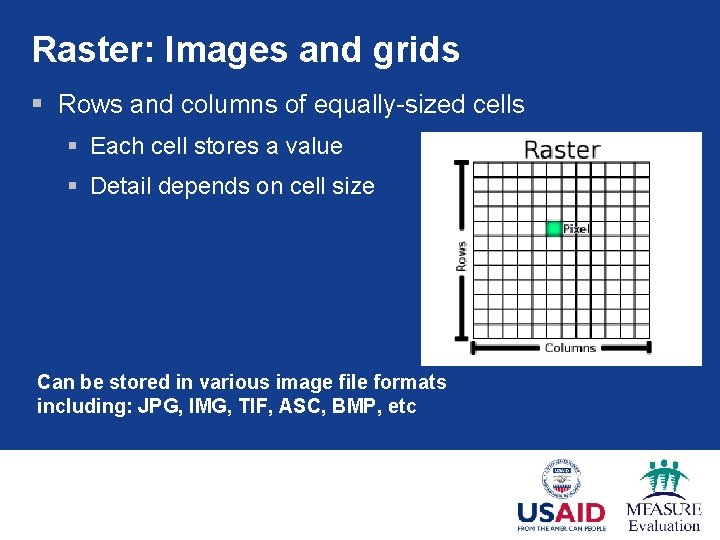
Raster: Images and grids § Rows and columns of equally-sized cells § Each cell stores a value § Detail depends on cell size Can be stored in various image file formats including: JPG, IMG, TIF, ASC, BMP, etc
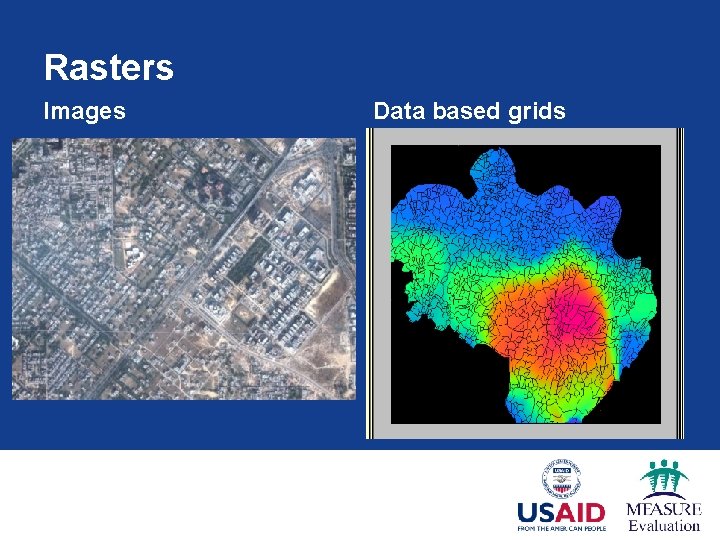
Rasters Images Data based grids
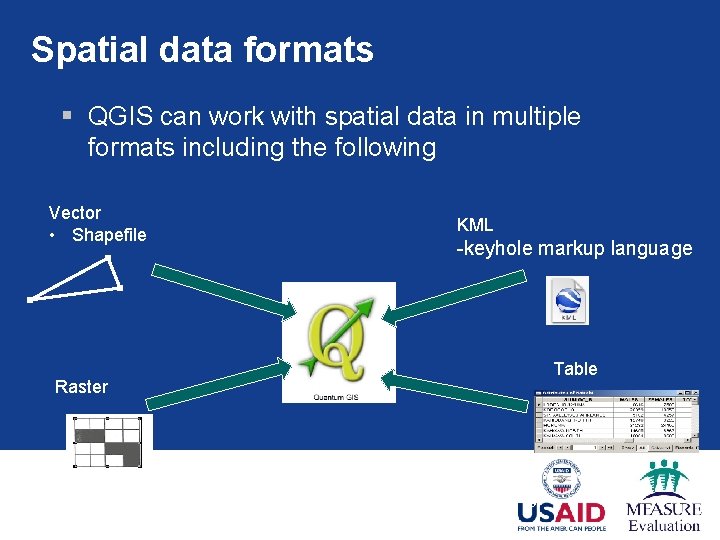
Spatial data formats § QGIS can work with spatial data in multiple formats including the following Vector • Shapefile KML -keyhole markup language Table Raster 19
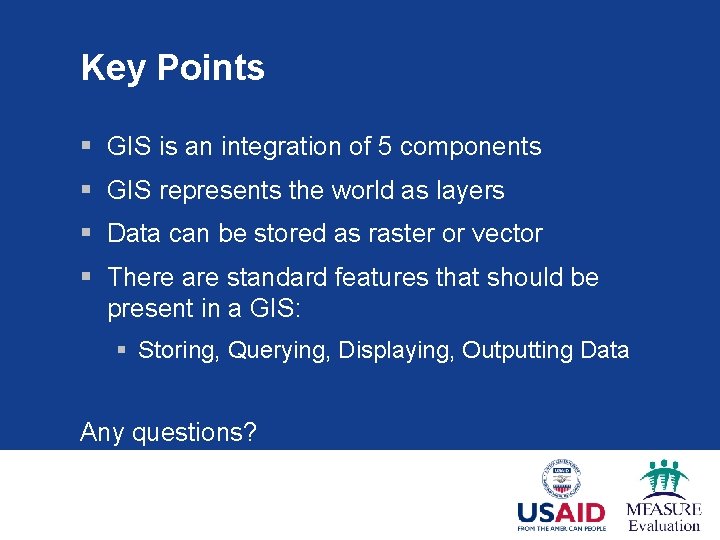
Key Points § GIS is an integration of 5 components § GIS represents the world as layers § Data can be stored as raster or vector § There are standard features that should be present in a GIS: § Storing, Querying, Displaying, Outputting Data Any questions?