Digital Planet Tomorrows Technology and You Chapter 7
- Slides: 9
Digital Planet: Tomorrow’s Technology and You Chapter 7 Database Applications and Privacy Implications Copyright © 2012 Pearson Education, Inc. publishing as Prentice Hall
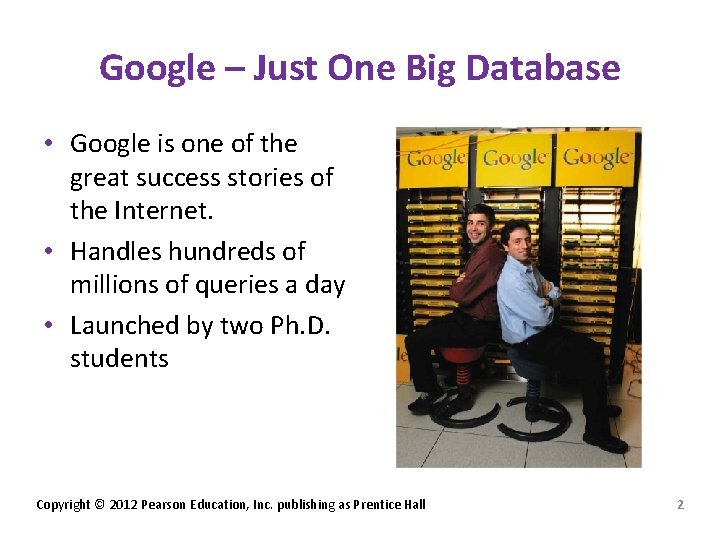
Google – Just One Big Database • Google is one of the great success stories of the Internet. • Handles hundreds of millions of queries a day • Launched by two Ph. D. students Copyright © 2012 Pearson Education, Inc. publishing as Prentice Hall 2
What Good Is a Database? ü Databases make it easier to: • Store large quantities of information • Retrieve information quickly and flexibly • Organize and reorganize information • Print and distribute information in a variety of ways Copyright © 2012 Pearson Education, Inc. publishing as Prentice Hall 3
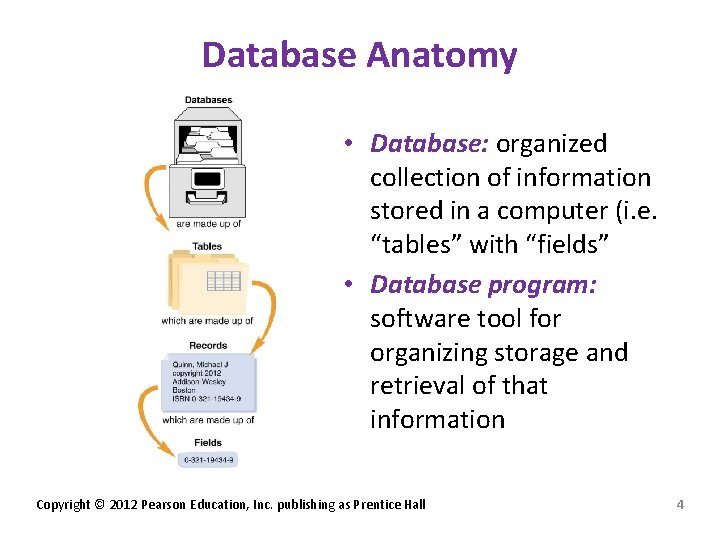
Database Anatomy • Database: organized collection of information stored in a computer (i. e. “tables” with “fields” • Database program: software tool for organizing storage and retrieval of that information Copyright © 2012 Pearson Education, Inc. publishing as Prentice Hall 4
Database Anatomy (cont. ) ü Table: collection of related information • Record: information related to one person, product, or event • Each discrete chunk of information in a record is a field ü Field: holds different types of data: • Numeric • Date • Text • Computed Copyright © 2012 Pearson Education, Inc. publishing as Prentice Hall 5
Database Operations ü Input/Import: enter data in the various tables ü Browse: navigate through information ü Query: find records that match specific criteria ü Sort: rearrange records (alphabetically or numerically) ü Form: easy way to input/modify data ü Report: present printed output Copyright © 2012 Pearson Education, Inc. publishing as Prentice Hall 6
Database Operations (cont. ) ü Structured Query Language (SQL): standard language for programming complex queries • Text based command line interface Microsoft Access – graphical interface found within Microsoft Office Professional Suite Copyright © 2012 Pearson Education, Inc. publishing as Prentice Hall 7
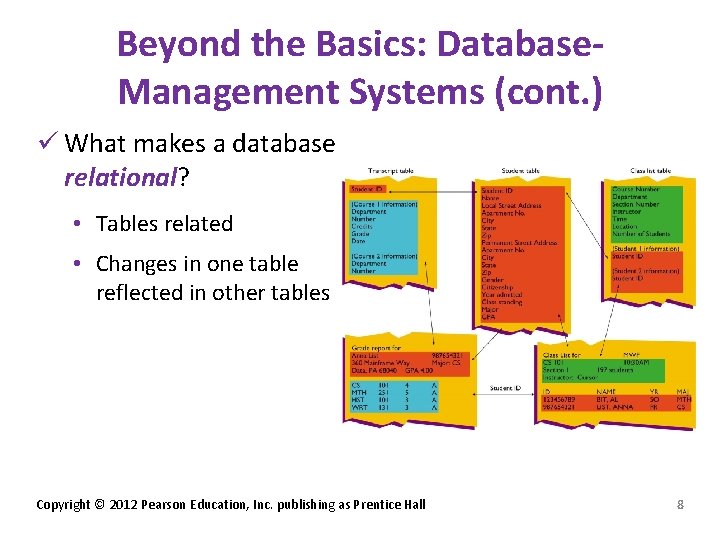
Beyond the Basics: Database. Management Systems (cont. ) ü What makes a database relational? • Tables related • Changes in one table reflected in other tables Copyright © 2012 Pearson Education, Inc. publishing as Prentice Hall 8
Database Trends ü Data mining: discovery of hidden predictive information • Helps to predict trends and patterns in data ü Data warehouses: large, centralized systems housing enterprise data Copyright © 2012 Pearson Education, Inc. publishing as Prentice Hall 9