Developer Center APIs A Digital World Is a



- Slides: 19
Developer Center & APIs
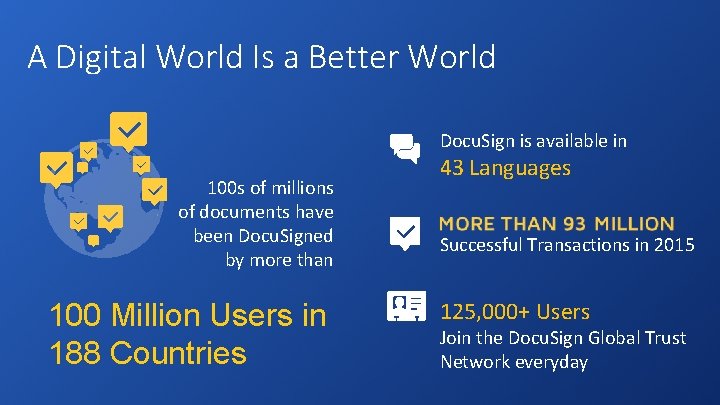
A Digital World Is a Better World Docu. Sign is available in 100 s of millions of documents have been Docu. Signed by more than 100 Million Users in 188 Countries 43 Languages Successful Transactions in 2015 125, 000+ Users Join the Docu. Sign Global Trust Network everyday
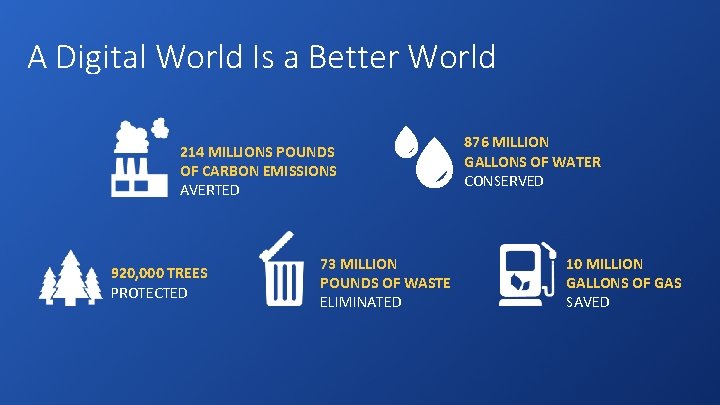
A Digital World Is a Better World 214 MILLIONS POUNDS OF CARBON EMISSIONS AVERTED 920, 000 TREES PROTECTED 73 MILLION POUNDS OF WASTE ELIMINATED 876 MILLION GALLONS OF WATER CONSERVED 10 MILLION GALLONS OF GAS SAVED
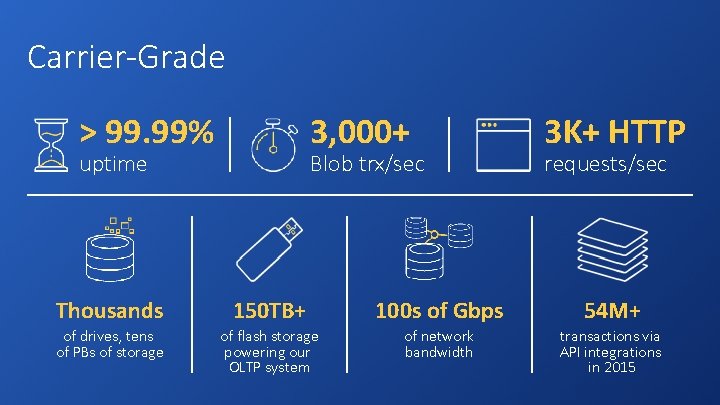
Carrier-Grade > 99. 99% 3, 000+ uptime Blob trx/sec 3 K+ HTTP requests/sec Thousands 150 TB+ 100 s of Gbps 54 M+ of drives, tens of PBs of storage of flash storage powering our OLTP system of network bandwidth transactions via API integrations in 2015
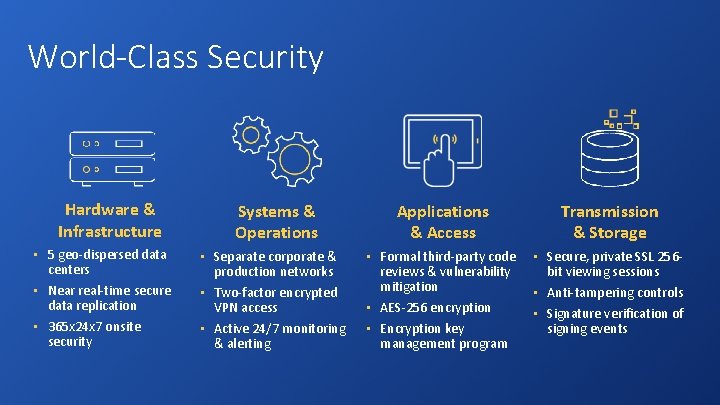
World-Class Security Hardware & Infrastructure • • • 5 geo-dispersed data centers Near real-time secure data replication 365 x 24 x 7 onsite security Applications & Access Systems & Operations • • • Separate corporate & production networks Two-factor encrypted VPN access Active 24/7 monitoring & alerting • • • Formal third-party code reviews & vulnerability mitigation AES-256 encryption Encryption key management program Transmission & Storage • • • Secure, private SSL 256 bit viewing sessions Anti-tampering controls Signature verification of signing events
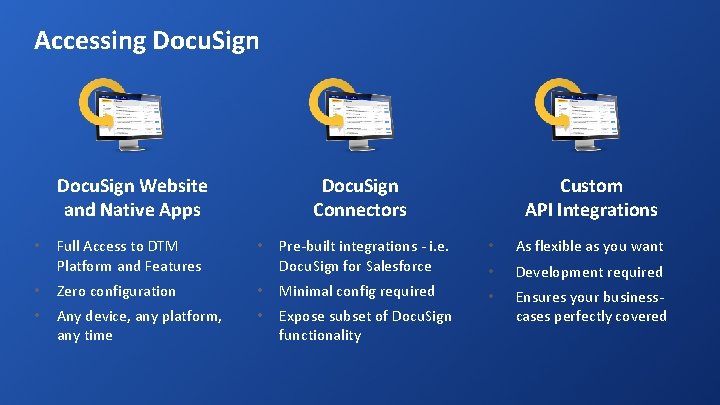
Accessing Docu. Sign Pre-built integrations - i. e. Docu. Sign for Salesforce • As flexible as you want • • Minimal config required Development required • • Expose subset of Docu. Sign functionality Ensures your businesscases perfectly covered Full Access to DTM Platform and Features • • Zero configuration • Any device, any platform, any time • Custom API Integrations Docu. Sign Connectors Docu. Sign Website and Native Apps
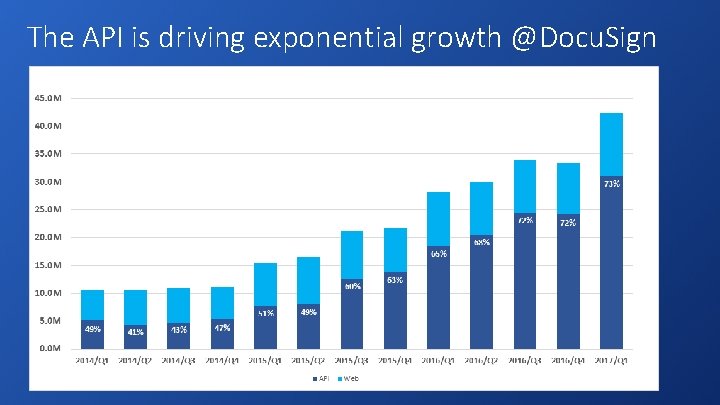
The API is driving exponential growth @Docu. Sign
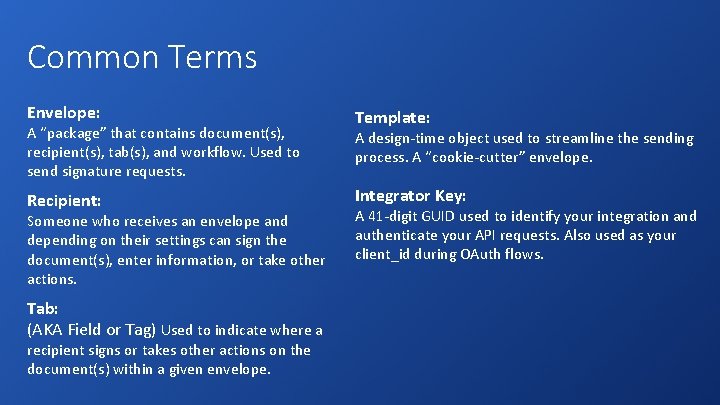
Common Terms Envelope: A “package” that contains document(s), recipient(s), tab(s), and workflow. Used to send signature requests. Recipient: Someone who receives an envelope and depending on their settings can sign the document(s), enter information, or take other actions. Tab: (AKA Field or Tag) Used to indicate where a recipient signs or takes other actions on the document(s) within a given envelope. Template: A design-time object used to streamline the sending process. A “cookie-cutter” envelope. Integrator Key: A 41 -digit GUID used to identify your integration and authenticate your API requests. Also used as your client_id during OAuth flows.
Docu. Sign Developer Center • Learn about our APIs • Free Developer Sandboxes • Open source SDKs • Visual API Explorer Tool • Sample Apps and Recipes • API Pricing • Support on Stack Overflow www. docusign. com/api
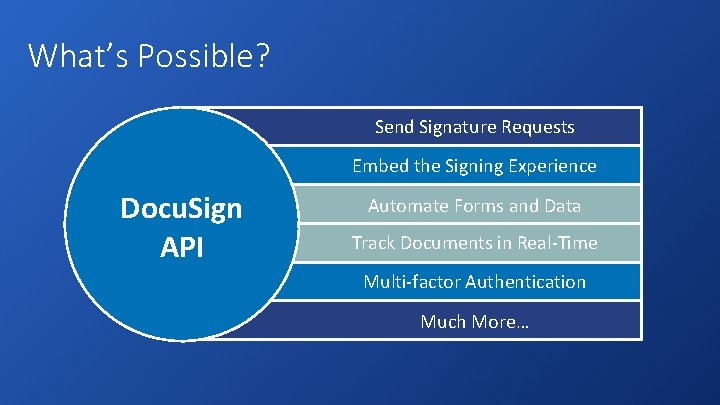
What’s Possible? Send Signature Requests Embed the Signing Experience Docu. Sign API Automate Forms and Data Track Documents in Real-Time Multi-factor Authentication Much More…
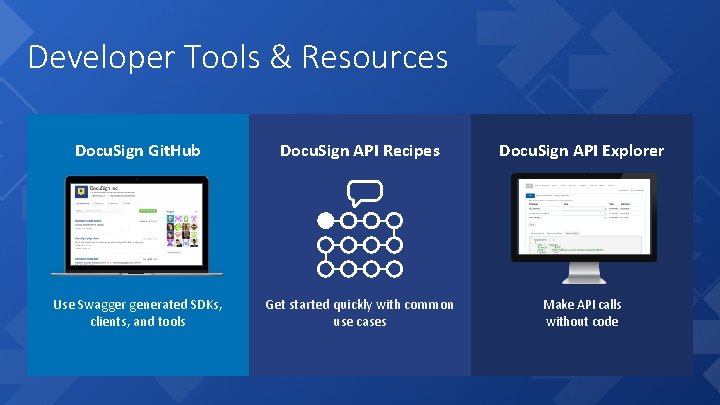
Developer Tools & Resources Docu. Sign Git. Hub Docu. Sign API Recipes Docu. Sign API Explorer Use Swagger generated SDKs, clients, and tools Get started quickly with common use cases Make API calls without code
REST vs. SOAP Docu. Sign offers REST and SOAP APIs: • REST allows JSON or XML, SOAP only XML • REST parses faster • SOAP supports WS-Security • Small feature gap Not a one-time decision – you can mix and match!
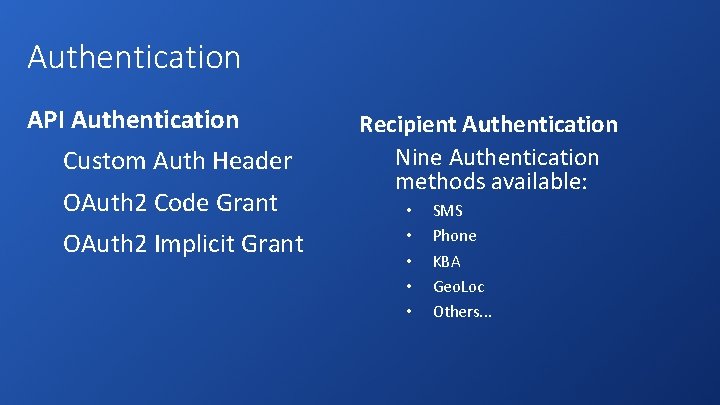
Authentication API Authentication Custom Auth Header OAuth 2 Code Grant OAuth 2 Implicit Grant Recipient Authentication Nine Authentication methods available: • • • SMS Phone KBA Geo. Loc Others. . .
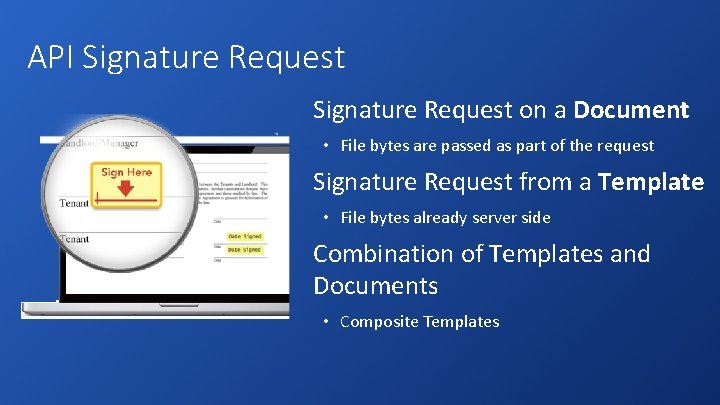
API Signature Request on a Document • File bytes are passed as part of the request Signature Request from a Template • File bytes already server side Combination of Templates and Documents • Composite Templates
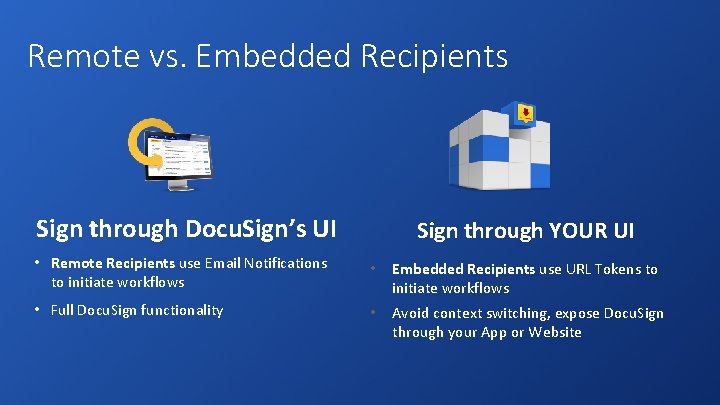
Remote vs. Embedded Recipients Sign through Docu. Sign’s UI Sign through YOUR UI • Remote Recipients use Email Notifications to initiate workflows • Embedded Recipients use URL Tokens to initiate workflows • Full Docu. Sign functionality • Avoid context switching, expose Docu. Sign through your App or Website
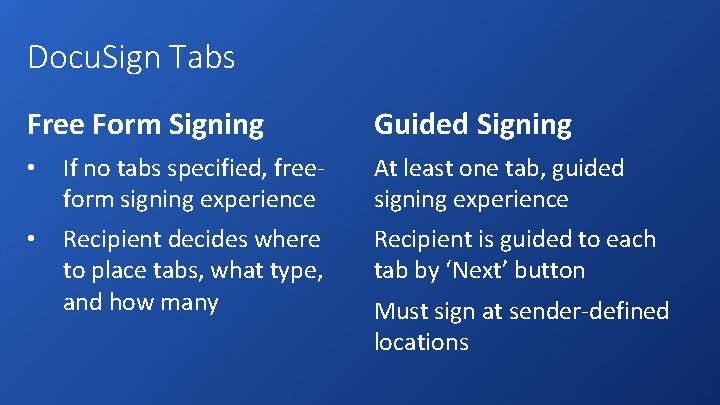
Docu. Sign Tabs Free Form Signing Guided Signing • If no tabs specified, freeform signing experience At least one tab, guided signing experience • Recipient decides where to place tabs, what type, and how many Recipient is guided to each tab by ‘Next’ button Must sign at sender-defined locations
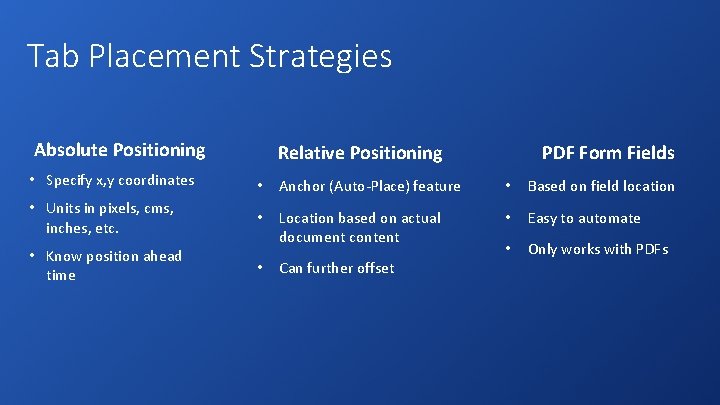
Tab Placement Strategies Absolute Positioning Relative Positioning PDF Form Fields • Specify x, y coordinates • Anchor (Auto-Place) feature • Based on field location • Units in pixels, cms, inches, etc. • Location based on actual document content • Easy to automate • Only works with PDFs • Know position ahead time • Can further offset
Real-Time Status Three General Methods: • Poll Platform for Status • Event. Notification Object • Docu. Sign Connect