Data Thursday Port Forwarding I HG 556 a
- Slides: 6
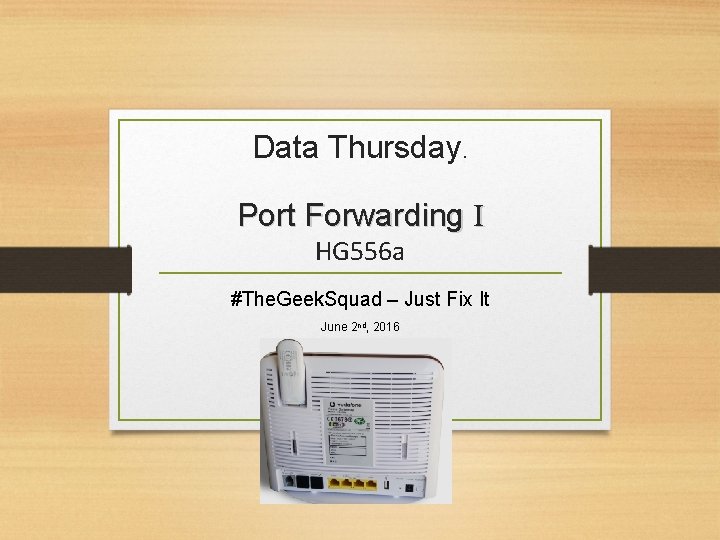
Data Thursday. Port Forwarding I HG 556 a #The. Geek. Squad – Just Fix It June 2 nd, 2016
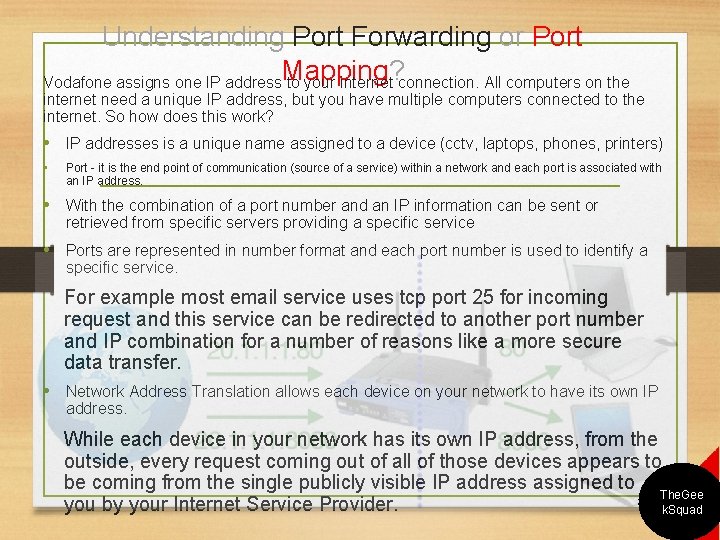
Understanding Port Forwarding or Port Mapping? Vodafone assigns one IP address to your internet connection. All computers on the internet need a unique IP address, but you have multiple computers connected to the internet. So how does this work? • IP addresses is a unique name assigned to a device (cctv, laptops, phones, printers) • Port - it is the end point of communication (source of a service) within a network and each port is associated with an IP address. • With the combination of a port number and an IP information can be sent or retrieved from specific servers providing a specific service • Ports are represented in number format and each port number is used to identify a specific service. For example most email service uses tcp port 25 for incoming request and this service can be redirected to another port number and IP combination for a number of reasons like a more secure data transfer. • Network Address Translation allows each device on your network to have its own IP address. While each device in your network has its own IP address, from the outside, every request coming out of all of those devices appears to be coming from the single publicly visible IP address assigned to The. Gee you by your Internet Service Provider. k. Squad
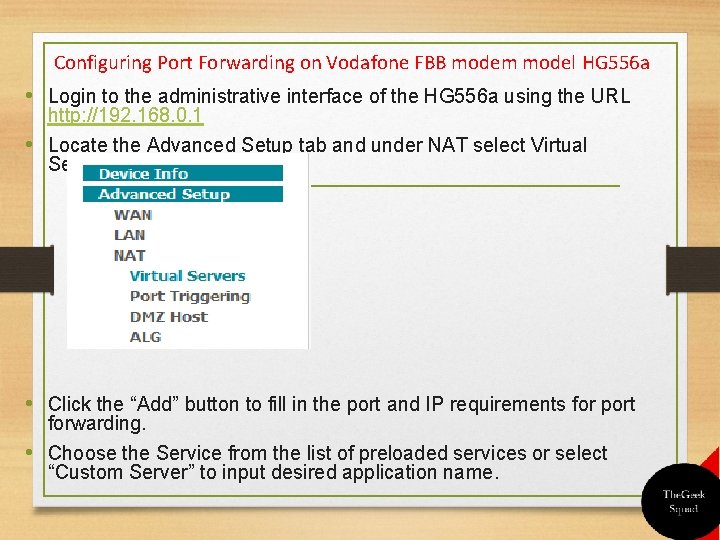
Configuring Port Forwarding on Vodafone FBB modem model HG 556 a • Login to the administrative interface of the HG 556 a using the URL http: //192. 168. 0. 1 • Locate the Advanced Setup tab and under NAT select Virtual Servers. • Click the “Add” button to fill in the port and IP requirements for port forwarding. • Choose the Service from the list of preloaded services or select “Custom Server” to input desired application name.
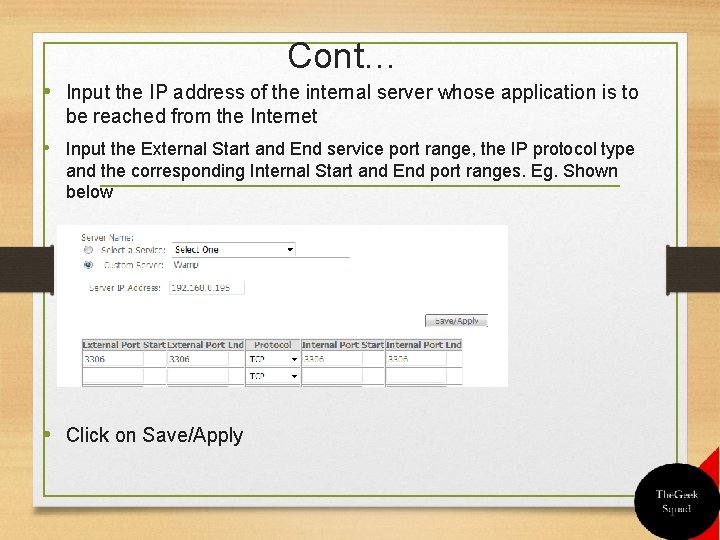
Cont… • Input the IP address of the internal server whose application is to be reached from the Internet • Input the External Start and End service port range, the IP protocol type and the corresponding Internal Start and End port ranges. Eg. Shown below • Click on Save/Apply
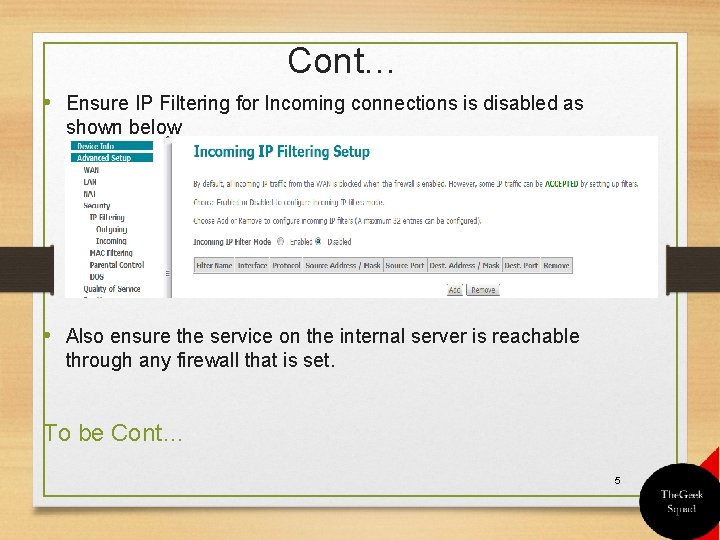
Cont… • Ensure IP Filtering for Incoming connections is disabled as shown below • Also ensure the service on the internal server is reachable through any firewall that is set. To be Cont… 5
Thank you #Team. DTP #The. Geek. Squad https: //ghtechinfor. wordpress. com/