Chapter 4 Using Technology to Manage Information and
- Slides: 16
Chapter 4 Using Technology to Manage Information and for Business Success Prepared by Norm Althouse University of Calgary Copyright © 2011 by Nelson Education Ltd. 1
Learning Outcomes 1 Explain how information technology has transformed business and managerial decision making. 2 Discuss why computer networks are an important part of today’s information technology systems. 3 Give examples of the types of systems that make up a typical company’s management information system. 4 Describe how technology management and planning can help companies optimize their information technology systems. 5 Identify some of the best ways to protect computers and the information they contain. Chapter 4 6 List some of the leading trends in information technology. Copyright © 2011 by Nelson Education Ltd. 2
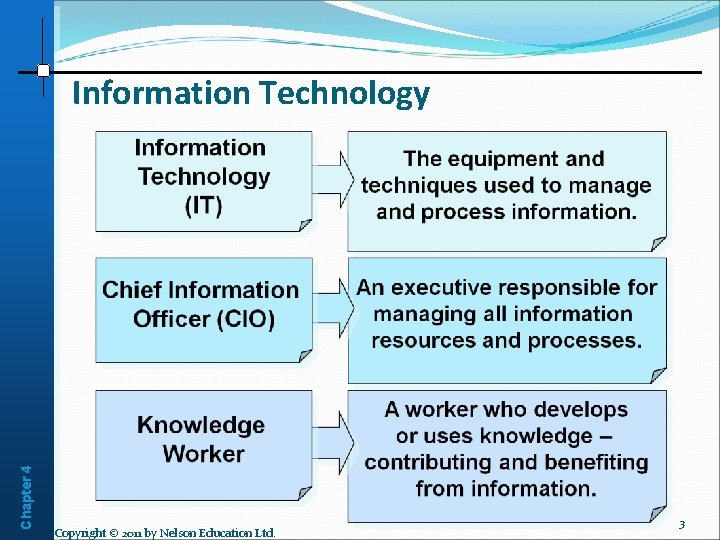
Chapter 4 Information Technology Copyright © 2011 by Nelson Education Ltd. 3
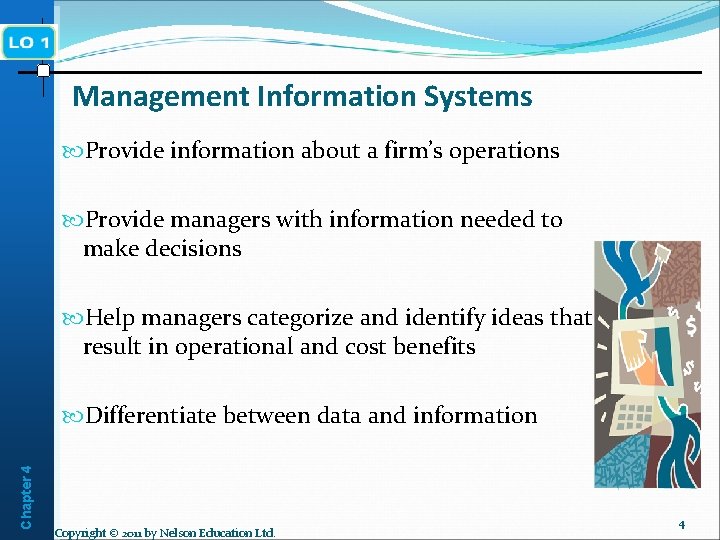
Management Information Systems Provide information about a firm’s operations Provide managers with information needed to make decisions Help managers categorize and identify ideas that result in operational and cost benefits Chapter 4 Differentiate between data and information Copyright © 2011 by Nelson Education Ltd. 4
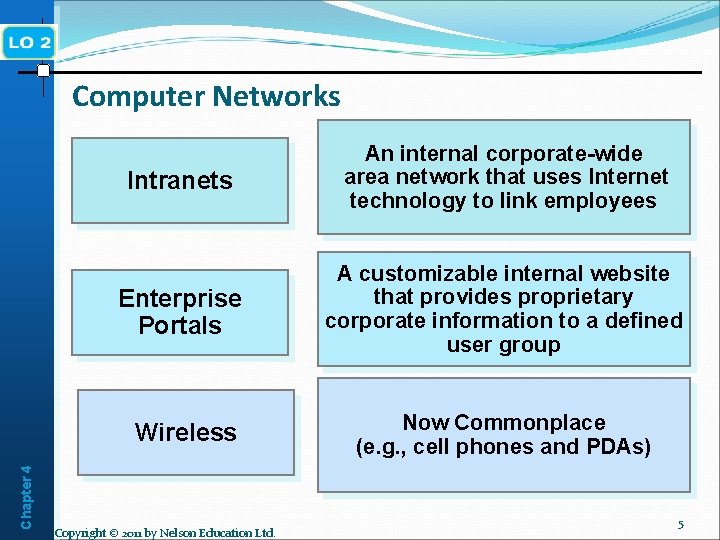
Chapter 4 Computer Networks Intranets An internal corporate-wide area network that uses Internet technology to link employees Enterprise Portals A customizable internal website that provides proprietary corporate information to a defined user group Wireless Now Commonplace (e. g. , cell phones and PDAs) Copyright © 2011 by Nelson Education Ltd. 5
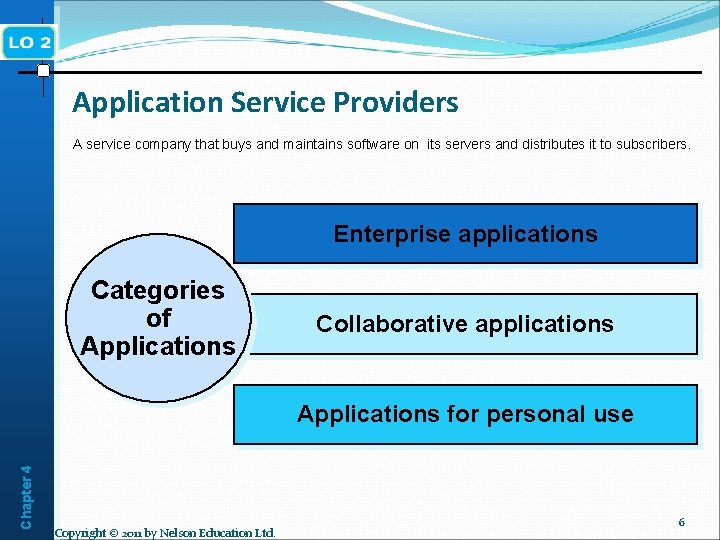
Application Service Providers A service company that buys and maintains software on its servers and distributes it to subscribers. Enterprise applications Categories of Applications Collaborative applications Chapter 4 Applications for personal use Copyright © 2011 by Nelson Education Ltd. 6
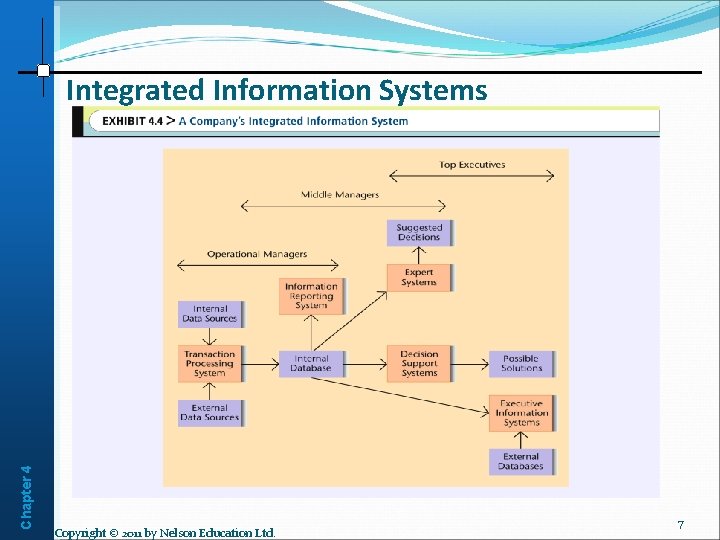
Chapter 4 Integrated Information Systems Copyright © 2011 by Nelson Education Ltd. 7
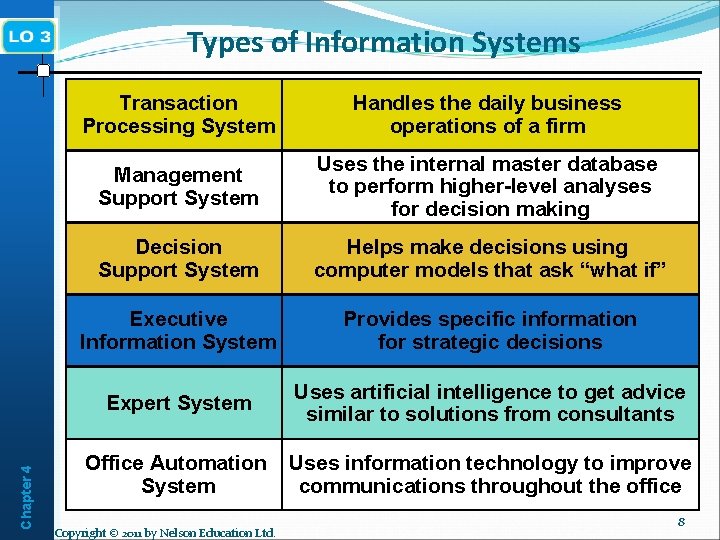
Chapter 4 Types of Information Systems Transaction Processing System Handles the daily business operations of a firm Management Support System Uses the internal master database to perform higher-level analyses for decision making Decision Support System Helps make decisions using computer models that ask “what if” Executive Information System Provides specific information for strategic decisions Expert System Uses artificial intelligence to get advice similar to solutions from consultants Office Automation System Uses information technology to improve communications throughout the office Copyright © 2011 by Nelson Education Ltd. 8
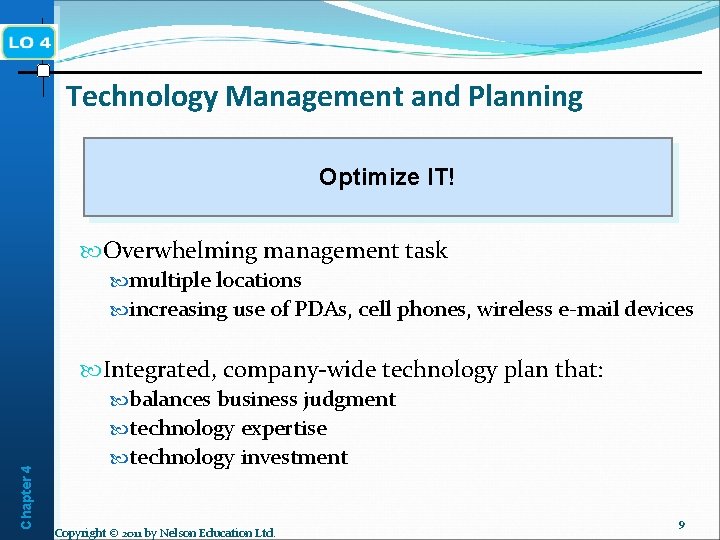
Technology Management and Planning Optimize IT! Overwhelming management task multiple locations increasing use of PDAs, cell phones, wireless e-mail devices Integrated, company-wide technology plan that: balances business judgment Chapter 4 technology expertise technology investment Copyright © 2011 by Nelson Education Ltd. 9
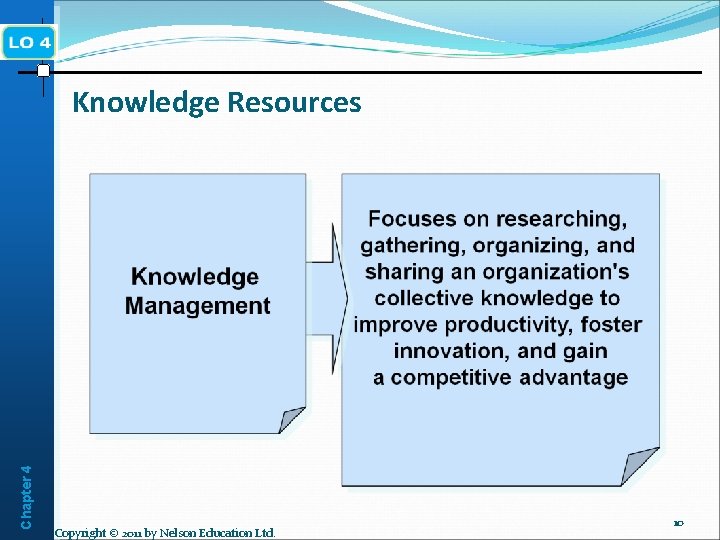
Chapter 4 Knowledge Resources Copyright © 2011 by Nelson Education Ltd. 10
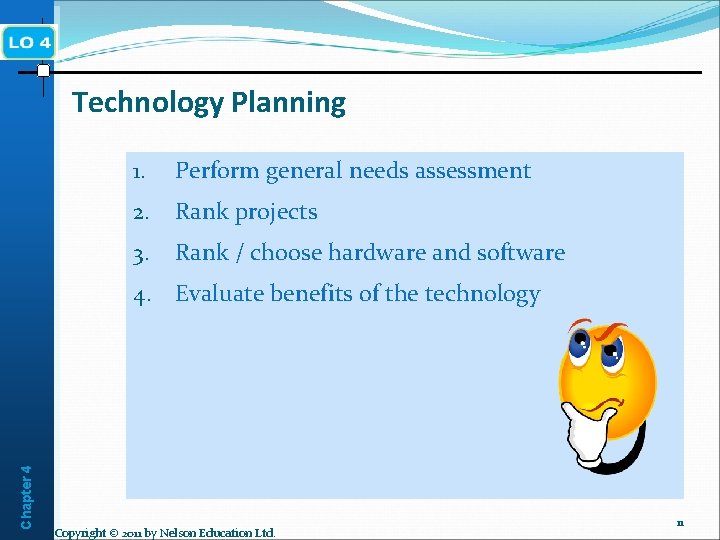
Chapter 4 Technology Planning 1. Perform general needs assessment 2. Rank projects 3. Rank / choose hardware and software 4. Evaluate benefits of the technology Copyright © 2011 by Nelson Education Ltd. 11
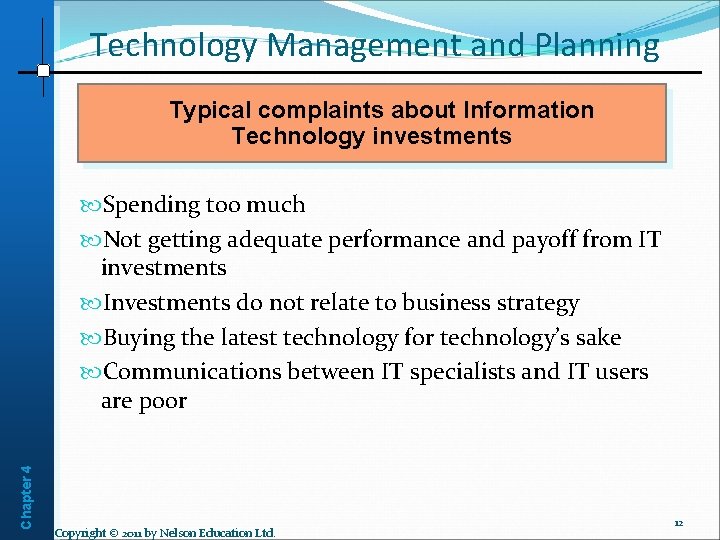
Technology Management and Planning Typical complaints about Information Technology investments Chapter 4 Spending too much Not getting adequate performance and payoff from IT investments Investments do not relate to business strategy Buying the latest technology for technology’s sake Communications between IT specialists and IT users are poor Copyright © 2011 by Nelson Education Ltd. 12
Data Security Issues Chapter 4 Unauthorized access to a company’s systems Software that copies and transmits user’s keystrokes Viruses, worms, and Trojan horses Deliberate damage to equipment or information Spam Piracy Copyright © 2011 by Nelson Education Ltd. 13
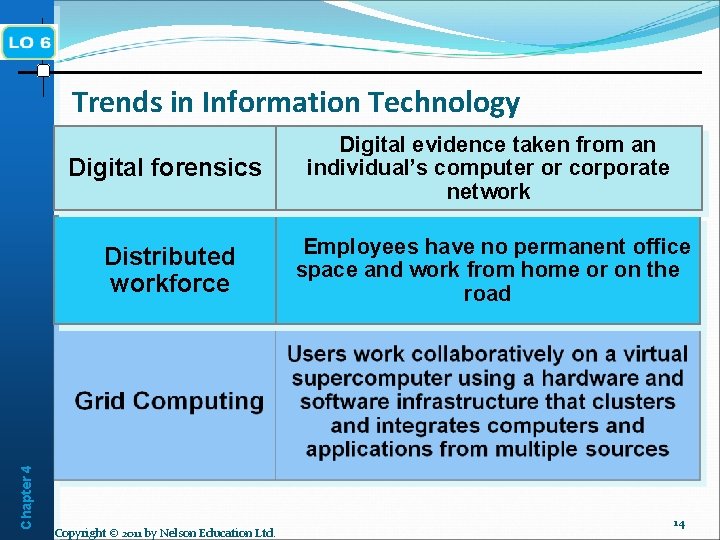
Chapter 4 Trends in Information Technology Digital forensics Digital evidence taken from an individual’s computer or corporate network Distributed workforce Employees have no permanent office space and work from home or on the road Copyright © 2011 by Nelson Education Ltd. 14
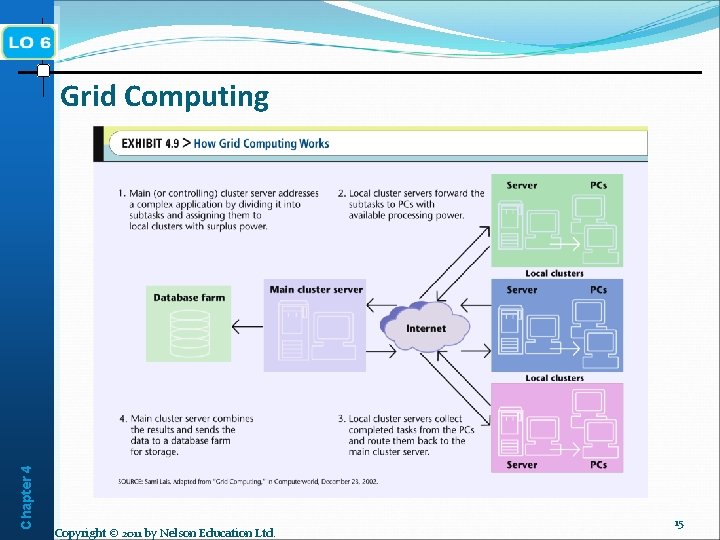
Chapter 4 Grid Computing Copyright © 2011 by Nelson Education Ltd. 15
Some Final Advice Be careful about sharing information Ask how personal information is to be used Give only the minimum required personal information 4. Be very careful about giving out your SIN 5. Do not give out your credit card except in person unless you trust the other person 6. Use technologies that enhance your security 7. Pay attention to your billing cycles Chapter 4 1. 2. 3. Copyright © 2011 by Nelson Education Ltd. 16