Chapter 2 Spyware Advertisers Hijackers and Opprtunists Summary
- Slides: 37
Chapter 2 Spyware: Advertisers, Hijackers and Opprtunists
Summary • What is Spyware • What does it do? Why is it bad? • How does Spyware sneak into the computer? • Types of spyware • Who is at risk? • How to tell if I have Spyware? • What to do?
What is spyware?
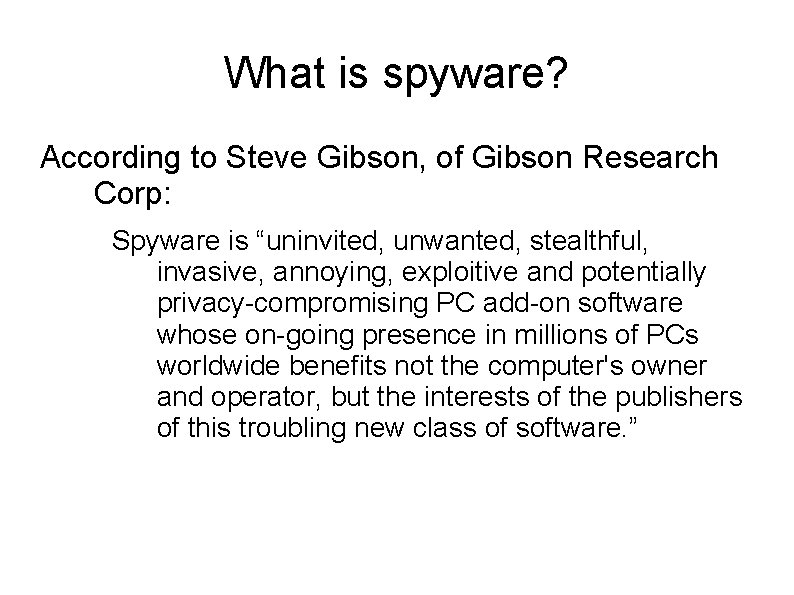
What is spyware? According to Steve Gibson, of Gibson Research Corp: Spyware is “uninvited, unwanted, stealthful, invasive, annoying, exploitive and potentially privacy-compromising PC add-on software whose on-going presence in millions of PCs worldwide benefits not the computer's owner and operator, but the interests of the publishers of this troubling new class of software. ”
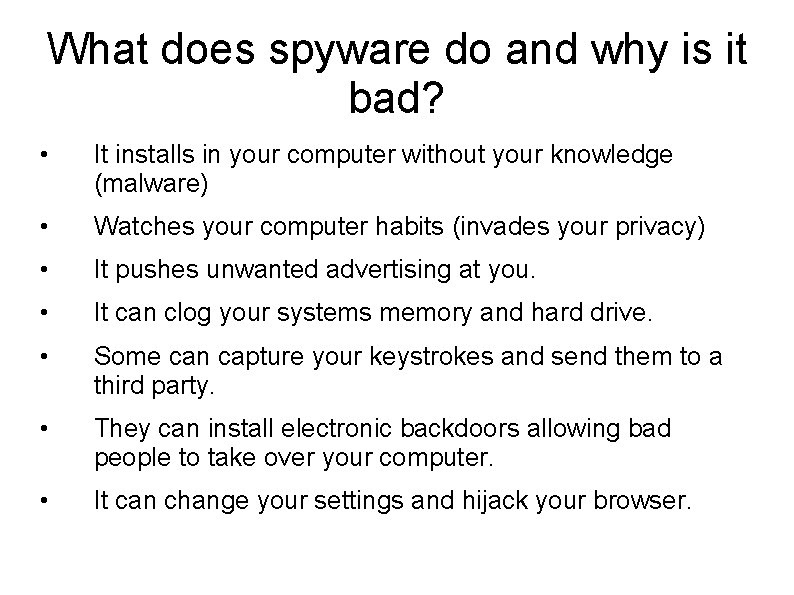
What does spyware do and why is it bad? • It installs in your computer without your knowledge (malware) • Watches your computer habits (invades your privacy) • It pushes unwanted advertising at you. • It can clog your systems memory and hard drive. • Some can capture your keystrokes and send them to a third party. • They can install electronic backdoors allowing bad people to take over your computer. • It can change your settings and hijack your browser.
How does spyware sneak into the computer? • It can arrive as an automatic download from a website you are surfing (called drive-by downloading). • You can be tricked into clicking a link that downloads spyware from a website. • Spyware can be embedded in the installation process of a free or pirated piece of software you download. • It can also come in an email attachment.
Downloads that might contain spyware: • Toolbars for your desktop or browser • Free games/puzzles. . . • Free screen-savers or animated characters. • Free pop-up blockers • Files downloaded from file-sharing services. “There is no free lunch” However, there are real free downloads; you just have to be careful.
Types of Spyware • Snoopware: – Key-loggers, etc. • Adware • Legal snoopware • Browser hijackers • Key-loggers • Dialers (not any more? ? • Trojan Horses • Cookies
Who is at risk? • Pretty much everybody!
How to tell if you have spyware • Sluggish PC Performance • Weird Pop-up ads • New tool bars you can't delete • Unexpected changes to your home age settings • Internet connects go awry • Unusual search results • Software doesn't work • Frequent computer crashes
How to defend yourself against Spyware • Download a free spyware program: – – Windows defender Spybot search and destroy • Set browser security to high (page 70 of the text) • UPDATE WINDOWS!! • UPDATE SPYWARE SIGNATURES!!
Strong Spyware Defense • Run a full system scan • Install a second antispyware program • Inoculate your system (Real Time Protection in Windows Defender or Immunize in Spybot S&D) • Don't use IE • Use IE 7 Protected mode (page 78) • Clean your cookies
Summary Spyware is malware that watches your actions in the computer and: It will probably pop up ads that might interest you It will probably send some information “home”. It often clogs your computer Sometimes called adware; sometimes you accepted it when you downloaded some freesoftware. A variety called snoopware is used to keep tabs on other users of a computer.
Other varieties of Spyware Browser Hijackers: very hard to remove. Key Loggers Dialers Cookies
Spyware Symptoms Sluggish PC Performance Weird Pop-up ads Toolbars you can't delete Unexpected changes in your home page settings Weirdly behaving internet Unusual search results Programs don't run or run incorrectly Frequent Computer Crashes
Spyware Remedies Use an Antispyware Program: Windows Defender Spybot Search & Destroy Ad-Aware Set your Internet Options (security) to high UPDATE Windows and your Spyware signatures frequently Periodically do a full system scan A second antispyware program won't hurt.
Spyware Remedies II You can use the “Real Time Protection” of Windows Defender (in Vista and Windows 7, “right click and run as administrator, in order to turn it on). , and/or Use the Immunize feature of Search & Destroy (it tweaks Internet Explorer) Use a different browser than Internet Explorer: use Firefox or Google Chrome
Rootkits A rootkit is like an “invisibility cloak” which hides malware. Rootkits were made famous by Sony in 2005.
Rootkit Protection Most security utilities (like Norton, Mc. Afee, F-Secure, etc) protect against most rootkits. Use a Rootkit Scanner: F-Secure Blacklight http: /www. fsecure. com/blacklight/ Microsoft Windows Malicious Software Removal Toolhttp: //www. microsoft. com/security/m
Identity Theft Symptoms: Strange items in your credit card staement Calls from collection agencies for debts you don't know anything about New accounts on your credit record. An undeserved low credit record. Missing or stolen Id cards or records. Calls from the police about crimes you did not commit.
ID theft, Preventive Measures Avoid giving out your personal information. Safeguard your Driver's license number, your SS Number, your Passport number, etc. Be specially careful about your SS Number Keep all important numbered documents in a safe place at home or in a safe in a bank. Shred all papers that contain sensitive numbers: any of the numbers above, as also, account numbers
ID Theft Preventive Measures II Minimize your credit cards: it is easier on you, and better for your credit score. Keep a record of all your credit cards and the numbers to call if they are lost/stolen. Pay your bills electronically; the less paper there is in the mail, the less paper that can be stolen. Never give out any numbers if somebody calls you; don't email any sensitive information.
ID Theft Preventive Measures III Keep an eye on your credit report: EQUIFAX 1 -800 -685 -1111 http: //www. equifax. com/ Experian: 1 -888 -EXPERIA (397 -3742) http: //www. experiam. com/ You can order it at http: //annualcreditreport. com/ or by calling 1 -877 -322 -8228. More info at: www. ftc. gov/bcp/conline/edcams/credit/ycr_free_re ports. htm
ID Theft What to do? Contact the credit bureaus and place a fraud alert. Close all tainted accounts; reopen with new account numbers. Report theft to the Police. Get new versions of ID documents (if necessary). File a complaint with the ftc at: http: //www. ftc. gov/bcp/edu/microsites/idtheft/consu mers/filing-a-report. html
Phishing • Phishing is sending emails with the intent of luring people into revealing sensitive information. Usually they are cleverly disguised to appear as from a bank or other reputable company; often they come with serious consequences if the recipient does not comply, and they always ask for information reputable companies will not ask you.
How to tell a Phish • False statements with very dire threats for the recipient, such as account termination, loss of access and/or steep reactivation fees. • They ask for information which you should not ever be given out. • They seldom have your name in the email.
How they work • By changing the “From” line in the header, the email appears as if it came from somebody else (it is THAT simple!) • By using <a href=”mysite”>bank's site</a> you think you are clicking on “bank's site”, when you are being directed to “mysite”. • Exploiting a bug in IE 5. 01, 5. 5 and 6 which allows them to display a different address from the one displayed.
Pharming • Also called DNS poisoning. • The process of translating names to IP addresses is done by “Dynamic Name Servers”. These servers, in turn, are constantly asking about translations, and, when they get the information, they keep it, for about a minute; bad people may feed bad information to the DNS, sending people astray.
419 Scams • Nigerian 419 Scam: a person gets an email from somebody who claims to have access to lots of cash; they want to get it out of the country they are at, and if you help them, you get to keep a fraction (ofrten millions). • Victims have lost thousands; some have even traveled overseas only to get kidnapped or worse. • Read http: //www. 419 eater. com/html/letters. htmfor some people who turned the tables on them
Damage caused by Phishing • Financial loss • Identity Theft
What to do • Don't send any information over email; don't click on any links in emails; if you are really tempted, cut and paste the text of the link into your browser. • When filling out forms on the web with information, make sure that the web address starts with https: • Install an Anti-Spam filter • Use Net. Craft or WOT • Some browsers may need Spoofstick. • Keep your security software up to date. • Keep your OS software up to date.
Spam • spam is unsolicited email with advertisements, often stupid, sometimes offensive, and rarely with something you want/need. • It gets created by individuals or shady companies out for a “quick buck” • It is profitable because the send out millions of emails, and even if only one in a thousand answers, and they only make $1. 00 per response, they still made thousands of dollars.
Some spam varieties • Malware distribution • Scams • Hobbit spam • SPIM
Why hasn't spam been stopped? • Because it is impossible • Because the politicians don't want to.
Where do spammers get the addresses? • Website harvesting. • Publicly available address books on web-based email sites • Dictionary Spamming • Commercial email lists • Discussions forums, newsgroups, etc. • Contests • Email forwarding • Data theft
Impact of spam • Costs money (clogs the internet) • Wasted productivity • Wasted time • It causes people to disconnect • Annoying, offensive, dangerous to minors • Malware and scam carrier • It can get you kicked off the net
What you can do • NEVER RESPOND TO SPAM • Don't place your email address on the web • Don't use mailto • Turn off Image display in Email programs (displaying the images in spam, tells spammers they found a legit email address): – Click on “don't download Pictures Automatically in Html messages in Outlook.