Title of the paper Name and Surname affiliation

- Slides: 9
Title of the paper Name and Surname affiliation Affiliation
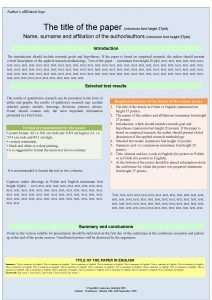
Title of the paper WHY THIS FORMAT To supply the authors with correct direction for an appropriate power-poin presentazion Affiliation 3
Title of the paper HOW TO USE THIS FORMAT To insert title of the presentation and name of the author: • click on“view” • then “slide master” • then “slide” Affiliation 4
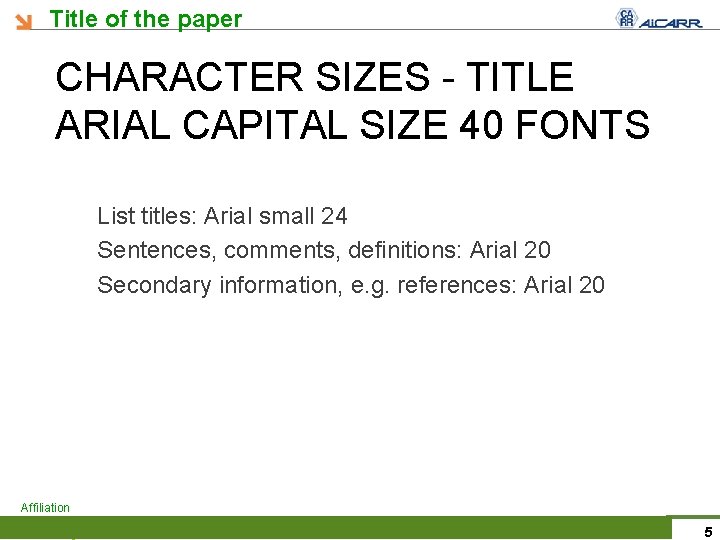
Title of the paper CHARACTER SIZES - TITLE ARIAL CAPITAL SIZE 40 FONTS List titles: Arial small 24 Sentences, comments, definitions: Arial 20 Secondary information, e. g. references: Arial 20 Affiliation 5
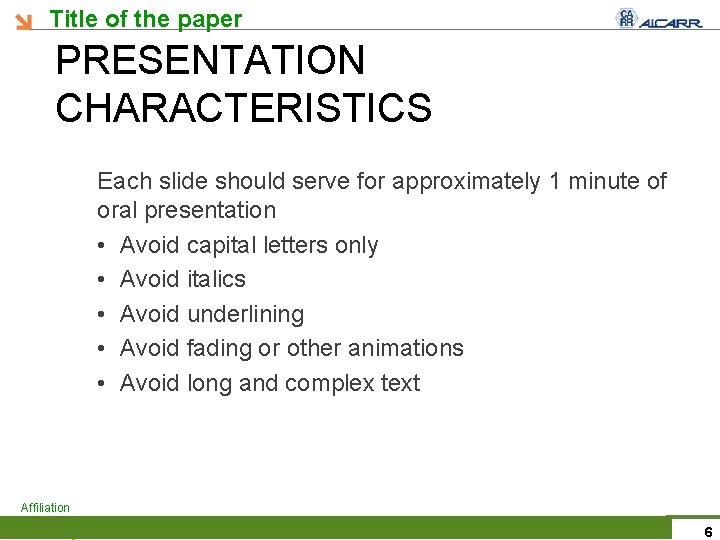
Title of the paper PRESENTATION CHARACTERISTICS Each slide should serve for approximately 1 minute of oral presentation • Avoid capital letters only • Avoid italics • Avoid underlining • Avoid fading or other animations • Avoid long and complex text Affiliation 6
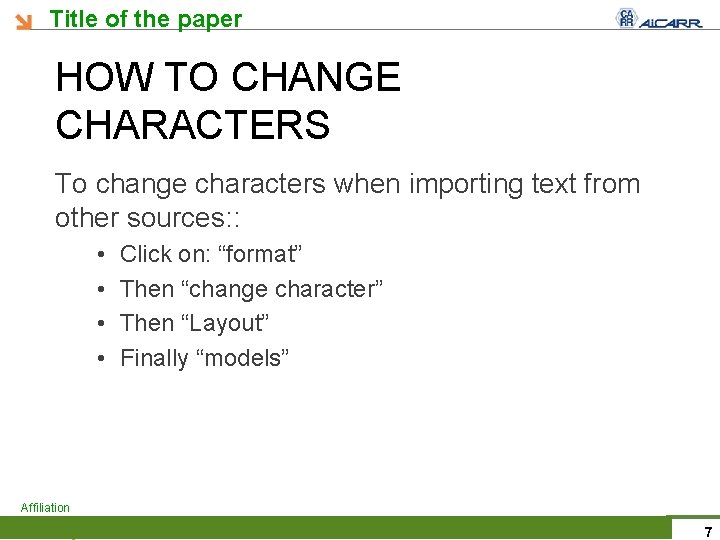
Title of the paper HOW TO CHANGE CHARACTERS To change characters when importing text from other sources: : • • Click on: “format” Then “change character” Then “Layout” Finally “models” Affiliation 7
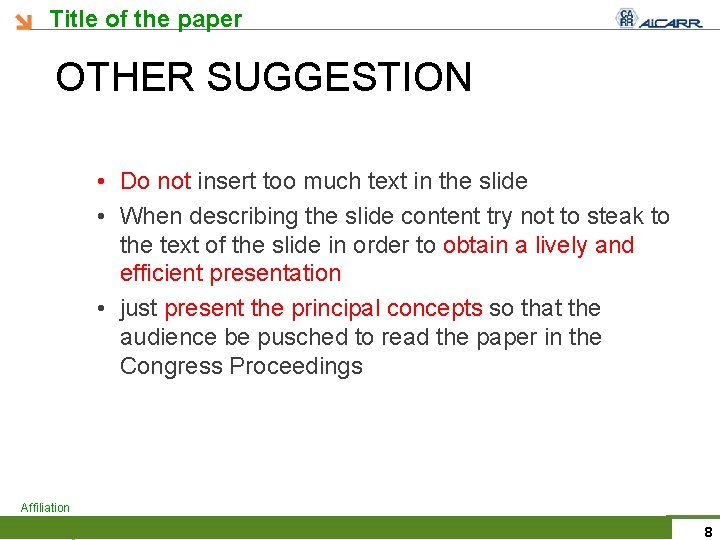
Title of the paper OTHER SUGGESTION • Do not insert too much text in the slide • When describing the slide content try not to steak to the text of the slide in order to obtain a lively and efficient presentation • just present the principal concepts so that the audience be pusched to read the paper in the Congress Proceedings Affiliation 8
Title of the paper CONCLUSION Click here to write the text Affiliation 9