The Oregon Trail Experience Oregon Trail Software CD
- Slides: 6
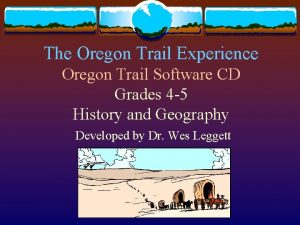
The Oregon Trail Experience Oregon Trail Software CD Grades 4 -5 History and Geography Developed by Dr. Wes Leggett
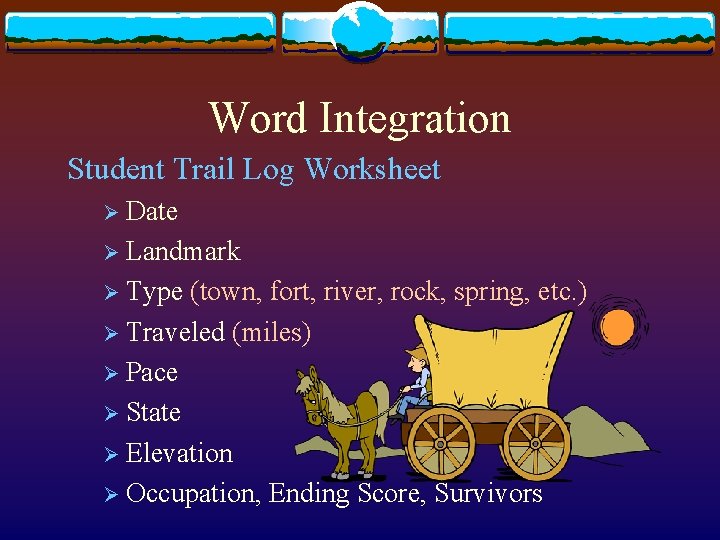
Word Integration Student Trail Log Worksheet Ø Date Ø Landmark Ø Type (town, fort, river, rock, spring, etc. ) Ø Traveled (miles) Ø Pace Ø State Ø Elevation Ø Occupation, Ending Score, Survivors
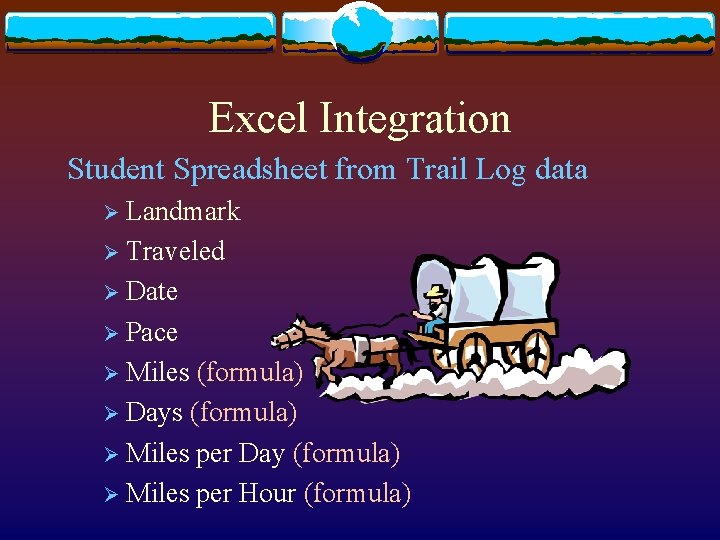
Excel Integration Student Spreadsheet from Trail Log data Ø Landmark Ø Traveled Ø Date Ø Pace Ø Miles (formula) Ø Days (formula) Ø Miles per Day (formula) Ø Miles per Hour (formula)
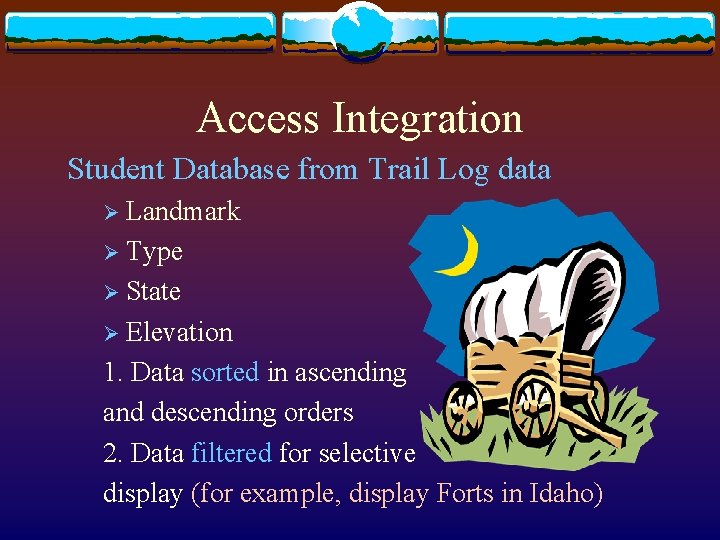
Access Integration Student Database from Trail Log data Ø Landmark Ø Type Ø State Ø Elevation 1. Data sorted in ascending and descending orders 2. Data filtered for selective display (for example, display Forts in Idaho)
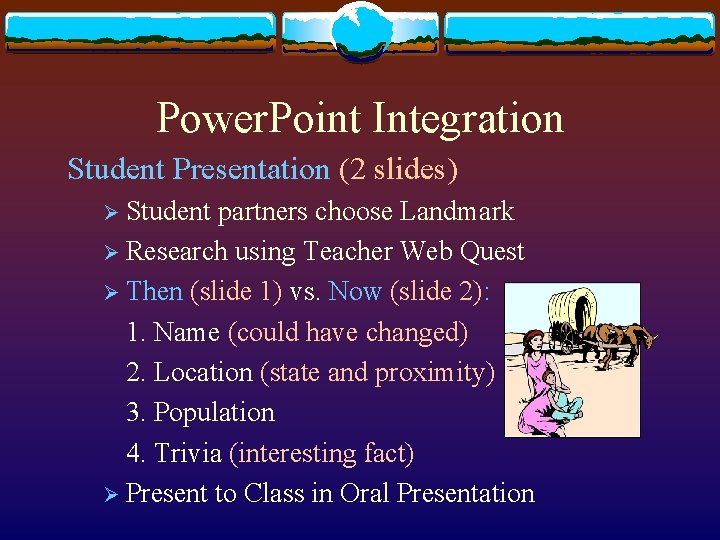
Power. Point Integration Student Presentation (2 slides) Ø Student partners choose Landmark Ø Research using Teacher Web Quest Ø Then (slide 1) vs. Now (slide 2): 1. Name (could have changed) 2. Location (state and proximity) 3. Population 4. Trivia (interesting fact) Ø Present to Class in Oral Presentation
Web Authoring Integration Teacher Web Quest for Student Research Ø Description of assignment related to Power. Point presentation Ø Links to websites with past and present information on Oregon Trail Landmarks Ø Research completed at home or public library with parent(s) or guardian(s) help