Remote access and file transfer Getting files on
- Slides: 16
Remote access and file transfer Getting files on and off Bio-Linux
Overview � Remote logins to Bio-Linux � Getting data from remote machines � Pushing data from Bio-Linux � Networked file systems and file-sharing
Logging in remotely � There is only 1 way to access a Bio-Linux machine remotely. � Bio-Linux runs sshd, which supports Secure Shell connections. Secure Shell (SSH) is a safe version of something like “telnet”. � How you access Bio-Linux remotely using SSH depends on what system you are logging in from.
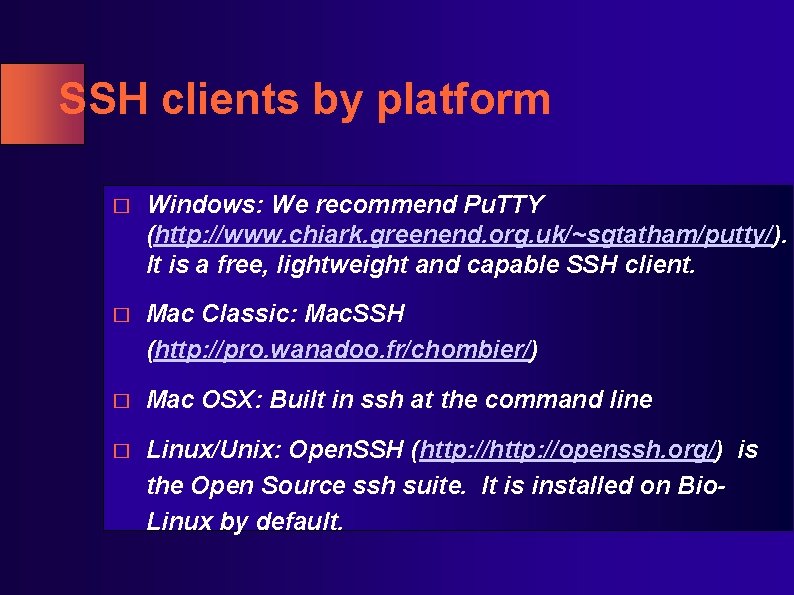
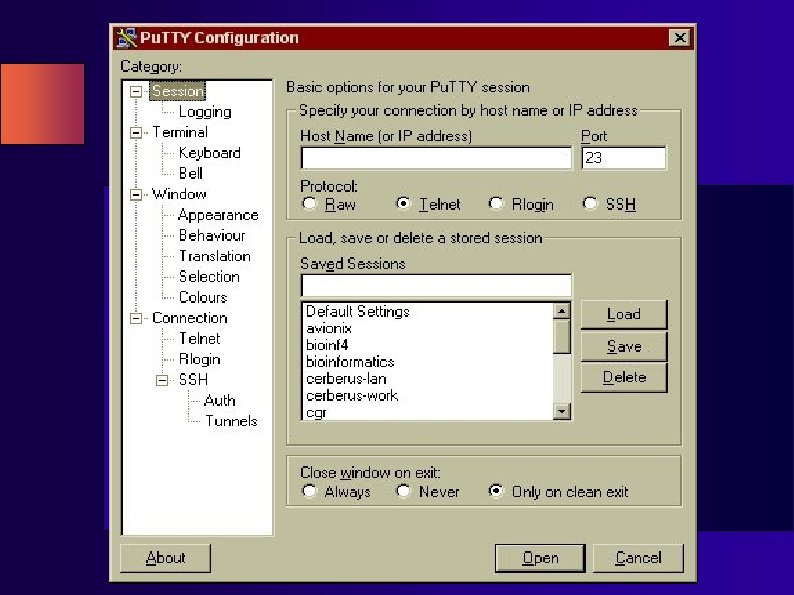
SSH clients by platform � Windows: We recommend Pu. TTY (http: //www. chiark. greenend. org. uk/~sgtatham/putty/). It is a free, lightweight and capable SSH client. � Mac Classic: Mac. SSH (http: //pro. wanadoo. fr/chombier/) � Mac OSX: Built in ssh at the command line � Linux/Unix: Open. SSH (http: //openssh. org/) is the Open Source ssh suite. It is installed on Bio. Linux by default.
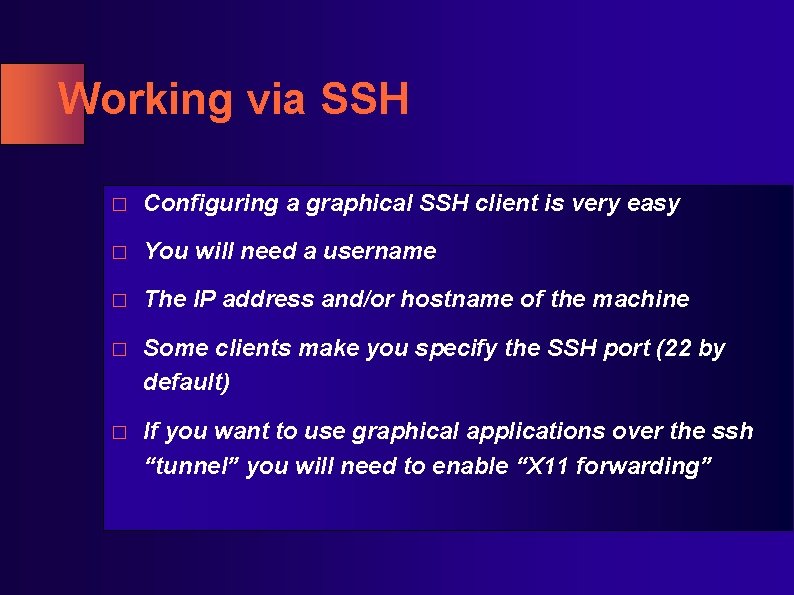
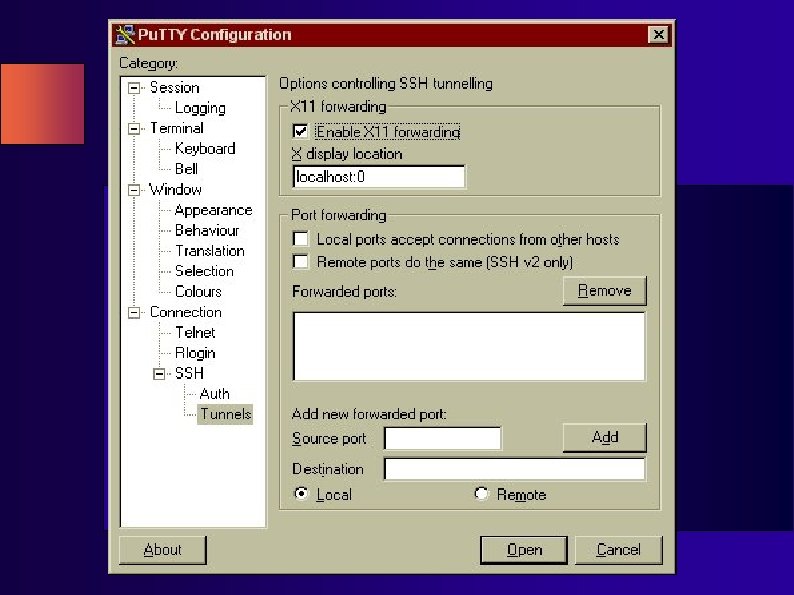
Working via SSH � Configuring a graphical SSH client is very easy � You will need a username � The IP address and/or hostname of the machine � Some clients make you specify the SSH port (22 by default) � If you want to use graphical applications over the ssh “tunnel” you will need to enable “X 11 forwarding”
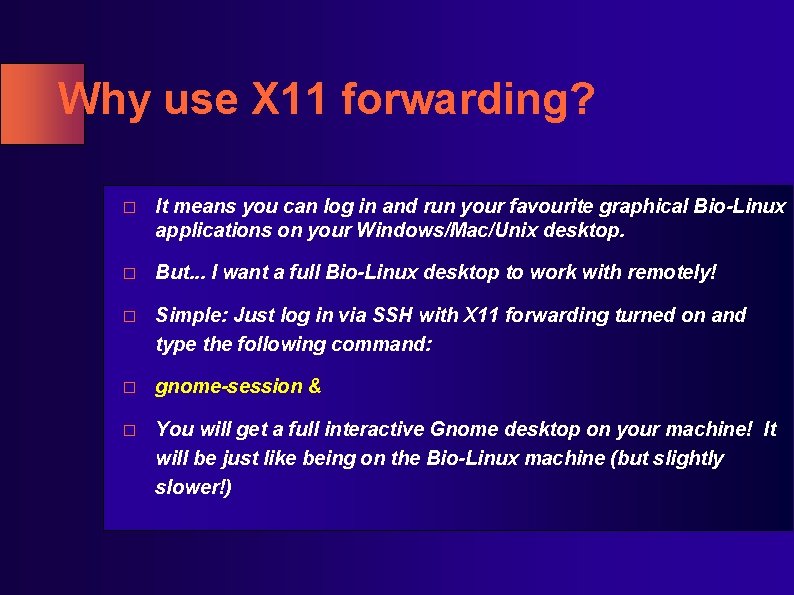
Why use X 11 forwarding? � It means you can log in and run your favourite graphical Bio-Linux applications on your Windows/Mac/Unix desktop. � But. . . I want a full Bio-Linux desktop to work with remotely! � Simple: Just log in via SSH with X 11 forwarding turned on and type the following command: � gnome-session & � You will get a full interactive Gnome desktop on your machine! It will be just like being on the Bio-Linux machine (but slightly slower!)
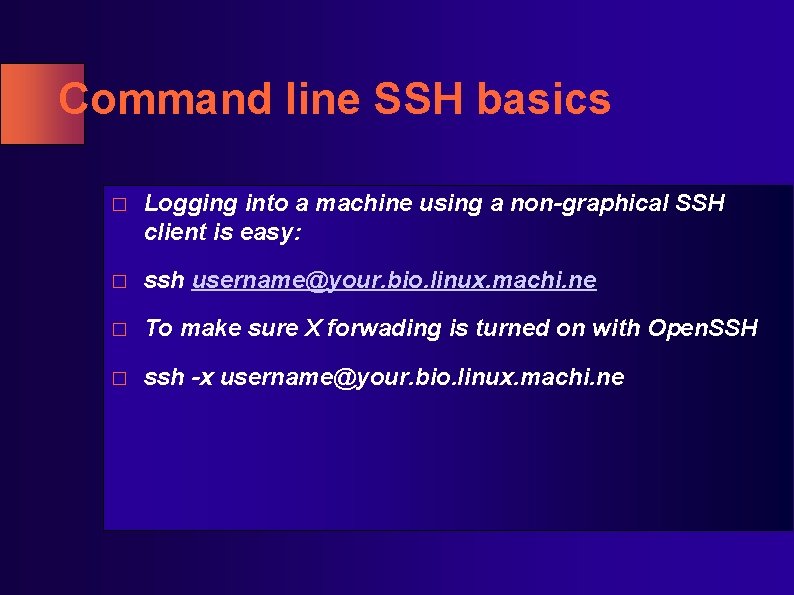
Command line SSH basics � Logging into a machine using a non-graphical SSH client is easy: � ssh username@your. bio. linux. machi. ne � To make sure X forwading is turned on with Open. SSH � ssh -x username@your. bio. linux. machi. ne
Getting data from remote machines � Most likely you are familiar with FTP. Most people are familiar with graphical FTP clients. � Bio-Linux has a command line FTP client. � At a terminal just type: � ftp <hostname> � You will be prompted for a username and password.
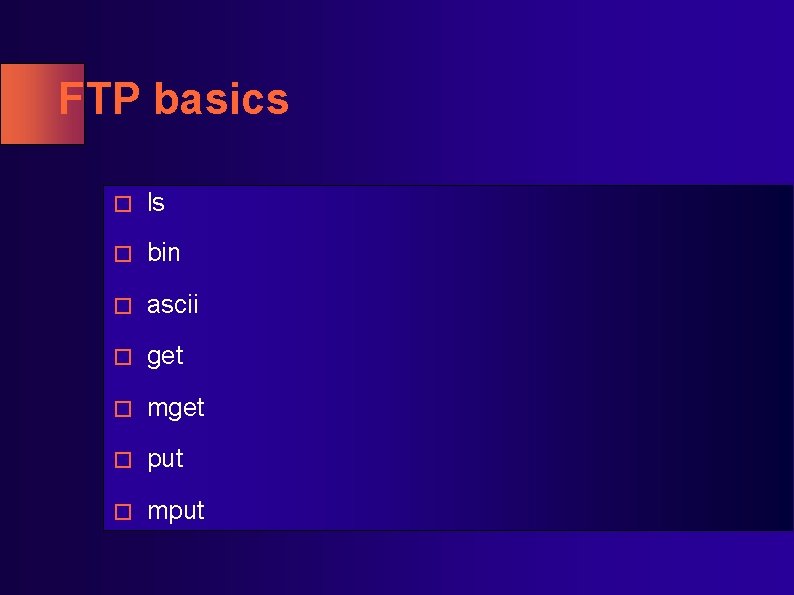
FTP basics � ls � bin � ascii � get � mget � put � mput
s. FTP � If the server supports it you should use sftp instead of FTP. � s. FTP = secure FTP � sftp <username>@<hostname> � The rest of the commands are just like FTP � Relies on sshd.
SCP � scp is the hard way of doing sftp ; ) � scp <filename> <username>@<host>: � Can take wildcards. � Great for shunting single files around between Linux machines. � Relies on sshd.
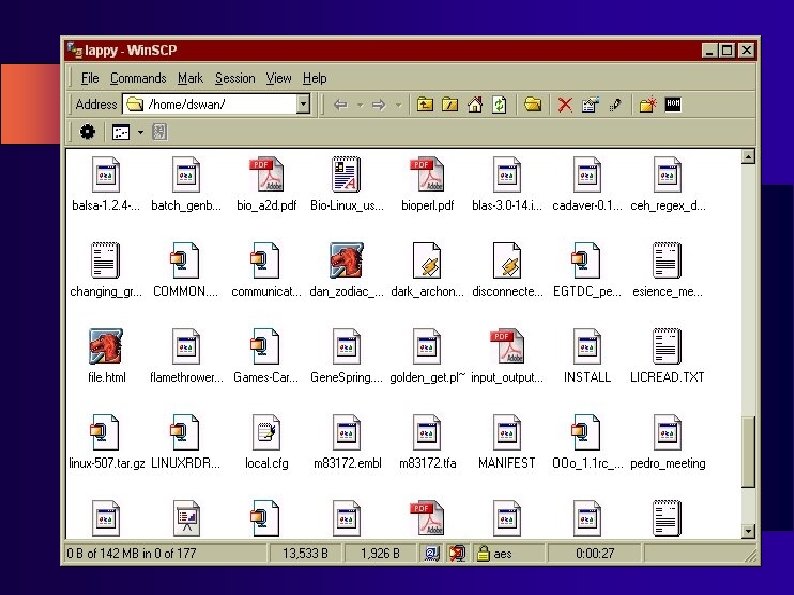
Win. SCP � For getting files from Windows to Bio-Linux there is a great (free!) program called Win. SCP � It looks just like a regular windows file manager. � You can “drag and drop” files to and from your Bio-Linux machine. � Handles SCP and SFTP transparently � http: //winscp. sourceforge. net/eng/
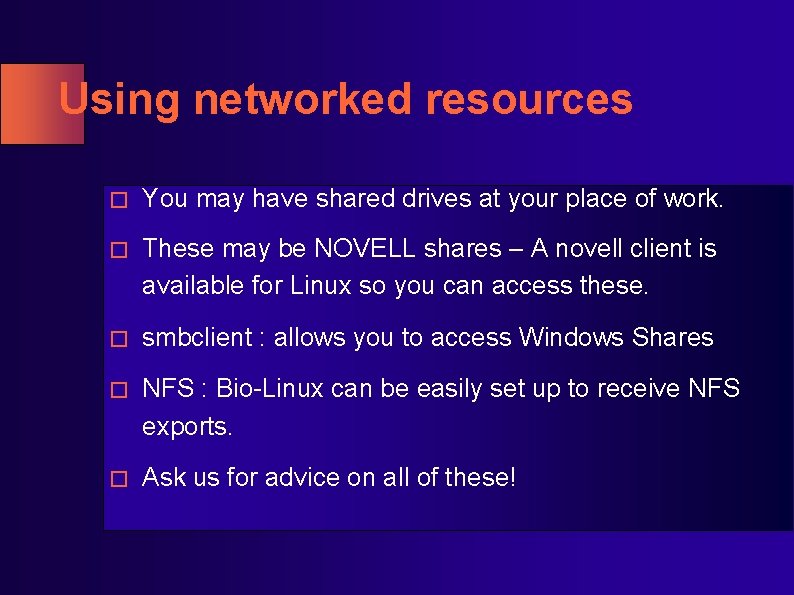
Using networked resources � You may have shared drives at your place of work. � These may be NOVELL shares – A novell client is available for Linux so you can access these. � smbclient : allows you to access Windows Shares � NFS : Bio-Linux can be easily set up to receive NFS exports. � Ask us for advice on all of these!