Project Requirements Interactive Graphics Course Prof Marco Schaerf
- Slides: 7
Project Requirements Interactive Graphics Course Prof. Marco Schaerf Dept. of Computer, Systems and Management Science (DIAG) Sapienza University of Rome marco. schaerf@uniroma 1. it Interactive Graphics: Project 1
Passing the exam • Three ways to pass the exam 1. Homeworks (deadlines during the course) + Project (deadlines after the end of course, latest in September) 2. Oral Exam • Oral examinations will take place at fixed dates (see Info. Stud). Please register on Info. Stud before coming. Interactive Graphics: Project Pagina 2
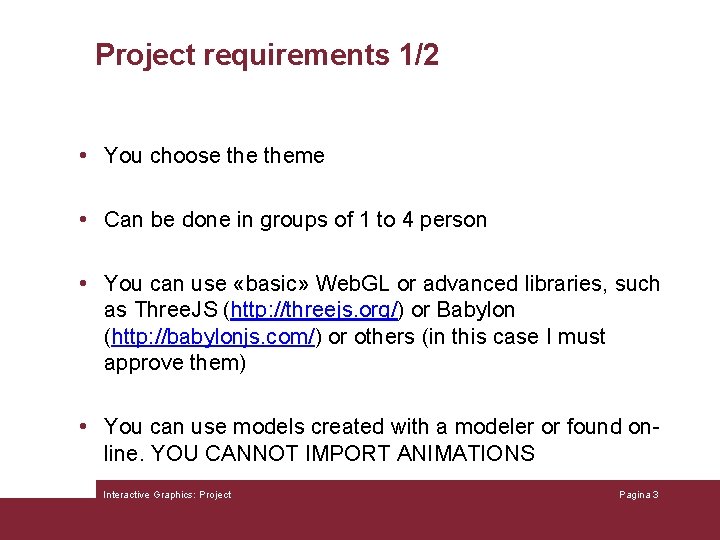
Project requirements 1/2 • You choose theme • Can be done in groups of 1 to 4 person • You can use «basic» Web. GL or advanced libraries, such as Three. JS (http: //threejs. org/) or Babylon (http: //babylonjs. com/) or others (in this case I must approve them) • You can use models created with a modeler or found online. YOU CANNOT IMPORT ANIMATIONS Interactive Graphics: Project Pagina 3
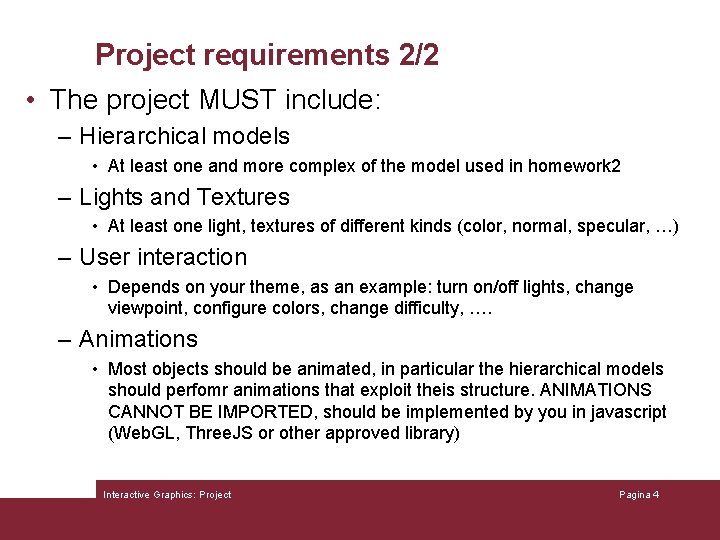
Project requirements 2/2 • The project MUST include: – Hierarchical models • At least one and more complex of the model used in homework 2 – Lights and Textures • At least one light, textures of different kinds (color, normal, specular, …) – User interaction • Depends on your theme, as an example: turn on/off lights, change viewpoint, configure colors, change difficulty, …. – Animations • Most objects should be animated, in particular the hierarchical models should perfomr animations that exploit theis structure. ANIMATIONS CANNOT BE IMPORTED, should be implemented by you in javascript (Web. GL, Three. JS or other approved library) Interactive Graphics: Project Pagina 4
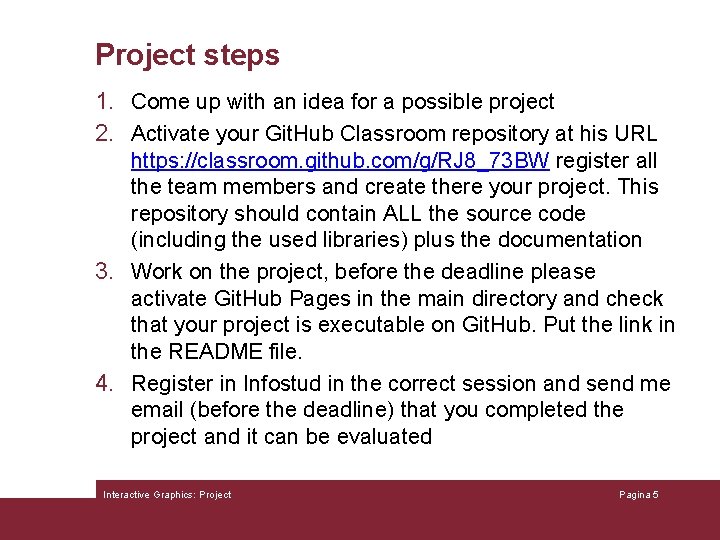
Project steps 1. Come up with an idea for a possible project 2. Activate your Git. Hub Classroom repository at his URL https: //classroom. github. com/g/RJ 8_73 BW register all the team members and create there your project. This repository should contain ALL the source code (including the used libraries) plus the documentation 3. Work on the project, before the deadline please activate Git. Hub Pages in the main directory and check that your project is executable on Git. Hub. Put the link in the README file. 4. Register in Infostud in the correct session and send me email (before the deadline) that you completed the project and it can be evaluated Interactive Graphics: Project Pagina 5
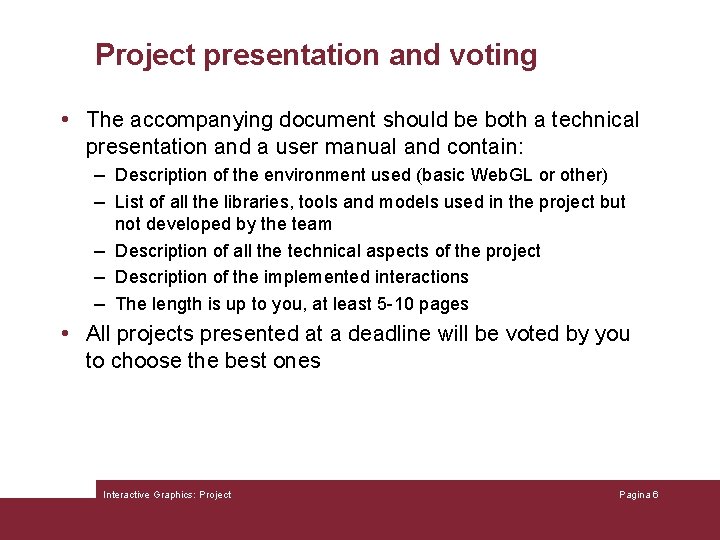
Project presentation and voting • The accompanying document should be both a technical presentation and a user manual and contain: – Description of the environment used (basic Web. GL or other) – List of all the libraries, tools and models used in the project but not developed by the team – Description of all the technical aspects of the project – Description of the implemented interactions – The length is up to you, at least 5 -10 pages • All projects presented at a deadline will be voted by you to choose the best ones Interactive Graphics: Project Pagina 6
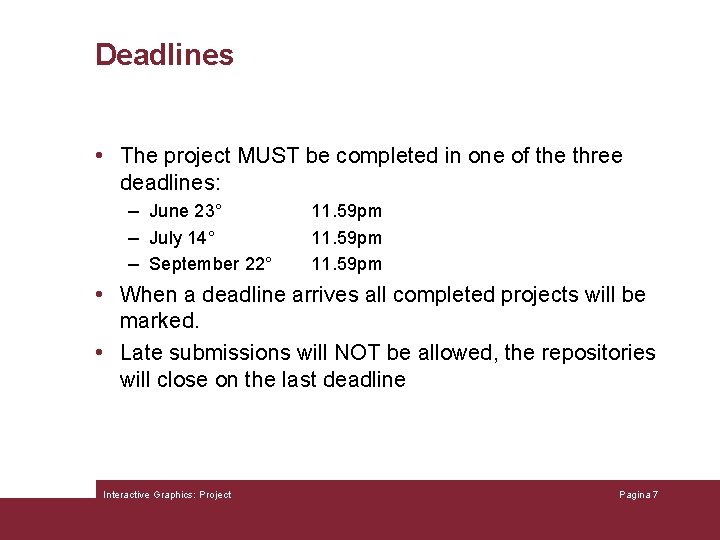
Deadlines • The project MUST be completed in one of the three deadlines: – June 23° – July 14° – September 22° 11. 59 pm • When a deadline arrives all completed projects will be marked. • Late submissions will NOT be allowed, the repositories will close on the last deadline Interactive Graphics: Project Pagina 7