Handson with the Sitara Linux SDK This presentation
- Slides: 12
Hands-on with the Sitara Linux SDK This presentation provides a hands-on overview of the Sitara Linux SDK. It focuses on the software and tools found in the SDK and how to use these tools to develop for a Sitara device. This presentation is a guide to the actual hands-on demonstration. LAB: http: //processors. wiki. ti. com/index. php/Sitara_Linux_Training July 2012
2
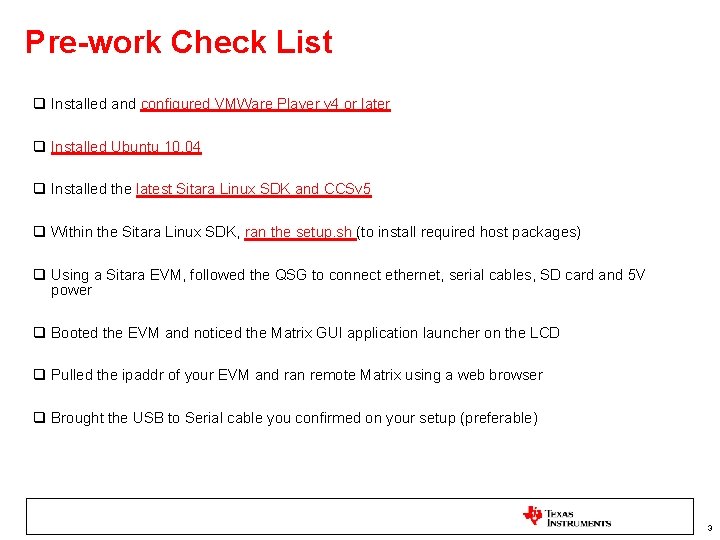
Pre-work Check List q Installed and configured VMWare Player v 4 or later q Installed Ubuntu 10. 04 q Installed the latest Sitara Linux SDK and CCSv 5 q Within the Sitara Linux SDK, ran the setup. sh (to install required host packages) q Using a Sitara EVM, followed the QSG to connect ethernet, serial cables, SD card and 5 V power q Booted the EVM and noticed the Matrix GUI application launcher on the LCD q Pulled the ipaddr of your EVM and ran remote Matrix using a web browser q Brought the USB to Serial cable you confirmed on your setup (preferable) 3
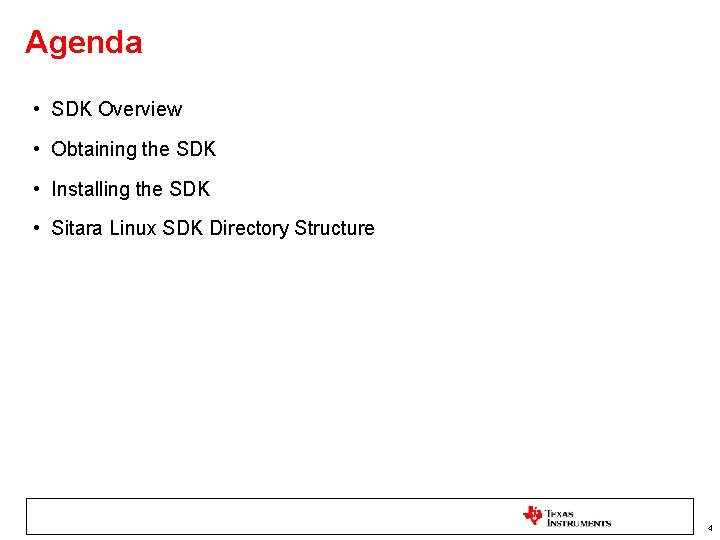
Agenda • SDK Overview • Obtaining the SDK • Installing the SDK • Sitara Linux SDK Directory Structure 4
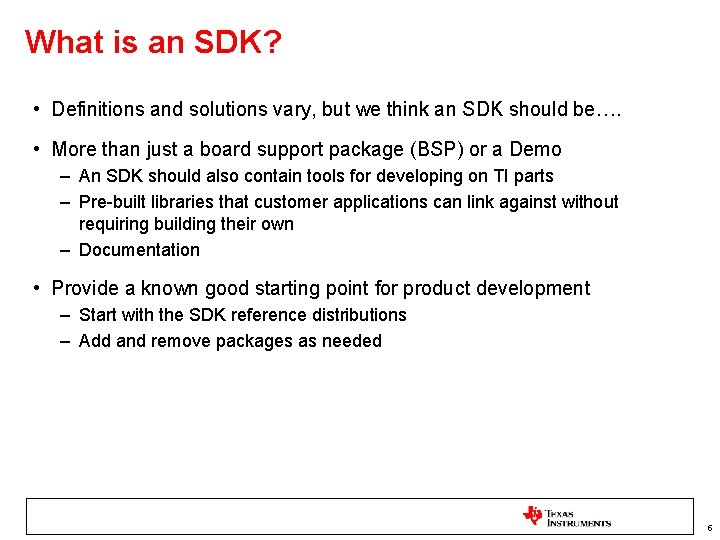
What is an SDK? • Definitions and solutions vary, but we think an SDK should be…. • More than just a board support package (BSP) or a Demo – An SDK should also contain tools for developing on TI parts – Pre-built libraries that customer applications can link against without requiring building their own – Documentation • Provide a known good starting point for product development – Start with the SDK reference distributions – Add and remove packages as needed 5
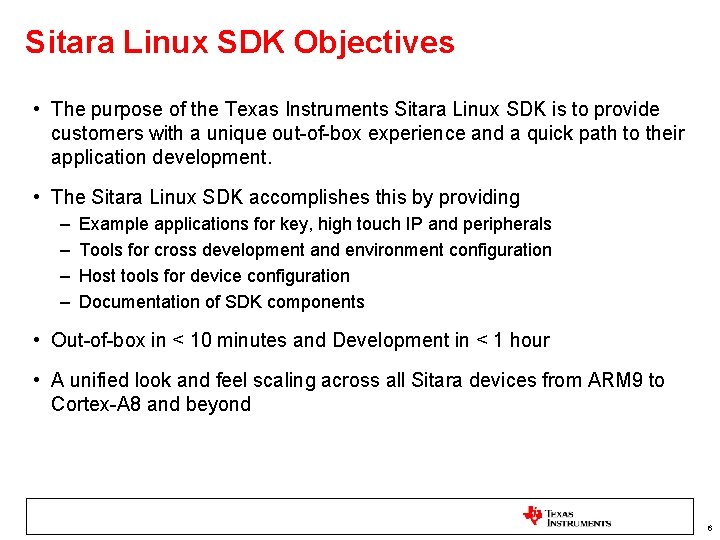
Sitara Linux SDK Objectives • The purpose of the Texas Instruments Sitara Linux SDK is to provide customers with a unique out-of-box experience and a quick path to their application development. • The Sitara Linux SDK accomplishes this by providing – – Example applications for key, high touch IP and peripherals Tools for cross development and environment configuration Host tools for device configuration Documentation of SDK components • Out-of-box in < 10 minutes and Development in < 1 hour • A unified look and feel scaling across all Sitara devices from ARM 9 to Cortex-A 8 and beyond 6
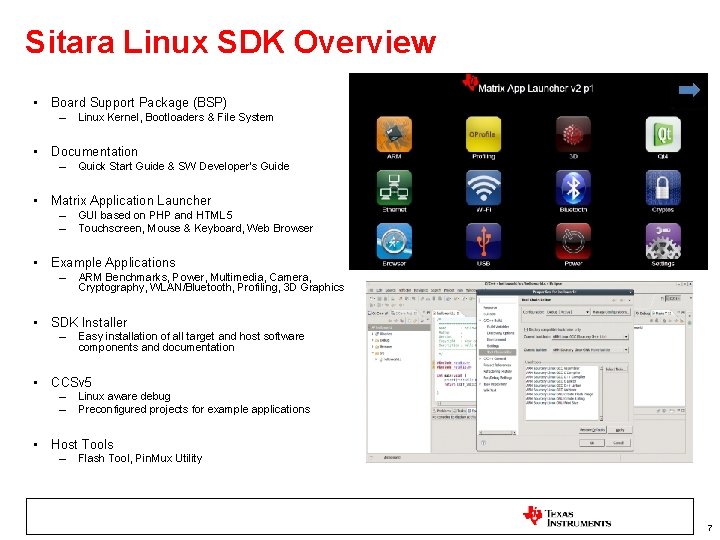
Sitara Linux SDK Overview • Board Support Package (BSP) – Linux Kernel, Bootloaders & File System • Documentation – Quick Start Guide & SW Developer’s Guide • Matrix Application Launcher – – GUI based on PHP and HTML 5 Touchscreen, Mouse & Keyboard, Web Browser • Example Applications – ARM Benchmarks, Power, Multimedia, Camera, Cryptography, WLAN/Bluetooth, Profiling, 3 D Graphics • SDK Installer – Easy installation of all target and host software components and documentation • CCSv 5 – – Linux aware debug Preconfigured projects for example applications • Host Tools – Flash Tool, Pin. Mux Utility 7
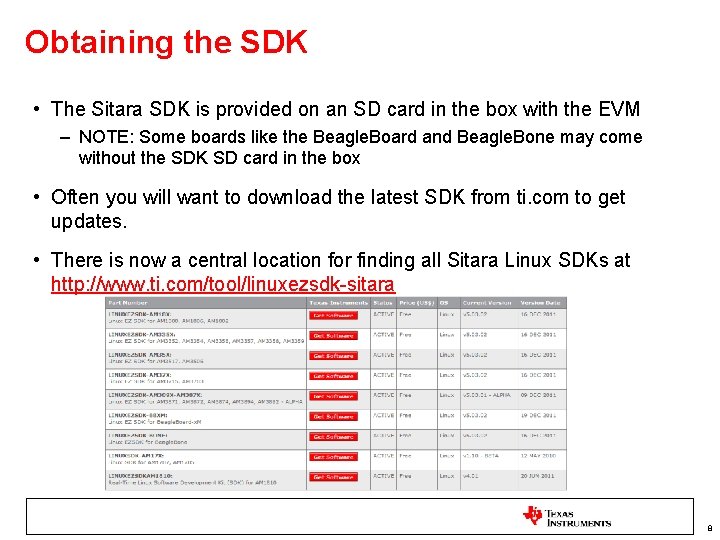
Obtaining the SDK • The Sitara SDK is provided on an SD card in the box with the EVM – NOTE: Some boards like the Beagle. Board and Beagle. Bone may come without the SDK SD card in the box • Often you will want to download the latest SDK from ti. com to get updates. • There is now a central location for finding all Sitara Linux SDKs at http: //www. ti. com/tool/linuxezsdk-sitara 8
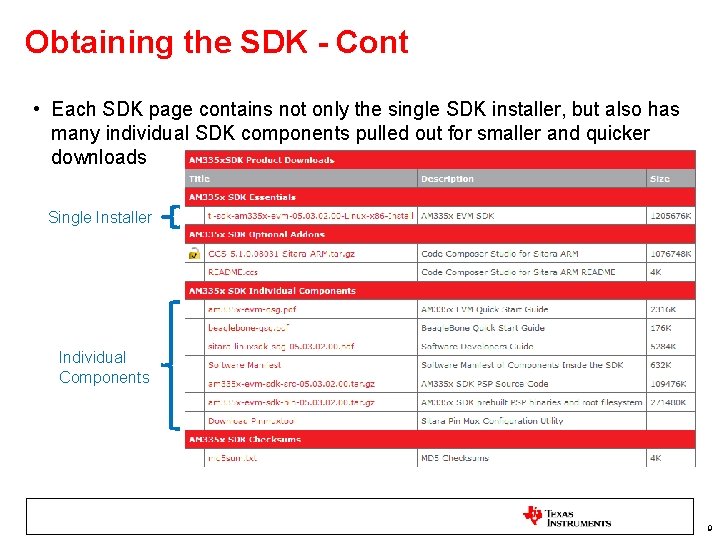
Obtaining the SDK - Cont • Each SDK page contains not only the single SDK installer, but also has many individual SDK components pulled out for smaller and quicker downloads Single Installer Individual Components 9
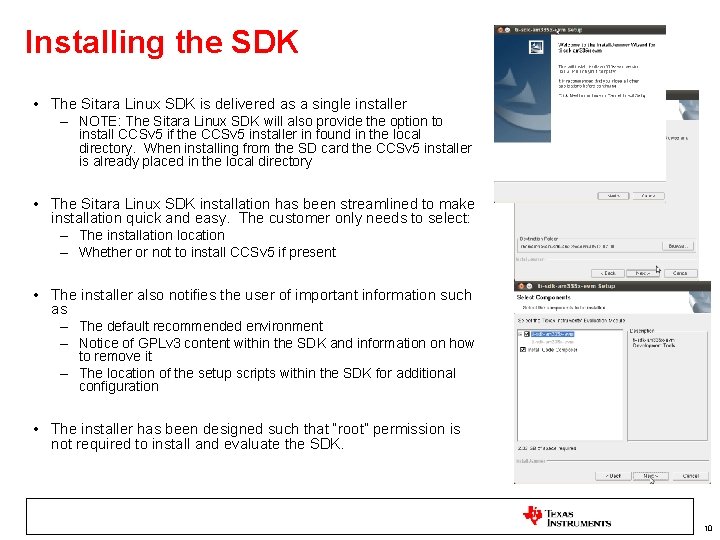
Installing the SDK • The Sitara Linux SDK is delivered as a single installer – NOTE: The Sitara Linux SDK will also provide the option to install CCSv 5 if the CCSv 5 installer in found in the local directory. When installing from the SD card the CCSv 5 installer is already placed in the local directory • The Sitara Linux SDK installation has been streamlined to make installation quick and easy. The customer only needs to select: – The installation location – Whether or not to install CCSv 5 if present • The installer also notifies the user of important information such as – The default recommended environment – Notice of GPLv 3 content within the SDK and information on how to remove it – The location of the setup scripts within the SDK for additional configuration • The installer has been designed such that “root” permission is not required to install and evaluate the SDK. 10
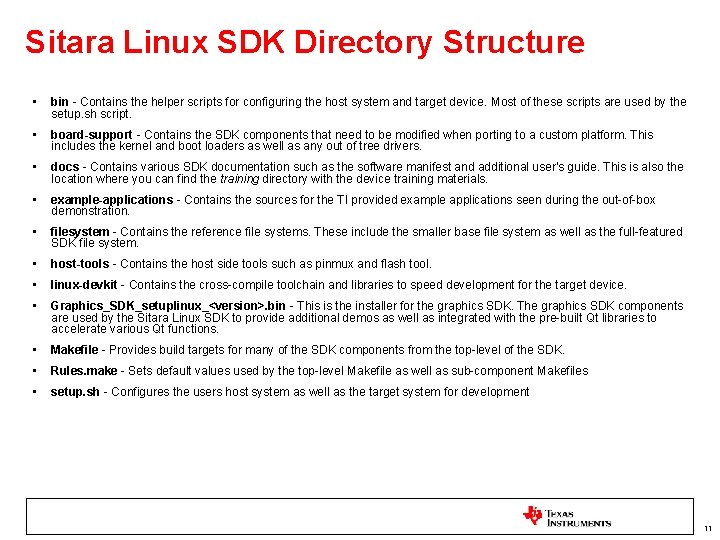
Sitara Linux SDK Directory Structure • bin - Contains the helper scripts for configuring the host system and target device. Most of these scripts are used by the setup. sh script. • board-support - Contains the SDK components that need to be modified when porting to a custom platform. This includes the kernel and boot loaders as well as any out of tree drivers. • docs - Contains various SDK documentation such as the software manifest and additional user's guide. This is also the location where you can find the training directory with the device training materials. • example-applications - Contains the sources for the TI provided example applications seen during the out-of-box demonstration. • filesystem - Contains the reference file systems. These include the smaller base file system as well as the full-featured SDK file system. • host-tools - Contains the host side tools such as pinmux and flash tool. • linux-devkit - Contains the cross-compile toolchain and libraries to speed development for the target device. • Graphics_SDK_setuplinux_<version>. bin - This is the installer for the graphics SDK. The graphics SDK components are used by the Sitara Linux SDK to provide additional demos as well as integrated with the pre-built Qt libraries to accelerate various Qt functions. • Makefile - Provides build targets for many of the SDK components from the top-level of the SDK. • Rules. make - Sets default values used by the top-level Makefile as well as sub-component Makefiles • setup. sh - Configures the users host system as well as the target system for development 11
For more Sitara Boot Camp sessions visit: www. ti. com/sitarabootcamp THANK YOU! 12