Firewalls Dustin Pettigrew Computer Science www isec utulsa
- Slides: 31
Firewalls Dustin Pettigrew Computer Science / www. isec. utulsa. edu
Overview • • Introduction Network Protection Organizational Network Defense Configuring Firewalls Computer Science / www. isec. utulsa. edu
Introduction • Firewall Basics • Evolution of Firewalls • Firewall Technologies Computer Science / www. isec. utulsa. edu
Origins • Term originated with physical firewall • • Designed to contain/compartmentalize fires Slow down the spread of fires • Computing firewalls work a bit differently • • • Usually try to prevent “external fires” More like the Great Wall of China Does provide internal segmentation and protection Computer Science / www. isec. utulsa. edu
Firewall Basics • Use set of rules that permit/deny access • Rules are stored in tables or Access Control Lists • Main objective is to protect LAN from outside networks (Internet) • Can be implemented in software and hardware Computer Science / www. isec. utulsa. edu
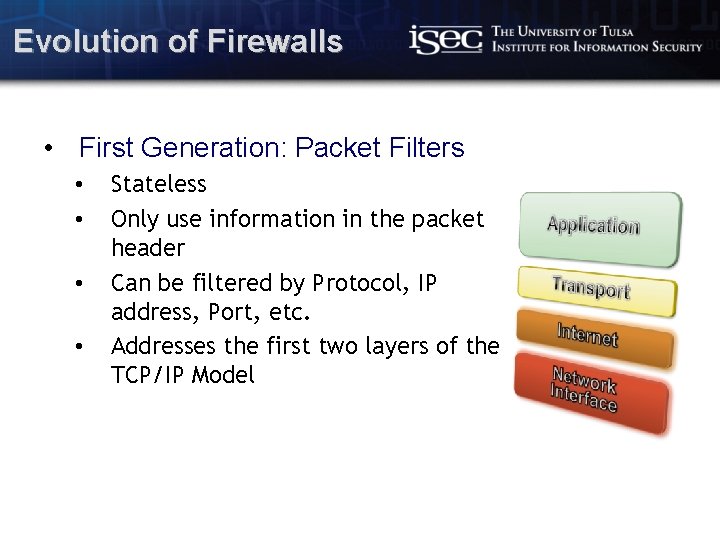
Evolution of Firewalls • First Generation: Packet Filters • • Stateless Only use information in the packet header Can be filtered by Protocol, IP address, Port, etc. Addresses the first two layers of the TCP/IP Model Computer Science / www. isec. utulsa. edu
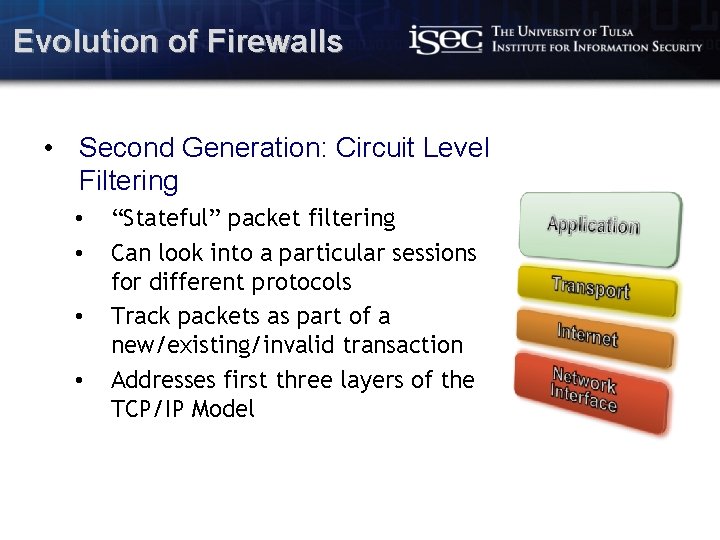
Evolution of Firewalls • Second Generation: Circuit Level Filtering • • “Stateful” packet filtering Can look into a particular sessions for different protocols Track packets as part of a new/existing/invalid transaction Addresses first three layers of the TCP/IP Model Computer Science / www. isec. utulsa. edu
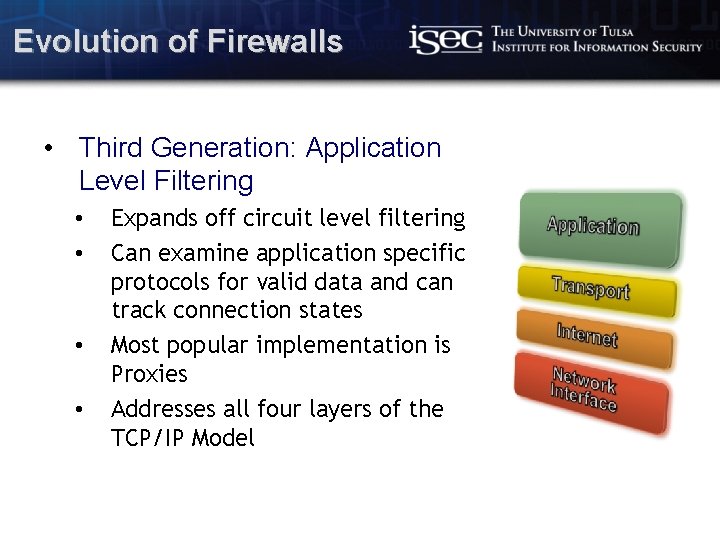
Evolution of Firewalls • Third Generation: Application Level Filtering • • Expands off circuit level filtering Can examine application specific protocols for valid data and can track connection states Most popular implementation is Proxies Addresses all four layers of the TCP/IP Model Computer Science / www. isec. utulsa. edu
Evolution of Firewalls • Fourth Generation: Dynamic Packet Filtering • • • Used to create temporary firewall rules. Typically used for UDP based connections According to Cisco • • Treat new packet as a new virtual connection If a response is generated for the originator, allow the connection Forget the rule after transaction finishes Used for short term solutions Computer Science / www. isec. utulsa. edu
Firewall Technologies • Hardware Firewalls • Most commonly found in network routers • Typically uses “stateless” packet filtering for quick inspection • Needs to be fast on heavy-load networks • For consumers, manufacturer default options suffice to protect small home/business networks • Can be hardened to further restrict access through web and command-line interfaces Computer Science / www. isec. utulsa. edu
Firewall Technologies • Software Firewalls • Software installed on a host that implements circuitlevel filtering • Rely on processing power of host • Can analyze protocol layers and provide advance filtering • Block applications, restrict resource sharing, web filtering • Protect against common trojans and viruses Computer Science / www. isec. utulsa. edu
Firewall Technologies • Proxies • Extensions of Application-level Filters • Designed for a specific protocol: HTTP, FTP, SSH, etc. • Provide increased access control and detailed application specific checks in data • Also acts as a “messenger” on behalf of the proxy user Computer Science / www. isec. utulsa. edu
Firewall Technologies • Additional Technologies • Access Control Lists • Define what clients can connect to which servers • Statically defined, manually updated • Network Address Translation • Modify IP headers used for routing traffic • Protects private IP addresses from being exposed Computer Science / www. isec. utulsa. edu
Network Protection • Filtering is meant to be fast and work on limited memory • Need to be able to detect events that are malicious or undesirable • Need to actively prevent attacks from persisting Computer Science / www. isec. utulsa. edu
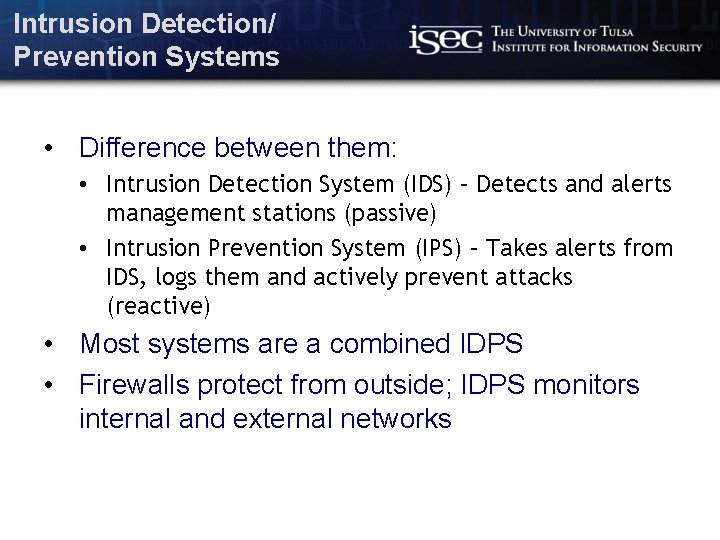
Intrusion Detection/ Prevention Systems • Difference between them: • Intrusion Detection System (IDS) – Detects and alerts management stations (passive) • Intrusion Prevention System (IPS) – Takes alerts from IDS, logs them and actively prevent attacks (reactive) • Most systems are a combined IDPS • Firewalls protect from outside; IDPS monitors internal and external networks Computer Science / www. isec. utulsa. edu
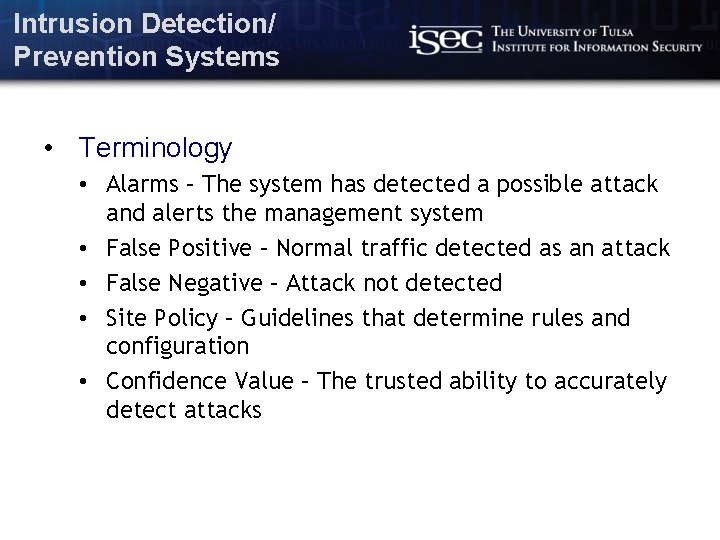
Intrusion Detection/ Prevention Systems • Terminology • Alarms – The system has detected a possible attack and alerts the management system • False Positive – Normal traffic detected as an attack • False Negative – Attack not detected • Site Policy – Guidelines that determine rules and configuration • Confidence Value – The trusted ability to accurately detect attacks Computer Science / www. isec. utulsa. edu
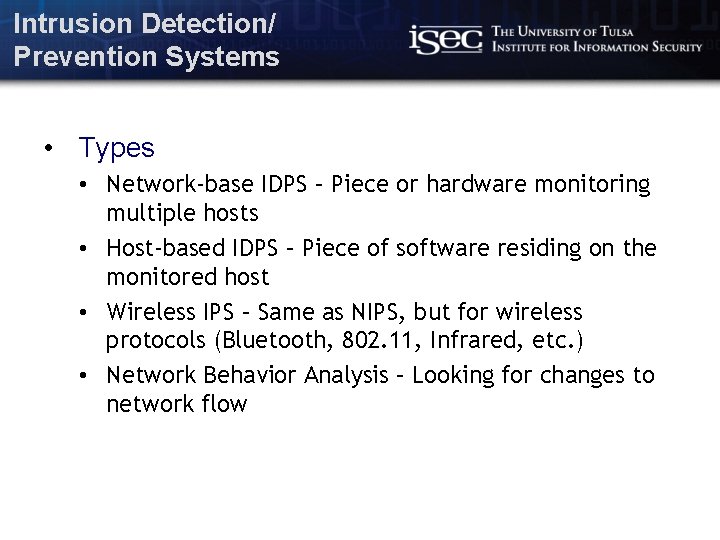
Intrusion Detection/ Prevention Systems • Types • Network-base IDPS – Piece or hardware monitoring multiple hosts • Host-based IDPS – Piece of software residing on the monitored host • Wireless IPS – Same as NIPS, but for wireless protocols (Bluetooth, 802. 11, Infrared, etc. ) • Network Behavior Analysis – Looking for changes to network flow Computer Science / www. isec. utulsa. edu
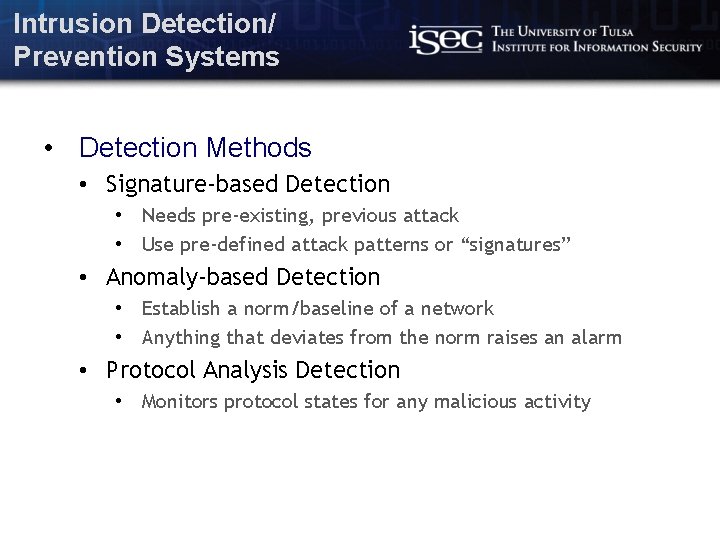
Intrusion Detection/ Prevention Systems • Detection Methods • Signature-based Detection • Needs pre-existing, previous attack • Use pre-defined attack patterns or “signatures” • Anomaly-based Detection • Establish a norm/baseline of a network • Anything that deviates from the norm raises an alarm • Protocol Analysis Detection • Monitors protocol states for any malicious activity Computer Science / www. isec. utulsa. edu
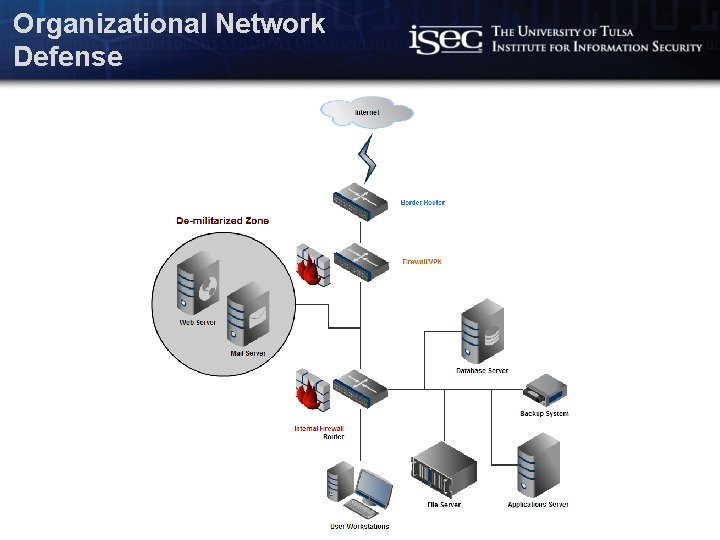
Organizational Network Defense • Based on Network Topology • Determine internal and public systems • Use a layered approach to segment networks and similar systems • Combine Hardware and Software Firewalls Computer Science / www. isec. utulsa. edu
De-militarized Zone • Perimeter Network • Isolated part of the network that is typically publically accessible • Protects rest of internal, private network • Services: DNS, Web, Mail, Vo. IP Computer Science / www. isec. utulsa. edu
Organizational Network Defense Computer Science / www. isec. utulsa. edu
Firewall Configuration • • Protect from outside, secure inside Deny-all default Whitelist approved application traffic Establish rules for dynamic filtering Computer Science / www. isec. utulsa. edu
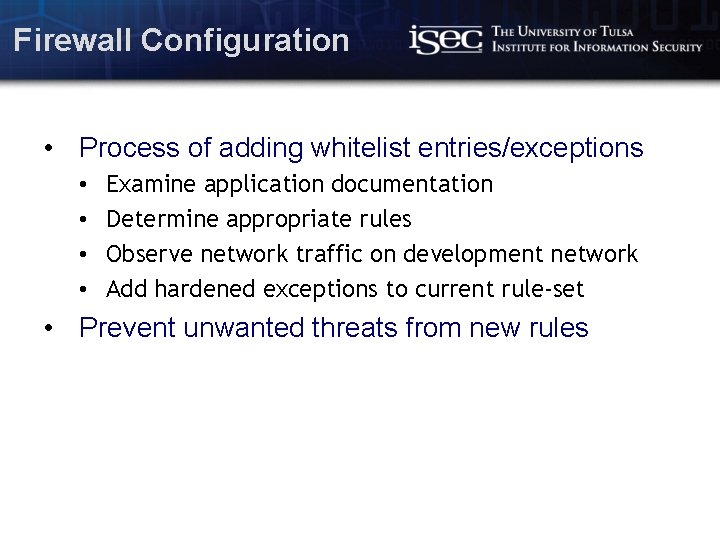
Firewall Configuration • Process of adding whitelist entries/exceptions • • Examine application documentation Determine appropriate rules Observe network traffic on development network Add hardened exceptions to current rule-set • Prevent unwanted threats from new rules Computer Science / www. isec. utulsa. edu
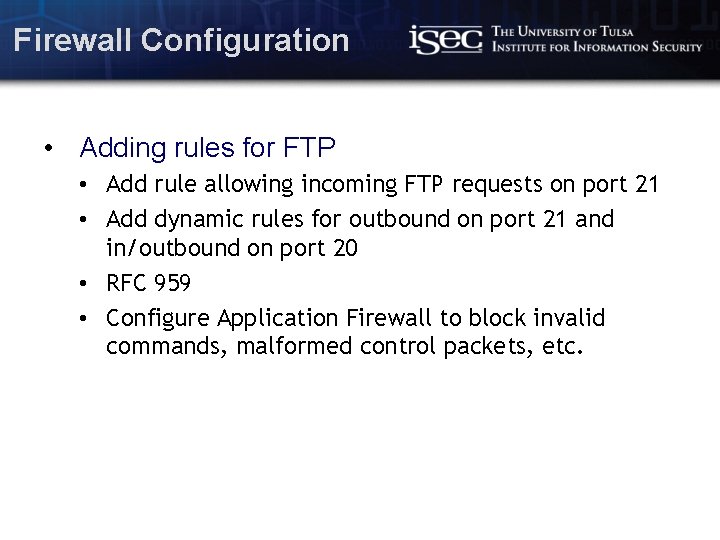
Firewall Configuration • Adding rules for FTP • Add rule allowing incoming FTP requests on port 21 • Add dynamic rules for outbound on port 21 and in/outbound on port 20 • RFC 959 • Configure Application Firewall to block invalid commands, malformed control packets, etc. Computer Science / www. isec. utulsa. edu
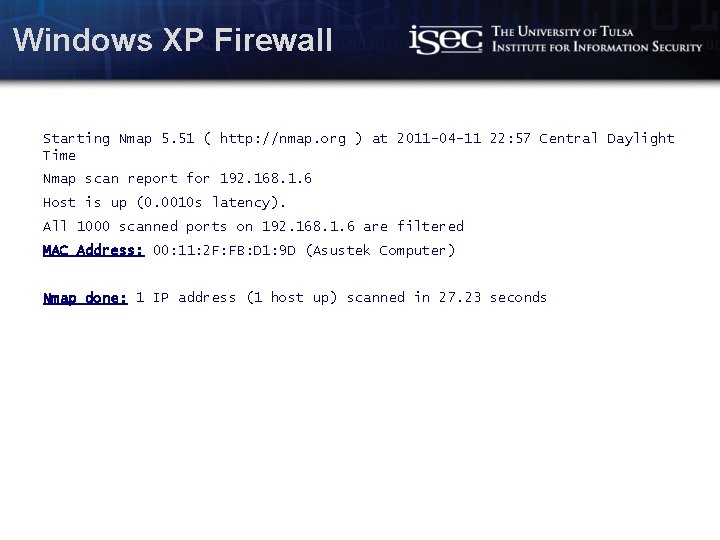
Windows XP Firewall Starting Nmap 5. 51 ( http: //nmap. org ) at 2011 -04 -11 22: 57 Central Daylight Time Nmap scan report for 192. 168. 1. 6 Host is up (0. 0010 s latency). All 1000 scanned ports on 192. 168. 1. 6 are filtered MAC Address: 00: 11: 2 F: FB: D 1: 9 D (Asustek Computer) Nmap done: 1 IP address (1 host up) scanned in 27. 23 seconds Computer Science / www. isec. utulsa. edu
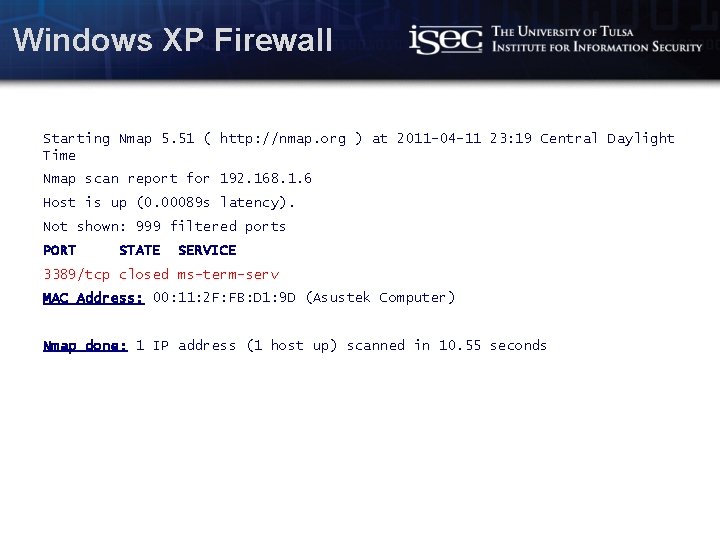
Windows XP Firewall Starting Nmap 5. 51 ( http: //nmap. org ) at 2011 -04 -11 23: 19 Central Daylight Time Nmap scan report for 192. 168. 1. 6 Host is up (0. 00089 s latency). Not shown: 999 filtered ports PORT STATE SERVICE 3389/tcp closed ms-term-serv MAC Address: 00: 11: 2 F: FB: D 1: 9 D (Asustek Computer) Nmap done: 1 IP address (1 host up) scanned in 10. 55 seconds Computer Science / www. isec. utulsa. edu
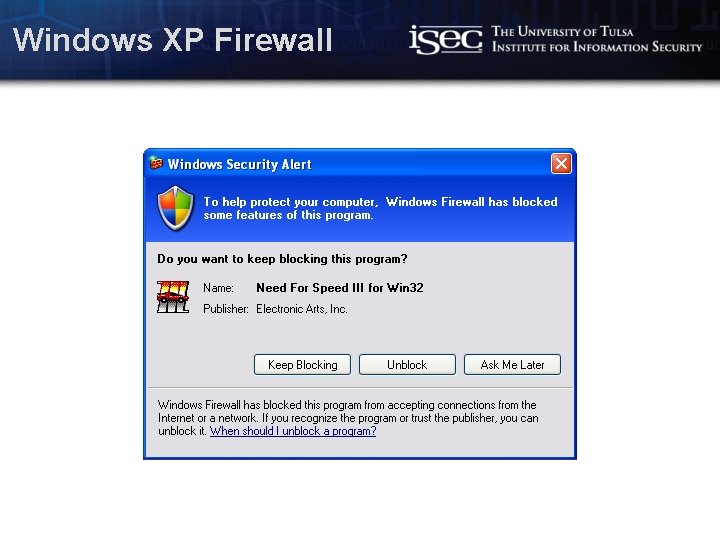
Windows XP Firewall Computer Science / www. isec. utulsa. edu
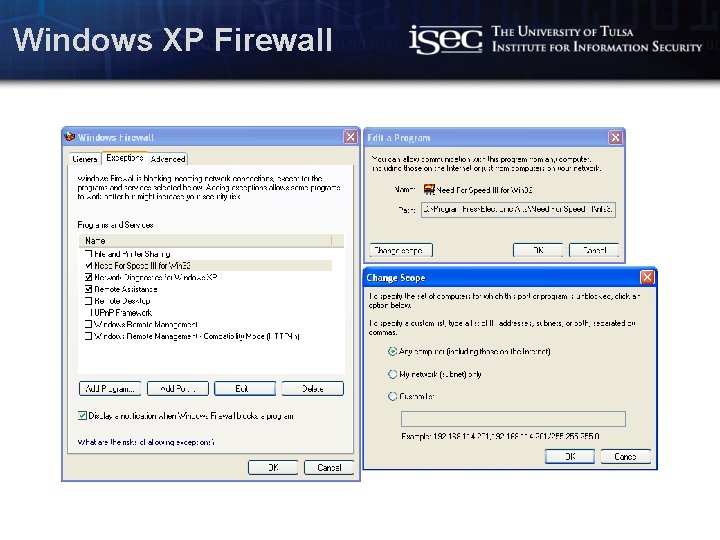
Windows XP Firewall Computer Science / www. isec. utulsa. edu
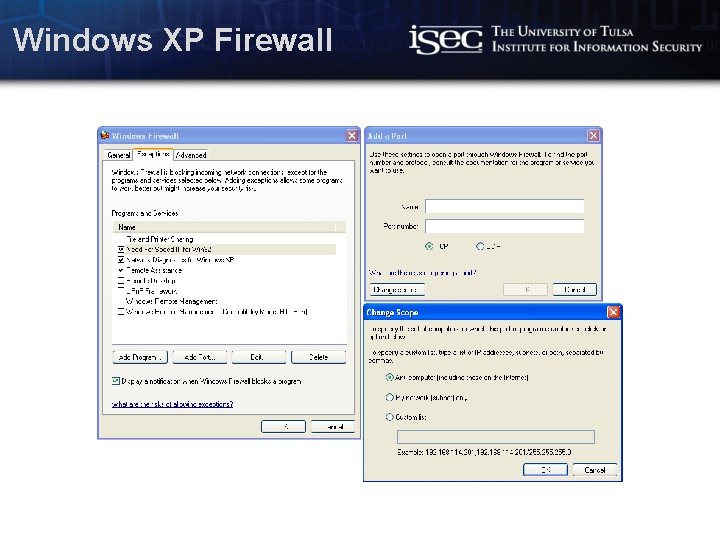
Windows XP Firewall Computer Science / www. isec. utulsa. edu
Resources • Wikipedia – Firewall (computing), OSI model, Intrusion detection system, Intrusion prevention system, DMZ (computing), FTP • Cisco – Evolution of the Firewall Industry <http: //www. cisco. com/univercd/cc/td/doc/produ ct/iaabu/centri 4/user/scf 4 ch 3. htm> Computer Science / www. isec. utulsa. edu
Questions/Comments Computer Science / www. isec. utulsa. edu