File IO in PHP Persistent Data ITM 352
![Example: Writing Posted Data (messboard. php) <? php $messfile = "regs. txt"; if (!empty($_POST['name']))](https://slidetodoc.com/presentation_image_h2/4692094583492bbeba9e4e73afd01271/image-22.jpg "Example: Writing Posted Data (messboard. php) <? php $messfile = \"regs. txt\"; if (!empty($_POST['name']))")
- Slides: 25
File I/O in PHP Persistent Data ITM 352 © Port, Kazman File I/O - 1
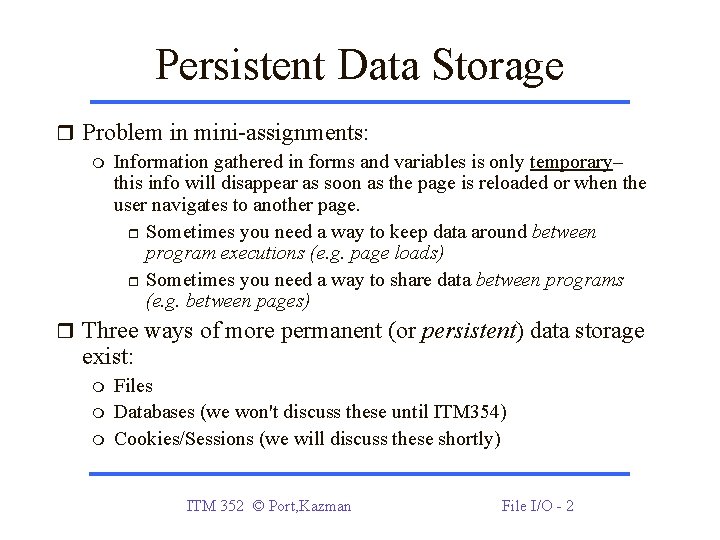
Persistent Data Storage Problem in mini-assignments: Information gathered in forms and variables is only temporary– this info will disappear as soon as the page is reloaded or when the user navigates to another page. Sometimes you need a way to keep data around between program executions (e. g. page loads) Sometimes you need a way to share data between programs (e. g. between pages) Three ways of more permanent (or persistent) data storage exist: Files Databases (we won't discuss these until ITM 354) Cookies/Sessions (we will discuss these shortly) ITM 352 © Port, Kazman File I/O - 2
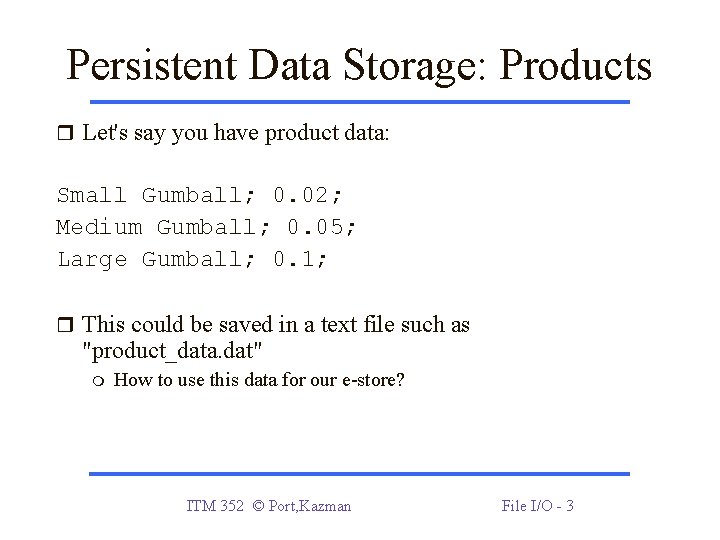
Persistent Data Storage: Products Let's say you have product data: Small Gumball; 0. 02; Medium Gumball; 0. 05; Large Gumball; 0. 1; This could be saved in a text file such as "product_data. dat" How to use this data for our e-store? ITM 352 © Port, Kazman File I/O - 3
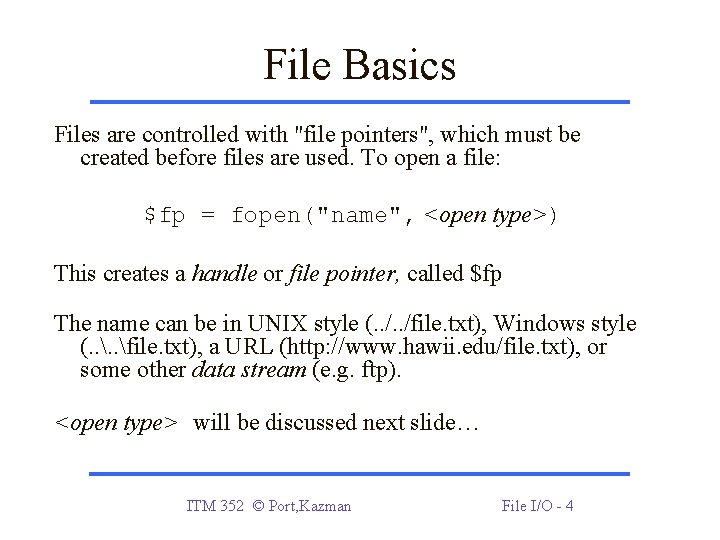
File Basics Files are controlled with "file pointers", which must be created before files are used. To open a file: $fp = fopen("name", <open type>) This creates a handle or file pointer, called $fp The name can be in UNIX style (. . /file. txt), Windows style (. . file. txt), a URL (http: //www. hawii. edu/file. txt), or some other data stream (e. g. ftp). <open type> will be discussed next slide… ITM 352 © Port, Kazman File I/O - 4
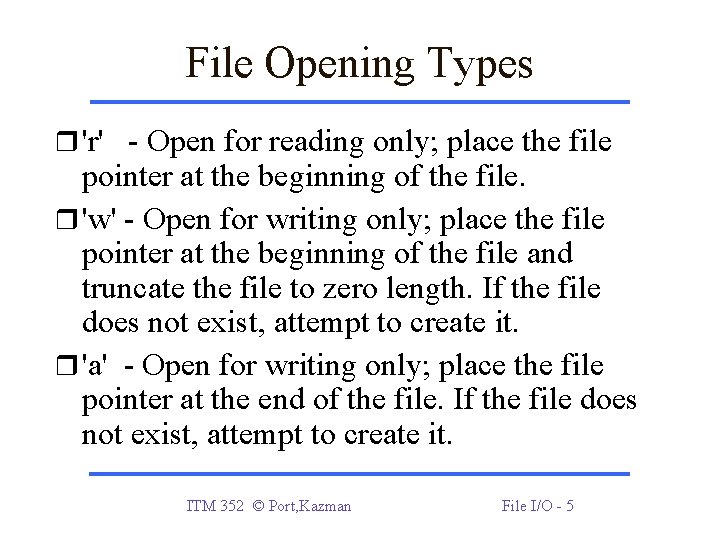
File Opening Types 'r' - Open for reading only; place the file pointer at the beginning of the file. 'w' - Open for writing only; place the file pointer at the beginning of the file and truncate the file to zero length. If the file does not exist, attempt to create it. 'a' - Open for writing only; place the file pointer at the end of the file. If the file does not exist, attempt to create it. ITM 352 © Port, Kazman File I/O - 5
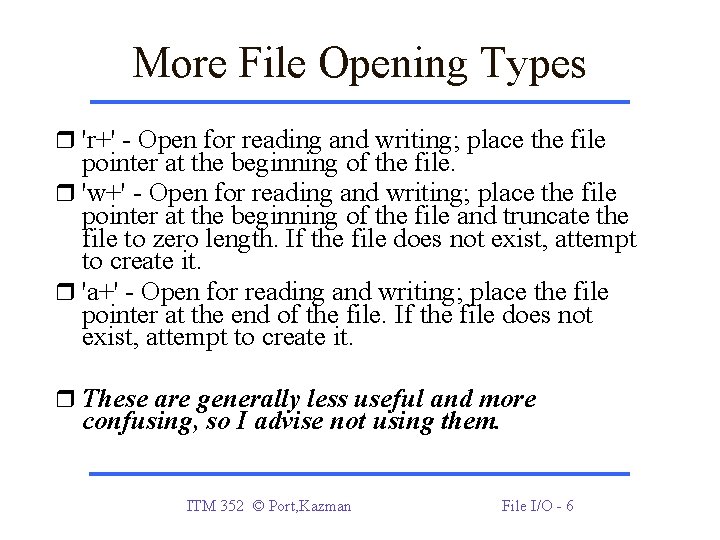
More File Opening Types 'r+' - Open for reading and writing; place the file pointer at the beginning of the file. 'w+' - Open for reading and writing; place the file pointer at the beginning of the file and truncate the file to zero length. If the file does not exist, attempt to create it. 'a+' - Open for reading and writing; place the file pointer at the end of the file. If the file does not exist, attempt to create it. These are generally less useful and more confusing, so I advise not using them. ITM 352 © Port, Kazman File I/O - 6
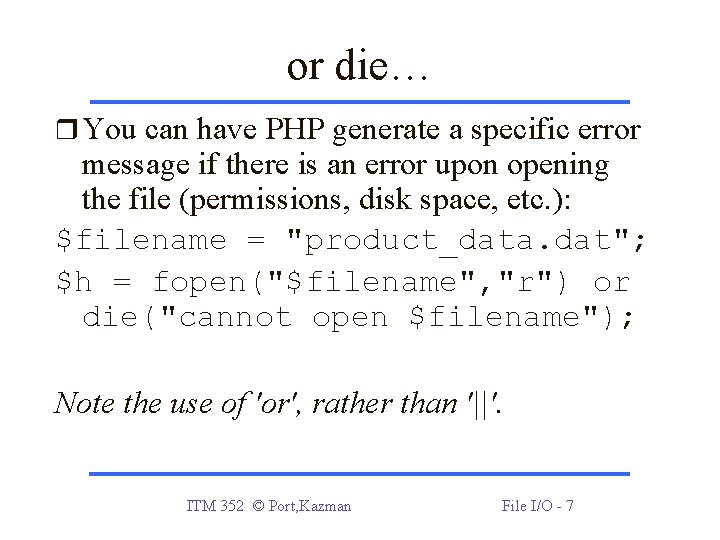
or die… You can have PHP generate a specific error message if there is an error upon opening the file (permissions, disk space, etc. ): $filename = "product_data. dat"; $h = fopen("$filename", "r") or die("cannot open $filename"); Note the use of 'or', rather than '||'. ITM 352 © Port, Kazman File I/O - 7
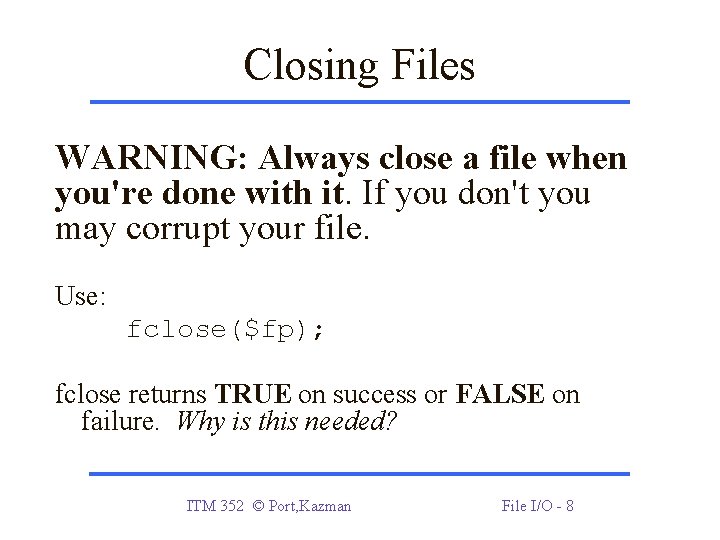
Closing Files WARNING: Always close a file when you're done with it. If you don't you may corrupt your file. Use: fclose($fp); fclose returns TRUE on success or FALSE on failure. Why is this needed? ITM 352 © Port, Kazman File I/O - 8
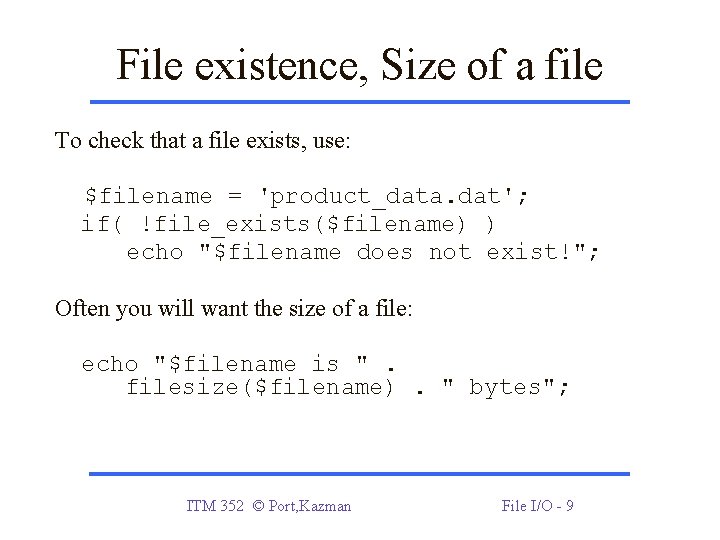
File existence, Size of a file To check that a file exists, use: $filename = 'product_data. dat'; if( !file_exists($filename) ) echo "$filename does not exist!"; Often you will want the size of a file: echo "$filename is ". filesize($filename). " bytes"; ITM 352 © Port, Kazman File I/O - 9
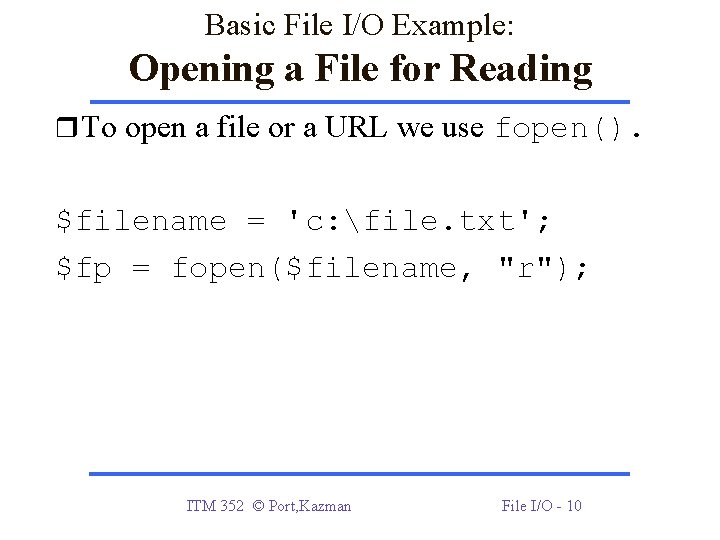
Basic File I/O Example: Opening a File for Reading To open a file or a URL we use fopen(). $filename = 'c: file. txt'; $fp = fopen($filename, "r"); ITM 352 © Port, Kazman File I/O - 10
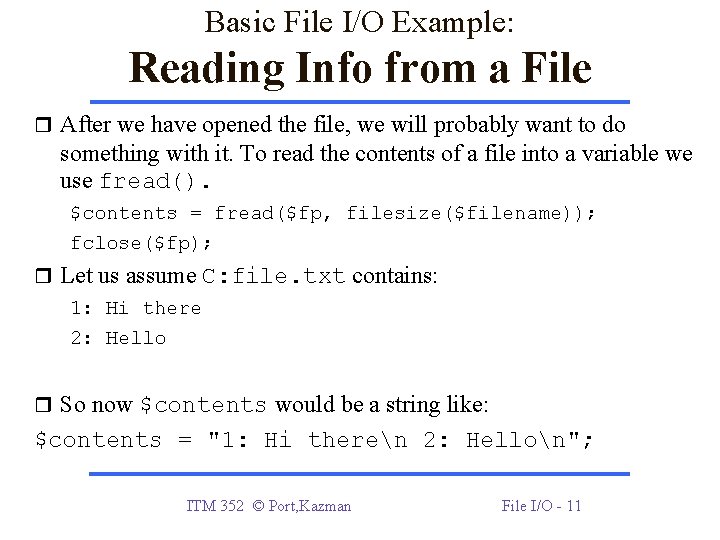
Basic File I/O Example: Reading Info from a File After we have opened the file, we will probably want to do something with it. To read the contents of a file into a variable we use fread(). $contents = fread($fp, filesize($filename)); fclose($fp); Let us assume C: file. txt contains: 1: Hi there 2: Hello So now $contents would be a string like: $contents = "1: Hi theren 2: Hellon"; ITM 352 © Port, Kazman File I/O - 11
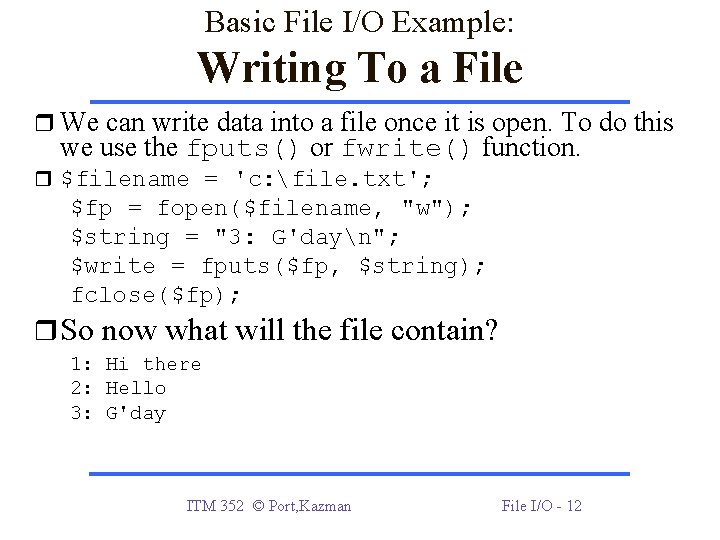
Basic File I/O Example: Writing To a File We can write data into a file once it is open. To do this we use the fputs() or fwrite() function. $filename = 'c: file. txt'; $fp = fopen($filename, "w"); $string = "3: G'dayn"; $write = fputs($fp, $string); fclose($fp); So now what will the file contain? 1: Hi there 2: Hello 3: G'day ITM 352 © Port, Kazman File I/O - 12
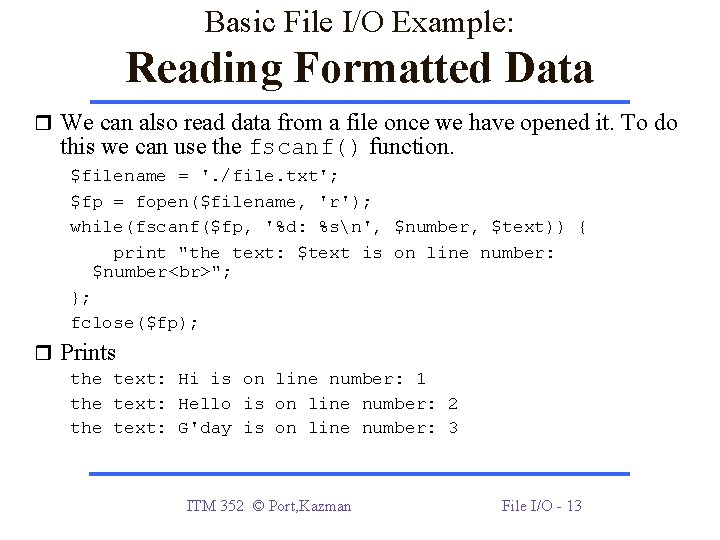
Basic File I/O Example: Reading Formatted Data We can also read data from a file once we have opened it. To do this we can use the fscanf() function. $filename = '. /file. txt'; $fp = fopen($filename, 'r'); while(fscanf($fp, '%d: %sn', $number, $text)) { print "the text: $text is on line number: $number "; }; fclose($fp); Prints the text: Hi is on line number: 1 the text: Hello is on line number: 2 the text: G'day is on line number: 3 ITM 352 © Port, Kazman File I/O - 13
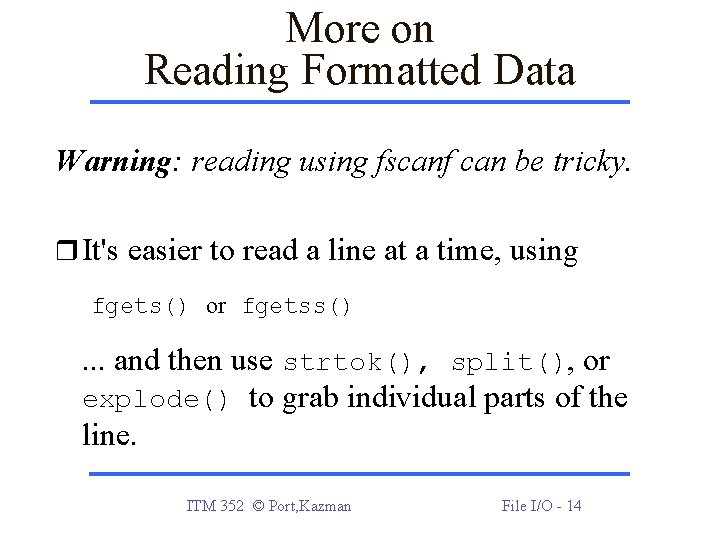
More on Reading Formatted Data Warning: reading using fscanf can be tricky. It's easier to read a line at a time, using fgets() or fgetss() . . . and then use strtok(), split(), or explode() to grab individual parts of the line. ITM 352 © Port, Kazman File I/O - 14
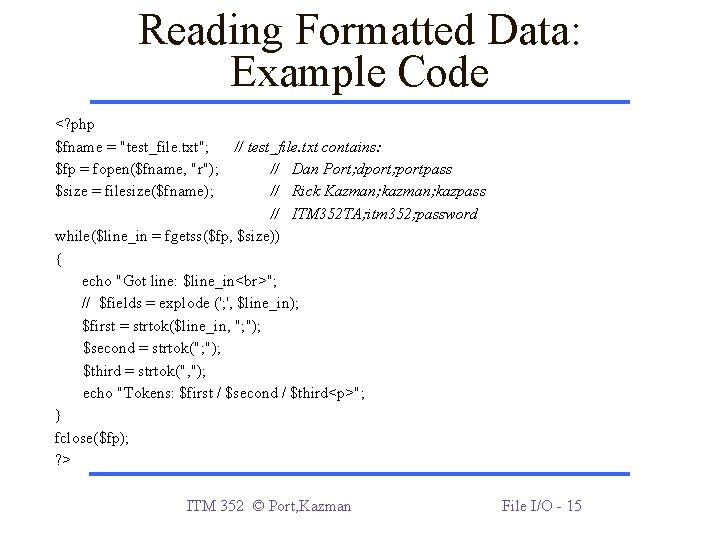
Reading Formatted Data: Example Code <? php $fname = "test_file. txt"; // test_file. txt contains: $fp = fopen($fname, "r"); // Dan Port; dport; portpass $size = filesize($fname); // Rick Kazman; kazpass // ITM 352 TA; itm 352; password while($line_in = fgetss($fp, $size)) { echo "Got line: $line_in "; // $fields = explode ('; ', $line_in); $first = strtok($line_in, "; "); $second = strtok("; "); $third = strtok(", "); echo "Tokens: $first / $second / $third<p>"; } fclose($fp); ? > ITM 352 © Port, Kazman File I/O - 15
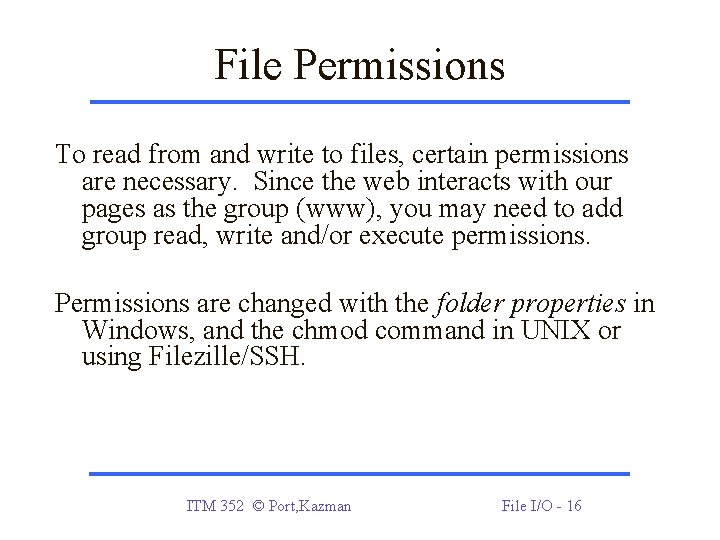
File Permissions To read from and write to files, certain permissions are necessary. Since the web interacts with our pages as the group (www), you may need to add group read, write and/or execute permissions. Permissions are changed with the folder properties in Windows, and the chmod command in UNIX or using Filezille/SSH. ITM 352 © Port, Kazman File I/O - 16
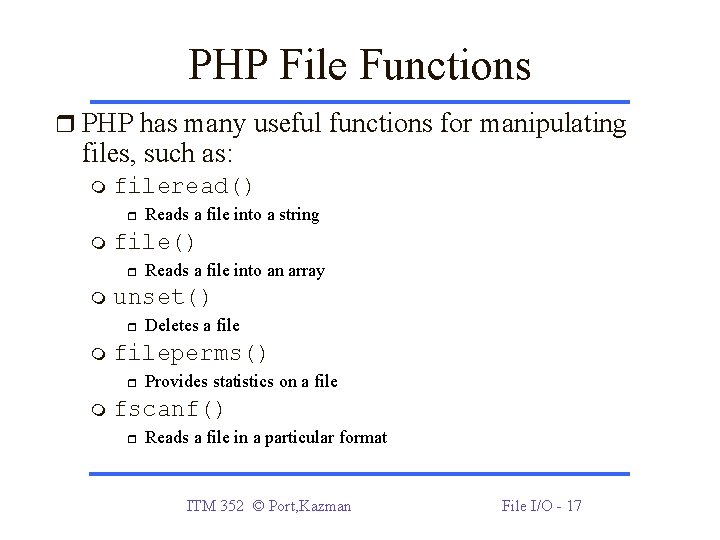
PHP File Functions PHP has many useful functions for manipulating files, such as: fileread() file() Deletes a fileperms() Reads a file into an array unset() Reads a file into a string Provides statistics on a file fscanf() Reads a file in a particular format ITM 352 © Port, Kazman File I/O - 17
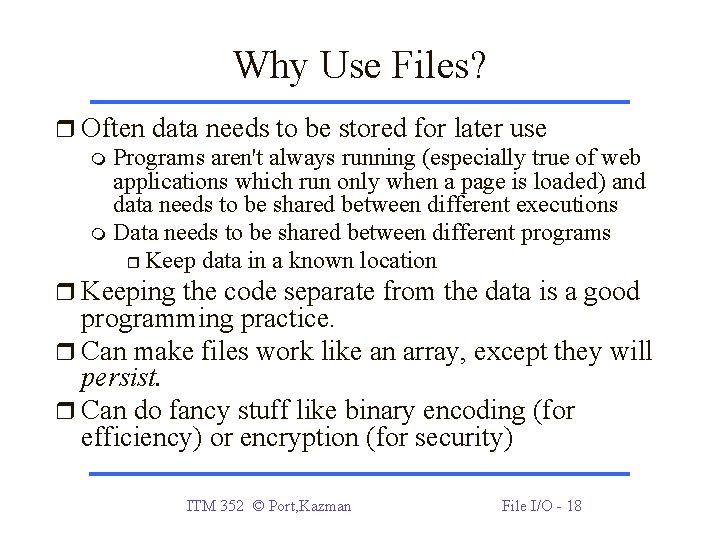
Why Use Files? Often data needs to be stored for later use Programs aren't always running (especially true of web applications which run only when a page is loaded) and data needs to be shared between different executions Data needs to be shared between different programs Keep data in a known location Keeping the code separate from the data is a good programming practice. Can make files work like an array, except they will persist. Can do fancy stuff like binary encoding (for efficiency) or encryption (for security) ITM 352 © Port, Kazman File I/O - 18
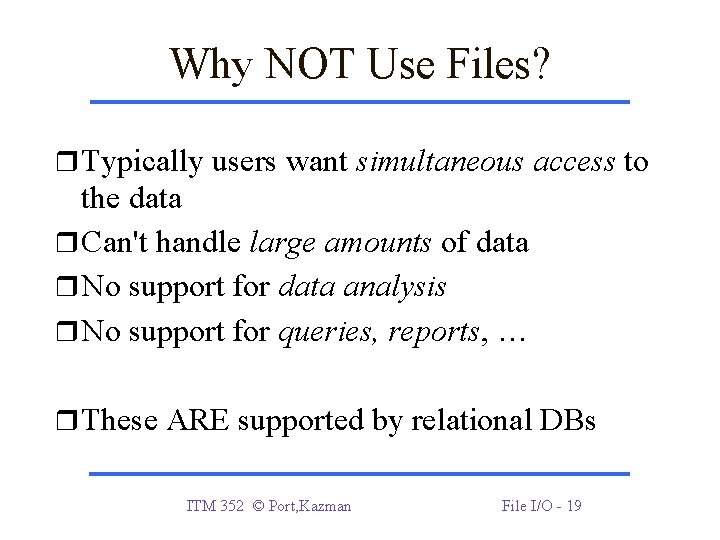
Why NOT Use Files? Typically users want simultaneous access to the data Can't handle large amounts of data No support for data analysis No support for queries, reports, … These ARE supported by relational DBs ITM 352 © Port, Kazman File I/O - 19
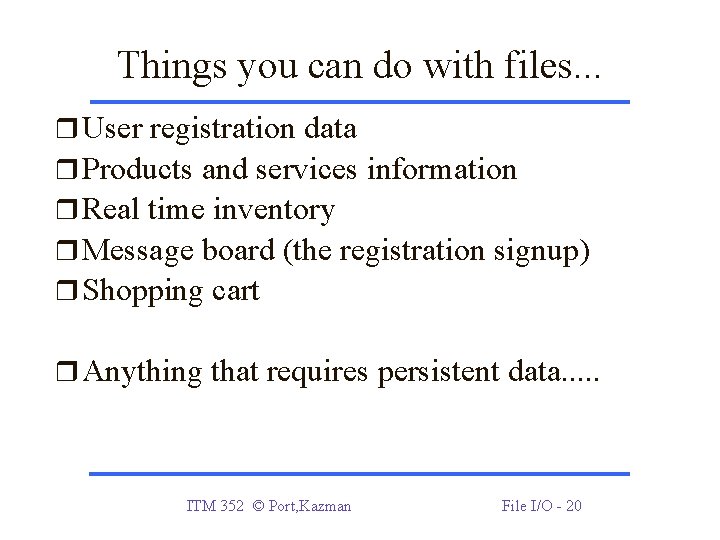
Things you can do with files. . . User registration data Products and services information Real time inventory Message board (the registration signup) Shopping cart Anything that requires persistent data. . . ITM 352 © Port, Kazman File I/O - 20
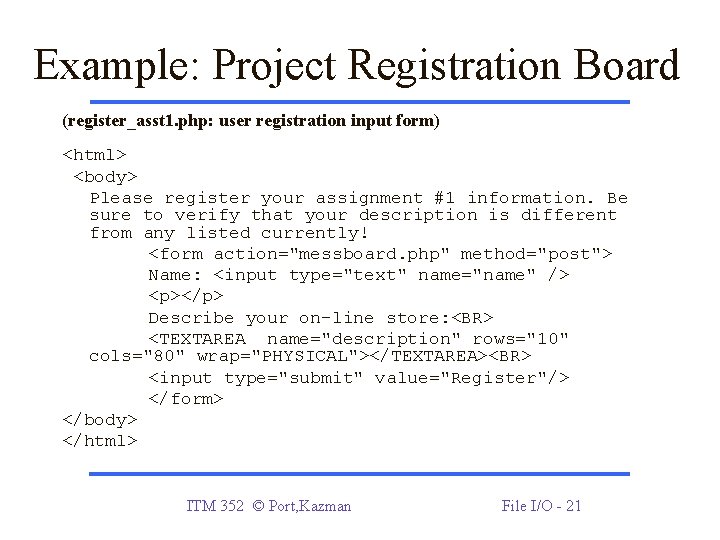
Example: Project Registration Board (register_asst 1. php: user registration input form) <html> <body> Please register your assignment #1 information. Be sure to verify that your description is different from any listed currently! <form action="messboard. php" method="post"> Name: <input type="text" name="name" /> <p></p> Describe your on-line store: <BR> <TEXTAREA name="description" rows="10" cols="80" wrap="PHYSICAL"></TEXTAREA><BR> <input type="submit" value="Register"/> </form> </body> </html> ITM 352 © Port, Kazman File I/O - 21
Example: Writing Posted Data (messboard. php) <? php $messfile = "regs. txt"; if (!empty($_POST['name'])) { echo "Registration received. See end of list. <P>"; $fp = fopen($mess. File, "a"); $data = 'IP address: '. $_SERVER["REMOTE_ADDR"]. '<p>Name: '. $_POST['name']. '<p>'. 'Description: '. $_POST['description']. '<BR>'. "<p>----------------------- <p>"; fwrite($fp, $data); fclose($fp); } ITM 352 © Port, Kazman File I/O - 22
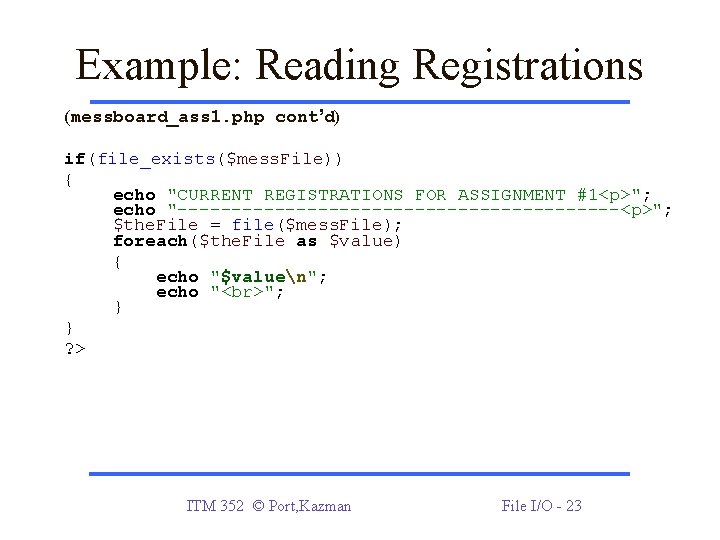
Example: Reading Registrations (messboard_ass 1. php cont’d) if(file_exists($mess. File)) { echo "CURRENT REGISTRATIONS FOR ASSIGNMENT #1<p>"; echo "---------------------<p>"; $the. File = file($mess. File); foreach($the. File as $value) { echo "$valuen"; echo " "; } } ? > ITM 352 © Port, Kazman File I/O - 23
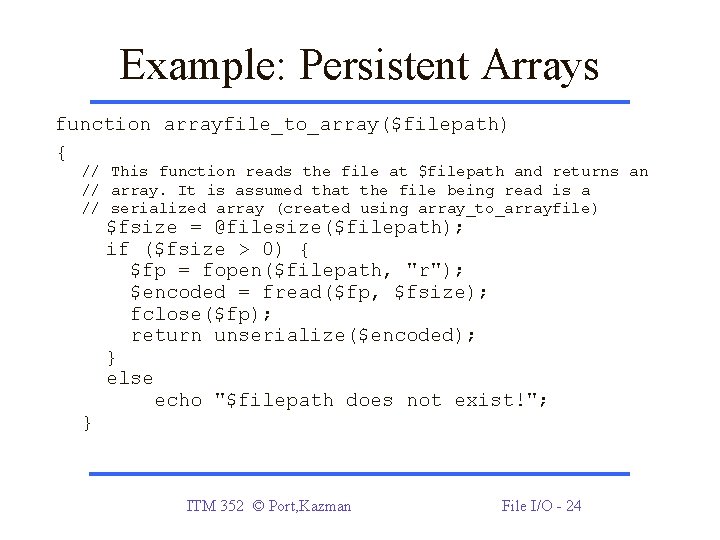
Example: Persistent Arrays function arrayfile_to_array($filepath) { // This function reads the file at $filepath and returns an // array. It is assumed that the file being read is a // serialized array (created using array_to_arrayfile) } $fsize = @filesize($filepath); if ($fsize > 0) { $fp = fopen($filepath, "r"); $encoded = fread($fp, $fsize); fclose($fp); return unserialize($encoded); } else echo "$filepath does not exist!"; ITM 352 © Port, Kazman File I/O - 24
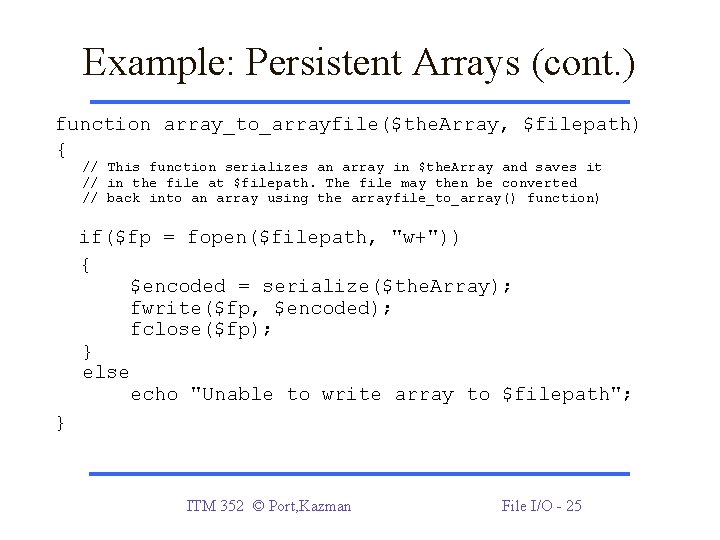
Example: Persistent Arrays (cont. ) function array_to_arrayfile($the. Array, $filepath) { // This function serializes an array in $the. Array and saves it // in the file at $filepath. The file may then be converted // back into an array using the arrayfile_to_array() function) if($fp = fopen($filepath, "w+")) { $encoded = serialize($the. Array); fwrite($fp, $encoded); fclose($fp); } else echo "Unable to write array to $filepath"; } ITM 352 © Port, Kazman File I/O - 25