Chapter 3 L 7 Formatting output L 7
- Slides: 20
Chapter 3 L 7
Formatting output L 7 • Manipulator (flags) • setprecision • showpoints • setleft • setright • setw stream
3. 8 Formatting Output l Can control how output displays for numeric, string data: • size • position • number of digits l Requires iomanip header file
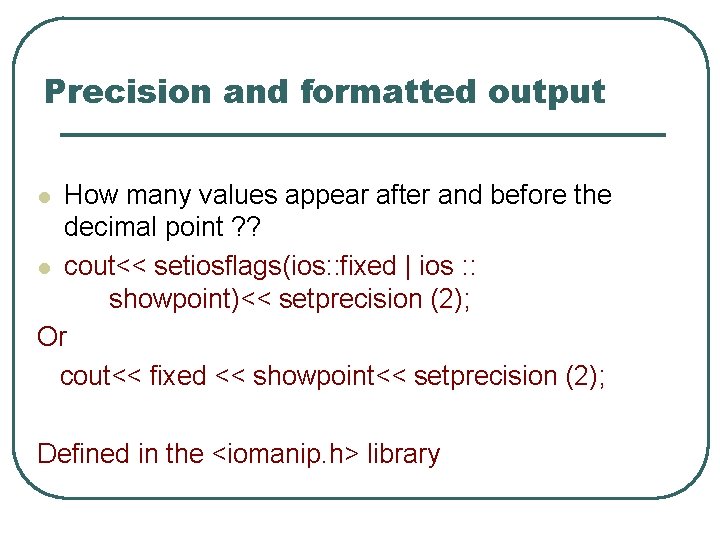
Precision and formatted output How many values appear after and before the decimal point ? ? l cout<< setiosflags(ios: : fixed | ios : : showpoint)<< setprecision (2); Or cout<< fixed << showpoint<< setprecision (2); l Defined in the <iomanip. h> library
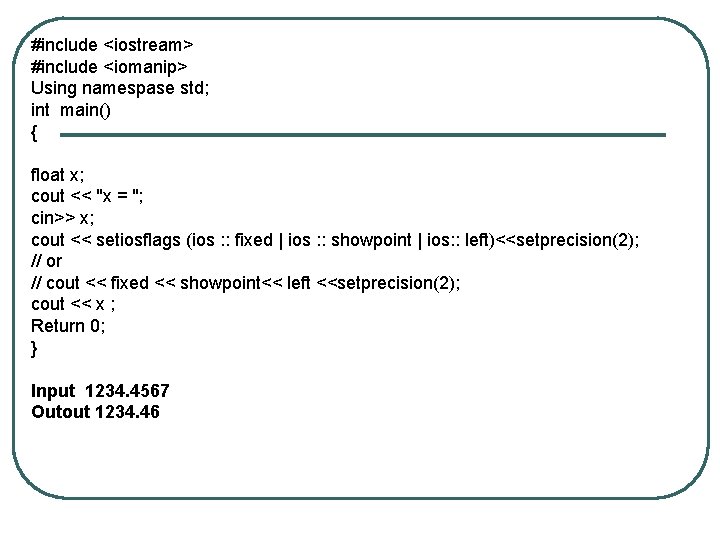
#include <iostream> #include <iomanip> Using namespase std; int main() { float x; cout << "x = "; cin>> x; cout << setiosflags (ios : : fixed | ios : : showpoint | ios: : left)<<setprecision(2); // or // cout << fixed << showpoint<< left <<setprecision(2); cout << x ; Return 0; } Input 1234. 4567 Outout 1234. 46
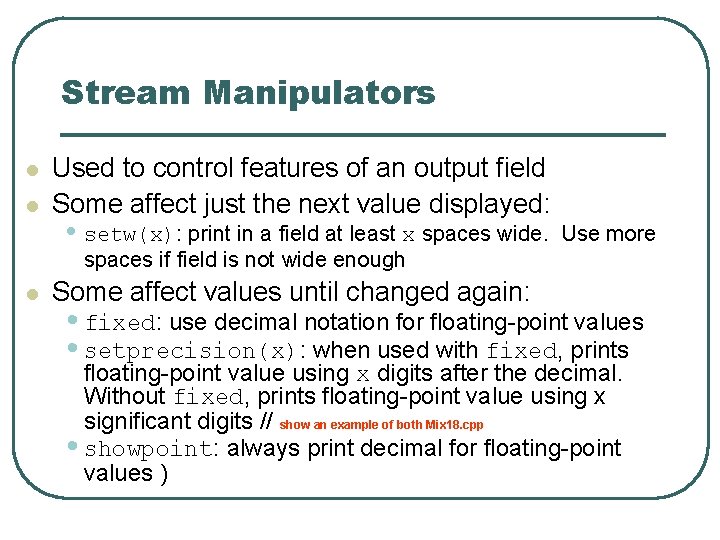
Stream Manipulators l l Used to control features of an output field Some affect just the next value displayed: • setw(x): print in a field at least x spaces wide. Use more spaces if field is not wide enough l Some affect values until changed again: • fixed: use decimal notation for floating-point values • setprecision(x): when used with fixed, prints floating-point value using x digits after the decimal. Without fixed, prints floating-point value using x significant digits // show an example of both Mix 18. cpp • showpoint: always print decimal for floating-point values )
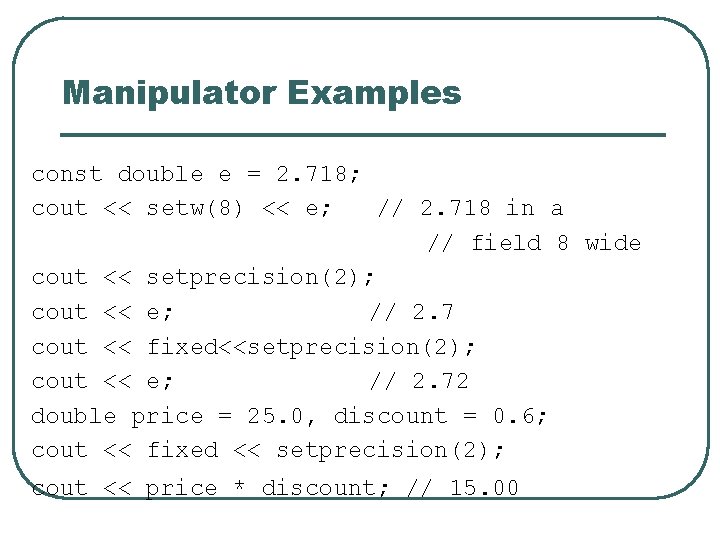
Manipulator Examples const double e = 2. 718; cout << setw(8) << e; // 2. 718 in a // field 8 wide cout << setprecision(2); cout << e; // 2. 7 cout << fixed<<setprecision(2); cout << e; // 2. 72 double price = 25. 0, discount = 0. 6; cout << fixed << setprecision(2); cout << price * discount; // 15. 00
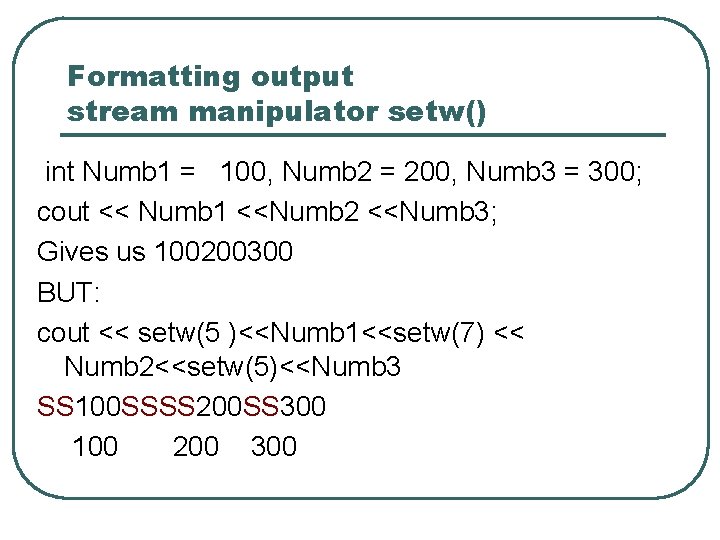
Formatting output stream manipulator setw() int Numb 1 = 100, Numb 2 = 200, Numb 3 = 300; cout << Numb 1 <<Numb 2 <<Numb 3; Gives us 100200300 BUT: cout << setw(5 )<<Numb 1<<setw(7) << Numb 2<<setw(5)<<Numb 3 SS 100 SSSS 200 SS 300 100 200 300
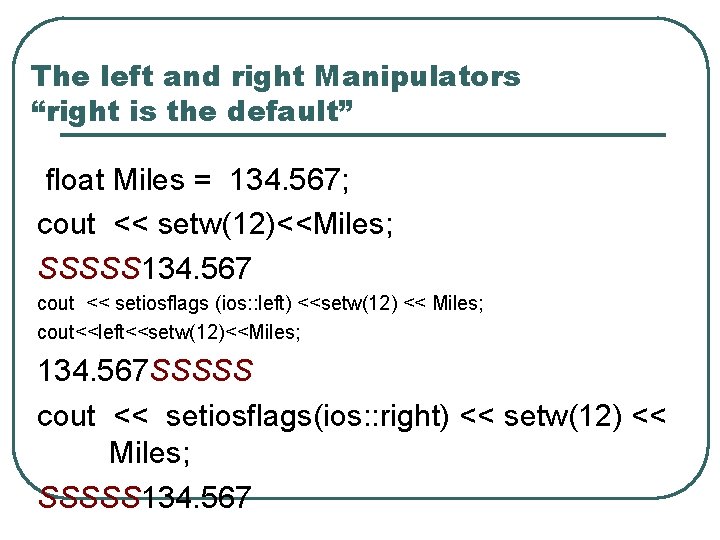
The left and right Manipulators “right is the default” float Miles = 134. 567; cout << setw(12)<<Miles; SSSSS 134. 567 cout << setiosflags (ios: : left) <<setw(12) << Miles; cout<<left<<setw(12)<<Miles; 134. 567 SSSSS cout << setiosflags(ios: : right) << setw(12) << Miles; SSSSS 134. 567
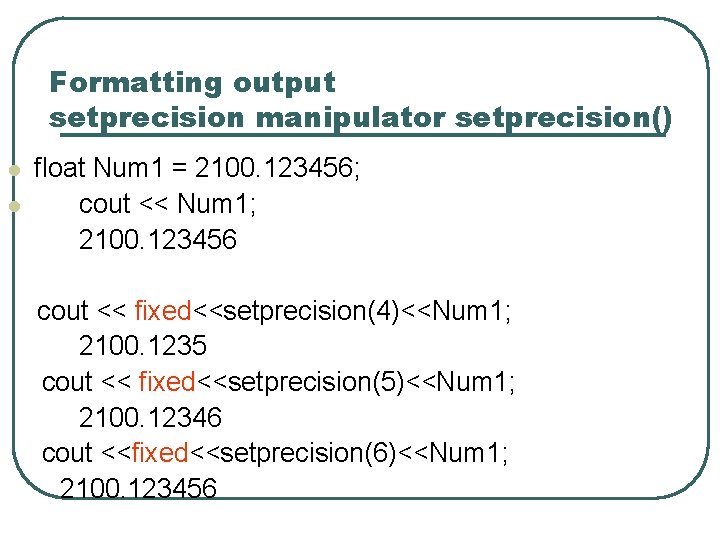
Formatting output setprecision manipulator setprecision() l l float Num 1 = 2100. 123456; cout << Num 1; 2100. 123456 cout << fixed<<setprecision(4)<<Num 1; 2100. 1235 cout << fixed<<setprecision(5)<<Num 1; 2100. 12346 cout <<fixed<<setprecision(6)<<Num 1; 2100. 123456
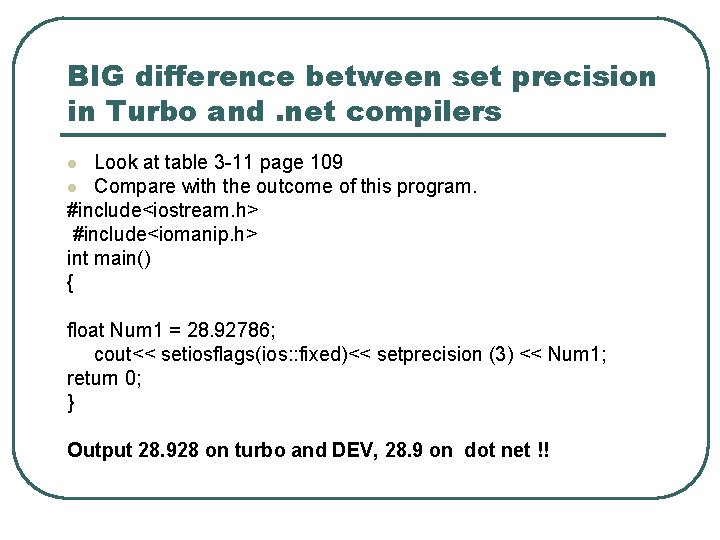
BIG difference between set precision in Turbo and. net compilers Look at table 3 -11 page 109 l Compare with the outcome of this program. #include<iostream. h> #include<iomanip. h> int main() { l float Num 1 = 28. 92786; cout<< setiosflags(ios: : fixed)<< setprecision (3) << Num 1; return 0; } Output 28. 928 on turbo and DEV, 28. 9 on dot net !!
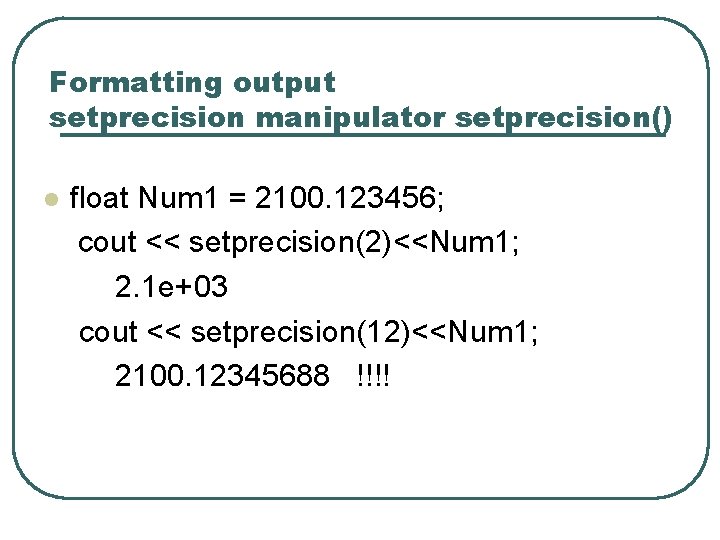
Formatting output setprecision manipulator setprecision() l float Num 1 = 2100. 123456; cout << setprecision(2)<<Num 1; 2. 1 e+03 cout << setprecision(12)<<Num 1; 2100. 12345688 !!!!
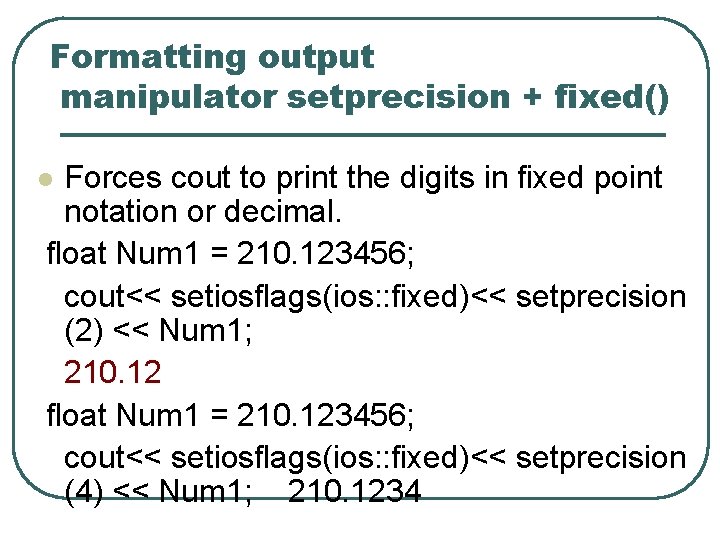
Formatting output manipulator setprecision + fixed() Forces cout to print the digits in fixed point notation or decimal. float Num 1 = 210. 123456; cout<< setiosflags(ios: : fixed)<< setprecision (2) << Num 1; 210. 12 float Num 1 = 210. 123456; cout<< setiosflags(ios: : fixed)<< setprecision (4) << Num 1; 210. 1234 l
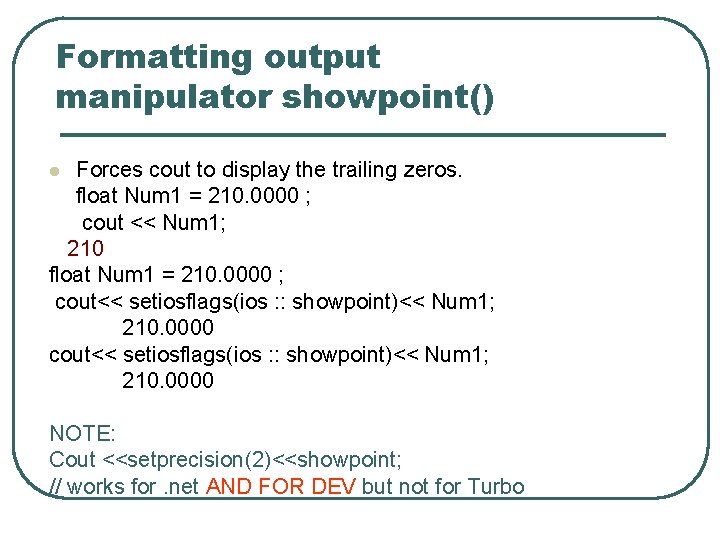
Formatting output manipulator showpoint() Forces cout to display the trailing zeros. float Num 1 = 210. 0000 ; cout << Num 1; 210 float Num 1 = 210. 0000 ; cout<< setiosflags(ios : : showpoint)<< Num 1; 210. 0000 l NOTE: Cout <<setprecision(2)<<showpoint; // works for. net AND FOR DEV but not for Turbo
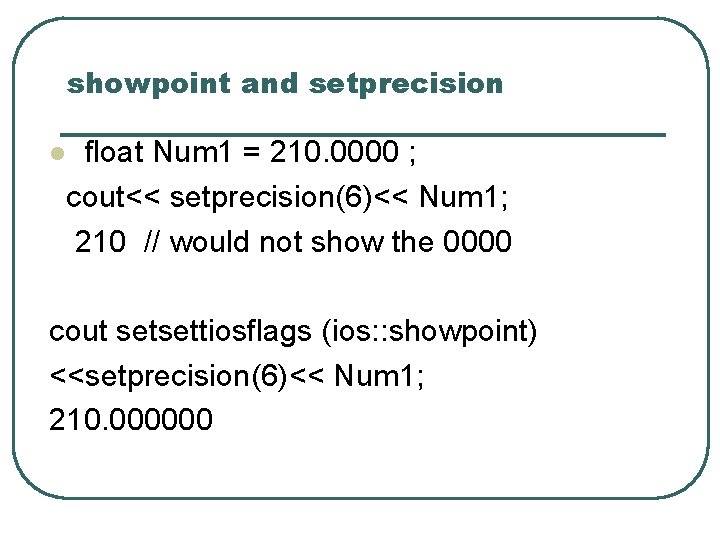
showpoint and setprecision l float Num 1 = 210. 0000 ; cout<< setprecision(6)<< Num 1; 210 // would not show the 0000 cout setsettiosflags (ios: : showpoint) <<setprecision(6)<< Num 1; 210. 000000
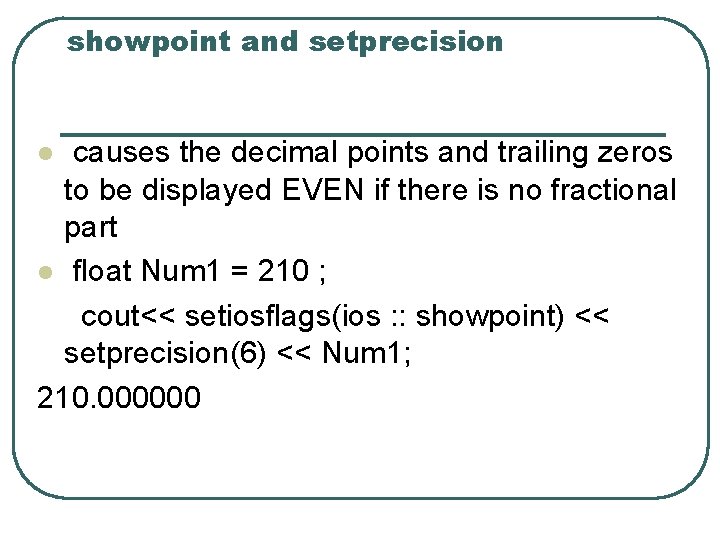
showpoint and setprecision causes the decimal points and trailing zeros to be displayed EVEN if there is no fractional part l float Num 1 = 210 ; cout<< setiosflags(ios : : showpoint) << setprecision(6) << Num 1; 210. 000000 l
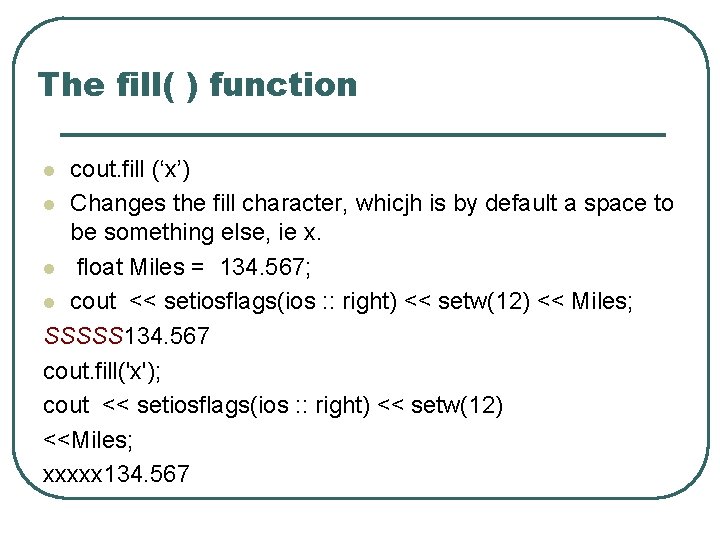
The fill( ) function cout. fill (‘x’) l Changes the fill character, whicjh is by default a space to be something else, ie x. l float Miles = 134. 567; l cout << setiosflags(ios : : right) << setw(12) << Miles; SSSSS 134. 567 cout. fill('x'); cout << setiosflags(ios : : right) << setw(12) <<Miles; xxxxx 134. 567 l
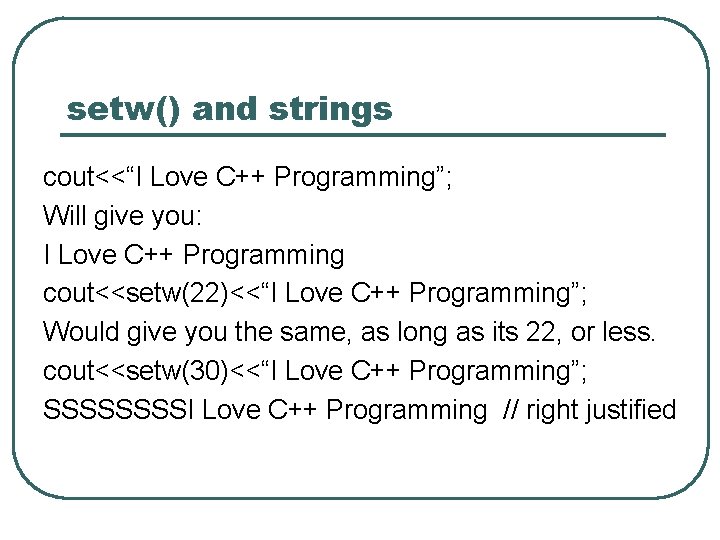
setw() and strings cout<<“I Love C++ Programming”; Will give you: I Love C++ Programming cout<<setw(22)<<“I Love C++ Programming”; Would give you the same, as long as its 22, or less. cout<<setw(30)<<“I Love C++ Programming”; SSSSI Love C++ Programming // right justified
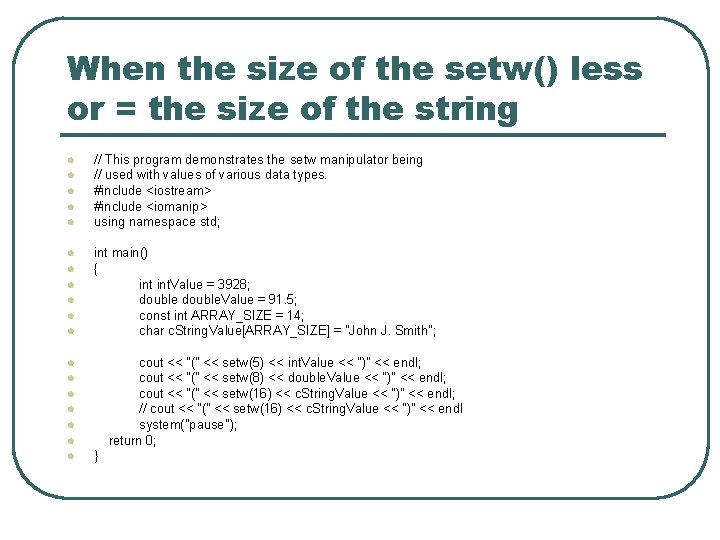
When the size of the setw() less or = the size of the string l l l // This program demonstrates the setw manipulator being // used with values of various data types. #include <iostream> #include <iomanip> using namespace std; int main() { int. Value = 3928; double. Value = 91. 5; const int ARRAY_SIZE = 14; char c. String. Value[ARRAY_SIZE] = "John J. Smith"; cout << "(" << setw(5) << int. Value << ")" << endl; cout << "(" << setw(8) << double. Value << ")" << endl; cout << "(" << setw(16) << c. String. Value << ")" << endl; // cout << "(" << setw(16) << c. String. Value << ")" << endl system("pause"); return 0; l l l l }
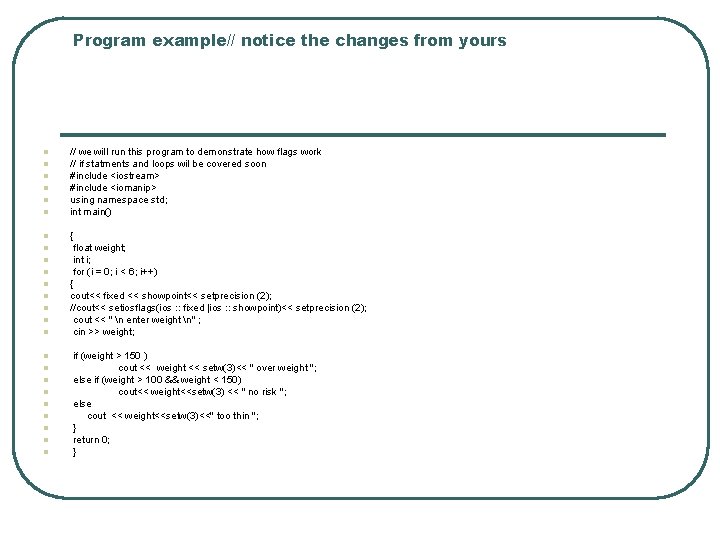
Program example// notice the changes from yours l l l l l l // we will run this program to demonstrate how flags work // if statments and loops wil be covered soon #include <iostream> #include <iomanip> using namespace std; int main() { float weight; int i; for (i = 0; i < 6; i++) { cout<< fixed << showpoint<< setprecision (2); //cout<< setiosflags(ios : : fixed |ios : : showpoint)<< setprecision (2); cout << " n enter weight n" ; cin >> weight; if (weight > 150 ) cout << weight << setw(3)<< " over weight "; else if (weight > 100 && weight < 150) cout<< weight<<setw(3) << " no risk "; else cout << weight<<setw(3)<<" too thin "; } return 0; }