Avoid unnecessary digital storage And email attachments Sachin
- Slides: 7
Avoid unnecessary digital storage And email attachments -Sachin Thorbole ACP/Dy. SP Batch –CPTP 4 A
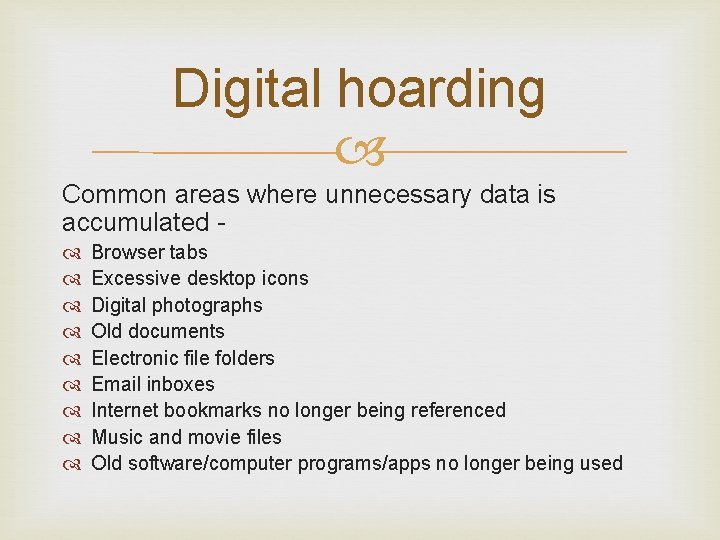
Digital hoarding Common areas where unnecessary data is accumulated Browser tabs Excessive desktop icons Digital photographs Old documents Electronic file folders Email inboxes Internet bookmarks no longer being referenced Music and movie files Old software/computer programs/apps no longer being used
Causes of digital hoarding Indecision –fear of losing something important Lack of knowledge-data location, importance Inexpensive and large data storage devices Perception -do not take up physical space
Problems Difficulty in locating specific file and mail Additional digital storage devices required Operational hurdles-speed , hang down Productivity and efficiency
Ways to avoid Moving storage to the cloud Use shared drive storages instead of email attachments Store documents in electronic archives using data compression software-zip, win. RAR etc. Reduce unwanted mail to your office-unsubscribe from the mailing list Frequent disposal
How to clear unwanted data Find duplicate files Delete temporary files Clear the downloads folder of unnecessary files Delete unused applications Zap spyware and trackers for internet browsing Merge duplicate folders Move all your documents to the Documents folder Organize new files as they arrive Back up efficiently
Thank you