3 6 n n n n C cygwin
- Slides: 8
강의 계획 매주 수요일 3 -6시 n 강의 내용 n n n C (cygwin, gcc, vi, gnuplot) FFT (1 D and 2 D, convolution, correlation) SAR (e. SAR Processor) In. SAR (e. In. SAR Processor) 컴퓨터 실습 위주의 강의
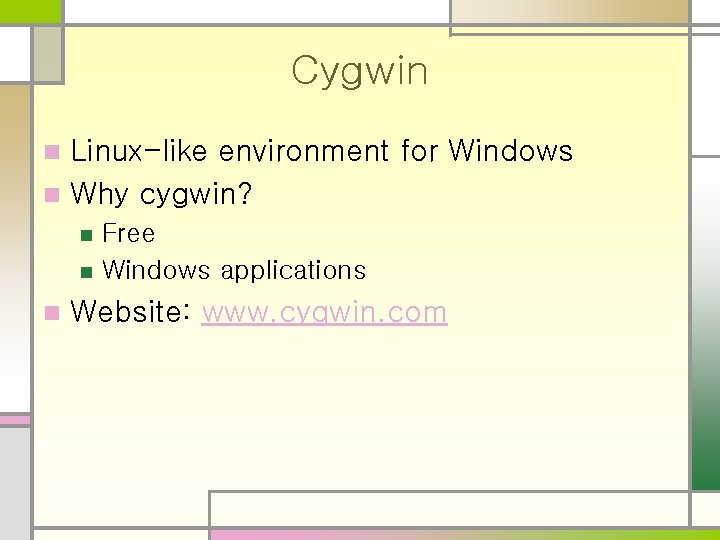
Cygwin Linux-like environment for Windows n Why cygwin? n n Free Windows applications Website: www. cygwin. com
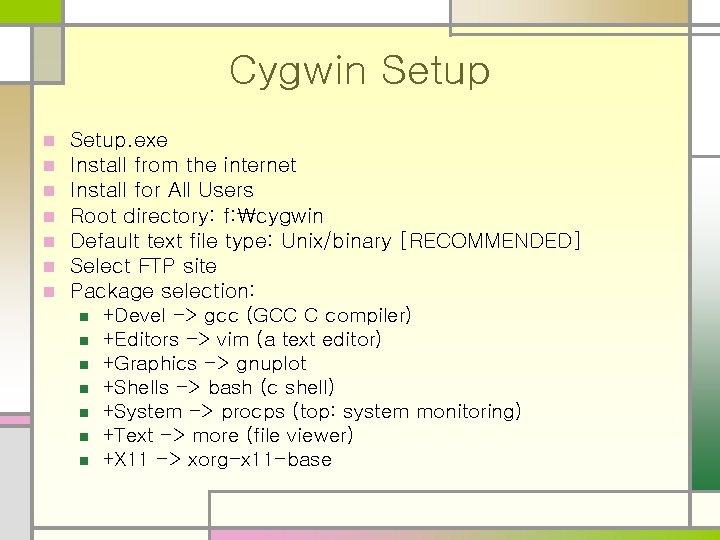
Cygwin Setup n n n n Setup. exe Install from the internet Install for All Users Root directory: f: cygwin Default text file type: Unix/binary [RECOMMENDED] Select FTP site Package selection: n +Devel -> gcc (GCC C compiler) n +Editors -> vim (a text editor) n +Graphics -> gnuplot n +Shells -> bash (c shell) n +System -> procps (top: system monitoring) n +Text -> more (file viewer) n +X 11 -> xorg-x 11 -base
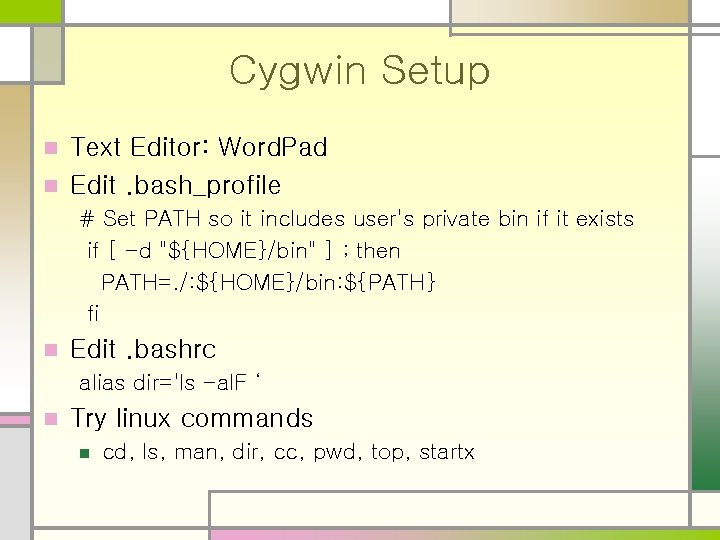
Cygwin Setup Text Editor: Word. Pad n Edit. bash_profile n # Set PATH so it includes user's private bin if it exists if [ -d "${HOME}/bin" ] ; then PATH=. /: ${HOME}/bin: ${PATH} fi n Edit. bashrc alias dir='ls -al. F ‘ n Try linux commands n cd, ls, man, dir, cc, pwd, top, startx
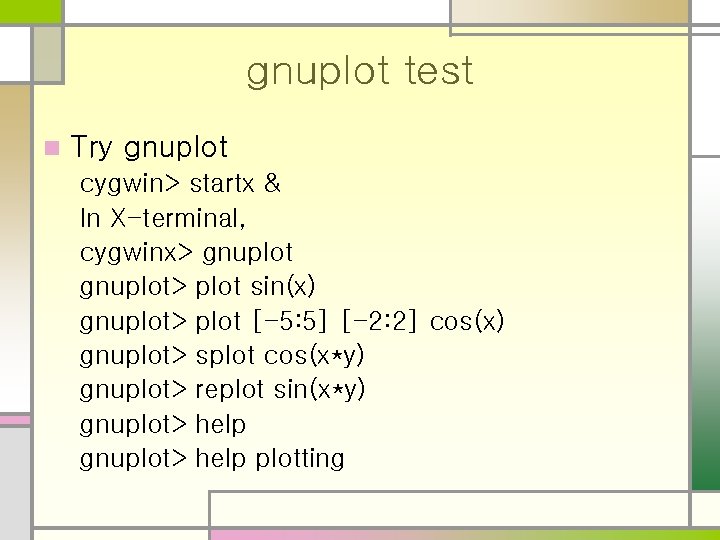
gnuplot test n Try gnuplot cygwin> startx & In X-terminal, cygwinx> gnuplot> plot sin(x) gnuplot> plot [-5: 5] [-2: 2] cos(x) gnuplot> splot cos(x*y) gnuplot> replot sin(x*y) gnuplot> help plotting
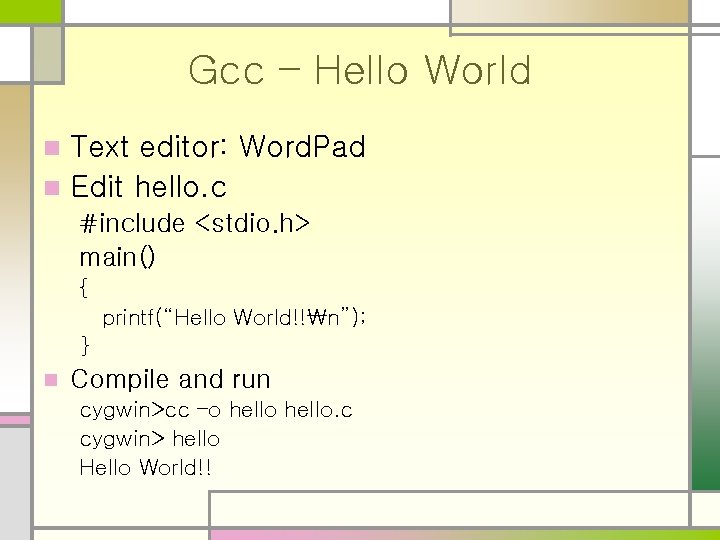
Gcc – Hello World Text editor: Word. Pad n Edit hello. c n #include <stdio. h> main() { printf(“Hello World!!n”); } n Compile and run cygwin>cc –o hello. c cygwin> hello Hello World!!
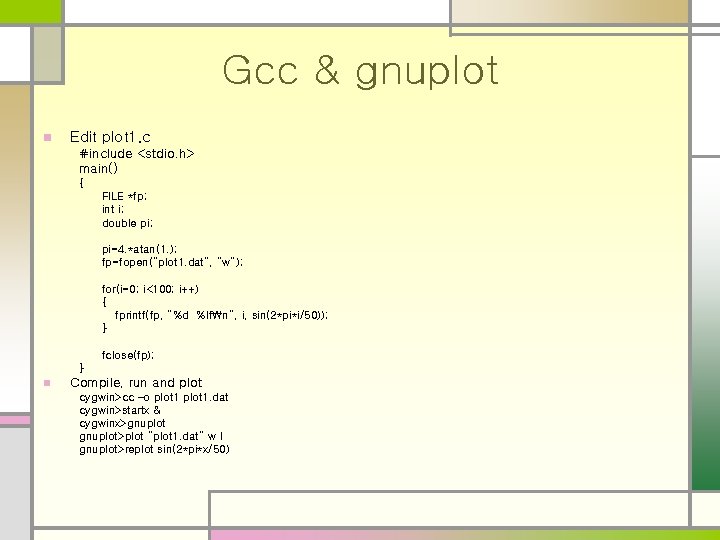
Gcc & gnuplot n Edit plot 1. c #include <stdio. h> main() { FILE *fp; int i; double pi; pi=4. *atan(1. ); fp=fopen(“plot 1. dat”, “w”); for(i=0; i<100; i++) { fprintf(fp, “%d %lfn”, i, sin(2*pi*i/50)); } fclose(fp); } n Compile, run and plot cygwin>cc –o plot 1. dat cygwin>startx & cygwinx>gnuplot>plot “plot 1. dat” w l gnuplot>replot sin(2*pi*x/50)