
Zoom Meeting Basics TIPS ON ZOOM MEETINGS Basic

Zoom Meeting Basics TIPS ON ZOOM MEETINGS

Basic Etiquette WHAT TO DO AND WHAT NOT TO DO
Basic Etiquette Prep Work • • Be Visible and Heard Minimize Distractions Make sure all participants have downloaded Zoom • Adjust your work set-up (enough light) • Try to cast from a quiet place • Don’t interrupt • Turn off phones Test all technology • Don’t work on other tasks • Mute your microphone • Speak up! • • Stay seated and stay present Be aware of your surroundings (background)

Basic Controls HOW TO DO IT
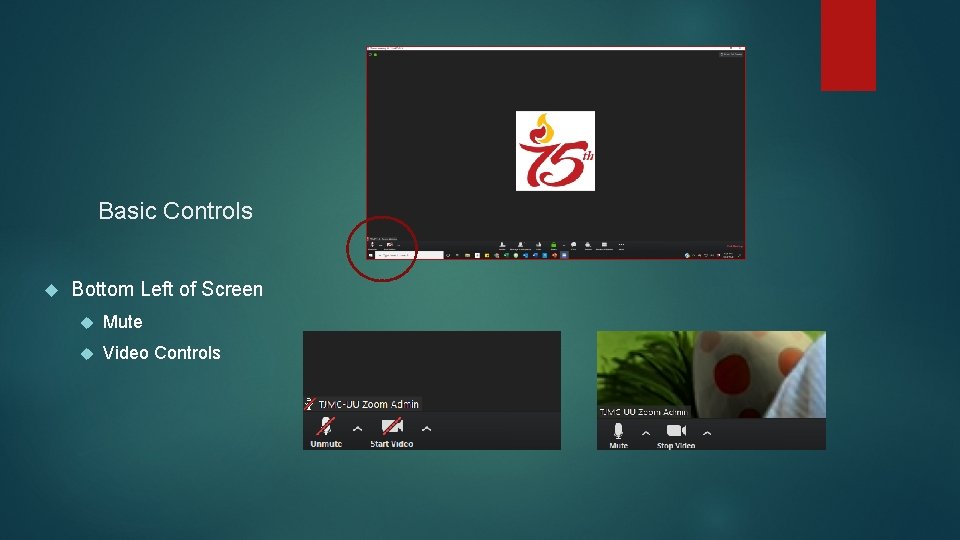
Basic Controls Bottom Left of Screen Mute Video Controls
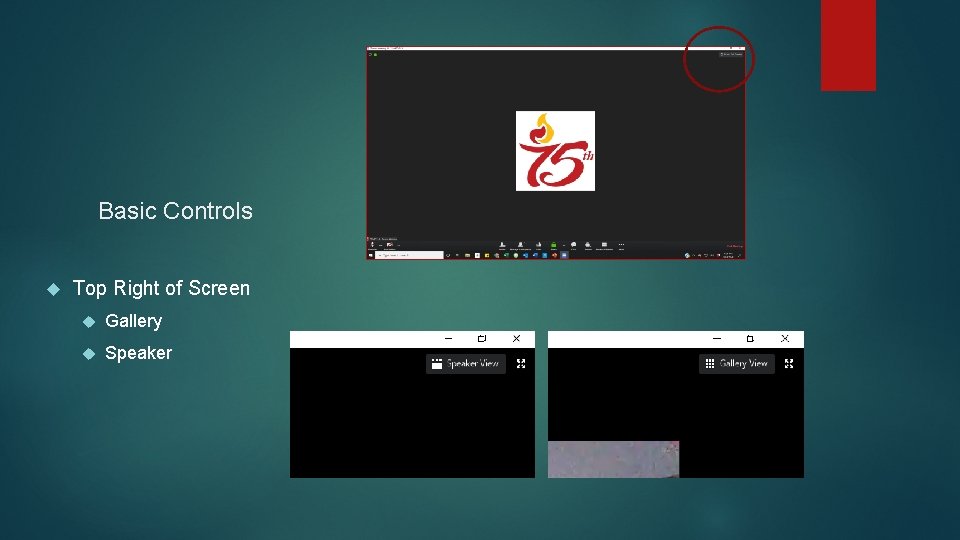
Basic Controls Top Right of Screen Gallery Speaker
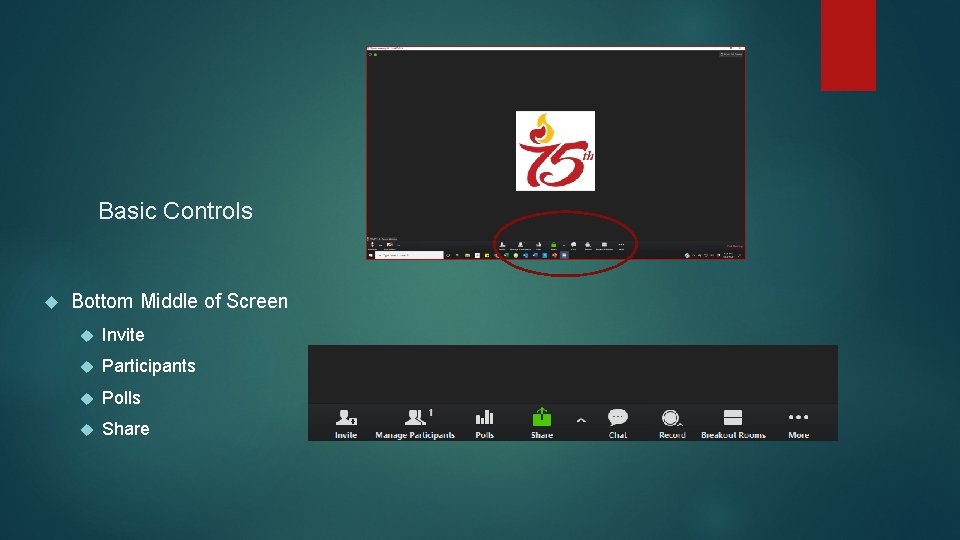
Basic Controls Bottom Middle of Screen Invite Participants Polls Share
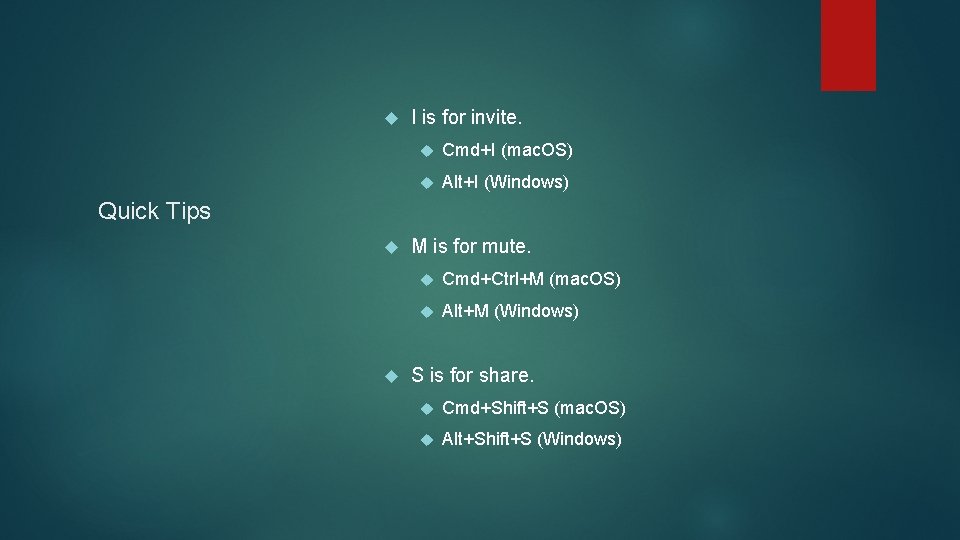
I is for invite. Cmd+I (mac. OS) Alt+I (Windows) Quick Tips M is for mute. Cmd+Ctrl+M (mac. OS) Alt+M (Windows) S is for share. Cmd+Shift+S (mac. OS) Alt+Shift+S (Windows)
Screen Share S is for share. Press Cmd+Shift+S (mac. OS) or Alt+Shift+S (Windows) to share your screen. When you are host, you can share your screen Make sure sensitive material is closed

Running a Meeting LEAD WITH CONFIDENCE
What to ask your attendees first Ask them to find the mute button and mute themselves Ask them to look for ‘Gallery View’ Assign a timekeeper to call out time Headsets help if they have them Ask people to give you a thumbs up if they can hear you Use the chat window
Ending the Meeting Like an in person meeting, try to keep to the ending time Prompt for the end of the meeting Let everyone know about the next meeting. Participants can exit Leader can close out Zoom meeting for everyone

Thank you! Please spread the word!
- Slides: 13