
Zoom Basic Training Presented by GWM Karen Williams
Zoom Basic Training • Presented by • GWM Karen Williams & GAC Ty Tolefree
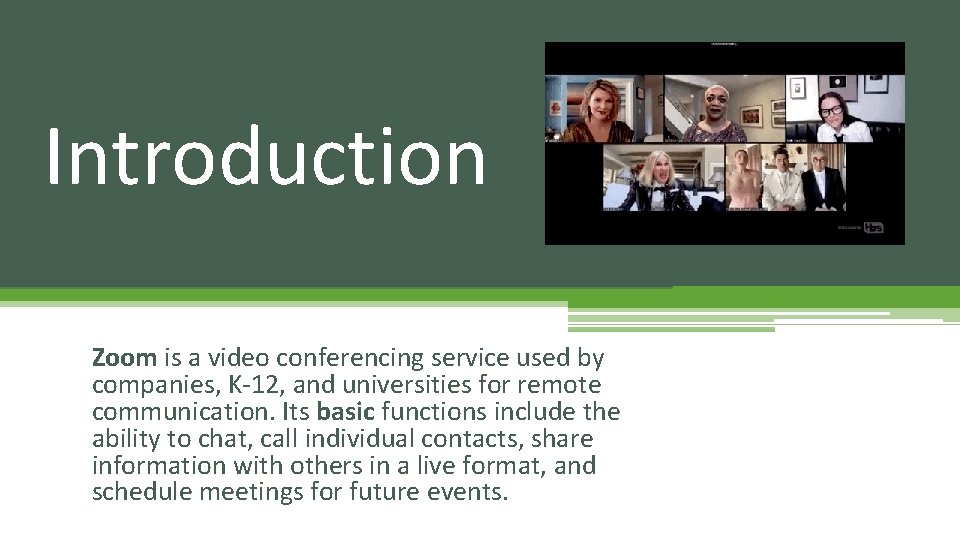
Introduction Zoom is a video conferencing service used by companies, K-12, and universities for remote communication. Its basic functions include the ability to chat, call individual contacts, share information with others in a live format, and schedule meetings for future events.
Training Outline Lesson 1: Sign up for Zoom on Desktop or Laptop Lesson 2: Download App on Phone or Ipad Lesson 3: How to Join a Meeting Lesson 4: Using the Tools
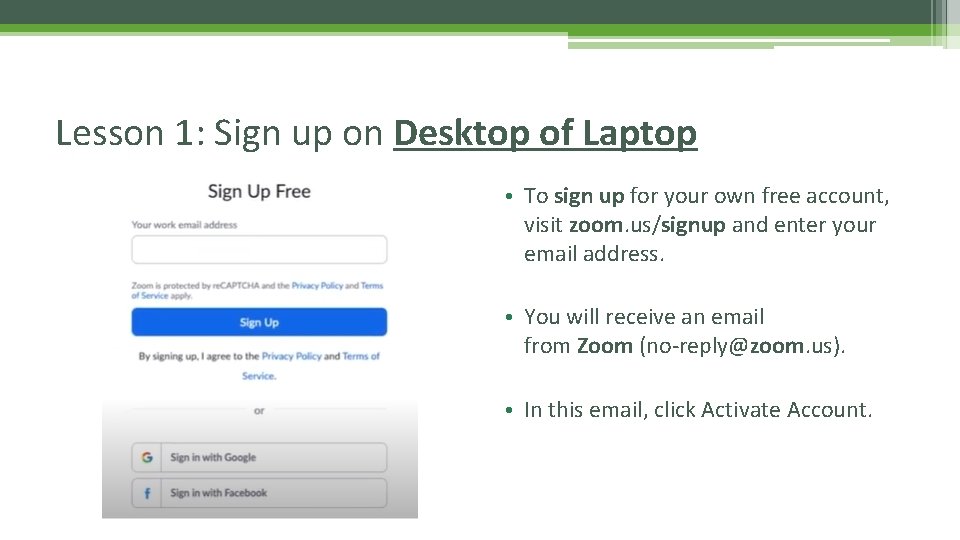
Lesson 1: Sign up on Desktop of Laptop • To sign up for your own free account, visit zoom. us/signup and enter your email address. • You will receive an email from Zoom (no-reply@zoom. us). • In this email, click Activate Account.
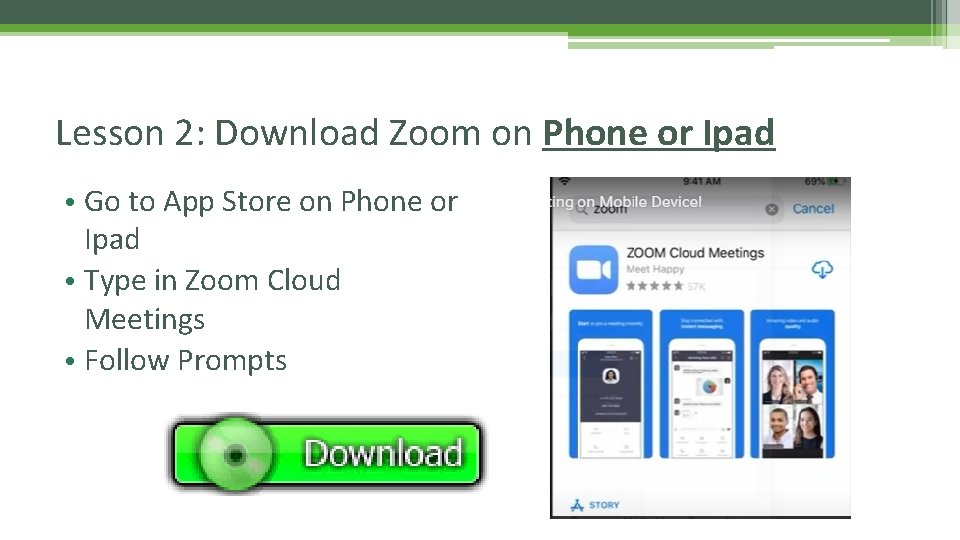
Lesson 2: Download Zoom on Phone or Ipad • Go to App Store on Phone or Ipad • Type in Zoom Cloud Meetings • Follow Prompts
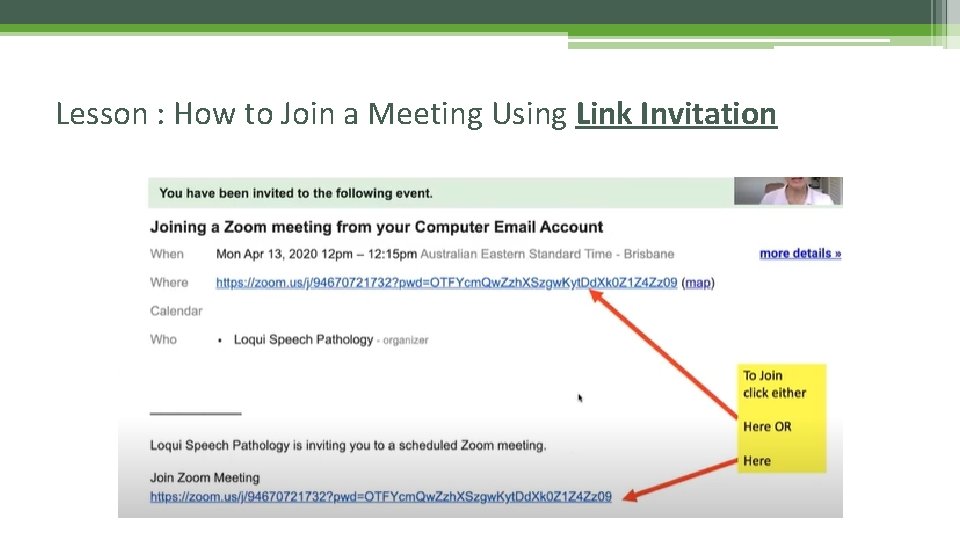
Lesson : How to Join a Meeting Using Link Invitation
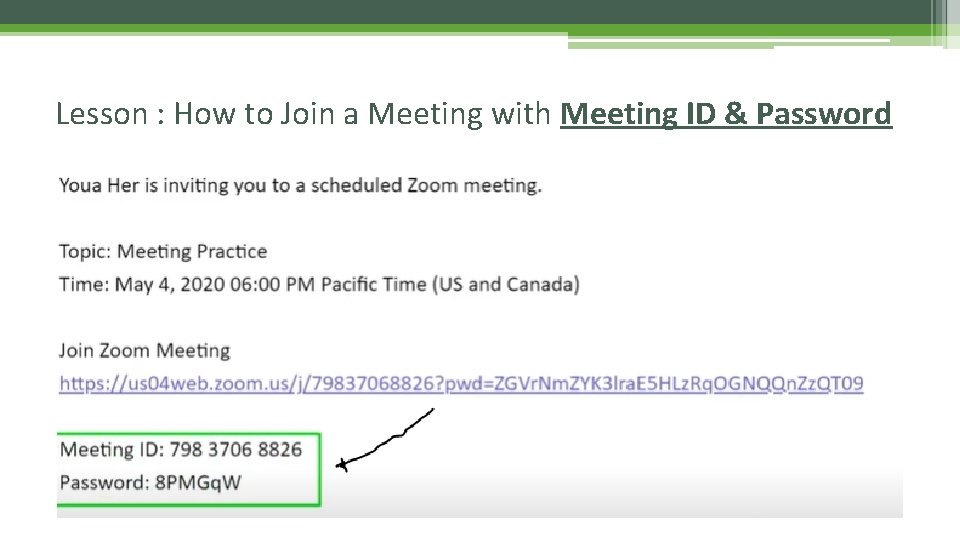
Lesson : How to Join a Meeting with Meeting ID & Password
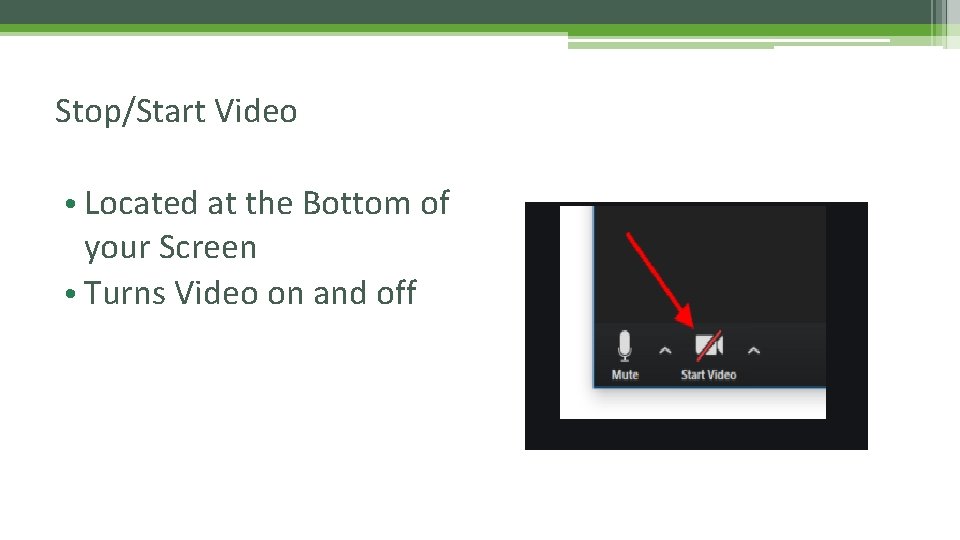
Stop/Start Video • Located at the Bottom of your Screen • Turns Video on and off
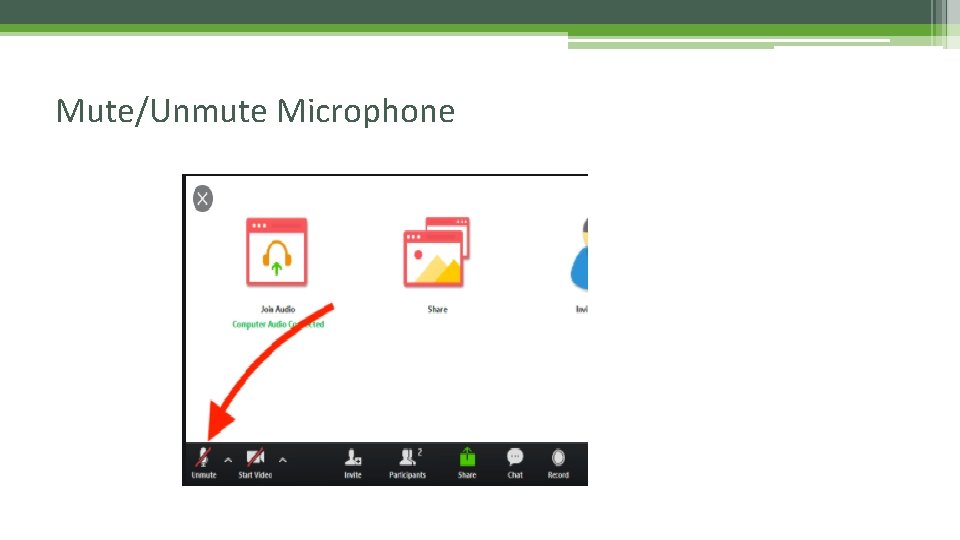
Mute/Unmute Microphone
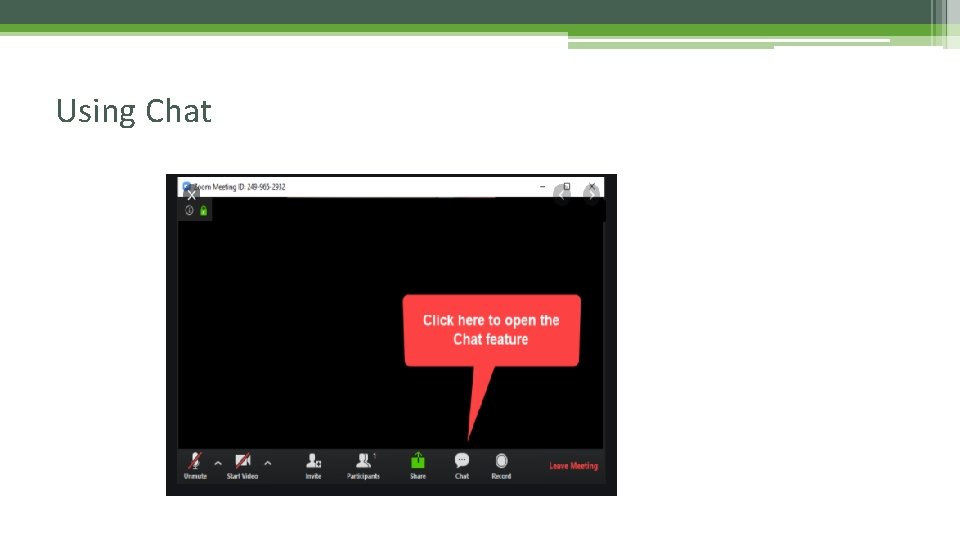
Using Chat
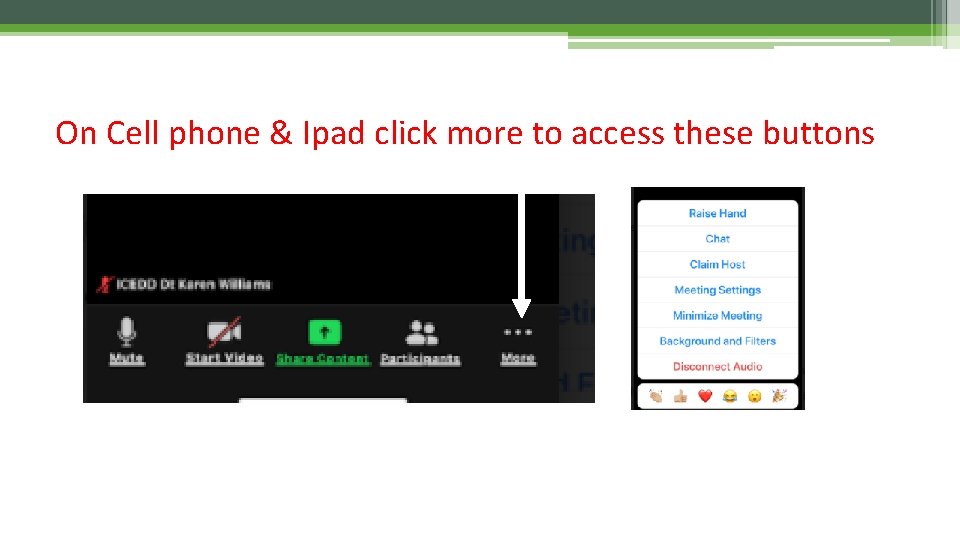
On Cell phone & Ipad click more to access these buttons
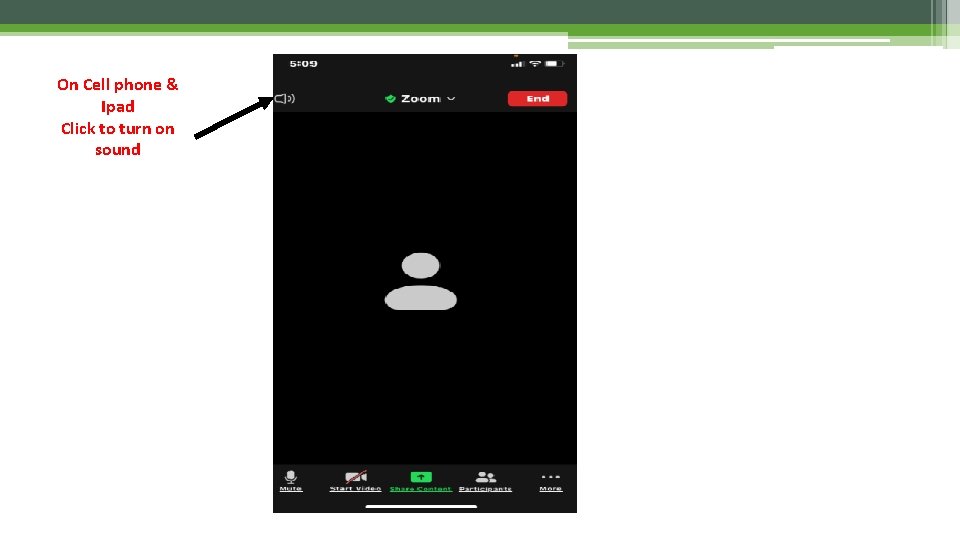
On Cell phone & Ipad Click to turn on sound
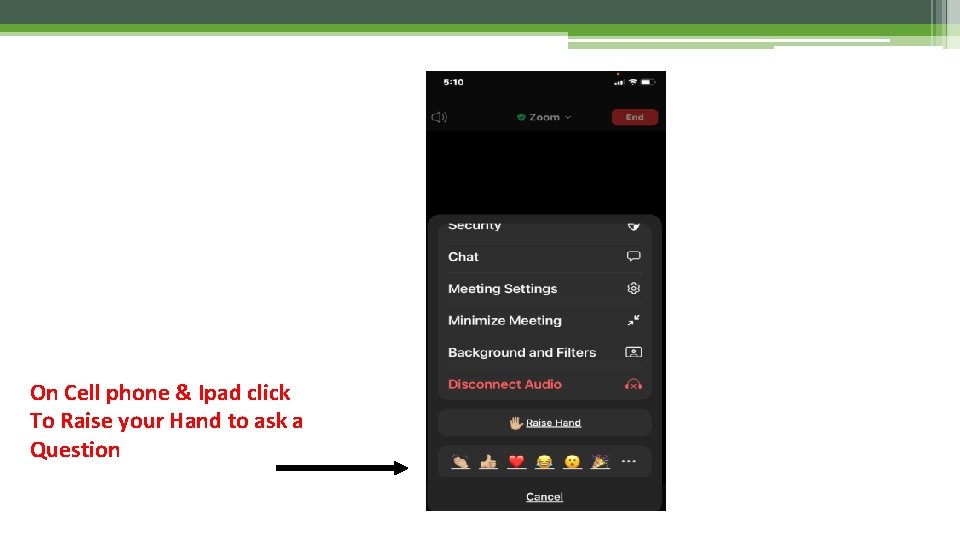
On Cell phone & Ipad click To Raise your Hand to ask a Question
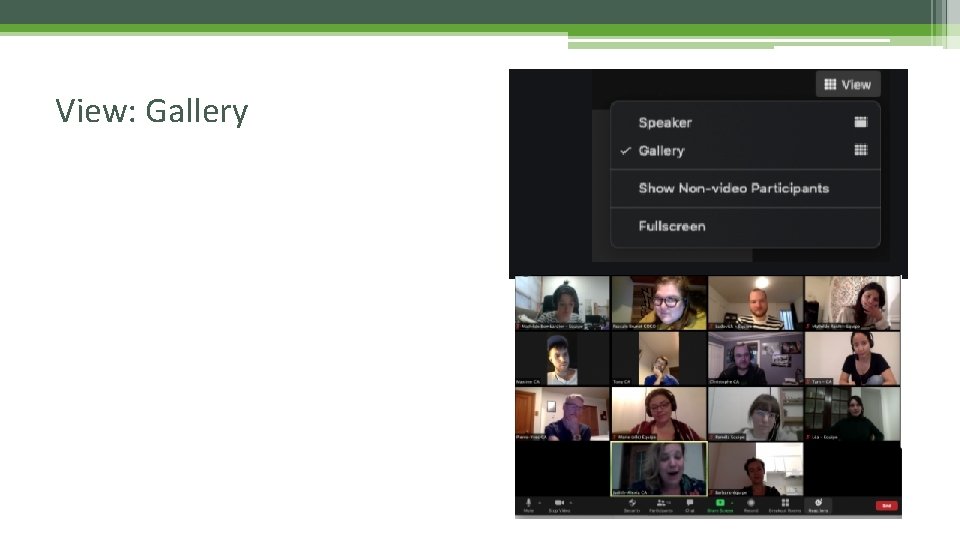
View: Gallery
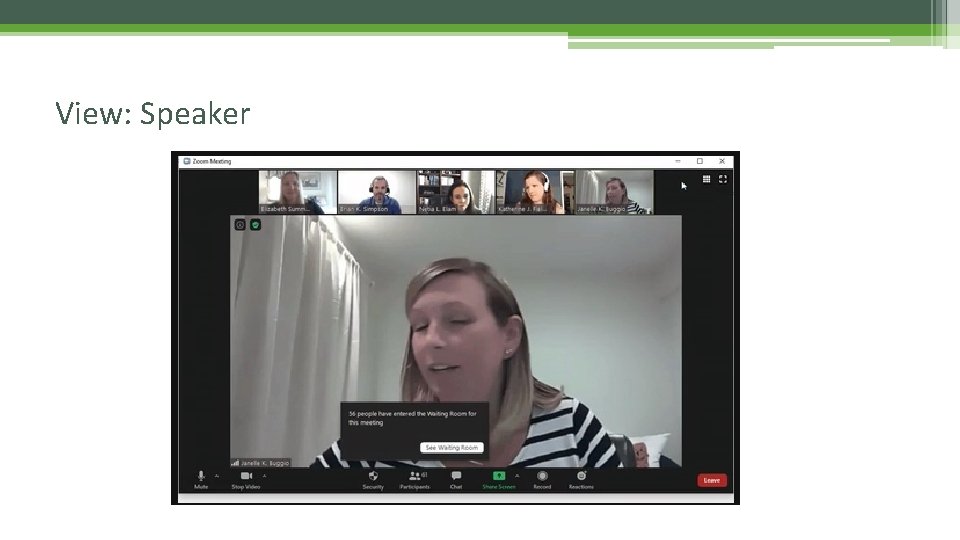
View: Speaker
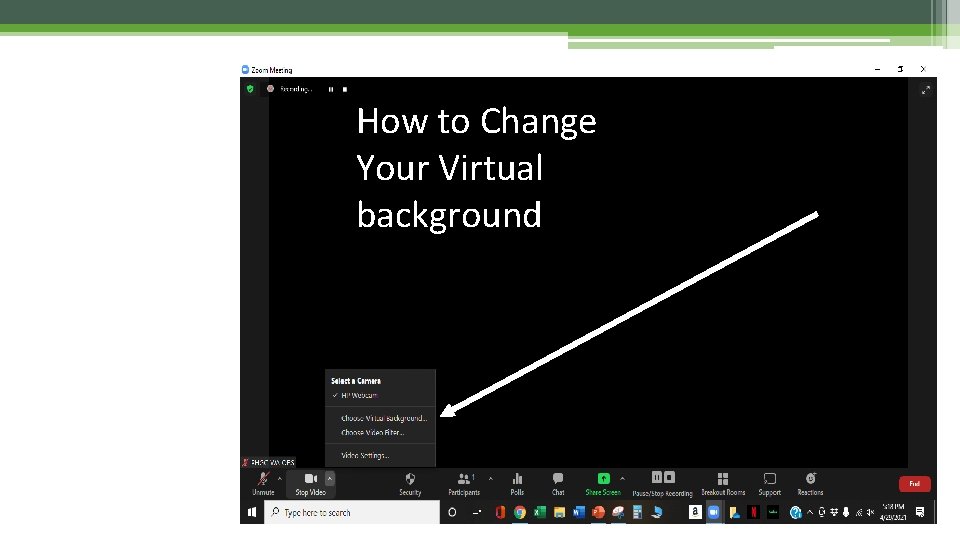
How to Change Your Virtual background
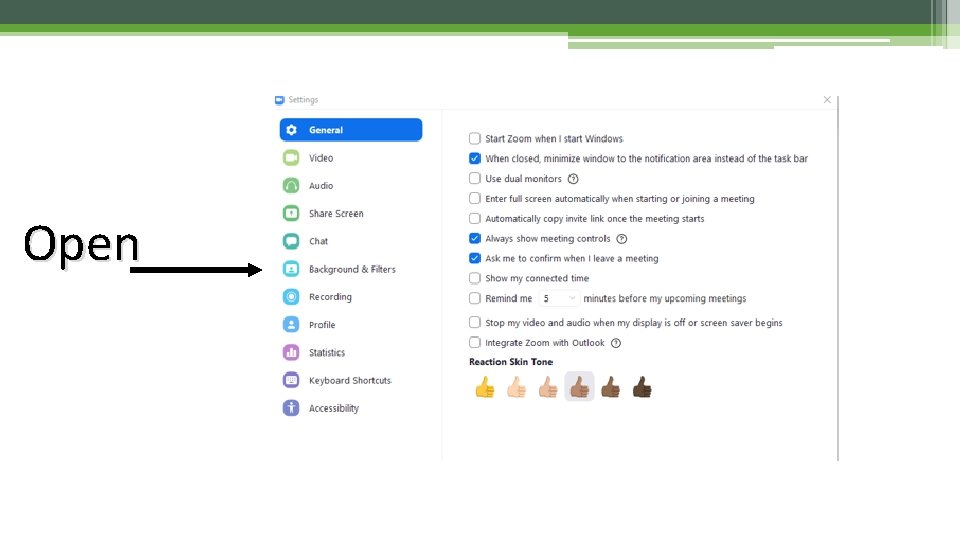
Open
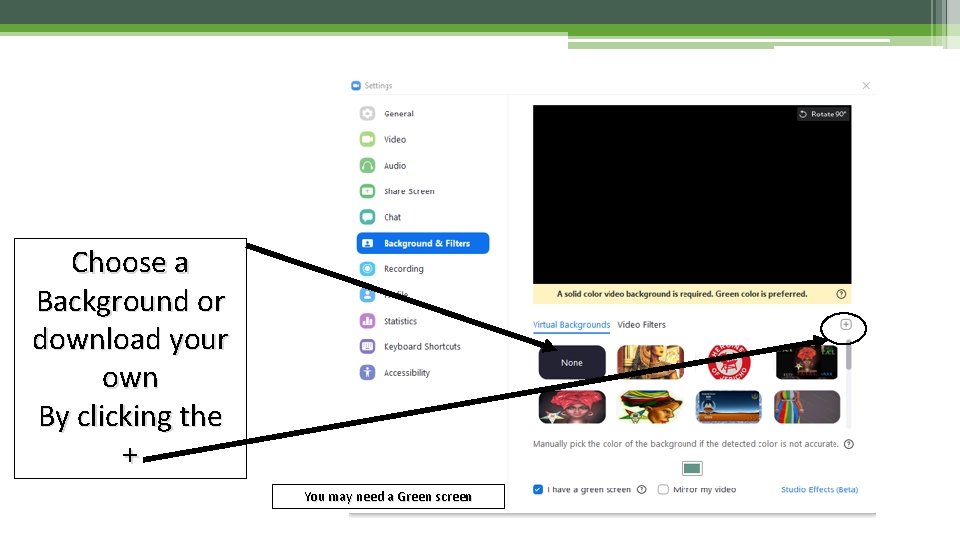
Choose a Background or download your own By clicking the + You may need a Green screen
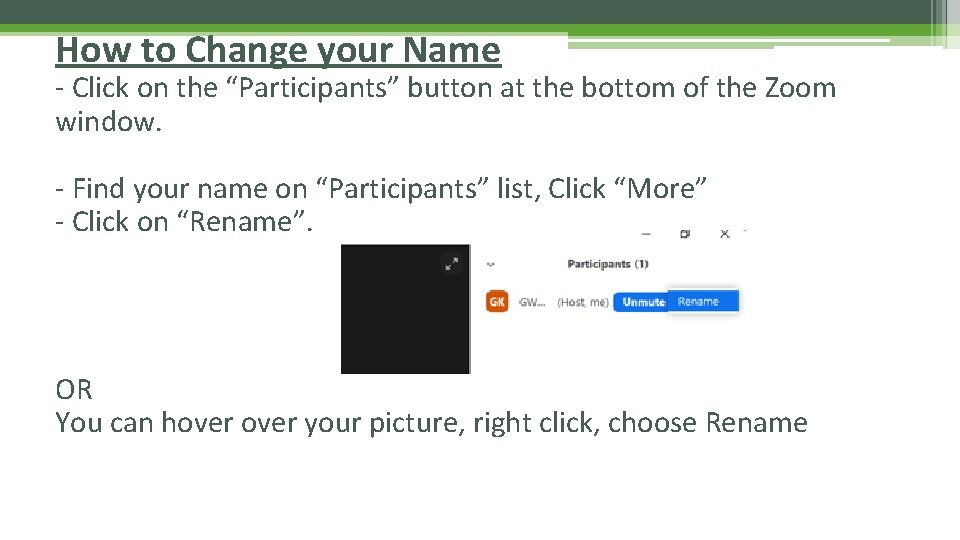
How to Change your Name - Click on the “Participants” button at the bottom of the Zoom window. - Find your name on “Participants” list, Click “More” - Click on “Rename”. OR You can hover your picture, right click, choose Rename

Questions? Thank you for Joining
- Slides: 20