
ZFS The Last Word in Filesystem tzute Computer

- Slides: 58
ZFS The Last Word in Filesystem tzute
Computer Center, CS, NCTU 2 What is RAID?
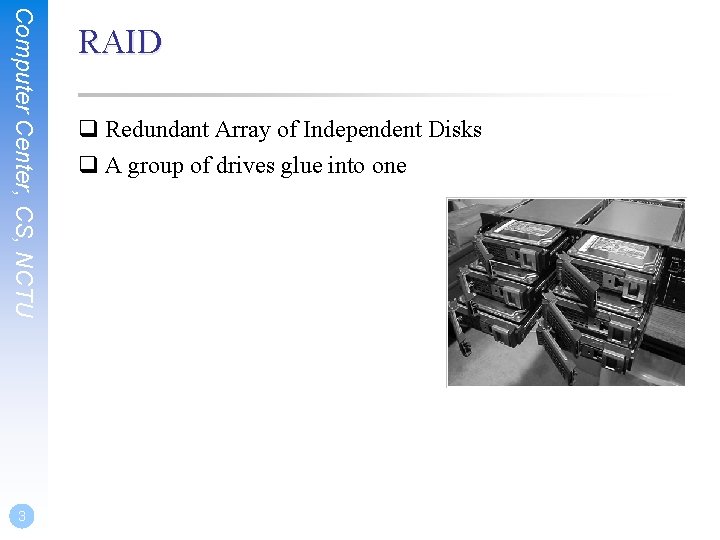
Computer Center, CS, NCTU 3 RAID q Redundant Array of Independent Disks q A group of drives glue into one
Computer Center, CS, NCTU 4 Common RAID types q JBOD q RAID 0 q RAID 1 q RAID 5 q RAID 6 q RAID 10 q RAID 50 q RAID 60
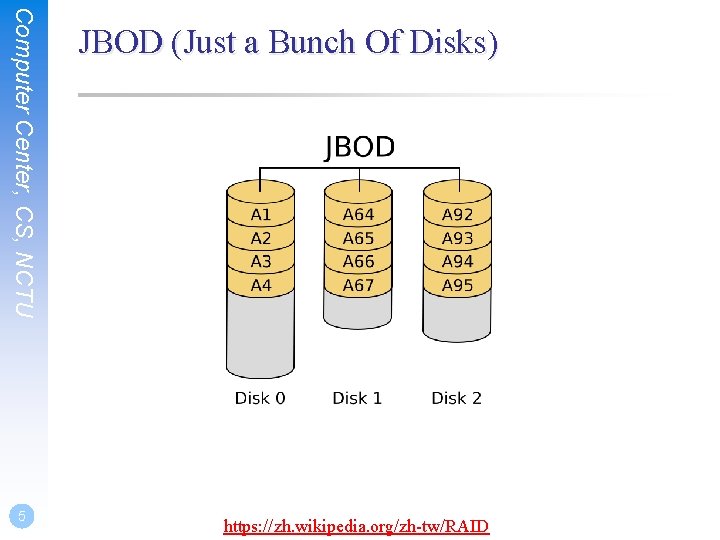
Computer Center, CS, NCTU 5 JBOD (Just a Bunch Of Disks) https: //zh. wikipedia. org/zh-tw/RAID
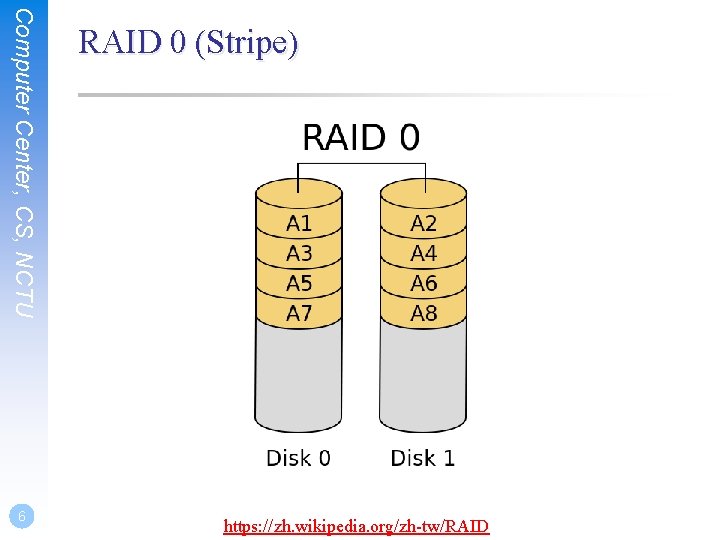
Computer Center, CS, NCTU 6 RAID 0 (Stripe) https: //zh. wikipedia. org/zh-tw/RAID
Computer Center, CS, NCTU 7 RAID 0 (Stripe) q Striping data onto multiple devices q High write/read speed q Data corrupt if ANY of the device fail
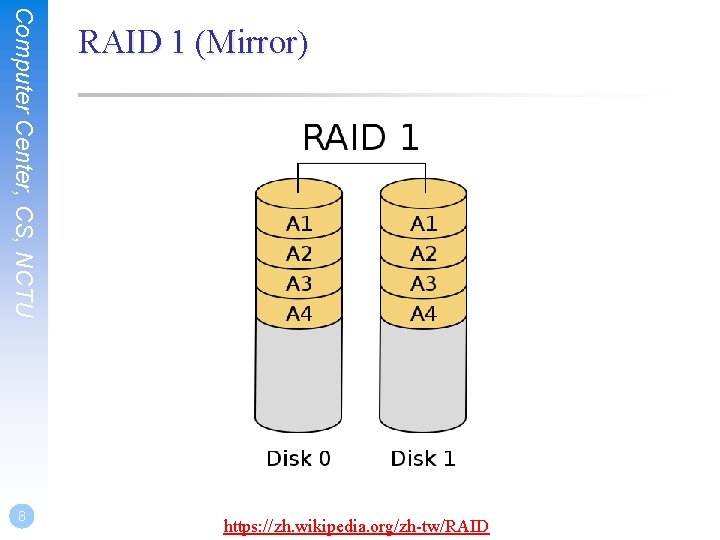
Computer Center, CS, NCTU 8 RAID 1 (Mirror) https: //zh. wikipedia. org/zh-tw/RAID
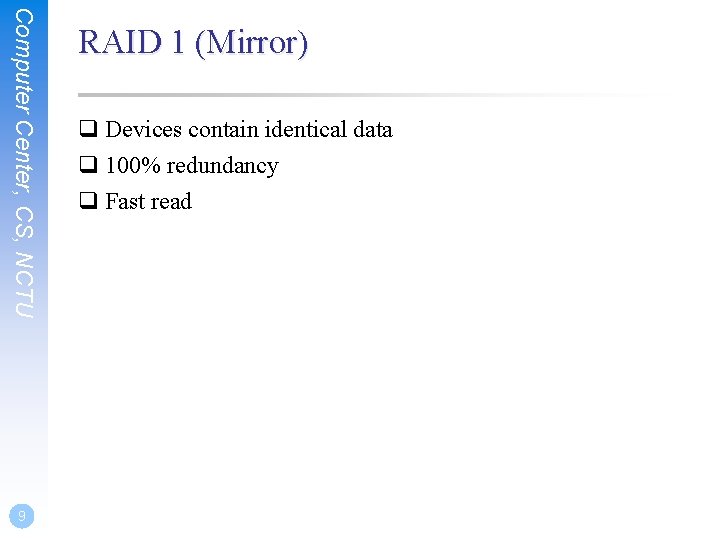
Computer Center, CS, NCTU 9 RAID 1 (Mirror) q Devices contain identical data q 100% redundancy q Fast read
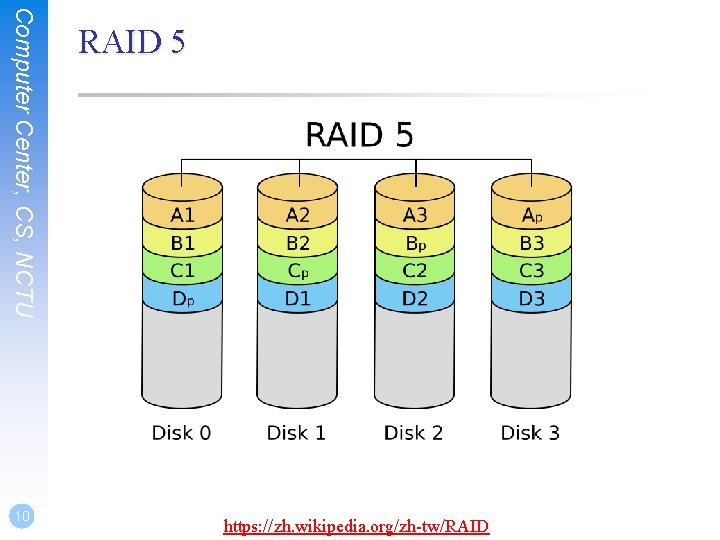
Computer Center, CS, NCTU 10 RAID 5 https: //zh. wikipedia. org/zh-tw/RAID
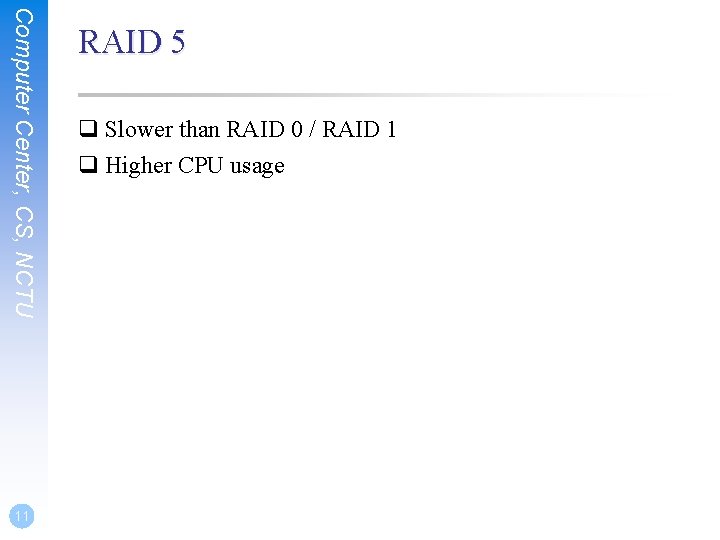
Computer Center, CS, NCTU 11 RAID 5 q Slower than RAID 0 / RAID 1 q Higher CPU usage
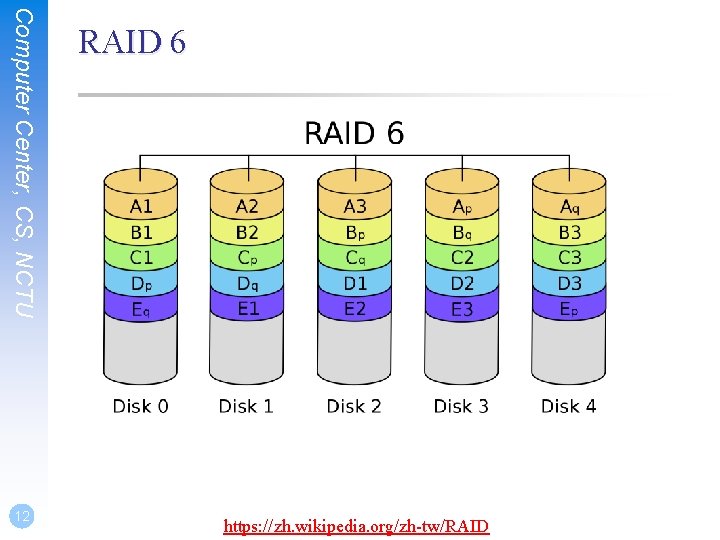
Computer Center, CS, NCTU 12 RAID 6 https: //zh. wikipedia. org/zh-tw/RAID
Computer Center, CS, NCTU 13 RAID 6 q Slower than RAID 5 q Use two different correcting algorithm q Usually implemented via hardware
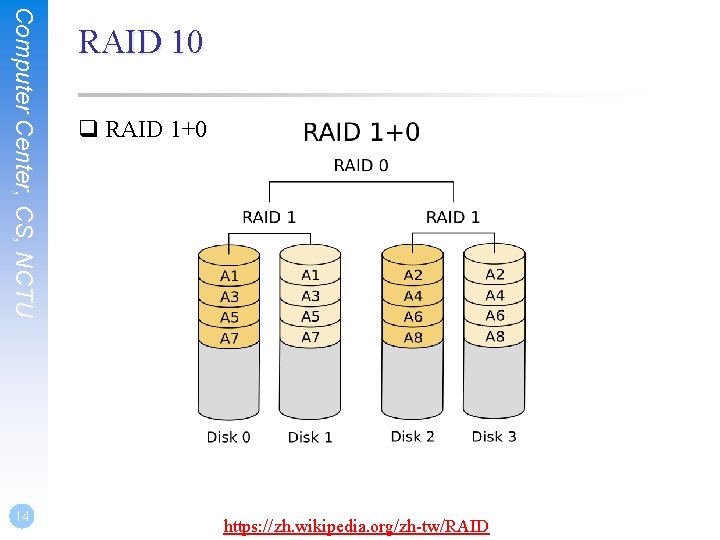
Computer Center, CS, NCTU 14 RAID 10 q RAID 1+0 https: //zh. wikipedia. org/zh-tw/RAID
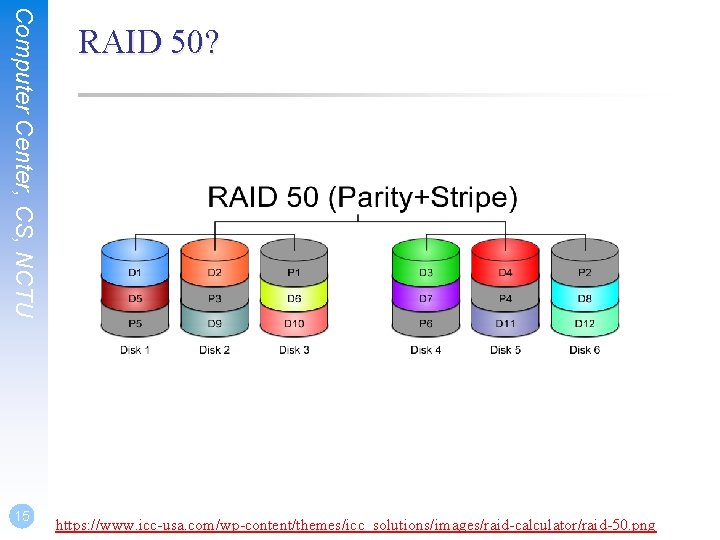
Computer Center, CS, NCTU 15 RAID 50? https: //www. icc-usa. com/wp-content/themes/icc_solutions/images/raid-calculator/raid-50. png
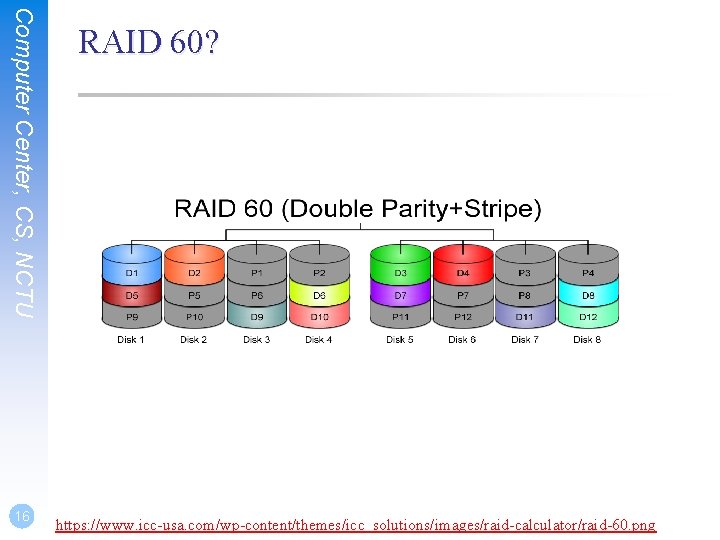
Computer Center, CS, NCTU 16 RAID 60? https: //www. icc-usa. com/wp-content/themes/icc_solutions/images/raid-calculator/raid-60. png
Here comes ZFS
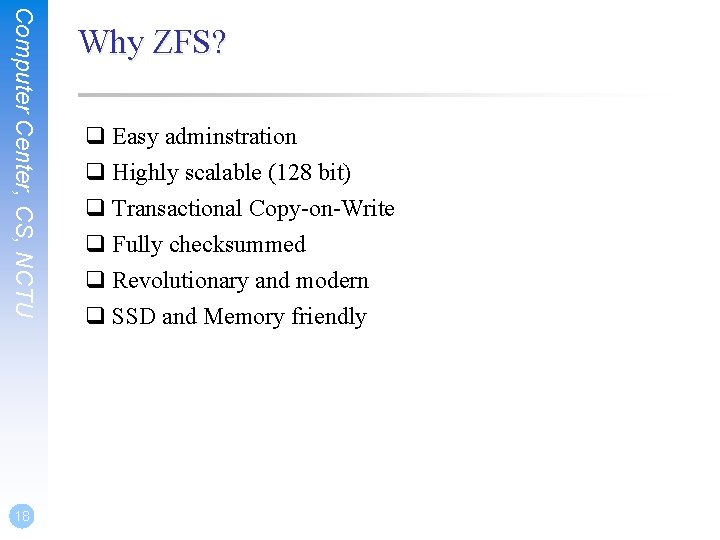
Computer Center, CS, NCTU 18 Why ZFS? q Easy adminstration q Highly scalable (128 bit) q Transactional Copy-on-Write q Fully checksummed q Revolutionary and modern q SSD and Memory friendly
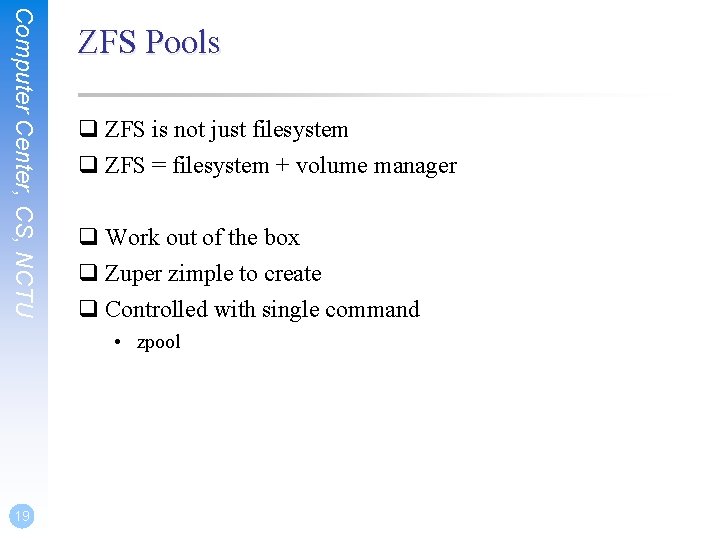
Computer Center, CS, NCTU ZFS Pools q ZFS is not just filesystem q ZFS = filesystem + volume manager q Work out of the box q Zuper zimple to create q Controlled with single command • zpool 19
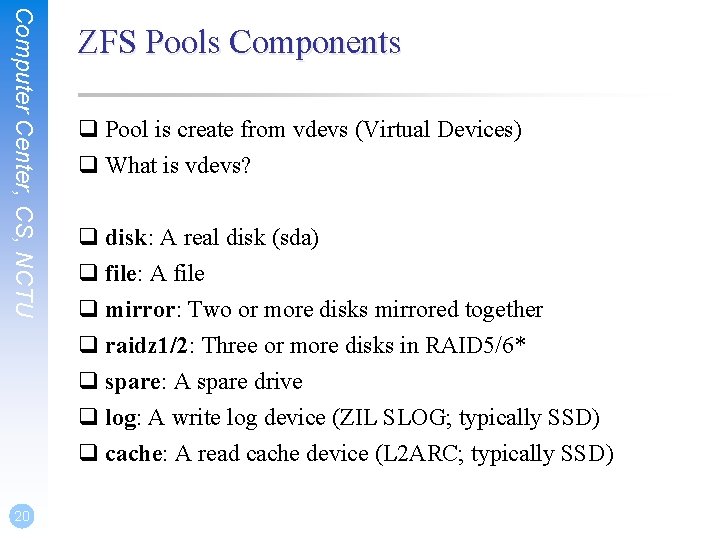
Computer Center, CS, NCTU 20 ZFS Pools Components q Pool is create from vdevs (Virtual Devices) q What is vdevs? q disk: A real disk (sda) q file: A file q mirror: Two or more disks mirrored together q raidz 1/2: Three or more disks in RAID 5/6* q spare: A spare drive q log: A write log device (ZIL SLOG; typically SSD) q cache: A read cache device (L 2 ARC; typically SSD)
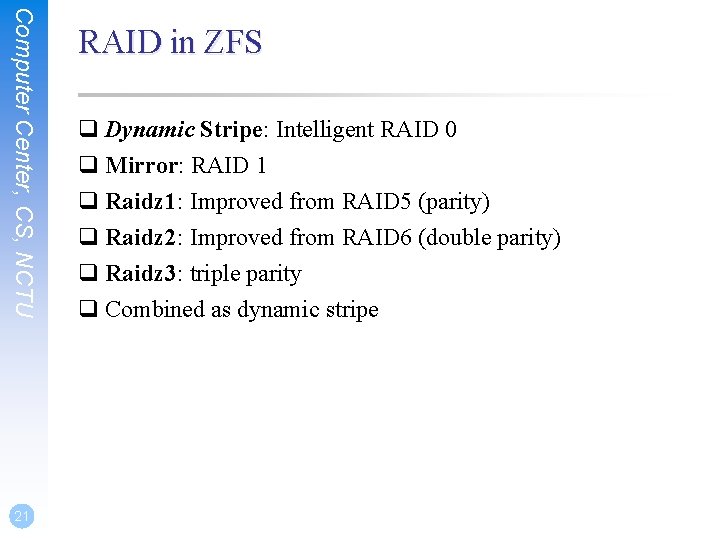
Computer Center, CS, NCTU 21 RAID in ZFS q Dynamic Stripe: Intelligent RAID 0 q Mirror: RAID 1 q Raidz 1: Improved from RAID 5 (parity) q Raidz 2: Improved from RAID 6 (double parity) q Raidz 3: triple parity q Combined as dynamic stripe
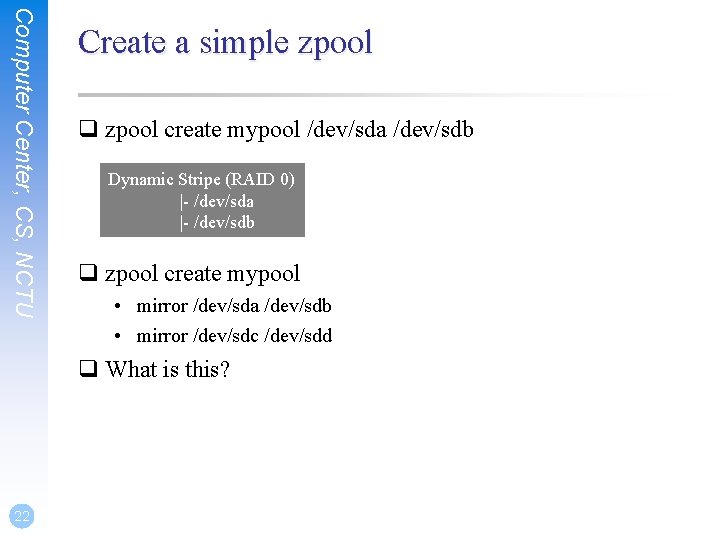
Computer Center, CS, NCTU Create a simple zpool q zpool create mypool /dev/sda /dev/sdb Dynamic Stripe (RAID 0) |- /dev/sda |- /dev/sdb q zpool create mypool • mirror /dev/sda /dev/sdb • mirror /dev/sdc /dev/sdd q What is this? 22
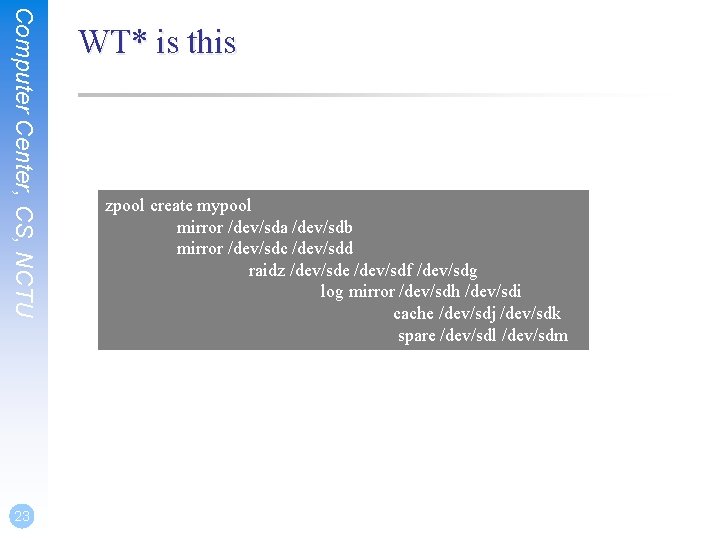
Computer Center, CS, NCTU 23 WT* is this zpool create mypool mirror /dev/sda /dev/sdb mirror /dev/sdc /dev/sdd raidz /dev/sde /dev/sdf /dev/sdg log mirror /dev/sdh /dev/sdi cache /dev/sdj /dev/sdk spare /dev/sdl /dev/sdm
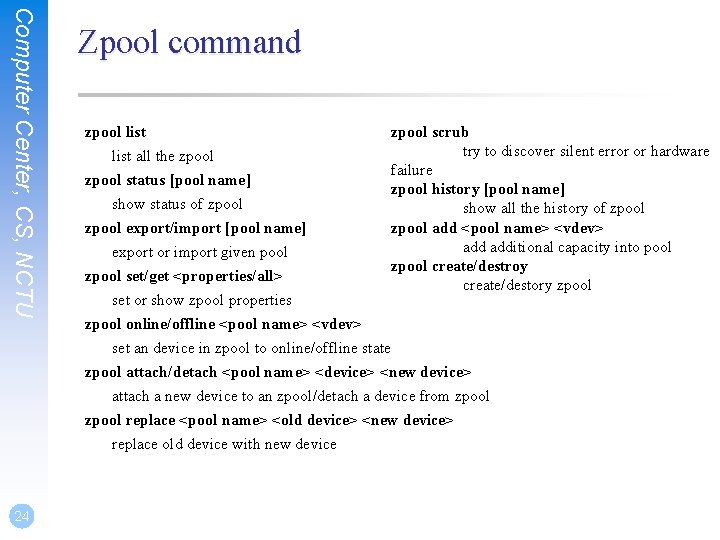
Computer Center, CS, NCTU 24 Zpool command zpool list all the zpool status [pool name] show status of zpool export/import [pool name] zpool scrub try to discover silent error or hardware failure zpool history [pool name] show all the history of zpool add <pool name> <vdev> additional capacity into pool zpool create/destroy create/destory zpool export or import given pool zpool set/get <properties/all> set or show zpool properties zpool online/offline <pool name> <vdev> set an device in zpool to online/offline state zpool attach/detach <pool name> <device> <new device> attach a new device to an zpool/detach a device from zpool replace <pool name> <old device> <new device> replace old device with new device
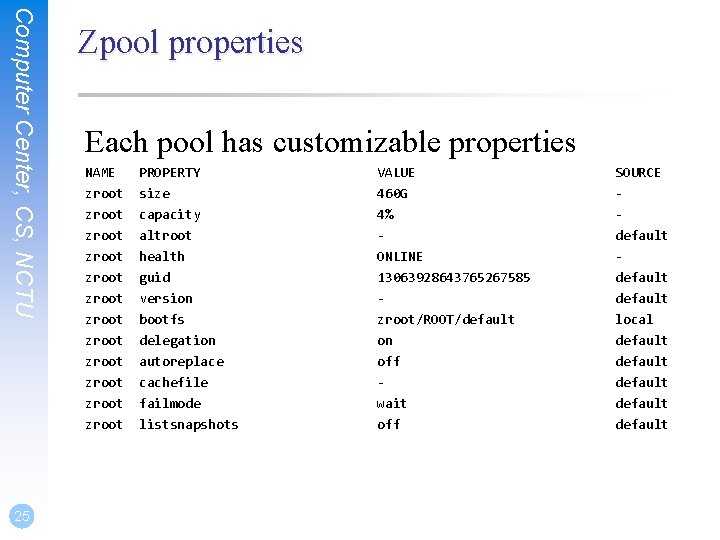
Computer Center, CS, NCTU 25 Zpool properties Each pool has customizable properties NAME zroot zroot zroot PROPERTY size capacity altroot health guid version bootfs delegation autoreplace cachefile VALUE 460 G 4% ONLINE 13063928643765267585 zroot/ROOT/default on off - SOURCE default local default zroot failmode wait default zroot listsnapshots off default
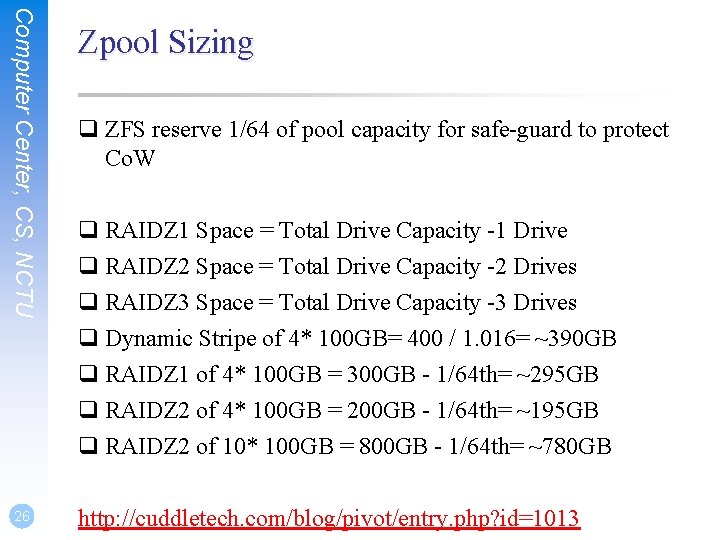
Computer Center, CS, NCTU 26 Zpool Sizing q ZFS reserve 1/64 of pool capacity for safe-guard to protect Co. W q RAIDZ 1 Space = Total Drive Capacity -1 Drive q RAIDZ 2 Space = Total Drive Capacity -2 Drives q RAIDZ 3 Space = Total Drive Capacity -3 Drives q Dynamic Stripe of 4* 100 GB= 400 / 1. 016= ~390 GB q RAIDZ 1 of 4* 100 GB = 300 GB - 1/64 th= ~295 GB q RAIDZ 2 of 4* 100 GB = 200 GB - 1/64 th= ~195 GB q RAIDZ 2 of 10* 100 GB = 800 GB - 1/64 th= ~780 GB http: //cuddletech. com/blog/pivot/entry. php? id=1013
ZFS Dataset
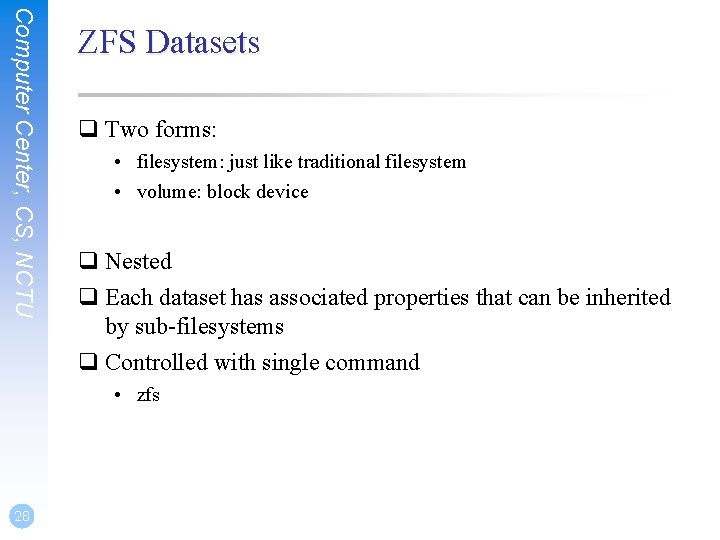
Computer Center, CS, NCTU ZFS Datasets q Two forms: • filesystem: just like traditional filesystem • volume: block device q Nested q Each dataset has associated properties that can be inherited by sub-filesystems q Controlled with single command • zfs 28
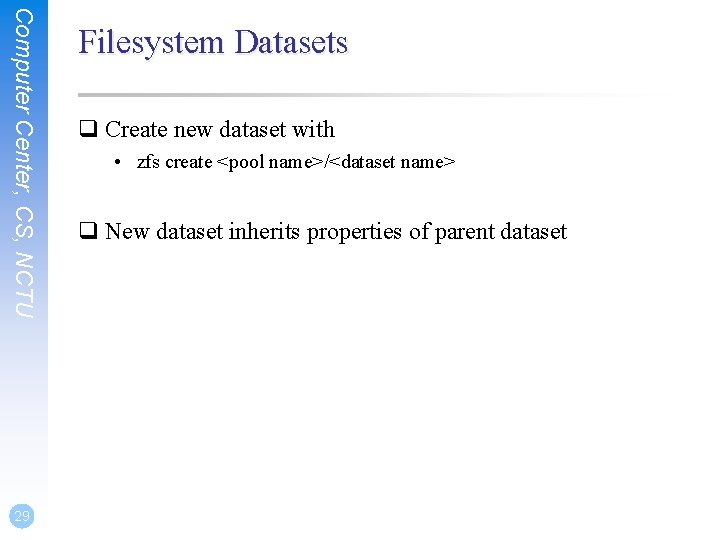
Computer Center, CS, NCTU 29 Filesystem Datasets q Create new dataset with • zfs create <pool name>/<dataset name> q New dataset inherits properties of parent dataset
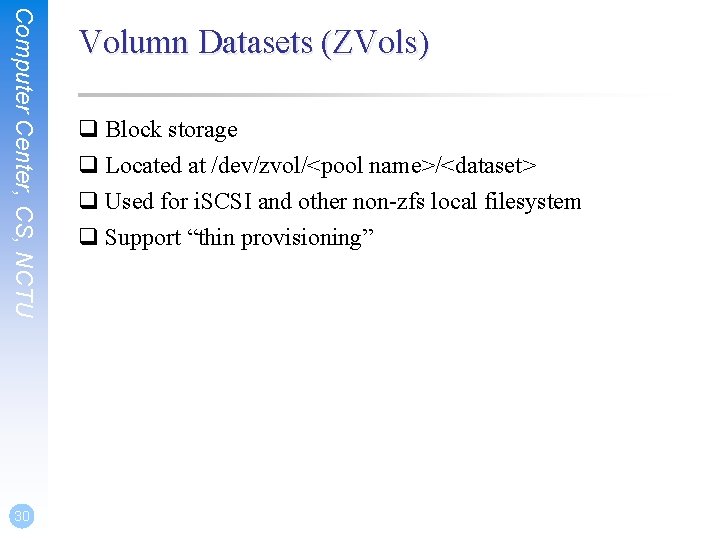
Computer Center, CS, NCTU 30 Volumn Datasets (ZVols) q Block storage q Located at /dev/zvol/<pool name>/<dataset> q Used for i. SCSI and other non-zfs local filesystem q Support “thin provisioning”
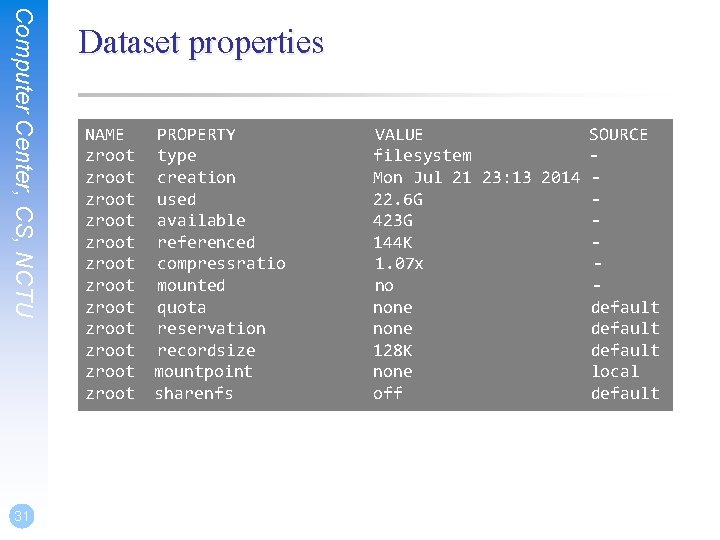
Computer Center, CS, NCTU 31 Dataset properties NAME zroot zroot zroot PROPERTY type creation used available referenced compressratio mounted quota reservation recordsize mountpoint sharenfs VALUE SOURCE filesystem Mon Jul 21 23: 13 2014 22. 6 G 423 G 144 K 1. 07 x no none default 128 K default none local off default
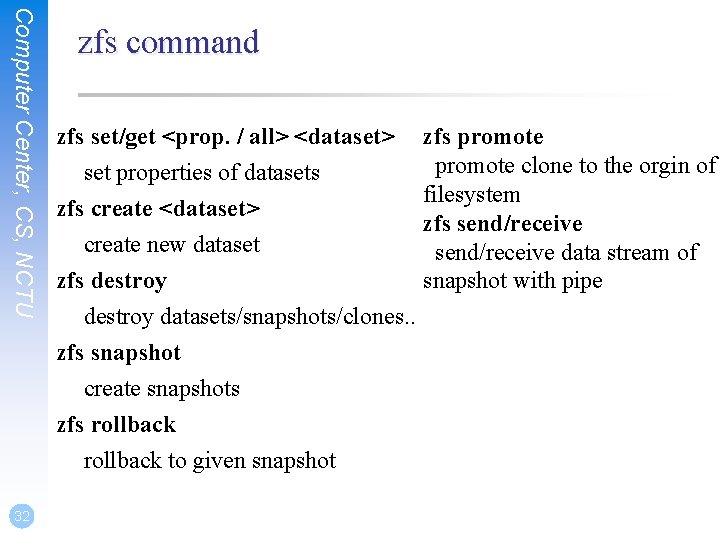
Computer Center, CS, NCTU zfs command zfs set/get <prop. / all> <dataset> set properties of datasets zfs create <dataset> create new dataset zfs destroy datasets/snapshots/clones. . zfs snapshot create snapshots zfs rollback to given snapshot 32 zfs promote clone to the orgin of filesystem zfs send/receive data stream of snapshot with pipe
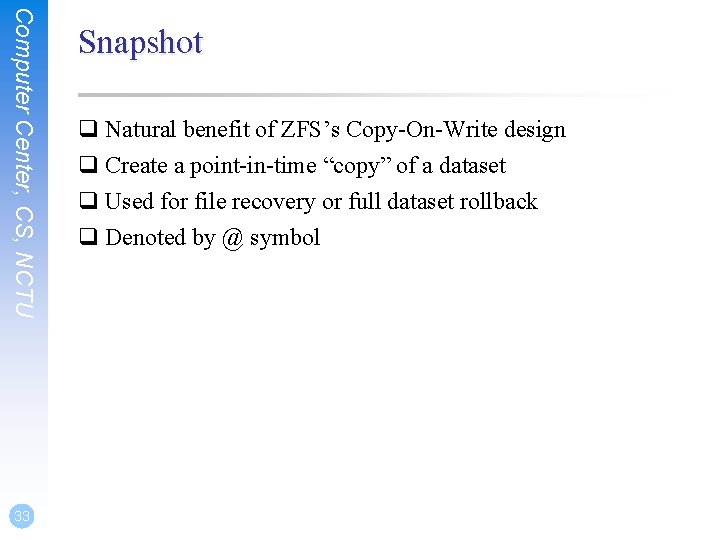
Computer Center, CS, NCTU 33 Snapshot q Natural benefit of ZFS’s Copy-On-Write design q Create a point-in-time “copy” of a dataset q Used for file recovery or full dataset rollback q Denoted by @ symbol
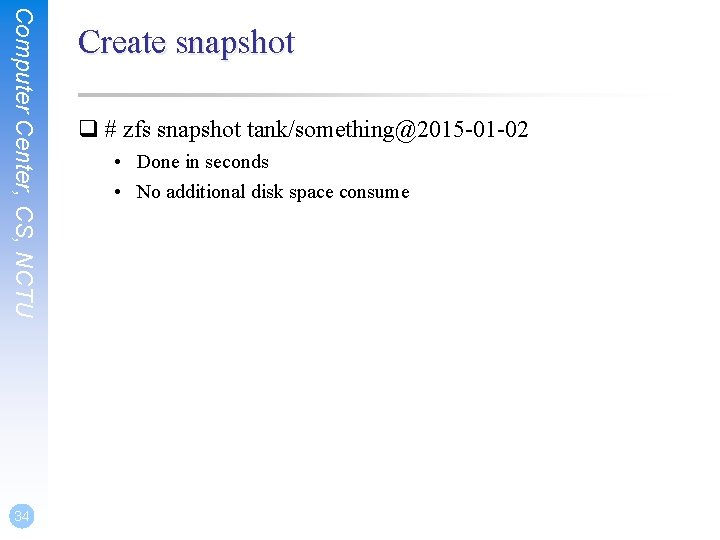
Computer Center, CS, NCTU 34 Create snapshot q # zfs snapshot tank/something@2015 -01 -02 • Done in seconds • No additional disk space consume
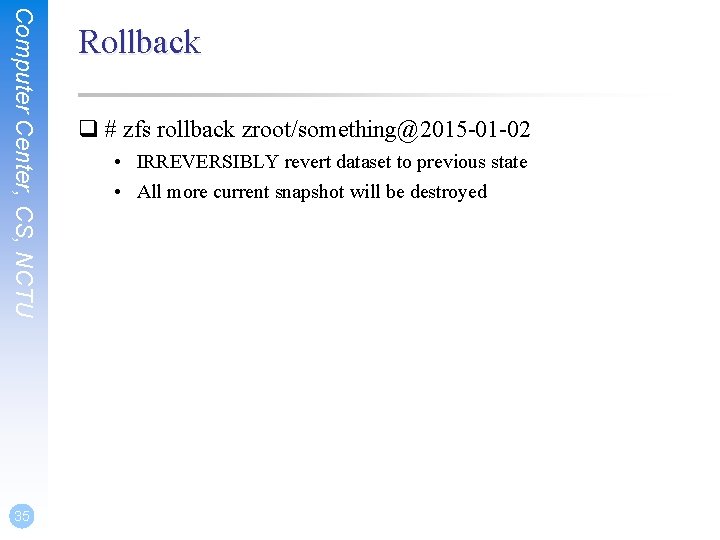
Computer Center, CS, NCTU 35 Rollback q # zfs rollback zroot/something@2015 -01 -02 • IRREVERSIBLY revert dataset to previous state • All more current snapshot will be destroyed
Computer Center, CS, NCTU 36 Recover single file? q hidden “. zfs” directory in dataset mount point q set snapdir to visible
Computer Center, CS, NCTU 37 Clone q “copy” a separate dataset from a snapshot q caveat! still dependent on source snapshot
Computer Center, CS, NCTU 38 Promotion q Reverse parent/child relationship of cloned dataset and referenced snapshot q So that the referenced snapshot can be destroyed or reverted
Computer Center, CS, NCTU 39 Replication q # zfs send tank/somethin@123 | zfs recv …. • dataset can be piped over network • dataset can also be received from pipe
Performance Tuning
Computer Center, CS, NCTU 41 General tuning tips q System memory q Access time q Dataset compression q Deduplication q ZFS send and receive
Computer Center, CS, NCTU 42 Random Access Memory q ZFS performance depends on the amount of system • recommended minimum: 1 GB • 4 GB is ok • 8 GB and more is good
Computer Center, CS, NCTU 43 Dataset compression q Save space q Increase cpu usage q Increase data throughput
Computer Center, CS, NCTU 44 Deduplication q requires even more memory q increases cpu usage
Computer Center, CS, NCTU 45 ZFS send/recv q using buffer for large streams • misc/buffer • misc/mbuffer (network capable)
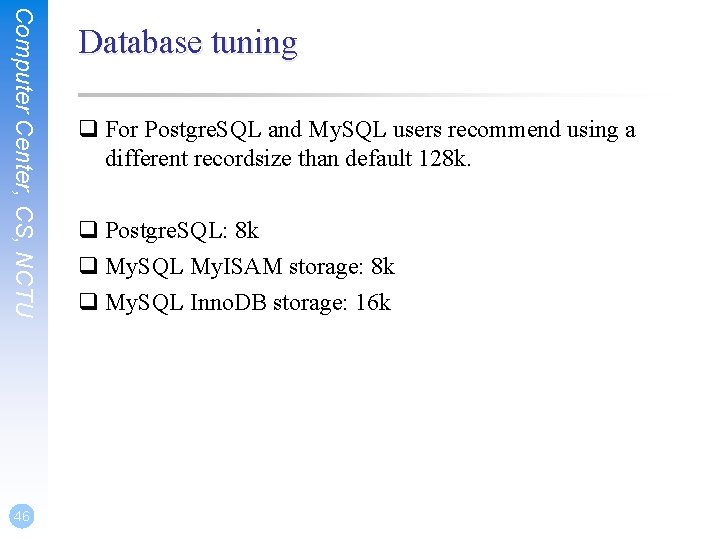
Computer Center, CS, NCTU 46 Database tuning q For Postgre. SQL and My. SQL users recommend using a different recordsize than default 128 k. q Postgre. SQL: 8 k q My. SQL My. ISAM storage: 8 k q My. SQL Inno. DB storage: 16 k
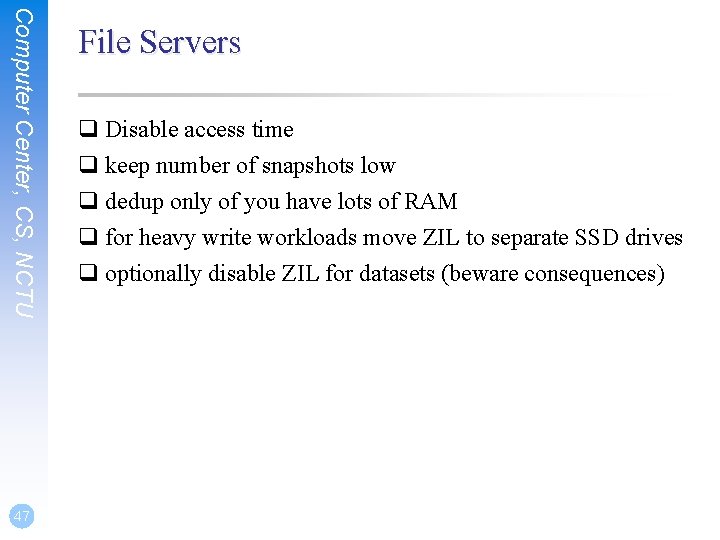
Computer Center, CS, NCTU 47 File Servers q Disable access time q keep number of snapshots low q dedup only of you have lots of RAM q for heavy write workloads move ZIL to separate SSD drives q optionally disable ZIL for datasets (beware consequences)
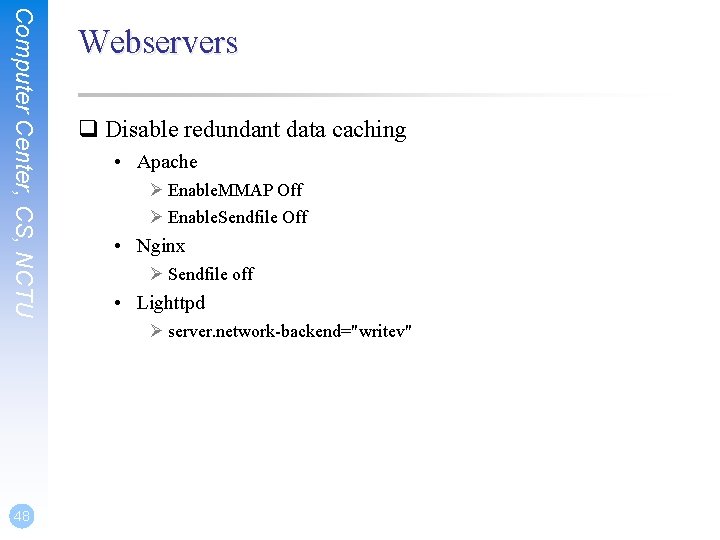
Computer Center, CS, NCTU Webservers q Disable redundant data caching • Apache Ø Enable. MMAP Off Ø Enable. Sendfile Off • Nginx Ø Sendfile off • Lighttpd Ø server. network-backend="writev" 48
Cache and Prefetch
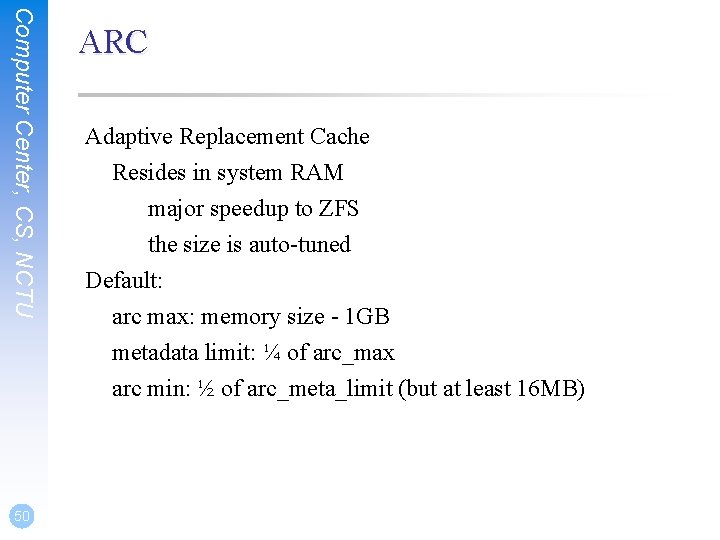
Computer Center, CS, NCTU ARC Adaptive Replacement Cache Resides in system RAM major speedup to ZFS the size is auto-tuned Default: arc max: memory size - 1 GB metadata limit: ¼ of arc_max arc min: ½ of arc_meta_limit (but at least 16 MB) 50
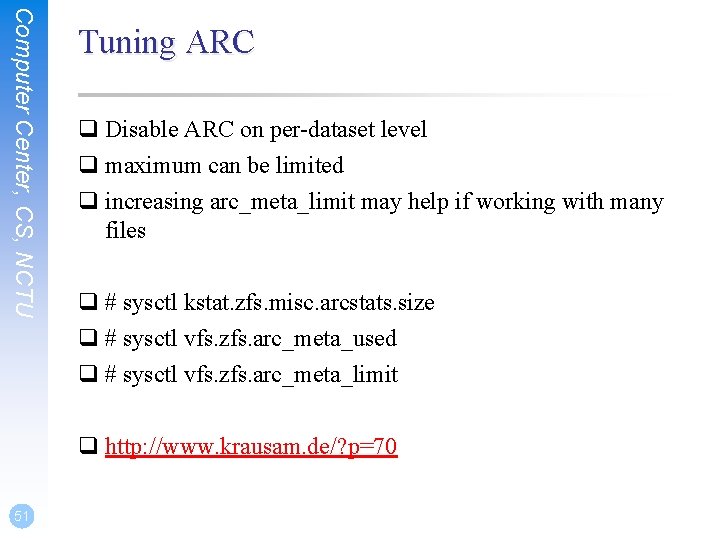
Computer Center, CS, NCTU Tuning ARC q Disable ARC on per-dataset level q maximum can be limited q increasing arc_meta_limit may help if working with many files q # sysctl kstat. zfs. misc. arcstats. size q # sysctl vfs. zfs. arc_meta_used q # sysctl vfs. zfs. arc_meta_limit q http: //www. krausam. de/? p=70 51
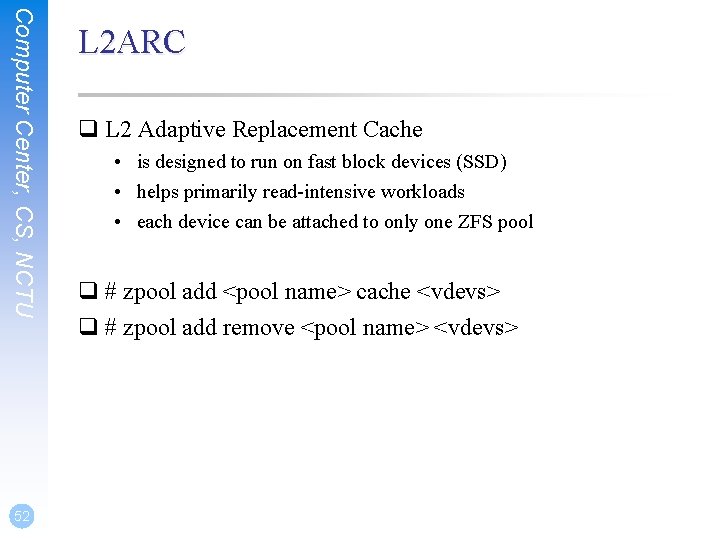
Computer Center, CS, NCTU 52 L 2 ARC q L 2 Adaptive Replacement Cache • is designed to run on fast block devices (SSD) • helps primarily read-intensive workloads • each device can be attached to only one ZFS pool q # zpool add <pool name> cache <vdevs> q # zpool add remove <pool name> <vdevs>
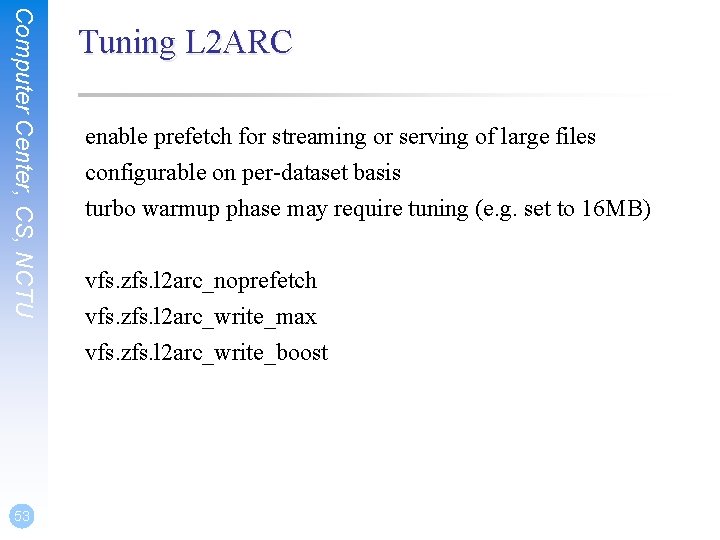
Computer Center, CS, NCTU 53 Tuning L 2 ARC enable prefetch for streaming or serving of large files configurable on per-dataset basis turbo warmup phase may require tuning (e. g. set to 16 MB) vfs. zfs. l 2 arc_noprefetch vfs. zfs. l 2 arc_write_max vfs. zfs. l 2 arc_write_boost
Computer Center, CS, NCTU ZIL q ZFS Intent Log • guarantees data consistency on fsync() calls • replays transaction in case of a panic or power failure • use small storage space on each pool by default q To speed up writes, deploy zil on a separate log device(SSD) q Per-dataset synchonocity behavior can be configured • # zfs set sync=[standard|always|disabled] dataset 54
Computer Center, CS, NCTU 55 File-level Prefetch (zfetch) q Analyses read patterns of files q Tries to predict next reads q Loader tunable to enable/disable zfetch: vfs. zfs. prefetch_disable
Computer Center, CS, NCTU 56 Device-level Prefetch (vdev prefetch) q reads data after small reads from pool devices q useful for drives with higher latency q consumes constant RAM per vdev q is disabled by default q Loader tunable to enable/disable vdev prefetch: vfs. zfs. vdev. cache. size=[bytes]
Computer Center, CS, NCTU ZFS Statistics Tools # sysctl vfs. zfs # sysctl kstat. zfs using tools: zfs-stats: analyzes settings and counters since boot zfsf-mon: real-time statistics with averages Both tools are available in ports under sysutils/zfs-stats 57
Computer Center, CS, NCTU References q ZFS tuning in Free. BSD (Martin Matuˇska): • Slide Ø http: //blog. vx. sk/uploads/conferences/Euro. BSDcon 2012/zfs-tuninghandout. pdf • Video Ø https: //www. youtube. com/watch? v=PIp. I 7 Ub 6 yjo q Becoming a ZFS Ninja (Ben Rockwood): • http: //www. cuddletech. com/blog/pivot/entry. php? id=1075 q ZFS Administration: • https: //pthree. org/2012/12/14/zfs-administration-part-ix-copy-onwrite 58