yright 2011 Rockwell Automation Inc All rights reserved
- Slides: 16
yright © 2011 Rockwell Automation, Inc. All rights reserved. Panel. View™ Standard Migration to Panel. View Plus Rob Durbin/Fred Rowe Kendall Electric (Confidential – For Internal Use Only)
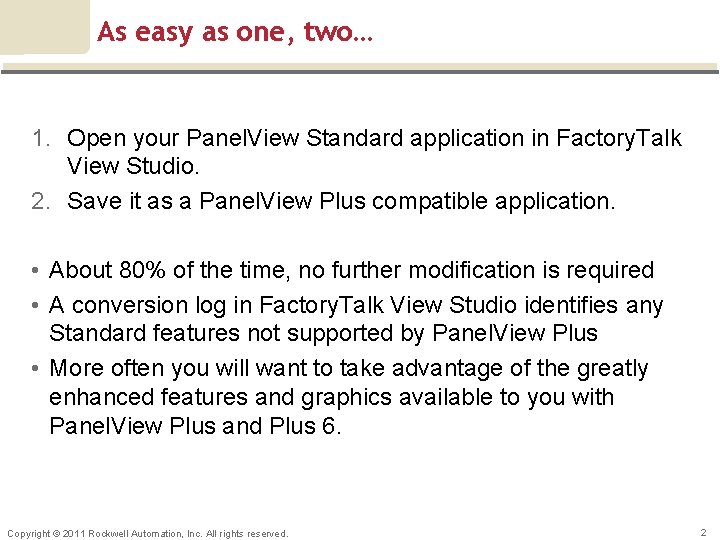
As easy as one, two… 1. Open your Panel. View Standard application in Factory. Talk View Studio. 2. Save it as a Panel. View Plus compatible application. • About 80% of the time, no further modification is required • A conversion log in Factory. Talk View Studio identifies any Standard features not supported by Panel. View Plus • More often you will want to take advantage of the greatly enhanced features and graphics available to you with Panel. View Plus and Plus 6. Copyright © 2011 Rockwell Automation, Inc. All rights reserved. 2
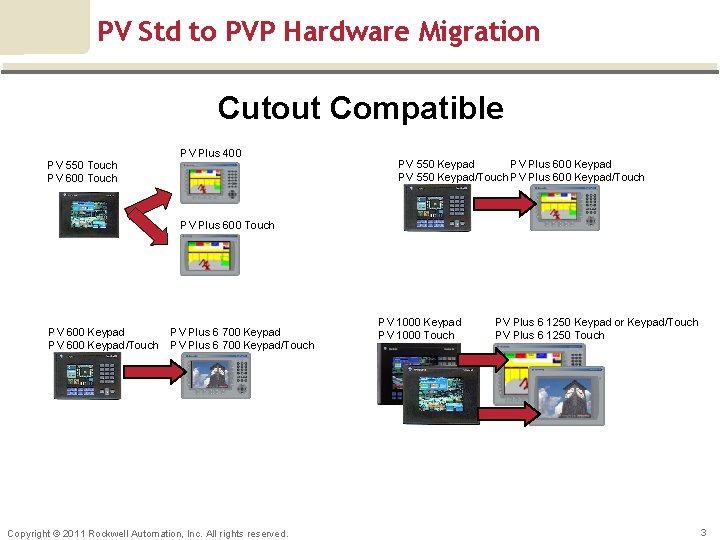
PV Std to PVP Hardware Migration Cutout Compatible PV 550 Touch PV 600 Touch PV Plus 400 PV 550 Keypad PV Plus 600 Keypad PV 550 Keypad/Touch PV Plus 600 Touch PV 600 Keypad/Touch PV Plus 6 700 Keypad/Touch Copyright © 2011 Rockwell Automation, Inc. All rights reserved. PV 1000 Keypad PV 1000 Touch PV Plus 6 1250 Keypad or Keypad/Touch PV Plus 6 1250 Touch 3
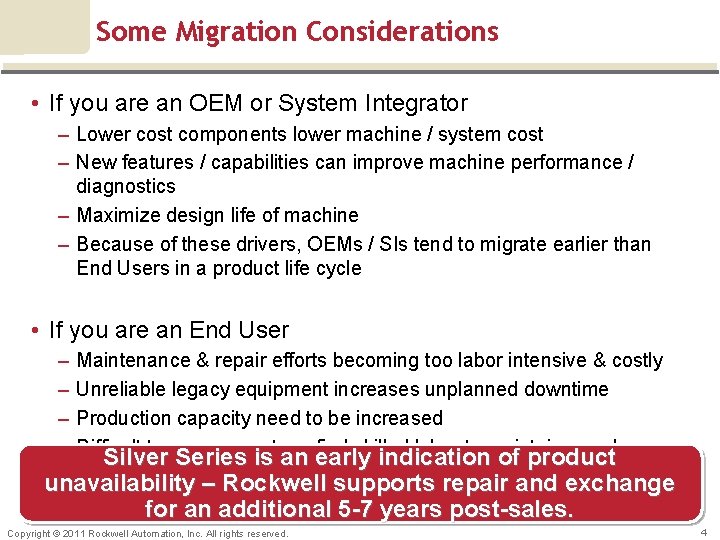
Some Migration Considerations • If you are an OEM or System Integrator – Lower cost components lower machine / system cost – New features / capabilities can improve machine performance / diagnostics – Maximize design life of machine – Because of these drivers, OEMs / SIs tend to migrate earlier than End Users in a product life cycle • If you are an End User – – Maintenance & repair efforts becoming too labor intensive & costly Unreliable legacy equipment increases unplanned downtime Production capacity need to be increased Difficult to procure parts or find skilled labor to maintain your legacy Silver Series is an early indication of product equipment unavailability – Rockwell supports repair and exchange for an additional 5 -7 years post-sales. Copyright © 2011 Rockwell Automation, Inc. All rights reserved. 4
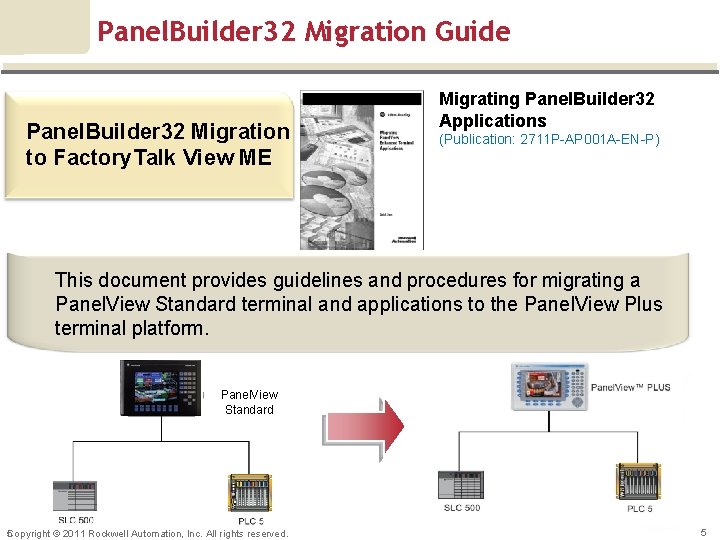
Panel. Builder 32 Migration Guide Panel. Builder 32 Migration to Factory. Talk View ME Migrating Panel. Builder 32 Applications (Publication: 2711 P-AP 001 A-EN-P) This document provides guidelines and procedures for migrating a Panel. View Standard terminal and applications to the Panel. View Plus terminal platform. Panel. View Standard 5 Copyright © 2011 Rockwell Automation, Inc. All rights reserved. 5
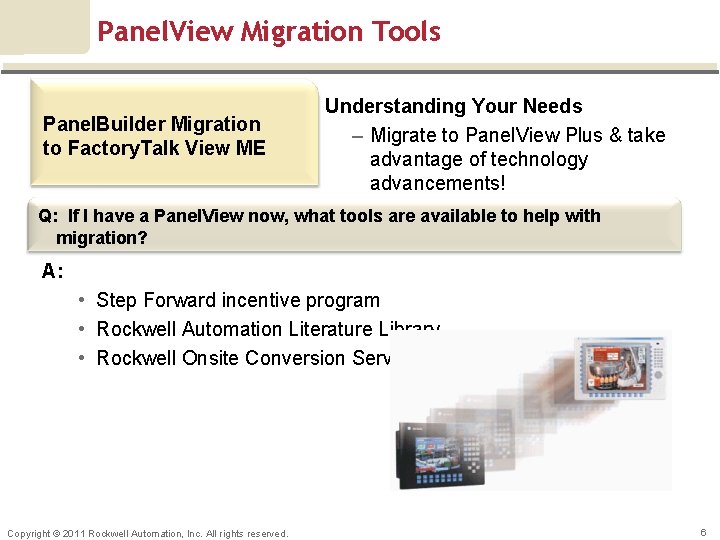
Panel. View Migration Tools Panel. Builder Migration to Factory. Talk View ME Understanding Your Needs – Migrate to Panel. View Plus & take advantage of technology advancements! Q: If I have a Panel. View now, what tools are available to help with migration? A: • Step Forward incentive program • Rockwell Automation Literature Library • Rockwell Onsite Conversion Services Copyright © 2011 Rockwell Automation, Inc. All rights reserved. 6
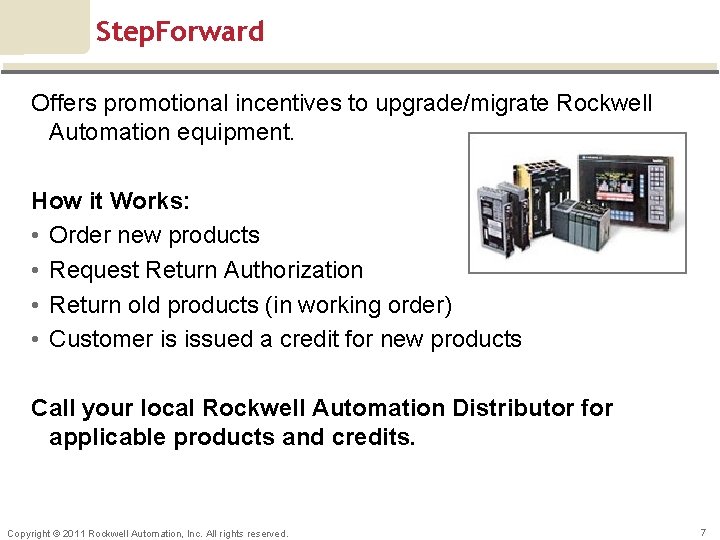
Step. Forward Offers promotional incentives to upgrade/migrate Rockwell Automation equipment. How it Works: • Order new products • Request Return Authorization • Return old products (in working order) • Customer is issued a credit for new products Call your local Rockwell Automation Distributor for applicable products and credits. Copyright © 2011 Rockwell Automation, Inc. All rights reserved. 7
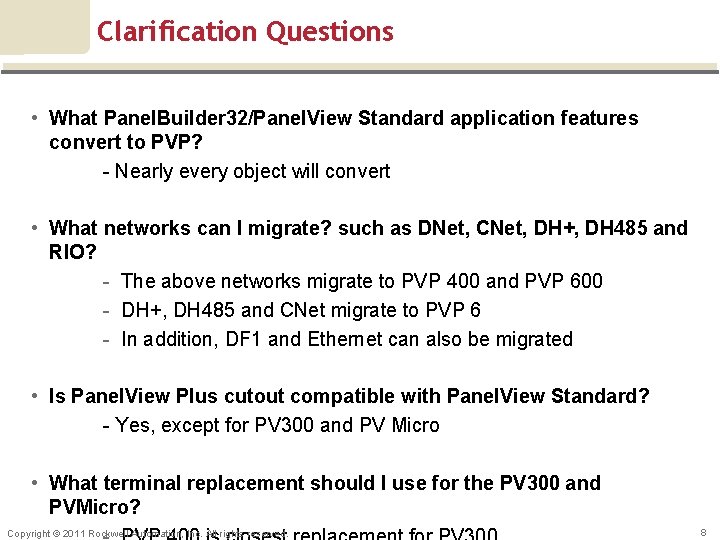
Clarification Questions • What Panel. Builder 32/Panel. View Standard application features convert to PVP? - Nearly every object will convert • What networks can I migrate? such as DNet, CNet, DH+, DH 485 and RIO? - The above networks migrate to PVP 400 and PVP 600 - DH+, DH 485 and CNet migrate to PVP 6 - In addition, DF 1 and Ethernet can also be migrated • Is Panel. View Plus cutout compatible with Panel. View Standard? - Yes, except for PV 300 and PV Micro • What terminal replacement should I use for the PV 300 and PVMicro? Copyright © 2011 Rockwell Automation, Inc. All rights reserved. 8
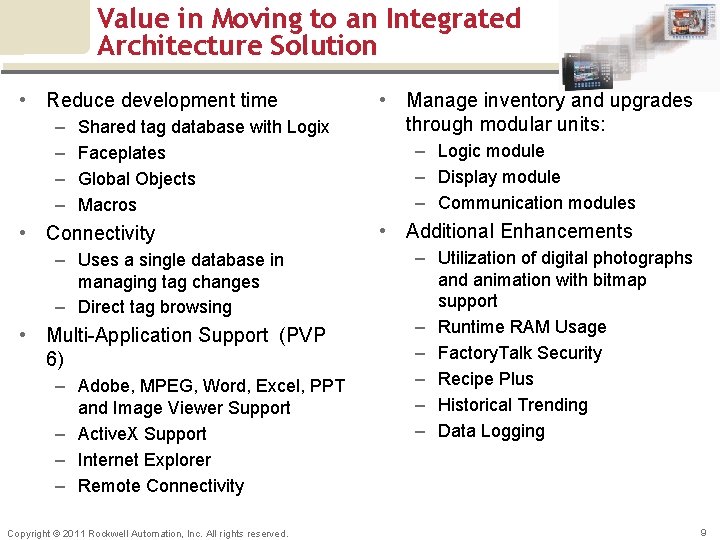
Value in Moving to an Integrated Architecture Solution • Reduce development time – – Shared tag database with Logix Faceplates Global Objects Macros • Connectivity – Uses a single database in managing tag changes – Direct tag browsing • Multi-Application Support (PVP 6) – Adobe, MPEG, Word, Excel, PPT and Image Viewer Support – Active. X Support – Internet Explorer – Remote Connectivity Copyright © 2011 Rockwell Automation, Inc. All rights reserved. • Manage inventory and upgrades through modular units: – Logic module – Display module – Communication modules • Additional Enhancements – Utilization of digital photographs and animation with bitmap support – Runtime RAM Usage – Factory. Talk Security – Recipe Plus – Historical Trending – Data Logging 9
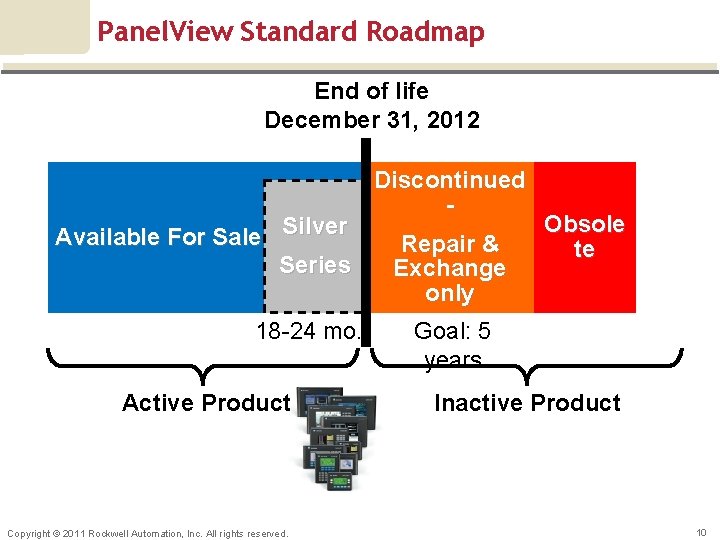
Panel. View Standard Roadmap End of life December 31, 2012 Available For Sale Silver Series 18 -24 mo. Active Product Copyright © 2011 Rockwell Automation, Inc. All rights reserved. Discontinued Repair & Exchange only Obsole te Goal: 5 years Inactive Product 10
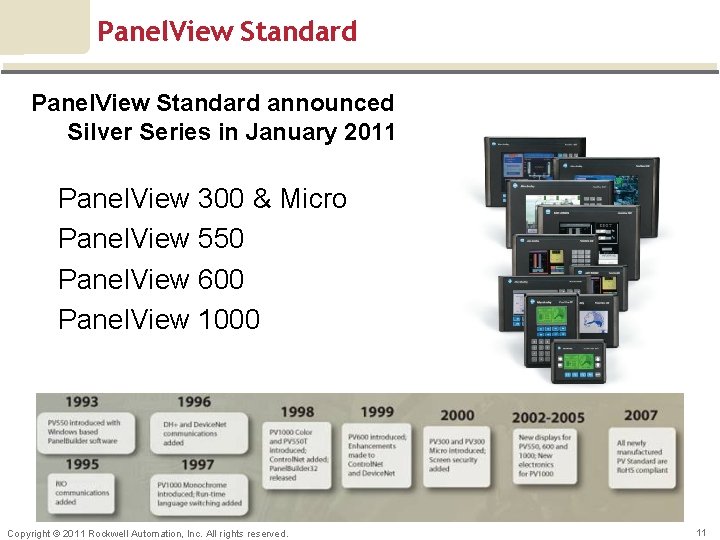
Panel. View Standard announced Silver Series in January 2011 Panel. View 300 & Micro Panel. View 550 Panel. View 600 Panel. View 1000 Copyright © 2011 Rockwell Automation, Inc. All rights reserved. 11
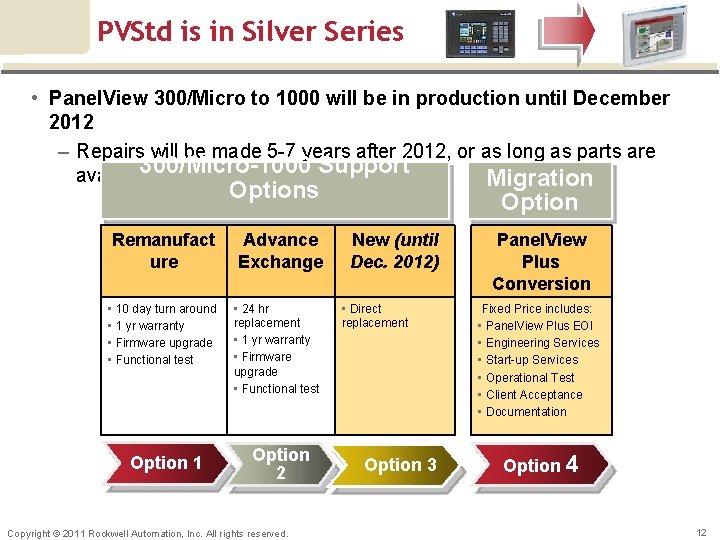
PVStd is in Silver Series • Panel. View 300/Micro to 1000 will be in production until December 2012 – Repairs will be made 5 -7 years after 2012, or as long as parts are 300/Micro-1000 Support available Migration Options Remanufact ure Advance Exchange • 10 day turn around • 1 yr warranty • Firmware upgrade • Functional test • 24 hr replacement • 1 yr warranty • Firmware upgrade • Functional test Option 1 Option 2 Copyright © 2011 Rockwell Automation, Inc. All rights reserved. Option New (until Dec. 2012) • Direct replacement Option 3 Panel. View Plus Conversion Fixed Price includes: • Panel. View Plus EOl • Engineering Services • Start-up Services • Operational Test • Client Acceptance • Documentation Option 4 12
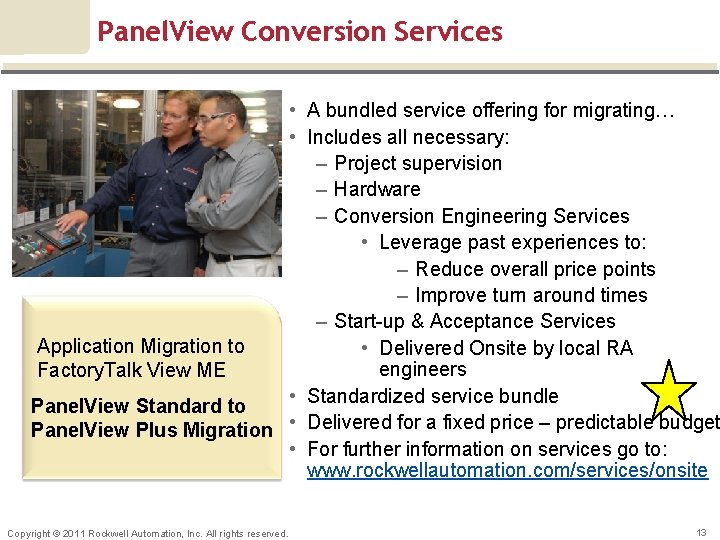
Panel. View Conversion Services • A bundled service offering for migrating… • Includes all necessary: – Project supervision – Hardware – Conversion Engineering Services • Leverage past experiences to: – Reduce overall price points – Improve turn around times – Start-up & Acceptance Services Application Migration to • Delivered Onsite by local RA engineers Factory. Talk View ME • Standardized service bundle Panel. View Standard to Panel. View Plus Migration • Delivered for a fixed price – predictable budget • For further information on services go to: www. rockwellautomation. com/services/onsite Copyright © 2011 Rockwell Automation, Inc. All rights reserved. 13
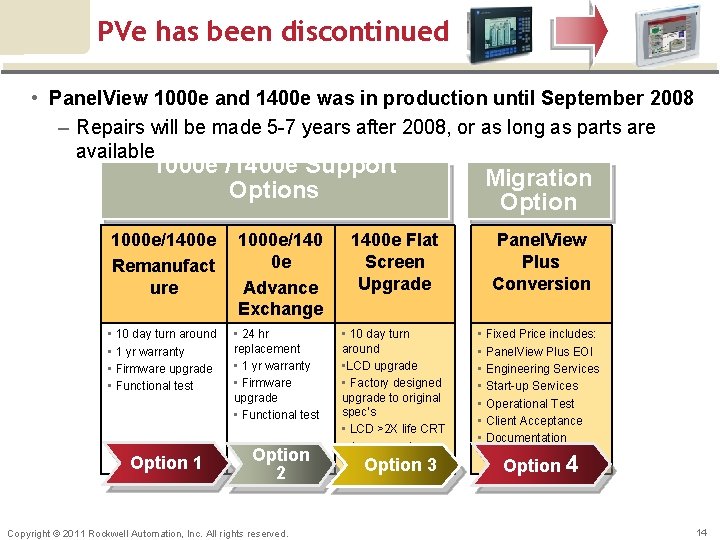
PVe has been discontinued • Panel. View 1000 e and 1400 e was in production until September 2008 – Repairs will be made 5 -7 years after 2008, or as long as parts are available 1000 e /1400 e Support Options 1000 e/1400 e Remanufact ure 1000 e/140 0 e Advance Exchange • 10 day turn around • 1 yr warranty • Firmware upgrade • Functional test • 24 hr replacement • 1 yr warranty • Firmware upgrade • Functional test Option 1 Option 2 Copyright © 2011 Rockwell Automation, Inc. All rights reserved. Migration Option 1400 e Flat Screen Upgrade Panel. View Plus Conversion • 10 day turn around • LCD upgrade • Factory designed upgrade to original spec’s • LCD >2 X life CRT • 1 yr warranty • Fixed Price includes: • Panel. View Plus EOl • Engineering Services • Start-up Services • Operational Test • Client Acceptance • Documentation Option 3 Option 4 14
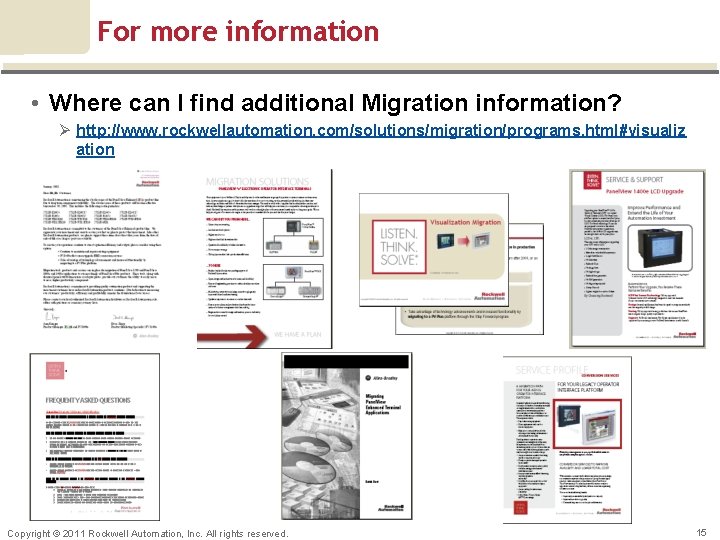
For more information • Where can I find additional Migration information? Ø http: //www. rockwellautomation. com/solutions/migration/programs. html#visualiz ation Copyright © 2011 Rockwell Automation, Inc. All rights reserved. 15
yright © 2011 Rockwell Automation, Inc. All rights reserved. (Confidential – For Internal Use Only)