
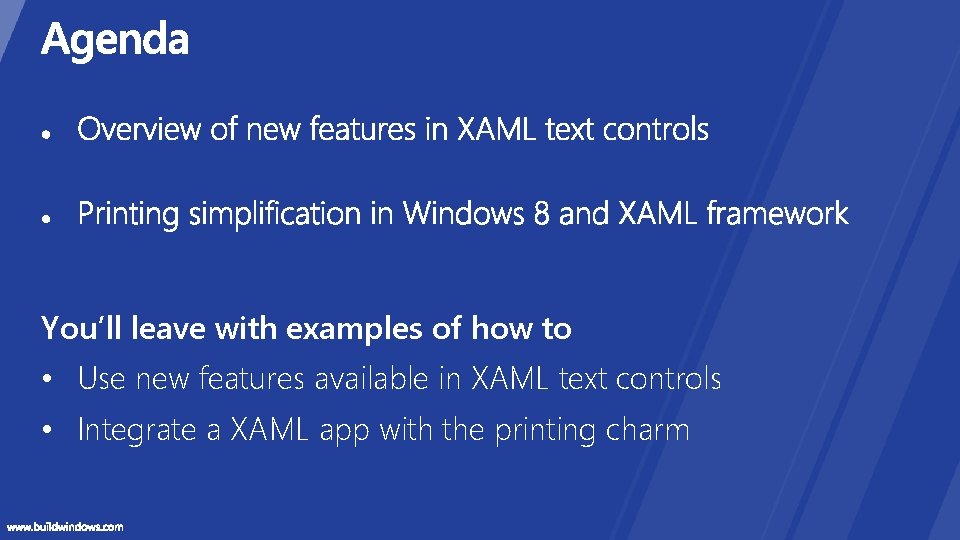
Youll leave with examples of how to Use
![• [PLAT-679 T] Building Metro style apps that print • [APP-211 T] Create](https://slidetodoc.com/presentation_image_h2/e6005b9116f7db280974e320afb57f0c/image-37.jpg "• [PLAT-679 T] Building Metro style apps that print • [APP-211 T] Create")


- Slides: 41
You’ll leave with examples of how to • Use new features available in XAML text controls • Integrate a XAML app with the printing charm
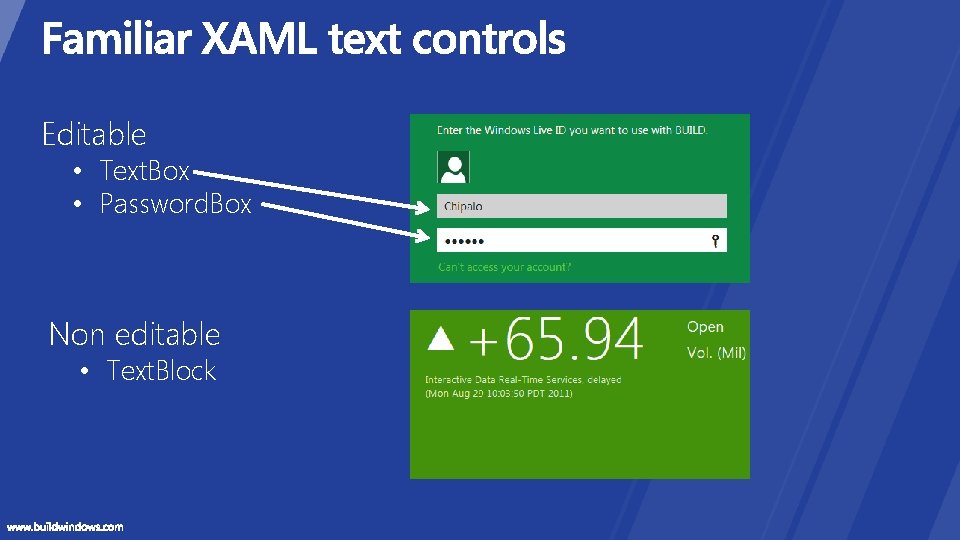
Editable • Text. Box • Password. Box Non editable • Text. Block
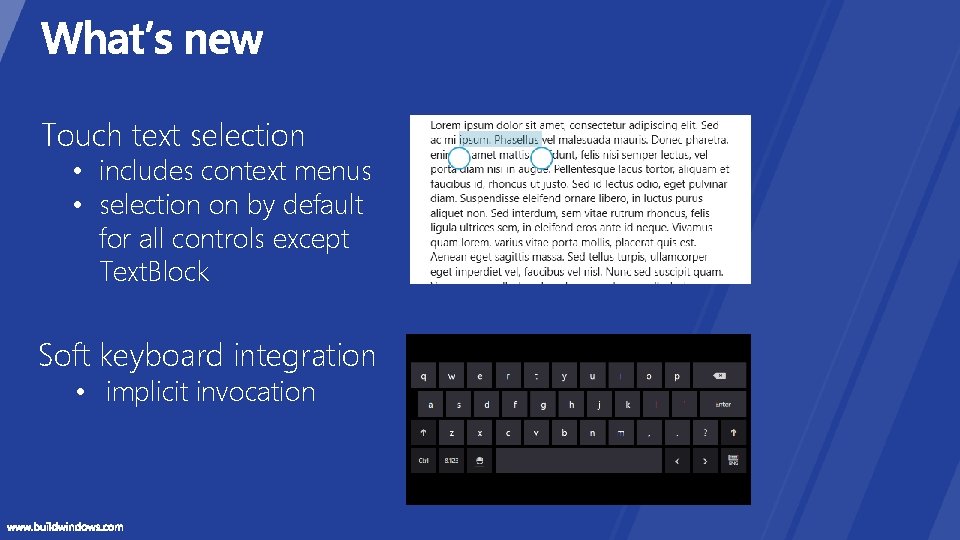
Touch text selection • includes context menus • selection on by default for all controls except Text. Block Soft keyboard integration • implicit invocation
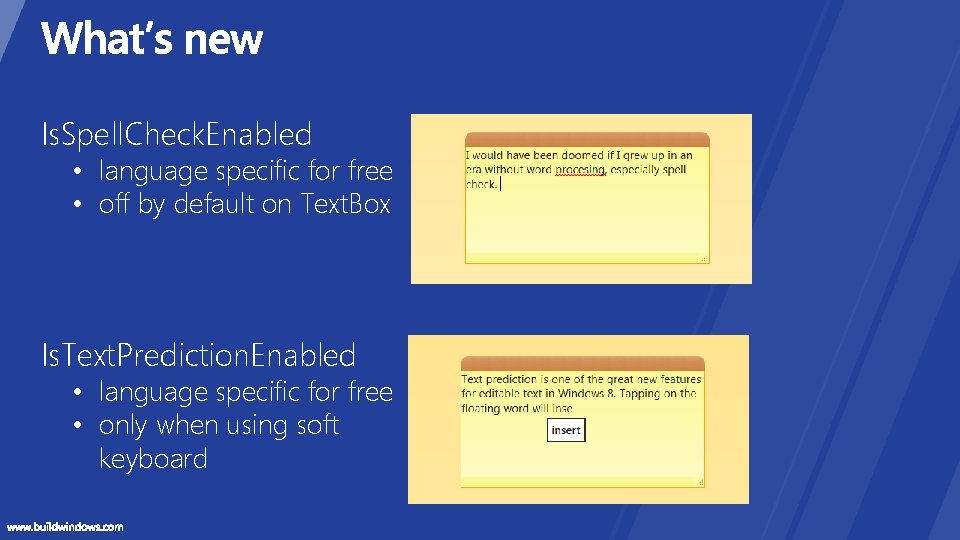
Is. Spell. Check. Enabled • language specific for free • off by default on Text. Box Is. Text. Prediction. Enabled • language specific for free • only when using soft keyboard
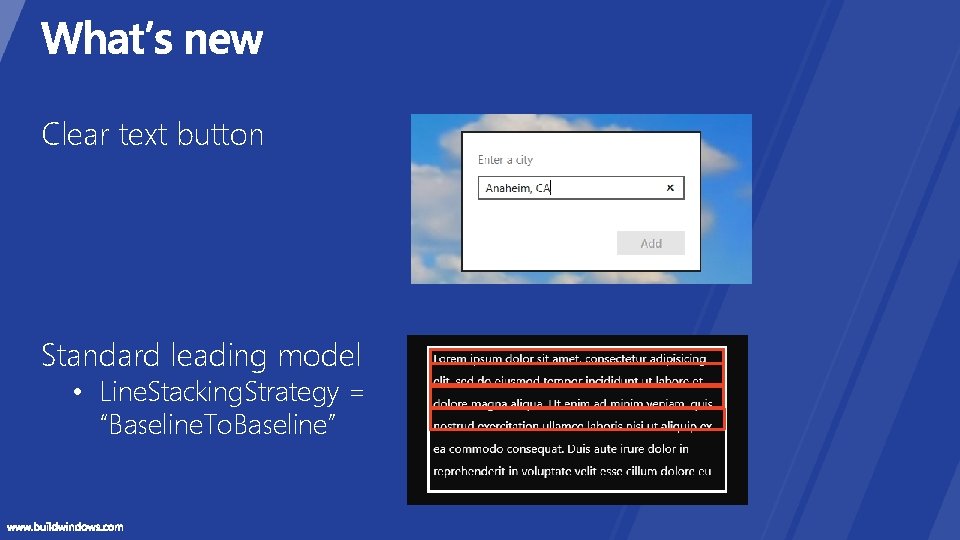
Clear text button Standard leading model • Line. Stacking. Strategy = “Baseline. To. Baseline”
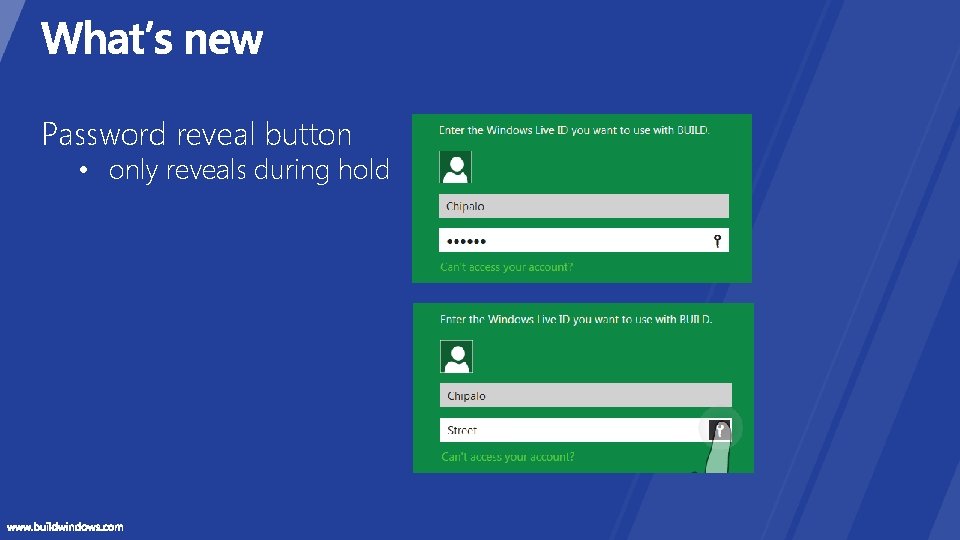
Password reveal button • only reveals during hold
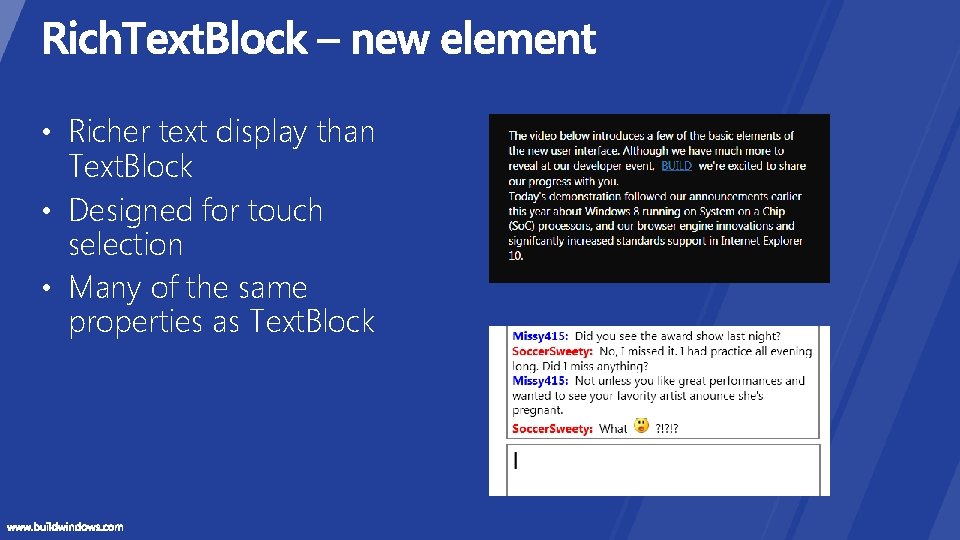
• Richer text display than Text. Block • Designed for touch selection • Many of the same properties as Text. Block
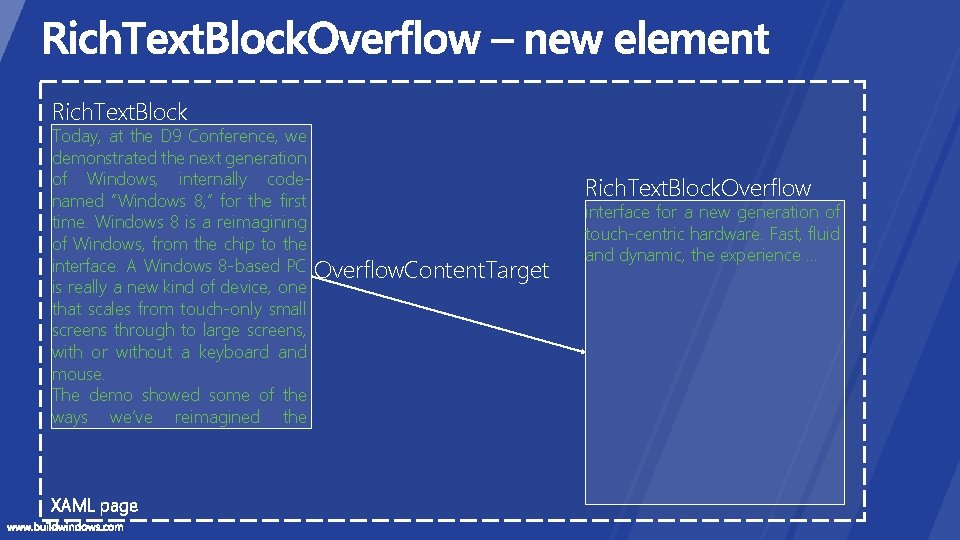
Rich. Text. Block Today, at the D 9 Conference, we demonstrated the next generation of Windows, internally codenamed “Windows 8, ” for the first time. Windows 8 is a reimagining of Windows, from the chip to the interface. A Windows 8 -based PC Overflow. Content. Target is really a new kind of device, one that scales from touch-only small screens through to large screens, with or without a keyboard and mouse. The demo showed some of the ways we’ve reimagined the interface for a new generation of touch-centric hardware. Fast, fluid and dynamic, the experience … XAML page Rich. Text. Block. Overflow interface for a new generation of touch-centric hardware. Fast, fluid and dynamic, the experience …
Rich. Text. Block. Overflow
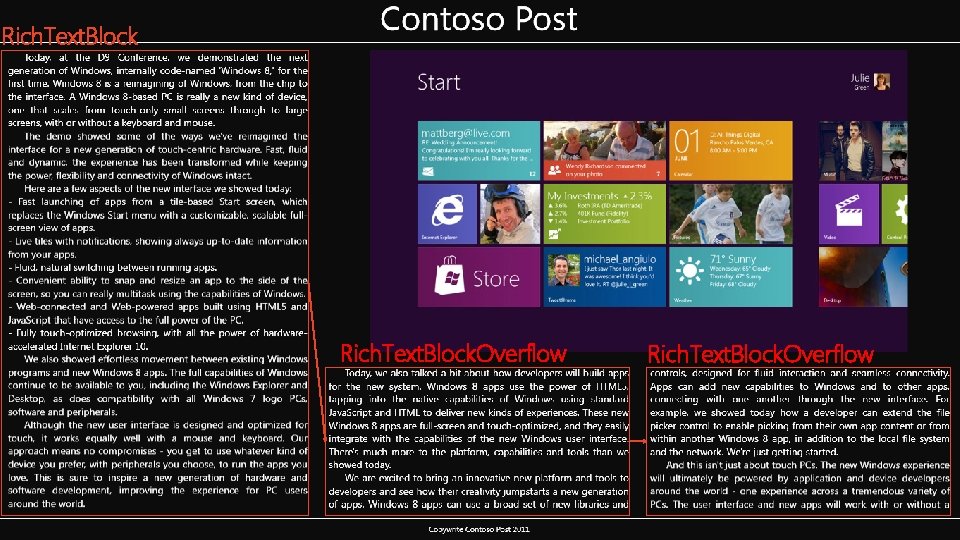
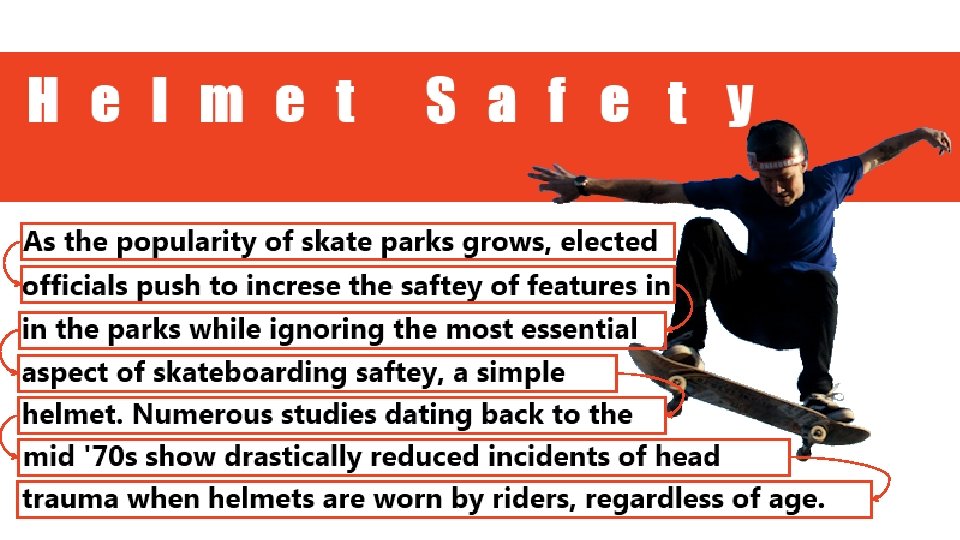
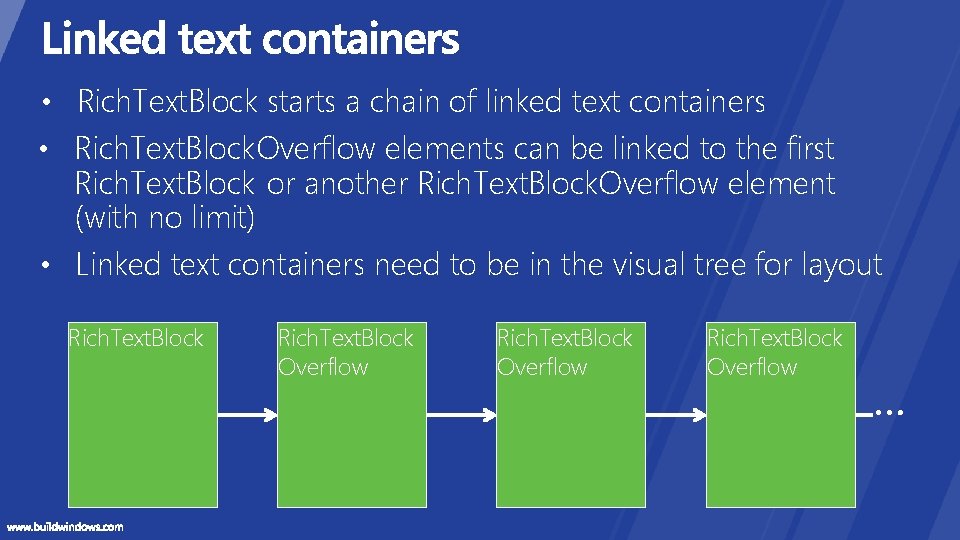
• Rich. Text. Block starts a chain of linked text containers • Rich. Text. Block. Overflow elements can be linked to the first Rich. Text. Block or another Rich. Text. Block. Overflow element (with no limit) • Linked text containers need to be in the visual tree for layout Rich. Text. Block Overflow
• Most controlled by Rich. Text. Block • Overflow. Content. Target (also on Rich. Text. Block) • Has. Overflow. Content (also on Rich. Text. Block)
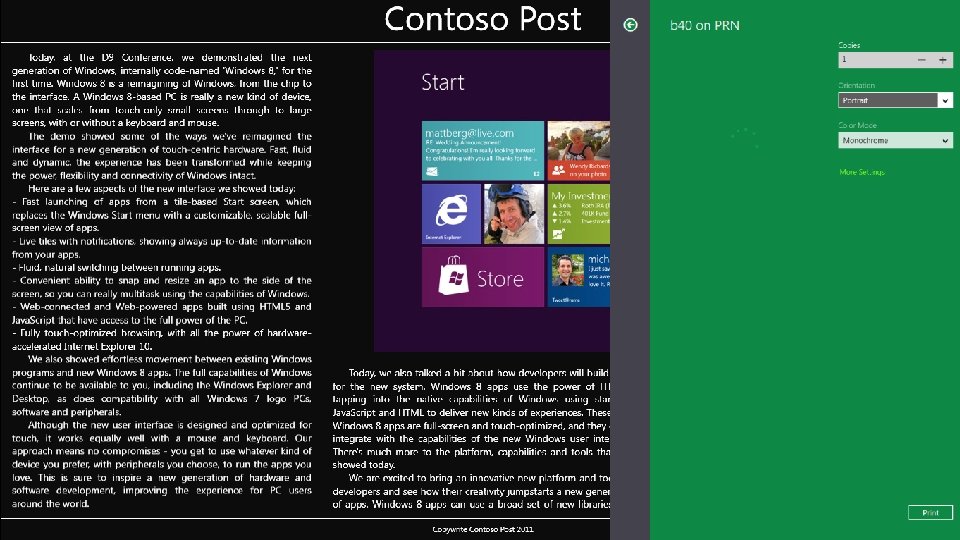
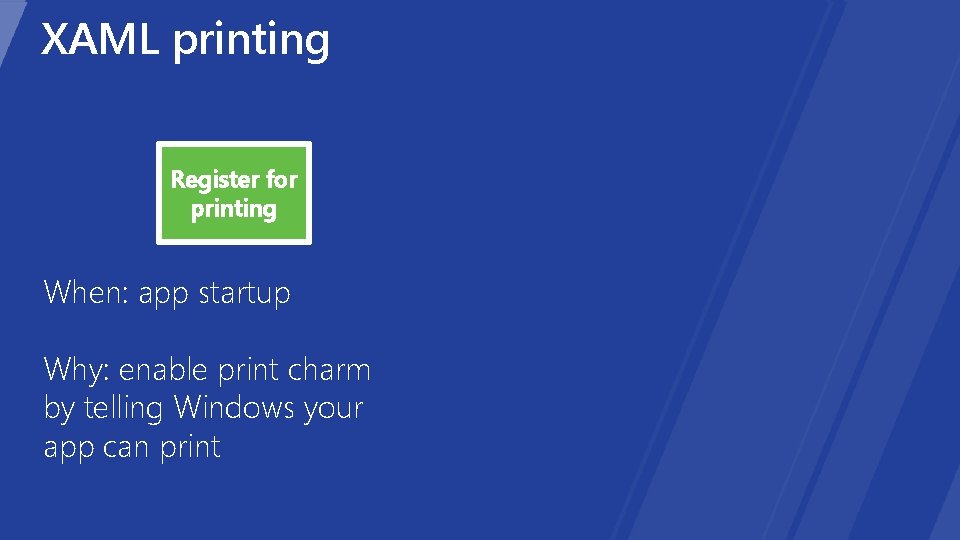
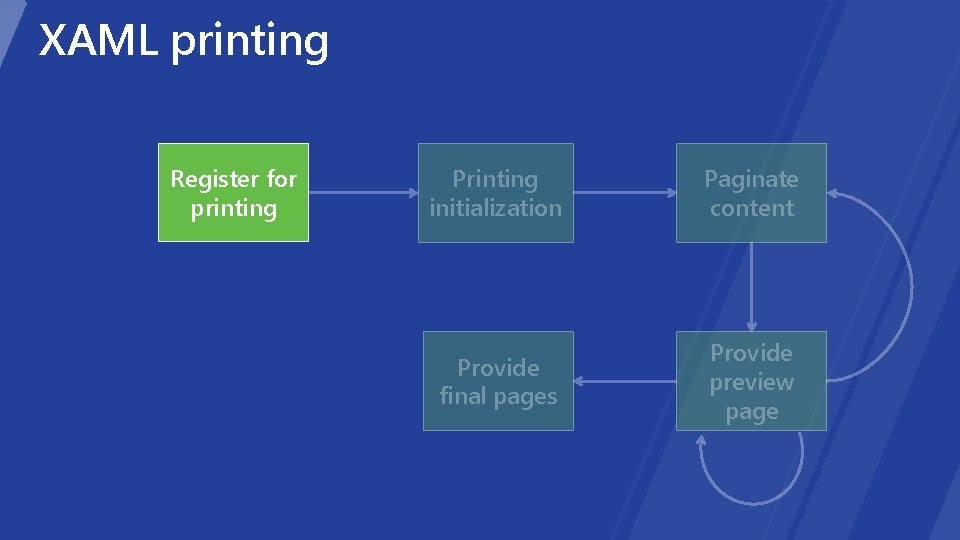
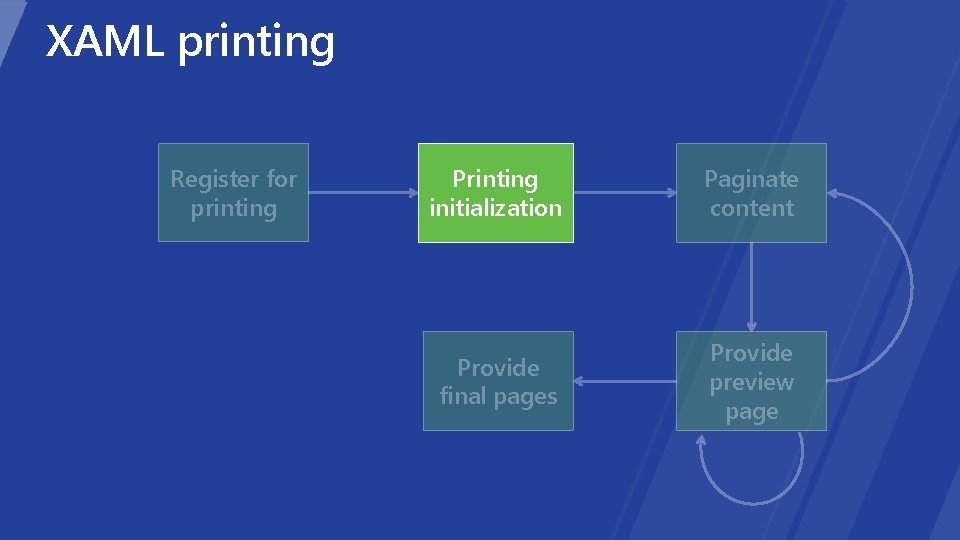
XAML printing Register for printing When: app startup Why: enable print charm by telling Windows your app can print
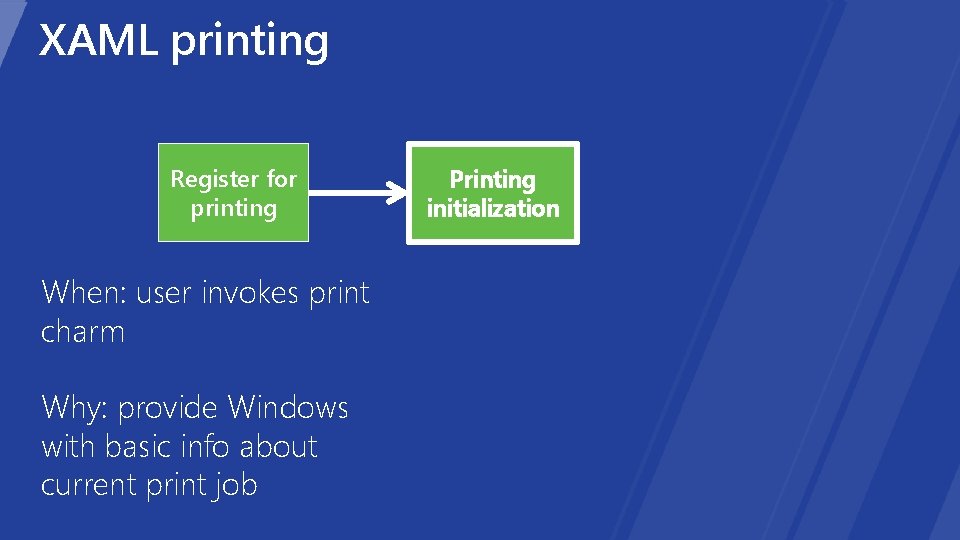
XAML printing Register for printing When: user invokes print charm Why: provide Windows with basic info about current print job Printing initialization
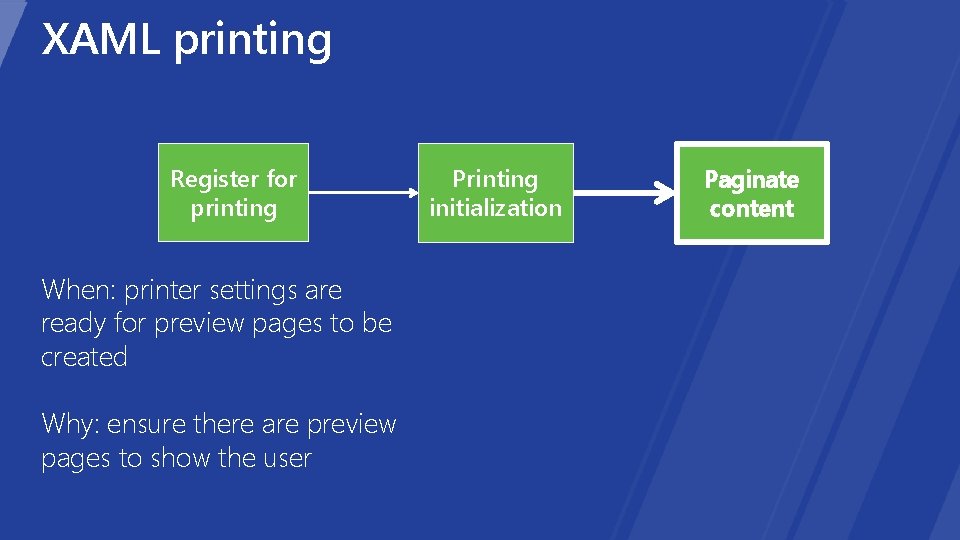
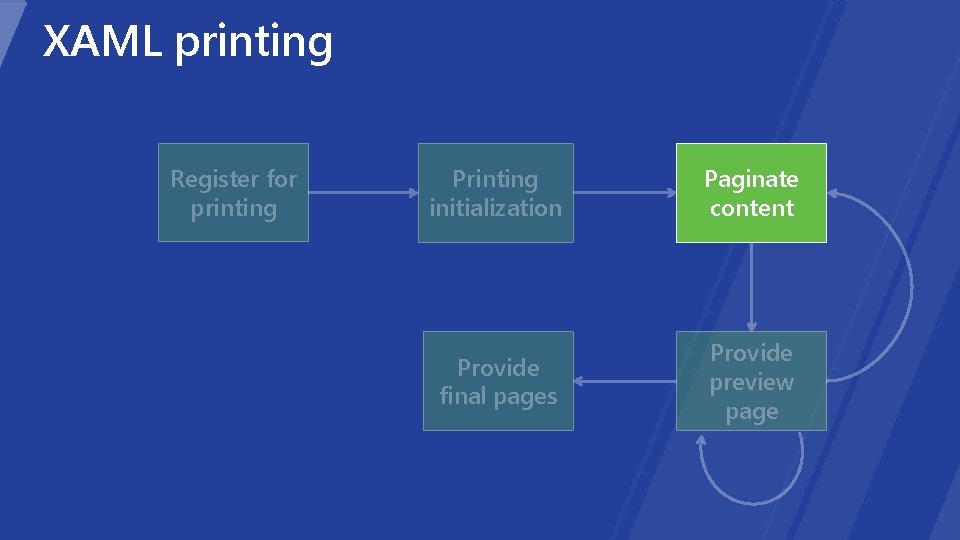
XAML printing Register for printing When: printer settings are ready for preview pages to be created Why: ensure there are preview pages to show the user Printing initialization Paginate content
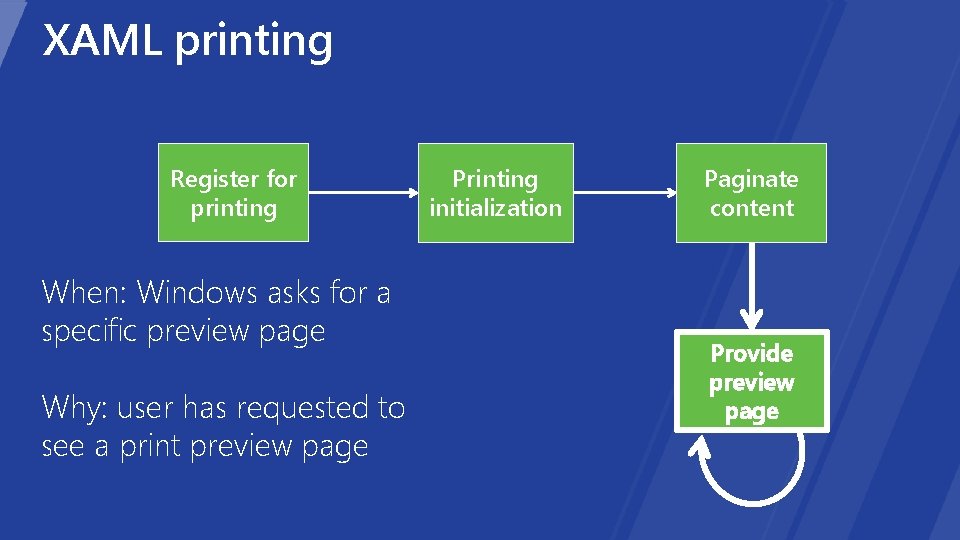
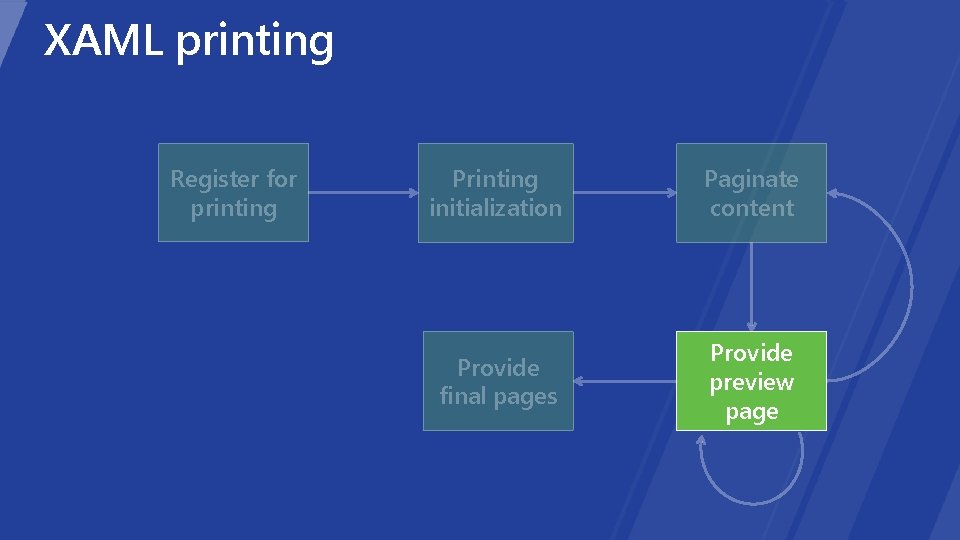
XAML printing Register for printing When: Windows asks for a specific preview page Why: user has requested to see a print preview page Printing initialization Paginate content Provide preview page
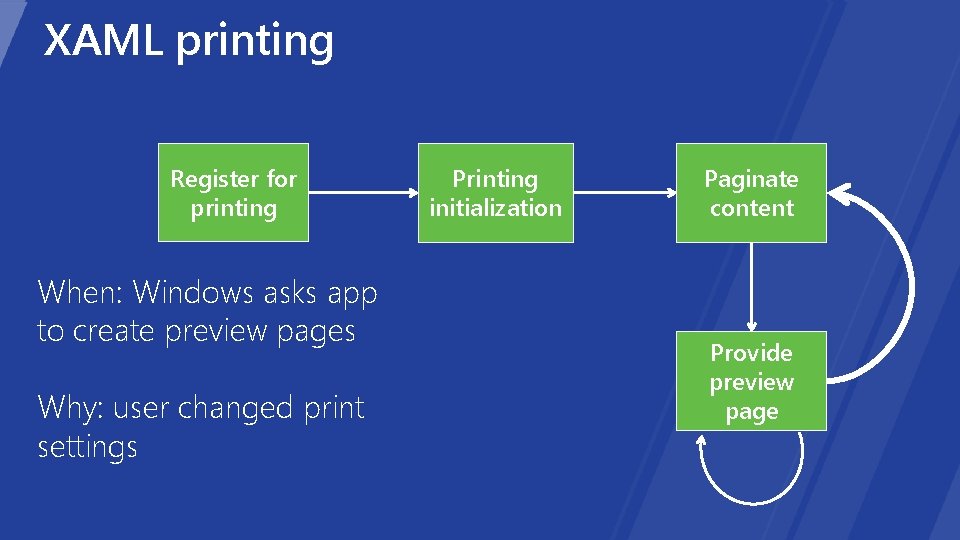
XAML printing Register for printing When: Windows asks app to create preview pages Why: user changed print settings Printing initialization Paginate content Provide preview page
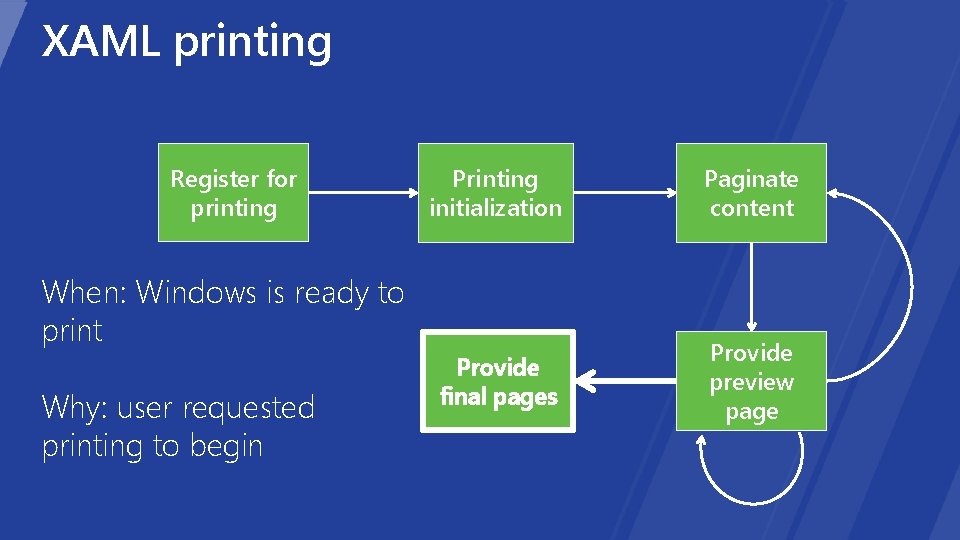
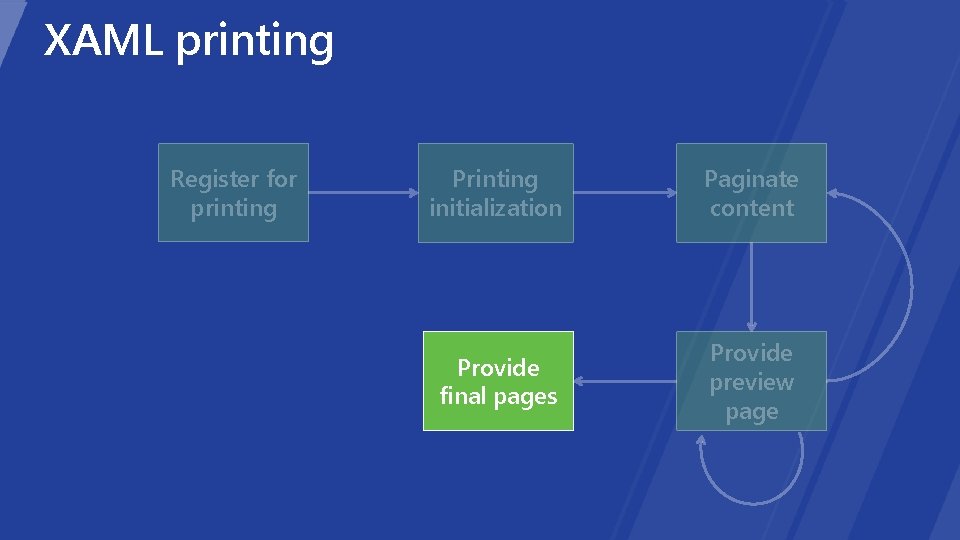
XAML printing Register for printing Printing initialization Paginate content Provide final pages Provide preview page When: Windows is ready to print Why: user requested printing to begin
XAML printing Register for printing Printing initialization Paginate content Provide final pages Provide preview page
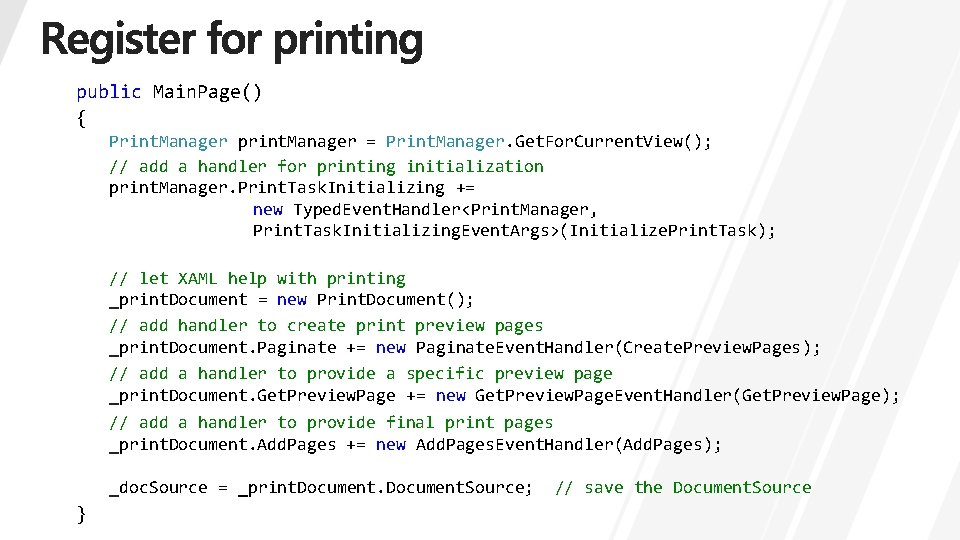
public Main. Page() { Print. Manager print. Manager = Print. Manager. Get. For. Current. View(); // add a handler for printing initialization print. Manager. Print. Task. Initializing += new Typed. Event. Handler<Print. Manager, Print. Task. Initializing. Event. Args>(Initialize. Print. Task); // let XAML help with printing _print. Document = new Print. Document(); // add handler to create print preview pages _print. Document. Paginate += new Paginate. Event. Handler(Create. Preview. Pages); // add a handler to provide a specific preview page _print. Document. Get. Preview. Page += new Get. Preview. Page. Event. Handler(Get. Preview. Page); // add a handler to provide final print pages _print. Document. Add. Pages += new Add. Pages. Event. Handler(Add. Pages); _doc. Source = _print. Document. Source; } // save the Document. Source
XAML printing Register for printing Printing initialization Paginate content Provide final pages Provide preview page
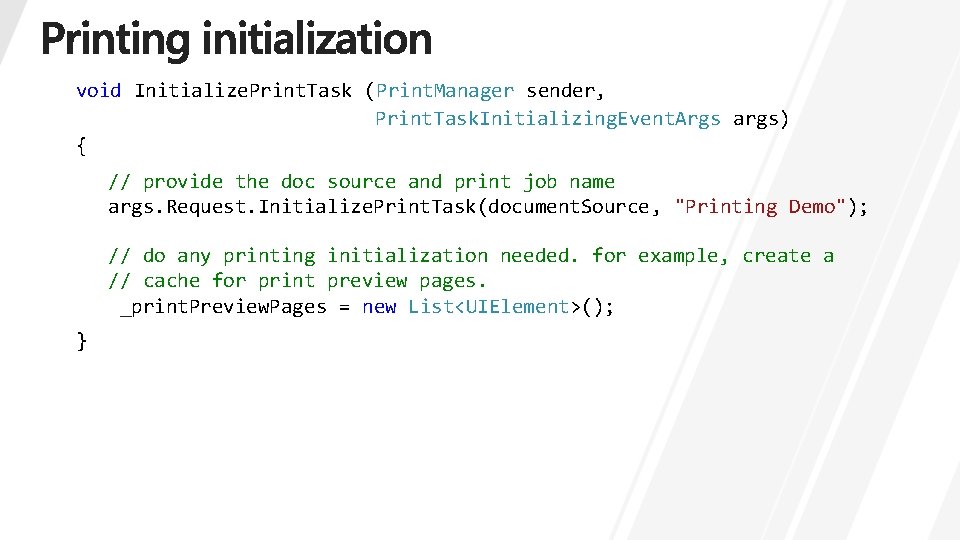
void Initialize. Print. Task (Print. Manager sender, Print. Task. Initializing. Event. Args args) { // provide the doc source and print job name args. Request. Initialize. Print. Task(document. Source, "Printing Demo"); // do any printing initialization needed. for example, create a // cache for print preview pages. _print. Preview. Pages = new List<UIElement>(); }
XAML printing Register for printing Printing initialization Paginate content Provide final pages Provide preview page
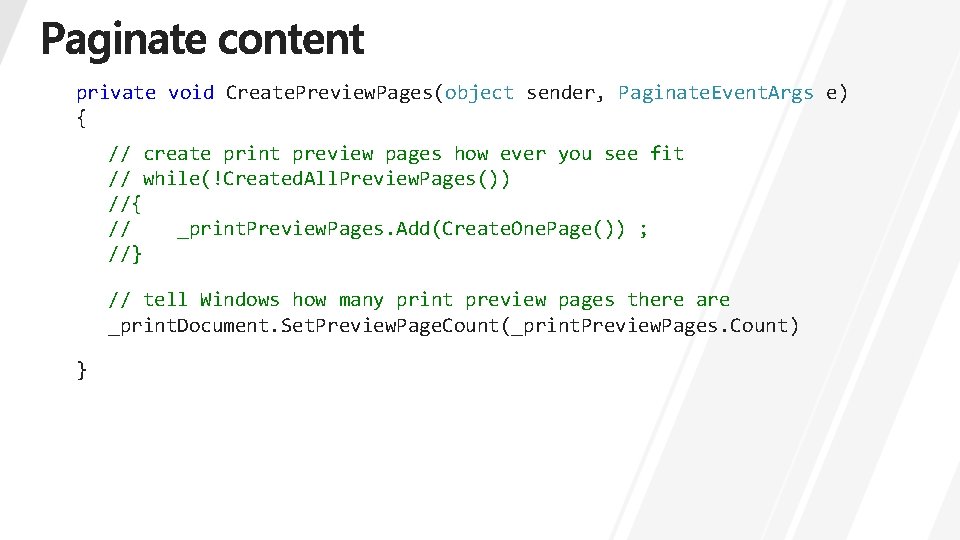
private void Create. Preview. Pages(object sender, Paginate. Event. Args e) { // create print preview pages how ever you see fit // while(!Created. All. Preview. Pages()) //{ // _print. Preview. Pages. Add(Create. One. Page()) ; //} // tell Windows how many print preview pages there are _print. Document. Set. Preview. Page. Count(_print. Preview. Pages. Count) }
XAML printing Register for printing Printing initialization Paginate content Provide final pages Provide preview page
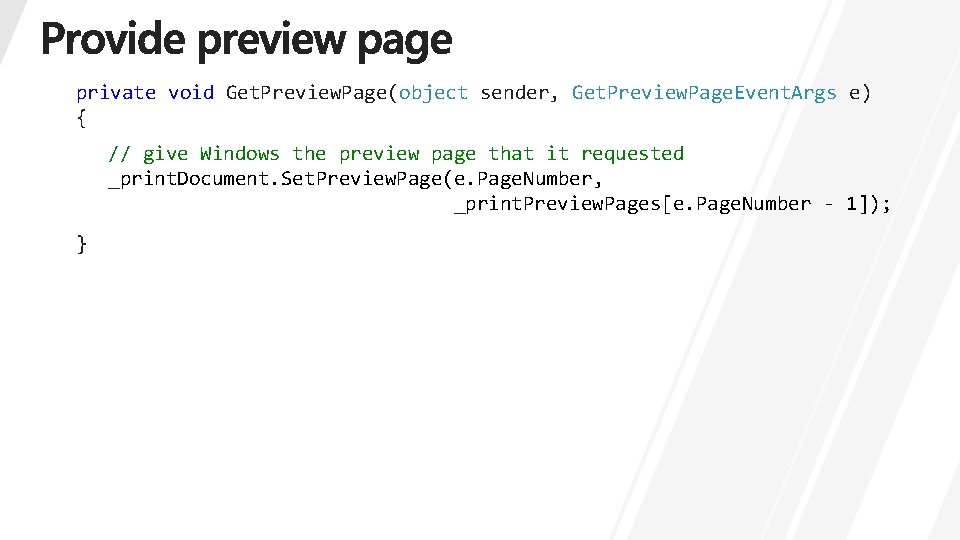
private void Get. Preview. Page(object sender, Get. Preview. Page. Event. Args e) { // give Windows the preview page that it requested _print. Document. Set. Preview. Page(e. Page. Number, _print. Preview. Pages[e. Page. Number - 1]); }
XAML printing Register for printing Printing initialization Paginate content Provide final pages Provide preview page
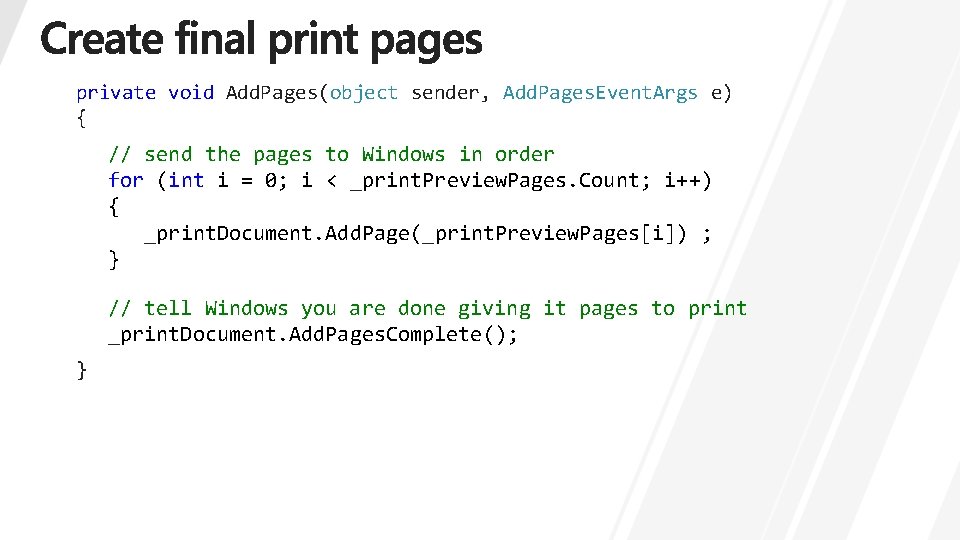
private void Add. Pages(object sender, Add. Pages. Event. Args e) { // send the pages to Windows in order for (int i = 0; i < _print. Preview. Pages. Count; i++) { _print. Document. Add. Page(_print. Preview. Pages[i]) ; } // tell Windows you are done giving it pages to print _print. Document. Add. Pages. Complete(); }
• [PLAT-679 T] Building Metro style apps that print • [APP-211 T] Create Metro style apps quickly with built-in controls • [APP-737 T] Metro style apps using XAML: what you need to know • [APP-515] Tips and tricks for developing Metro style apps using XAML
• Metro style app sample page http: //go. microsoft. com/fwlink/? Link. Id=221708 • Windows 8 blog http: //blogs. msdn. com/b/b 8/
http: //forums. dev. windows. com http: //bldw. in/Session. Feedback