
Year 9 Graphics Paper Engineering Learning Objective n
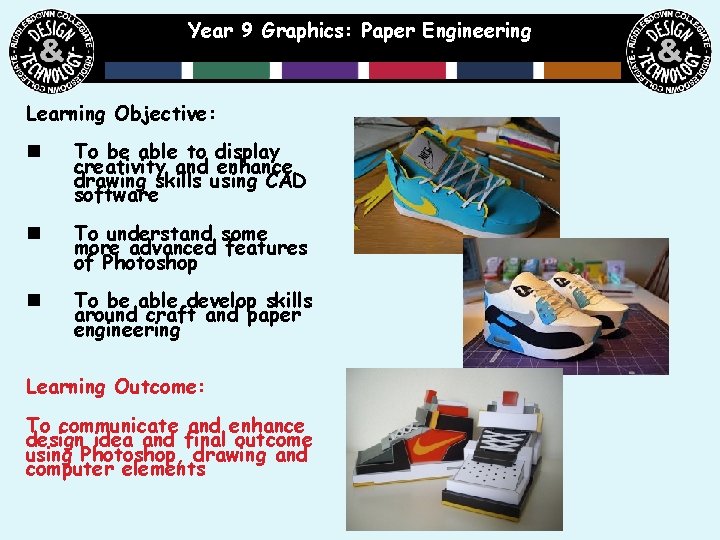
Year 9 Graphics: Paper Engineering Learning Objective: n To be able to display creativity and enhance drawing skills using CAD software n To understand some more advanced features of Photoshop n To be able develop skills around craft and paper engineering Learning Outcome: To communicate and enhance design idea and final outcome using Photoshop, drawing and computer elements
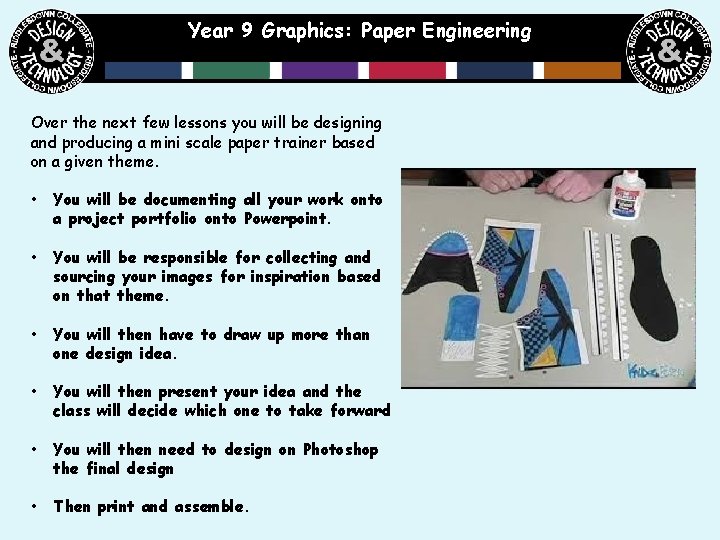
Year 9 Graphics: Paper Engineering Over the next few lessons you will be designing and producing a mini scale paper trainer based on a given theme. • You will be documenting all your work onto a project portfolio onto Powerpoint. • You will be responsible for collecting and sourcing your images for inspiration based on that theme. • You will then have to draw up more than one design idea. • You will then present your idea and the class will decide which one to take forward • You will then need to design on Photoshop the final design • Then print and assemble.

Year 9 Graphics: Paper Engineering
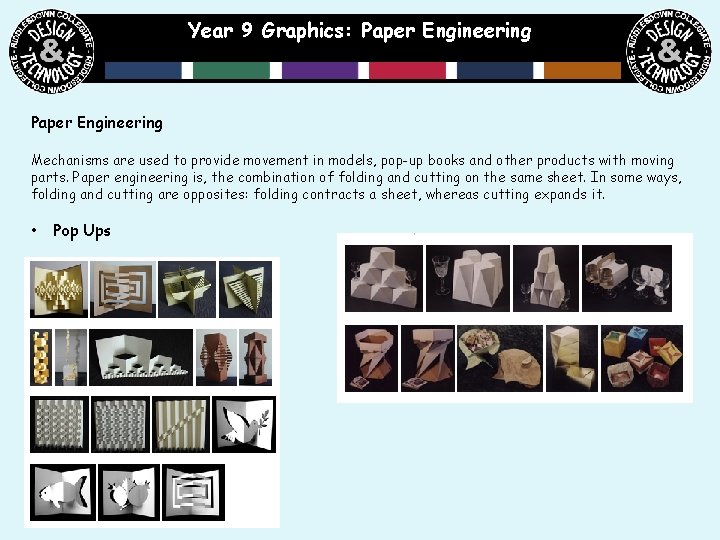
Year 9 Graphics: Paper Engineering Mechanisms are used to provide movement in models, pop-up books and other products with moving parts. Paper engineering is, the combination of folding and cutting on the same sheet. In some ways, folding and cutting are opposites: folding contracts a sheet, whereas cutting expands it. • Pop Ups
Year 9 Graphics: Paper Engineering
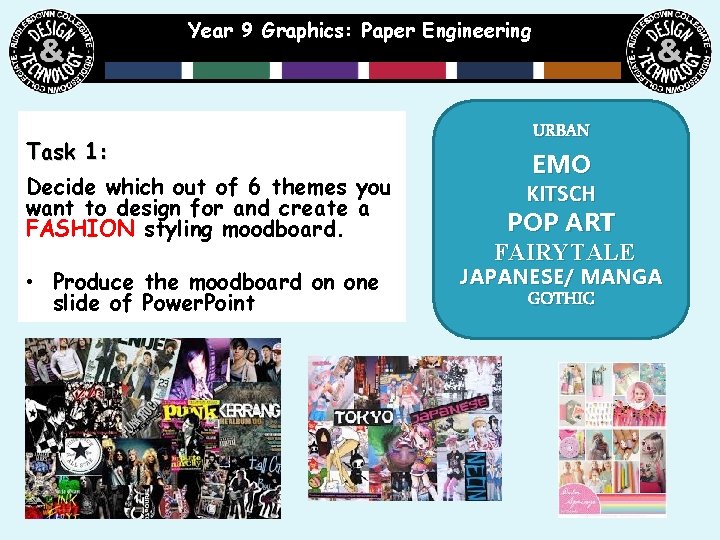
Year 9 Graphics: Paper Engineering Task 1: Decide which out of 6 themes you want to design for and create a FASHION styling moodboard. • Produce the moodboard on one slide of Power. Point URBAN EMO KITSCH POP ART FAIRYTALE JAPANESE/ MANGA GOTHIC
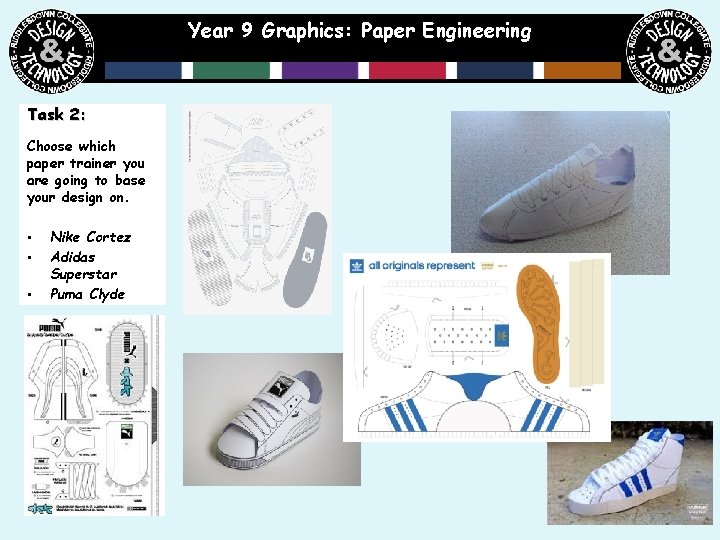
Year 9 Graphics: Paper Engineering Task 2: Choose which paper trainer you are going to base your design on. • • • Nike Cortez Adidas Superstar Puma Clyde
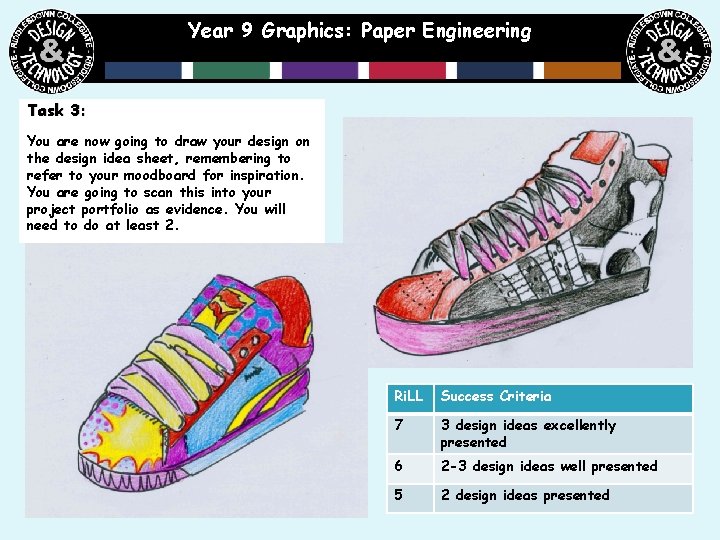
Year 9 Graphics: Paper Engineering Task 3: You are now going to draw your design on the design idea sheet, remembering to refer to your moodboard for inspiration. You are going to scan this into your project portfolio as evidence. You will need to do at least 2. Ri. LL Success Criteria 7 3 design ideas excellently presented 6 2 -3 design ideas well presented 5 2 design ideas presented

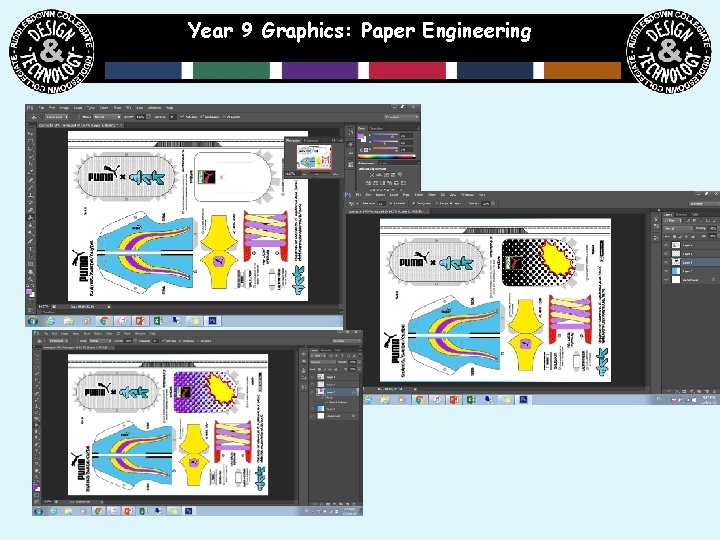
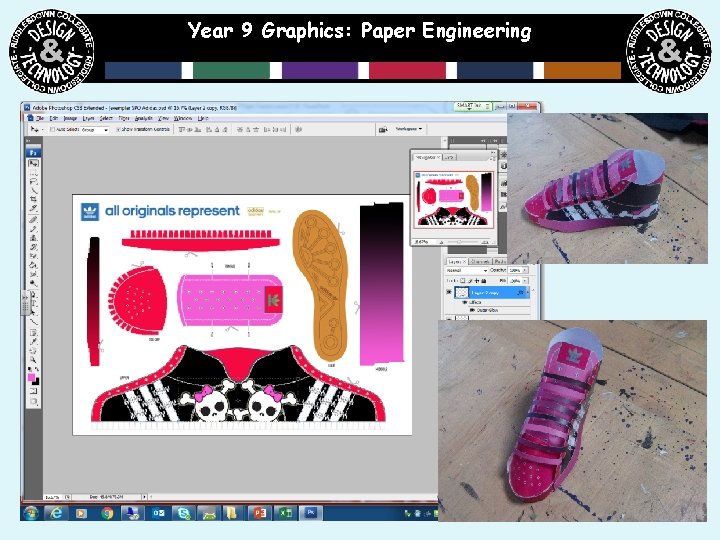
Year 9 Graphics: Paper Engineering Task 4: You are now going to recreate your design idea by opening the template onto photoshop and rendering and adding graphics to make it look like your design. Make sure you print screen as you go along to show you have made it.
Year 9 Graphics: Paper Engineering
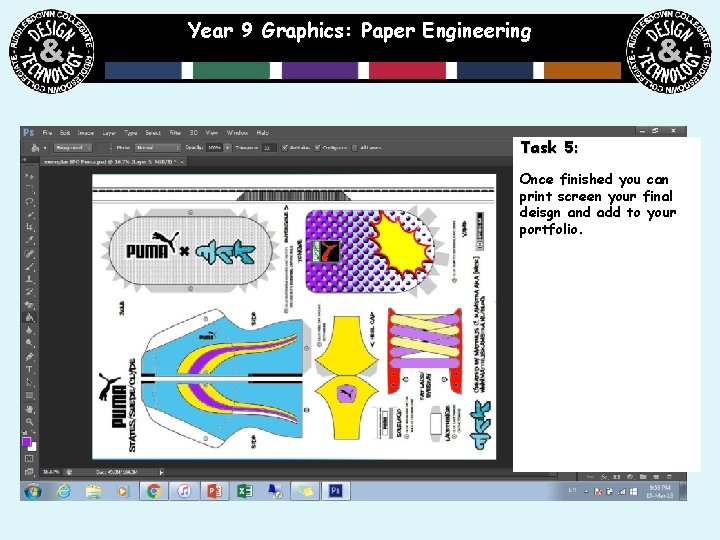
Year 9 Graphics: Paper Engineering Task 5: Once finished you can print screen your final deisgn and add to your portfolio.
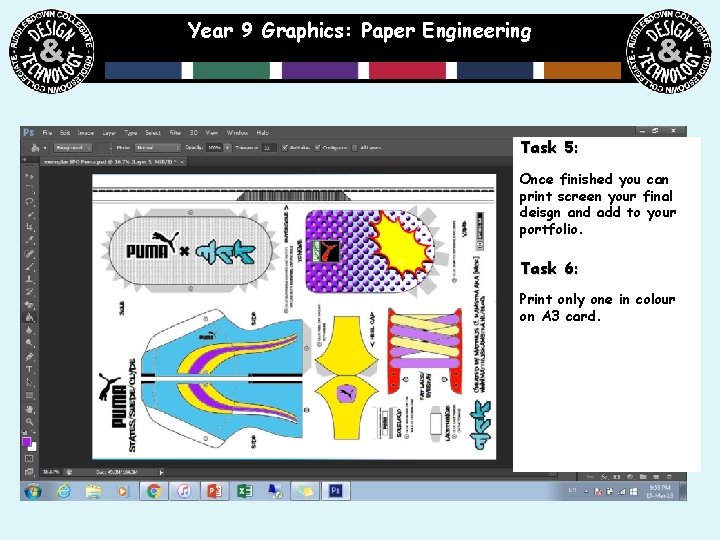
Year 9 Graphics: Paper Engineering Task 5: Once finished you can print screen your final deisgn and add to your portfolio. Task 6: Print only one in colour on A 3 card.
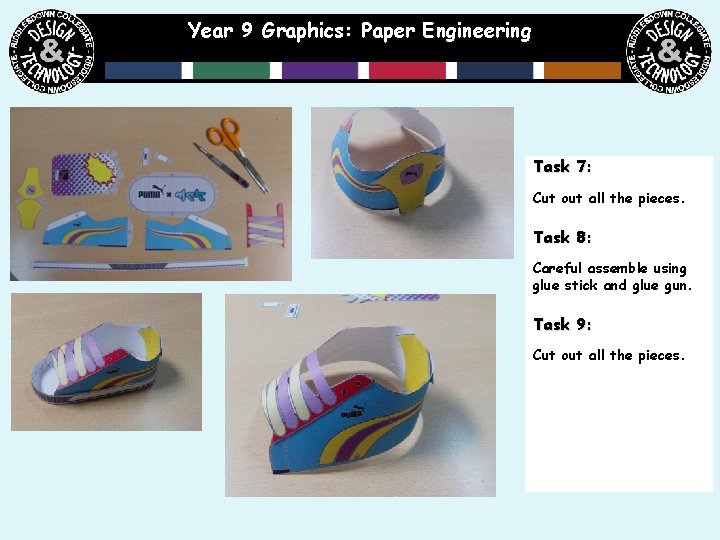
Year 9 Graphics: Paper Engineering Task 7: Cut out all the pieces. Task 8: Careful assemble using glue stick and glue gun. Task 9: Cut out all the pieces.
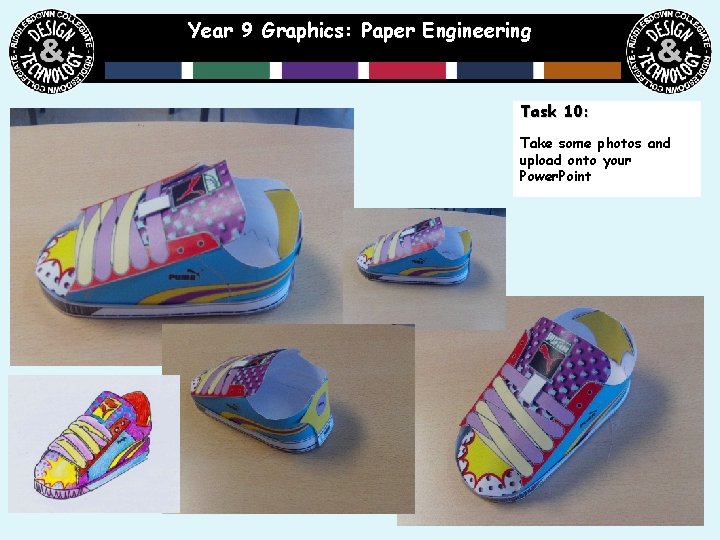
Year 9 Graphics: Paper Engineering Task 10: Take some photos and upload onto your Power. Point
Year 9 Graphics: Paper Engineering
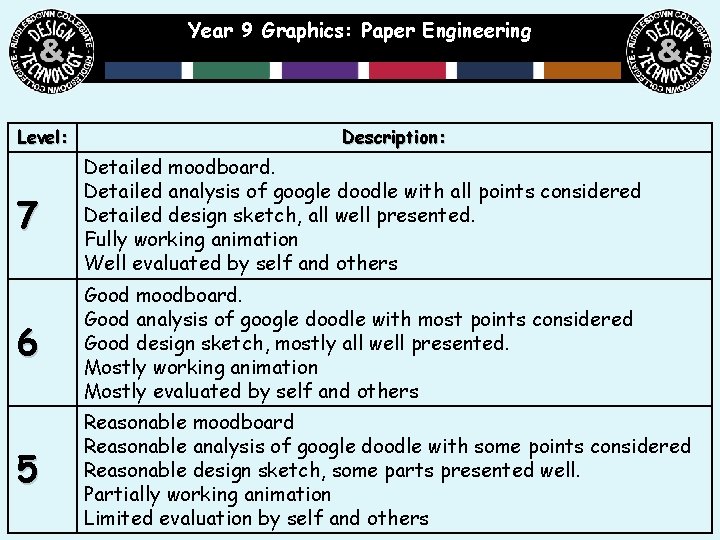
Year 9 Graphics: Paper Engineering Level: Description: 7 Detailed moodboard. Detailed analysis of google doodle with all points considered Detailed design sketch, all well presented. Fully working animation Well evaluated by self and others 6 Good moodboard. Good analysis of google doodle with most points considered Good design sketch, mostly all well presented. Mostly working animation Mostly evaluated by self and others 5 Reasonable moodboard Reasonable analysis of google doodle with some points considered Reasonable design sketch, some parts presented well. Partially working animation Limited evaluation by self and others
- Slides: 16