
Year 7 Superheroes database Lesson 1 Introduction to
Year 7 Superheroes database
Lesson 1 Introduction to databases
Today’s learning objectives What are we learning today? • How databases are used in the world around us
By the end of the lesson, • Everyone will be able to: – Give an example of an online database – Give an example of a database you are on – Explain what a database is • Most of you will be able to: – Describe some uses of online databases or other computerised databases – Give some advantages of computerised databases – Explain some of the key terms for databases • Some of you might also be able to: – Explain the advantages and disadvantages of computerised databases – Explain some of the security issues of computerised databases
What is a database? • A computerised database is a collection of data stored on the computer • This could be anything from your personal details on the school database or patients at a doctors, to cars for sale on a garage’s database or historical artifacts in a museum • They can be very useful for storing A LOT, and I mean A LOT of information! • Collecting personal data should be done in a responsible way, it can be risky! Just think about all the data we hold about you in school!! Who should be allowed to see that data? How could it be kept secure?

How do these organisations use databases? What are the advantages and disadvantages of them using a computerised database? Shops such as Tesco schools library Computerised databases in our lives Banks Google Police
Databases © www. teach-ict. com All Rights Reserved
Databases What do you think the word ‘database’ means? © www. teach-ict. com All Rights Reserved

Databases What do you think the word ‘database’ means? DEFINITION: A database is a collection of data or information which is stored in a logical and structured way © www. teach-ict. com All Rights Reserved
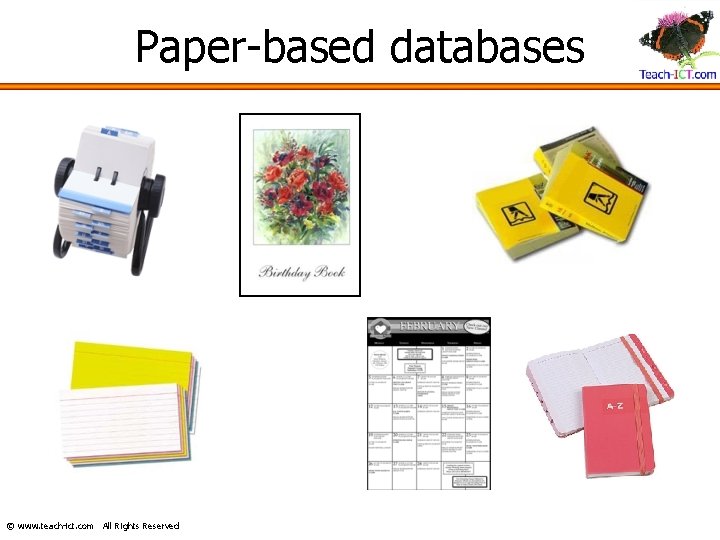
Paper-based databases © www. teach-ict. com All Rights Reserved
Paper-based databases Think of some advantages for paper-based databases © www. teach-ict. com All Rights Reserved

Paper-based databases Think of some advantages for paper-based databases §Cheap to set up §Don’t need electricity, so will work if you have a power-cut §Don’t need a computer – which is expensive §Can carry them around with you §Don’t need training to learn how to use them © www. teach-ict. com All Rights Reserved
Paper-based databases Think of some disadvantages for paperbased databases © www. teach-ict. com All Rights Reserved
Paper-based databases Think of some disadvantages for paperbased databases §Can be lost §Can’t easily make back-up copies §Hard to update or make changes §Card systems can get in a muddle if cards not replaced in the correct order §Can take a while to search for a particular record © www. teach-ict. com All Rights Reserved
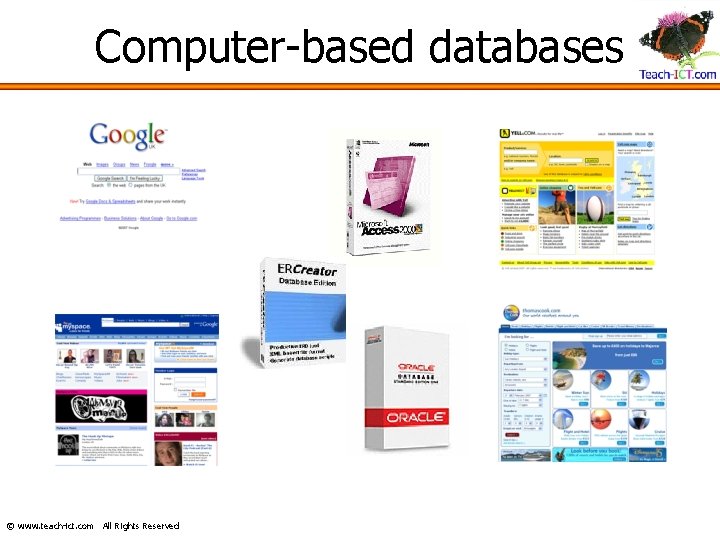
Computer-based databases © www. teach-ict. com All Rights Reserved
Computerised databases Think of some advantages for computerised databases © www. teach-ict. com All Rights Reserved
Computerised databases Think of some advantages for computerised databases §Can easily make back-up copies §Can easily make changes §Can easily sort data into order e. g. alphabetic §Can search for particular records very quickly §Can import or export data to/from other packages © www. teach-ict. com All Rights Reserved
Computerised databases Think of some disadvantages for computerised databases © www. teach-ict. com All Rights Reserved
Computerised databases Think of some disadvantages for computerised databases §Can be expensive to set up if you have to get a professional to make it §If there is a power-cut, you can’t use it §You need to have a computer §Cannot carry it around with you – unless you take a computer §You often need training to learn how to use them © www. teach-ict. com All Rights Reserved
Database Terms Your school keeps a lot of information about every student. Think of some of the information they keep about you. © www. teach-ict. com All Rights Reserved
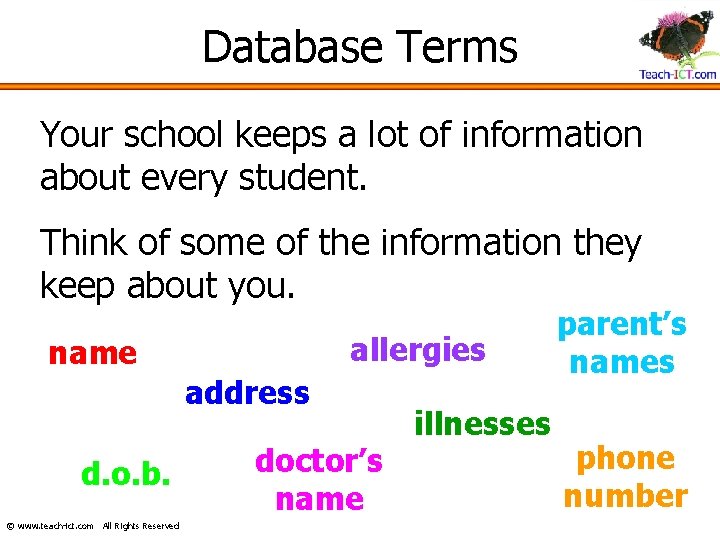
Database Terms Your school keeps a lot of information about every student. Think of some of the information they keep about you. allergies name address d. o. b. © www. teach-ict. com All Rights Reserved doctor’s name illnesses parent’s names phone number
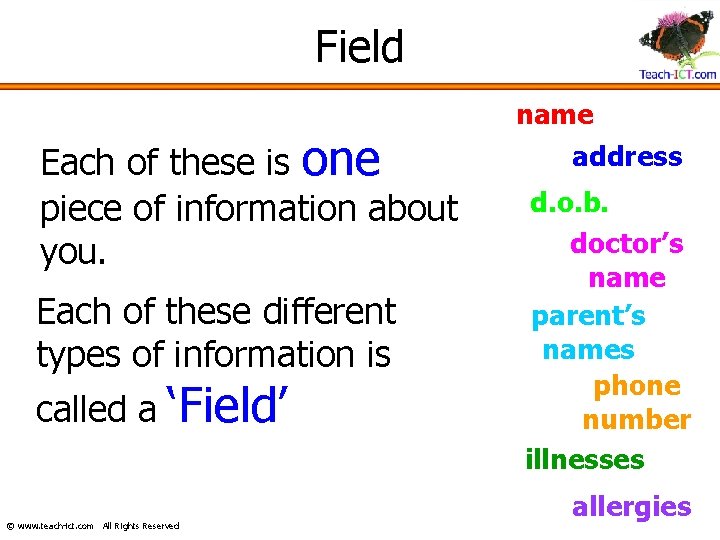
Field Each of these is one piece of information about you. Each of these different types of information is called a ‘Field’ © www. teach-ict. com All Rights Reserved name address d. o. b. doctor’s name parent’s names phone number illnesses allergies
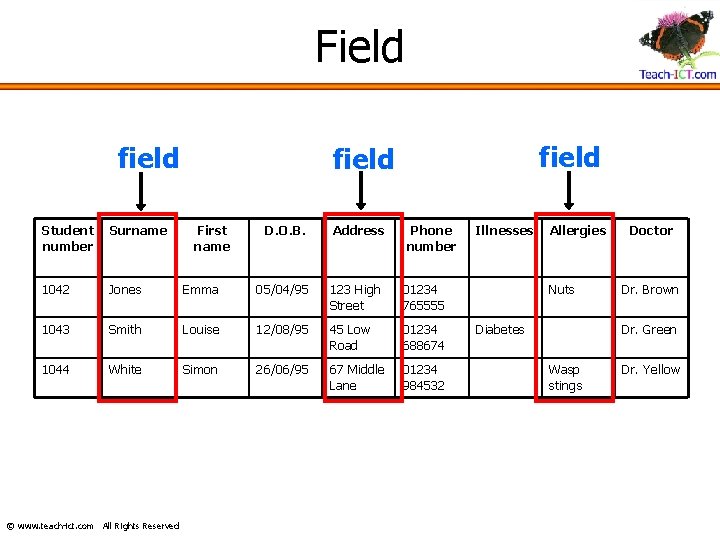
Field field Student number Surname 1042 Jones 1043 1044 field D. O. B. Address Emma 05/04/95 123 High Street 01234 765555 Smith Louise 12/08/95 45 Low Road 01234 688674 White Simon 26/06/95 67 Middle Lane 01234 984532 © www. teach-ict. com All Rights Reserved First name Phone number Illnesses Allergies Nuts Diabetes Doctor Dr. Brown Dr. Green Wasp stings Dr. Yellow
Understanding databases • Hope you’ve been listening carefully as you now need to answer some questions about databases on the worksheet! • The slides you’ve just seen are on Moodle so you may want to log in and look through the slides again to help you answer the questions.
Using online databases Complete the searches using the online databases to find the information requested. Search carefully and check you have the exact information – especially when using Yell. com, check the location is right.
What’s the big picture? • In this project we will be working on a database of superheroes! • Can you name any of your favourite or well known superheroes? • Watch this animation to find out more: http: //www. teachict. com/ks 3/year 7/data_handling/lesson 1/super hero_intro. html
Today’s learning objectives What are we learning today? • design a data capture form to collect relevant data about superhero applicants • develop closed questions which will lead to specific answers in a suitable form – e. g. text, numbers • act safely and responsibly in seeking information
By the end of the lesson, • Everyone will be able to: • Use closed questions to collect some useful information • Most of you will be able to: – Use open and closed questions to produce a suitable data capture form to collect useful data with suitable answer options • Some of you might also be able to: – Produce a very well designed, and well laid out data capture form including answer options, instructions, title etc
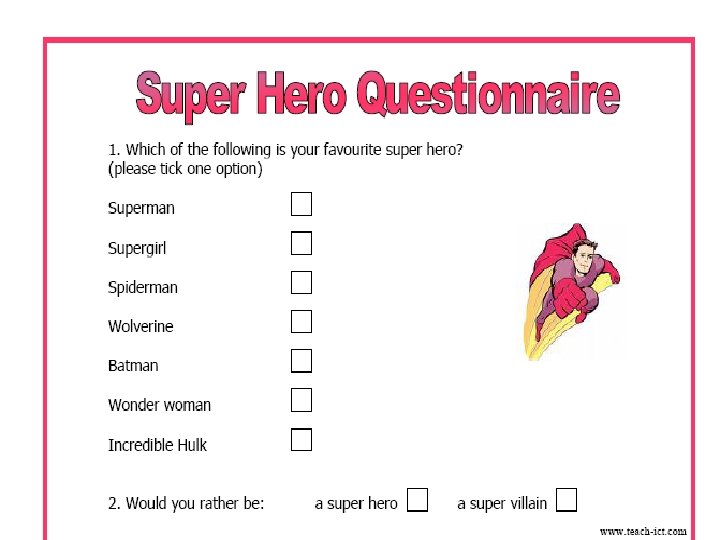
So what do we need to do? • To recruit new superheroes for our database, we need to get people to fill in an application form, a bit like a questionnaire. • We need to design this application form – but the layout is really important.
Designing your questionnaire. Animation: http: //www. teachict. com/ks 3/year 7/data_handling/lesson 4/ Designing%20 your%20 data%20 capture %20 form/engage. html
Problems with collecting data • People don’t always put sensible answers! • How can you know they are being truthful? • People don’t like giving away information about themselves in case it gets misused! • There is a law protecting any personal data which gets collected (eg name, age, medical or banking details). It is called the Data Protection Act. • If this law gets broken, a company can be fined.
An example of data collection • A school asked all of its pupils to complete a questionnaire about school transport. The questionnaires were handed out to pupils during registration period. • Were all the questionnaires filled in sensibly, in the way that the person who designed them expected? Was useful data collected? • The screenshot shows some of the results, once the answers had been typed into a database…….
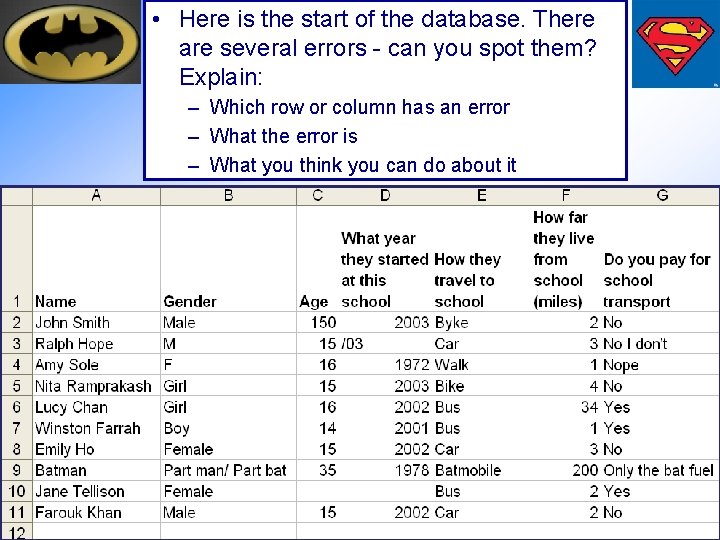
• Here is the start of the database. There are several errors - can you spot them? Explain: – Which row or column has an error – What the error is – What you think you can do about it
You need to ask the right questions! You will need to use open and closed questions – what’s the difference? • • • What is your favourite fruit? Do you like peas? Do you like grapes? Who is your favourite super hero? Which super power do you have? Which of the following best describes your super power? (a) strength (b) speed (c) x-ray vision
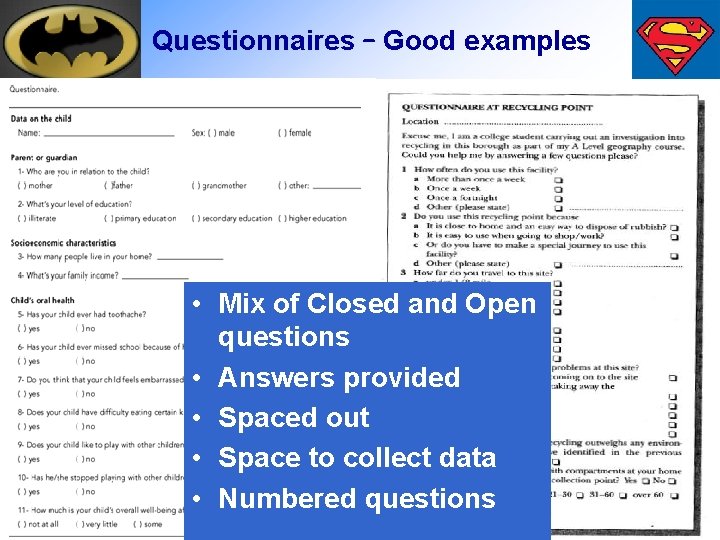
Questionnaires – Good examples • Mix of Closed and Open questions • Answers provided • Spaced out • Space to collect data • Numbered questions
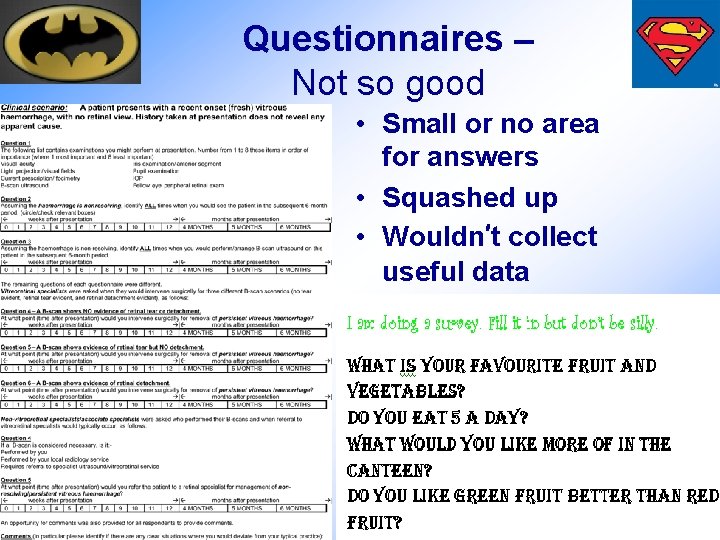
Questionnaires – Not so good • Small or no area for answers • Squashed up • Wouldn’t collect useful data
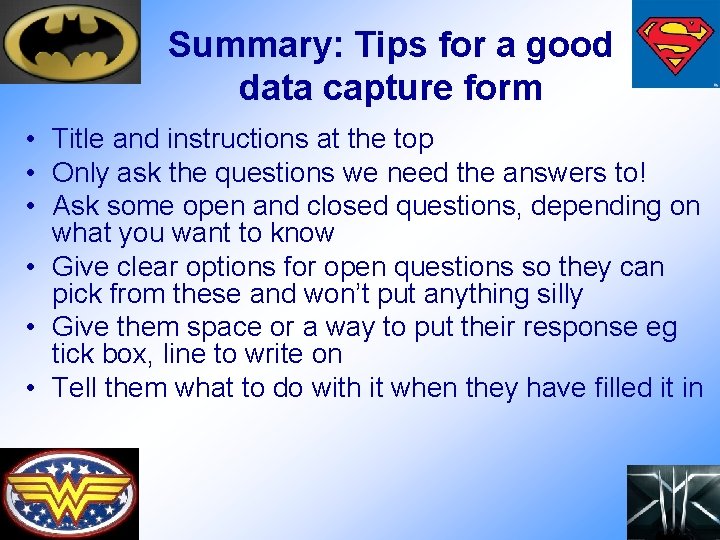
Summary: Tips for a good data capture form • Title and instructions at the top • Only ask the questions we need the answers to! • Ask some open and closed questions, depending on what you want to know • Give clear options for open questions so they can pick from these and won’t put anything silly • Give them space or a way to put their response eg tick box, line to write on • Tell them what to do with it when they have filled it in
Lesson 3 Data types
Today’s learning objective What are we learning today? • Understand how to set up a database • Understand the importance of setting up a logical database structure using correct field names and data types
By the end of the lesson, • Everyone will be able to – Explain the field names you have used – Give examples of data types and the data that might go in them • Most of you will be able to – Explain why you have chosen the different data types – Explain what the primary key is • Some of you might also be able to – Explain why using the correct data type is important, and why you should set a primary key – Set validation rules in the database
Key words definitions 1. 2. 3. 4. 5. 6. Database = A collection of data stored in an organised w Field = One piece of data about a person or thing Record = All the data about one person or thing Query = A search of your database Data type = What sort of data it is Primary key = a unique reference code for each item in th database
Data types Text – your name or address Number – your shoe size Currency – your pocket money £ 2. 50 Date/Time – for dates - your birthday Autonumber – a reference code for each person or thing in a database
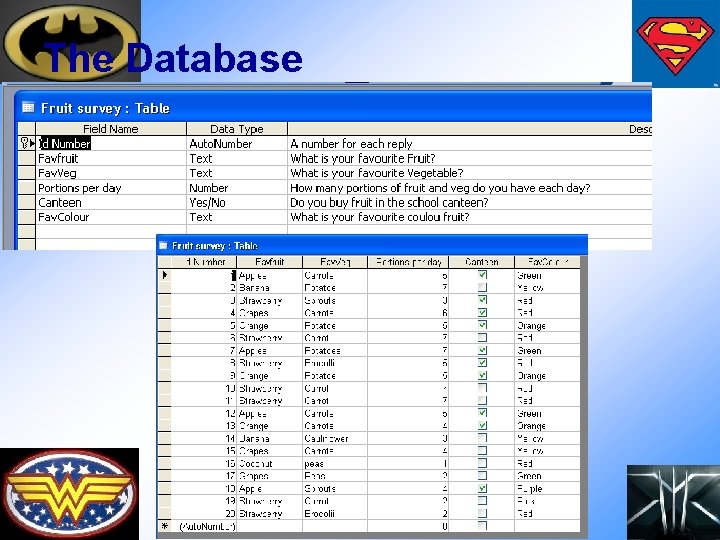
The Database
When you have set up your database, take a print screen in design view and paste it into Word. Explain your database structure by copying this paragraph and filling in the gaps: • This is the structure of my database. The primary key is………. . This means each person will have their own code. • I have chosen “text” for favourite fruit, vegetable and colour because ………… • I have chosen “Yes/No” for whether they buy fruit in the canteen because ………. • I have chosen “text” for the portions of fruit and veg a day because ……. • I have put lookup wizard menus on …. . So that I can ………
Key words match up plenary 1. Database A. A unique reference code for each item in the database 2. Field B. A search of your database 3. Record 4. Query C. What sort of data it is D. All the data about one person or thing 5. Data type E. A collection of data stored in an organised way 6. Primary Key F. One piece of data about a person or thing
Today’s learning objective What are we learning today? • The importance of accurate data entry, and checking/correcting data to remove errors after entry • understand that if data is not plausible – unlikely or doesn’t seem possible/sensible - that this affects results later
By the end of the lesson, • Everyone will be able to: – Create a simple form using the Access wizard and enter data • Most of you will be able to: – Edit the form to make it more user friendly – Explain why data collection needs to be accurate • Some of you might also be able to: – Explain some of the possible problems with data entry and how some organisations including school make use of databases
Entering data into a database • Needs to be accurate – everything spelt correctly • You should check your data as you enter it and make any corrections straight away • Check to make sure that what you are entering is sensible • Data goes straight into the database for you to analyse later so it needs to be accurate
Mail order company • A mail order company sends its customers catalogues, which include order forms so that the customers can fill these in to order goods. • On the form, the customer must enter: – Name and address – Credit card details (card number, expiry date, etc. ) – Details of the goods ordered (product number, description, quantity, etc. ) The form is then mailed to the company. When the form arrives, someone in the office enters the details into a computer. • What mistakes could be made: • By the data entry clerk? • By the customer? • Why is important to be careful? • Why might it be better to order online and put the details in yourself directly? Think about accuracy, speed of ordering ……
Databases in school • In our school, teachers have to enter grades into a database called SIMs. All teachers now enter the data directly into the computer. Some teachers used to prefer to write their grades on paper and they then hand these to the office for data entry. – What are the advantages of teachers entering their own data? – Why might teachers prefer not to do this? • All your personal details are stored on the school’s database called SIMS. When your personal information changes, you need to let school know. – Why is this really important? – What can school use your data for?
Data in supermarkets • In a supermarket, every product has a bar code and a checkout operator (or you if you’re using the selfservice tills) scans the barcodes of products. • The barcode system costs a lot of money to install but most supermarkets think it is worth it. • What advantages does the barcode system have? Think about stock, pricing, speed at checkout, accuracy • Can you think of any disadvantages it has? Think about new products, power cuts …
Data types © www. teach-ict. com All Rights Reserved
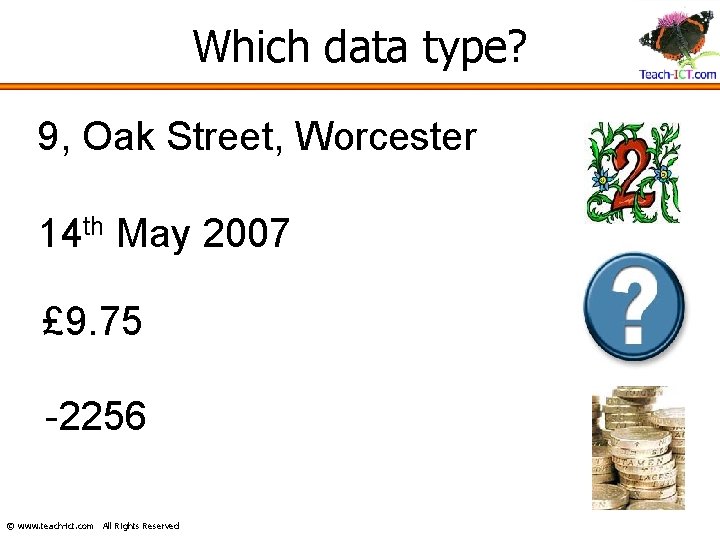
Which data type? 9, Oak Street, Worcester 14 th May 2007 £ 9. 75 -2256 © www. teach-ict. com All Rights Reserved
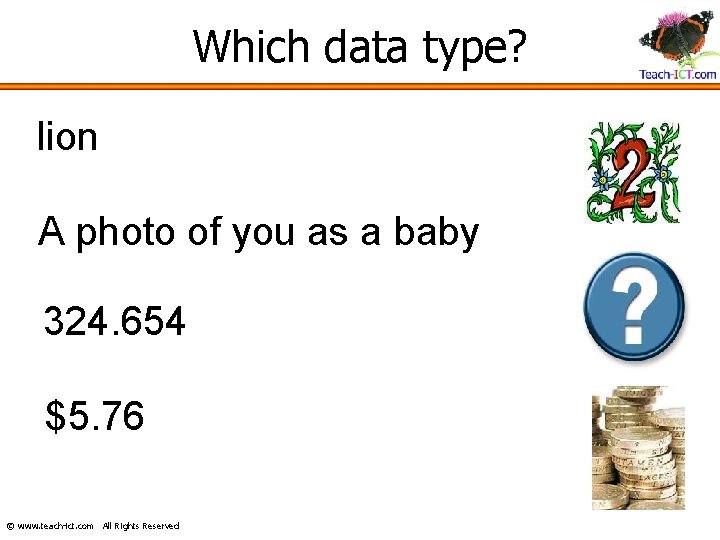
Which data type? lion A photo of you as a baby 324. 654 $5. 76 © www. teach-ict. com All Rights Reserved
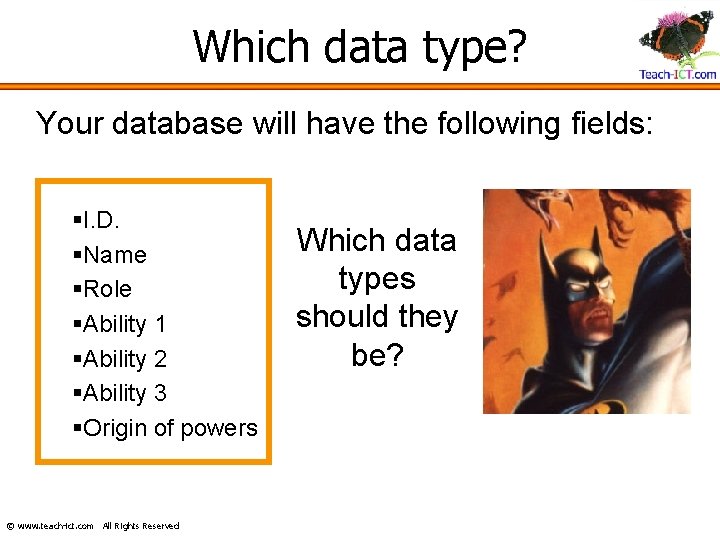
Which data type? Your database will have the following fields: §I. D. §Name §Role §Ability 1 §Ability 2 §Ability 3 §Origin of powers © www. teach-ict. com All Rights Reserved Which data types should they be?
Today’s learning objective What are we learning today? • The importance of accurate data entry, and checking/correcting data to remove errors after entry • understand that if data is not plausible – unlikely or doesn’t seem possible/sensible - that this affects results later
By the end of the lesson, • Everyone will be able to: – Create a simple form using the Access wizard and enter data • Most of you will be able to: – Edit the form to make it more user friendly – Explain why data collection needs to be accurate • Some of you might also be able to: – Explain some of the possible problems with data entry and how some organisations including school make use of databases
Homework • Complete homework sheet 2 • Due in:
Lesson 4 Hypotheses and filtering data
Today’s learning objective What are we learning today? • Understand what an hypothesis is • Using the filters to select data in your database
By the end of the lesson, • Everyone will be able to: – Run simple queries to find out basic details for each hypothesis – Make a simple statement about whether it is correct or not • Most of you will be able to: – Run accurate queries to collect the information you need – Make a sensible comment about whether they hypothesis is correct or not • Some of you might also be able to: – Give detailed explanations about why a hypothesis is correct or not
What is a hypothesis? • Have you ever tried to guess the result of something? Predict the result of a football match or X factor? • If so, you have made a hypothesis
What is a hypothesis? • A hypothesis is a guess or a prediction about what you think might happen or what you believe to be true • It is something which can be proved or disproved – by checking or observing or collecting data
Examples of hypotheses – how would you test them? • I believe there are more boys in the school than girls • I believe that most children in Y 7 use MSN to chat to their friends • I believe no teachers are vegetarian • Skiing is a popular sport for male teachers but female teachers prefer snowboarding • Female teachers have brown hair • Most teachers drive to school
Hypothesis © www. teach-ict. com All Rights Reserved
Hypothesis Have you ever made a guess about how something works? Have you ever tried to predict what the score in a football match will be? Or who you think will win X-Factor? If you have answered yes, then you have made a hypothesis. © www. teach-ict. com All Rights Reserved
Hypothesis A hypothesis is a guess or a prediction about what you think might happen or what you believe to be true. It is something which you can then be proved or disproved by observation or collecting data. © www. teach-ict. com All Rights Reserved
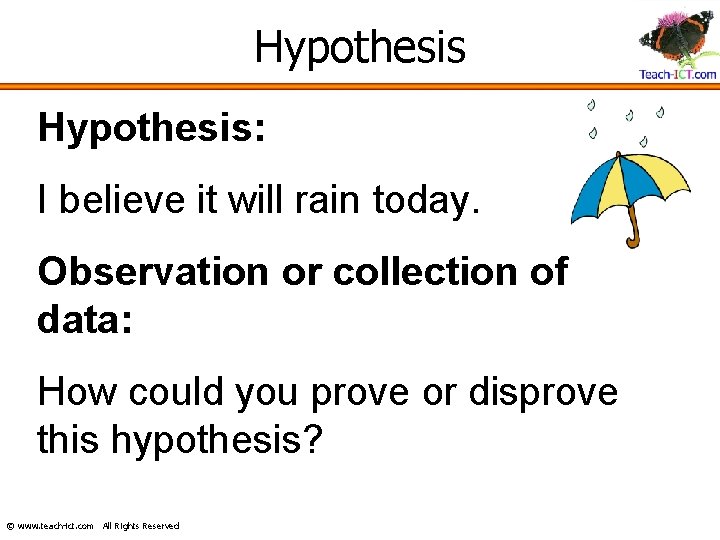
Hypothesis: I believe it will rain today. Observation or collection of data: How could you prove or disprove this hypothesis? © www. teach-ict. com All Rights Reserved
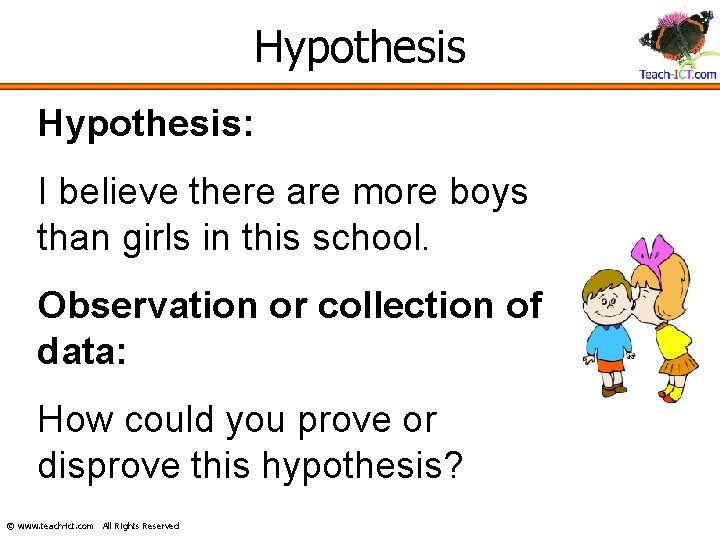
Hypothesis: I believe there are more boys than girls in this school. Observation or collection of data: How could you prove or disprove this hypothesis? © www. teach-ict. com All Rights Reserved
Hypothesis: I believe that at least 60% of students in this classroom use MSN to chat to their friends. Observation or collection of data: How could you prove or disprove this hypothesis? © www. teach-ict. com All Rights Reserved
Homework • Complete homework sheet 3: The Recap • Due in:
Lesson 5 Searching and Querying the database
Today’s learning objective What are we learning today? • Understand how to use search terms correctly to run queries using AND/OR operators or more than one search criteria
By the end of the lesson, • Everyone will be able to: – Run a simple query using one criteria to find out basic information • Most of you will be able to: – Use 2 search criteria to find the data you need, sorting the answers into order – Run accurate queries to collect the information you need • Some of you might also be able to: – Use more complex search criteria in your queries – Explain how the query criteria work
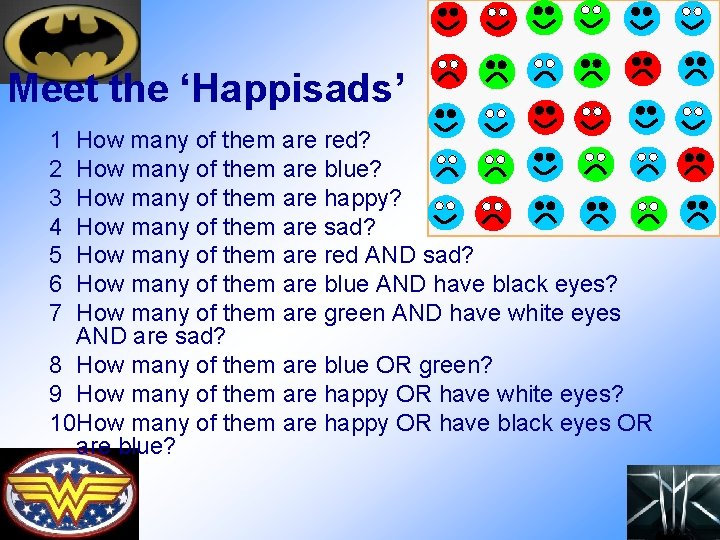
Meet the ‘Happisads’ 1 2 3 4 5 6 7 How many of them are red? How many of them are blue? How many of them are happy? How many of them are sad? How many of them are red AND sad? How many of them are blue AND have black eyes? How many of them are green AND have white eyes AND are sad? 8 How many of them are blue OR green? 9 How many of them are happy OR have white eyes? 10 How many of them are happy OR have black eyes OR are blue?
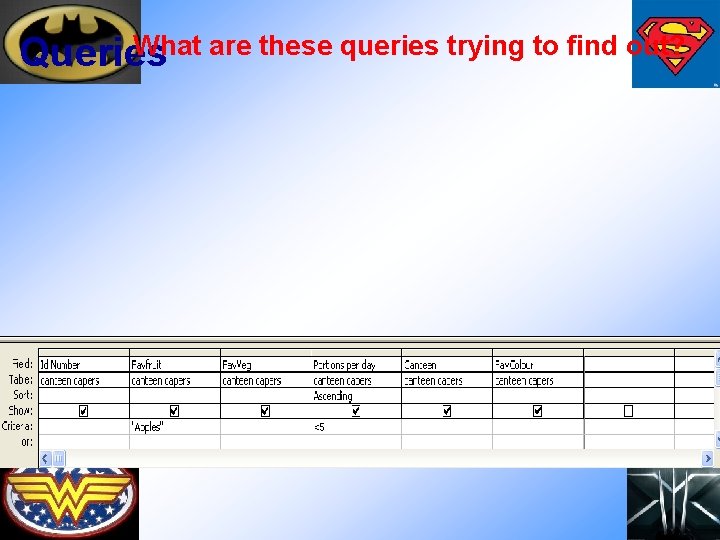
What are these queries trying to find out? Queries
Film Poster • Carry out the filters to choose your movie cast • In the software of your choice – Word, Publisher, Power. Point, Comic Life, produce a poster to advertise your film: – – the name of the film (make it up) when it is released certificate pictures of the cast (just Google search the names of the superheroes) – Any other details you normally get on a film poster
Lesson 6 Project evaluation
Today’s learning objective What are we learning today? • Review and evaluate our work on the superhero database
By the end of the lesson, • Everyone will be able to: – Say what you have learned about databases – Give some of the skills you have developed in using databases – Say what you have liked or disliked about this project • Most of you will be able to: – Describe what you have learned and the skills you have developed in databases – Say what you have enjoyed or not enjoyed and why – Say how you could work better on the next project • Some of you might also be able to: – Evaluate what you have learned during this project and make sensible suggestions on how you could improve your work
- Slides: 81