
Year 6 Multimedia Design Project Term 3 The
- Slides: 20
Year 6 Multimedia Design Project Term 3 • The lesson objectives are on the next slide • Today we will be looking at Good and bad Designs in Power-point • The set task for this lesson is at the end of this presentation
Lesson Objectives • All of you will Create a power-point using appropriate software with several slides and images • Some of you will Create a power-point with inserted slides, text, images and aimed at a specific audience • A few of you will Create a power-point with inserted slides, text, images and aimed at a specific audience, that may include slide animation, that is fit for purpose (to maintain audience interest)
Good and bad design features. • Key Objectives • Pupils are able to recognise good and bad design concepts. • • They can create a presentation showing good and bad design concepts.
Power. Point Design Principles What NOT to do! Start with this!
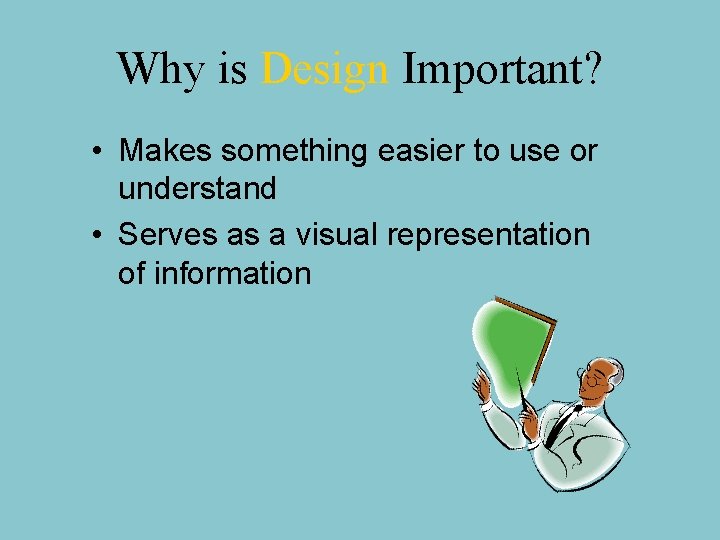
Why is Design Important? • Makes something easier to use or understand • Serves as a visual representation of information
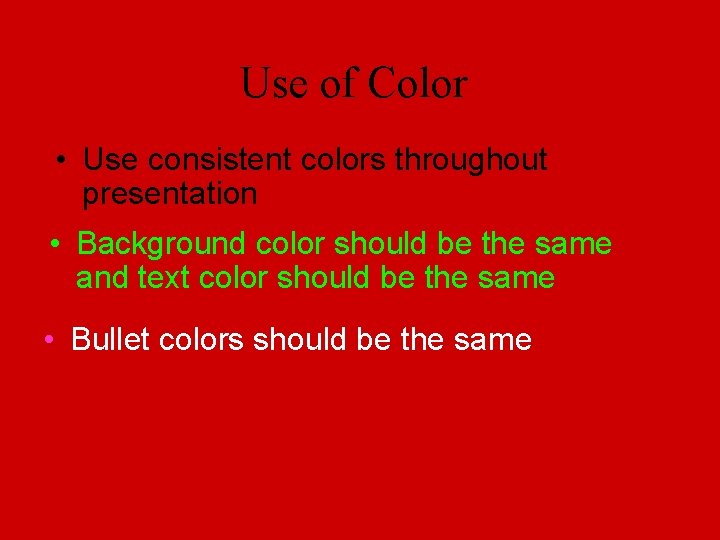
Use of Color • Use consistent colors throughout presentation • Background color should be the same and text color should be the same • Bullet colors should be the same
See how unprofessional this looks! • With a different background….
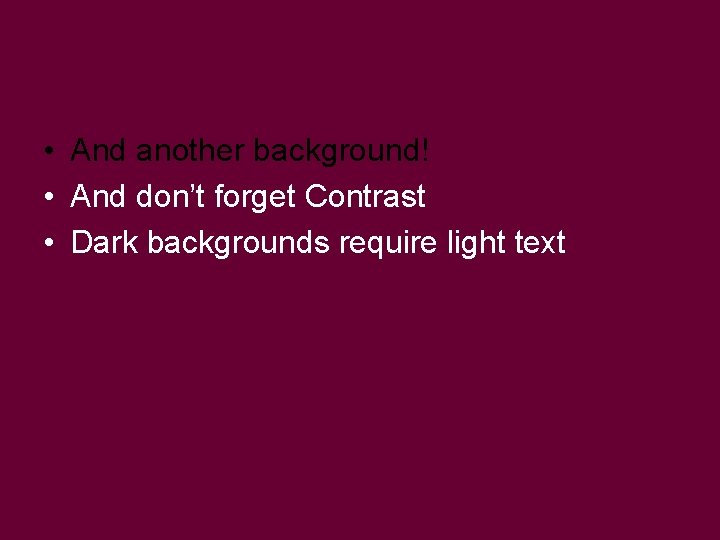
• And another background! • And don’t forget Contrast • Dark backgrounds require light text
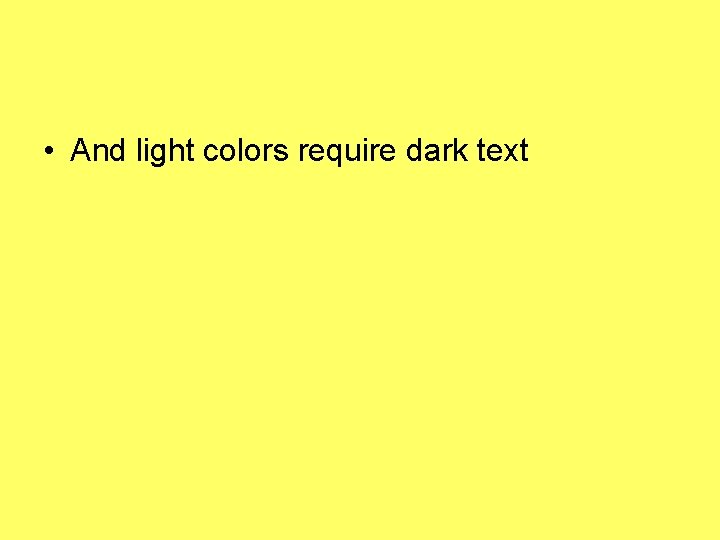
• And light colors require dark text
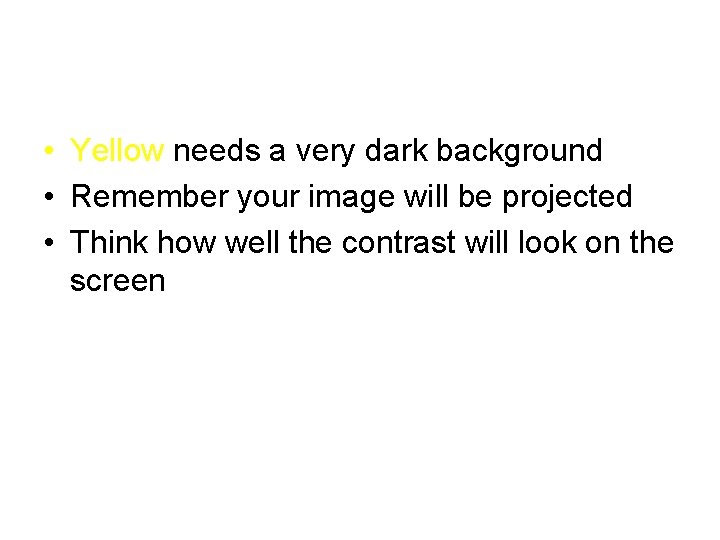
• Yellow needs a very dark background • Remember your image will be projected • Think how well the contrast will look on the screen
Choosing Colours • Think of audience • Think of purpose of presentation • Think of image you want to project
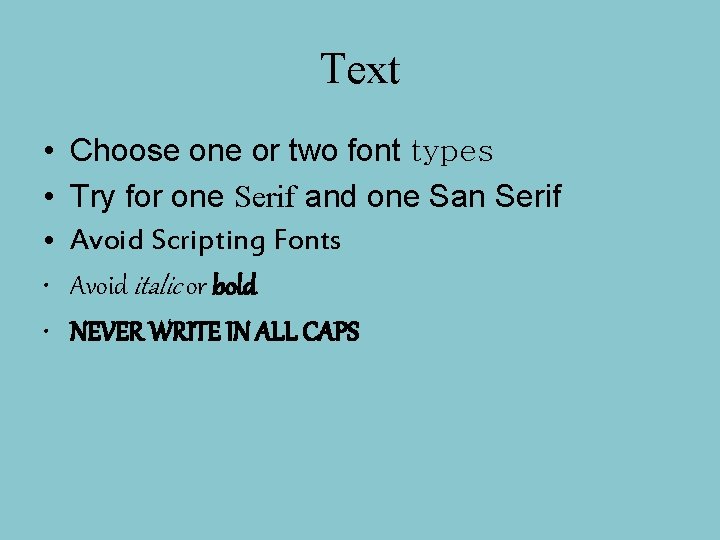
Text • • • Choose one or two font types Try for one Serif and one San Serif Avoid Scripting Fonts Avoid italic or bold NEVER WRITE IN ALL CAPS
Graphics • Too many graphics are distracting and tacky! • Have only one focal point • Less is more!
Builds and Transitions • Should add to your presentation • Not slow it down! • Use the same one for all slides (most of the time)
Remember… • This was an example of what NOT to do! • The End
Task 1 • Design your own presentation (tell me something about you…your hobbies, family ? pets? Favourite subject? ) showing good design features on one page, and bad design features on the next page.
Good and bad designs What to do and What not to do!
What not to do • Add silly pointless animations • Put in random pictures • Have light text colours and light background colours. • Have dark text colours and dark background colours. • Spell words incorrectly – check your work • Put pictures over the words • Make your slides overcrowded • Don’t use too many fonts
Task 2 • Create one well designed slide on a topic of your choice (please be sure your full name is on it in a corner somewhere) • Now recreate the slide for the following audiences • 1. Five year olds • 2. Teenagers • 3. Adults • How will each slide appeal to the audience? Please insert a text box on the slide to answer what you did and why for each audience…
Save/submit your ppts in the classroom • https: //alicekeeler. com/2015/03/03/googleclassroom-10 -things-that-students-want-to -know/