
Year 3 4 Screen Time Teacher Resource Activity
- Slides: 22
Year 3 -4 Screen Time Teacher Resource
Activity 1 What is Screen Time?
Activity 1 Learning Goal – To understand what screen time is? 1. Explain to the class that we are going to explore the concept of screen time. • To extract prior knowledge, as a class discuss – What is screen time? • Record answers on IWB. 2. Explain to the class that screen time is any time they spend • Watching TV • Using a computer or laptop • Texting using a mobile phone • Using a tablet • Playing hand held games • Using gaming consoles 3. Individually draw the screen time activities you engage in on a daily basis. Estimate how much time you would spend on each of those activities each day? Total up your screen time.
Activity 2 Unplugged
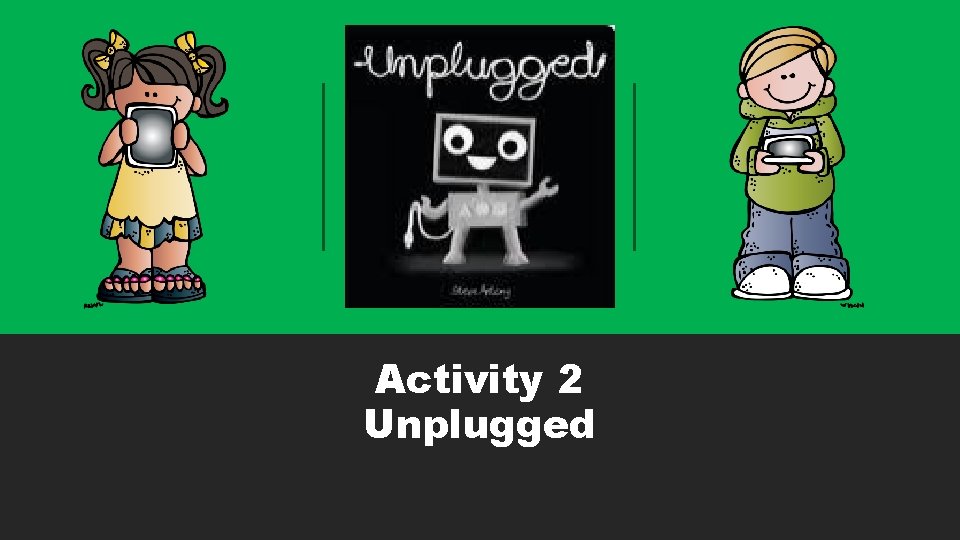
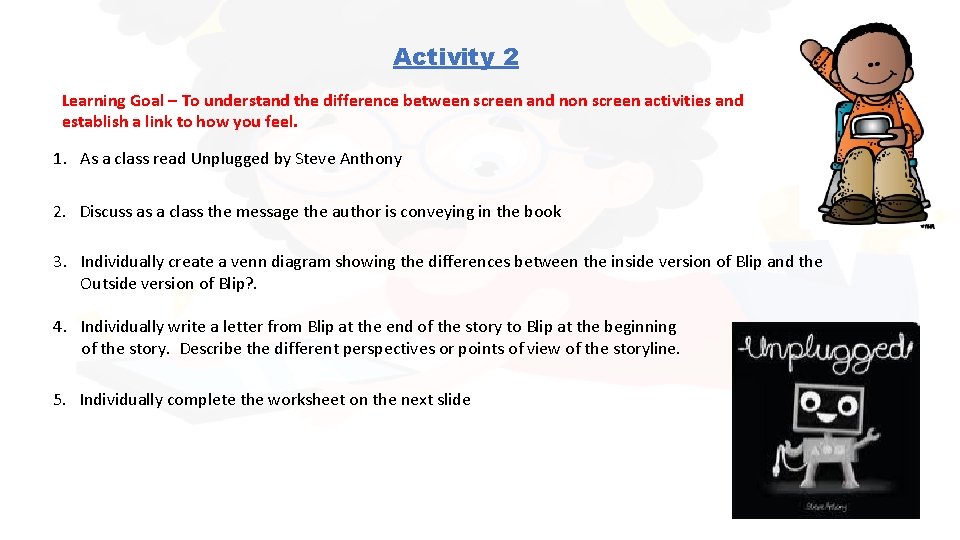
Activity 2 Learning Goal – To understand the difference between screen and non screen activities and establish a link to how you feel. 1. As a class read Unplugged by Steve Anthony 2. Discuss as a class the message the author is conveying in the book 3. Individually create a venn diagram showing the differences between the inside version of Blip and the Outside version of Blip? . 4. Individually write a letter from Blip at the end of the story to Blip at the beginning of the story. Describe the different perspectives or points of view of the storyline. 5. Individually complete the worksheet on the next slide
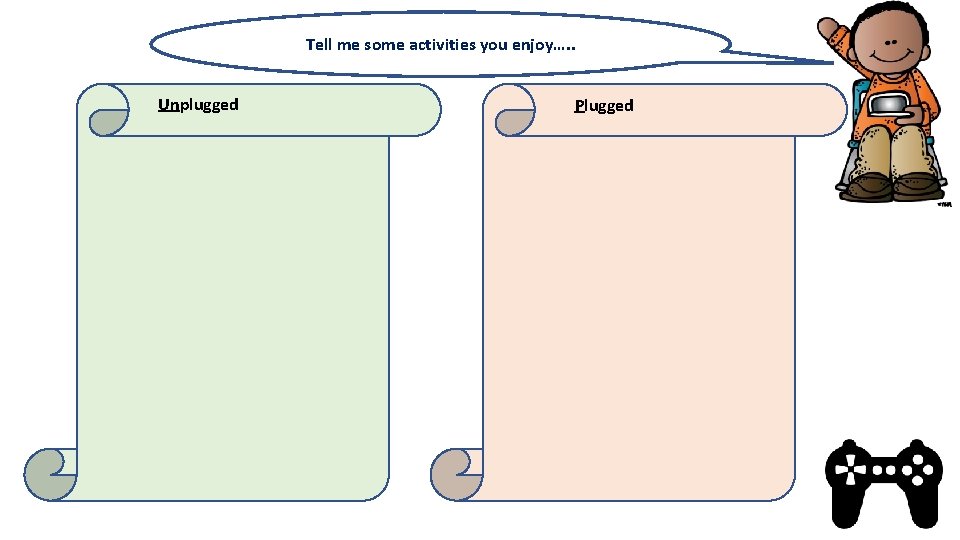
Tell me some activities you enjoy…. . Unplugged Plugged
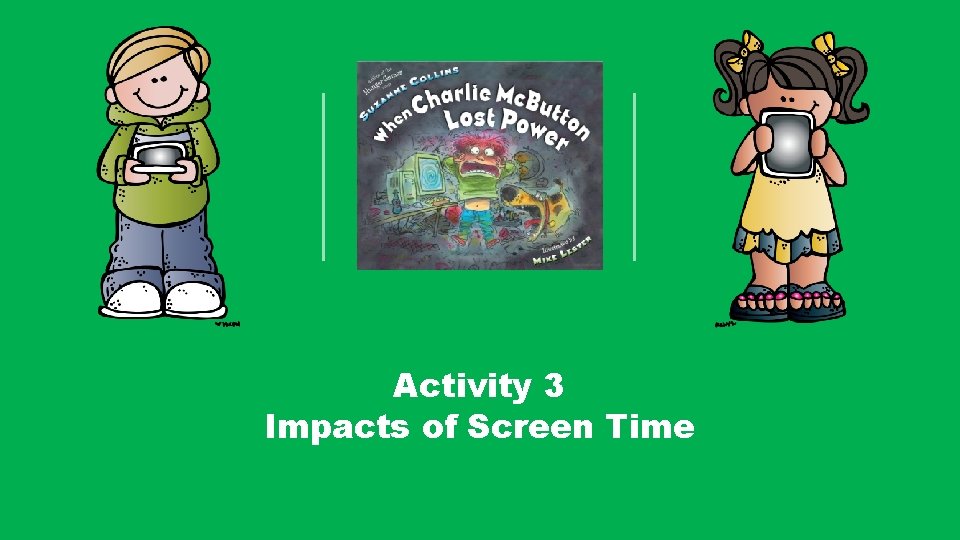
Activity 3 Impacts of Screen Time
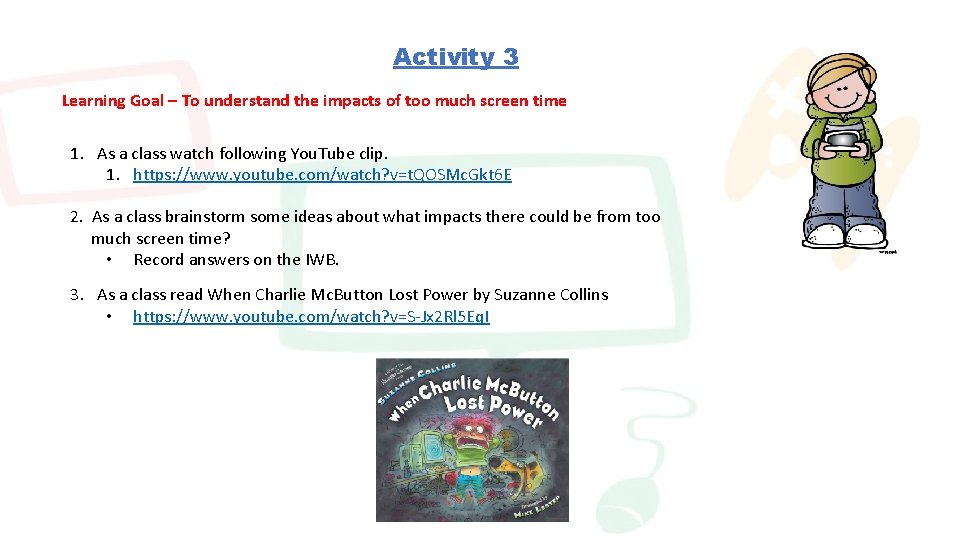
Activity 3 Learning Goal – To understand the impacts of too much screen time 1. As a class watch following You. Tube clip. 1. https: //www. youtube. com/watch? v=t. QOSMc. Gkt 6 E 2. As a class brainstorm some ideas about what impacts there could be from too much screen time? • Record answers on the IWB. 3. As a class read When Charlie Mc. Button Lost Power by Suzanne Collins • https: //www. youtube. com/watch? v=S-Jx 2 Rl 5 Eq. I
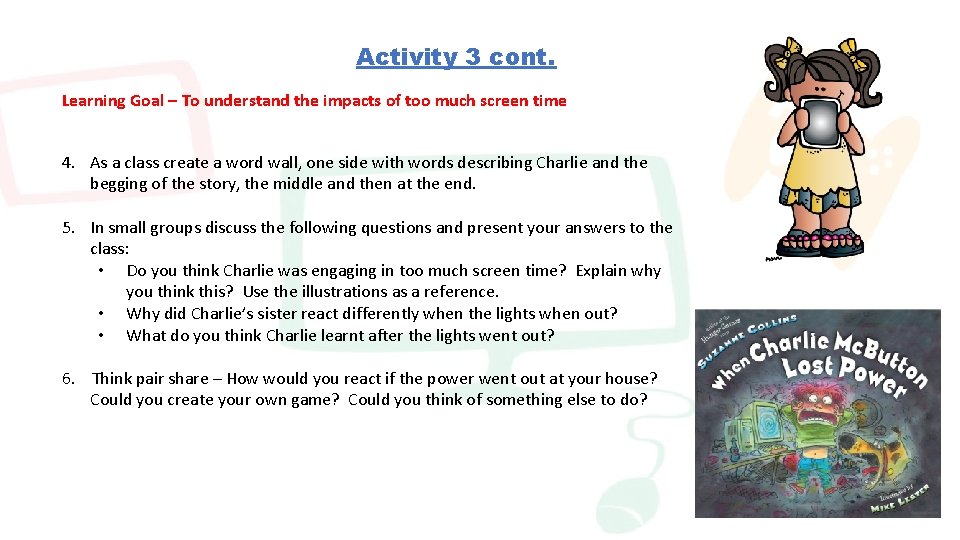
Activity 3 cont. Learning Goal – To understand the impacts of too much screen time 4. As a class create a word wall, one side with words describing Charlie and the begging of the story, the middle and then at the end. 5. In small groups discuss the following questions and present your answers to the class: • Do you think Charlie was engaging in too much screen time? Explain why you think this? Use the illustrations as a reference. • Why did Charlie’s sister react differently when the lights when out? • What do you think Charlie learnt after the lights went out? 6. Think pair share – How would you react if the power went out at your house? Could you create your own game? Could you think of something else to do?
Activity 4 Explore ways to have fun without a screen
Activity 4 Learning Goal – Understand screen time alternatives 1. In groups of 5, brainstorm as many activities as possible. At the end of five minutes the team with the most wins 2. As a class collate the ideas on the board 3. Ask each student to create a picture of their favourite activity and decorate the classroom wall with them. 4. Move outside and form groups of 4 students. With the equipment provided by the teacher, come up with your own game, test it out and share with the class. • Equipment ideas – different sized balls, rope, cones, small bean bags, hoola hoops, chalk, frisbees, ribbons, or no equipment at all.
Activity 5 Screen time, how Much do you do?
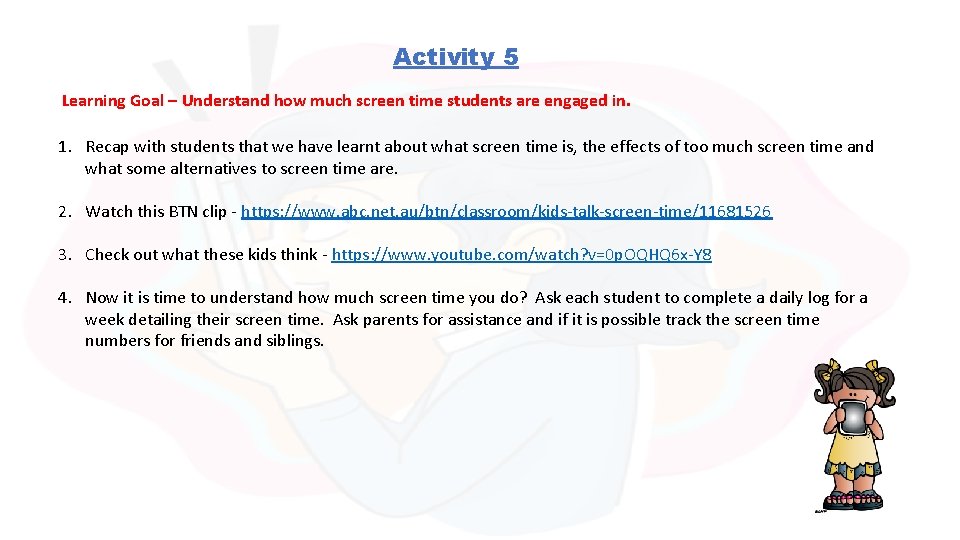
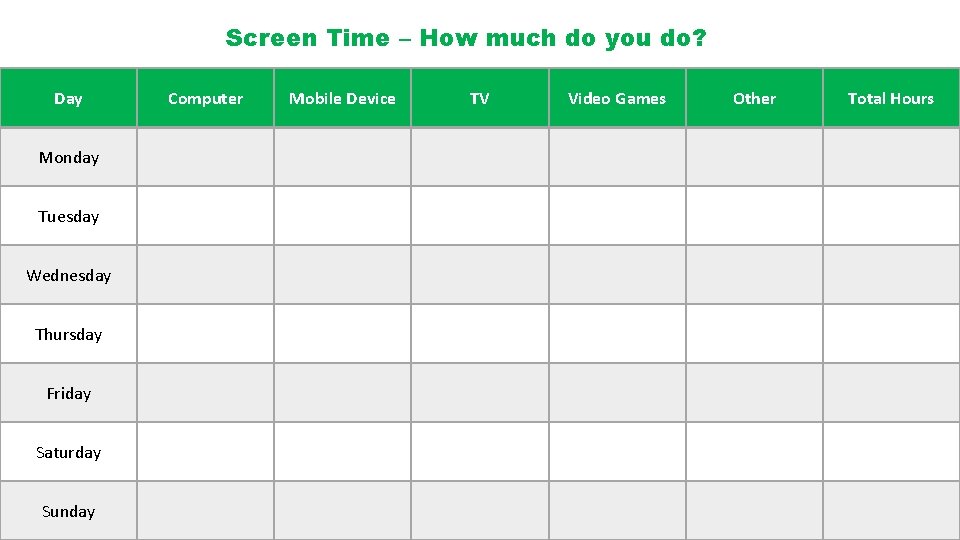
Activity 5 Learning Goal – Understand how much screen time students are engaged in. 1. Recap with students that we have learnt about what screen time is, the effects of too much screen time and what some alternatives to screen time are. 2. Watch this BTN clip - https: //www. abc. net. au/btn/classroom/kids-talk-screen-time/11681526 3. Check out what these kids think - https: //www. youtube. com/watch? v=0 p. OQHQ 6 x-Y 8 4. Now it is time to understand how much screen time you do? Ask each student to complete a daily log for a week detailing their screen time. Ask parents for assistance and if it is possible track the screen time numbers for friends and siblings.
Screen Time – How much do you do? Day Monday Tuesday Wednesday Thursday Friday Saturday Sunday Computer Mobile Device TV Video Games Other Total Hours
Activity 6 Unpack the Results
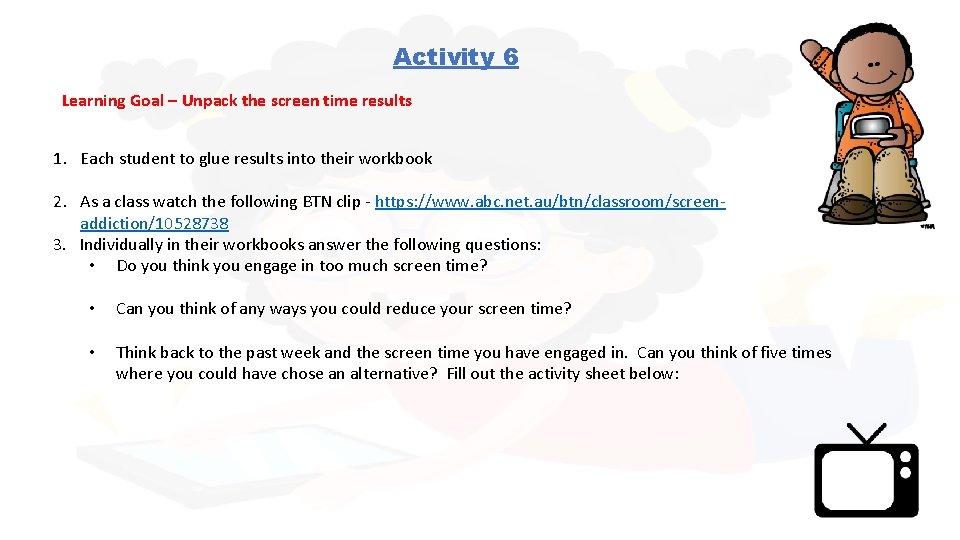
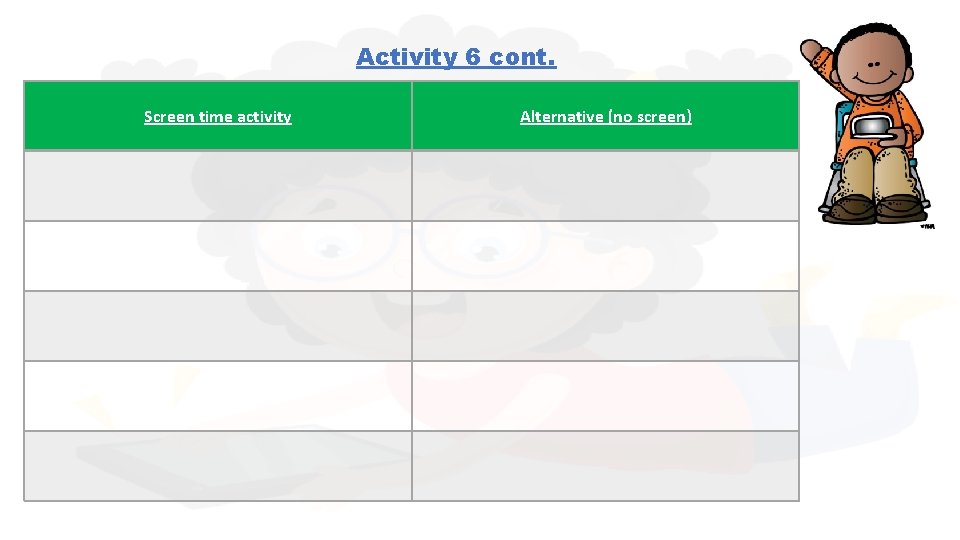
Activity 6 Learning Goal – Unpack the screen time results 1. Each student to glue results into their workbook 2. As a class watch the following BTN clip - https: //www. abc. net. au/btn/classroom/screenaddiction/10528738 3. Individually in their workbooks answer the following questions: • Do you think you engage in too much screen time? • Can you think of any ways you could reduce your screen time? • Think back to the past week and the screen time you have engaged in. Can you think of five times where you could have chose an alternative? Fill out the activity sheet below:
Activity 6 cont. Screen time activity Alternative (no screen)
Activity 7 Screen Time Challenge
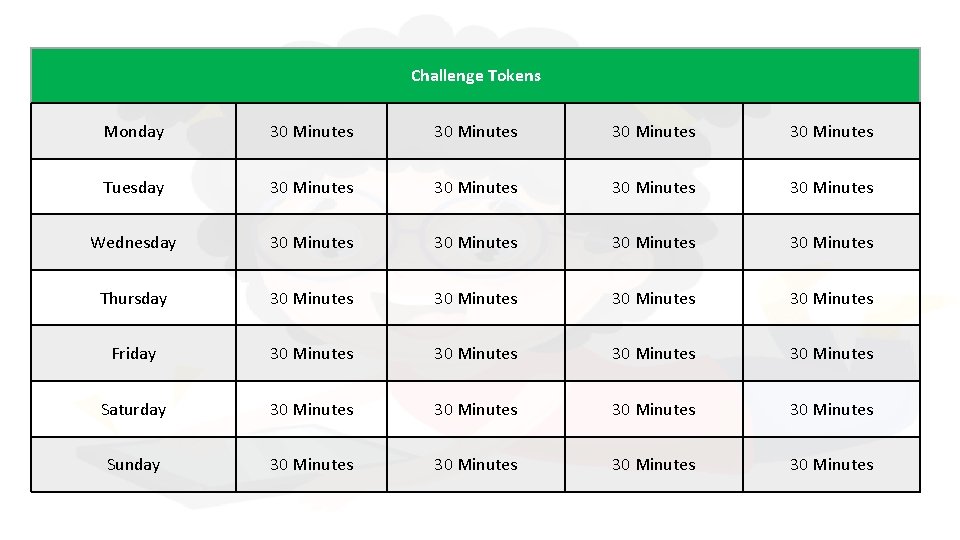
Activity 7 Learning Goal – Reduce screen time 1. Can you reduce your screen time? This week we are going to complete a challenge to do just that! 2. Cut out the coupons on the following sheet. Each 30 block of screen time you have to use a token. 3. Use your coupons wisely and report back next week if you were successful. 4. Ask you brothers, sisters, parents, carers of anyone else if they are up for the challenge! 5. GOOD LUCK!
Challenge Tokens Monday 30 Minutes Tuesday 30 Minutes Wednesday 30 Minutes Thursday 30 Minutes Friday 30 Minutes Saturday 30 Minutes Sunday 30 Minutes
Curriculum Links
Curriculum Links – Year 3 & 4 Ø Personal, Social and Community Health Ø Being healthy, safe and active • ACPPS 036 - Identify and practise strategies to promote health, safety and wellbeing Ø Contributing to healthy and active communities • ACPPS 040 - Describe strategies to make the classroom and playground healthy, safe and active spaces • ACPPS 041 - Participate in outdoor games and activities to examine how participation promotes a connection between the community, natural and built environments, and health and wellbeing Ø Movement and Physical Activity Ø Moving our body • ACPMP 045 - Practise and apply movement concepts and strategies with and without equipment Ø Understanding Movement • ACPMP 046 - Examine the benefits of physical activity to health and wellbeing