
XSLT How Do We Use It Nancy Hallberg
XSLT: How Do We Use It? Nancy Hallberg Nikki Massaro Kauffman
XSLT: Agenda • Introduction & Terminology • XSLT Walkthrough • Client-Side XSLT/XHTML • Server-Side XSLT/XHTML • More Creative Server-Side XSLT…
XSLT: Terminology • CSS • HTML v. XHTML • XPath • XSLT
XSLT: Alphabet Soup • CSS & HTML • XML - Extensible Markup Language • XSL - Extensible Stylesheet Language • XHTML
XSLT: XPath • XPath is a language for finding information in an XML document. • XPath is used to navigate through elements and attributes in an XML document. • Location paths can be Relative or Absolute.
XSLT: XPath • Parents • Children • Ancestors • Descendents • Siblings • Attributes
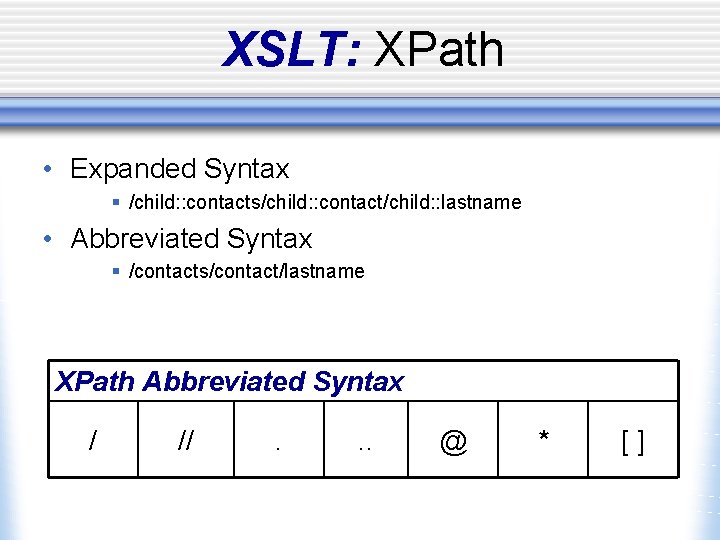
XSLT: XPath • Expanded Syntax § /child: : contacts/child: : contact/child: : lastname • Abbreviated Syntax § /contacts/contact/lastname XPath Abbreviated Syntax / // . . . @ * []
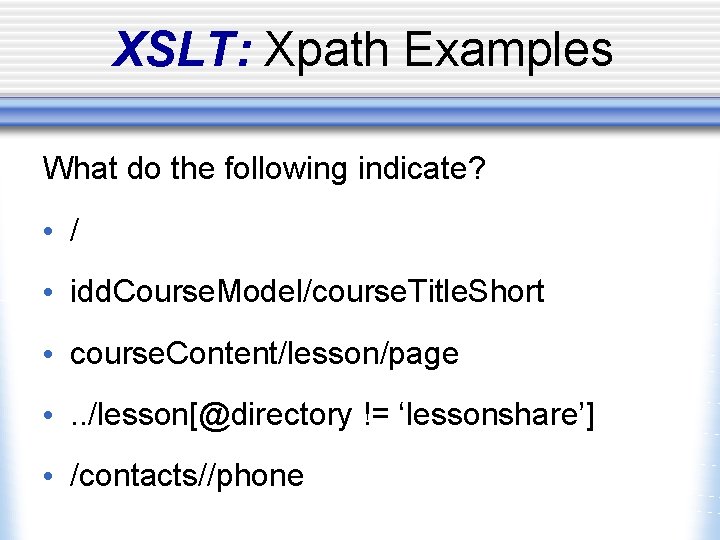
XSLT: Xpath Examples What do the following indicate? • / • idd. Course. Model/course. Title. Short • course. Content/lesson/page • . . /lesson[@directory != ‘lessonshare’] • /contacts//phone
XSLT: What is XSLT? • Extensible Stylesheet Language Transformation • Transforms XML documents into other documents w Another XML doc w HTML doc w PDF file w And more….
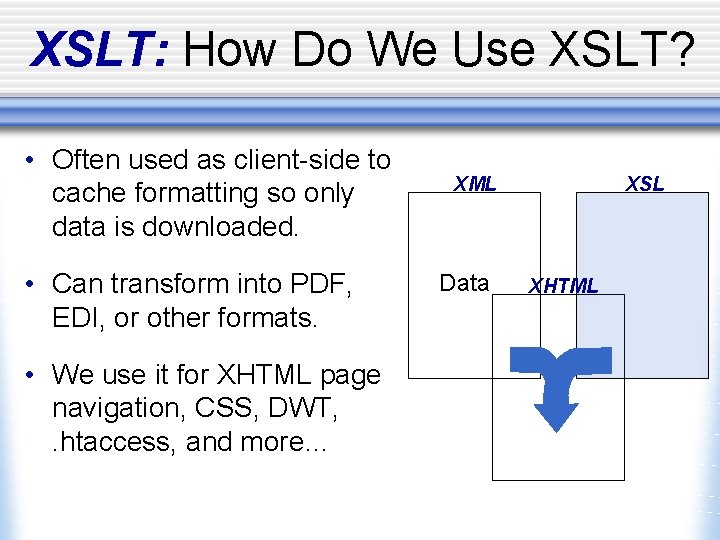
XSLT: How Do We Use XSLT? • Often used as client-side to cache formatting so only data is downloaded. • Can transform into PDF, EDI, or other formats. • We use it for XHTML page navigation, CSS, DWT, . htaccess, and more… XML Data XSL XHTML
XSLT: Template Elements • apply-templates • call-template • choose / when / otherwise • comment • for-each • if • import • include • • key output param sort stylesheet template value-of variable
XSLT: <xsl: stylesheet> • Defines the root element of a stylesheet. <xsl: stylesheet> or <xsl: transform>
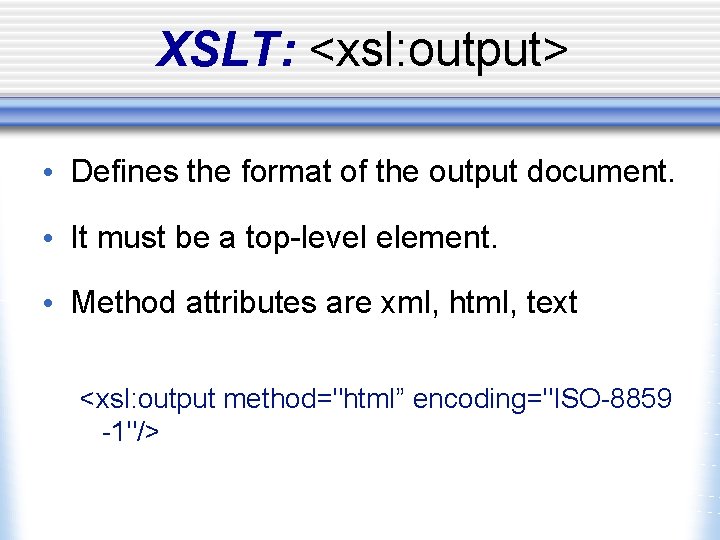
XSLT: <xsl: output> • Defines the format of the output document. • It must be a top-level element. • Method attributes are xml, html, text <xsl: output method="html” encoding="ISO-8859 -1"/>
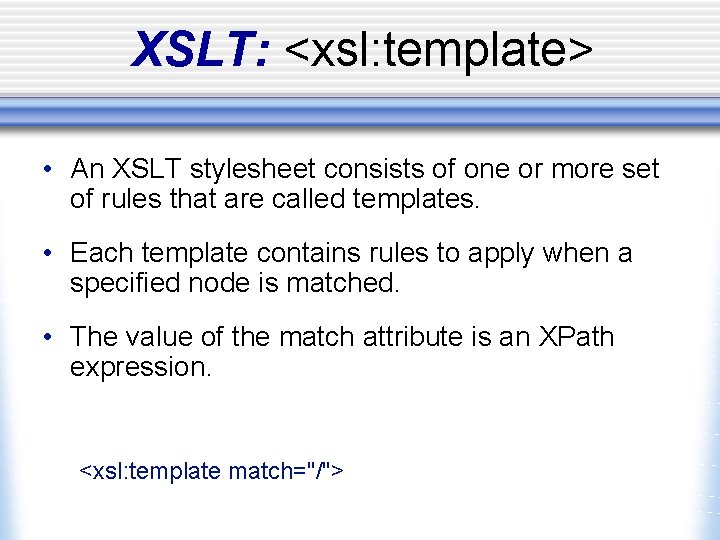
XSLT: <xsl: template> • An XSLT stylesheet consists of one or more set of rules that are called templates. • Each template contains rules to apply when a specified node is matched. • The value of the match attribute is an XPath expression. <xsl: template match="/">
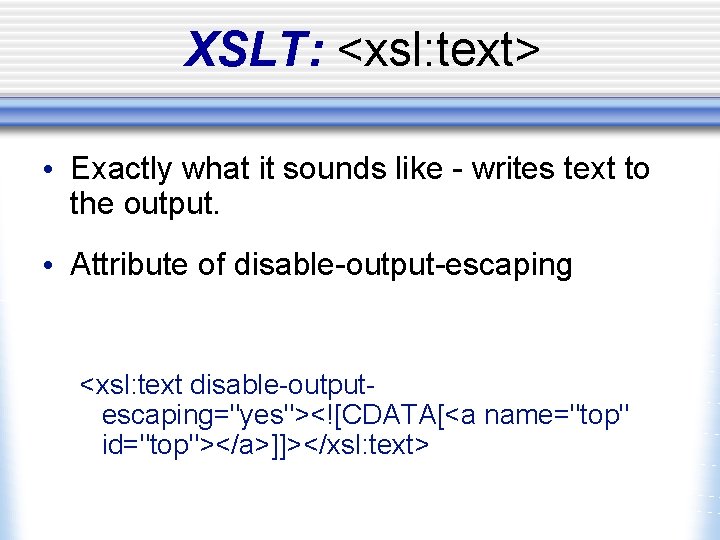
XSLT: <xsl: text> • Exactly what it sounds like - writes text to the output. • Attribute of disable-output-escaping <xsl: text disable-outputescaping="yes"><![CDATA[<a name="top" id="top"></a>]]></xsl: text>
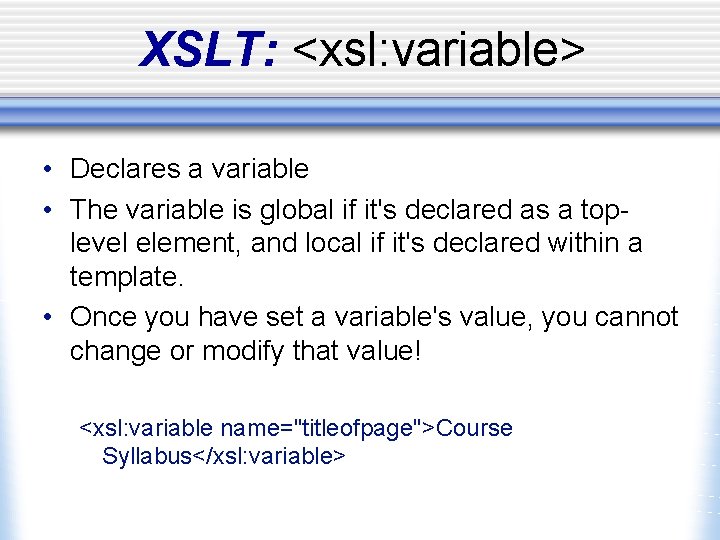
XSLT: <xsl: variable> • Declares a variable • The variable is global if it's declared as a toplevel element, and local if it's declared within a template. • Once you have set a variable's value, you cannot change or modify that value! <xsl: variable name="titleofpage">Course Syllabus</xsl: variable>
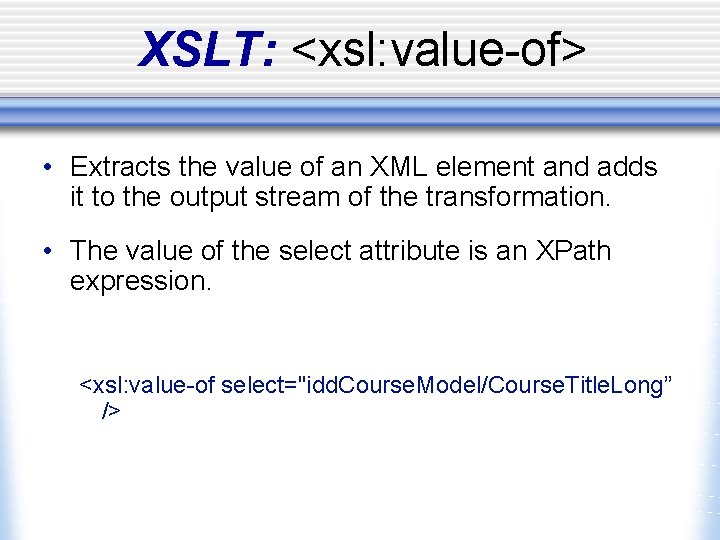
XSLT: <xsl: value-of> • Extracts the value of an XML element and adds it to the output stream of the transformation. • The value of the select attribute is an XPath expression. <xsl: value-of select="idd. Course. Model/Course. Title. Long” />
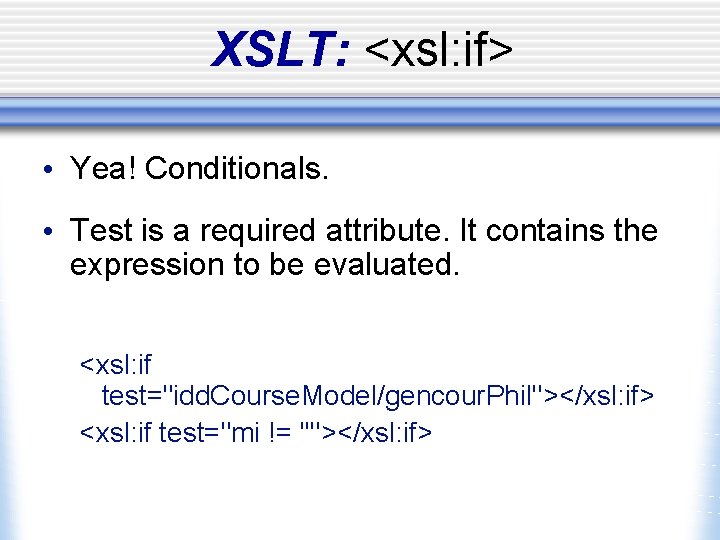
XSLT: <xsl: if> • Yea! Conditionals. • Test is a required attribute. It contains the expression to be evaluated. <xsl: if test="idd. Course. Model/gencour. Phil"></xsl: if> <xsl: if test="mi != ''"></xsl: if>
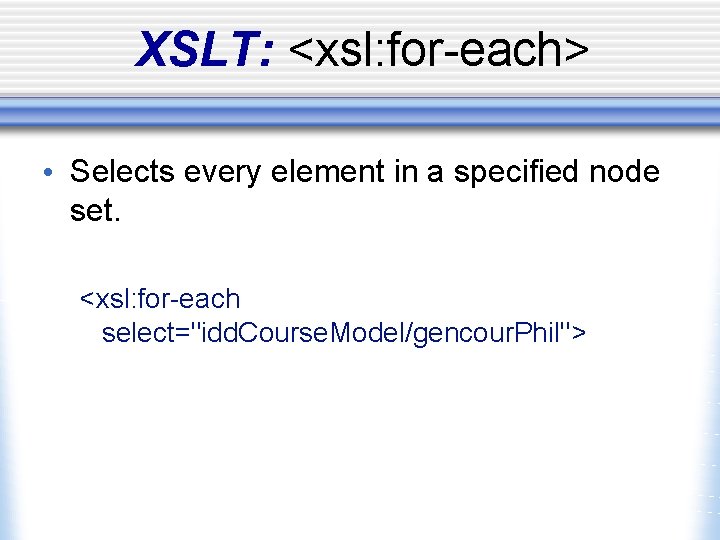
XSLT: <xsl: for-each> • Selects every element in a specified node set. <xsl: for-each select="idd. Course. Model/gencour. Phil">

XSLT: <xsl: sort> • Sorts the output • The select attribute indicates what XML element to sort on. <xsl: sort select="@order. Number" datatype="number" order ="ascending"/>
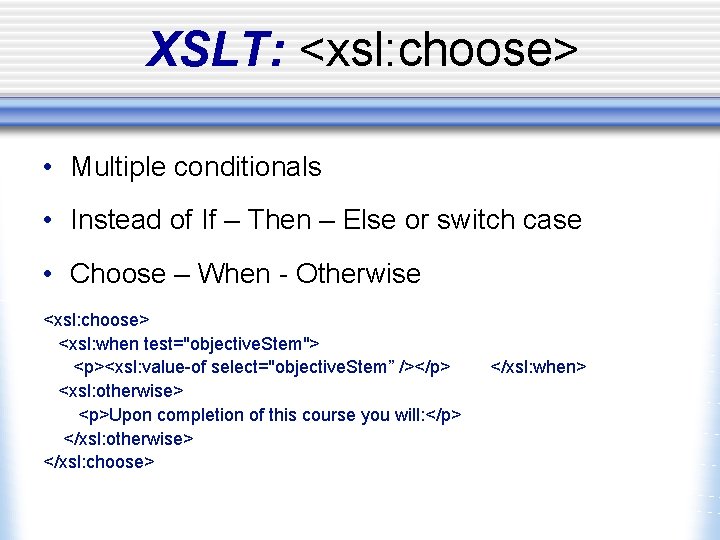
XSLT: <xsl: choose> • Multiple conditionals • Instead of If – Then – Else or switch case • Choose – When - Otherwise <xsl: choose> <xsl: when test="objective. Stem"> <p><xsl: value-of select="objective. Stem” /></p> <xsl: otherwise> <p>Upon completion of this course you will: </p> </xsl: otherwise> </xsl: choose> </xsl: when>

XSLT: <xsl: apply-templates> • The <xsl: apply-templates> element applies a template to the current element or to the current element's child nodes. • Adding a select attribute to the <xsl: applytemplates> element makes it process only the child element that matches the value of the attribute. • Using the select attribute can also specify the order in which the child nodes are processed.
XSLT: <xsl: call-template> • Templates can be called by name. • Calls can be recursive. • Be careful of the difference between applytemplates & call-template.
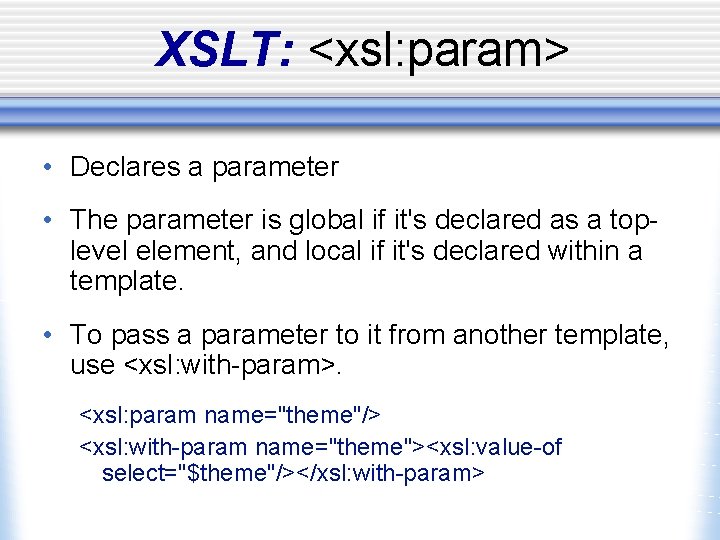
XSLT: <xsl: param> • Declares a parameter • The parameter is global if it's declared as a toplevel element, and local if it's declared within a template. • To pass a parameter to it from another template, use <xsl: with-param>. <xsl: param name="theme"/> <xsl: with-param name="theme"><xsl: value-of select="$theme"/></xsl: with-param>
XSLT: <xsl: import> • Imports the contents of one style sheet into another. • An imported style sheet has lower precedence than the importing style sheet. • This element must appear as the first child node of <xsl: stylesheet> or <xsl: transform>.
XSLT: <xsl: include> • The <xsl: include> element is a top-level element that includes the contents of one style sheet into another. • An included stylesheet has the same precedence as the including style sheet. • This element must appear as a child node of <xsl: stylesheet> or <xsl: transform>.
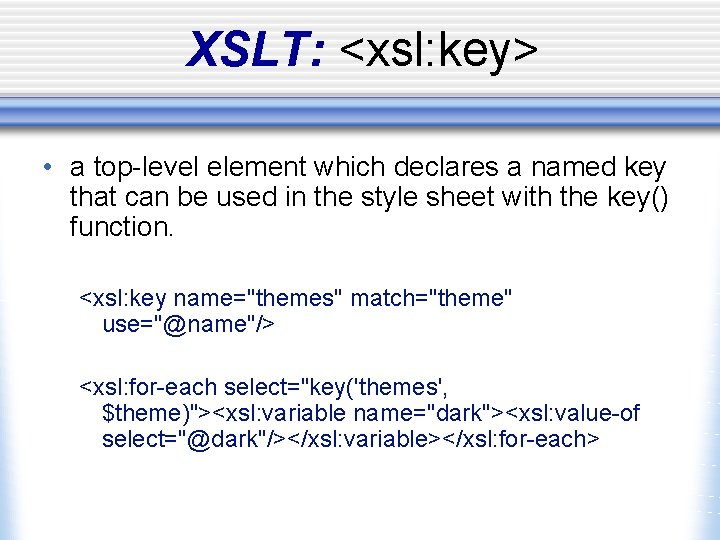
XSLT: <xsl: key> • a top-level element which declares a named key that can be used in the style sheet with the key() function. <xsl: key name="themes" match="theme" use="@name"/> <xsl: for-each select="key('themes', $theme)"><xsl: variable name="dark"><xsl: value-of select="@dark"/></xsl: variable></xsl: for-each>
XSLT: Help Feel free to contact us with questions: Nancy Hallberg, ndw 1@psu. edu Nikki Massaro Kauffman, lnm 105@psu. edu Additional resources are available at http: //www. personal. psu. edu/lnm 105
- Slides: 28