
XPath Carissa Mills Jill Kerschbaum What is XPath
XPath Carissa Mills Jill Kerschbaum
What is XPath? n n n A language designed to be used by both XSL Transformations (XSLT) and XPointer. Provides common syntax and semantics for functionality shared between XSLT and XPointer. Primary purpose: Address ‘parts’ of an XML document, and provide basic facilities for manipulation of strings, numbers and booleans. W 3 C Recommendation. November 16, 1999 Latest version: http: //www. w 3. org/TR/xpath
XPath Introduction n Data Model n Expressions n Location Paths n Core Function Library n Conclusion n
Introduction XPath uses a compact, string-based, rather than XML element-based syntax. n Operates on the abstract, logical structure of an XML document (tree of nodes) rather than its surface syntax. n Uses a path notation (like URLs) to navigate through this hierarchical tree structure. n Introduction
Introduction Cont. Defines a way to compute a string-value for each type of node: element, attribute, text. n Supports Namespaces. n Name of a node (a pair consisting of a local part and namespace URI). n Expression (Expr) is the primary syntactic construct. n Introduction

Data Model n n Treats an XML document as a logical tree This tree consists of 7 nodes: u Root Node – the root of the document u Element Nodes – one for each element in the document è Unique ID’s u Attribute Nodes u Namespace Nodes u Processing Instruction Nodes u Comment Nodes u Text Nodes n The tree structure is ordered and reads from top to bottom and left to right Data Model
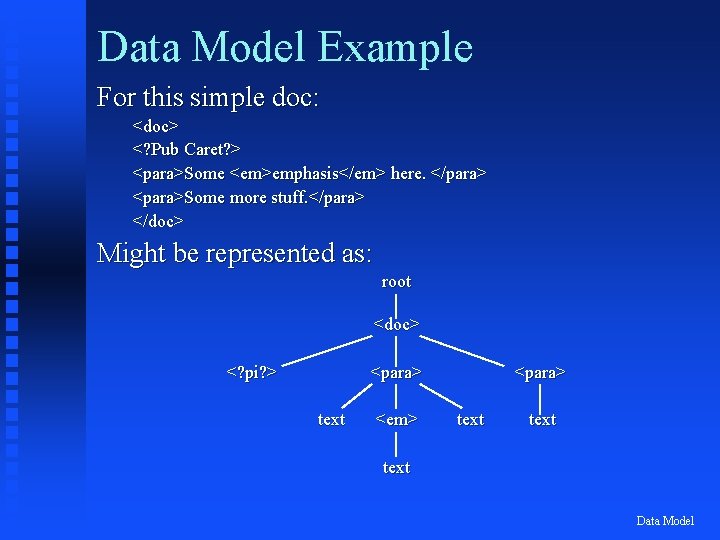
Data Model Example For this simple doc: <doc> <? Pub Caret? > <para>Some <em>emphasis</em> here. </para> <para>Some more stuff. </para> </doc> Might be represented as: root <doc> <? pi? > <para> text <em> <para> text Data Model
Expression n n Evaluated to yield an object of 4 basic types. u node-set (unordered collection of nodes w/o duplicates). u boolean (true/false) u number (float) u string (sequence of UCS chars) Evaluation occurs with respect to a context. (XSLT/XPointer specified context) Parsed by dividing the character string into tokens and then parsing the resulting sequence of tokens. Location paths select a set of nodes relative to the context node. Expression
Location Paths n Location. Path (most important construct) describes a path from 1 point to another. u n n n Analogy: Set of street directions. “Second store on the left after the third light” Location. Path provides the mechanism for ‘addressing’ items in an XML doc Two types of paths: Relative & Absolute Composed of a series of steps (1 or more) and optional predicates Location. Path
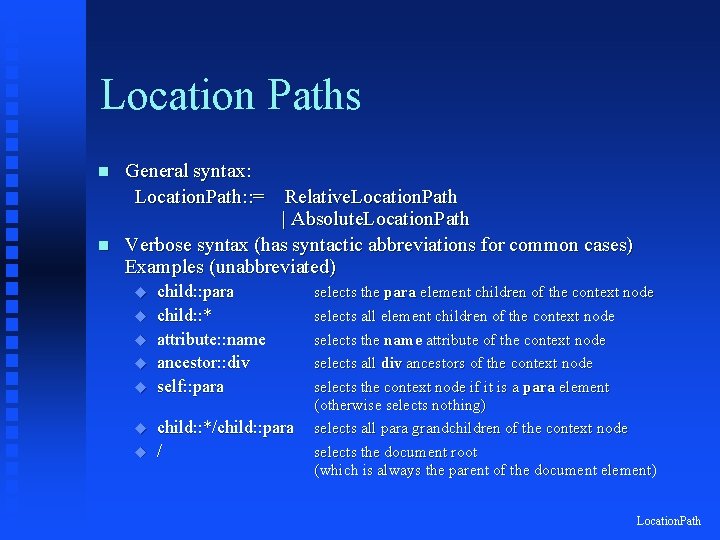
Location Paths n n General syntax: Location. Path: : = Relative. Location. Path | Absolute. Location. Path Verbose syntax (has syntactic abbreviations for common cases) Examples (unabbreviated) u u u u child: : para child: : * attribute: : name ancestor: : div self: : para child: : */child: : para / selects the para element children of the context node selects all element children of the context node selects the name attribute of the context node selects all div ancestors of the context node selects the context node if it is a para element (otherwise selects nothing) selects all para grandchildren of the context node selects the document root (which is always the parent of the document element) Location. Path
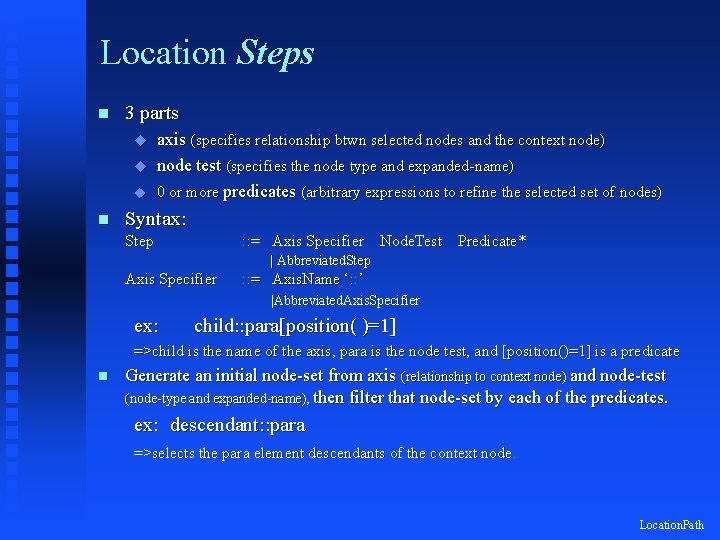
Location Steps n 3 parts u u u n axis (specifies relationship btwn selected nodes and the context node) node test (specifies the node type and expanded-name) 0 or more predicates (arbitrary expressions to refine the selected set of nodes) Syntax: Step : : = Axis Specifier Node. Test Predicate* | Abbreviated. Step Axis Specifier : : = Axis. Name ‘: : ’ |Abbreviated. Axis. Specifier ex: child: : para[position( )=1] =>child is the name of the axis, para is the node test, and [position()=1] is a predicate n Generate an initial node-set from axis (relationship to context node) and node-test (node-type and expanded-name), then filter that node-set by each of the predicates. ex: descendant: : para =>selects the para element descendants of the context node. Location. Path
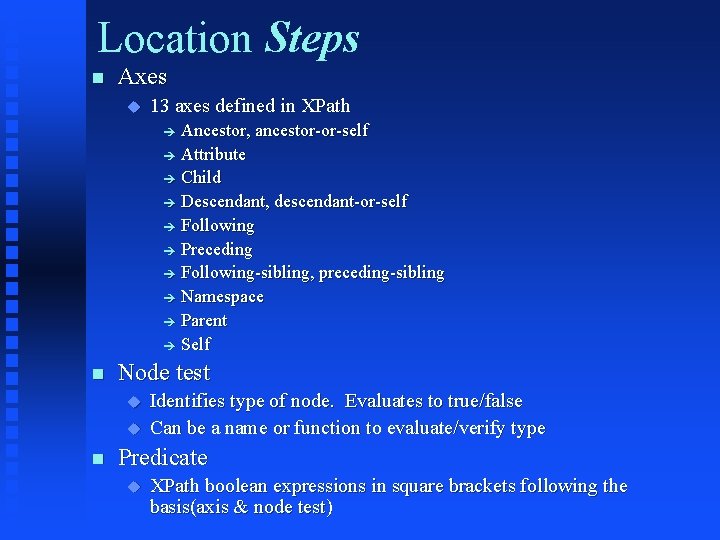
Location Steps n Axes u 13 axes defined in XPath Ancestor, ancestor-or-self è Attribute è Child è Descendant, descendant-or-self è Following è Preceding è Following-sibling, preceding-sibling è Namespace è Parent è Self è n Node test u u n Identifies type of node. Evaluates to true/false Can be a name or function to evaluate/verify type Predicate u XPath boolean expressions in square brackets following the basis(axis & node test)
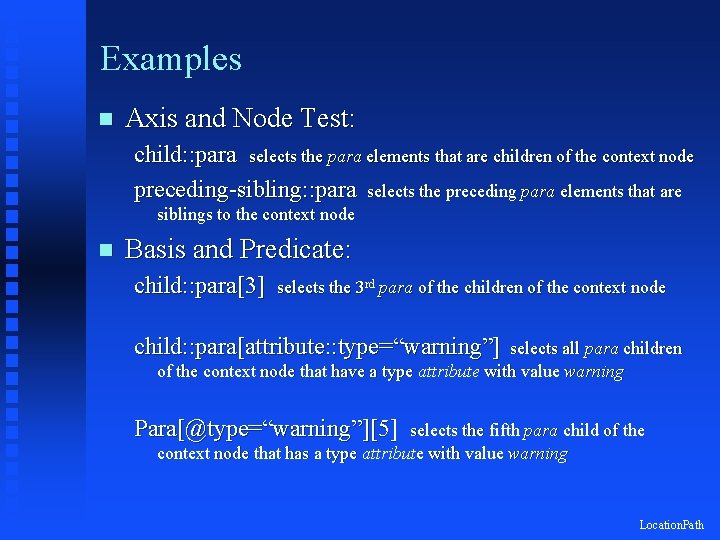
Examples n Axis and Node Test: child: : para selects the para elements that are children of the context node preceding-sibling: : para selects the preceding para elements that are siblings to the context node n Basis and Predicate: child: : para[3] selects the 3 rd para of the children of the context node child: : para[attribute: : type=“warning”] selects all para children of the context node that have a type attribute with value warning Para[@type=“warning”][5] selects the fifth para child of the context node that has a type attribute with value warning Location. Path
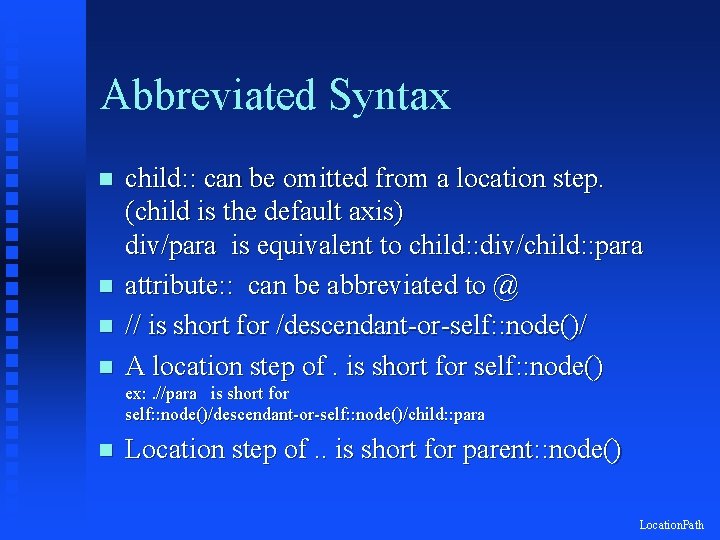
Abbreviated Syntax n n child: : can be omitted from a location step. (child is the default axis) div/para is equivalent to child: : div/child: : para attribute: : can be abbreviated to @ // is short for /descendant-or-self: : node()/ A location step of. is short for self: : node() ex: . //para is short for self: : node()/descendant-or-self: : node()/child: : para n Location step of. . is short for parent: : node() Location. Path
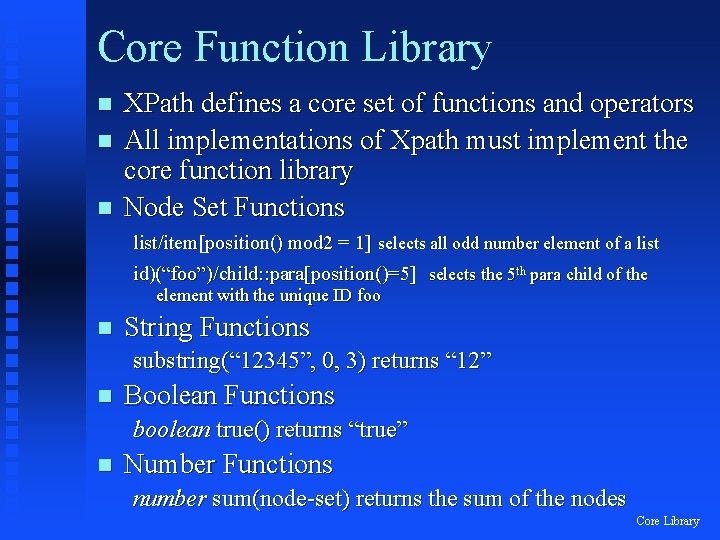
Core Function Library n n n XPath defines a core set of functions and operators All implementations of Xpath must implement the core function library Node Set Functions list/item[position() mod 2 = 1] selects all odd number element of a list id)(“foo”)/child: : para[position()=5] selects the 5 th para child of the element with the unique ID foo n String Functions substring(“ 12345”, 0, 3) returns “ 12” n Boolean Functions boolean true() returns “true” n Number Functions number sum(node-set) returns the sum of the nodes Core Library
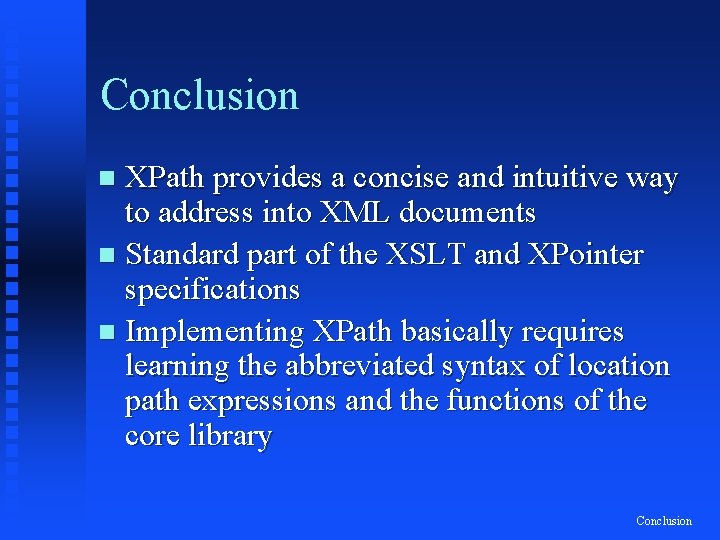
Conclusion XPath provides a concise and intuitive way to address into XML documents n Standard part of the XSLT and XPointer specifications n Implementing XPath basically requires learning the abbreviated syntax of location path expressions and the functions of the core library n Conclusion
- Slides: 16