
XML e Xtensible Markup Language What is XML
XML e. Xtensible Markup Language
What is XML? e. Xtensible Markup Language A framework for defining markup languages No fixed collection you make up your own, but, there are some organized XML languages XML language targeted for an application Most XML proprietary to company creating. USE: to represent data. Maybe to format data between systems (think UPS sending you a message about a package you want to track)
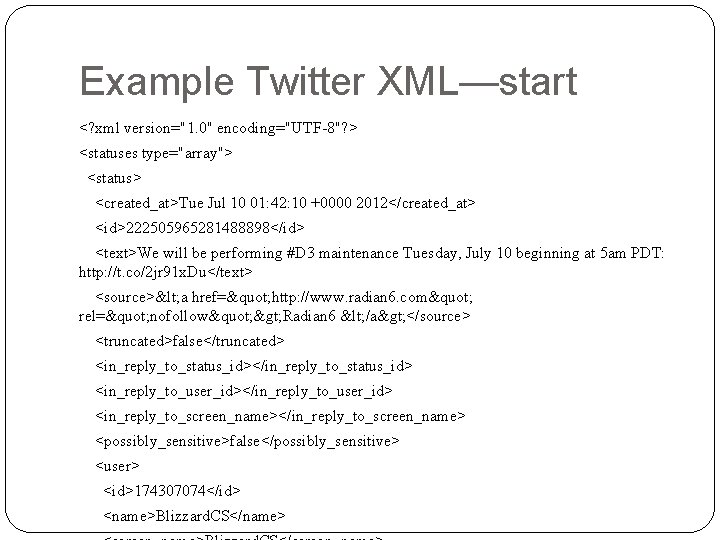
Example Twitter XML—start <? xml version="1. 0" encoding="UTF-8"? > <statuses type="array"> <status> <created_at>Tue Jul 10 01: 42: 10 +0000 2012</created_at> <id>222505965281488898</id> <text>We will be performing #D 3 maintenance Tuesday, July 10 beginning at 5 am PDT: http: //t. co/2 jr 91 x. Du</text> <source>< a href=" http: //www. radian 6. com" rel=" nofollow" > Radian 6 < /a> </source> <truncated>false</truncated> <in_reply_to_status_id></in_reply_to_status_id> <in_reply_to_user_id></in_reply_to_user_id> <in_reply_to_screen_name></in_reply_to_screen_name> <possibly_sensitive>false</possibly_sensitive> <user> <id>174307074</id> <name>Blizzard. CS</name>
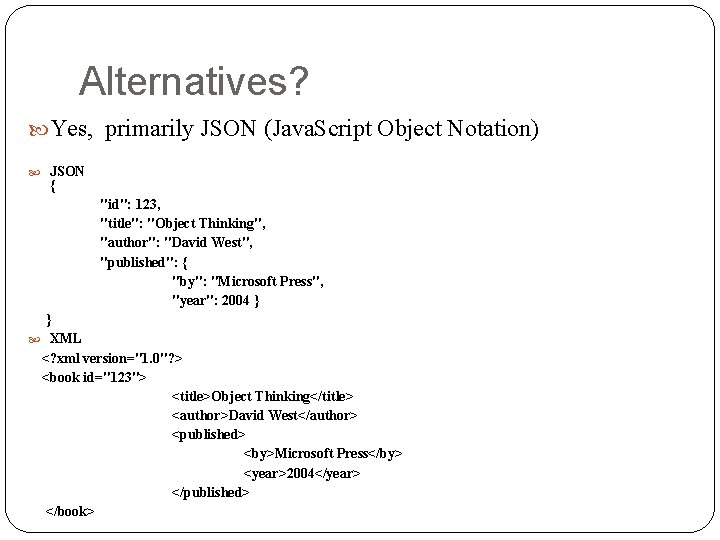
Alternatives? Yes, primarily JSON (Java. Script Object Notation) JSON { "id": 123, "title": "Object Thinking", "author": "David West", "published": { "by": "Microsoft Press", "year": 2004 } } XML <? xml version="1. 0"? > <book id="123"> <title>Object Thinking</title> <author>David West</author> <published> <by>Microsoft Press</by> <year>2004</year> </published> </book>
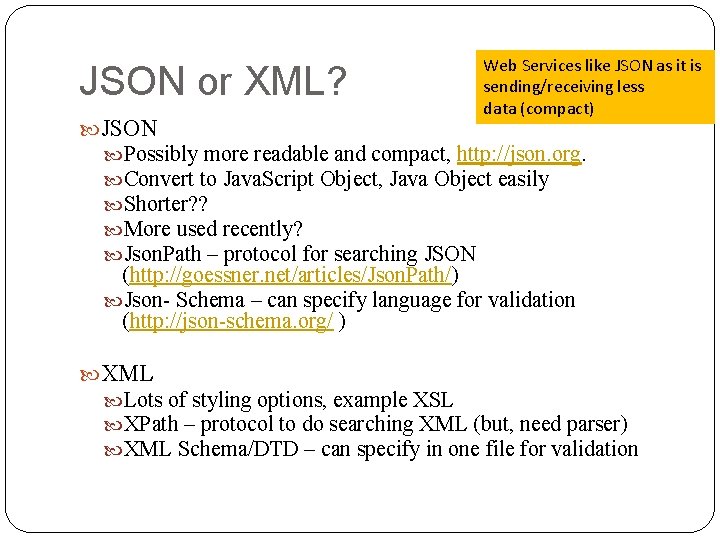
JSON or XML? JSON Web Services like JSON as it is sending/receiving less data (compact) Possibly more readable and compact, http: //json. org. Convert to Java. Script Object, Java Object easily Shorter? ? More used recently? Json. Path – protocol for searching JSON (http: //goessner. net/articles/Json. Path/) Json- Schema – can specify language for validation (http: //json-schema. org/ ) XML Lots of styling options, example XSL XPath – protocol to do searching XML (but, need parser) XML Schema/DTD – can specify in one file for validation
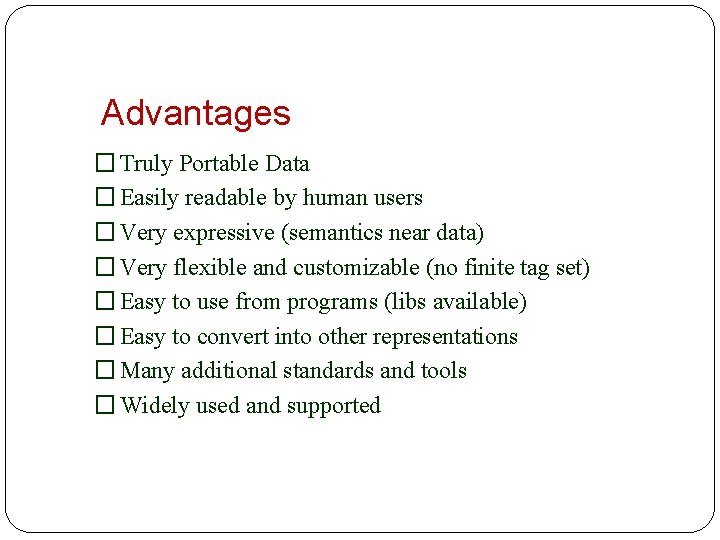
Advantages � Truly Portable Data � Easily readable by human users � Very expressive (semantics near data) � Very flexible and customizable (no finite tag set) � Easy to use from programs (libs available) � Easy to convert into other representations � Many additional standards and tools � Widely used and supported
XML Basics
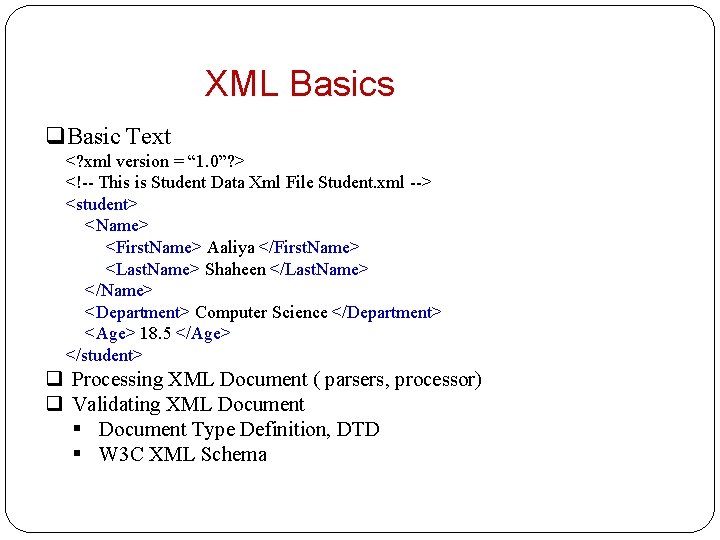
XML Basics q. Basic Text <? xml version = “ 1. 0”? > <!-- This is Student Data Xml File Student. xml --> <student> <Name> <First. Name> Aaliya </First. Name> <Last. Name> Shaheen </Last. Name> </Name> <Department> Computer Science </Department> <Age> 18. 5 </Age> </student> q Processing XML Document ( parsers, processor) q Validating XML Document § Document Type Definition, DTD § W 3 C XML Schema
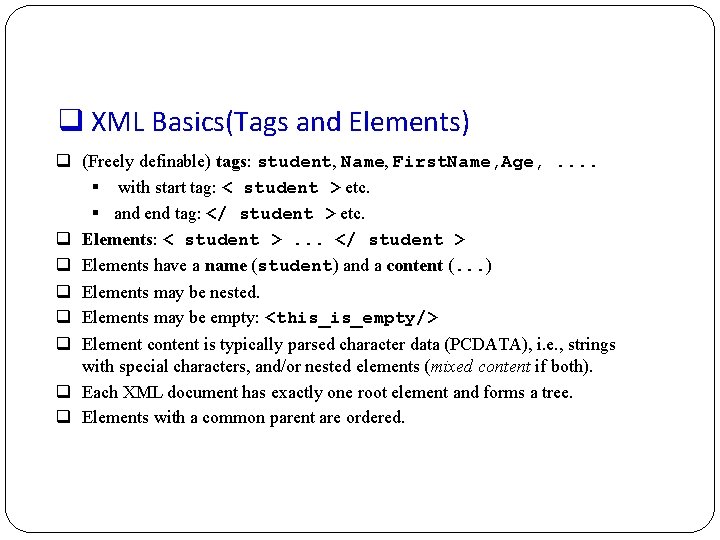
q XML Basics(Tags and Elements) q (Freely definable) tags: student, Name, First. Name, Age, . . § with start tag: < student > etc. § and end tag: </ student > etc. q Elements: < student >. . . </ student > q Elements have a name (student) and a content (. . . ) q Elements may be nested. q Elements may be empty: <this_is_empty/> q Element content is typically parsed character data (PCDATA), i. e. , strings with special characters, and/or nested elements (mixed content if both). q Each XML document has exactly one root element and forms a tree. q Elements with a common parent are ordered.
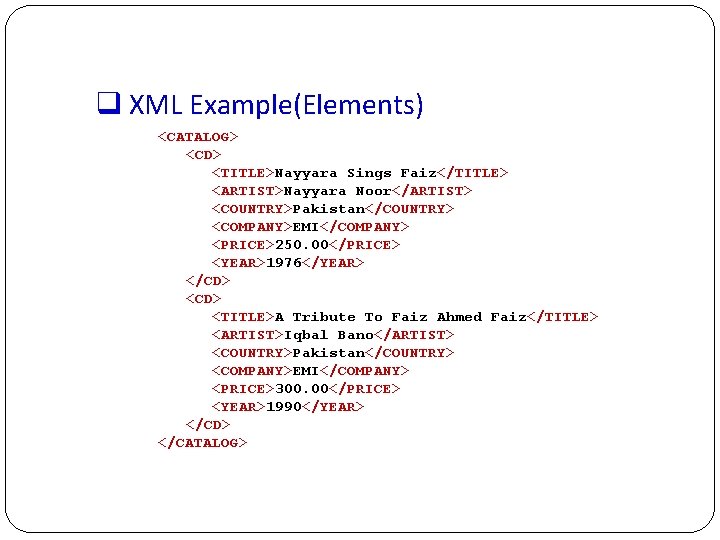
q XML Example(Elements) <CATALOG> <CD> <TITLE>Nayyara Sings Faiz</TITLE> <ARTIST>Nayyara Noor</ARTIST> <COUNTRY>Pakistan</COUNTRY> <COMPANY>EMI</COMPANY> <PRICE>250. 00</PRICE> <YEAR>1976</YEAR> </CD> <TITLE>A Tribute To Faiz Ahmed Faiz</TITLE> <ARTIST>Iqbal Bano</ARTIST> <COUNTRY>Pakistan</COUNTRY> <COMPANY>EMI</COMPANY> <PRICE>300. 00</PRICE> <YEAR>1990</YEAR> </CD> </CATALOG>
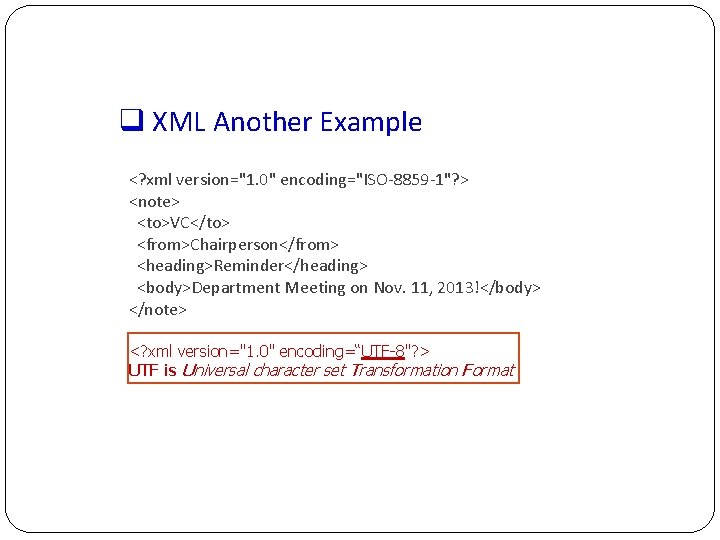
q XML Another Example <? xml version="1. 0" encoding="ISO-8859 -1"? > <note> <to>VC</to> <from>Chairperson</from> <heading>Reminder</heading> <body>Department Meeting on Nov. 11, 2013!</body> </note> <? xml version="1. 0" encoding=“UTF-8"? > UTF is Universal character set Transformation Format
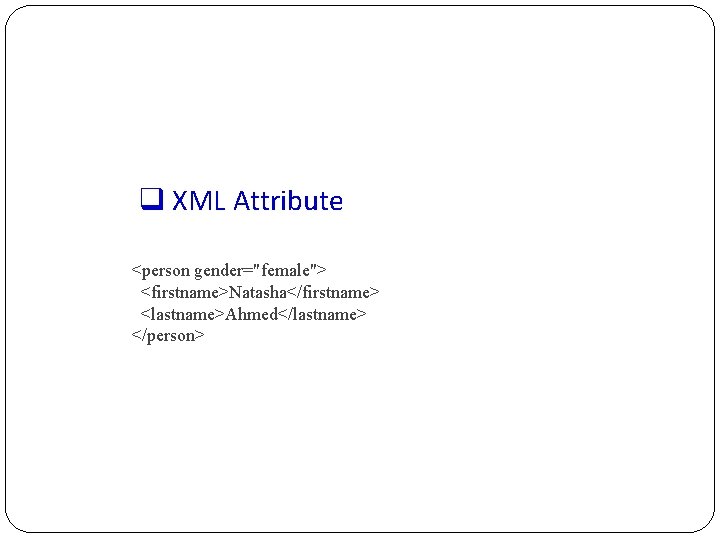
q XML Attribute <person gender="female"> <firstname>Natasha</firstname> <lastname>Ahmed</lastname> </person>
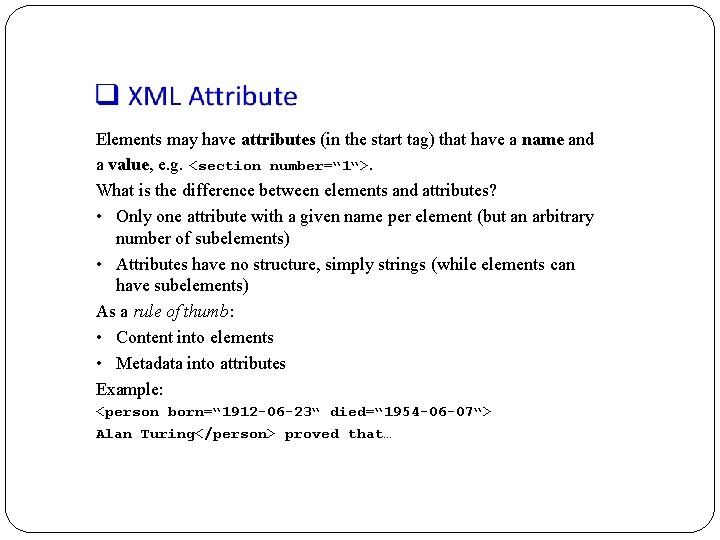
Elements may have attributes (in the start tag) that have a name and a value, e. g. <section number=“ 1“>. What is the difference between elements and attributes? • Only one attribute with a given name per element (but an arbitrary number of subelements) • Attributes have no structure, simply strings (while elements can have subelements) As a rule of thumb: • Content into elements • Metadata into attributes Example: <person born=“ 1912 -06 -23“ died=“ 1954 -06 -07“> Alan Turing</person> proved that…
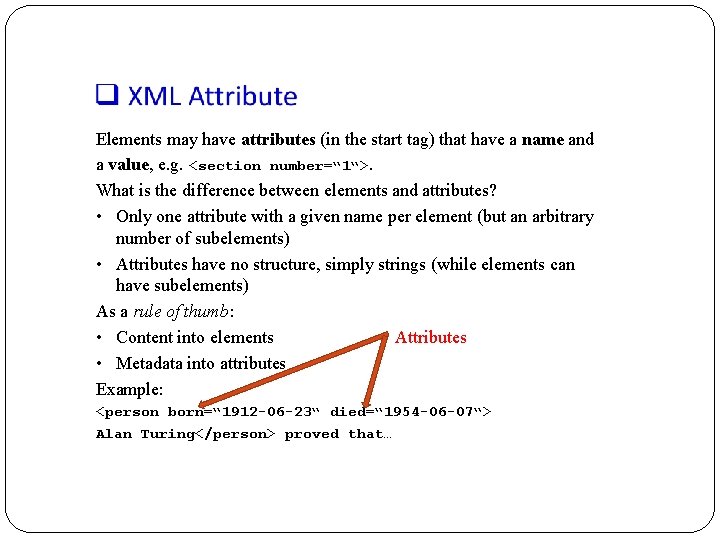
Elements may have attributes (in the start tag) that have a name and a value, e. g. <section number=“ 1“>. What is the difference between elements and attributes? • Only one attribute with a given name per element (but an arbitrary number of subelements) • Attributes have no structure, simply strings (while elements can have subelements) As a rule of thumb: • Content into elements Attributes • Metadata into attributes Example: <person born=“ 1912 -06 -23“ died=“ 1954 -06 -07“> Alan Turing</person> proved that…
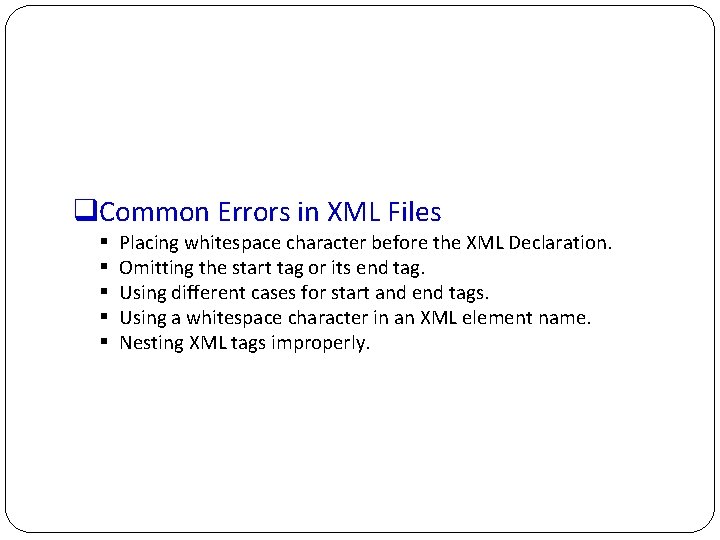
q. Common Errors in XML Files § § § Placing whitespace character before the XML Declaration. Omitting the start tag or its end tag. Using different cases for start and end tags. Using a whitespace character in an XML element name. Nesting XML tags improperly.
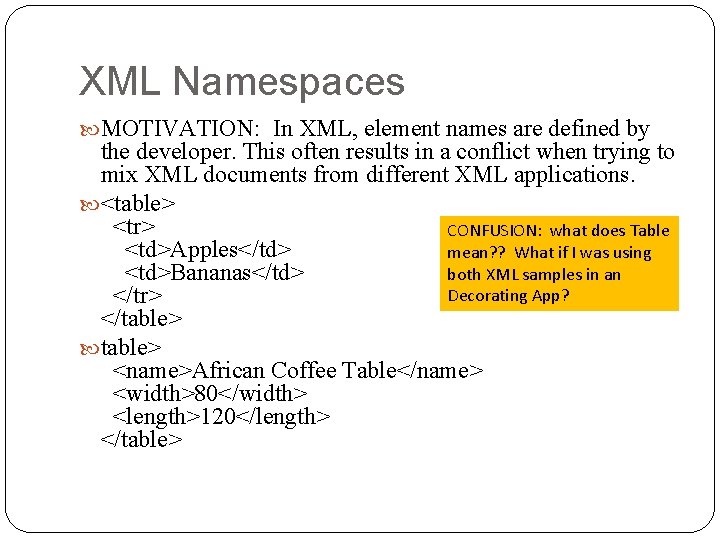
XML Namespaces MOTIVATION: In XML, element names are defined by the developer. This often results in a conflict when trying to mix XML documents from different XML applications. <table> <tr> CONFUSION: what does Table <td>Apples</td> mean? ? What if I was using both XML samples in an <td>Bananas</td> Decorating App? </tr> </table> <name>African Coffee Table</name> <width>80</width> <length>120</length> </table>
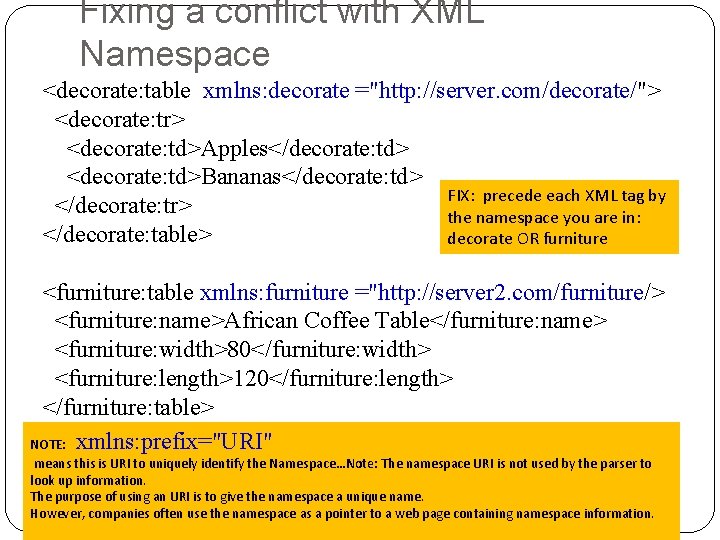
Fixing a conflict with XML Namespace <decorate: table xmlns: decorate ="http: //server. com/decorate/"> <decorate: tr> <decorate: td>Apples</decorate: td> <decorate: td>Bananas</decorate: td> FIX: precede each XML tag by </decorate: tr> the namespace you are in: </decorate: table> decorate OR furniture <furniture: table xmlns: furniture ="http: //server 2. com/furniture/> <furniture: name>African Coffee Table</furniture: name> <furniture: width>80</furniture: width> <furniture: length>120</furniture: length> </furniture: table> NOTE: xmlns: prefix="URI" means this is URI to uniquely identify the Namespace…Note: The namespace URI is not used by the parser to look up information. The purpose of using an URI is to give the namespace a unique name. However, companies often use the namespace as a pointer to a web page containing namespace information.
XML Has a structure like a Tree
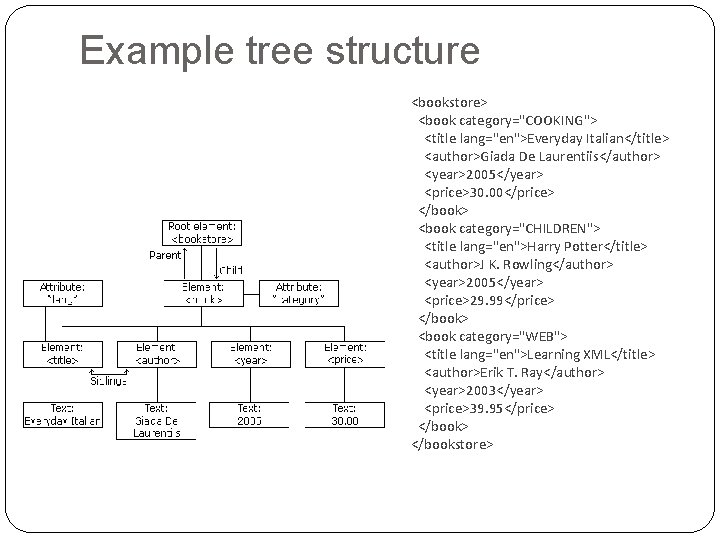
Example tree structure <bookstore> <book category="COOKING"> <title lang="en">Everyday Italian</title> <author>Giada De Laurentiis</author> <year>2005</year> <price>30. 00</price> </book> <book category="CHILDREN"> <title lang="en">Harry Potter</title> <author>J K. Rowling</author> <year>2005</year> <price>29. 99</price> </book> <book category="WEB"> <title lang="en">Learning XML</title> <author>Erik T. Ray</author> <year>2003</year> <price>39. 95</price> </bookstore>
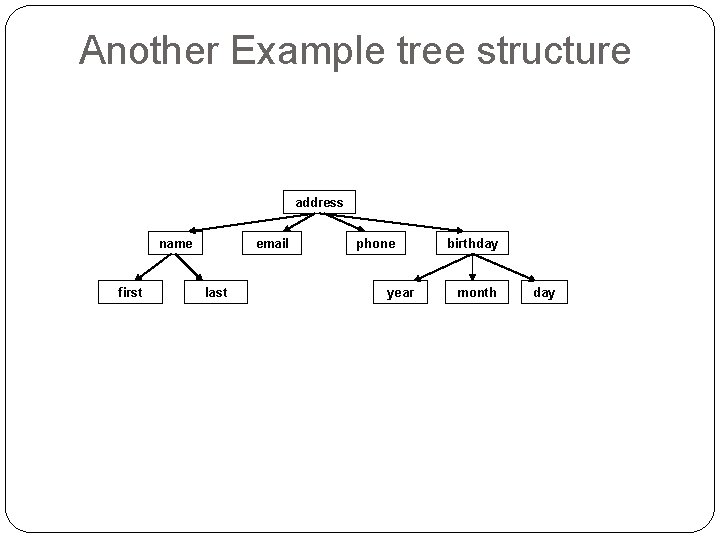
Another Example tree structure address name first email last phone year birthday month day
Validity – making sure your file that uses some XML is compliant § § DTD Schema
q Validity § A well-formed document has a tree structure and obeys all the XML rules. § A particular application may add more rules in either a DTD (document type definition) or in a schema. § Many specialized DTDs and schemas have been created to describe particular areas. § These range from disseminating news bulletins (RSS) to chemical formulas. § DTDs were developed first, so they are not as comprehensive as schema.
q Document Type Definitions Sometimes XML is too flexible: • Most Programs can only process a subset of all possible XML applications • For exchanging data, the format (i. e. , elements, attributes and their semantics) must be fixed Document Type Definitions (DTD) for establishing the vocabulary for one XML application (in some sense comparable to schemas in databases) A document is valid with respect to a DTD if it conforms to the rules specified in that DTD. Most XML parsers can be configured to validate.
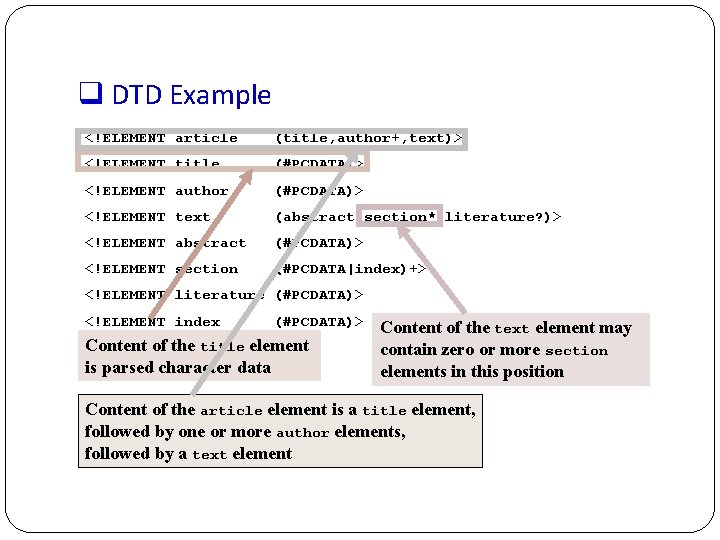
q DTD Example <!ELEMENT article (title, author+, text)> <!ELEMENT title (#PCDATA)> <!ELEMENT author (#PCDATA)> <!ELEMENT text (abstract, section*, literature? )> <!ELEMENT abstract (#PCDATA)> <!ELEMENT section (#PCDATA|index)+> <!ELEMENT literature (#PCDATA)> <!ELEMENT index (#PCDATA)> Content of the title element is parsed character data Content of the text element may contain zero or more section elements in this position Content of the article element is a title element, followed by one or more author elements, followed by a text element
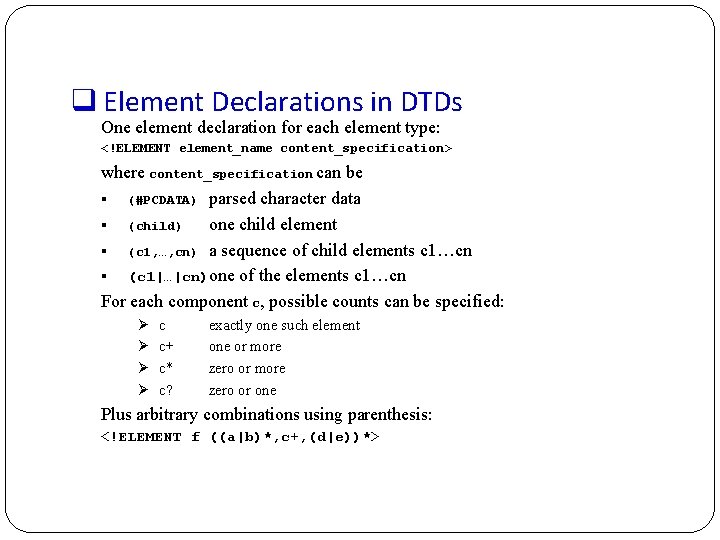
q Element Declarations in DTDs One element declaration for each element type: <!ELEMENT element_name content_specification> where content_specification can be § (#PCDATA) parsed character data § (child) one child element § (c 1, …, cn) a sequence of child elements c 1…cn § (c 1|…|cn)one of the elements c 1…cn For each component c, possible counts can be specified: Ø Ø c c+ c* c? exactly one such element one or more zero or one Plus arbitrary combinations using parenthesis: <!ELEMENT f ((a|b)*, c+, (d|e))*>
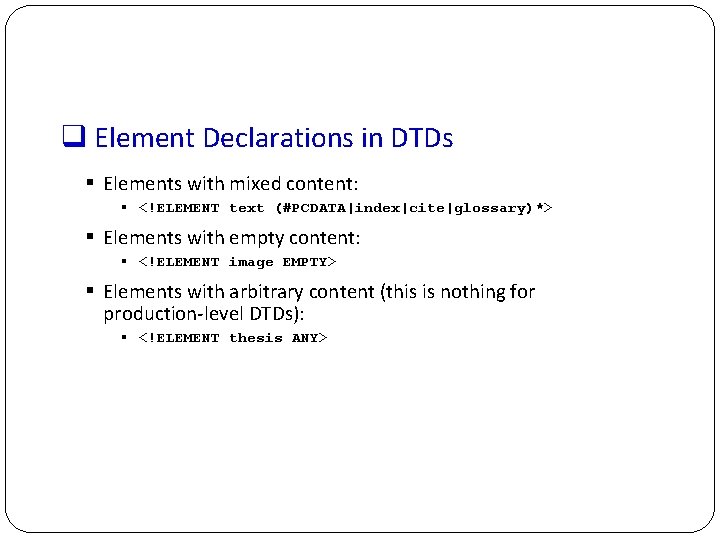
q Element Declarations in DTDs § Elements with mixed content: § <!ELEMENT text (#PCDATA|index|cite|glossary)*> § Elements with empty content: § <!ELEMENT image EMPTY> § Elements with arbitrary content (this is nothing for production-level DTDs): § <!ELEMENT thesis ANY>
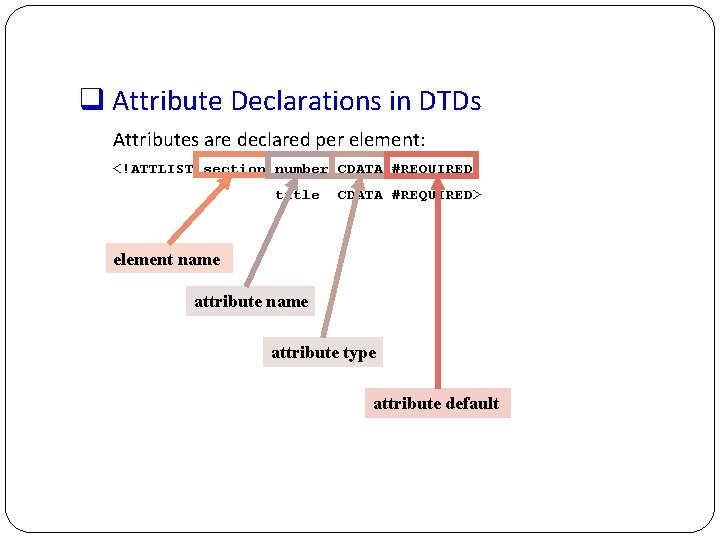
q Attribute Declarations in DTDs Attributes are declared per element: <!ATTLIST section number CDATA #REQUIRED title CDATA #REQUIRED> element name attribute type attribute default
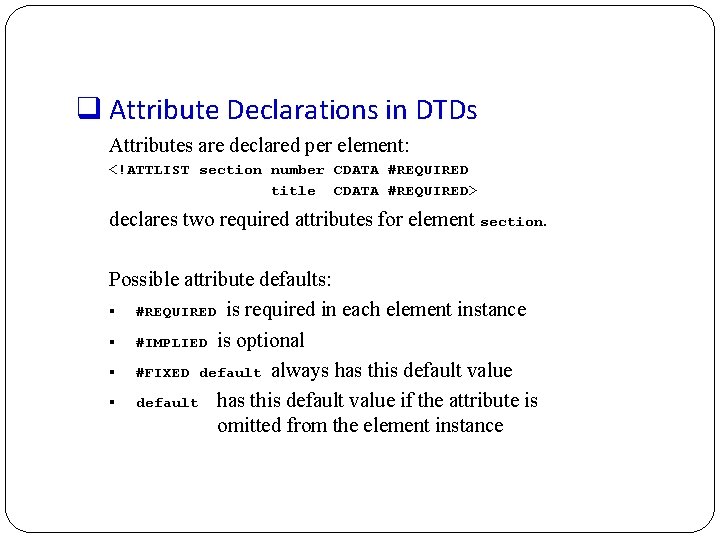
q Attribute Declarations in DTDs Attributes are declared per element: <!ATTLIST section number CDATA #REQUIRED title CDATA #REQUIRED> declares two required attributes for element section. Possible attribute defaults: § #REQUIRED is required in each element instance § #IMPLIED is optional § #FIXED default always has this default value § default has this default value if the attribute is omitted from the element instance
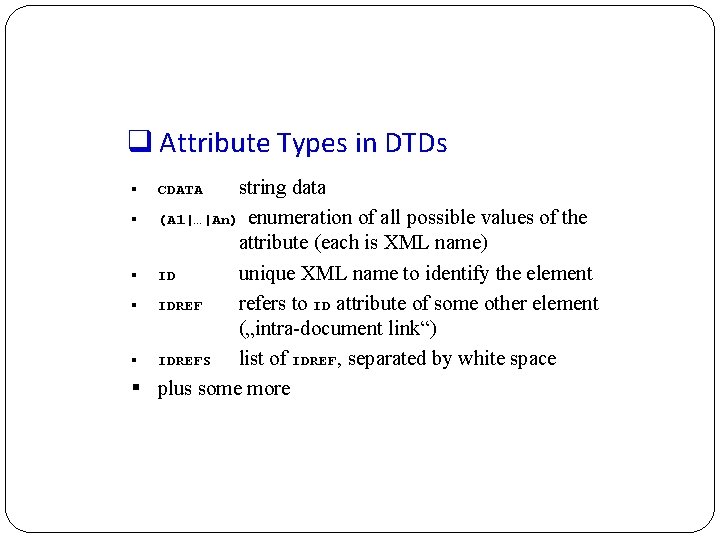
q Attribute Types in DTDs string data § (A 1|…|An) enumeration of all possible values of the attribute (each is XML name) § ID unique XML name to identify the element § IDREF refers to ID attribute of some other element („intra-document link“) § IDREFS list of IDREF, separated by white space § plus some more § CDATA
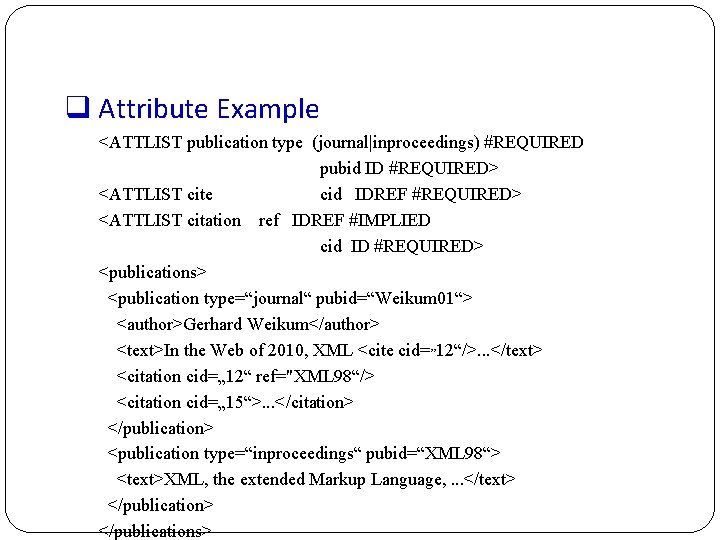
q Attribute Example <ATTLIST publication type (journal|inproceedings) #REQUIRED pubid ID #REQUIRED> <ATTLIST cite cid IDREF #REQUIRED> <ATTLIST citation ref IDREF #IMPLIED cid ID #REQUIRED> <publications> <publication type=“journal“ pubid=“Weikum 01“> <author>Gerhard Weikum</author> <text>In the Web of 2010, XML <cite cid=„ 12“/>. . . </text> <citation cid=„ 12“ ref="XML 98“/> <citation cid=„ 15“>. . . </citation> </publication> <publication type=“inproceedings“ pubid=“XML 98“> <text>XML, the extended Markup Language, . . . </text> </publications>
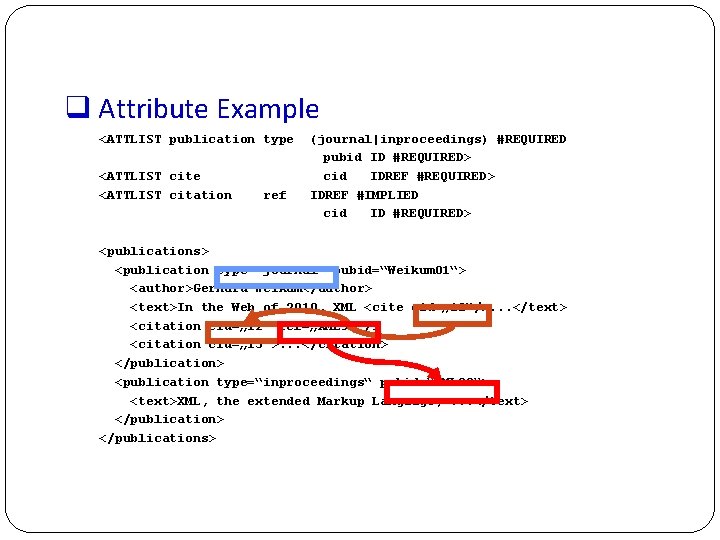
q Attribute Example <ATTLIST publication type <ATTLIST citation ref (journal|inproceedings) #REQUIRED pubid ID #REQUIRED> cid IDREF #REQUIRED> IDREF #IMPLIED cid ID #REQUIRED> <publications> <publication type=“journal“ pubid=“Weikum 01“> <author>Gerhard Weikum</author> <text>In the Web of 2010, XML <cite cid=„ 12“/>. . . </text> <citation cid=„ 12“ ref=„XML 98“/> <citation cid=„ 15“>. . . </citation> </publication> <publication type=“inproceedings“ pubid=“XML 98“> <text>XML, the extended Markup Language, . . . </text> </publications>
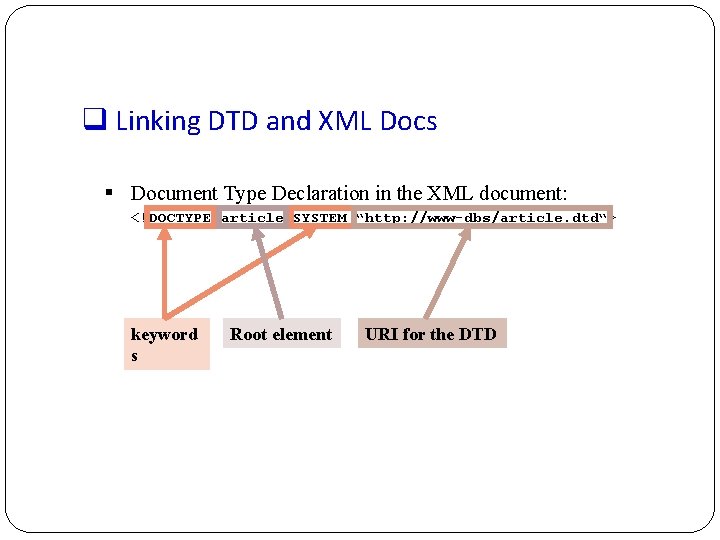
q Linking DTD and XML Docs § Document Type Declaration in the XML document: <!DOCTYPE article SYSTEM “http: //www-dbs/article. dtd“> keyword s Root element URI for the DTD
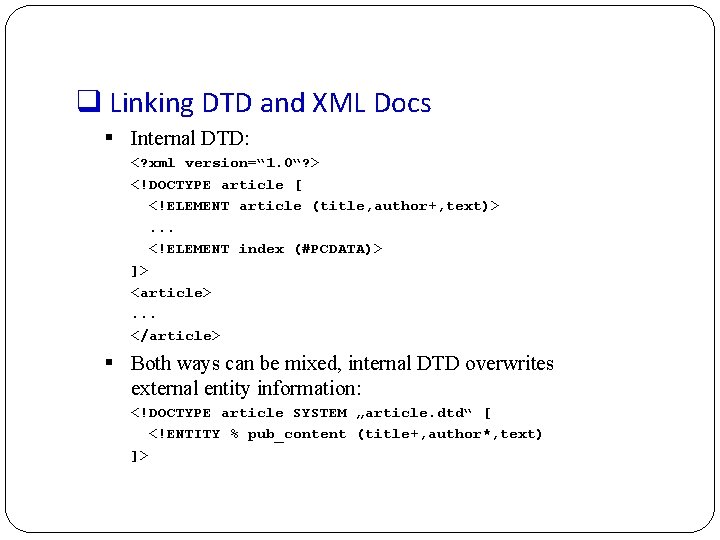
q Linking DTD and XML Docs § Internal DTD: <? xml version=“ 1. 0“? > <!DOCTYPE article [ <!ELEMENT article (title, author+, text)>. . . <!ELEMENT index (#PCDATA)> ]> <article>. . . </article> § Both ways can be mixed, internal DTD overwrites external entity information: <!DOCTYPE article SYSTEM „article. dtd“ [ <!ENTITY % pub_content (title+, author*, text) ]>
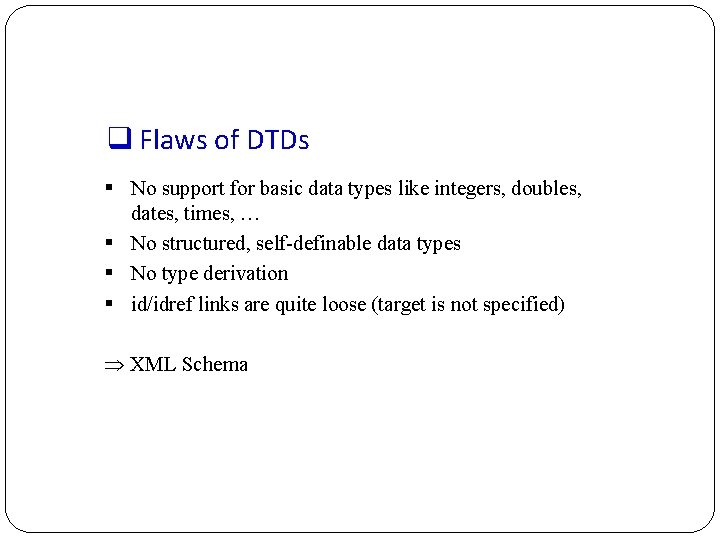
q Flaws of DTDs § No support for basic data types like integers, doubles, dates, times, … § No structured, self-definable data types § No type derivation § id/idref links are quite loose (target is not specified) XML Schema
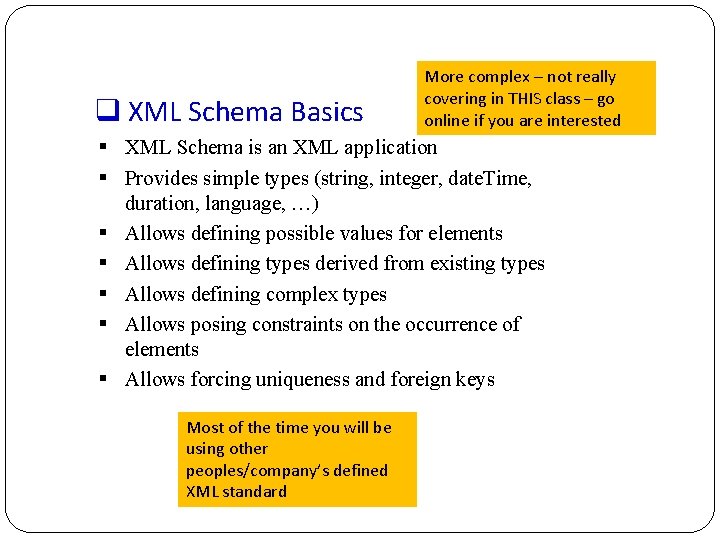
q XML Schema Basics More complex – not really covering in THIS class – go online if you are interested § XML Schema is an XML application § Provides simple types (string, integer, date. Time, duration, language, …) § Allows defining possible values for elements § Allows defining types derived from existing types § Allows defining complex types § Allows posing constraints on the occurrence of elements § Allows forcing uniqueness and foreign keys Most of the time you will be using other peoples/company’s defined XML standard
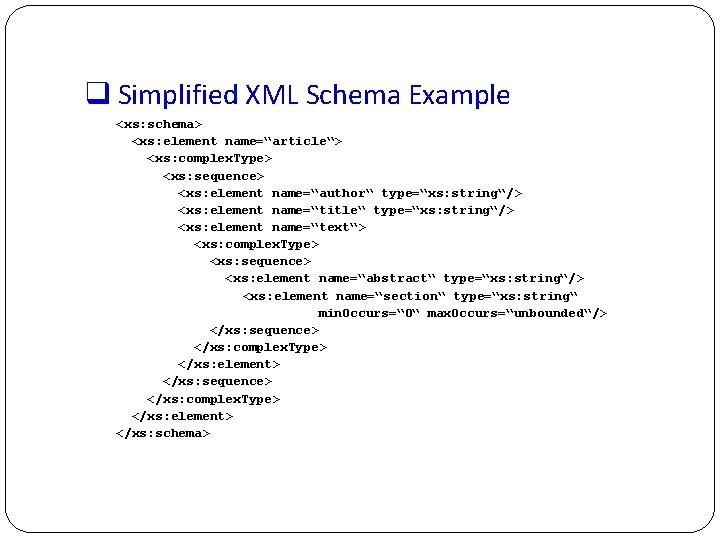
q Simplified XML Schema Example <xs: schema> <xs: element name=“article“> <xs: complex. Type> <xs: sequence> <xs: element name=“author“ type=“xs: string“/> <xs: element name=“title“ type=“xs: string“/> <xs: element name=“text“> <xs: complex. Type> <xs: sequence> <xs: element name=“abstract“ type=“xs: string“/> <xs: element name=“section“ type=“xs: string“ min. Occurs=“ 0“ max. Occurs=“unbounded“/> </xs: sequence> </xs: complex. Type> </xs: element> </xs: schema>
ADVANCED – on your own…. . XML Query § § Xpath XQuery How to search in XML/ do a query
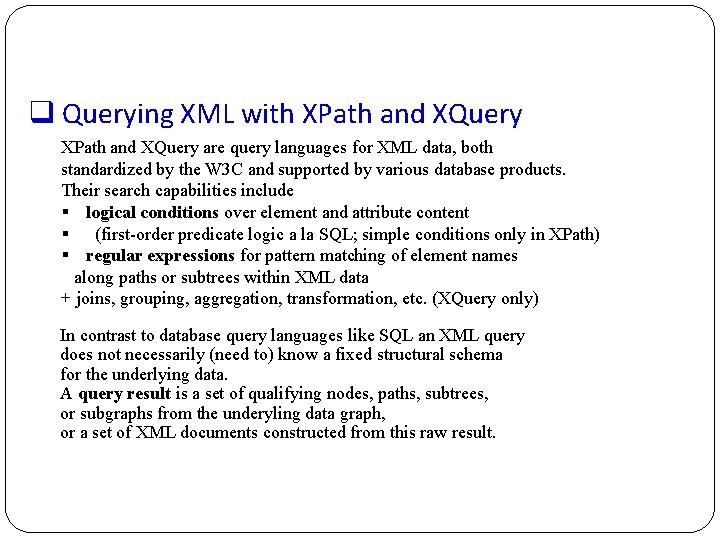
q Querying XML with XPath and XQuery are query languages for XML data, both standardized by the W 3 C and supported by various database products. Their search capabilities include § logical conditions over element and attribute content § (first-order predicate logic a la SQL; simple conditions only in XPath) § regular expressions for pattern matching of element names along paths or subtrees within XML data + joins, grouping, aggregation, transformation, etc. (XQuery only) In contrast to database query languages like SQL an XML query does not necessarily (need to) know a fixed structural schema for the underlying data. A query result is a set of qualifying nodes, paths, subtrees, or subgraphs from the underyling data graph, or a set of XML documents constructed from this raw result.
q XPath • XPath is a simple language to identify parts of the XML document (for further processing) • XPath operates on the tree representation of the document • Result of an XPath expression is a set of elements or attributes • Discuss abbreviated version of XPath
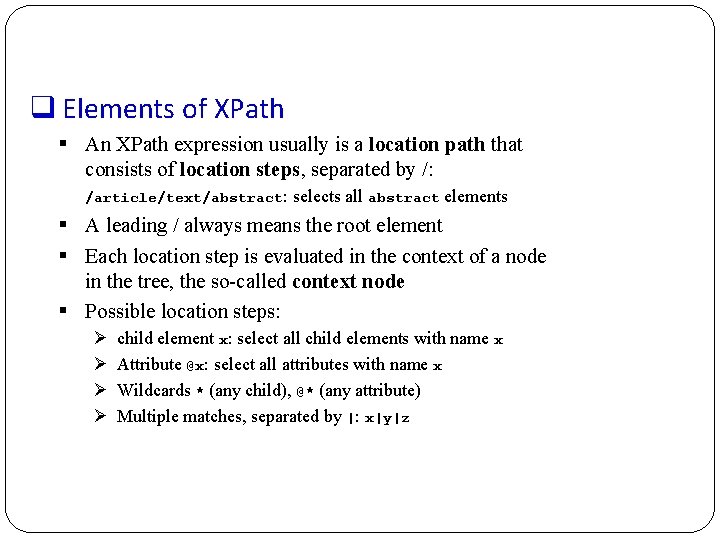
q Elements of XPath § An XPath expression usually is a location path that consists of location steps, separated by /: /article/text/abstract: selects all abstract elements § A leading / always means the root element § Each location step is evaluated in the context of a node in the tree, the so-called context node § Possible location steps: Ø Ø child element x: select all child elements with name x Attribute @x: select all attributes with name x Wildcards * (any child), @* (any attribute) Multiple matches, separated by |: x|y|z
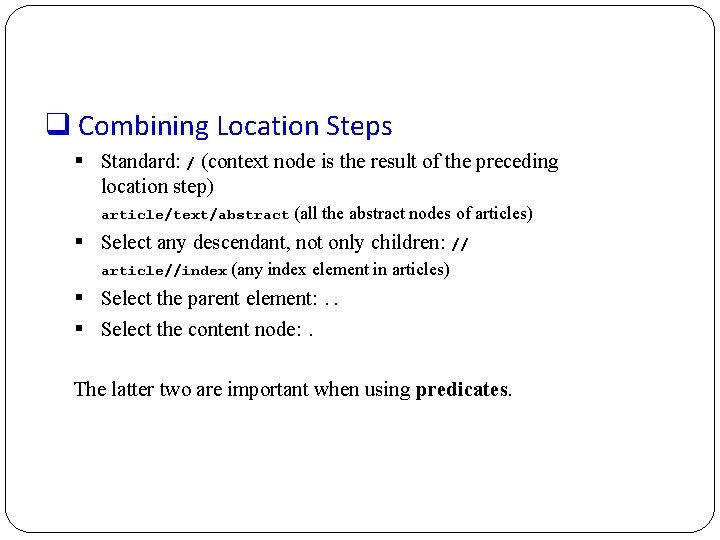
q Combining Location Steps § Standard: / (context node is the result of the preceding location step) article/text/abstract (all the abstract nodes of articles) § Select any descendant, not only children: // article//index (any index element in articles) § Select the parent element: . . § Select the content node: . The latter two are important when using predicates.
![q Predicates in Location Steps • Added with [] to the location step •](http://slidetodoc.com/presentation_image_h2/1b040d8030f28efb1faec23e15038b61/image-42.jpg "q Predicates in Location Steps • Added with [] to the location step •")
q Predicates in Location Steps • Added with [] to the location step • Used to restricts elements that qualify as result of a location step to those that fulfil the predicate: – a[b] elements a that have a subelement b – a[@d] elements a that have an attribute d – Plus conditions on content/value: • a[b=„c“] • A[@d>7] • <, <=, >=, !=, …
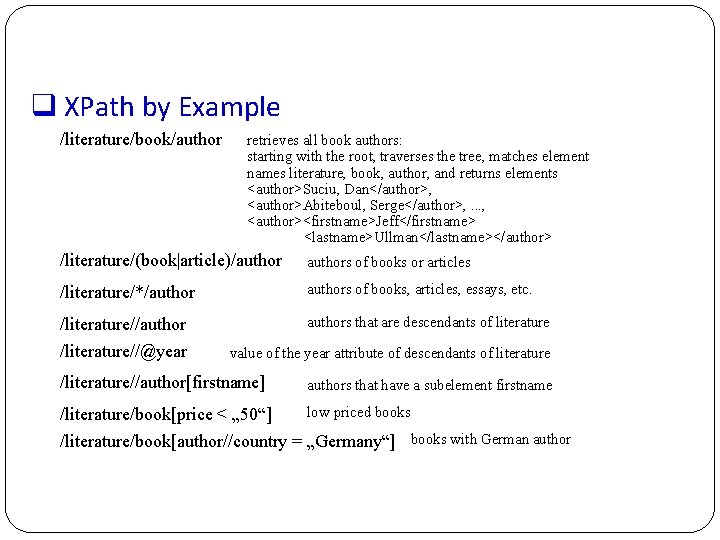
q XPath by Example /literature/book/author retrieves all book authors: starting with the root, traverses the tree, matches element names literature, book, author, and returns elements <author>Suciu, Dan</author>, <author>Abiteboul, Serge</author>, . . . , <author><firstname>Jeff</firstname> <lastname>Ullman</lastname></author> /literature/(book|article)/authors of books or articles /literature/*/authors of books, articles, essays, etc. /literature//authors that are descendants of literature /literature//@year value of the year attribute of descendants of literature /literature//author[firstname] authors that have a subelement firstname /literature/book[price < „ 50“] low priced books /literature/book[author//country = „Germany“] books with German author
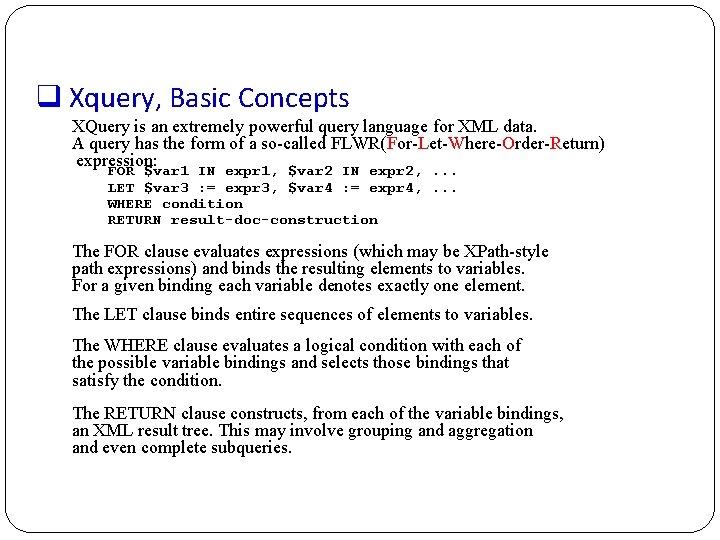
q Xquery, Basic Concepts XQuery is an extremely powerful query language for XML data. A query has the form of a so-called FLWR(For-Let-Where-Order-Return) expression: FOR $var 1 IN expr 1, $var 2 IN expr 2, . . . LET $var 3 : = expr 3, $var 4 : = expr 4, . . . WHERE condition RETURN result-doc-construction The FOR clause evaluates expressions (which may be XPath-style path expressions) and binds the resulting elements to variables. For a given binding each variable denotes exactly one element. The LET clause binds entire sequences of elements to variables. The WHERE clause evaluates a logical condition with each of the possible variable bindings and selects those bindings that satisfy the condition. The RETURN clause constructs, from each of the variable bindings, an XML result tree. This may involve grouping and aggregation and even complete subqueries.
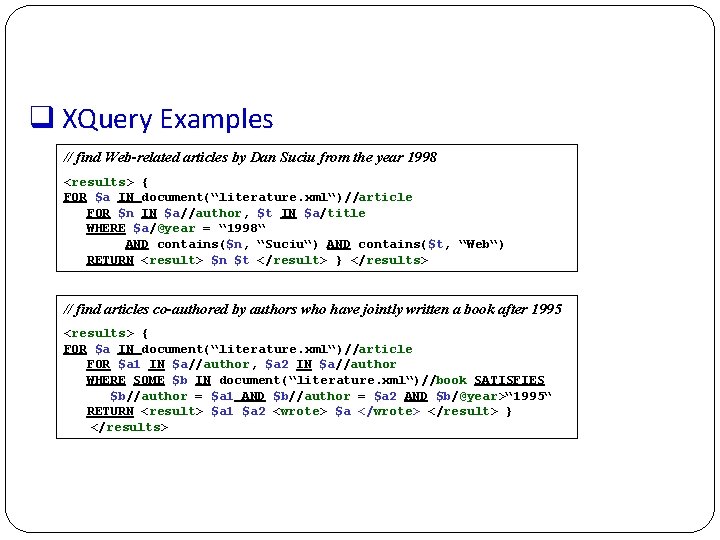
q XQuery Examples // find Web-related articles by Dan Suciu from the year 1998 <results> { FOR $a IN document(“literature. xml“)//article FOR $n IN $a//author, $t IN $a/title WHERE $a/@year = “ 1998“ AND contains($n, “Suciu“) AND contains($t, “Web“) RETURN <result> $n $t </result> } </results> // find articles co-authored by authors who have jointly written a book after 1995 <results> { FOR $a IN document(“literature. xml“)//article FOR $a 1 IN $a//author, $a 2 IN $a//author WHERE SOME $b IN document(“literature. xml“)//book SATISFIES $b//author = $a 1 AND $b//author = $a 2 AND $b/@year>“ 1995“ RETURN <result> $a 1 $a 2 <wrote> $a </wrote> </result> } </results>
ADVANCED – on your own…. . Styling XML File Most of the time we concentrate on USING the XML data and not styling it anyways
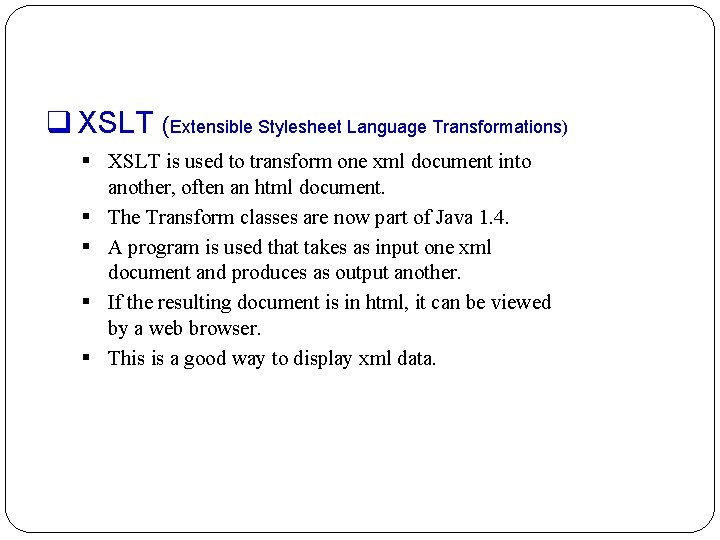
q XSLT (Extensible Stylesheet Language Transformations) § XSLT is used to transform one xml document into another, often an html document. § The Transform classes are now part of Java 1. 4. § A program is used that takes as input one xml document and produces as output another. § If the resulting document is in html, it can be viewed by a web browser. § This is a good way to display xml data.
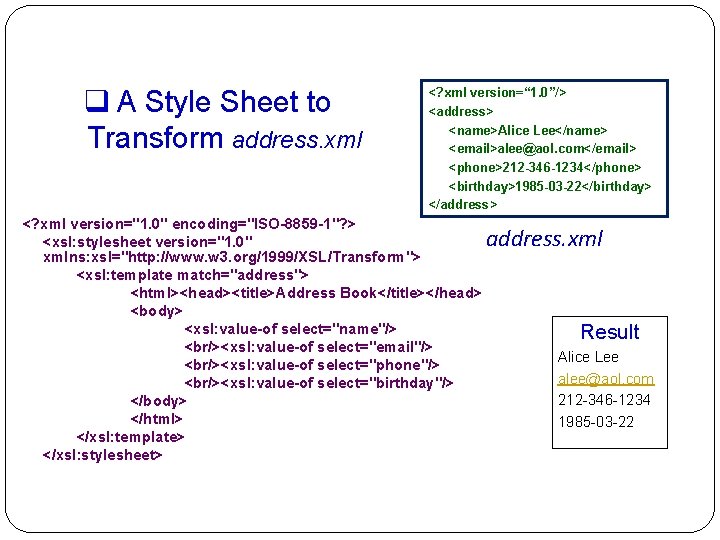
q A Style Sheet to Transform address. xml <? xml version=“ 1. 0”/> <address> <name>Alice Lee</name> <email>alee@aol. com</email> <phone>212 -346 -1234</phone> <birthday>1985 -03 -22</birthday> </address> <? xml version="1. 0" encoding="ISO-8859 -1"? > <xsl: stylesheet version="1. 0" xmlns: xsl="http: //www. w 3. org/1999/XSL/Transform"> <xsl: template match="address"> <html><head><title>Address Book</title></head> <body> <xsl: value-of select="name"/> <br/><xsl: value-of select="email"/> <br/><xsl: value-of select="phone"/> <br/><xsl: value-of select="birthday"/> </body> </html> </xsl: template> </xsl: stylesheet> address. xml Result Alice Lee alee@aol. com 212 -346 -1234 1985 -03 -22
Parsers
q Parsers § There are two principal models for parsers. § SAX – Simple API for XML Ø Uses a call-back method Ø Similar to javax listeners § DOM – Document Object Model Ø Creates a parse tree Ø Requires a tree traversal
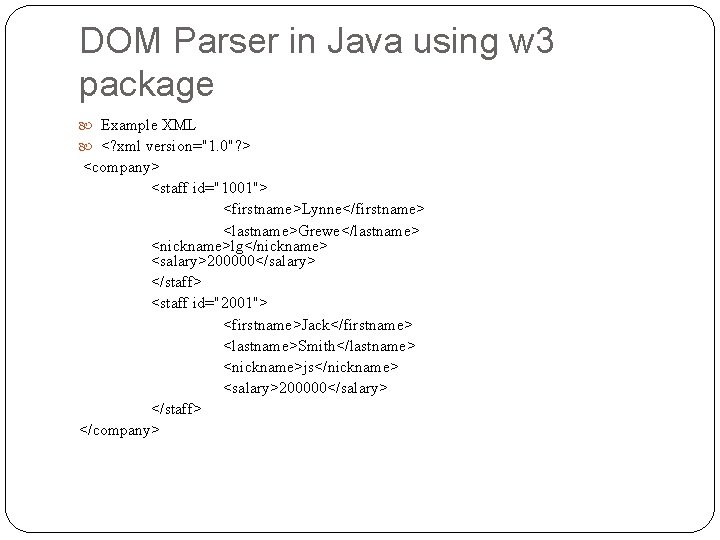
DOM Parser in Java using w 3 package Example XML <? xml version="1. 0"? > <company> <staff id="1001"> <firstname>Lynne</firstname> <lastname>Grewe</lastname> <nickname>lg</nickname> <salary>200000</salary> </staff> <staff id="2001"> <firstname>Jack</firstname> <lastname>Smith</lastname> <nickname>js</nickname> <salary>200000</salary> </staff> </company>
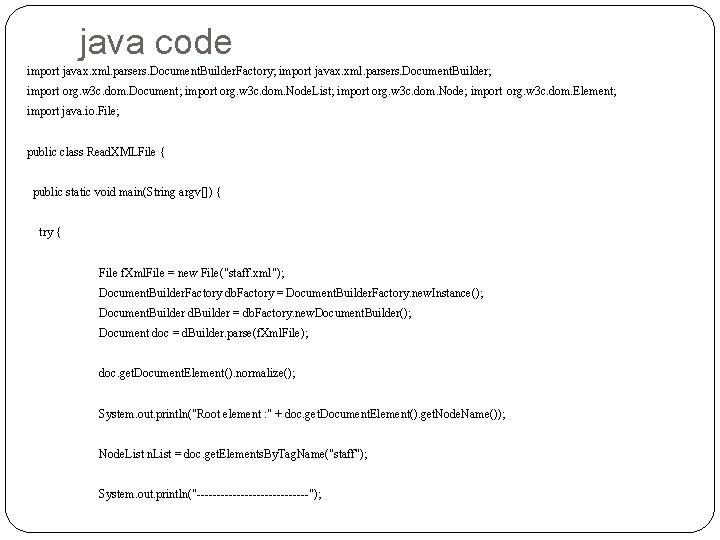
java code import javax. xml. parsers. Document. Builder. Factory; import javax. xml. parsers. Document. Builder; import org. w 3 c. dom. Document; import org. w 3 c. dom. Node. List; import org. w 3 c. dom. Node; import org. w 3 c. dom. Element; import java. io. File; public class Read. XMLFile { public static void main(String argv[]) { try { File f. Xml. File = new File("staff. xml"); Document. Builder. Factory db. Factory = Document. Builder. Factory. new. Instance(); Document. Builder d. Builder = db. Factory. new. Document. Builder(); Document doc = d. Builder. parse(f. Xml. File); doc. get. Document. Element(). normalize(); System. out. println("Root element : " + doc. get. Document. Element(). get. Node. Name()); Node. List n. List = doc. get. Elements. By. Tag. Name("staff"); System. out. println("--------------");
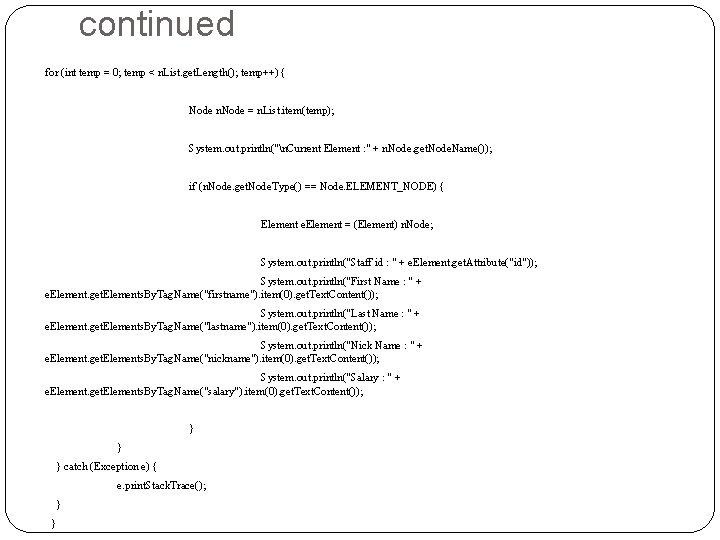
continued for (int temp = 0; temp < n. List. get. Length(); temp++) { Node n. Node = n. List. item(temp); System. out. println("n. Current Element : " + n. Node. get. Node. Name()); if (n. Node. get. Node. Type() == Node. ELEMENT_NODE) { Element e. Element = (Element) n. Node; System. out. println("Staff id : " + e. Element. get. Attribute("id")); System. out. println("First Name : " + e. Element. get. Elements. By. Tag. Name("firstname"). item(0). get. Text. Content()); System. out. println("Last Name : " + e. Element. get. Elements. By. Tag. Name("lastname"). item(0). get. Text. Content()); System. out. println("Nick Name : " + e. Element. get. Elements. By. Tag. Name("nickname"). item(0). get. Text. Content()); System. out. println("Salary : " + e. Element. get. Elements. By. Tag. Name("salary"). item(0). get. Text. Content()); } } } catch (Exception e) { e. print. Stack. Trace(); } }
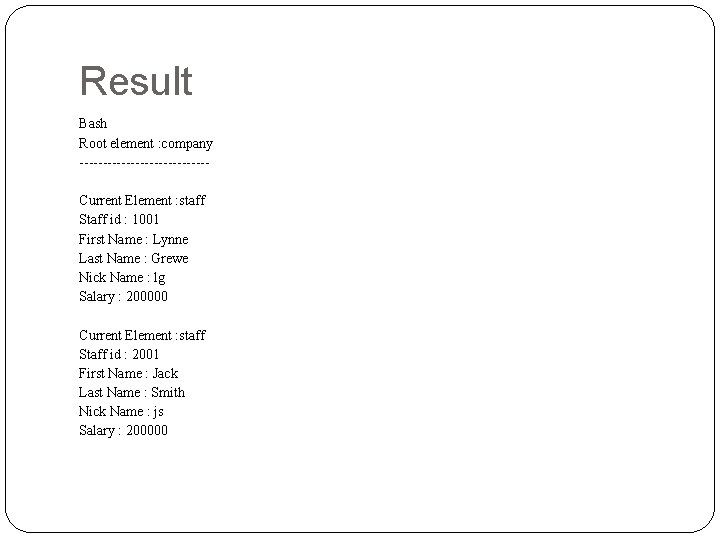
Result Bash Root element : company --------------Current Element : staff Staff id : 1001 First Name : Lynne Last Name : Grewe Nick Name : lg Salary : 200000 Current Element : staff Staff id : 2001 First Name : Jack Last Name : Smith Nick Name : js Salary : 200000
- Slides: 54