
XML Aynur Abdurazik DTD DTD Document Type Definition
XML Aynur Abdurazik
DTD • DTD (Document Type Definition) is a set of rules that defines a custom markup language in XML. • An XML document for a particular custom markup language is not considered valid if it does not adhere to the DTD that language. • A DTD defines the structure and content of elements, child elements, and their attributes for a given markup language. 4/14/2009 Copyrigth Aynur Abdurazik
DTD • DTD is a text-only document and is saved with a. dtd extension. • It is not an XML document itself and does not start with the standard XML declaration. 4/14/2009 Copyrigth Aynur Abdurazik
DTD • DTD is a way to insure the consistency of shared XML data. DTDs are used to validate XML documents before their usage. • An XML editor or DTD processor will be needed to validate an XML document against a given DTD. 4/14/2009 Copyrigth Aynur Abdurazik
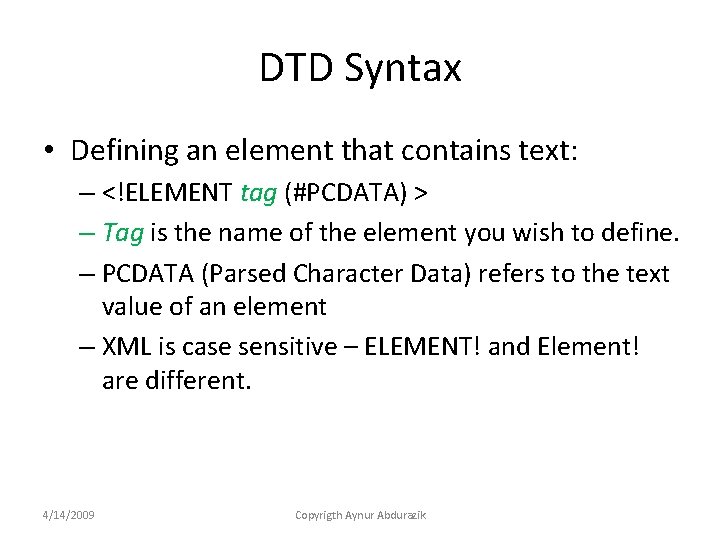
DTD Syntax • Defining an element that contains text: – <!ELEMENT tag (#PCDATA) > – Tag is the name of the element you wish to define. – PCDATA (Parsed Character Data) refers to the text value of an element – XML is case sensitive – ELEMENT! and Element! are different. 4/14/2009 Copyrigth Aynur Abdurazik
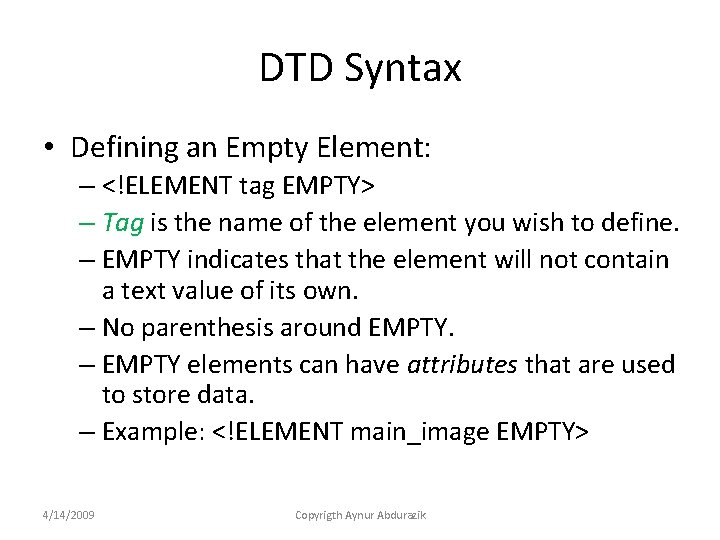
DTD Syntax • Defining an Empty Element: – <!ELEMENT tag EMPTY> – Tag is the name of the element you wish to define. – EMPTY indicates that the element will not contain a text value of its own. – No parenthesis around EMPTY. – EMPTY elements can have attributes that are used to store data. – Example: <!ELEMENT main_image EMPTY> 4/14/2009 Copyrigth Aynur Abdurazik
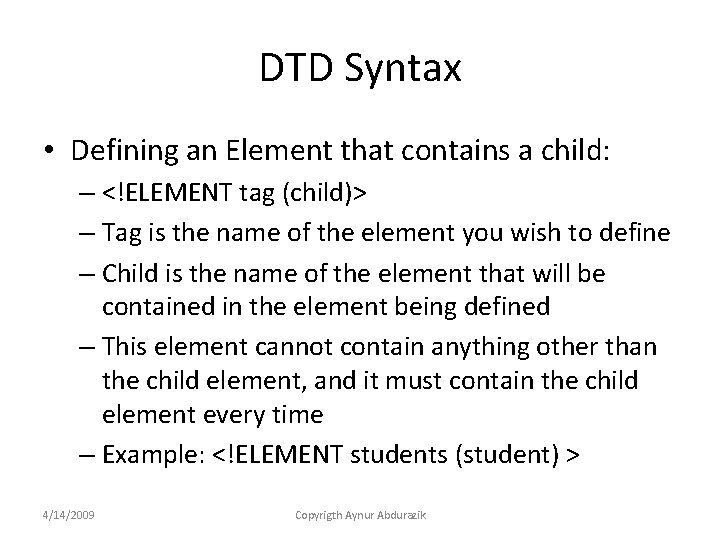
DTD Syntax • Defining an Element that contains a child: – <!ELEMENT tag (child)> – Tag is the name of the element you wish to define – Child is the name of the element that will be contained in the element being defined – This element cannot contain anything other than the child element, and it must contain the child element every time – Example: <!ELEMENT students (student) > 4/14/2009 Copyrigth Aynur Abdurazik
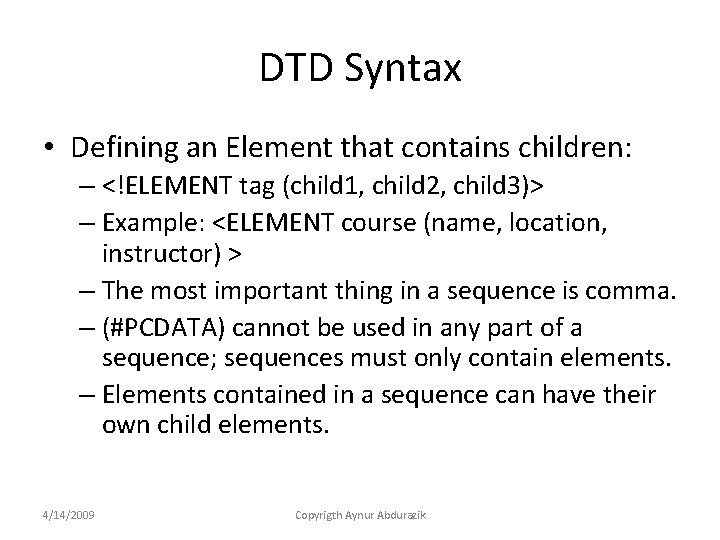
DTD Syntax • Defining an Element that contains children: – <!ELEMENT tag (child 1, child 2, child 3)> – Example: <ELEMENT course (name, location, instructor) > – The most important thing in a sequence is comma. – (#PCDATA) cannot be used in any part of a sequence; sequences must only contain elements. – Elements contained in a sequence can have their own child elements. 4/14/2009 Copyrigth Aynur Abdurazik
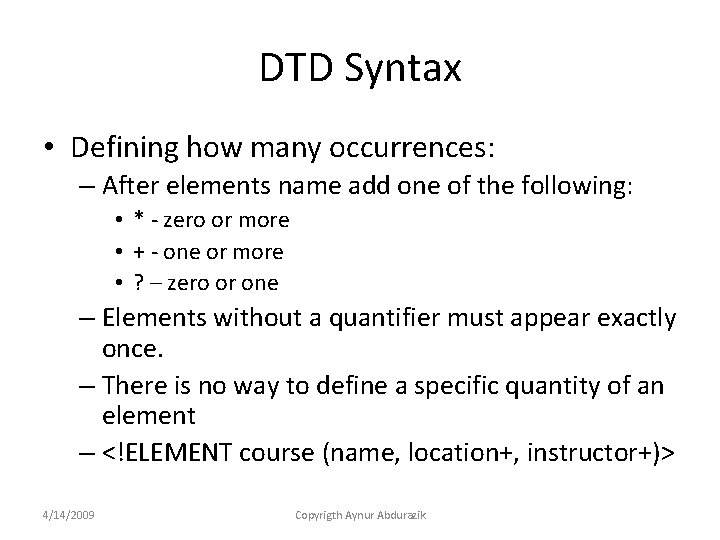
DTD Syntax • Defining how many occurrences: – After elements name add one of the following: • * - zero or more • + - one or more • ? – zero or one – Elements without a quantifier must appear exactly once. – There is no way to define a specific quantity of an element – <!ELEMENT course (name, location+, instructor+)> 4/14/2009 Copyrigth Aynur Abdurazik
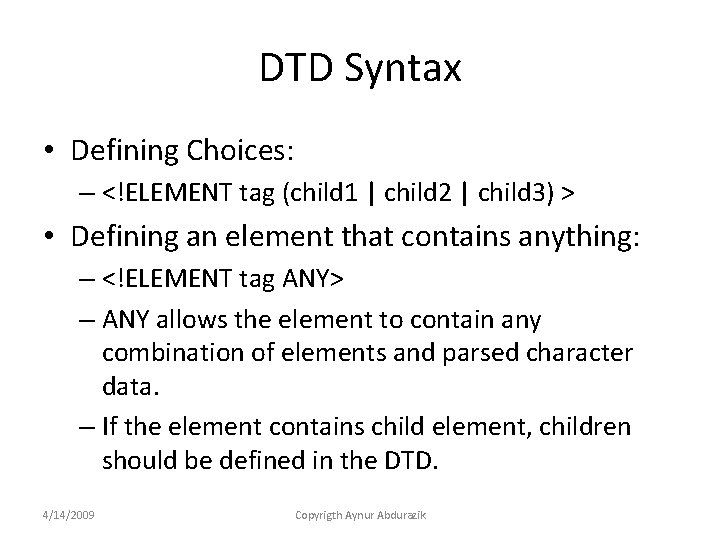
DTD Syntax • Defining Choices: – <!ELEMENT tag (child 1 | child 2 | child 3) > • Defining an element that contains anything: – <!ELEMENT tag ANY> – ANY allows the element to contain any combination of elements and parsed character data. – If the element contains child element, children should be defined in the DTD. 4/14/2009 Copyrigth Aynur Abdurazik
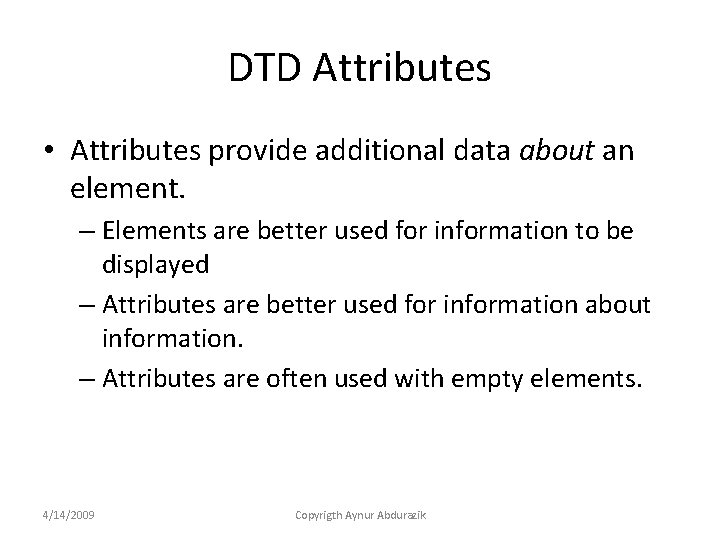
DTD Attributes • Attributes provide additional data about an element. – Elements are better used for information to be displayed – Attributes are better used for information about information. – Attributes are often used with empty elements. 4/14/2009 Copyrigth Aynur Abdurazik
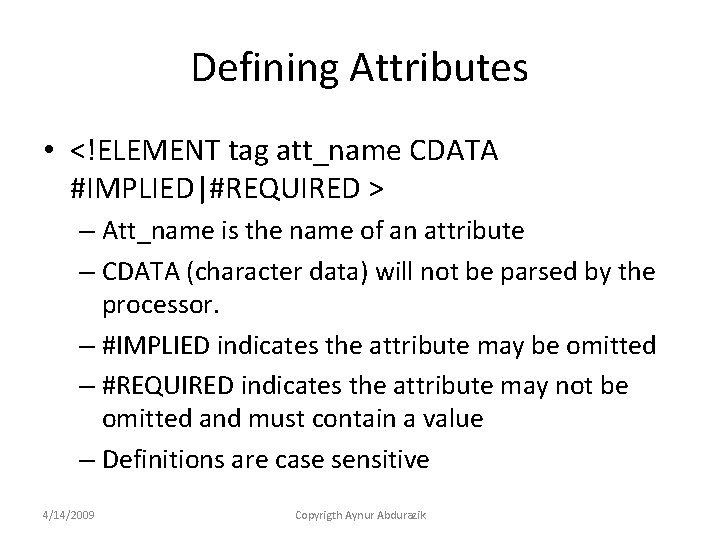
Defining Attributes • <!ELEMENT tag att_name CDATA #IMPLIED|#REQUIRED > – Att_name is the name of an attribute – CDATA (character data) will not be parsed by the processor. – #IMPLIED indicates the attribute may be omitted – #REQUIRED indicates the attribute may not be omitted and must contain a value – Definitions are case sensitive 4/14/2009 Copyrigth Aynur Abdurazik
XML Entities • Entities are like autotext entries or shortcuts – Define entity name and the text it represents, – entity reference is expanded into the defined text • Two main types of entities: – General entities: can be expanded only in XML doc • Further divided into internal and external, parsed or unparsed – Parameter entities: can be expanded only in DTDs • Can be divided into internal and external, but are always parsed. 4/14/2009 Copyrigth Aynur Abdurazik
Creating an External General Entity • Larger entities or entities could be reused in multiple DTDs can be saved in a separate, external text file with. ent extension. • <!ENTITY ent_name SYSTEM “entity. uri”> – “entity. uri” specifies the location of the entity file. 4/14/2009 Copyrigth Aynur Abdurazik
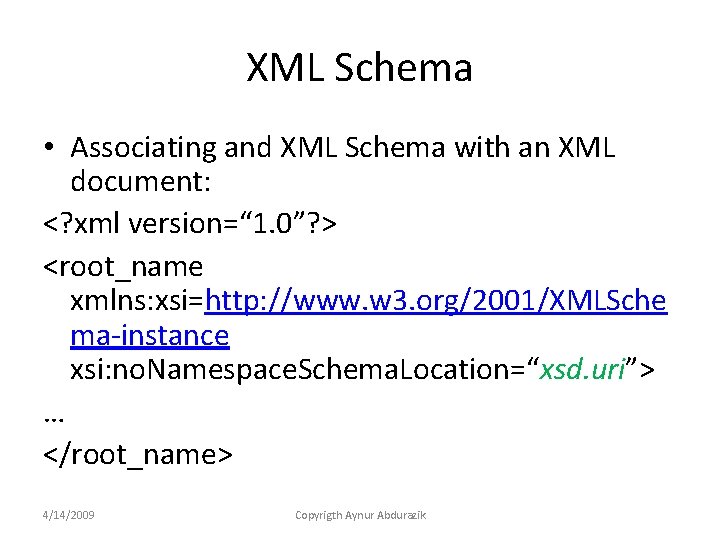
XML Schema • Associating and XML Schema with an XML document: <? xml version=“ 1. 0”? > <root_name xmlns: xsi=http: //www. w 3. org/2001/XMLSche ma-instance xsi: no. Namespace. Schema. Location=“xsd. uri”> … </root_name> 4/14/2009 Copyrigth Aynur Abdurazik
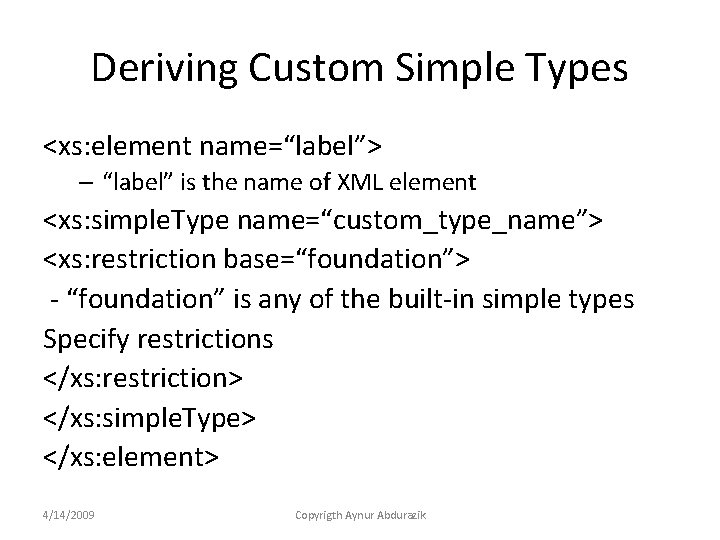
Deriving Custom Simple Types <xs: element name=“label”> – “label” is the name of XML element <xs: simple. Type name=“custom_type_name”> <xs: restriction base=“foundation”> - “foundation” is any of the built-in simple types Specify restrictions </xs: restriction> </xs: simple. Type> </xs: element> 4/14/2009 Copyrigth Aynur Abdurazik
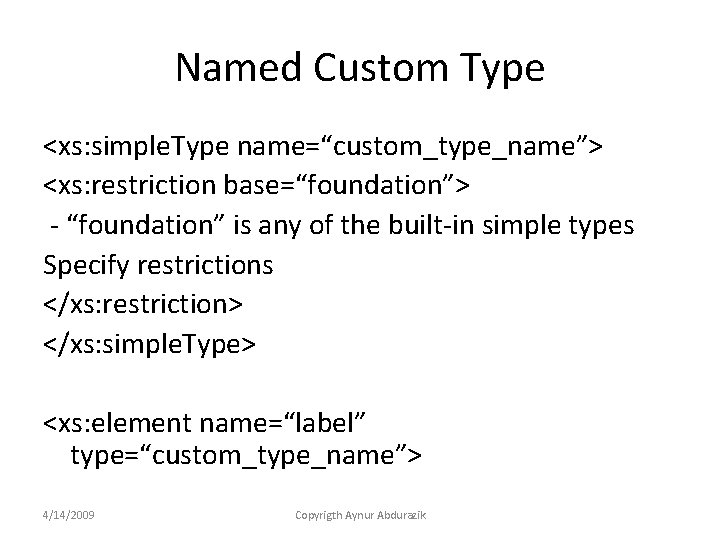
Named Custom Type <xs: simple. Type name=“custom_type_name”> <xs: restriction base=“foundation”> - “foundation” is any of the built-in simple types Specify restrictions </xs: restriction> </xs: simple. Type> <xs: element name=“label” type=“custom_type_name”> 4/14/2009 Copyrigth Aynur Abdurazik
- Slides: 17