
XI Computer Science 083 Board CBSE Unit 1
XI Computer Science (083) Board : CBSE Unit 1 Computer Systems and Organisation (CSO) CHAPTER – 01 COMPUTER FUNDAMENTALS
Unit I Computer Systems and Organisation (CSO) (10 Theory + 02 Practical) Prepared by Manish Kumar M Phil (Computer Sc) Department of Computer Science, Sainik School Gopalganj) Cell : 9931640949 Email : manish_mca 2004@rediffmail. com Courtesy CBSE
What you are going to study in this Unit II? ü ü ü Basic computer organisation: description of a computer system and mobile system, CPU, memory, hard disk, I/O, battery. Types of software: application, System, utility. Memory Units: bit, byte, MB, GB, TB, and PB. Boolean logic: OR, AND, NOR, XOR, NOT, truth tables, De Morgan’s laws Information representation: numbers in base 2, 8, 16, binary addition
What you are going to study in this Unit II? ü Strings: ASCII, UTF 8, UTF 32, ISCII (Indian script code), Unicode ü Basic concepts of Flowchart ü Concept of Compiler & Interpreter ü Running a program: Notion of an operating system, how an operating system ü runs a program, idea of loading, operating system as a resource manager. ü Concept of cloud computing, cloud (public/private), introduction to parallel computing
UNIT I Computer Fundamentals After studying this session students will be able to: üLearn about various generations of computer üUnderstand the basic operation of a computer üStudy the functional components and their interconnections üUnderstand the concept of booting üLearn about classification of computers Courtesy CBSE
What is Computer? ü A computer is a device that can be instructed to carry out sequences of arithmetic or logical operations automatically. Modern computers have the ability to follow generalized sets of operations, called programs. These programs enable computers to perform an extremely wide range of tasks. § Source Wikipedia
What is Data? ü Data in a computer terminology mean raw facts and figures. ü For ex-mohan, 1977 etc. What is Information? ümeans what we get after processing.
Data Vs. Information? ü you should understand that what goes in the computers is data and what comes out of them is information. ü This process of turning data into information is also known as information processing cycle.
BASIC COMPUTER ORGANISATION
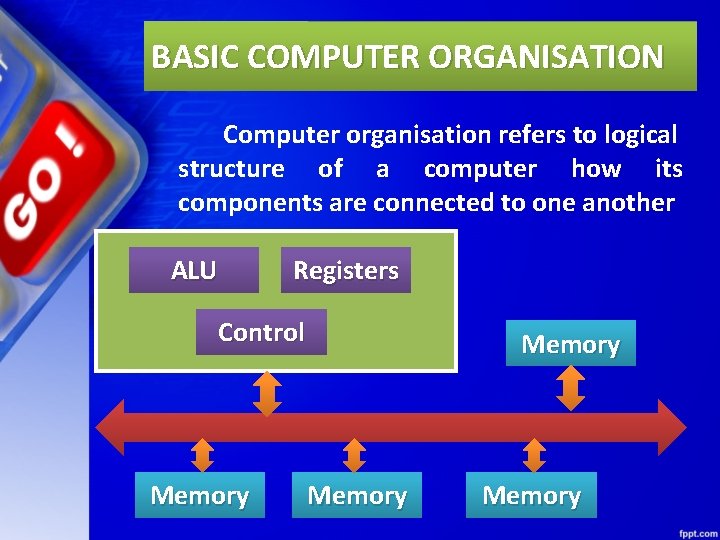
BASIC COMPUTER ORGANISATION Computer organisation refers to logical structure of a computer how its components are connected to one another ALU Registers Control Memory
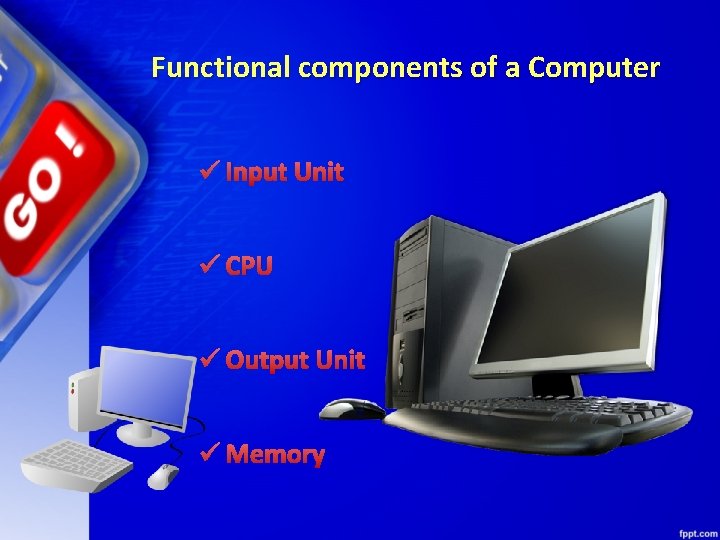
Functional components of a Computer ü Input Unit ü CPU ü Output Unit ü Memory
Input Unit ü The input unit consists of input devices that are attached to the computer. ü These devices take input and convert it into binary language that the computer understands. ü Some of the common input devices are keyboard, mouse, joystick, scanner etc.
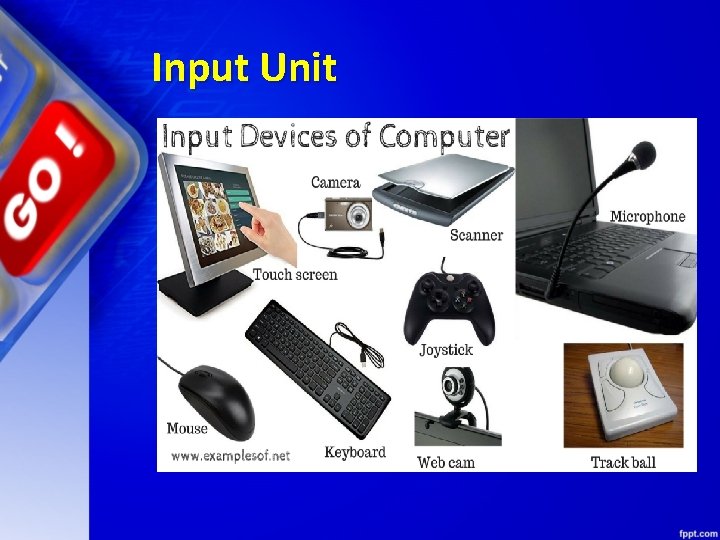
Input Unit
Central Processing Unit(CPU) ü Once the information is entered into the computer by the input device, the processor processes it. ü The CPU is called the brain of the computer because it is the control centre of the computer. ü As the CPU is located on a small chip, it is also called the Microprocessor.
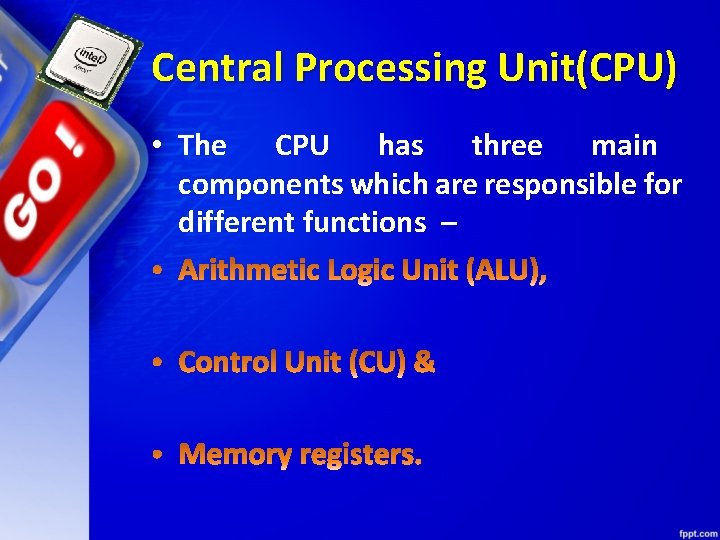
Central Processing Unit(CPU) • The CPU has three main components which are responsible for different functions –
Arithmetic Logic Unit (ALU) ü The ALU, as its name suggests performs mathematical calculations and takes logical decisions. Arithmetic calculations include addition, subtraction, multiplication and division. ü Logical decisions involve comparison of two data items to see which one is larger or smaller or equal.
CU Control Unit (CU) ü The Control unit coordinates and controls the data flow in and out of CPU and also controls all the operations of ALU, memory registers and also input/output units. ü It is also responsible for carrying out all the instructions stored in the program.
MR Memory Registers ü A register is a temporary unit of memory in the CPU. ü These receive data/information and then this data/information is held in them as per the requirement.
Output Unit üThe output unit consists of output devices that are attached with the computer. üIt converts the binary data coming from CPU to human understandable from. The ücommon output devices are monitor, printer, plotter etc.
Classification of Computers
Classification of Computers üThe computers can be classified based on the technology being used as: üDigital Computers ü Analog Computers & üHybrid Computers
Digital Computers üThese computers are capable of processing information in discrete form. üIn digital technology data which can be in the form of letters, symbols or numbers is represented in binary form i. e. 0 s and 1 s.
Digital Computers üBinary digits are easily expressed in a digital computer by the presence (1) or absence (0) of current or voltage. üIt computes by counting and adding operations.
Digital Computers üThe digital computers are used in industrial, business and scientific applications. üThey are quite suitable for large volume data processing.
Digital Computers EXAMPLES: üIBM PC, HP, LENOVO, DELL, . . . etc üApple Macintosh üCalculators üDigital watches etc
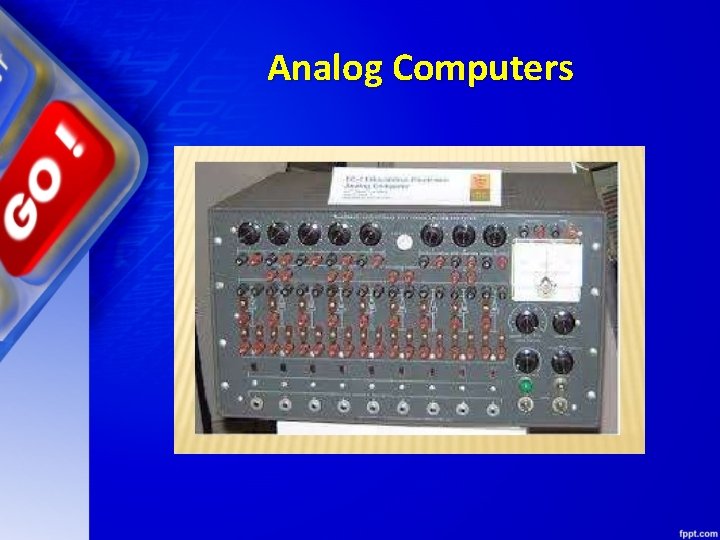
Analog Computers üAn Analog computer works on continuously changeable aspects of physical phenomenon such as fluid pressure, mechanical motion and electrical quantities. üThese computers measure changes in continuous physical quantities say current and voltage.
Analog Computers üThese computers are used to process data generated by ongoing physical processes. üA thermometer is an example of an analog computer since it measures the change in mercury level continuously.
Analog Computers üAlthough the accuracy of an analog computer is less as compared to digital computers, yet it is used to process data generated by changing physical quantities especially when the response to change is fast.
Analog Computers üMost present day Analog computers are well suited to simulating systems. A simulator helps to conduct experiments repeatedly in real time environment. üSome of the common examples are simulations in aircrafts, nuclear power plants, hydraulic and electronic networks.
Analog Computers Examples ü Thermometer. üAnalog clock. ü Speedometer. ü Tire pressure gauge.
Analog Computers
Analog Computers ü Boeing B-29 Superfortress Central Fire Control System üDeltar üKerrison Predictor üLeonardo Torres y Quevedo's Analogue Calculating Machines based on "fusee sans fin" üLibrascope, aircraft weight and balance computer
Analog Computers ADVANTAGES: Analog computer has come to refer to devices and media that represent: üStore images üSound, motion pictures, etc.
Analog Computers DISADVANTAGES: ü Analog computers can have a very wide range of complexity. üSlide rules and monographs are the simplest, while naval gun fire control computers and large hybrid digital/analog computers were among the most complicated.
Analog Computers DISADVANTAGES: üVery complicated for containing output for the users some time.
Hybrid Computers üThese use both analog and digital technology. üIt has the speed of analog computer and the accuracy of a digital computer. ü It may accept digital or analog signals but an extensive conversion of data from digital to analog and analog to digital has to be done.
Hybrid Computers üGenerally the analog components provide efficient processing of differential equations while the digital part deals with logical operations of the system. üHence benefits of both analog and digital computing are readily available.
Hybrid Computers ü Hybrid Computers are used as a cost effective means for complex simulations. üExamples: Computer used in hospitals to measure the heartbeat of the patient. Devices used in petrol pump.
Hybrid Computers A hybrid computer exhibits features of both analog computers and digital computers. It applies the real-time speed of the analog computer and the accuracy of the digital computer to the solution of problems that are beyond the capabilities of either. An example was the HYDAC 2400, a hybrid computer released by EAI in 1963.
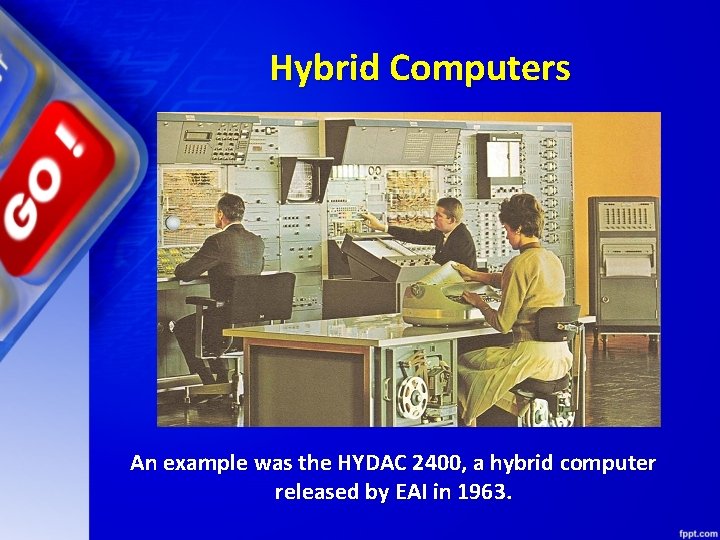
Hybrid Computers An example was the HYDAC 2400, a hybrid computer released by EAI in 1963.
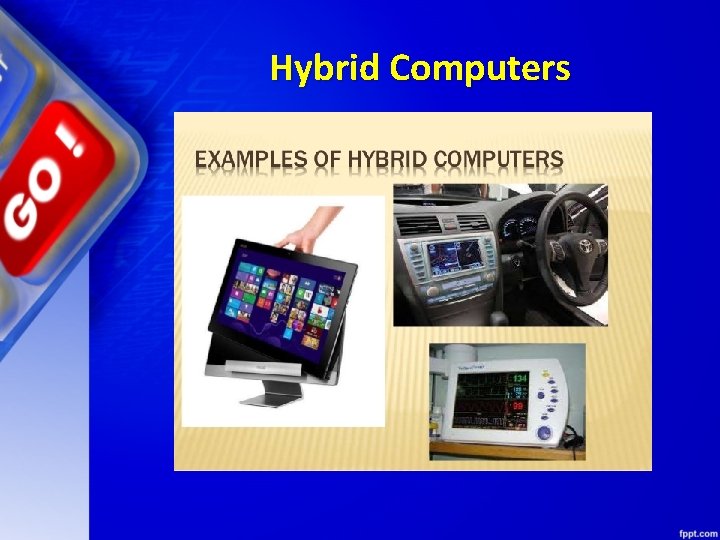
Hybrid Computers
Classification of Digital Computers ü The digital computers are classified according to their computing capabilities.
Classification of Digital Computers ü The various types of digital computers are : üMicro Computers üMini Computers üMain Frames üSuper Computers
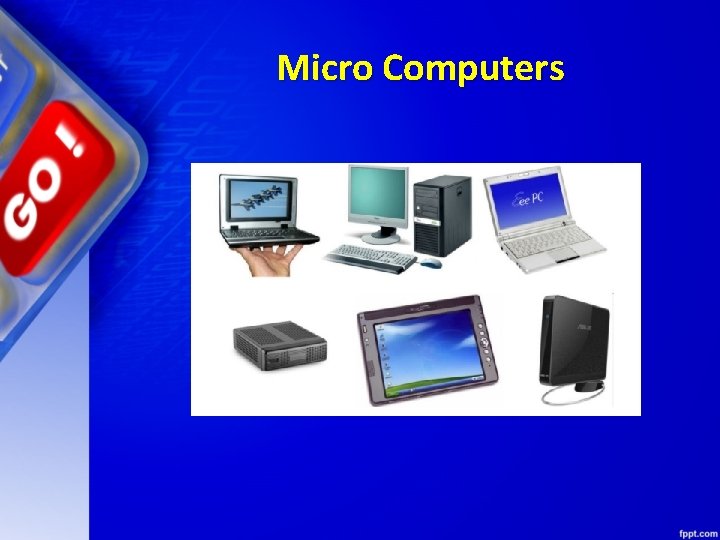
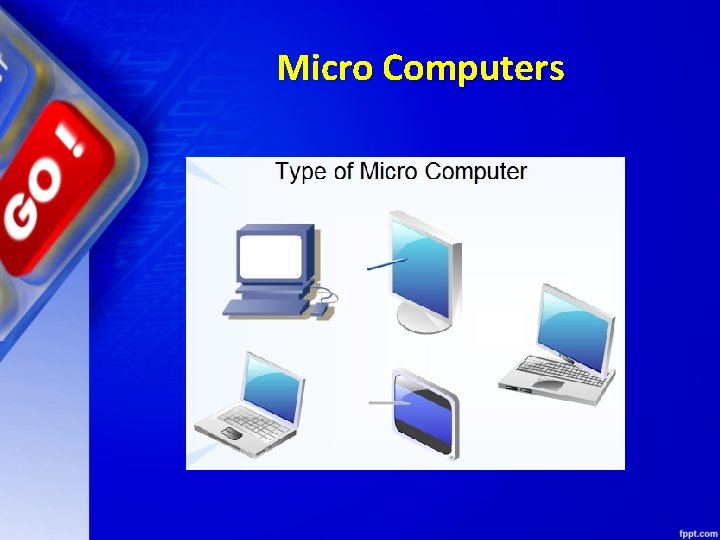
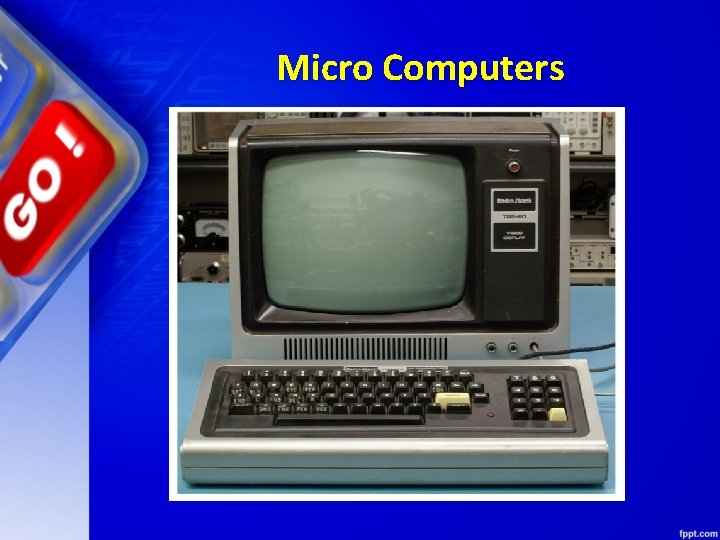
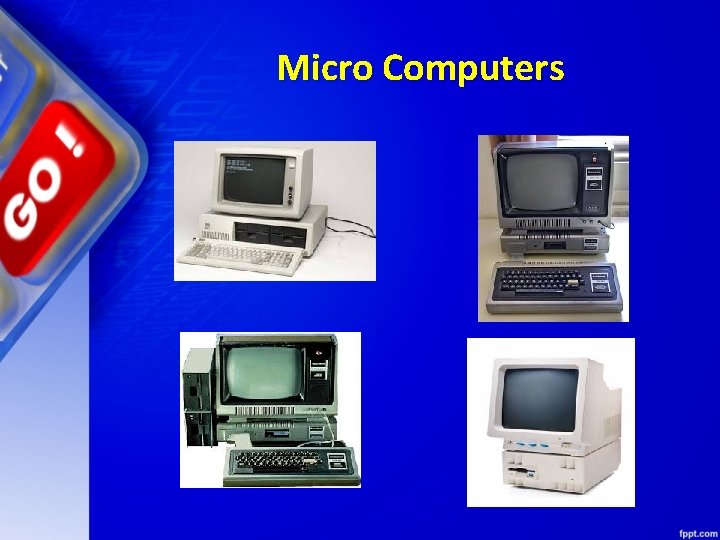
Micro Computers üThese are also known as Personal Computers. These type of digital computer uses a microprocessor (a CPU on a single chip) and include both desktops and laptops.
Micro Computers üThese computers can work on small volume of data, are very versatile and can handle variety of applications. These computers are being used as work stations, CAD, multimedia and advertising applications.
Micro Computers üSmall portable computers such as PDAs (Personal Digital Assistants) and tablets with wireless computing technology are increasingly becoming popular.
Micro Computers
Micro Computers
Micro Computers
Micro Computers
Mini Computers üThese computers can support multiple users working simultaneously on the same machine. üThese are mainly used in an organization where computers installed in various departments are interconnected. These computers are useful for small business organizations.
Mini Computers Examples üControl Data's CDC 160 A and CDC 1700. üDEC PDP and VAX series. üData General Nova. üHewlett-Packard HP 3000 series, HP 2100 series, HP 1000 series.
Mini Computers Examples üHoneywell-Bull DPS 6/DPS 6000 series. üIBM midrange computers. üInterdata 7/32 and 8/32. üVarian 620 100 series.
Mini Computers Examples üHoneywell-Bull DPS 6/DPS 6000 series. üIBM midrange computers. üInterdata 7/32 and 8/32. üVarian 620 100 series.
Mainframe Computers üThese computers are large and very powerful computers with very high memory capacity. üThese can process huge databases such as census at extremely fast rate. They are suitable for big organizations, banks, industries etc. and can support hundreds of users simultaneously on the network.
Mainframe Computers History of IBM mainframes, 1952– present. Market name 700/7000 series üSystem/360 üSystem/370 üIBM 308 X üIBM 3090 üSystem/390 üz. Series 900, 800, 990, and 890 üSystem z 9 üSystem z 10
Mainframe Computers History of IBM mainframes, 1952– present Market name 700/7000 series üz. Enterprise System (z 196, z. EC 12, z 13, z 14) üArchitecture. System/360 üSystem/370 üS/370 -XA üESA/370 üESA/390 üz/Architecture
Super Computers üThese are fastest and very expensive computers. üThey can execute instructions per second. billions of
Super Computers üThese are multiprocessor, parallel systems suitable for specialized complex scientific applications involving huge amounts of mathematical applications such as weather forecasting.
Super Computers üThe main difference between a supercomputer and a mainframe is that a supercomputer executes fewer programs as fast as possible whereas a mainframe executes many programs concurrently.
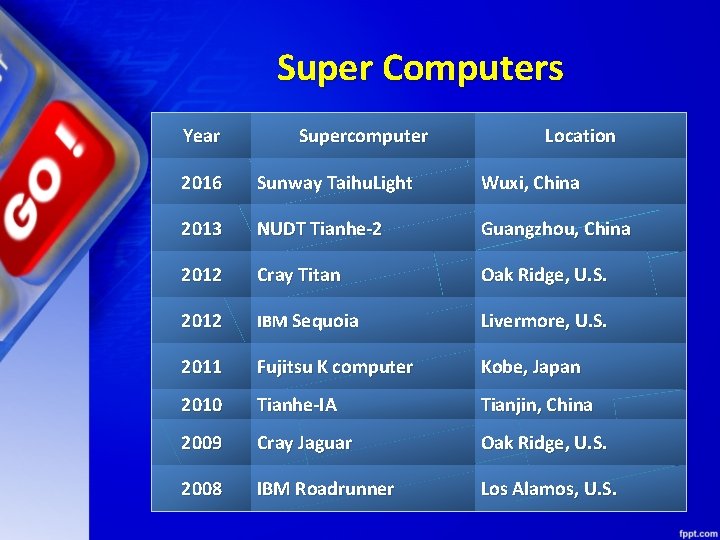
Super Computers Year Supercomputer Location 2016 Sunway Taihu. Light Wuxi, China 2013 NUDT Tianhe-2 Guangzhou, China 2012 Cray Titan Oak Ridge, U. S. 2012 IBM Sequoia Livermore, U. S. 2011 Fujitsu K computer Kobe, Japan 2010 Tianhe-IA Tianjin, China 2009 Cray Jaguar Oak Ridge, U. S. 2008 IBM Roadrunner Los Alamos, U. S.
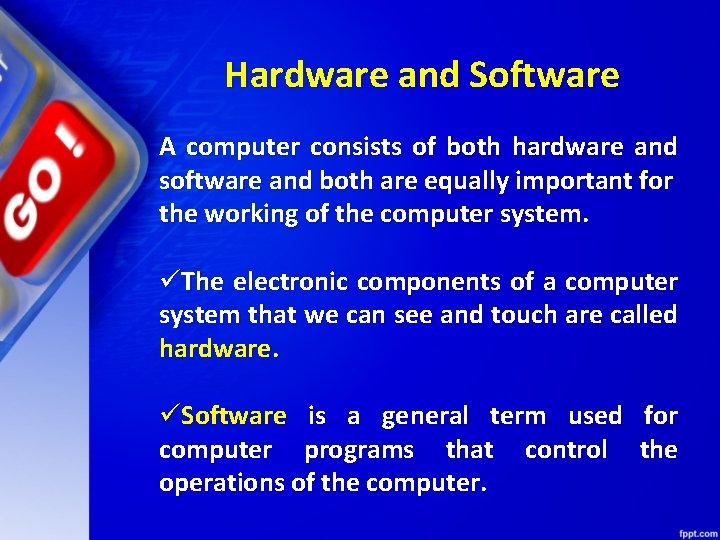
Hardware and Software A computer consists of both hardware and software and both are equally important for the working of the computer system. üThe electronic components of a computer system that we can see and touch are called hardware. üSoftware is a general term used for computer programs that control the operations of the computer.
Hardware and Software
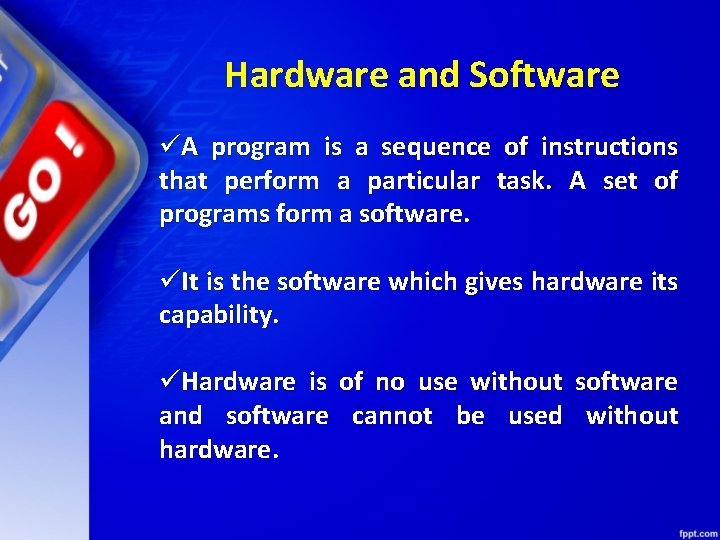
Hardware and Software üA program is a sequence of instructions that perform a particular task. A set of programs form a software. üIt is the software which gives hardware its capability. üHardware is of no use without software and software cannot be used without hardware.
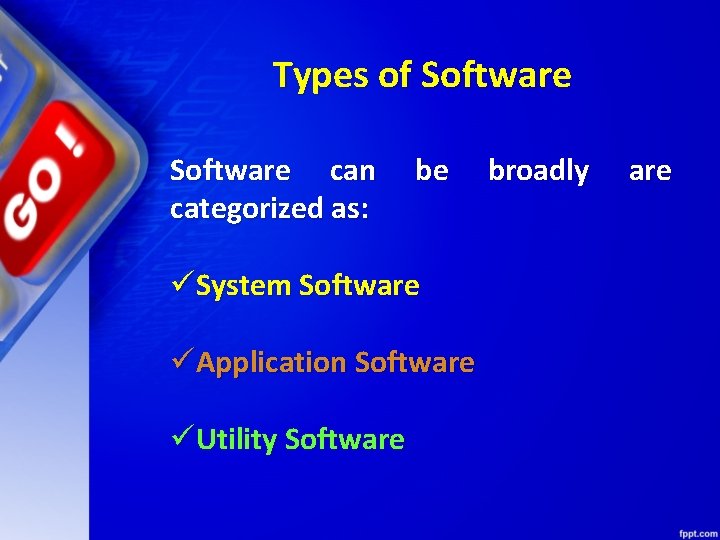
Types of Software can categorized as: be üSystem Software üApplication Software üUtility Software broadly are
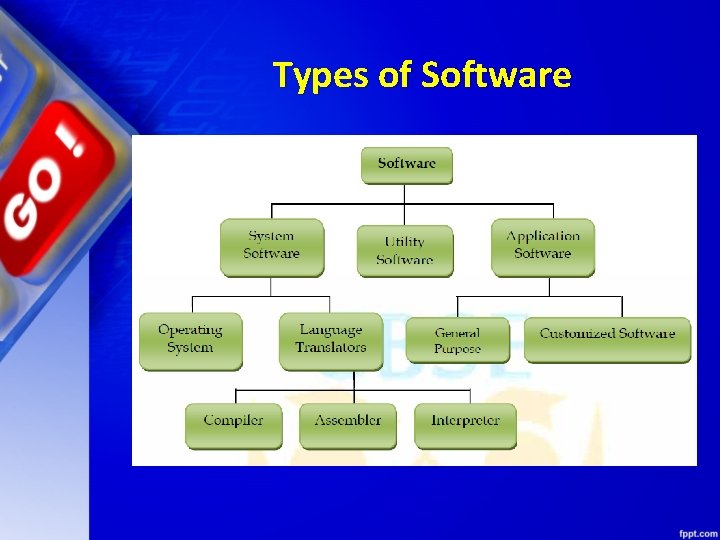
Types of Software
System Software is the software that is directly related to coordinating computer operations and performs tasks associated with controlling and utilizing computer hardware. These programs assist in running application programs and are designed to control the operation of a computer system.
System Software System software directs the computer what to do, when to do and how to do. System software can be further categorized into: - üOperating System üLanguage Translators
Operating System ü An Operating system is the most important system software. üIt is a set of programs that control and supervise the hardware of a computer and also provide services to application software, programmers and users. Ex : -
Operating System üSome of the popular operating systems used in personal computers are DOS, Windows, Unix, Linux, Solaris, etc.
COMPILERS AND INTERPRETERS
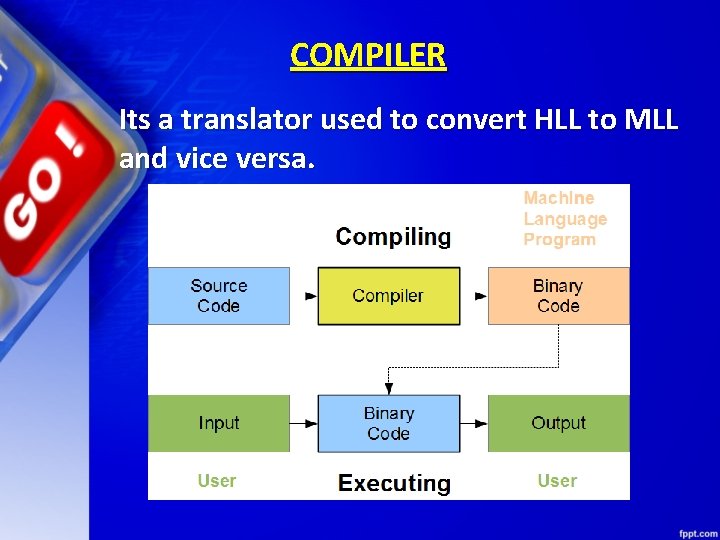
COMPILER Its a translator used to convert HLL to MLL and vice versa.
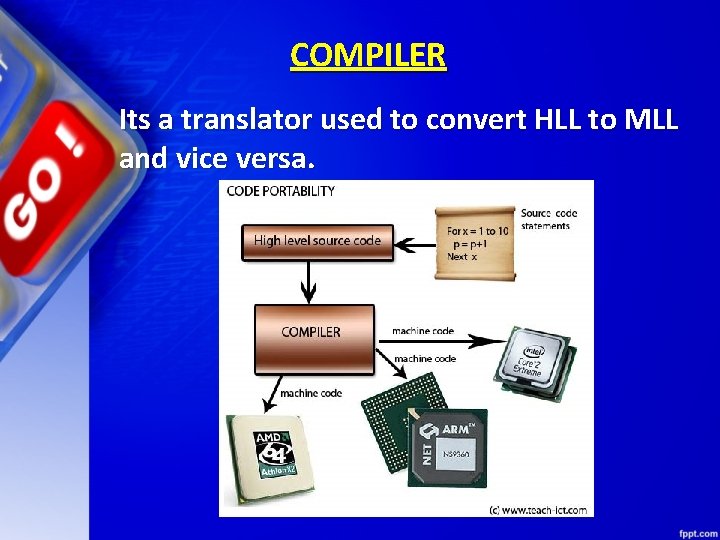
COMPILER Its a translator used to convert HLL to MLL and vice versa.
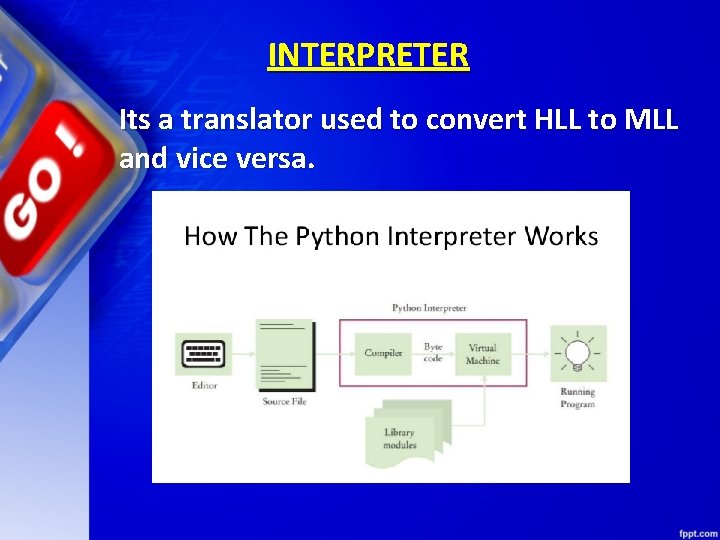
INTERPRETER Its a translator used to convert HLL to MLL and vice versa.
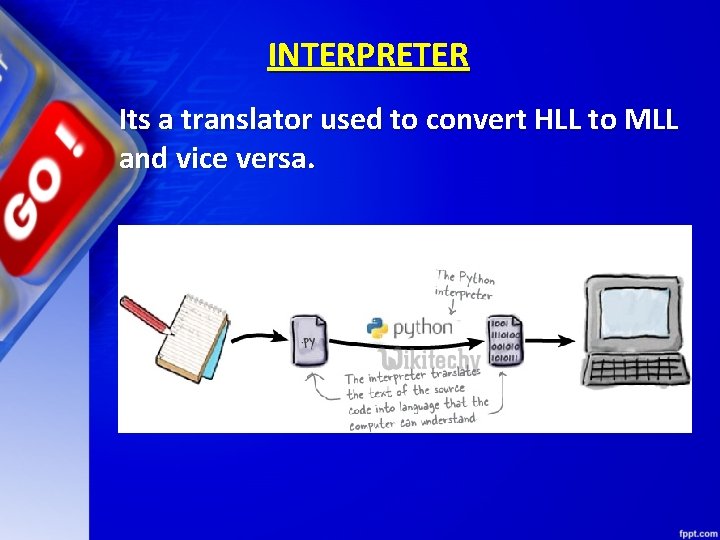
INTERPRETER Its a translator used to convert HLL to MLL and vice versa.
Application Software üAn application software is bought by the user to perform specific applications or tasks. üSay for example making a document or making a presentation or handling inventory or managing the employee database.
Application Software ü An application software can be of two types: üGeneral Purpose Application Software & üCustomized Application software.
Application Software - General Purpose Application Software ü Some of the application software is made for the common users for day to day applications and uses. üThese are also referred as Office Tools. ü The users may use them in the manner they want.
Application Software - General Purpose Application Software ü Some of the popular types of general purpose application software are: üWord Processor üPresentation Tools üSpreadsheet Packages üDatabase Management System
Application Software - Customized Software üCustomized Software is one which is tailor made as per the user’s requirement. Such type of software is customer specific. ü It is made keeping in mind the individual needs of the user and so are also referred as Domain Specific Tools
Application Software - Customized Software Examples: üInventory Management System & Purchasing System üSchool Management System üPayroll System üFinancial Accounting üHotel Management üReservation System üWeather Forecasting system
MEMORY CONCEPTS
Memory üMemory is one of the most important components of a computer system as it stores data and instructions. üEvery memory chip contains thousands of memory locations. In the computer, the data is stored in the form of bits and bytes.
Memory üA bit is the smallest storage unit of memory. A nibble is a collection of 4 bits. Eight bits combined together to form a single byte, which in turn represents a single character
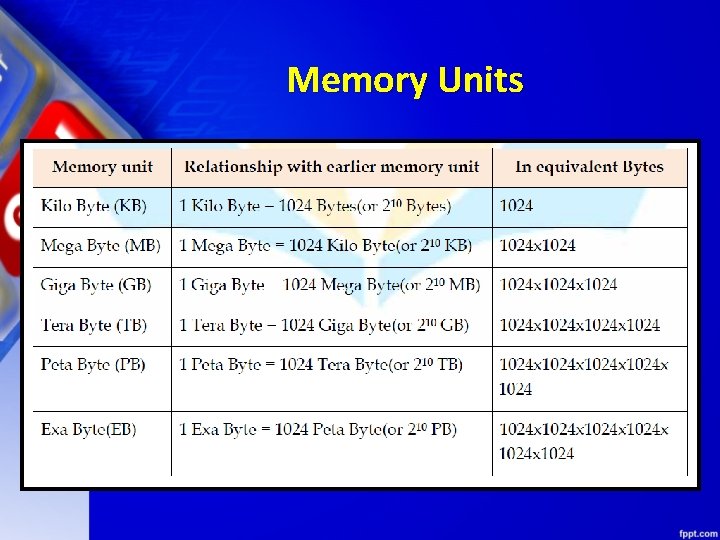
Memory Units
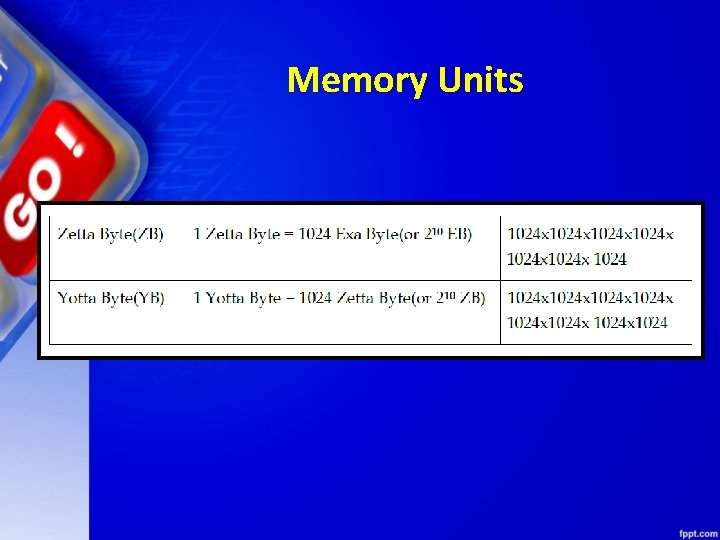
Memory Units
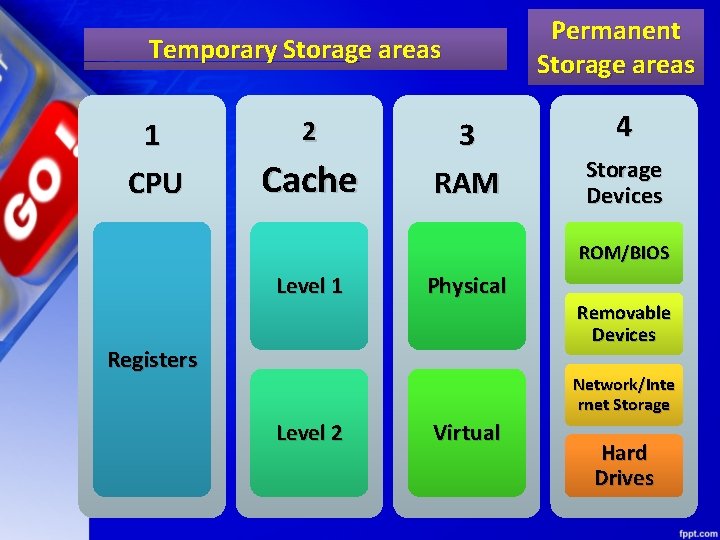
Temporary Storage areas 1 CPU 2 Cache 3 RAM Permanent Storage areas 4 Storage Devices ROM/BIOS Level 1 Physical Registers Removable Devices Network/Inte rnet Storage Level 2 Virtual Hard Drives
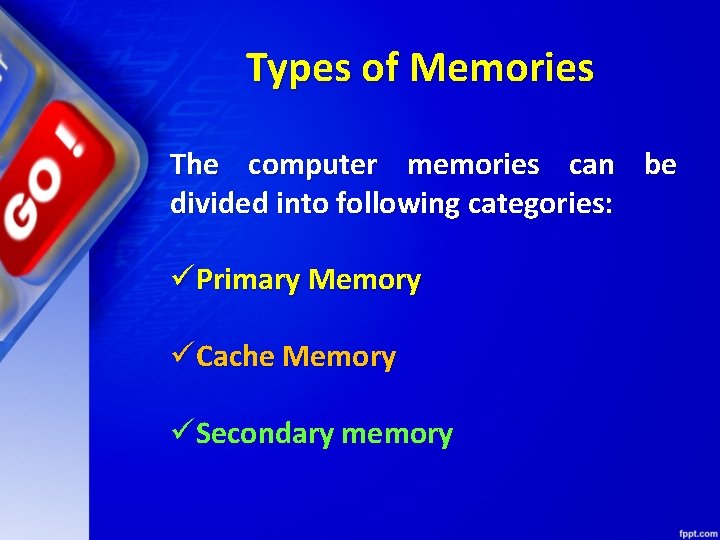
Types of Memories The computer memories can be divided into following categories: üPrimary Memory üCache Memory üSecondary memory
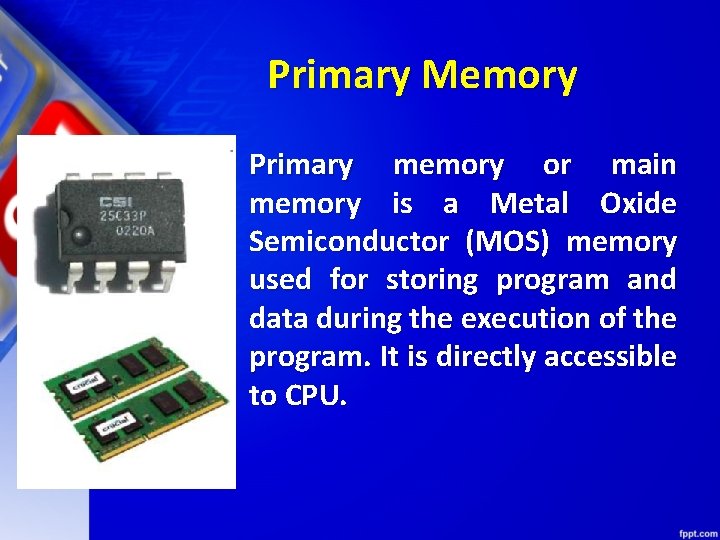
Primary Memory Primary memory or main memory is a Metal Oxide Semiconductor (MOS) memory used for storing program and data during the execution of the program. It is directly accessible to CPU.
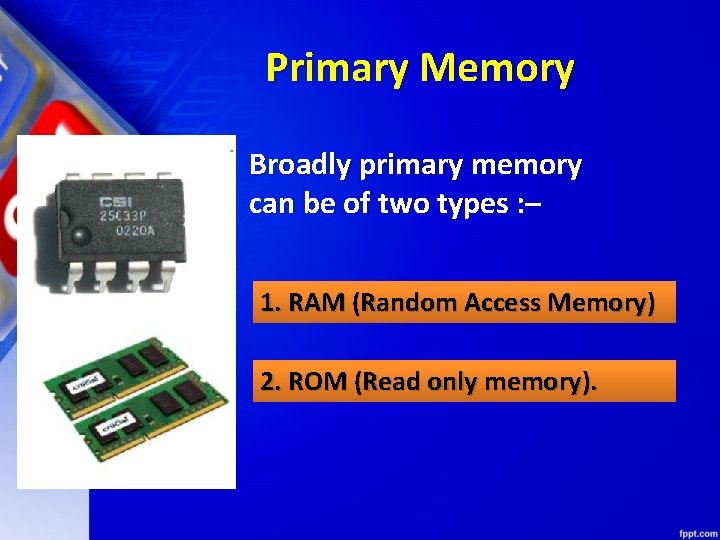
Primary Memory Broadly primary memory can be of two types : – 1. RAM (Random Access Memory) 2. ROM (Read only memory).
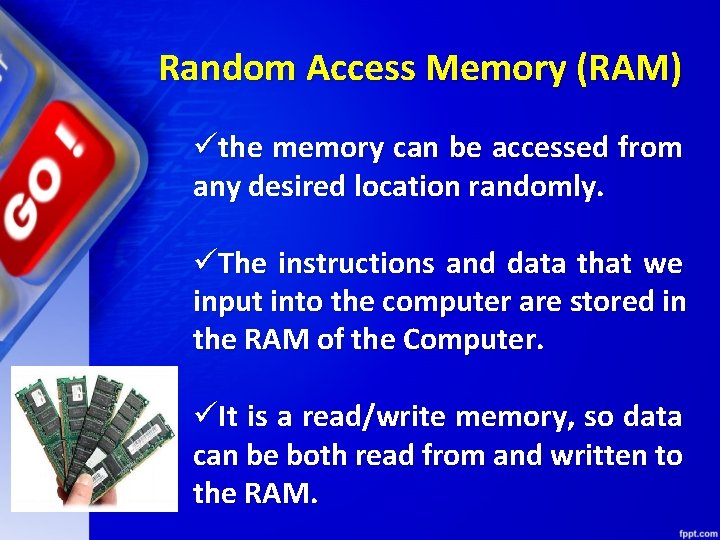
Random Access Memory (RAM) üthe memory can be accessed from any desired location randomly. üThe instructions and data that we input into the computer are stored in the RAM of the Computer. üIt is a read/write memory, so data can be both read from and written to the RAM.
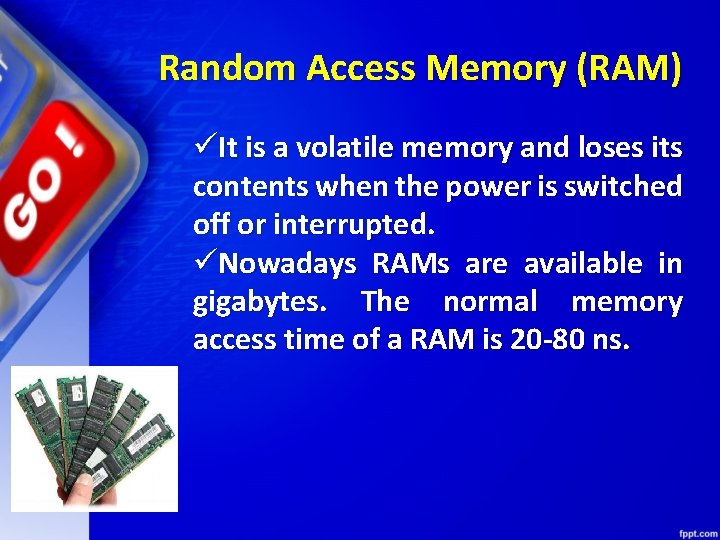
Random Access Memory (RAM) üIt is a volatile memory and loses its contents when the power is switched off or interrupted. üNowadays RAMs are available in gigabytes. The normal memory access time of a RAM is 20 -80 ns.
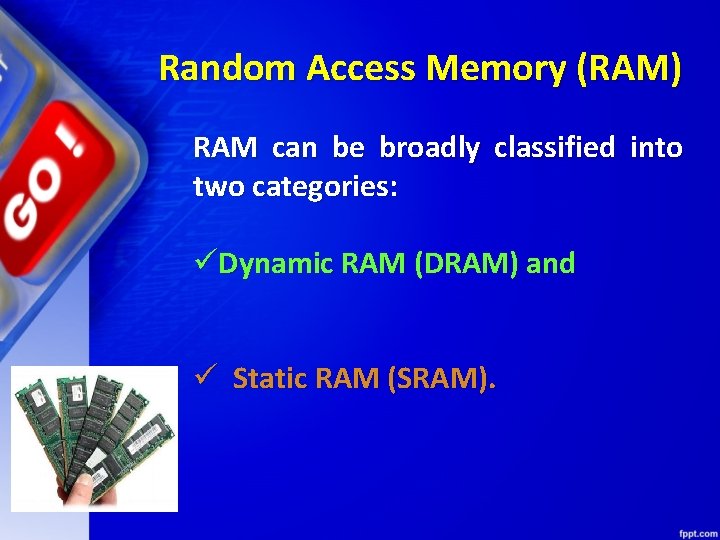
Random Access Memory (RAM) RAM can be broadly classified into two categories: üDynamic RAM (DRAM) and ü Static RAM (SRAM).
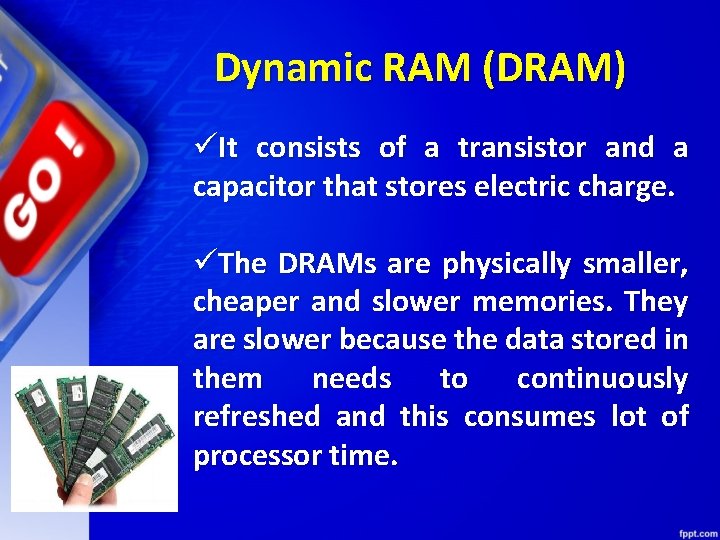
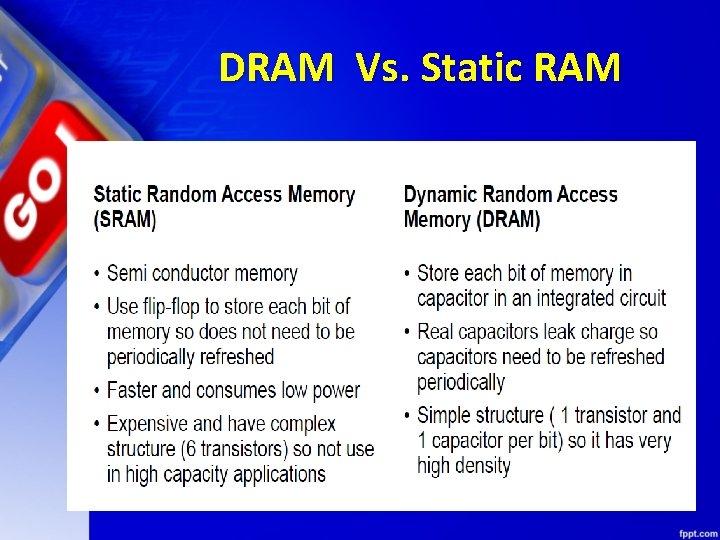
Dynamic RAM (DRAM) üIt consists of a transistor and a capacitor that stores electric charge. üThe DRAMs are physically smaller, cheaper and slower memories. They are slower because the data stored in them needs to continuously refreshed and this consumes lot of processor time.
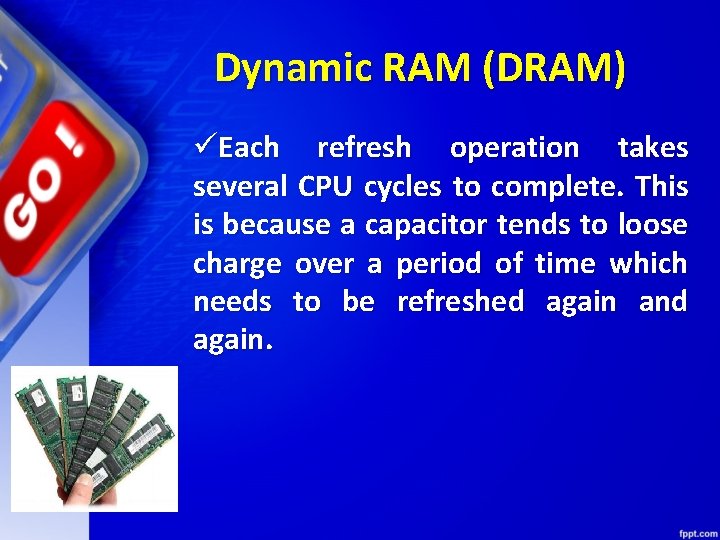
Dynamic RAM (DRAM) üEach refresh operation takes several CPU cycles to complete. This is because a capacitor tends to loose charge over a period of time which needs to be refreshed again and again.
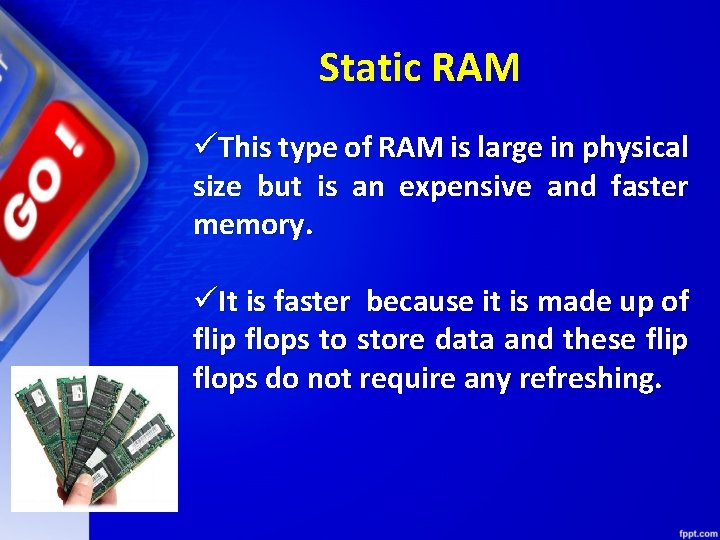
Static RAM üThis type of RAM is large in physical size but is an expensive and faster memory. üIt is faster because it is made up of flip flops to store data and these flip flops do not require any refreshing.
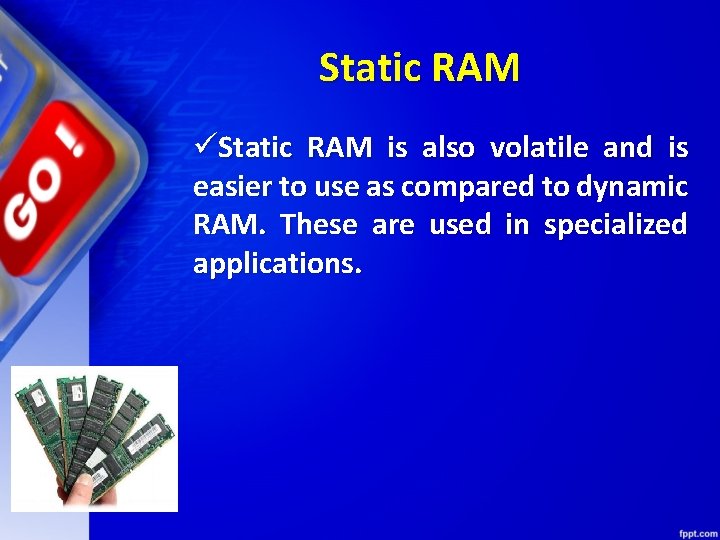
Static RAM üStatic RAM is also volatile and is easier to use as compared to dynamic RAM. These are used in specialized applications.
DRAM Vs. Static RAM
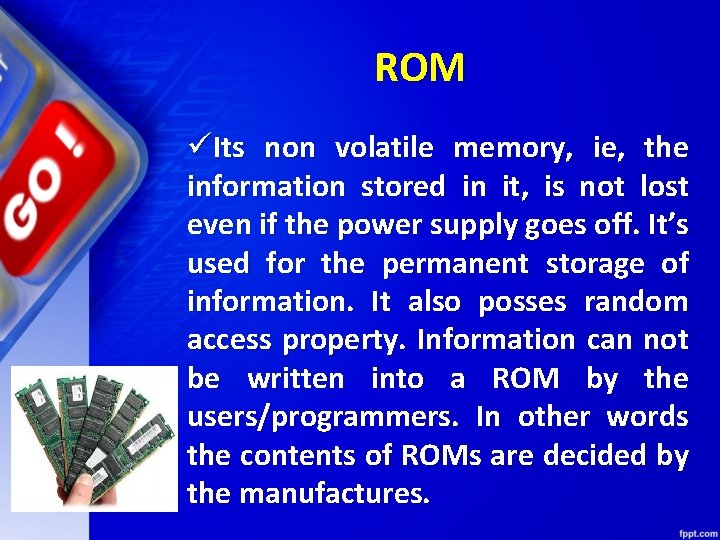
ROM üIts non volatile memory, ie, the information stored in it, is not lost even if the power supply goes off. It’s used for the permanent storage of information. It also posses random access property. Information can not be written into a ROM by the users/programmers. In other words the contents of ROMs are decided by the manufactures.
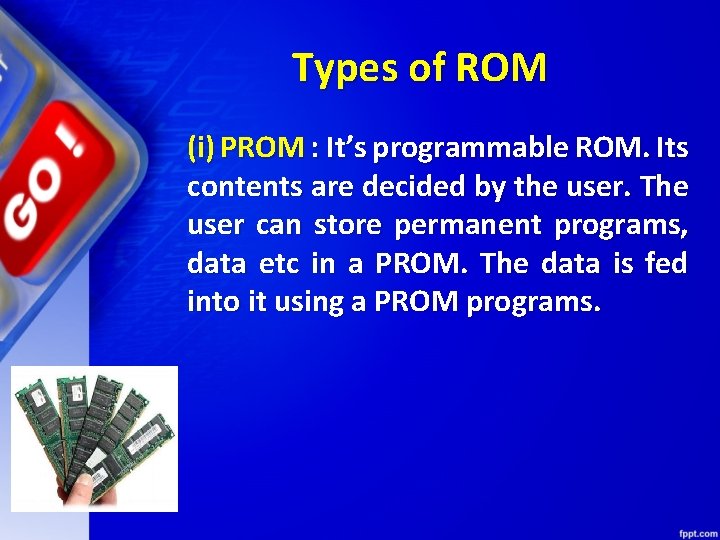
Types of ROM (i) PROM : It’s programmable ROM. Its contents are decided by the user. The user can store permanent programs, data etc in a PROM. The data is fed into it using a PROM programs.
Types of ROM (ii) EPROM : An EPROM is an erasable PROM. The stored data in EPROM’s can be erased by exposing it to UV light for about 20 min. It’s not easy to erase it because the EPROM IC has to be removed from the computer and exposed to UV light. The entire data is erased and not selected portions by the user. EPROM’s are cheap and reliable.
Types of ROM (iii) EEPROM (Electrically Erasable PROM) : The chip can be erased & reprogrammed on the board easily byte by byte. It can be erased with in a few milliseconds. There is a limit on the number of times the EEPROM’s can be reprogrammed, i. e. ; usually around 10, 000 times.
Flash Memory Its an electrically erasable & programmable permanent type memory. It uses one transistor memory all resulting in high packing density, low power consumption, lower cost & higher reliability. Its used in all power, digital cameras, MP 3 players etc.
Cache Memory ü Cache memory is a special high speed memory made up of high speed static RAMs. üIt is used to hold frequently accessed data and instructions. üWe know that the processing speed of CPU is much more than the main memory access time of the computer.
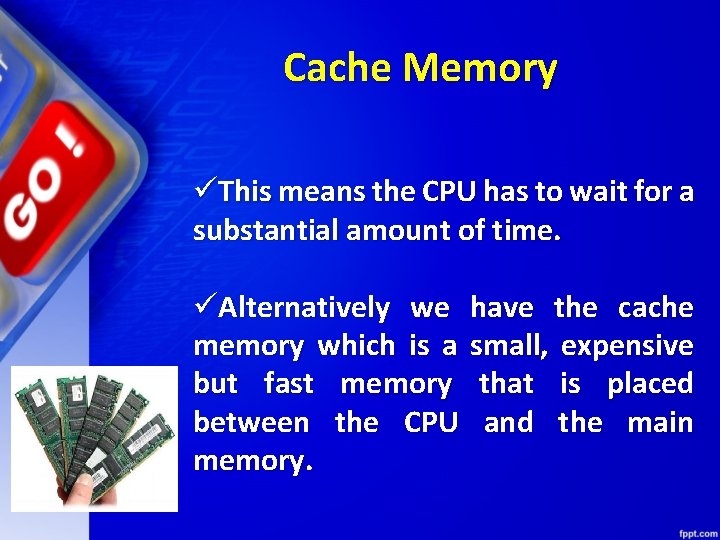
Cache Memory üThis means the CPU has to wait for a substantial amount of time. üAlternatively we memory which is a but fast memory between the CPU memory. have the cache small, expensive that is placed and the main
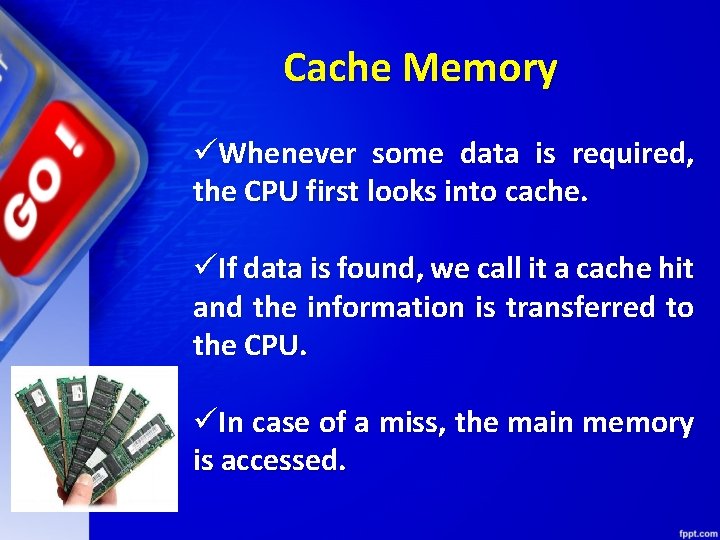
Cache Memory üWhenever some data is required, the CPU first looks into cache. üIf data is found, we call it a cache hit and the information is transferred to the CPU. üIn case of a miss, the main memory is accessed.
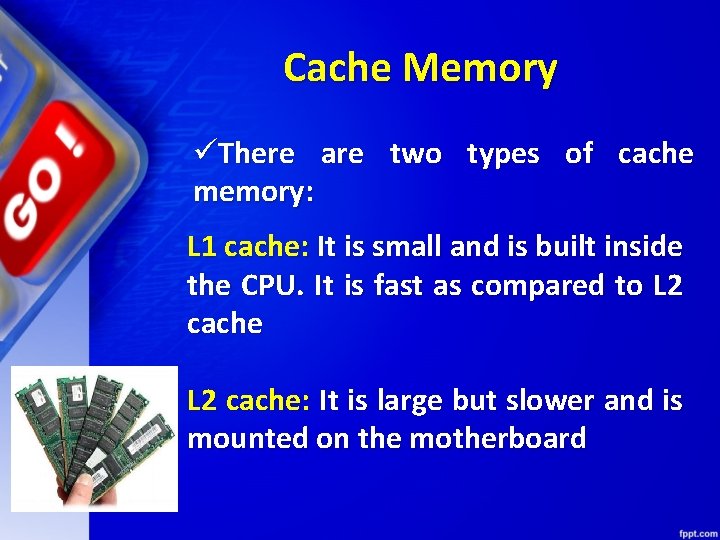
Cache Memory üThere are two types of cache memory: L 1 cache: It is small and is built inside the CPU. It is fast as compared to L 2 cache: It is large but slower and is mounted on the motherboard
Secondary Memory
Secondary Memory üThe major limitation of primary memory is that it has limited storage capacity and is volatile. üTo overcome this limitation we have secondary memory storage devices. This type of memory is also called external memory. For example Floppy disk, hard disk, USB drives, CD/DVDs
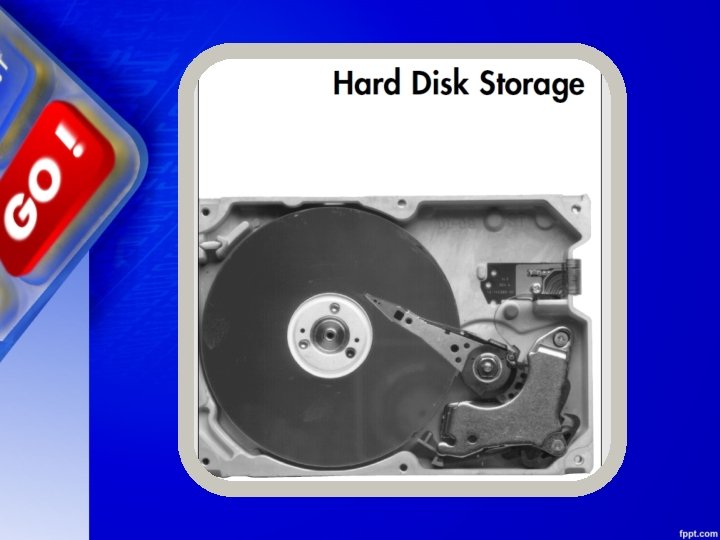
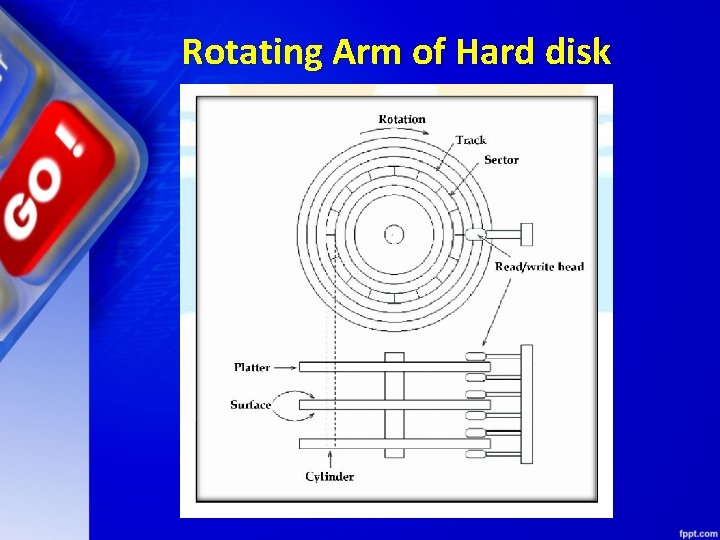
Hard disk A hard disk consists of one or more circular disks called platters which are mounted on a common spindle. Each surface of a platter is coated with a magnetic material. Both surfaces of each disk are capable of storing data except the top and bottom disk where only the inner surface is used.
Hard disk The information is recorded on the surface of the rotating disk by magnetic read/write heads. These heads are joined to a common arm known as access arm. This arm moves over the surface of the rotating disk as shown in the figure (next slide)
Rotating Arm of Hard disk
Hard disk Information is recorded on each of these disks in the form of concentric circles called tracks which are further divided into sectors. Hard drives however, are not very portable and are primarily used internally in a computer system. But external hard disks are also available as a substitute for portable storage. Today the hard disks have the storage capacity of several gigabytes to terabytes.
OPTICAL DISKS
OPTICAL DISKS An optical disk is primarily used as a portable and secondary storage device. It can store more data than the previous generation of magnetic storage media, and has a relatively longer lifespan. Compact disks (CD), digital versatile/video disks (DVD) and Bluray disks are currently the most commonly used forms of optical disks. These disks are generally used to: üDistribute software to customers. üStore large amounts of data such as music, images and videos. üTransfer data to different computers or devices. üBack up data from a local machine.
Batteries
Batteries What is battery? Courtesy: Wikipedia A battery is a device consisting of one or more electrochemical cells with external connections provided to power electrical devices such as flashlights, smartphones, and electric cars. When a battery is supplying electric power, its positive terminal is the cathode and its negative terminal is the anode.
Computer Batteries
Computer Batteries There are three computer batteries types used with computers 1. Backup Battery (CMOS) 2. Bridge Battery 3. Main Battery
1. Backup Battery (CMOS) The Complementary Metal-Oxide Semiconductor chip usually abbreviated as CMOS chip is powered by the CMOS battery. The CMOS battery, unlike the other battery types is present in each and every computer. They are small in size (coin-sized) and generally the lifetime of the motherboard (say 10 years). The actual function of this CMOS battery is to power the CMOS chip which stores the clock settings and hardware settings.
2. Bridge Battery The Bridge battery is not part of every computer. It is only limited to the laptops and that too not in all of them. So as the name suggests, it is an auxiliary power source which keeps laptop alive when the main battery is replaced. It is not as big or powerful as main battery but can take care of the power requirements in that short span of time. Most people know it by the name, backup battery.
3. Main Battery The Main battery is the ultimate alternative source that makes laptops portable. It has the capacity to store charge and supply it to the components whenever required. These are made of several distinct battery technologies and here a few popular technologies among the lot: 1. Nickel Cadmium (Ni. Cd) 2. Lithium Ion (Li-ion)
3. Main Battery 3. Nickel Metal Hydride (Ni. MH) 4. Lithium Ion Polymer (Li-ion polymer) Most of the present laptops are equipped with Lithium ion and Lithium Polymer batteries.
CLASS TEST
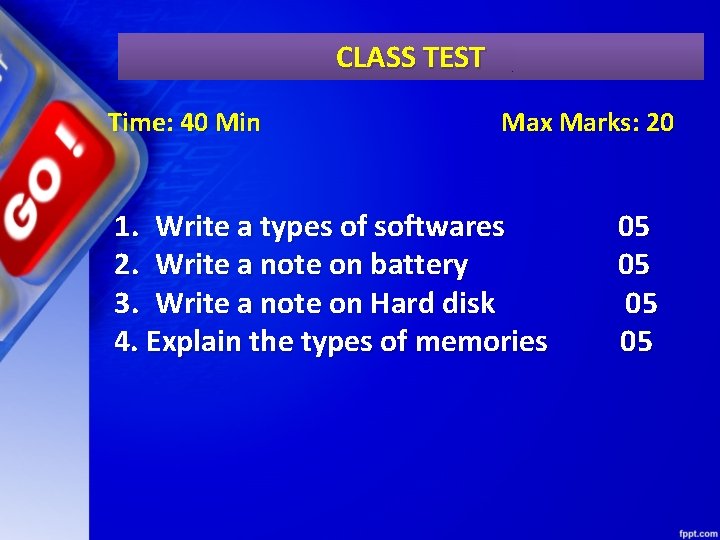
CLASS TEST Time: 40 Min Max Marks: 20 1. Write a types of softwares 2. Write a note on battery 3. Write a note on Hard disk 4. Explain the types of memories 05 05

Thank You
- Slides: 127