
XBRL vs Custom XML NAESB e Forms Subcommittee
XBRL vs. Custom XML NAESB e. Forms Subcommittee FERC – Division of Energy Market Oversight June 18, 2018
Background • On April 16, 2015, the Commission issued an order announcing its intention to replace its current electronic filing format Visual Fox. Pro (VFP) for many of the forms submitted by the industry. VFP is no longer supported by the developer, Microsoft Corporation. • In the order, the Commission stated it believed the best replacement format for VFP is XML.
Background • There are two XML options available as the format for data submission: • Develop a custom XML submission • Develop an XBRL submission, a standard built upon the XML format • The Commission seeks input on the XBRL data format.
XBRL Overview • XBRL, or e. Xtensible Business Reporting Language, is an XML standard for tagging business and financial reports to increase the transparency and accessibility of business information by using a uniformat. • The XBRL specification is developed and published by XBRL International, Inc. a non-profit consortium of more than 650 companies and agencies. • All publicly listed companies are required to use XBRL to submit financial reports to the SEC.
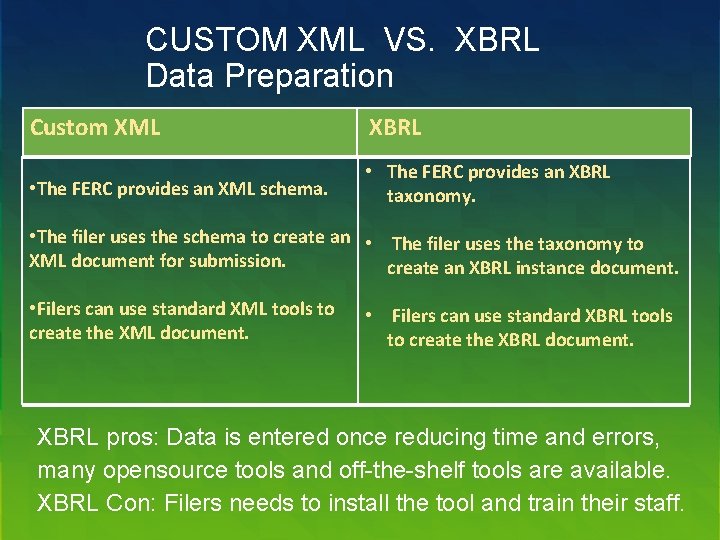
CUSTOM XML VS. XBRL Data Preparation Custom XML XBRL • The FERC provides an XML schema. • The FERC provides an XBRL taxonomy. • The filer uses the schema to create an • The filer uses the taxonomy to XML document for submission. create an XBRL instance document. • Filers can use standard XML tools to create the XML document. • Filers can use standard XBRL tools to create the XBRL document. XBRL pros: Data is entered once reducing time and errors, many opensource tools and off-the-shelf tools are available. XBRL Con: Filers needs to install the tool and train their staff.
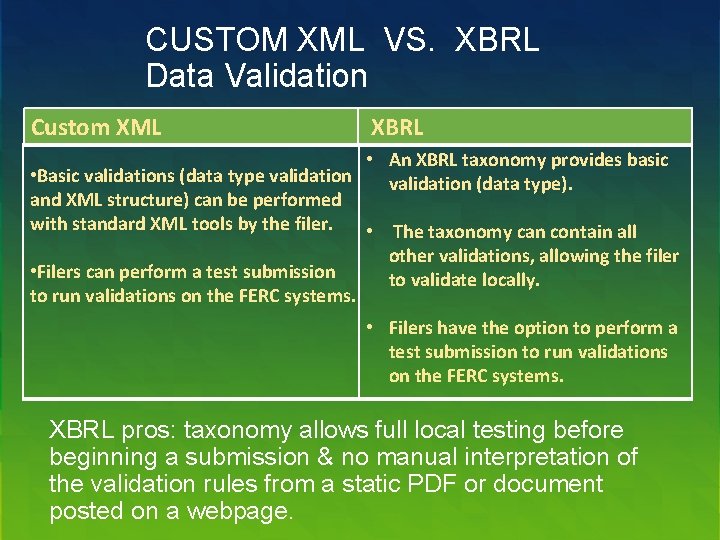
CUSTOM XML VS. XBRL Data Validation Custom XML XBRL • An XBRL taxonomy provides basic • Basic validations (data type validation (data type). and XML structure) can be performed with standard XML tools by the filer. • The taxonomy can contain all • Filers can perform a test submission to run validations on the FERC systems. other validations, allowing the filer to validate locally. • Filers have the option to perform a test submission to run validations on the FERC systems. XBRL pros: taxonomy allows full local testing before beginning a submission & no manual interpretation of the validation rules from a static PDF or document posted on a webpage.
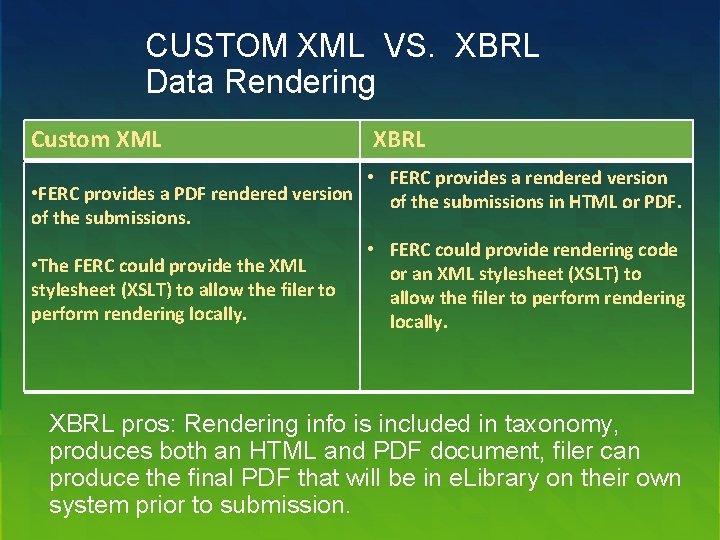
CUSTOM XML VS. XBRL Data Rendering Custom XML • FERC provides a PDF rendered version of the submissions. • The FERC could provide the XML stylesheet (XSLT) to allow the filer to perform rendering locally. XBRL • FERC provides a rendered version of the submissions in HTML or PDF. • FERC could provide rendering code or an XML stylesheet (XSLT) to allow the filer to perform rendering locally. XBRL pros: Rendering info is included in taxonomy, produces both an HTML and PDF document, filer can produce the final PDF that will be in e. Library on their own system prior to submission.
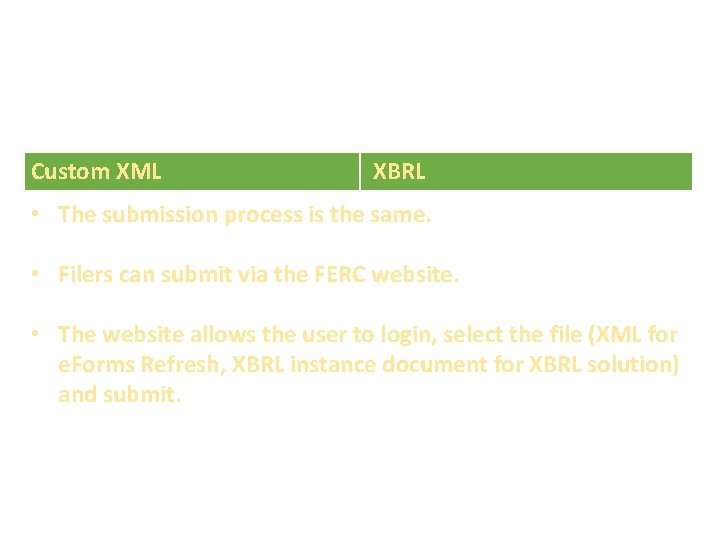
CUSTOM XML VS. XBRL Data Submission Custom XML XBRL • The submission process is the same. • Filers can submit via the FERC website. • The website allows the user to login, select the file (XML for e. Forms Refresh, XBRL instance document for XBRL solution) and submit. No significant pros/cons.
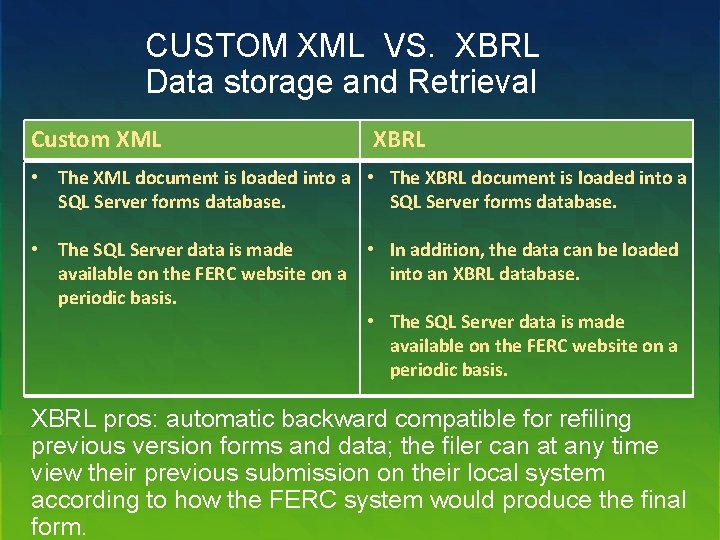
CUSTOM XML VS. XBRL Data storage and Retrieval Custom XML XBRL • The XML document is loaded into a • The XBRL document is loaded into a SQL Server forms database. • The SQL Server data is made • In addition, the data can be loaded available on the FERC website on a into an XBRL database. periodic basis. • The SQL Server data is made available on the FERC website on a periodic basis. XBRL pros: automatic backward compatible for refiling previous version forms and data; the filer can at any time view their previous submission on their local system according to how the FERC system would produce the final form.
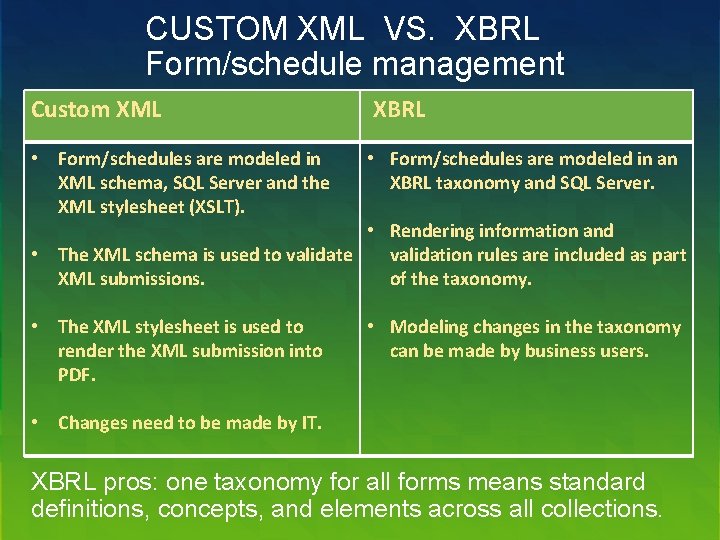
CUSTOM XML VS. XBRL Form/schedule management Custom XML XBRL • Form/schedules are modeled in XML schema, SQL Server and the XML stylesheet (XSLT). • Form/schedules are modeled in an XBRL taxonomy and SQL Server. • The XML stylesheet is used to render the XML submission into PDF. • Modeling changes in the taxonomy can be made by business users. • Rendering information and • The XML schema is used to validate validation rules are included as part XML submissions. of the taxonomy. • Changes need to be made by IT. XBRL pros: one taxonomy for all forms means standard definitions, concepts, and elements across all collections.
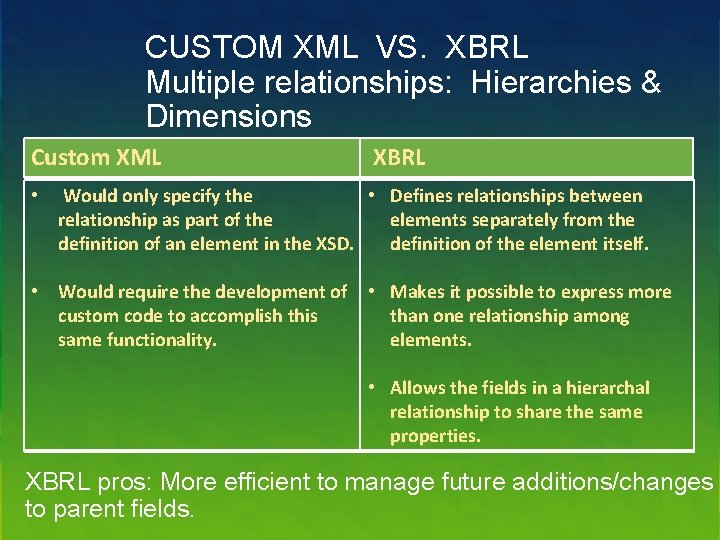
CUSTOM XML VS. XBRL Multiple relationships: Hierarchies & Dimensions Custom XML XBRL • Would only specify the • Defines relationships between relationship as part of the elements separately from the definition of an element in the XSD. definition of the element itself. • Would require the development of • Makes it possible to express more custom code to accomplish this than one relationship among same functionality. elements. • Allows the fields in a hierarchal relationship to share the same properties. XBRL pros: More efficient to manage future additions/changes to parent fields.
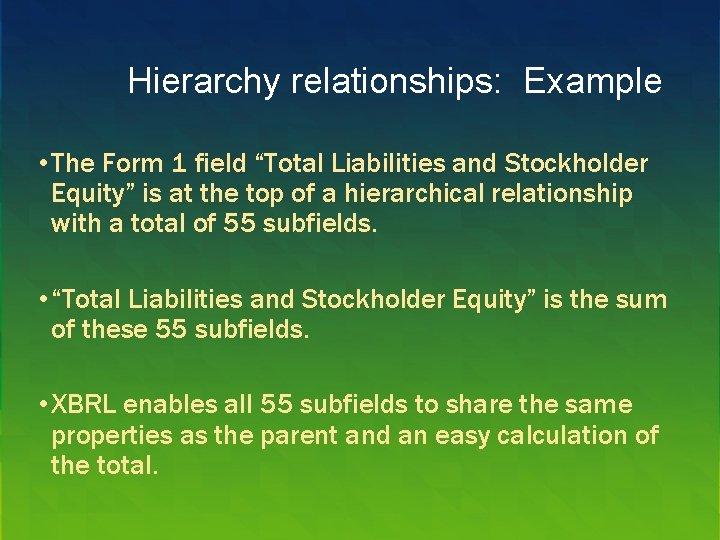
Hierarchy relationships: Example • The Form 1 field “Total Liabilities and Stockholder Equity” is at the top of a hierarchical relationship with a total of 55 subfields. • “Total Liabilities and Stockholder Equity” is the sum of these 55 subfields. • XBRL enables all 55 subfields to share the same properties as the parent and an easy calculation of the total.
Shared Definitions: Example • A single definition for “Assets” could then be applied to multiple fields, such as “Current Assets” as well as “Prior Years Assets. ” • A customized XML solution requires separate definition for each of the like fields.
Taxonomy Overview • A grouping of financial concepts (known as “elements”) in which each concept is defined and can have multiple labels. • The taxonomy defines relationships between the concepts within the group. • Public taxonomies have been developed by market constituents and are maintained by XBRL.
Taxonomy Example • A single definition for a concept could be applied to all like concepts. For example, the definition for the concept “Assets” could be applied to multiple concepts: “Current Assets” and “Prior Years Assets. ” • These three concepts (‘Assets’, ‘Current Assets’, and ‘Prior Years Assets’) are defined and presented in the taxonomy as elements. • Each concept can have its own set of labels reflecting how the concept appears in a given form.
Benefits Summary • Data is managed by business users • Meta Data management is centralized • Informed filers and data users • Access to standardized validation rules • Improved Speed of Form rollout • Support for resubmissions • Allows for adding, amending, and deleting defined elements and relationships without the need for filers to update software applications • Makes implementing Commission revisions to reporting requirements easier to code and roll out to the public
XBRL disadvantages • Filers can use existing available XBRL open source or offthe-shelf tools to create a submission file, however they need to install the tool and train their staff on the new tool. • Training may be required for business users, end user data analysts, and IT staff. • Implementing XBRL Solutions directly from VFP may delay the deliverable for Form 1 (but not necessarily for other forms).
![Illustrative list of software providers supporting XBRL instances [1] Provider Software Name Webbased Advanced](http://slidetodoc.com/presentation_image/55a3a43394f273dc833cb9448a5a7c47/image-18.jpg "Illustrative list of software providers supporting XBRL instances [1] Provider Software Name Webbased Advanced")
Illustrative list of software providers supporting XBRL instances [1] Provider Software Name Webbased Advanced Computer Innovations EDGARsuite Altova XML Spy Altova Raptor. XML Broadridge PROfile (Summit Financial Disclosure) Certent Disclosure Management ✭ Comp. Sci Resources Transform ✭ Corefiling Seahorse Data. Tracks Disclosure Management System ✭ Donnelly Financial Services Active. Disclosure ✭ Ez-XBRL Integix ✭ Fujitsu Interstage XWAND
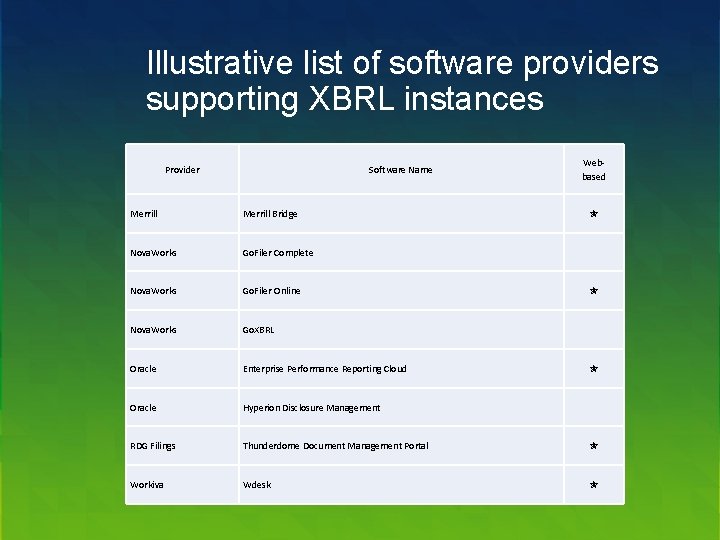
Illustrative list of software providers supporting XBRL instances Provider Software Name Webbased Merrill Bridge Nova. Works Go. Filer Complete Nova. Works Go. Filer Online Nova. Works Go. XBRL Oracle Enterprise Performance Reporting Cloud Oracle Hyperion Disclosure Management RDG Filings Thunderdome Document Management Portal ✭ Workiva Wdesk ✭ ✭
- Slides: 19