
XAMLCSS STYLE XAML WITH CSS David Rettenbacher thewarappa
XAMLCSS STYLE XAML WITH CSS David Rettenbacher �@thewarappa �david. rettenbacher. work@gmx. at
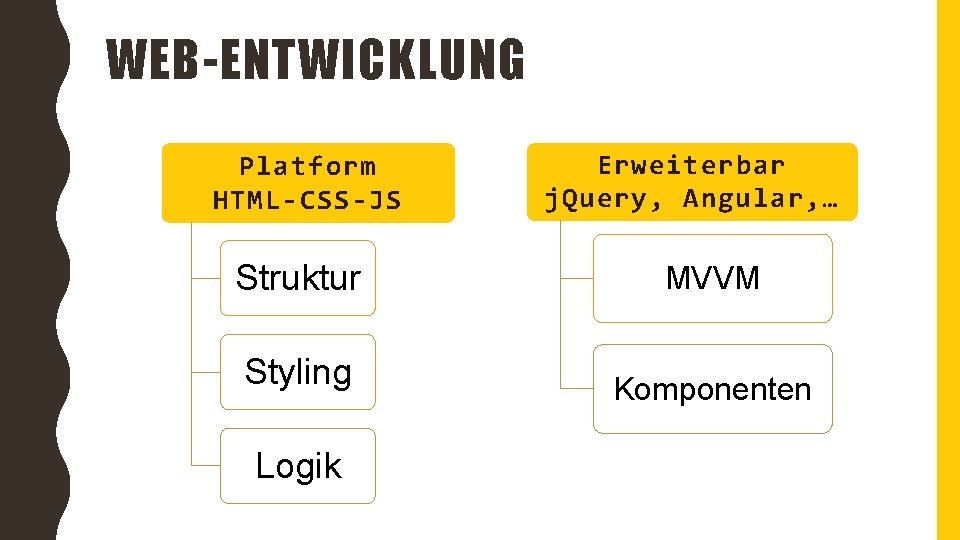
WEB-ENTWICKLUNG Platform HTML-CSS-JS Erweiterbar j. Query, Angular, … Struktur MVVM Styling Komponenten Logik

VOR 3 JAHREN. . . „MODERNE DESKTOPENTWICKLUNG IN. NET? “
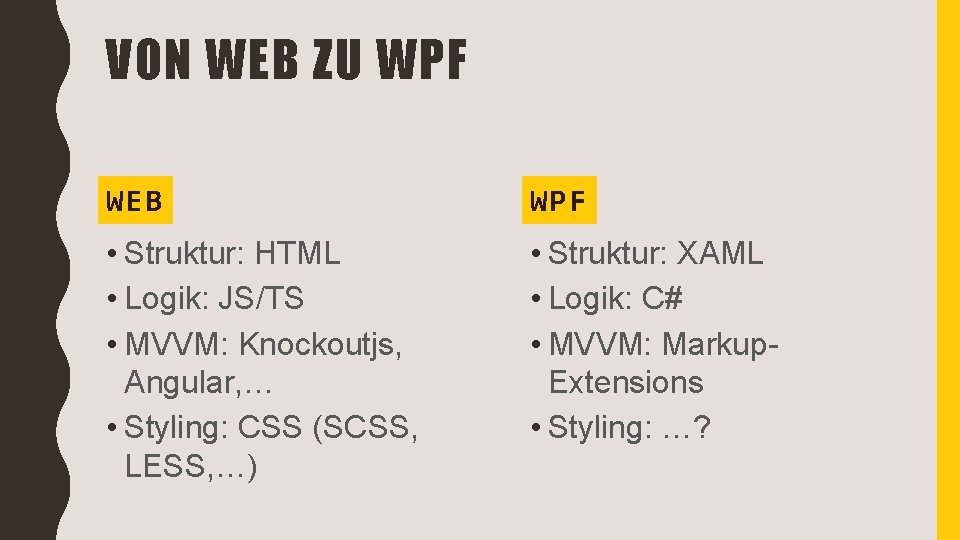
VON WEB ZU WPF WEB WPF • Struktur: HTML • Logik: JS/TS • MVVM: Knockoutjs, Angular, … • Styling: CSS (SCSS, LESS, …) • Struktur: XAML • Logik: C# • MVVM: Markup. Extensions • Styling: …?

…XML? ! <Style Target. Type="Text. Block"> <Setter Property="Font. Size" Value="13" /> <Setter Property="Font. Weight" Value="Bold" /> <Setter Property="Background" Value="#333" /> <Setter Property="Foreground" Value="#3399 FF" /> </Style>

CSS AUF DER XAML-PLATFORM EIN TEST
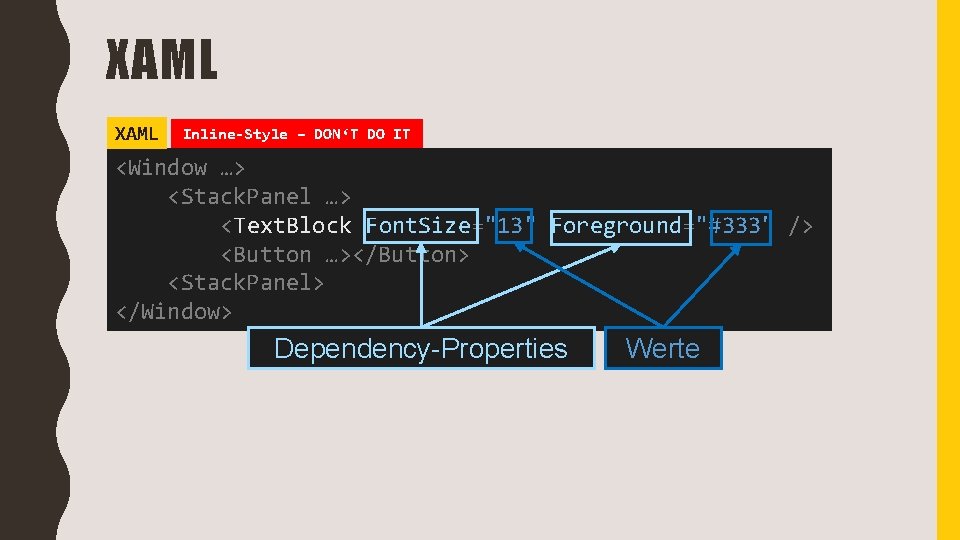
XAML Inline-Style – DON‘T DO IT <Window …> <Stack. Panel …> <Text. Block Font. Size="13" Foreground="#333" /> <Button …></Button> <Stack. Panel> </Window> Dependency-Properties Werte
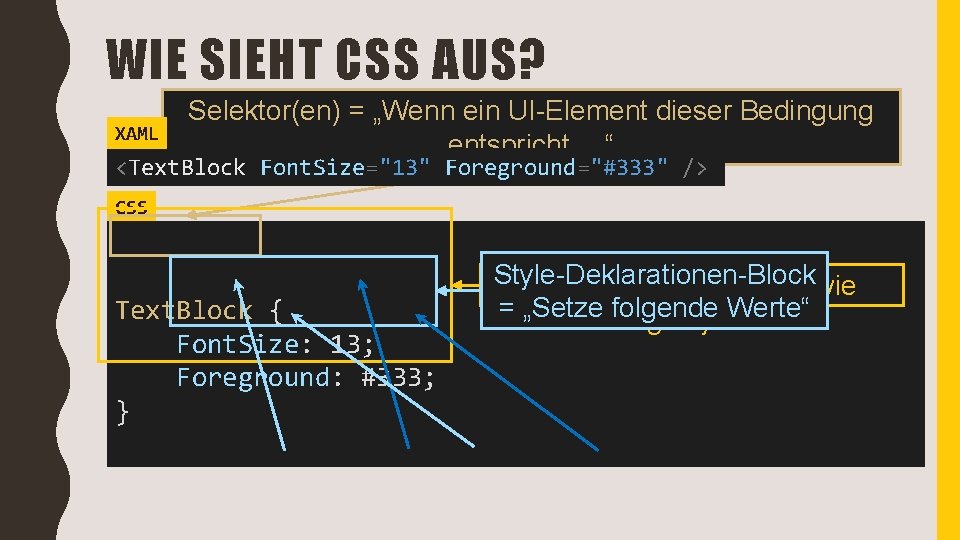
WIE SIEHT CSS AUS? XAML Selektor(en) = „Wenn ein UI-Element dieser Bedingung entspricht, …“ <Text. Block Font. Size="13" Foreground="#333" /> CSS Text. Block { Font. Size: 13; Foreground: #333; } Style-Deklarationen-Block CSS-Rule = „Was wird wie = „Setze folgende gestylt“Werte“
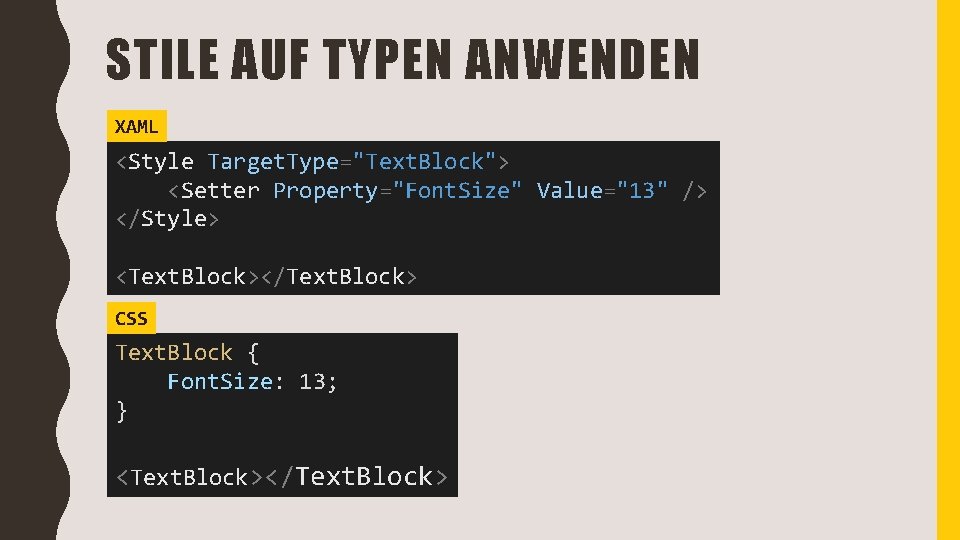
STILE AUF TYPEN ANWENDEN XAML <Style Target. Type="Text. Block"> <Setter Property="Font. Size" Value="13" /> </Style> <Text. Block></Text. Block> CSS Text. Block { Font. Size: 13; } <Text. Block></Text. Block>
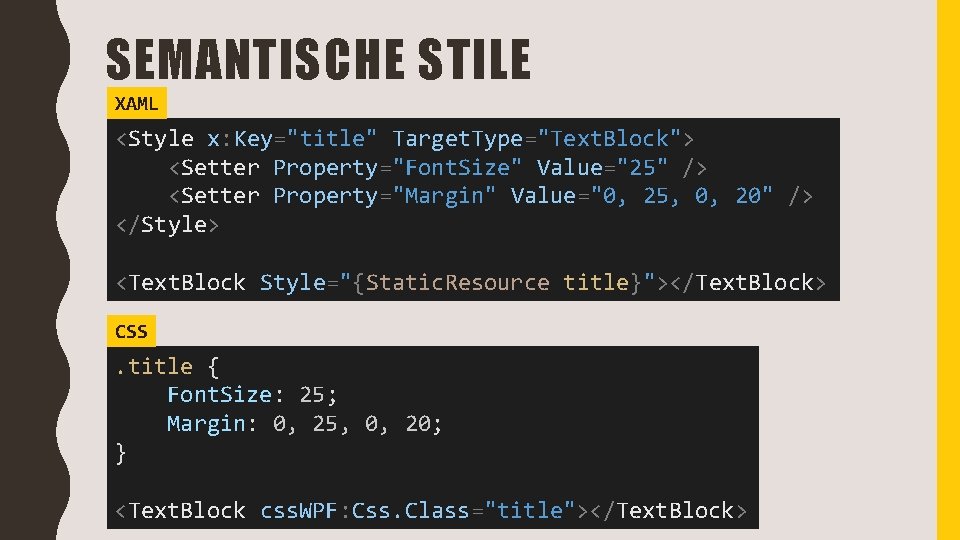
SEMANTISCHE STILE XAML <Style x: Key="title" Target. Type="Text. Block"> <Setter Property="Font. Size" Value="25" /> <Setter Property="Margin" Value="0, 25, 0, 20" /> </Style> <Text. Block Style="{Static. Resource title}"></Text. Block> CSS . title { Font. Size: 25; Margin: 0, 25, 0, 20; } <Text. Block css. WPF: Css. Class="title"></Text. Block>
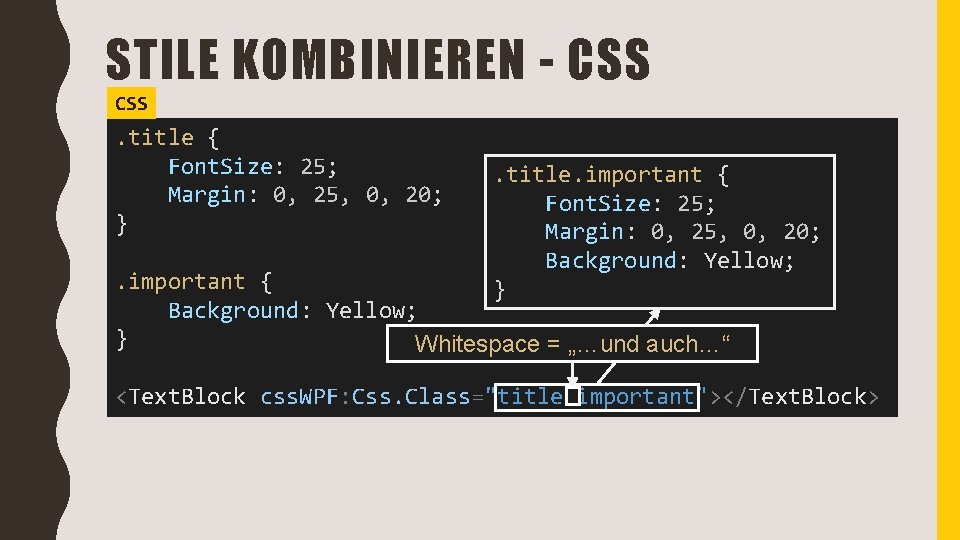
STILE KOMBINIEREN - CSS . title { Font. Size: 25; Margin: 0, 25, 0, 20; } . title. important { Font. Size: 25; Margin: 0, 25, 0, 20; Background: Yellow; } . important { Background: Yellow; } Whitespace = „…und auch…“ <Text. Block css. WPF: Css. Class="title important"></Text. Block>
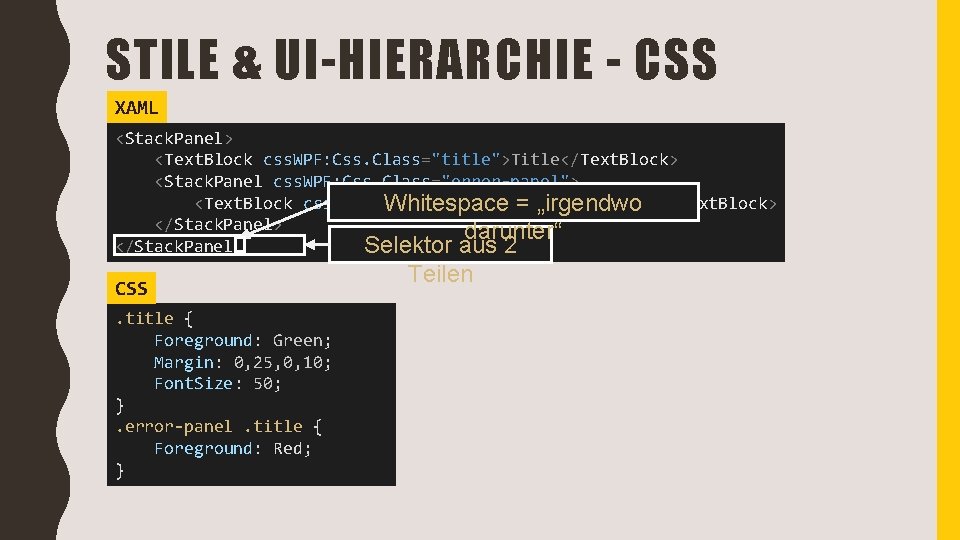
STILE & UI-HIERARCHIE - CSS XAML <Stack. Panel> <Text. Block css. WPF: Css. Class="title">Title</Text. Block> <Stack. Panel css. WPF: Css. Class="error-panel"> <Text. Block css. WPF: Css. Class="title">Inner Title</Text. Block> Whitespace = „irgendwo </Stack. Panel> darunter“ </Stack. Panel> Selektor aus 2 CSS. title { Foreground: Green; Margin: 0, 25, 0, 10; Font. Size: 50; }. error-panel. title { Foreground: Red; } Teilen
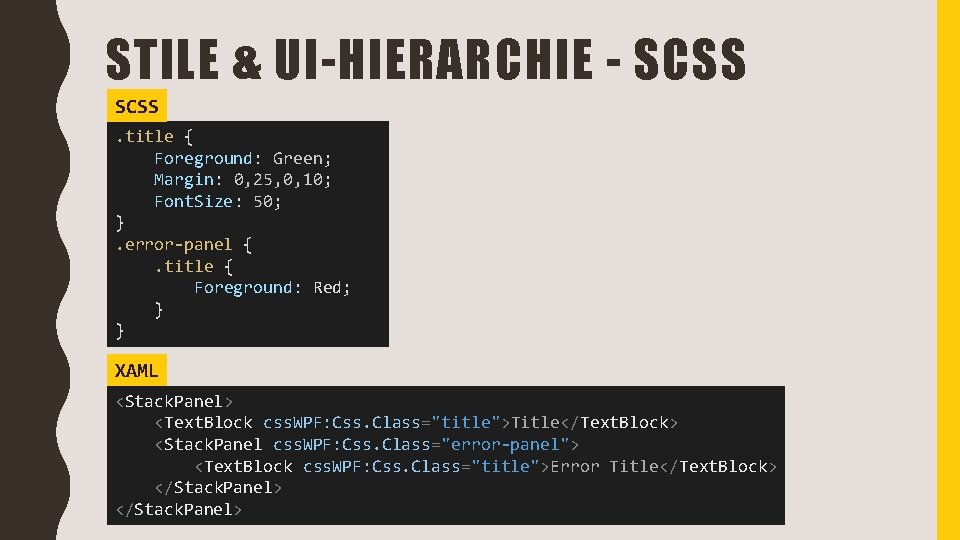
STILE & UI-HIERARCHIE - SCSS. title { Foreground: Green; Margin: 0, 25, 0, 10; Font. Size: 50; }. error-panel {. title { Foreground: Red; } } XAML <Stack. Panel> <Text. Block css. WPF: Css. Class="title">Title</Text. Block> <Stack. Panel css. WPF: Css. Class="error-panel"> <Text. Block css. WPF: Css. Class="title">Error Title</Text. Block> </Stack. Panel>
DEMO: EINBINDEN VON XAMLCSS
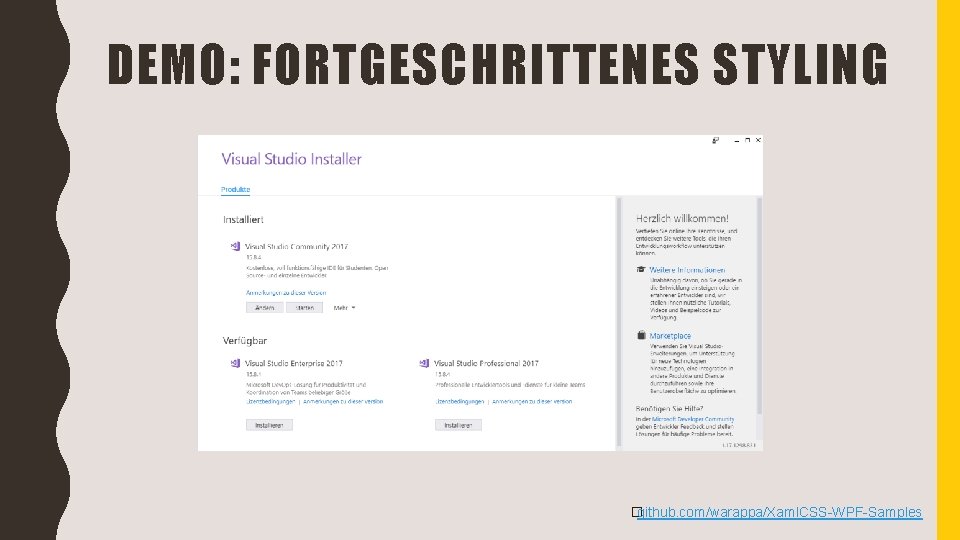
DEMO: FORTGESCHRITTENES STYLING �github. com/warappa/Xaml. CSS-WPF-Samples
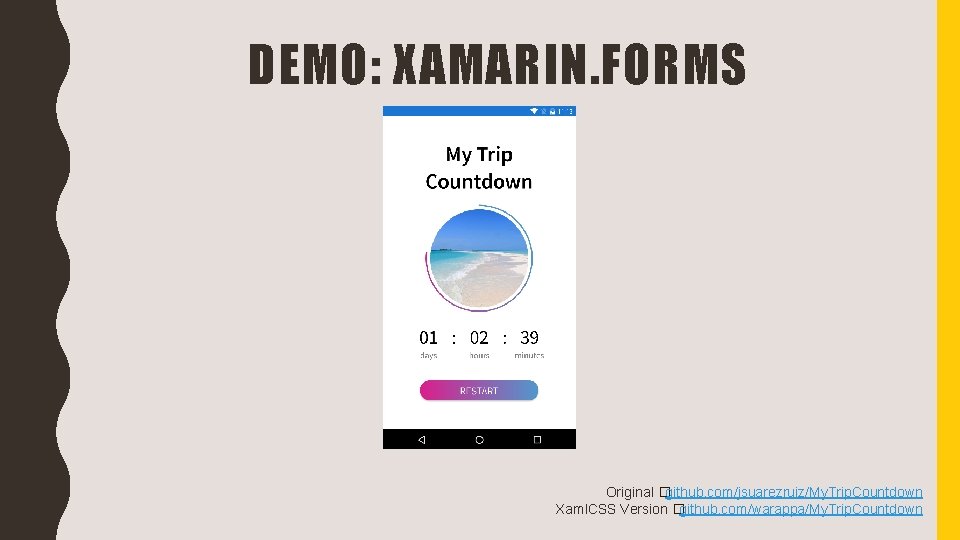
DEMO: XAMARIN. FORMS Original �github. com/jsuarezruiz/My. Trip. Countdown Xaml. CSS Version �github. com/warappa/My. Trip. Countdown
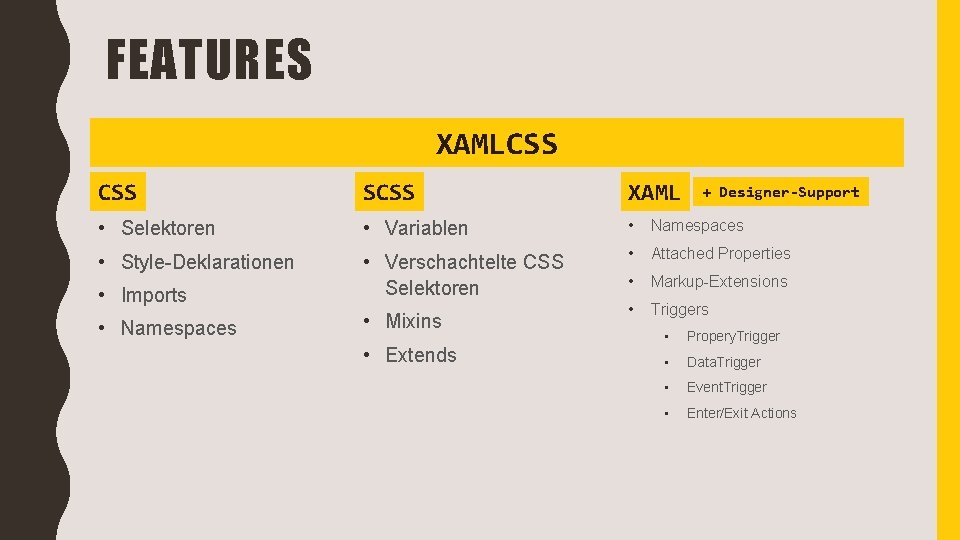
FEATURES XAMLCSS SCSS XAML • Selektoren • Variablen • Namespaces • Style-Deklarationen • Attached Properties • Imports • Verschachtelte CSS Selektoren • Markup-Extensions • Namespaces • Mixins • Triggers • Extends + Designer-Support • Propery. Trigger • Data. Trigger • Event. Trigger • Enter/Exit Actions
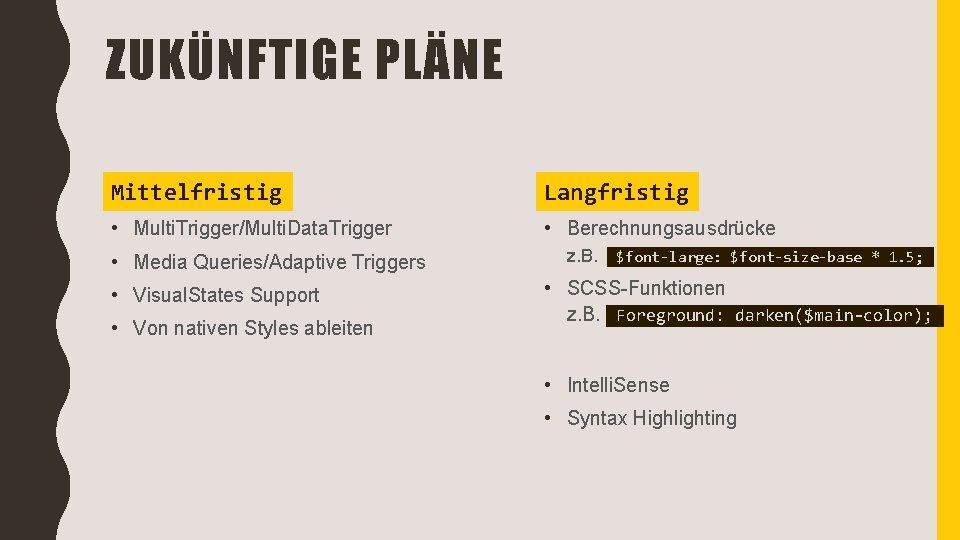
ZUKÜNFTIGE PLÄNE Mittelfristig Langfristig • Multi. Trigger/Multi. Data. Trigger • Berechnungsausdrücke • Media Queries/Adaptive Triggers • Visual. States Support • Von nativen Styles ableiten z. B. $font-large: $font-size-base * 1. 5; • SCSS-Funktionen z. B. Foreground: darken($main-color); . • Intelli. Sense • Syntax Highlighting .
XAMLCSS �https: //nuget. org/Xaml. CSS. WPF �https: //nuget. org/Xaml. CSS. Xamarin. Forms �https: //nuget. org/Xaml. CSS. UWP �https: //github. com/warappa/Xaml. CSS �@Xaml. CSS STYLE XAML WITH CSS David Rettenbacher �@thewarappa �david. rettenbacher. work@gmx. at
- Slides: 19