
x Matters and Service Now Notifications x Matters


- Slides: 18
x. Matters and Service. Now Notifications
x. Matters Integration What’s different with integration to Service. Now
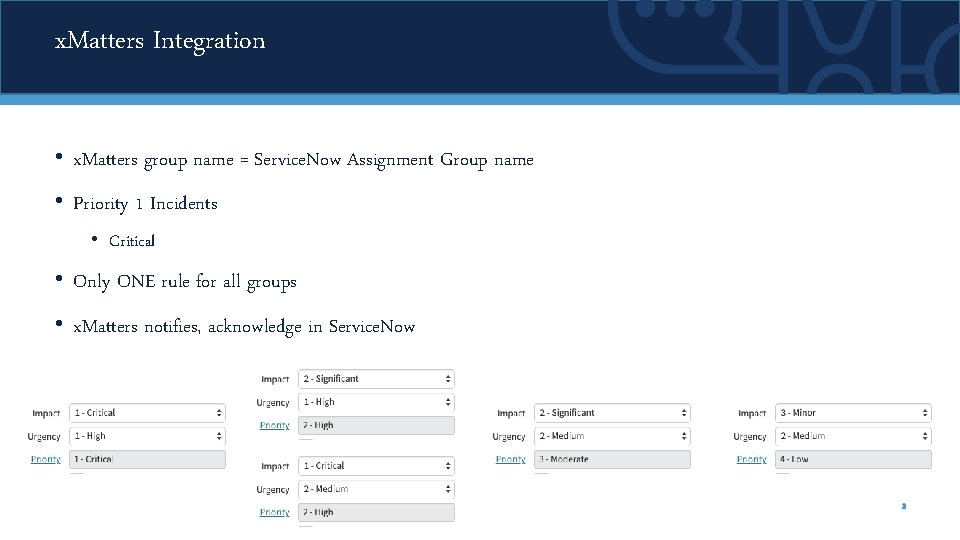
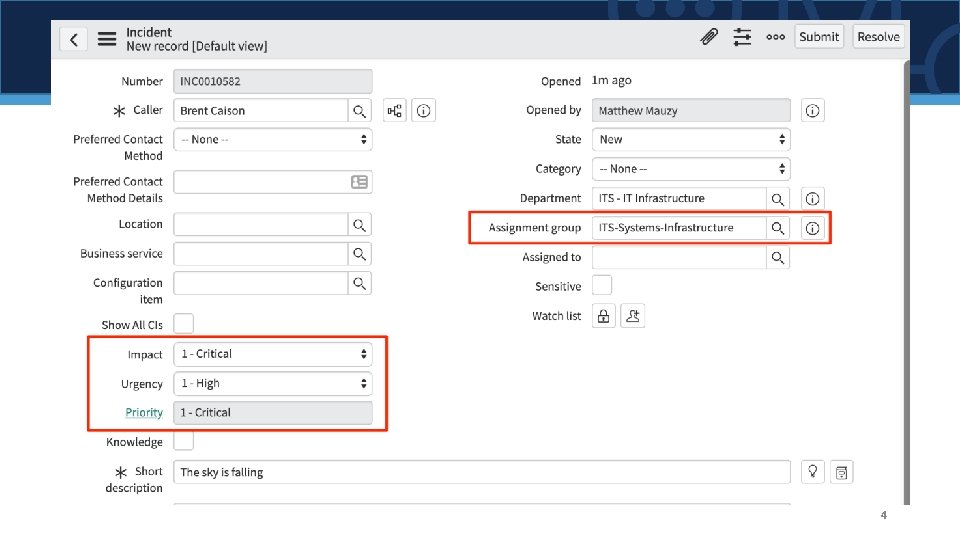
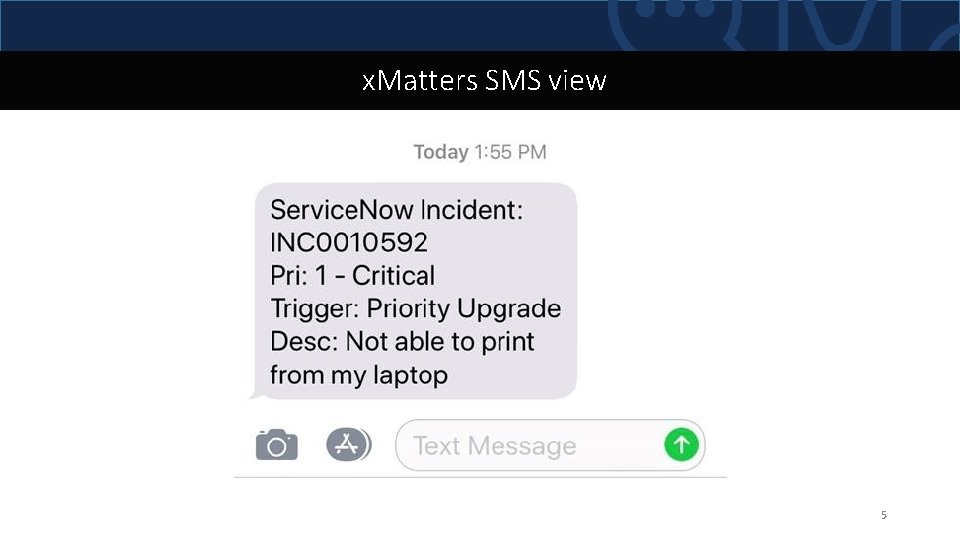
x. Matters Integration • x. Matters group name = Service. Now Assignment Group name • Priority 1 Incidents • Critical • Only ONE rule for all groups • x. Matters notifies, acknowledge in Service. Now 3
4
x. Matters SMS view 5
Mobile Apps
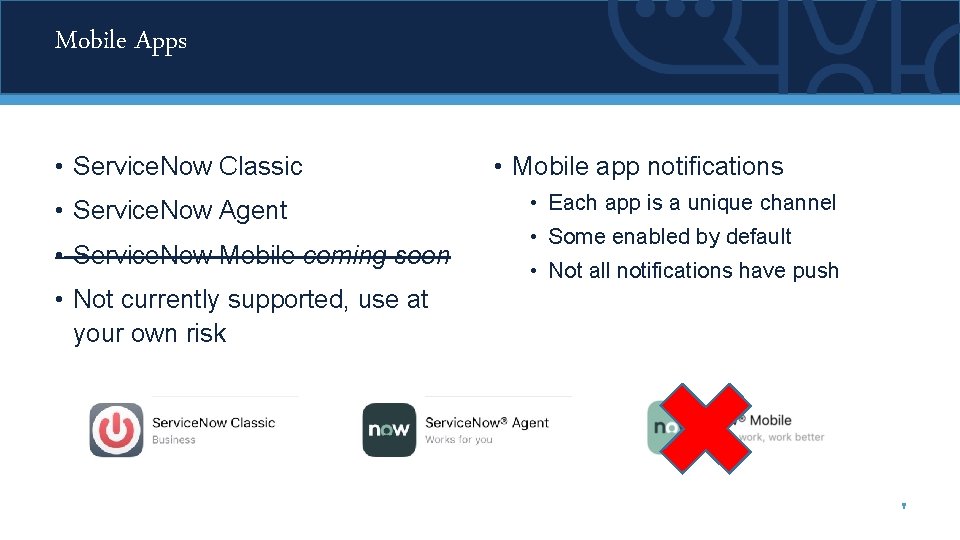
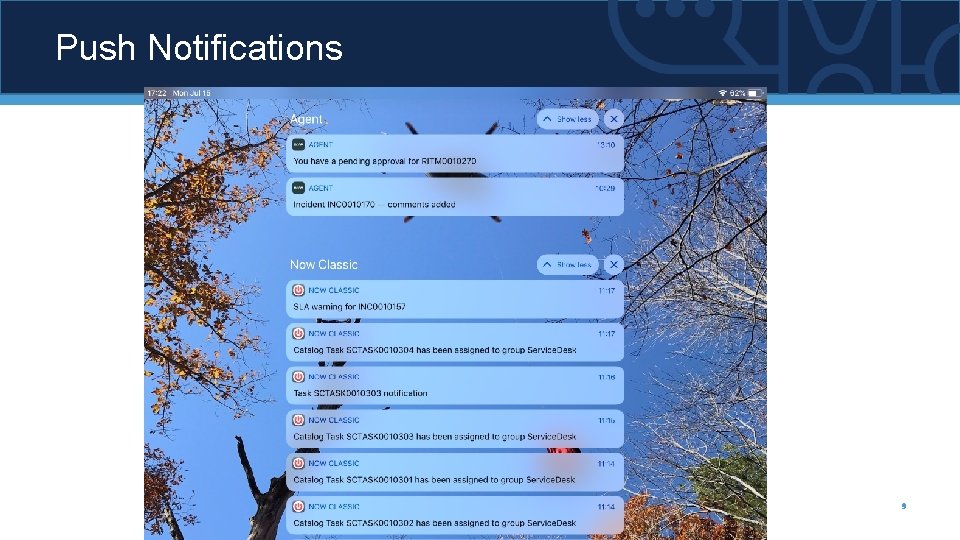
Mobile Apps • Service. Now Classic • Service. Now Agent • Service. Now Mobile coming soon • Mobile app notifications • Each app is a unique channel • Some enabled by default • Not all notifications have push • Not currently supported, use at your own risk 7
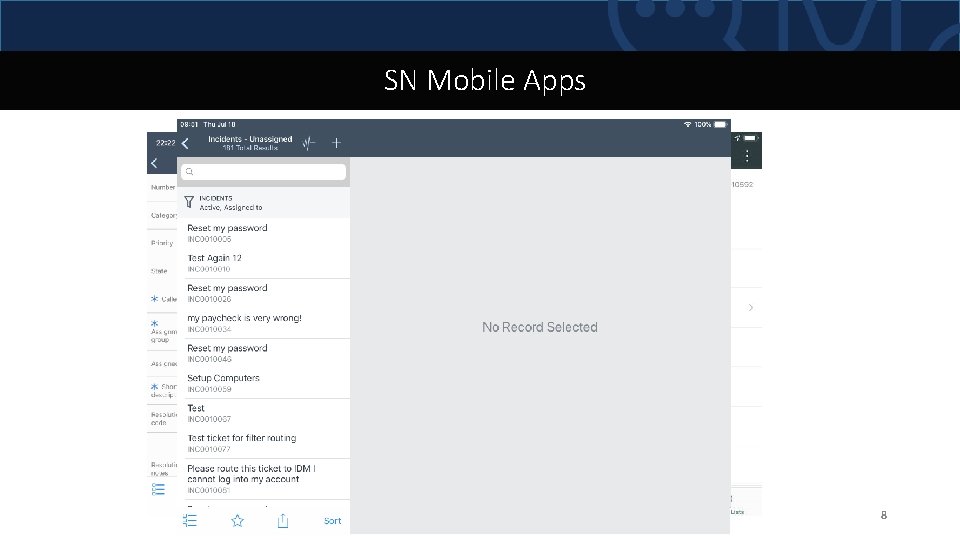
SN Mobile Apps 8
Push Notifications 9
Service. Now Notifications
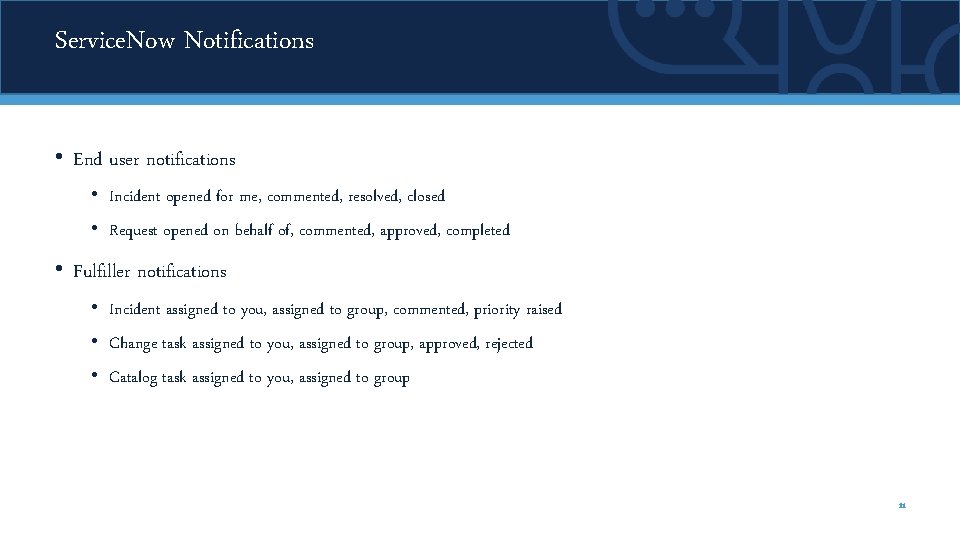
Service. Now Notifications • End user notifications • Incident opened for me, commented, resolved, closed • Request opened on behalf of, commented, approved, completed • Fulfiller notifications • Incident assigned to you, assigned to group, commented, priority raised • Change task assigned to you, assigned to group, approved, rejected • Catalog task assigned to you, assigned to group 11
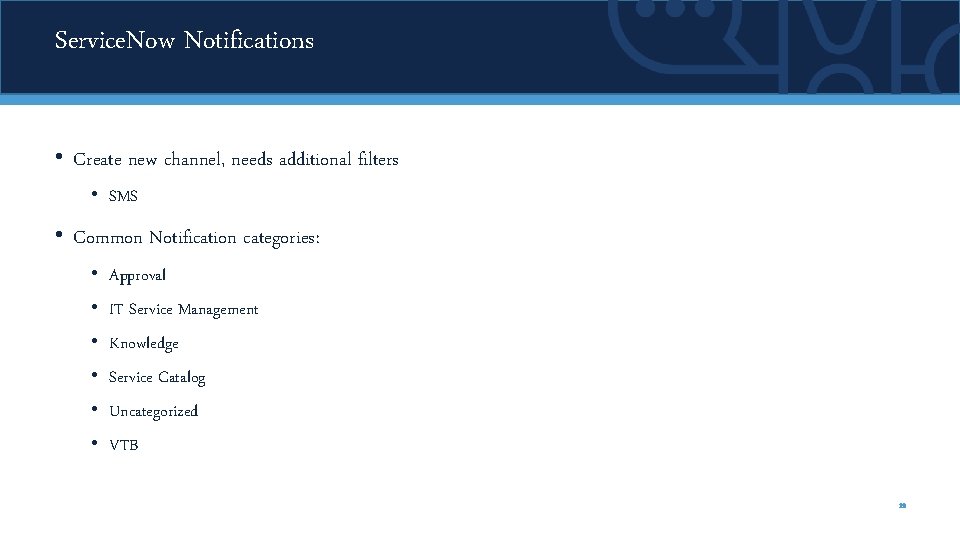
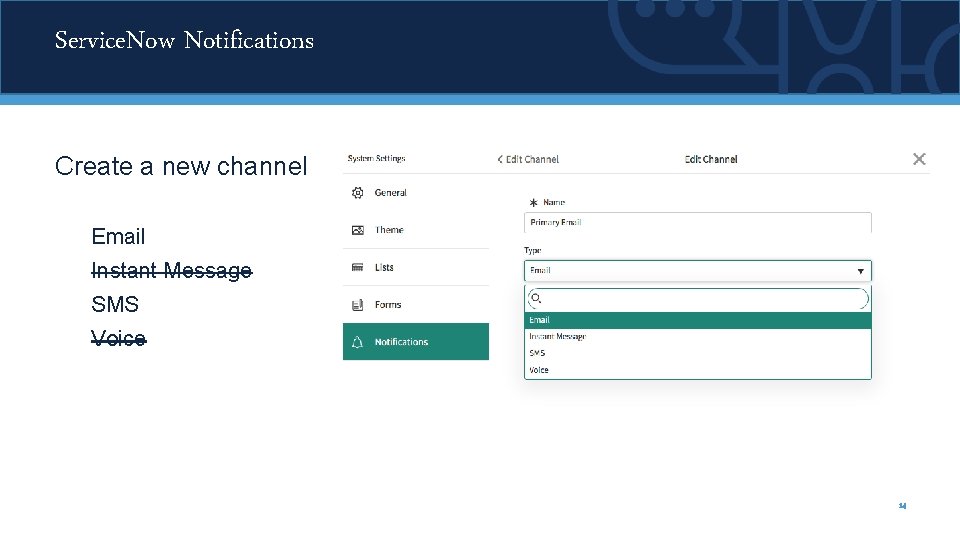
Service. Now Notifications • Create new channel, needs additional filters • SMS • Common Notification categories: • Approval • IT Service Management • Knowledge • Service Catalog • Uncategorized • VTB 12
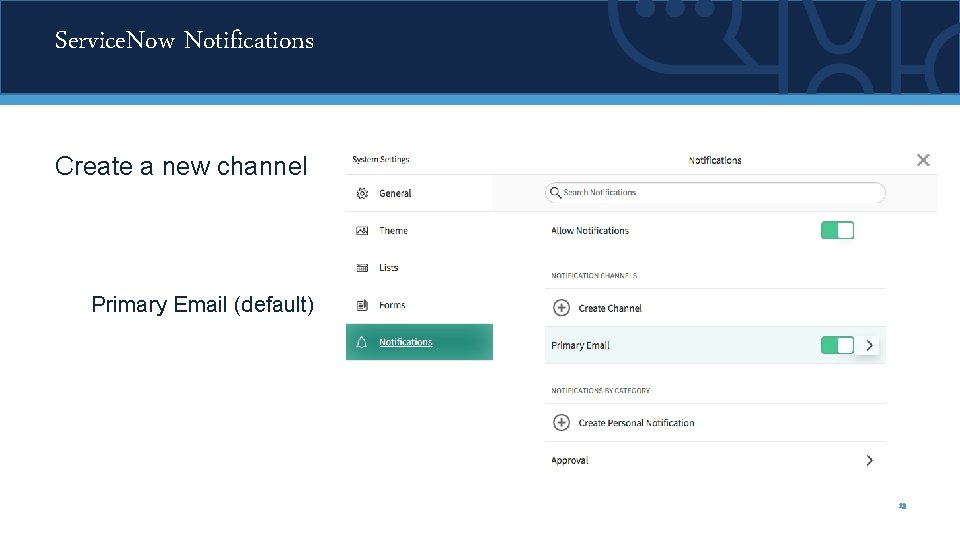
Service. Now Notifications Create a new channel Primary Email (default) 13
Service. Now Notifications Create a new channel Email Instant Message SMS Voice 14
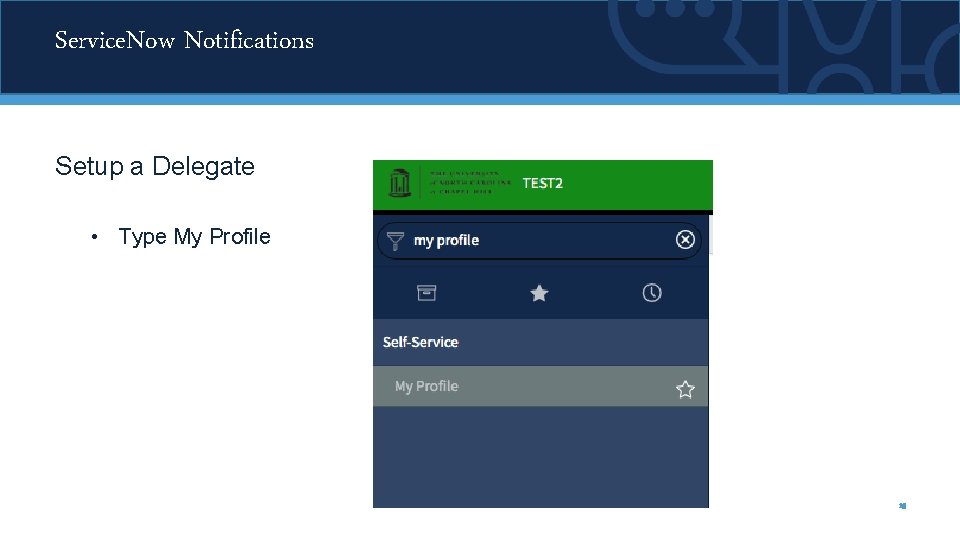
Service. Now Notifications Setup a Delegate • Type My Profile 15
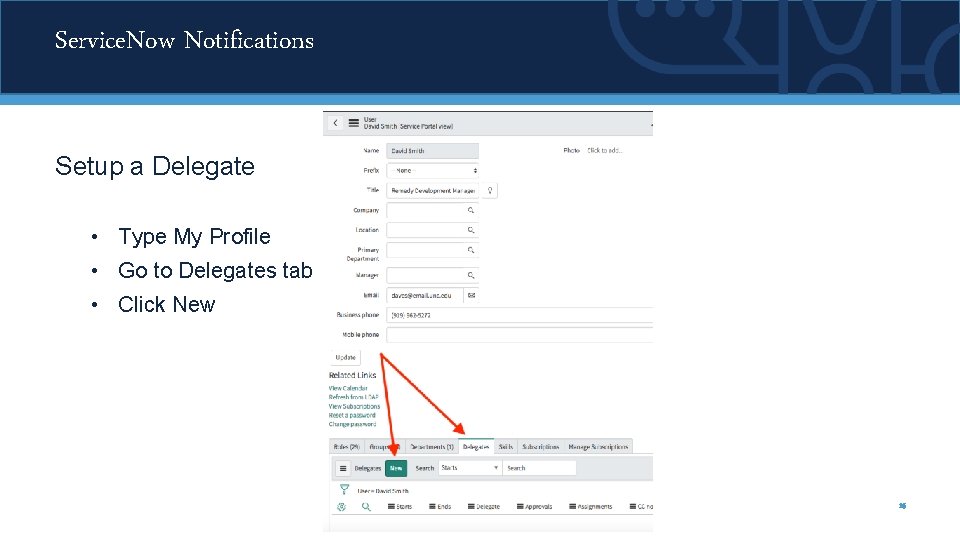
Service. Now Notifications Setup a Delegate • Type My Profile • Go to Delegates tab • Click New 16
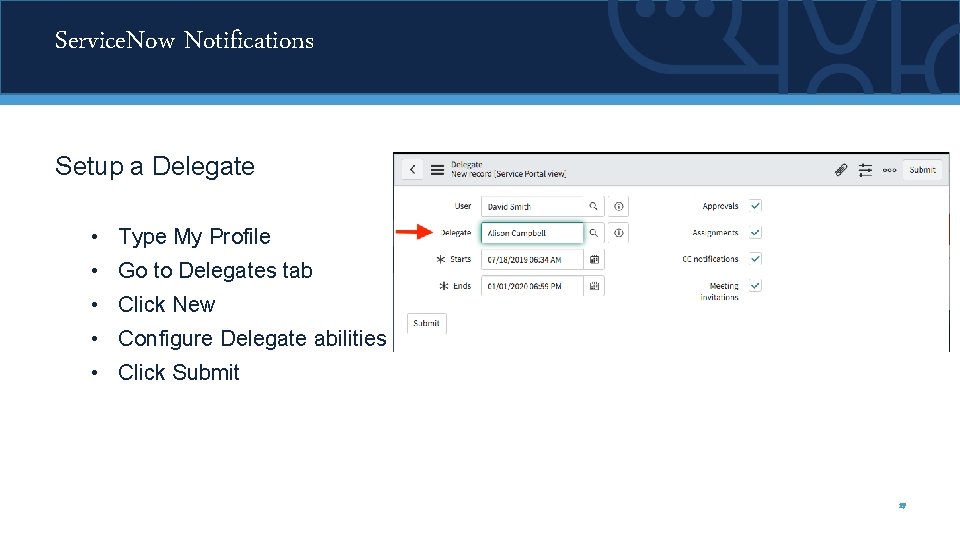
Service. Now Notifications Setup a Delegate • Type My Profile • Go to Delegates tab • Click New • Configure Delegate abilities • Click Submit 17
Ready to learn more? Visit servicenow. sites. unc. edu to learn more about the project timeline, training and more!