
www mymathlab com What is My Math Lab
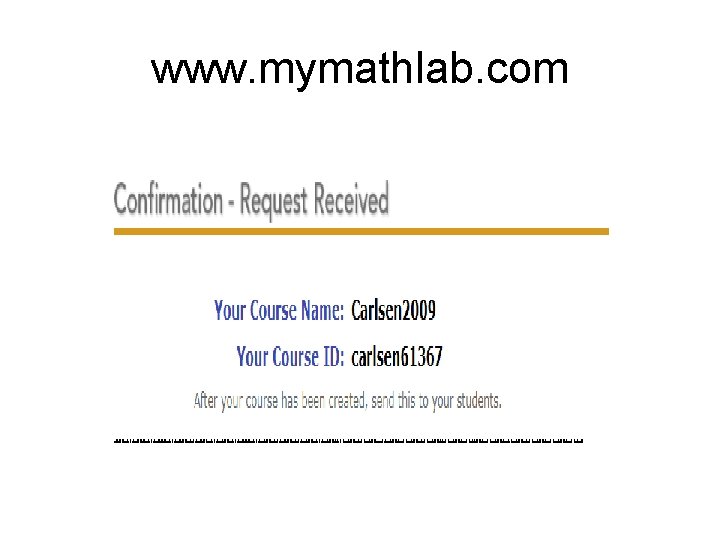
www. mymathlab. com

What is My. Math. Lab Fully integrated homework and tutorial system

Why register for My. Math. Lab § A revolutionary new way of doing Maths homework online § Preloaded problems categorised by topic § Free response, algorithmically generated § Improves problems solving skills & mathematical understanding § Personalised study plan § Immediate online feedback and tutoring § Improve your grades

Before you register To register, you will need: § A valid email address § The access code found packaged with your textbook (your access code will look something like this ) XLFGH-LKJHG-XXXXX-HKGKS-AKRJG § Your Course ID (provided by your lecturer)

Student Technical Support What do I do if I have a problem? Go to http: //247. pearsoned. co. uk • • • Self–Help Knowledgebase: Extensive & searchable articles Ask a Question: Enter your question in a form to submit Online Chat: Chat live online (check support site for hours) Pearson specialist technical support will respond within 24 hrs. The Technical Support team is available on evenings and weekends. Check the support site for exact hours

Registering for My. Math. Lab Go to www. mymathlab. com click the button Under the Students heading select Go to www. coursecompass. co m to register

Registering for My. Math. Lab You will be taken to the Course. Compass home page Select Register under the students heading

Registering for My. Math. Lab Enter your Course ID (provided by your lecturer) and Access Code

Registering for My. Math. Lab Review the License Agreement and Privacy Policy, Click the button to continue

Registering for My. Math. Lab On the Access Information page, you will be asked if your have a Pearson Education account. §If so, click the Yes option. §Enter the existing log in name and password §If No, enter your desired log in name §Enter and then re-type your password §Enter your Access Code and select Next tip: use your email address as your login name: it’s unique and easy to remember!

Registering for My. Math. Lab §Type your email address (carefully!) §Select your Country, University name §Select a Security question and enter your answer §Click Next to submit your registration tip: If your University/school is not listed, scroll to the bottom of the drop-down list and select Other. Enter your school name in full.

A Confirmation and Summary page displays, indicating your registration is successful! A copy of the information will also be sent to the email you entered §You are now ready to log into your course. §Select Login now or go direct to either My. Math. Lab or Course. Compass home page

Personalised Study plan Sample Tests to practice and build your study plan

Example Question Graphing Tool

Question Problem Help Me Solve This Click the button, for step by step tutorial.

Question Problem View an Example Click the button to be taken through the entire problem.

e. Book Click the button, it will take you directly to the relevant section in the text book for further revision

Student Technical Support What do I do if I have a problem? Go to http: //247. pearsoned. co. uk • • • Self–Help Knowledgebase: Extensive & searchable articles Ask a Question: Enter your question in a form to submit Online Chat: Chat live online (check support site for hours) Pearson specialist technical support will respond within 24 hrs. The Technical Support team is available on evenings and weekends. Check the support site for exact hours
- Slides: 18