
www autodesk com Volo View 3 Overview Diane

- Slides: 21
www. autodesk. com Volo View 3 Overview Diane Li, Product Manager
www. autodesk. com Agenda • Autodesk Viewers & DWF • Customer Case Study • Volo View 3 Overview
www. autodesk. com Autodesk Viewers and DWF • Volo® View • DWF™ (Design Web Format™) • Autodesk® Express Viewer Volo View Express Viewer
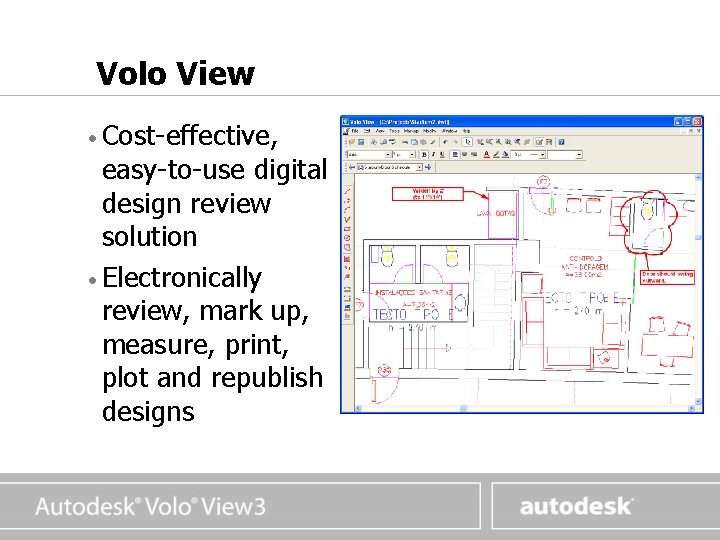
www. autodesk. com Volo View • Cost-effective, easy-to-use digital design review solution • Electronically review, mark up, measure, print, plot and republish designs
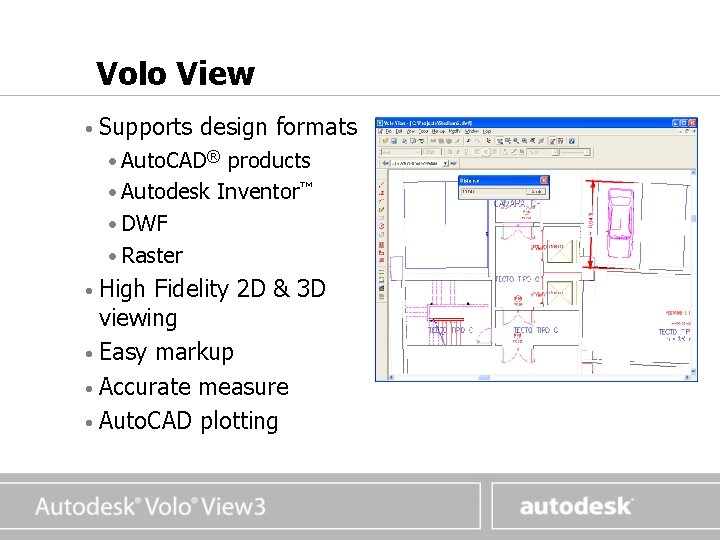
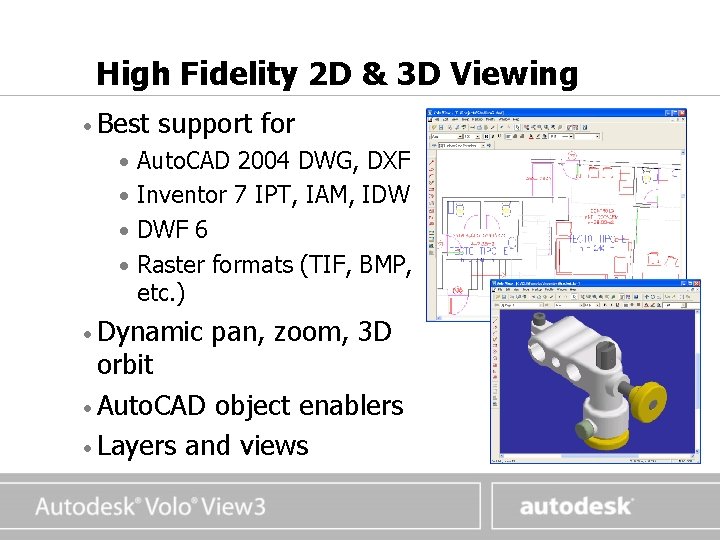
www. autodesk. com Volo View • Supports design formats • Auto. CAD® products • Autodesk Inventor™ • DWF • Raster • High Fidelity 2 D & 3 D viewing • Easy markup • Accurate measure • Auto. CAD plotting
www. autodesk. com The New DWF 6 Design Web Format • For published design data • Simple, Secure, Smart, Small, Scalable, and Open • Compressed, fast download • Foundation medium for collaboration • Easy distribution of drawing sets •
www. autodesk. com DWF versus DWG DWF is not a replacement for DWG DWF is faster, easier and more secure…and therefore the optimal format for communicating design information to those who need it
www. autodesk. com DWF versus PDF Unlike PDF, DWF is best suited for digital design data because it intelligently stores information specific to technical drawing sets and design objects. DWF is richer, easier to publish, small, fast and secure
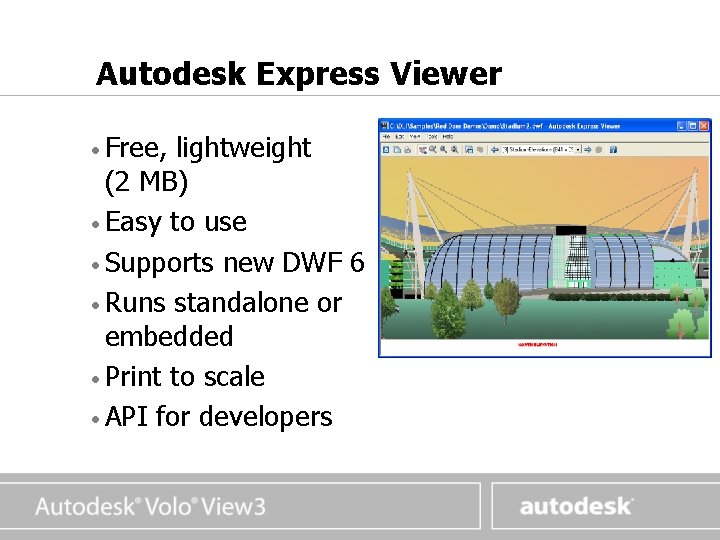
www. autodesk. com Autodesk Express Viewer • Free, lightweight (2 MB) • Easy to use • Supports new DWF 6 • Runs standalone or embedded • Print to scale • API for developers
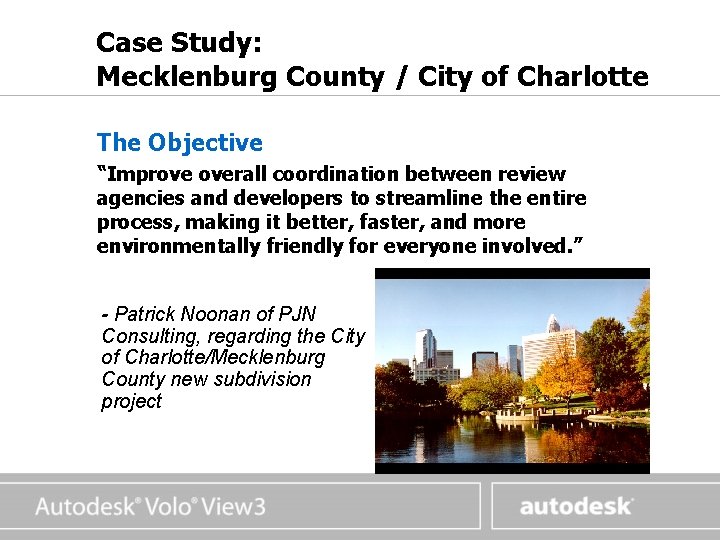
www. autodesk. com Case Study: Mecklenburg County / City of Charlotte The Objective “Improve overall coordination between review agencies and developers to streamline the entire process, making it better, faster, and more environmentally friendly for everyone involved. ” - Patrick Noonan of PJN Consulting, regarding the City of Charlotte/Mecklenburg County new subdivision project
www. autodesk. com Case Study: Mecklenburg County / City of Charlotte The Result “Greater consistency in redline comments, cutting travel time and reducing miscommunications. Ultimately, digital submittals should cut the review cycle time. ” - Patrick Noonan of PJN Consulting, regarding the City of Charlotte/Mecklenburg County project “We expect to see an enormous reduction in the amount of paper being used in the process…That’s not only good for the environment, but it will save taxpayers and developers money as well. ” - Kurt Olmstead, Mecklenburg County
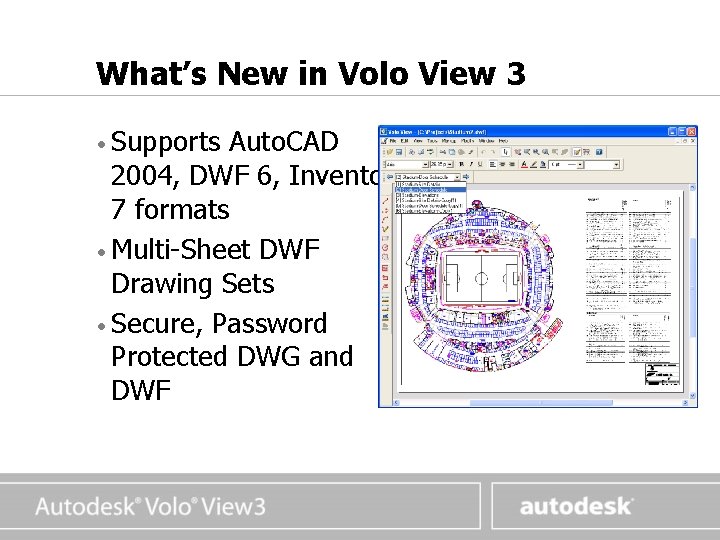
www. autodesk. com What’s New in Volo View 3 • Supports Auto. CAD 2004, DWF 6, Inventor 7 formats • Multi-Sheet DWF Drawing Sets • Secure, Password Protected DWG and DWF
www. autodesk. com High Fidelity 2 D & 3 D Viewing • Best support for • Auto. CAD 2004 DWG, DXF • Inventor 7 IPT, IAM, IDW • DWF 6 • Raster formats (TIF, BMP, etc. ) • Dynamic pan, zoom, 3 D orbit • Auto. CAD object enablers • Layers and views
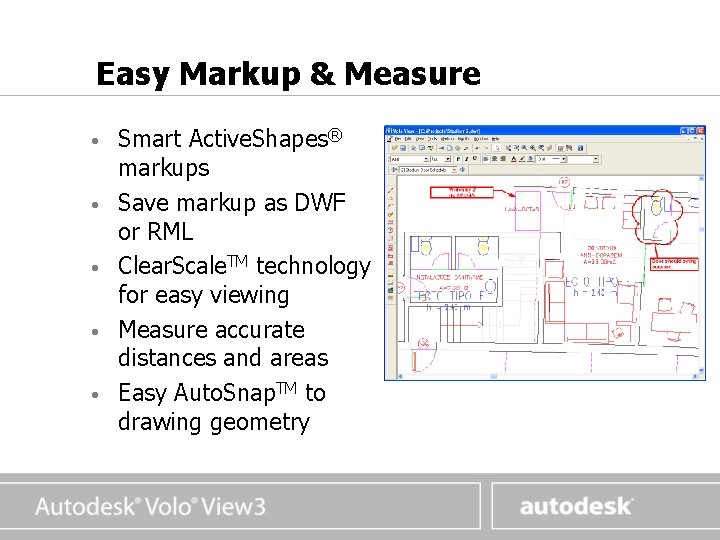
www. autodesk. com Easy Markup & Measure • • • Smart Active. Shapes® markups Save markup as DWF or RML Clear. Scale. TM technology for easy viewing Measure accurate distances and areas Easy Auto. Snap. TM to drawing geometry
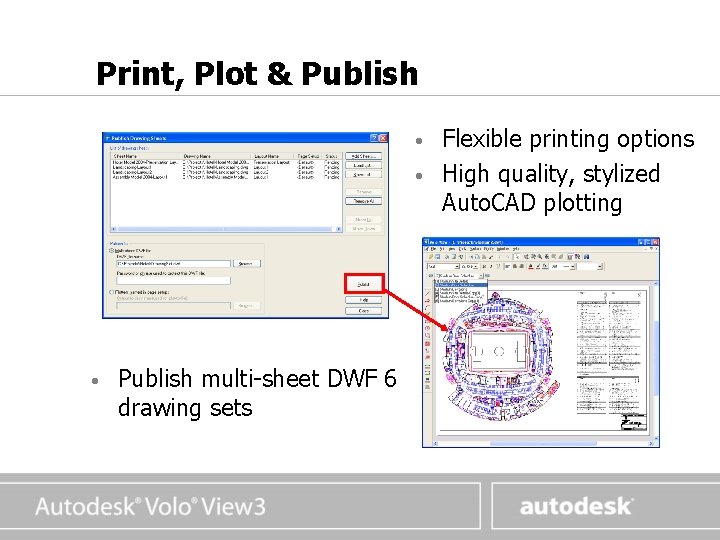
www. autodesk. com Print, Plot & Publish • • • Publish multi-sheet DWF 6 drawing sets Flexible printing options High quality, stylized Auto. CAD plotting
www. autodesk. com Volo View 3 Demo
www. autodesk. com For More Information Visit the Viewers web site: http: //www. autodesk. com/viewers http: //www. autodesk. com/preview-voloview 3 Email us: voloview 3 info@autodesk. com voloviewsales@autodesk. com david. erskine@autodesk. com (Sales) diane. li@autodesk. com tony. peach@autodesk. com Thank you!
www. autodesk. com This is the Title • This • This is a a a bullet bullet
www. autodesk. com A Text Slide With a Graphic • Lorem ipsum dolor sit amet, consectetuer adipiscing elit at vero eros • ut laoreet dolore • ad minim veniam
www. autodesk. com An Image With an Attribution Rendering courtesy of XYZ Company