
Writing Solid Code Introduction to Python Program 1
![Sequences Lists ◦ [42, 3. 14, ‘hello’] ◦ list(‘wow’) gives [‘w’, ’o’, ’w’] Dictionaries](https://slidetodoc.com/presentation_image_h/2ec5a4dd93bcc1069a8887b54ec117d8/image-7.jpg "Sequences Lists ◦ [42, 3. 14, ‘hello’] ◦ list(‘wow’) gives [‘w’, ’o’, ’w’] Dictionaries")
![Sequences Slicing a sequence: ◦ S[i: j]: from item i (included) to item j](https://slidetodoc.com/presentation_image_h/2ec5a4dd93bcc1069a8887b54ec117d8/image-9.jpg "Sequences Slicing a sequence: ◦ S[i: j]: from item i (included) to item j")
![List Methods Method Description L. pop([i]) Returns the value of the item at index](https://slidetodoc.com/presentation_image_h/2ec5a4dd93bcc1069a8887b54ec117d8/image-12.jpg "List Methods Method Description L. pop([i]) Returns the value of the item at index")
![List Methods >>> a + [‘whites'] [‘blend', 'eggs‘, 2, 234, ‘whites'] >>> a. append('!')](https://slidetodoc.com/presentation_image_h/2ec5a4dd93bcc1069a8887b54ec117d8/image-13.jpg "List Methods >>> a + [‘whites'] [‘blend', 'eggs‘, 2, 234, ‘whites'] >>> a. append('!')")
![Dictionary Methods Mutating Methods D. clear( ) D. update(D 1) D. setdefault(k[, x]) D.](https://slidetodoc.com/presentation_image_h/2ec5a4dd93bcc1069a8887b54ec117d8/image-15.jpg "Dictionary Methods Mutating Methods D. clear( ) D. update(D 1) D. setdefault(k[, x]) D.")
![Calling External programs import os ◦ subprocess. Popen(["ls", "-la"]). wait()](https://slidetodoc.com/presentation_image_h/2ec5a4dd93bcc1069a8887b54ec117d8/image-23.jpg "Calling External programs import os ◦ subprocess. Popen([\"ls\", \"-la\"]). wait()")
- Slides: 29
Writing Solid Code Introduction to Python
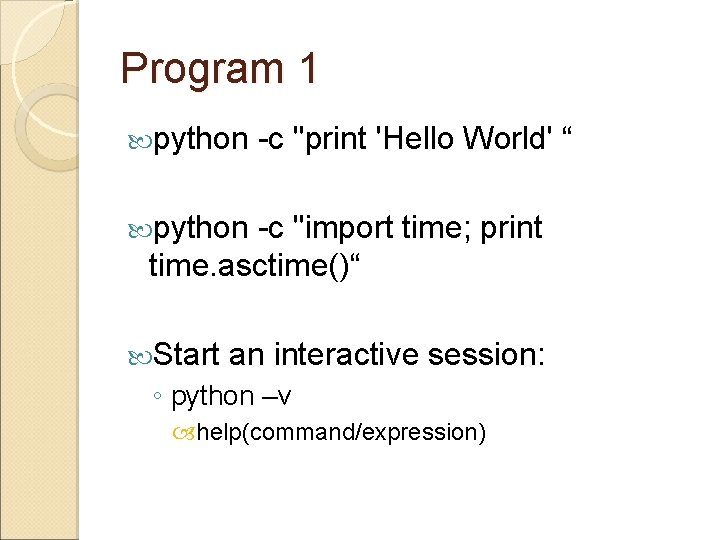
Program 1 python -c "print 'Hello World' “ python -c "import time; print time. asctime()“ Start an interactive session: ◦ python –v help(command/expression)
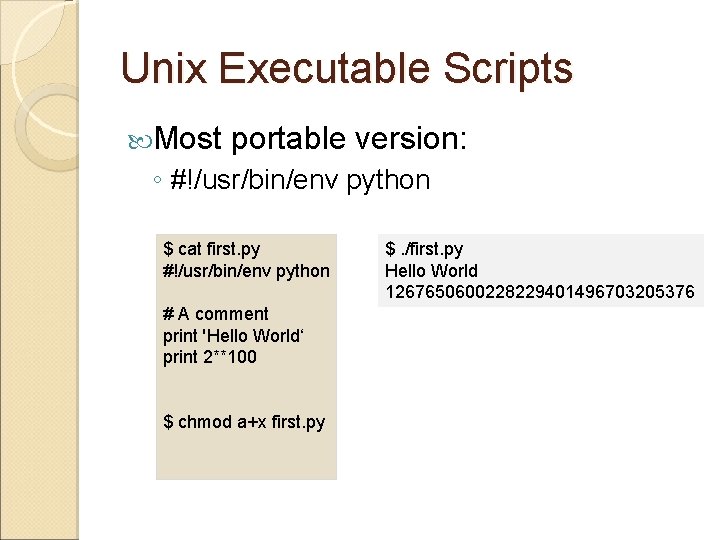
Unix Executable Scripts Most portable version: ◦ #!/usr/bin/env python $ cat first. py #!/usr/bin/env python # A comment print 'Hello World‘ print 2**100 $ chmod a+x first. py $. /first. py Hello World 1267650600228229401496703205376
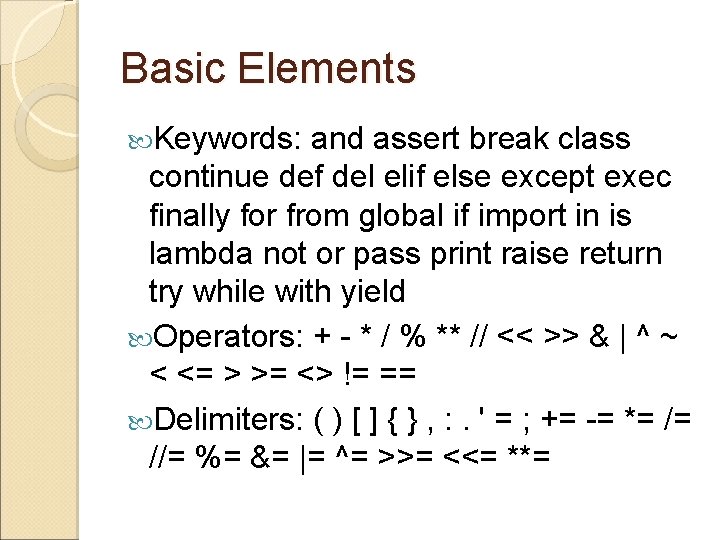
Basic Elements Keywords: and assert break class continue def del elif else except exec finally for from global if import in is lambda not or pass print raise return try while with yield Operators: + - * / % ** // << >> & | ^ ~ < <= > >= <> != == Delimiters: ( ) [ ] { } , : . ' = ; += -= *= /= //= %= &= |= ^= >>= <<= **=
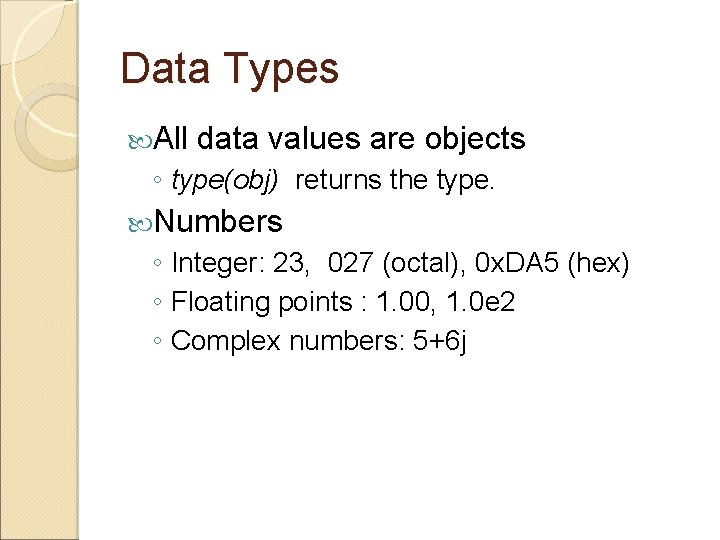
Data Types All data values are objects ◦ type(obj) returns the type. Numbers ◦ Integer: 23, 027 (octal), 0 x. DA 5 (hex) ◦ Floating points : 1. 00, 1. 0 e 2 ◦ Complex numbers: 5+6 j
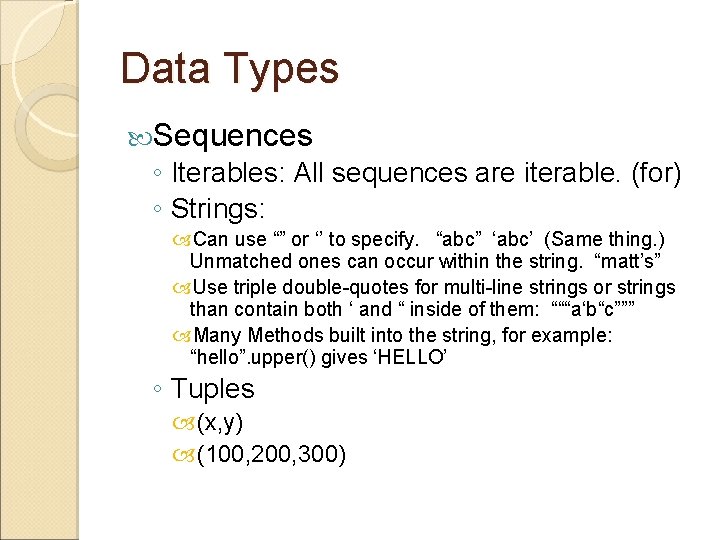
Data Types Sequences ◦ Iterables: All sequences are iterable. (for) ◦ Strings: Can use “” or ‘’ to specify. “abc” ‘abc’ (Same thing. ) Unmatched ones can occur within the string. “matt’s” Use triple double-quotes for multi-line strings or strings than contain both ‘ and “ inside of them: “““a‘b“c””” Many Methods built into the string, for example: “hello”. upper() gives ‘HELLO’ ◦ Tuples (x, y) (100, 200, 300)
Sequences Lists ◦ [42, 3. 14, ‘hello’] ◦ list(‘wow’) gives [‘w’, ’o’, ’w’] Dictionaries ( key: value pairs ) uses Hash. ◦ D = { ‘x’ : 42, ‘y’: 3. 14, ‘z’: 7} ◦ {1: 2 , 3: 4} ◦ A single dictionary can store values of different types ◦ D[‘x’] is 42. ◦ del D[‘x’] removes the key from D.
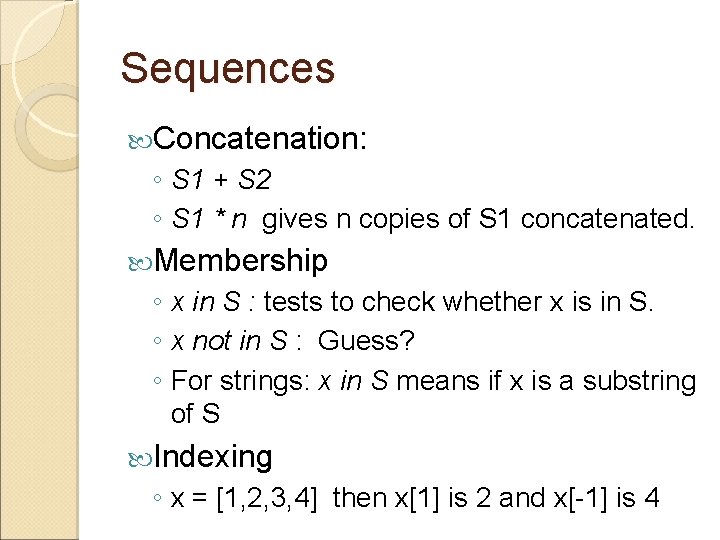
Sequences Concatenation: ◦ S 1 + S 2 ◦ S 1 * n gives n copies of S 1 concatenated. Membership ◦ x in S : tests to check whether x is in S. ◦ x not in S : Guess? ◦ For strings: x in S means if x is a substring of S Indexing ◦ x = [1, 2, 3, 4] then x[1] is 2 and x[-1] is 4
Sequences Slicing a sequence: ◦ S[i: j]: from item i (included) to item j (excluded) ◦ x = [1, 2, 3, 4] ◦ x[1: 3] # [2, 3] ◦ x[1: ] # [2, 3, 4] ◦ x[: 2] # [1, 2]
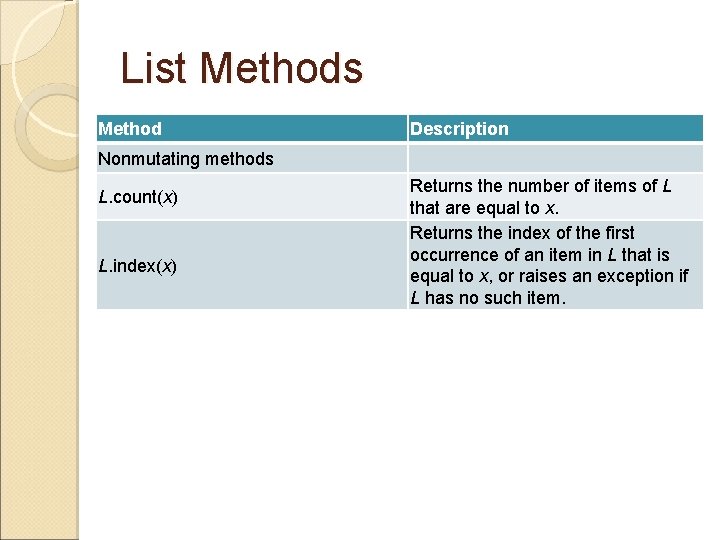
List Methods Method Description Nonmutating methods L. count(x) L. index(x) Returns the number of items of L that are equal to x. Returns the index of the first occurrence of an item in L that is equal to x, or raises an exception if L has no such item.
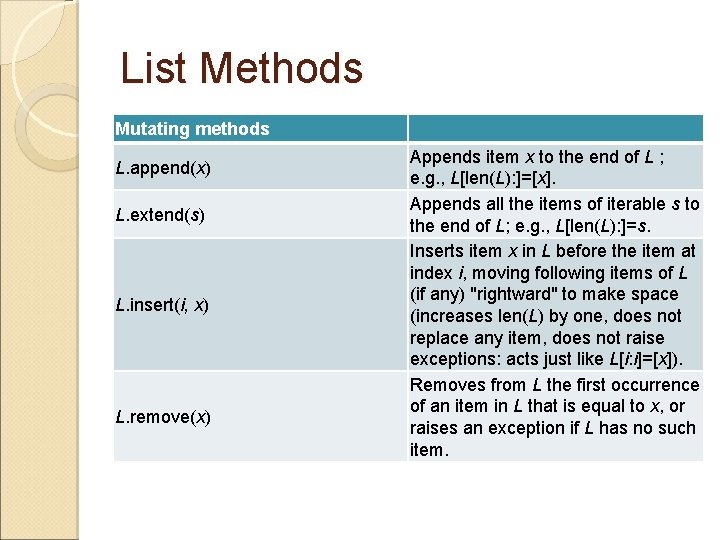
List Methods Mutating methods L. append(x) L. extend(s) L. insert(i, x) L. remove(x) Appends item x to the end of L ; e. g. , L[len(L): ]=[x]. Appends all the items of iterable s to the end of L; e. g. , L[len(L): ]=s. Inserts item x in L before the item at index i, moving following items of L (if any) "rightward" to make space (increases len(L) by one, does not replace any item, does not raise exceptions: acts just like L[i: i]=[x]). Removes from L the first occurrence of an item in L that is equal to x, or raises an exception if L has no such item.
List Methods Method Description L. pop([i]) Returns the value of the item at index i and removes it from L; if i is omitted, removes and returns the last item; raises an exception if L is empty or i is an invalid index in L. reverse( ) Reverses, in place, the items of L. sort([f]) (2. 3) L. sort(cmp=cmp, key=None, reverse=False)(2. 4) Sorts, in place, the items of L, comparing items pairwise via function f; if f is omitted, comparison is via the built-in function cmp. Sorts, in-place, the items of L, comparing items pairwise via the function passed as cmp (by default, the built-in function cmp). When argument key is not None, what gets compared for each item x is key(x), not x itself.
List Methods >>> a + [‘whites'] [‘blend', 'eggs‘, 2, 234, ‘whites'] >>> a. append('!') [‘blend', 'eggs‘, 2, 234, '!'] >>> 2*a [‘blend', 'eggs', 2, 234, '!', ‘blend', 'eggs', 2, 234, '!']
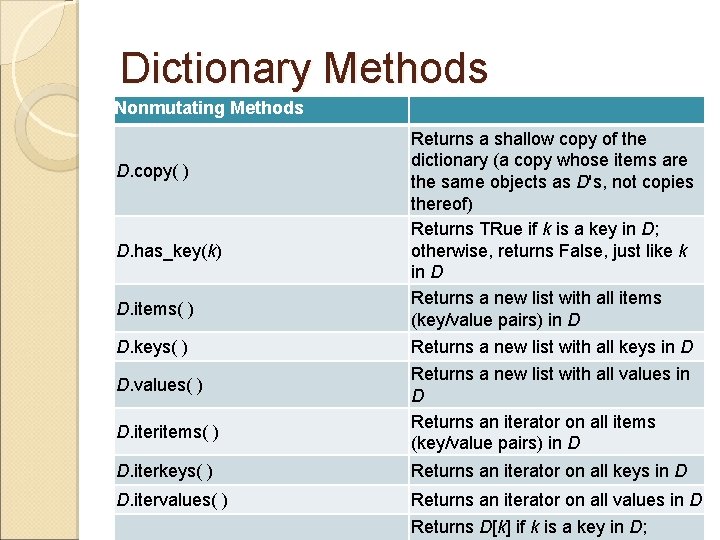
Dictionary Methods Nonmutating Methods D. copy( ) D. has_key(k) D. items( ) D. keys( ) D. values( ) D. iteritems( ) Returns a shallow copy of the dictionary (a copy whose items are the same objects as D's, not copies thereof) Returns TRue if k is a key in D; otherwise, returns False, just like k in D Returns a new list with all items (key/value pairs) in D Returns a new list with all keys in D Returns a new list with all values in D Returns an iterator on all items (key/value pairs) in D D. iterkeys( ) Returns an iterator on all keys in D D. itervalues( ) Returns an iterator on all values in D Returns D[k] if k is a key in D;
Dictionary Methods Mutating Methods D. clear( ) D. update(D 1) D. setdefault(k[, x]) D. popitem( ) Removes all items from D, leaving D empty For each k in D 1, sets D[k] equal to D 1[k] Returns D[k] if k is a key in D; otherwise, sets D[k] equal to x and returns x Removes and returns D[k] if k is a key in D; otherwise, returns x (or raises an exception if x is not given) Removes and returns an arbitrary item (key/value pair)
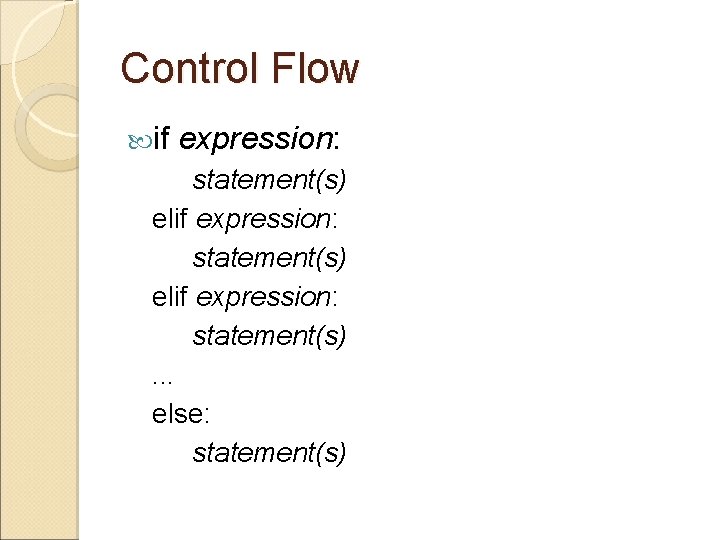
Control Flow if expression: statement(s) elif expression: statement(s) . . . else: statement(s)
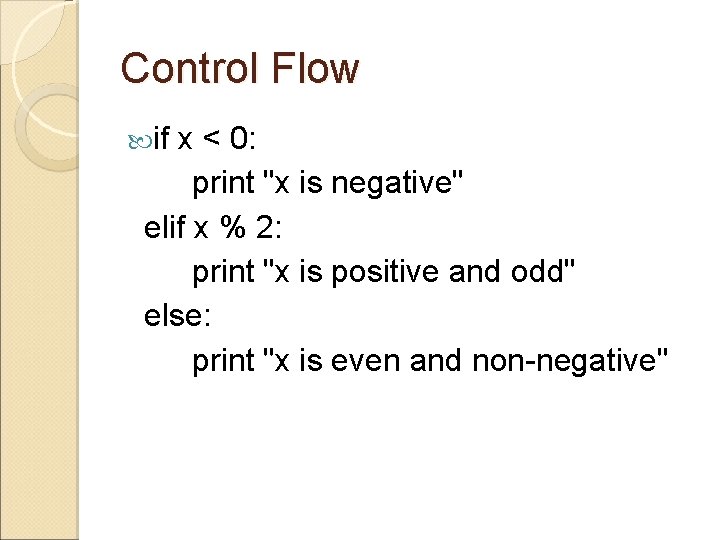
Control Flow if x < 0: print "x is negative" elif x % 2: print "x is positive and odd" else: print "x is even and non-negative"
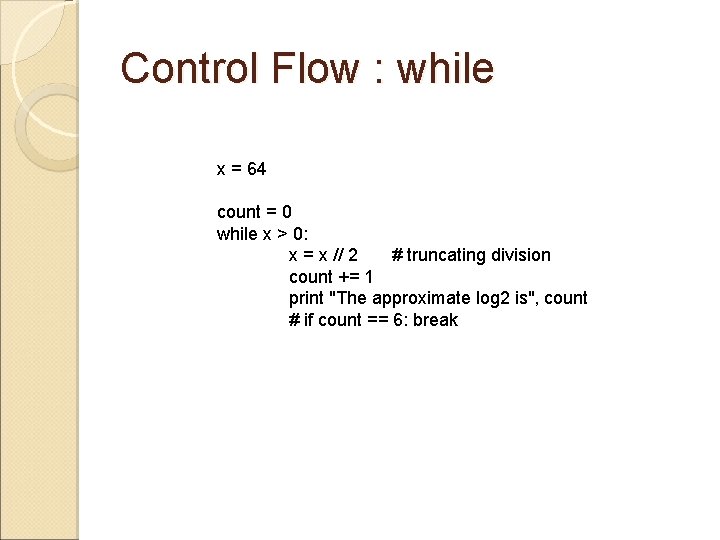
Control Flow : while x = 64 count = 0 while x > 0: x = x // 2 # truncating division count += 1 print "The approximate log 2 is", count # if count == 6: break
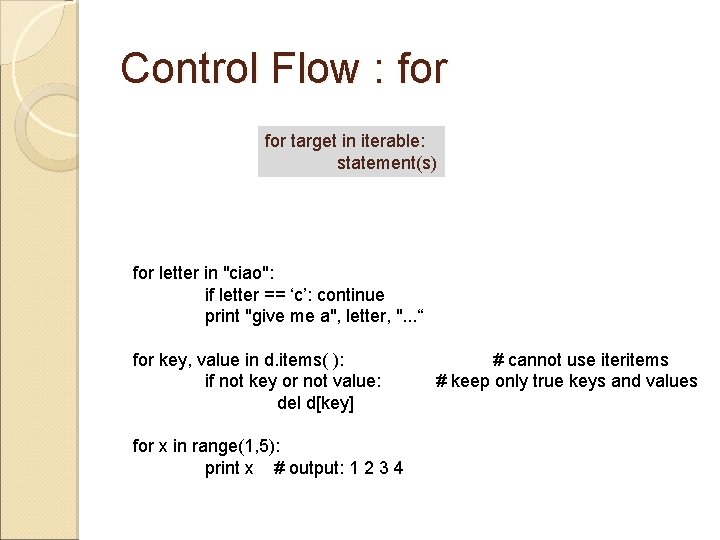
Control Flow : for target in iterable: statement(s) for letter in "ciao": if letter == ‘c’: continue print "give me a", letter, ". . . “ for key, value in d. items( ): # cannot use iteritems if not key or not value: # keep only true keys and values del d[key] for x in range(1, 5): print x # output: 1 2 3 4
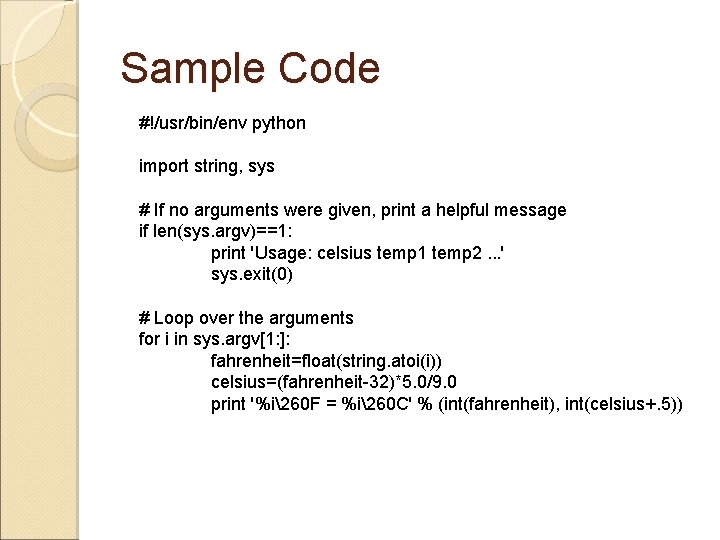
Sample Code #!/usr/bin/env python import string, sys # If no arguments were given, print a helpful message if len(sys. argv)==1: print 'Usage: celsius temp 1 temp 2. . . ' sys. exit(0) # Loop over the arguments for i in sys. argv[1: ]: fahrenheit=float(string. atoi(i)) celsius=(fahrenheit-32)*5. 0/9. 0 print '%i260 F = %i260 C' % (int(fahrenheit), int(celsius+. 5))
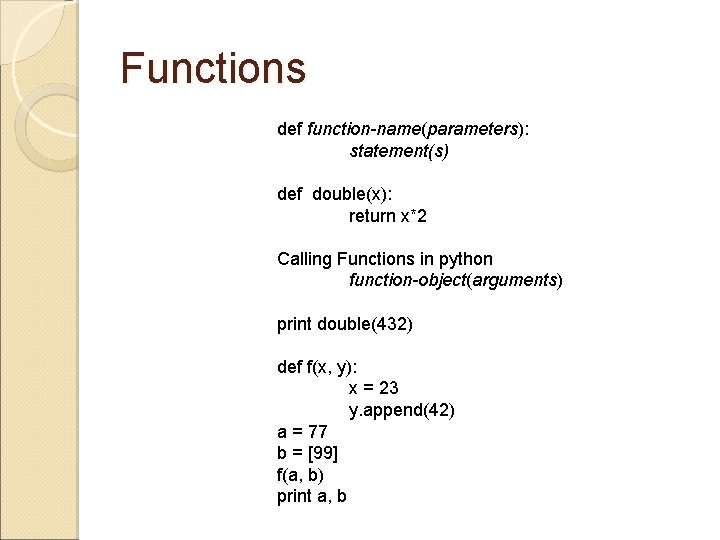
Functions def function-name(parameters): statement(s) def double(x): return x*2 Calling Functions in python function-object(arguments) print double(432) def f(x, y): x = 23 y. append(42) a = 77 b = [99] f(a, b) print a, b
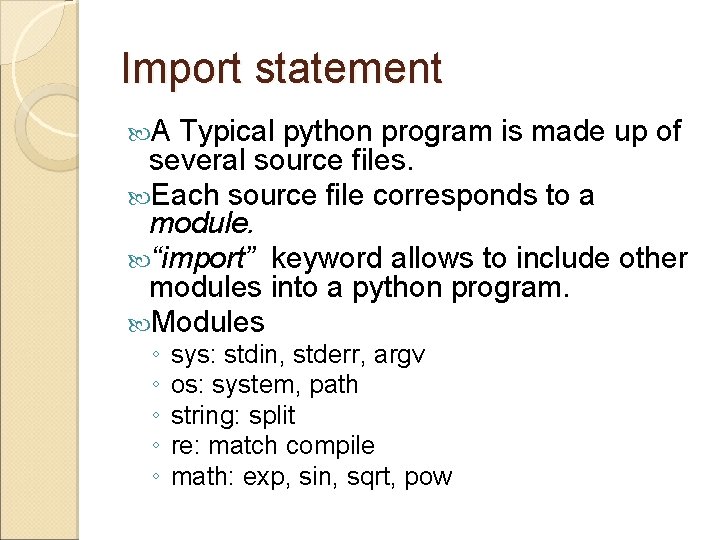
Import statement A Typical python program is made up of several source files. Each source file corresponds to a module. “import” keyword allows to include other modules into a python program. Modules ◦ ◦ ◦ sys: stdin, stderr, argv os: system, path string: split re: match compile math: exp, sin, sqrt, pow
Calling External programs import os ◦ subprocess. Popen(["ls", "-la"]). wait()
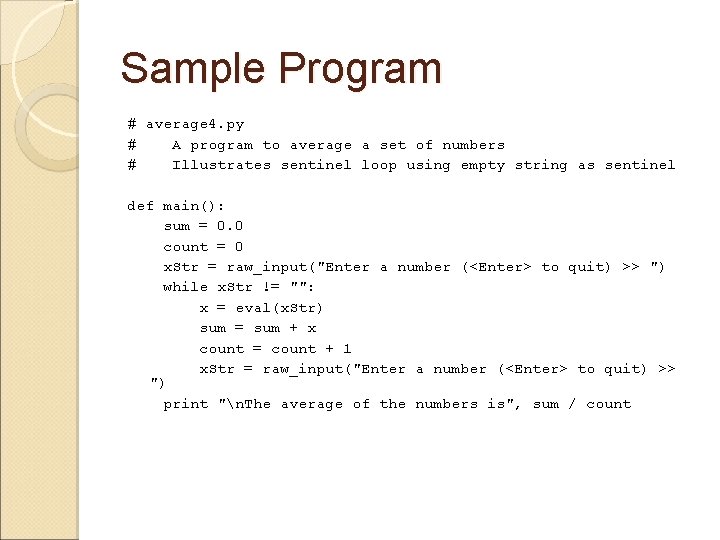
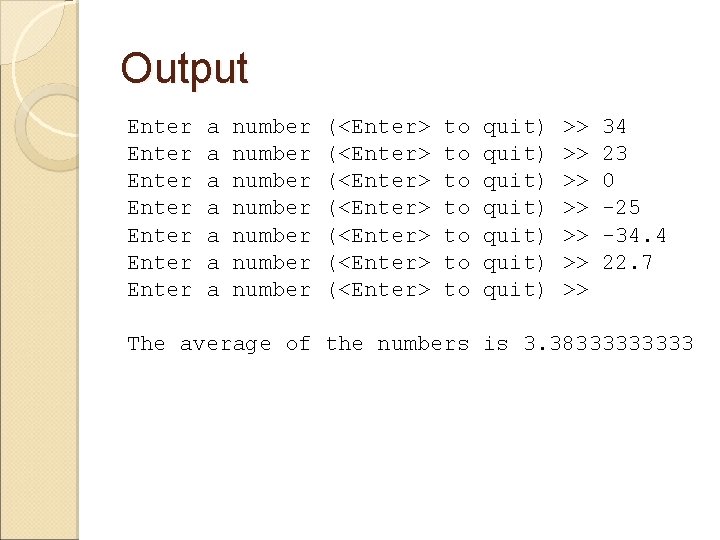
Sample Program # average 4. py # A program to average a set of numbers # Illustrates sentinel loop using empty string as sentinel def main(): sum = 0. 0 count = 0 x. Str = raw_input("Enter a number (<Enter> to quit) >> ") while x. Str != "": x = eval(x. Str) sum = sum + x count = count + 1 x. Str = raw_input("Enter a number (<Enter> to quit) >> ") print "n. The average of the numbers is", sum / count
Output Enter Enter a a a a number number (<Enter> (<Enter> to to quit) quit) >> >> 34 23 0 -25 -34. 4 22. 7 The average of the numbers is 3. 3833333
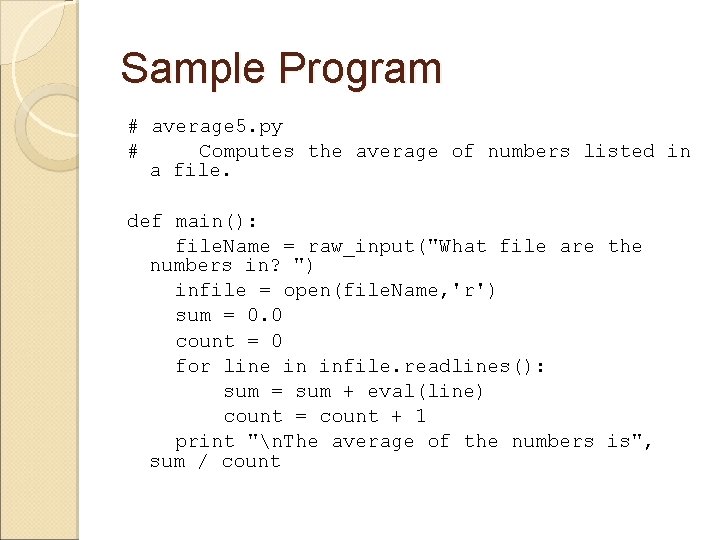
Sample Program # average 5. py # Computes the average of numbers listed in a file. def main(): file. Name = raw_input("What file are the numbers in? ") infile = open(file. Name, 'r') sum = 0. 0 count = 0 for line in infile. readlines(): sum = sum + eval(line) count = count + 1 print "n. The average of the numbers is", sum / count
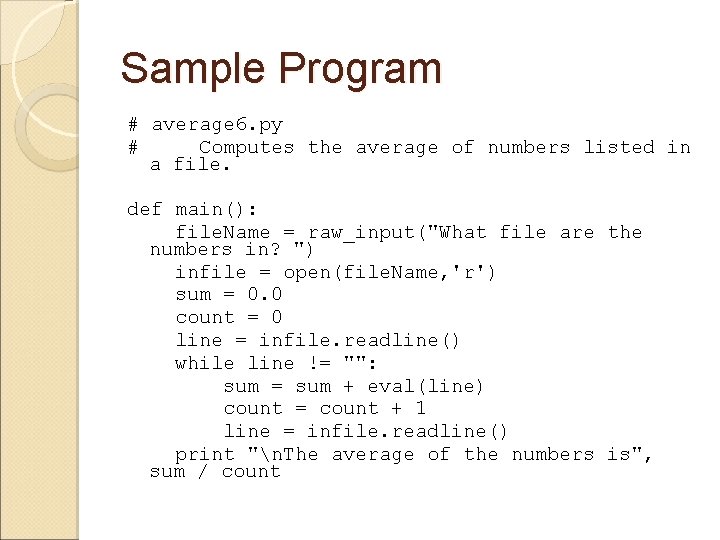
Sample Program # average 6. py # Computes the average of numbers listed in a file. def main(): file. Name = raw_input("What file are the numbers in? ") infile = open(file. Name, 'r') sum = 0. 0 count = 0 line = infile. readline() while line != "": sum = sum + eval(line) count = count + 1 line = infile. readline() print "n. The average of the numbers is", sum / count
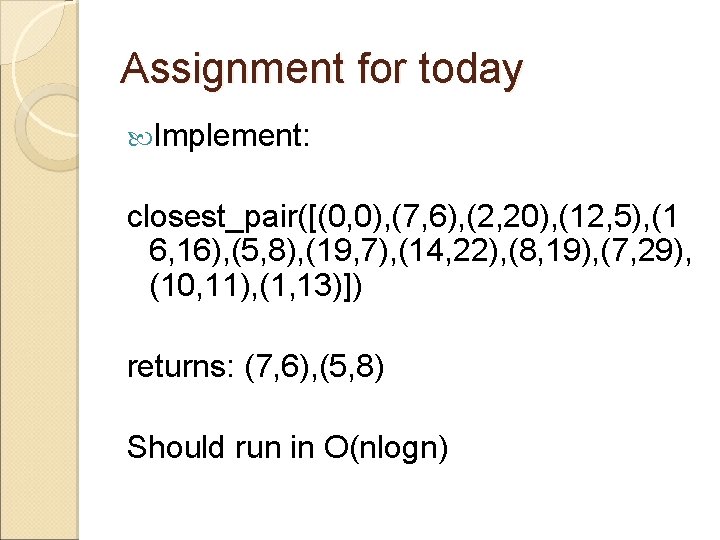
Assignment for today Implement: closest_pair([(0, 0), (7, 6), (2, 20), (12, 5), (1 6, 16), (5, 8), (19, 7), (14, 22), (8, 19), (7, 29), (10, 11), (1, 13)]) returns: (7, 6), (5, 8) Should run in O(nlogn)
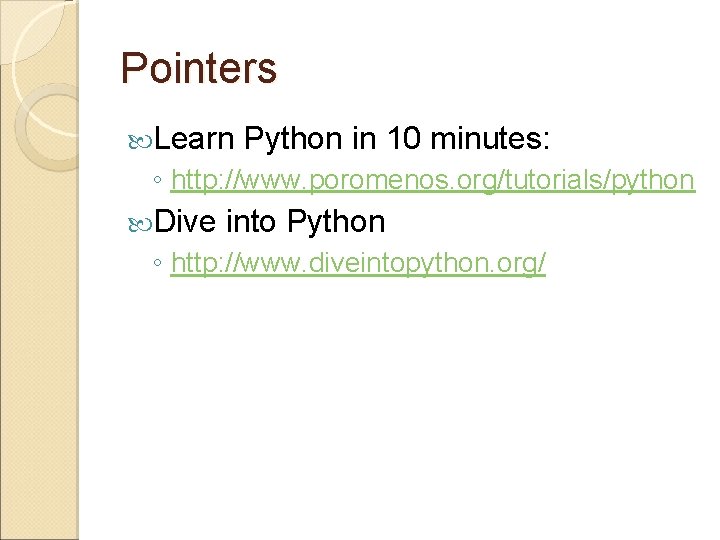
Pointers Learn Python in 10 minutes: ◦ http: //www. poromenos. org/tutorials/python Dive into Python ◦ http: //www. diveintopython. org/